Moving and opening emails classified as spam
For Mail Basic and Mail Business
You can open emails that have been classified as spam by Spam Protection in the Spam folder. To move them, do the following:
Log in to Webmail.
Click on the Spam folder.
Select the desired email.
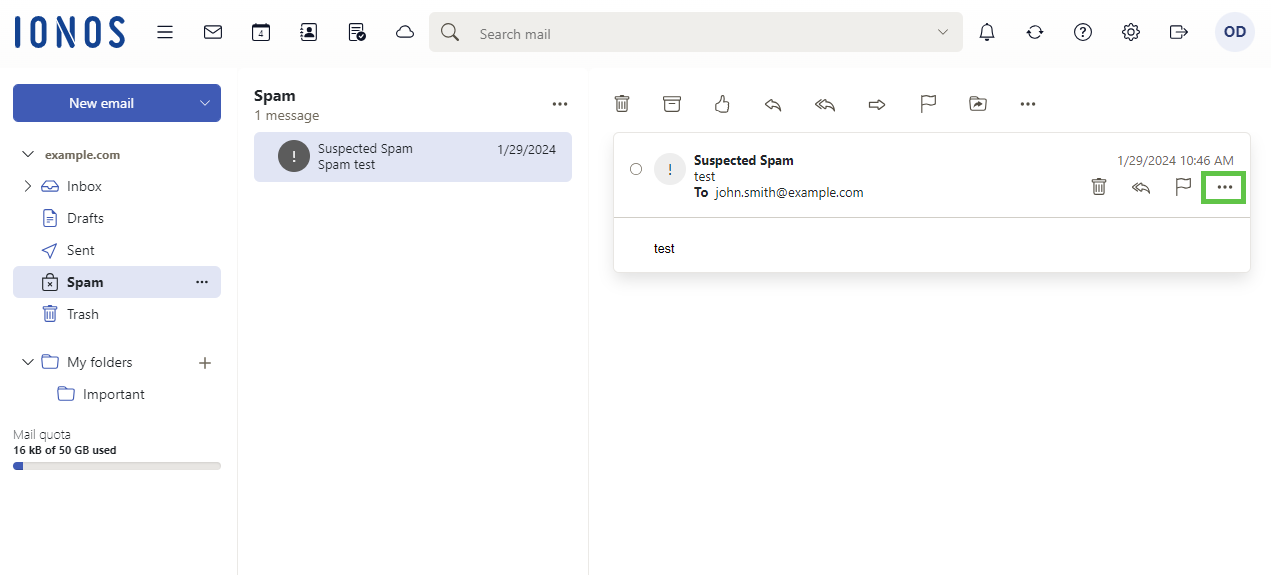
In the email preview, click on the three dots in the menu.
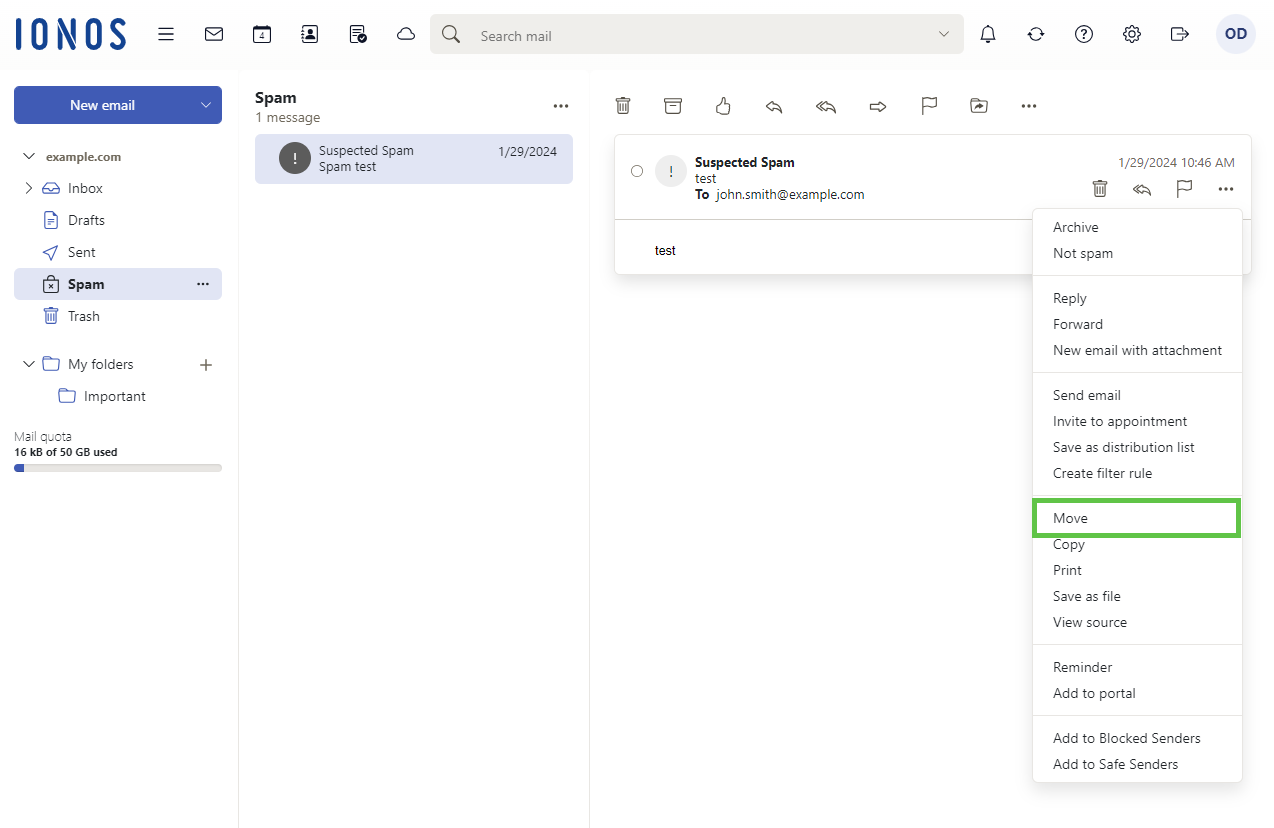
Click Move.
Select the desired folder and click Move.
More Information
For more information, click here:
Disable Spam Report and Configure Custom Spam Protection Settings.