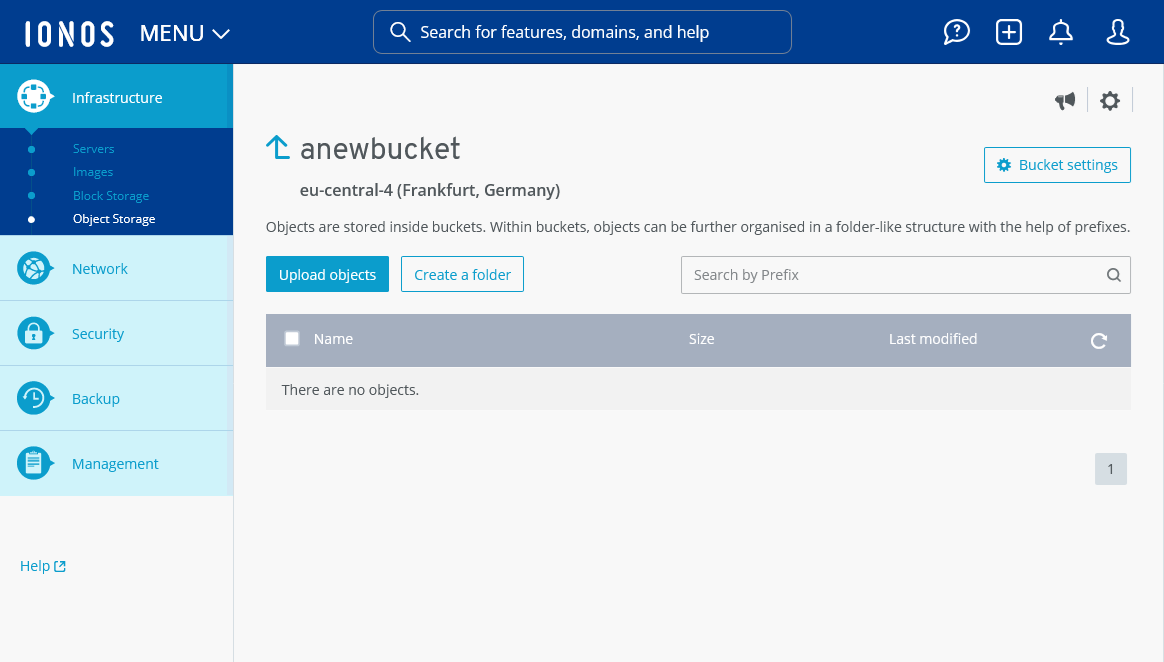
Object Storage: Creating a bucket
Valid for migrated Cloud Servers.
This article explains how to create a bucket for Object Storage.
- Log in to your IONOS account.
Click on Menu > Servers & Cloud in the title bar.
Optional: If you have multiple server contracts, select the desired contract.
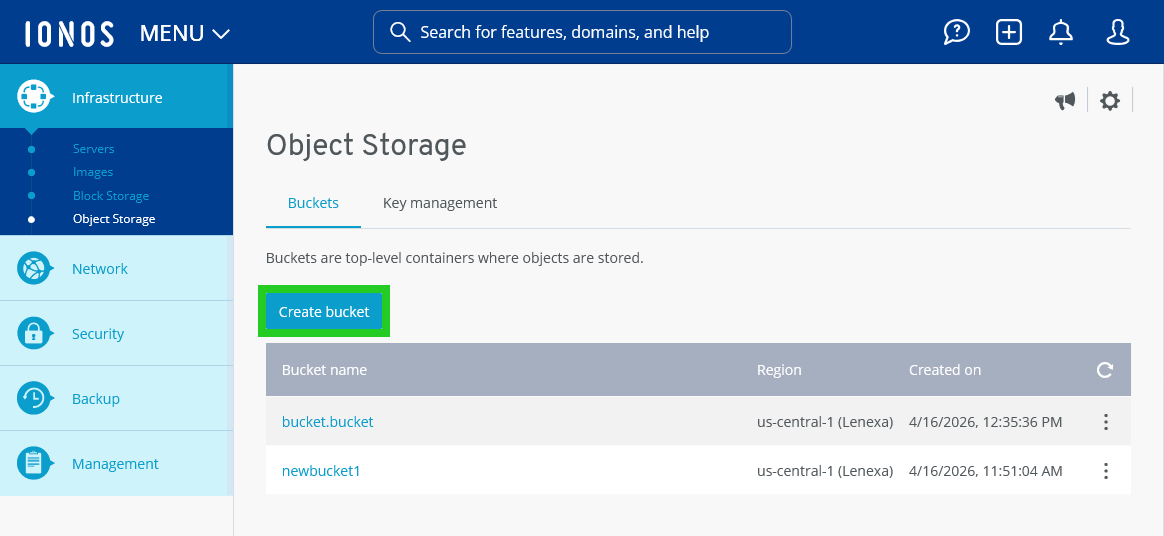
- Click on Infrastructure > Object Storage in the left-side menu.
- Click on the Create bucket button. The Create a Bucket area opens.
- Select the bucket region.
- Enter the desired bucket name.
- Optional: Enable the Object Lock. The Object Lock can be used to define retention periods during which changes to objects are suspended.
Please Note
The Object Lock can only be created when you create the bucket. Activation after creation is not possible. If you activate the Object Lock, version control is also activated for this bucket.
- Optional: Select the mode for the Object Lock.
- Optional: Select the desired retention period for the Object Lock.
- Click on Create bucket. The bucket is created and a page with further options for the created bucket opens.