Which Google Workspace alternative is right for your business?

Google Workspace is popular for good reason. It’s efficient, reliable, and built for real-time collaboration directly in the browser, making it well suited for modern work environments. However, the suite isn’t the most affordable option, and many businesses choose to avoid it due to Google’s extensive data collection and storage practices. Here are some interesting alternatives to Google Workspace.
| Google Workspace alternative | Advantages | Disadvantages |
|---|---|---|
| Microsoft 365 | Fully cloud-based and collaborative; includes familiar applications like Word, Excel, Teams, and Outlook for a modern, mobile office | Some packages can be expensive |
| Nextcloud Workspace | Secure, integrated work environment with full data sovereignty and GDPR-compliant cloud | The ecosystem of third-party integrations and specialised enterprise tools is less extensive than that of Google Workspace or Microsoft 365 |
| monday.com | Well suited for task management, automation, and teamwork; integrates with Slack, Google Drive, and Zoom; free version available | Primarily focused on project and workflow management – not a full office suite with its own email domain or comprehensive spreadsheet/presentation tools. |
| Hosted Microsoft Exchange | Delivers the power of Microsoft’s professional email, calendar, and contact system without requiring your own servers | Primarily focused on email and scheduling – no integrated collaboration tools like chat or document editing |
| Proton Mail | Offers strong privacy under Swiss law and a modern, clean user interface | Lacks comprehensive collaboration features like those offered by larger office platforms |
| Zoho | Affordable and feature-rich – offers all the essentials, including email, file sharing, and collaboration tools | The large number of apps and features can feel overwhelming for some users |
Microsoft 365
Part of Google Docs’ success is based on how easily accessible the platform is. In the meantime, other providers have caught up – especially Microsoft. With Microsoft 365, the company offers the familiar features of Microsoft Office in a modern format that is optimised for a mobile way of working. The solution is more affordable than Google Workspace and includes all the key tools for day-to-day business.
Not all features are available in every package – the higher the price, the more features you get. The Microsoft 365 Business Basic package includes, among other things:
- Plenty of storage: 1 TB of Microsoft OneDrive storage and a 50 GB mailbox
- Collaboration tools: Microsoft SharePoint for teamwork and project planning, plus access to Microsoft Teams
- A Microsoft Exchange mail server
- An AI-powered chat platform with web integration, writing assistance, data analysis, and agent access
- First-class support with 24/7 phone and web assistance
Opting for more expensive packages gives you access to additional Microsoft Office applications.
What makes Microsoft 365 a good alternative to Google Workspace? It provides exactly what Google Docs is known for – the ability to work together on projects. Creating and sharing Word documents, Excel spreadsheets, or PowerPoint presentations is especially easy with Microsoft 365. If you’re concerned about giving up Gmail, Chat, and Meet, Microsoft 365 provides the established tools Outlook and Teams. Both are widely used in the business world and support many of the same communication and collaboration tasks as Google’s services.
Another advantage is that no local installation is required. Of course, the software can be installed if needed, but working directly in the browser provides more flexibility.
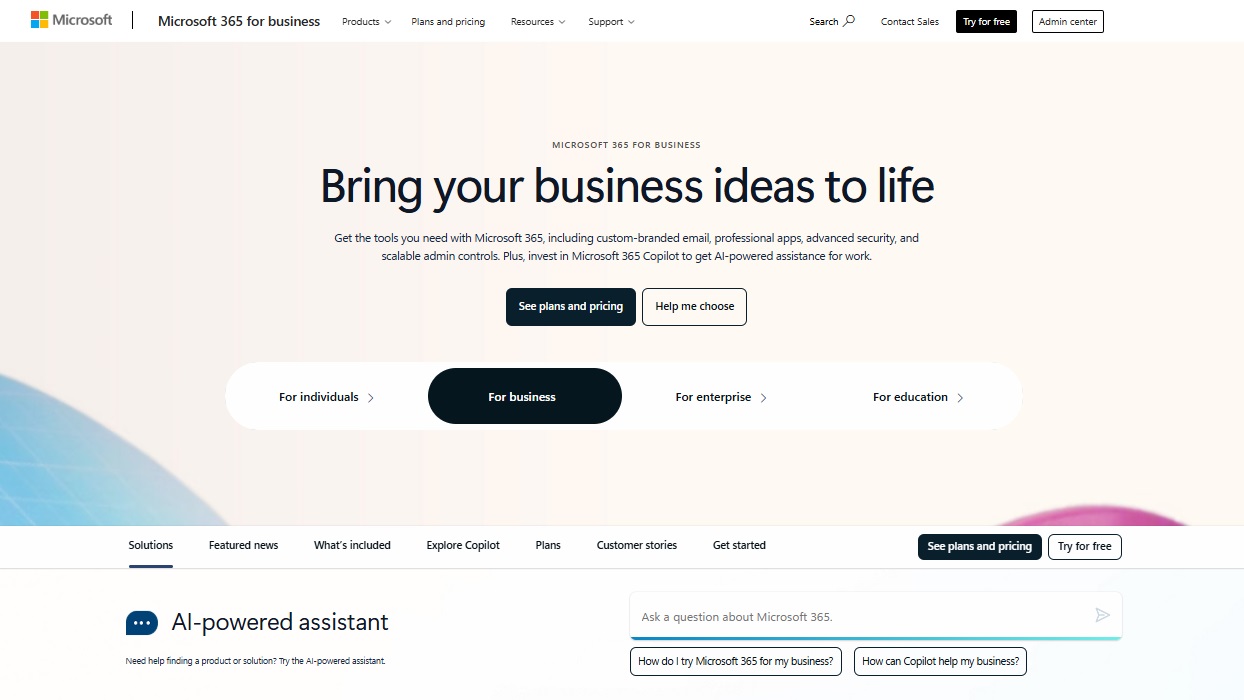
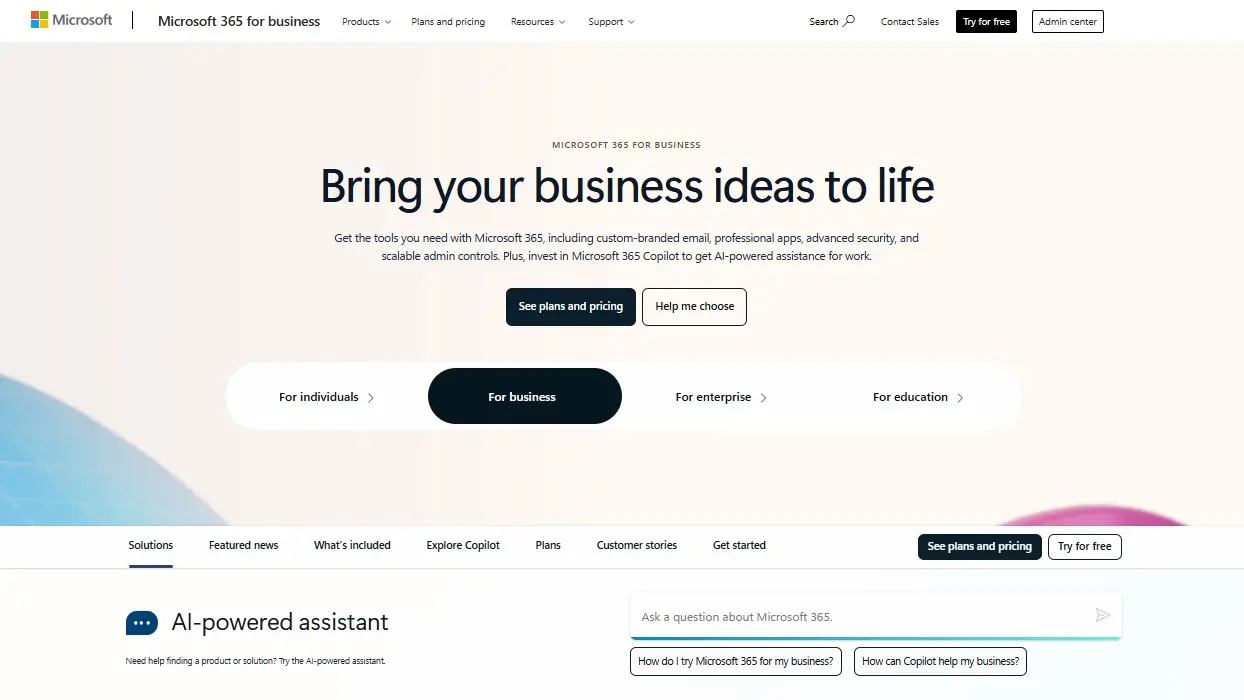
Who is Microsoft 365 especially recommended for? If your company relies heavily on Microsoft Office or you’ve been using it for years, this Google Workspace alternative is likely the best choice. The powerful programs are available in the browser when needed and offer the same collaboration and cloud flexibility features as Google Workspace – so you won’t be missing out.
Nextcloud Workspace
Nextcloud Workspace from IONOS is a fully integrated office suite designed for teams who want to maintain full control over their data — without relying on large tech companies. The solution combines email, calendar, document editing, video conferencing, and file sharing in a secure, privacy-oriented platform. Nextcloud Workspace is hosted in compliance with GDPR, ensuring your data remains secure and private at all times.
What sets Nextcloud Workspace apart from Google Workspace and Microsoft 365 is its clear focus on digital sovereignty. You benefit from collaborative online document editing, team drives, integrated chat, and video conferencing — while maintaining control over your company’s data at all times. The suite is ideal for businesses that prioritise data privacy and open-source flexibility without sacrificing a modern, seamless user experience.
Nextcloud Workspace can be easily scaled for freelancers, small teams, or large companies and offers a transparent pricing structure. It’s the ideal alternative to Google Workspace for organisations that want to stay productive — with data privacy and compliance at the forefront.
monday.com
monday.com is not just another collaboration tool – it’s a work operating system (Work OS) that brings together all of a team’s projects, files, and communication channels in one place. With colour-coded boards, automations, and intuitive dashboards, it helps teams visualise tasks and stay on top of deadlines – no matter where they work from.
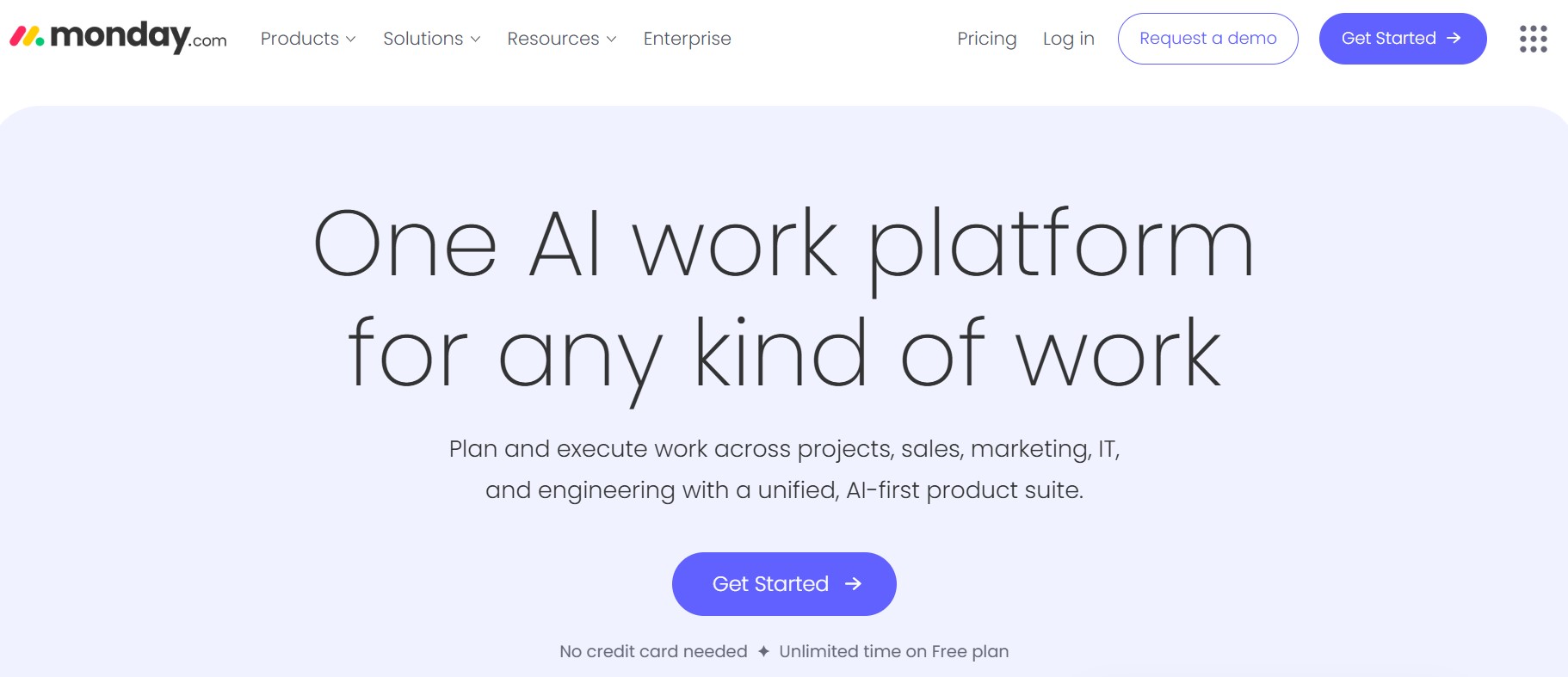
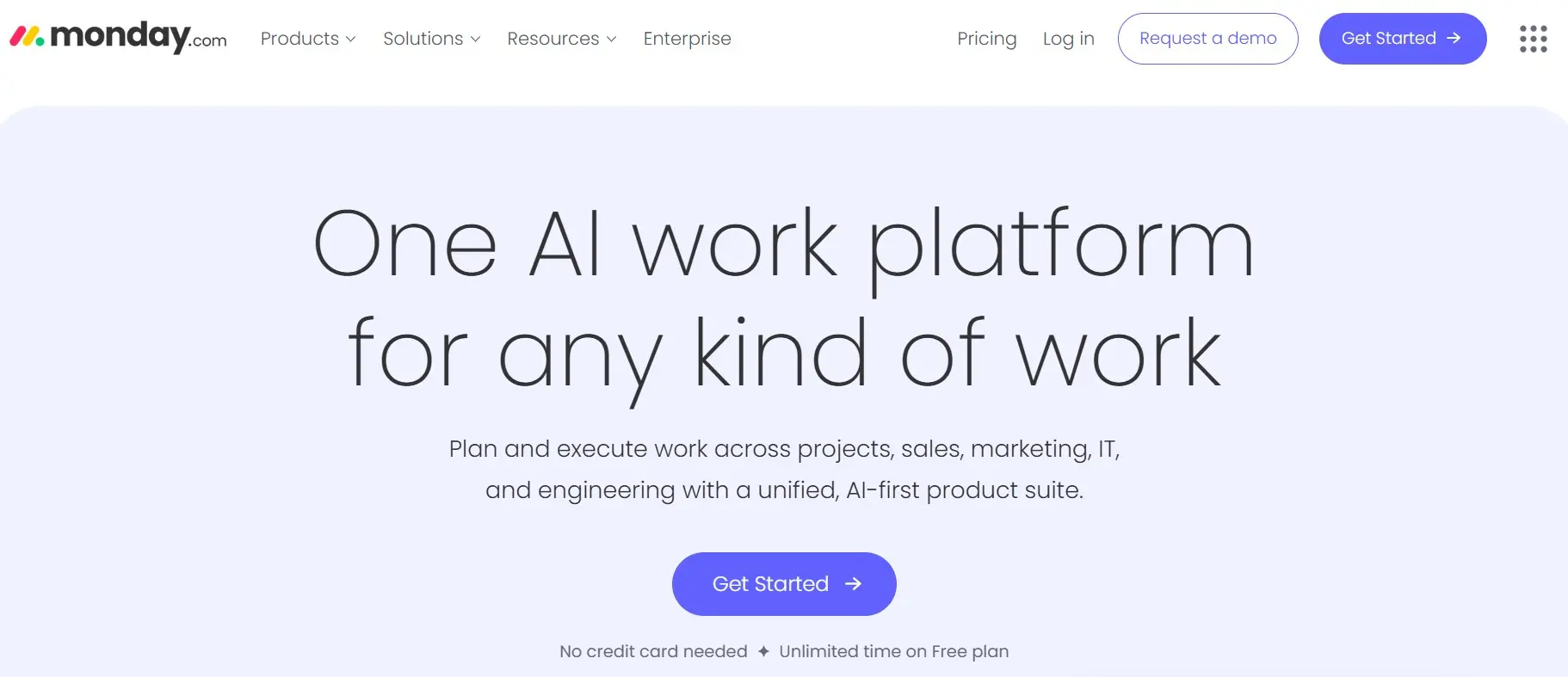
While Google Workspace mainly centres on email and document editing, monday.com focuses on the organisation and management of work. Tasks can be assigned, progress tracked, recurring workflows automated, and tools like Slack, Google Drive, or Zoom connected within one central platform. This reduces scattered emails and provides a clearer overview of what the team is currently working on.
The available packages are billed per user and per month, and there is even a free version for individuals or small teams that want to try the platform first. For larger teams, advanced automations, time tracking, and reporting features are available, making monday.com a powerful hub for collaboration.
For companies that need more structure, transparency, and flexibility than a classic office suite, monday.com is an excellent alternative to Google Workspace. The platform is ideal for project-oriented teams that want to simplify workflows and focus on results instead of managing numerous standalone tools.
Hosted Microsoft Exchange
Microsoft Exchange is a popular email and groupware solution suitable for businesses of all sizes. It offers powerful tools for email, calendars, and shared contacts, helping teams structure their communication and make workflows more efficient. For companies that rely on professional email management and collaboration, Exchange is a reliable and scalable choice – and a focused Google Workspace alternative for email and scheduling.
Microsoft Outlook is also available as client-side software and gives employees full control over emails, appointments, and contacts. With Exchange, colleagues can easily see whether someone is in a meeting or on holiday – making shared scheduling and collaboration significantly easier.
A hosted Exchange service combines familiar Microsoft software with secure, managed hosting by a third-party provider. This eliminates the need for companies to run their own servers while still ensuring enterprise-level reliability and comprehensive support. Providers like IONOS offer Hosted Microsoft Exchange packages that include, among other things, the following:
- Maximum data security and protection: At IONOS, your data is stored in ISO-certified, high-availability data centres.
- GDPR-compliant data protection with hosting options in Europe.
- Monthly billing instead of high one-time investments in new software.
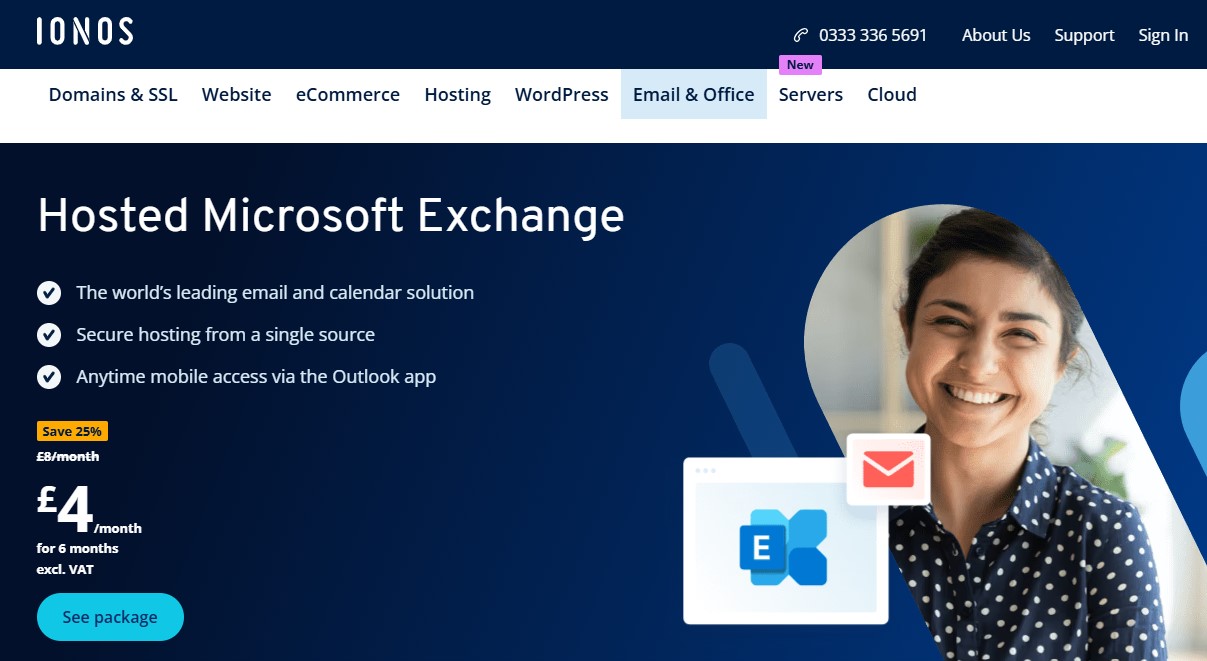
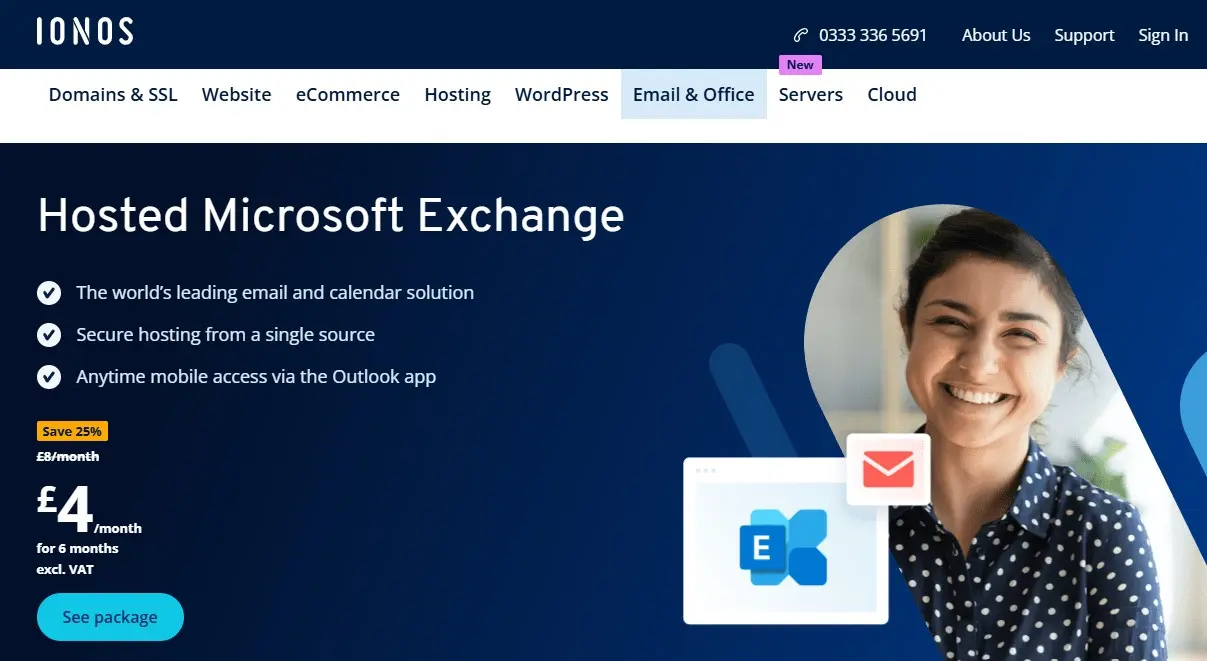
A good Microsoft Exchange host should always offer the latest technology and the highest security standards. This way, you benefit from a comprehensive office solution without having to worry about technical details.
Proton Mail
Proton Mail is based in Switzerland, a country known for its strict data protection laws. But Proton Mail goes the extra mile, even by Swiss standards. Not only is your mail all end-to-end encrypted, but the data centres themselves are encrypted too. The data centre is located underground, protected by over 1,000 metres of solid granite.
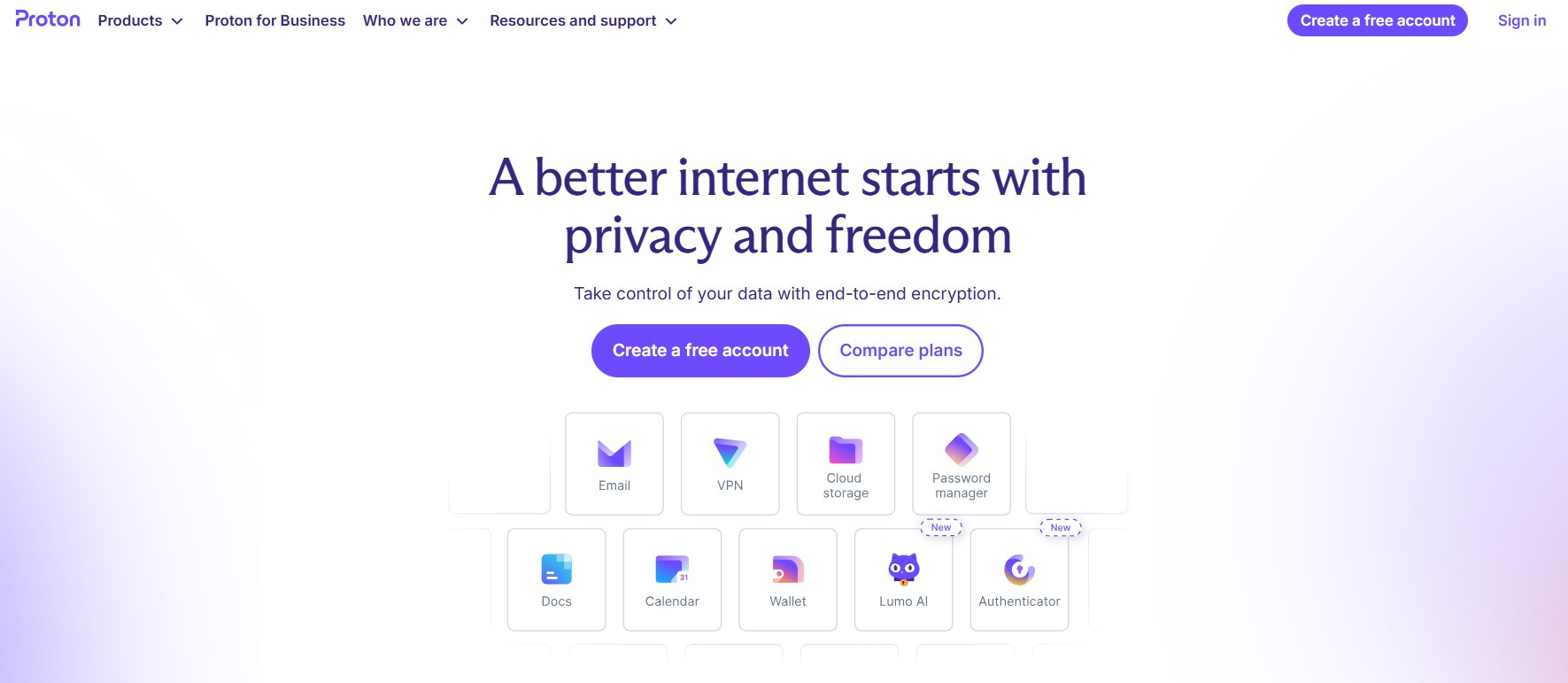
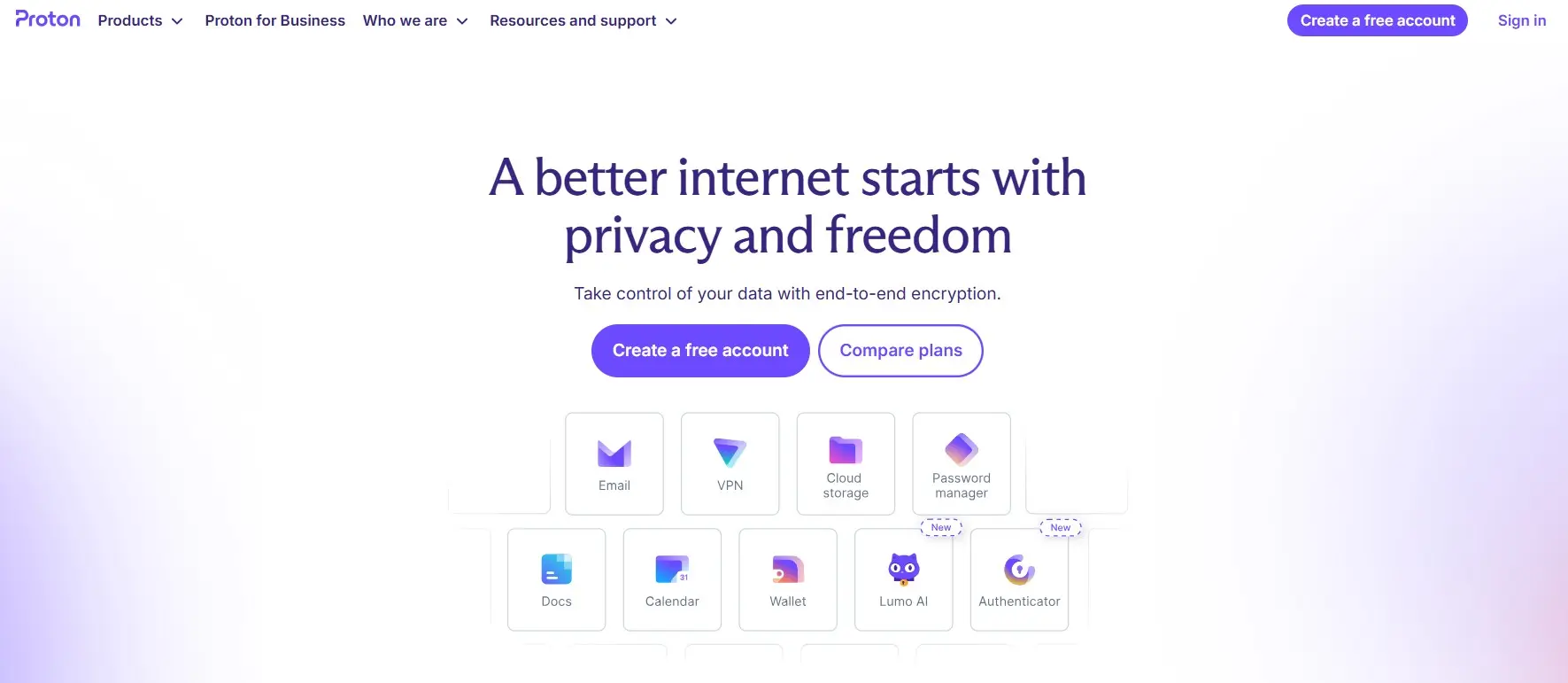
The consistent focus on security is where Proton Mail clearly outperforms Google Workspace. In addition to offering one of the most stylish and secure email services, Proton also provides additional services such as Proton Drive and Proton Docs – and the suite continues to grow. Proton Mail is ideal for anyone who wants to protect their business email data from third parties. There is a free version as well as extended, paid packages.
The free version offers up to 1 GB of storage. With the paid packages, you get up to 1 TB of storage (2 users). A custom domain is also included – giving your company a professional email address for the price of the Proton Mail package. This Google Workspace alternative is generally a bit cheaper than Google’s paid packages but focuses mainly on secure email rather than a full office suite.
For professionals and companies that prioritise privacy, encryption, and data protection over collaborative tools, Proton Mail is an excellent choice – a secure inbox that keeps your data entirely in your own hands.
Zoho
Unlike Proton Mail or Google Workspace, Zoho is an excellent option for anyone on a smaller budget. Even the low-cost ‘Zoho Mail Lite’ package offers professional email hosting with integrated collaboration tools that help teams communicate efficiently and stay organised. Don’t be fooled by the low price – Zoho’s lean productivity features enable your business to get more done in less time.
The ‘Zoho Mail Lite’ package includes mailboxes with 5 GB of storage per user and email attachments up to 25 MB. Zoho links your own domain to this mailbox, boosting professionalism and efficiency. For users with higher email volumes, the ‘Zoho Mail Premium’ or ‘Zoho Workplace Standard’ packages are ideal – they offer more storage, advanced collaboration tools, and additional support.
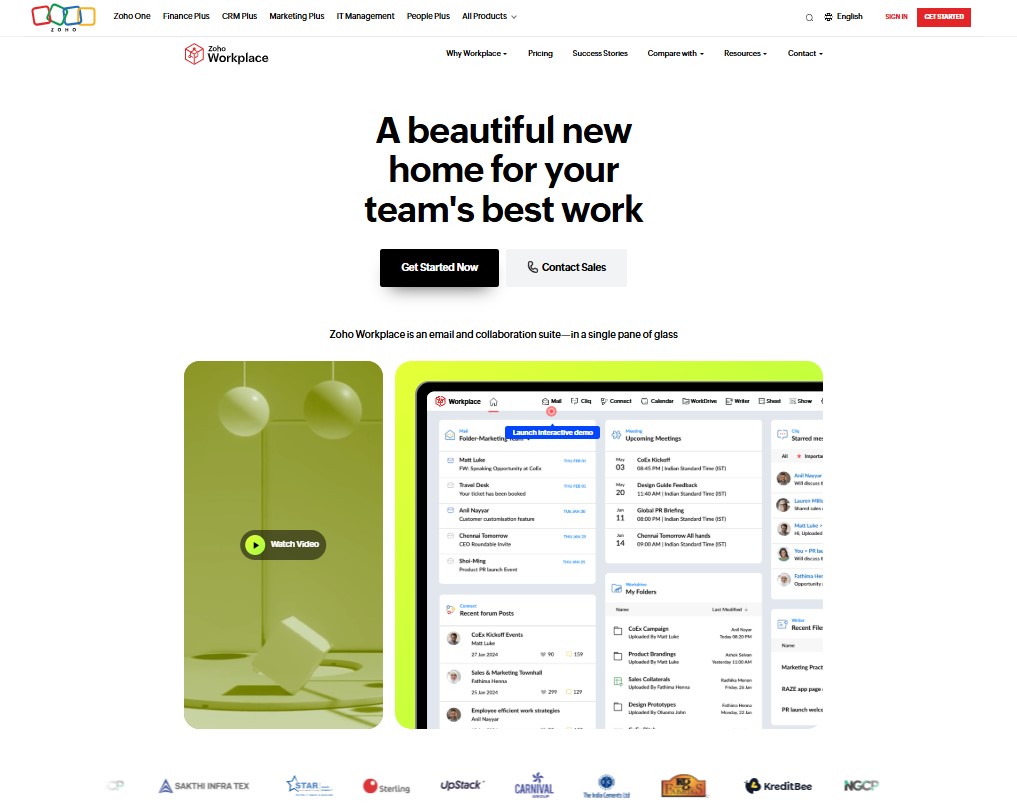
Anyone working in a team usually also needs word processing and spreadsheets. For those who want to avoid the market leaders Microsoft, Apple, or Google, Zoho offers an impressive selection of its own apps – including Zoho Writer, Zoho Sheet, and Zoho Show. These are designed for seamless online collaboration and make Zoho a complete workplace solution and Google Workspace alternative that combines chat, calendar, file sharing, and email with a custom domain on a single platform.