Which are the best free email providers?

Sending and receiving emails does not have to cost anything. Free email services are particularly popular for personal use, providing users with a free email address. Our overview shows which email providers offer the most storage, the strongest security standards and the most useful additional features.
All information is current as of June 2026.
The best free email providers in direct comparison
| Provider | Mail.com | Gmail | Yahoo Mail | Outlook.com | GMX | AOL Mail | ZOHO | Proton Mail |
|---|---|---|---|---|---|---|---|---|
| Inbox size | 65 GB | 15 GB incl. Cloud | 15 GB | 15 GB | 65 GB | 250 GB | 5 GB | 500 MB, expandable to 1 GB |
| Cloud storage | 2 GB | 15 GB shared with Drive & Photos | Not available | Further 5 GB | 2 GB | 5 GB | Not included | 2 GB, expandable to 5 GB with Proton Drive |
| Max. size of attachments | 30 MB (free) / 100 MB (premium) | 25 MB | 25 MB | 25 MB | 50 MB | 25 MB | 25 MB | 25 MB |
| POP3 | check; | check; | check; | check; | check; | check; | check; | cross; |
| IMAP | check; | check; | check; | check; | check; | check; | check; | cross; |
| Server location | USA | Worldwide | Worldwide | Worldwide | Germany | USA | Worldwide/Europe | Switzerland |
| Apps | Android & iOS | Android & iOS | Android & iOS | Android & iOS | Android & iOS | Android & iOS | Android & iOS | Android & iOS |
Mail.com
The big advantage of Mail.com is the wide selection of over 100 different domains you can choose from. Unlike most free email providers, which typically use the brand name as the second part of the email address, Mail.com allows you to choose from a variety of domain names. Some of these domains even relate to specific industries, making Mail.com email addresses suitable for professional communication.
With Mail.com, you get 65 GB of storage space in your mailbox, which is quite generous compared to other free email services. You can send attachments up to 30 MB in size, and if you need to send larger files, you can use Mail.com’s 2 GB of free cloud storage and share a link to the file. Additionally, you can connect up to 10 email addresses under one account.
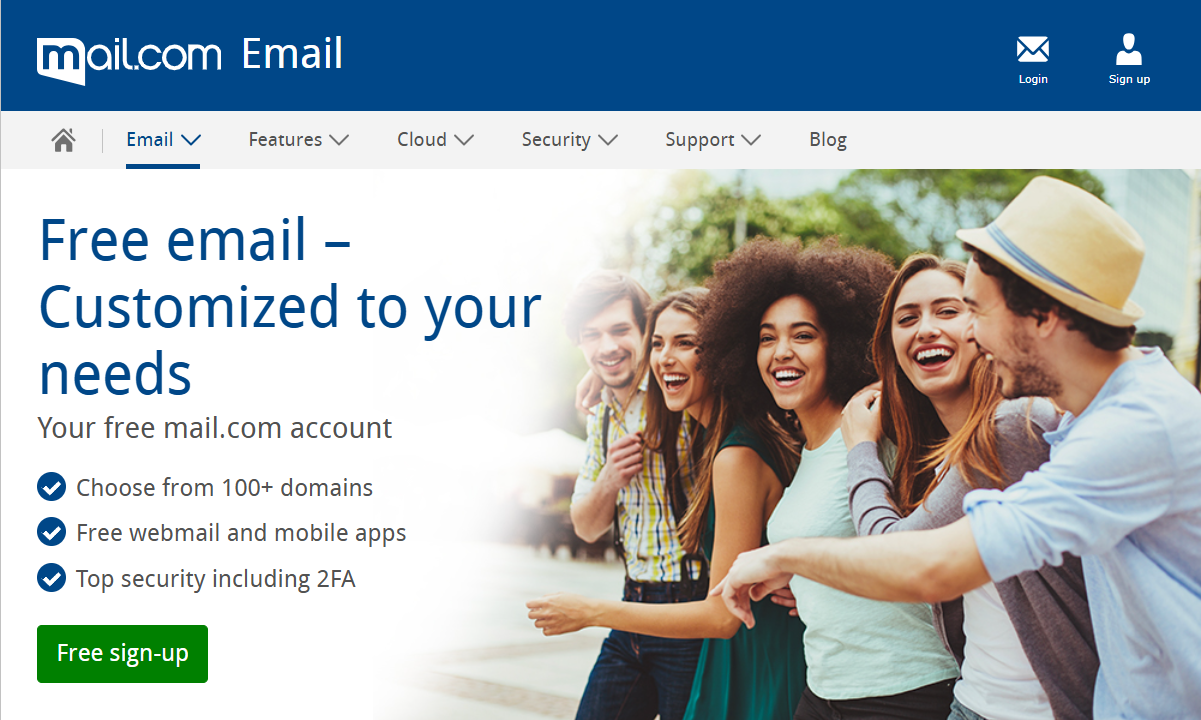
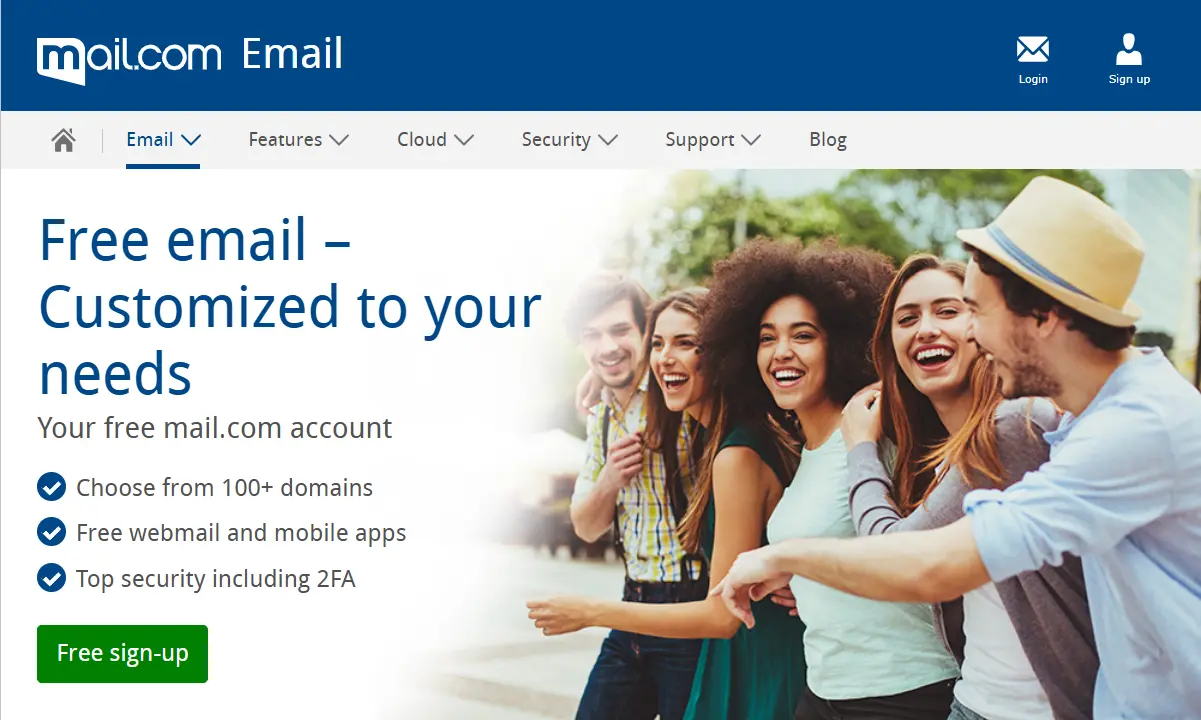
Mail.com uses a variety of security measures, including antivirus scanning to protect your inbox from threats and spam filtering to keep junk mail out of your inbox. To prevent unauthorised access to your account, Mail.com also offers two-factor authentication (2FA) for extra security.
| Advantages | Disadvantages |
|---|---|
| ✓ 65 GB of storage space in the email inbox | ✗ Slightly unclear user interface |
| ✓ 2 GB of included cloud storage | ✗ Features advertisements |
| ✓ Over 100 available domains to choose from | |
| ✓ Apps for Android and iOS |
Gmail
Gmail offers a total storage capacity of 15 GB across all the connected Google services, including Gmail, Google Drive, and Google Photos. The maximum size of email attachments has also increased in proportion to this growth, and now stands at 25 MB. Alternatively, the provider lets users send large files via Google Drive.
Google is currently testing a different storage model for new accounts in selected regions. Some users initially receive 5 GB of free storage and can unlock the full 15 GB by adding and verifying a phone number. The test does not currently affect existing accounts and has not been rolled out globally.
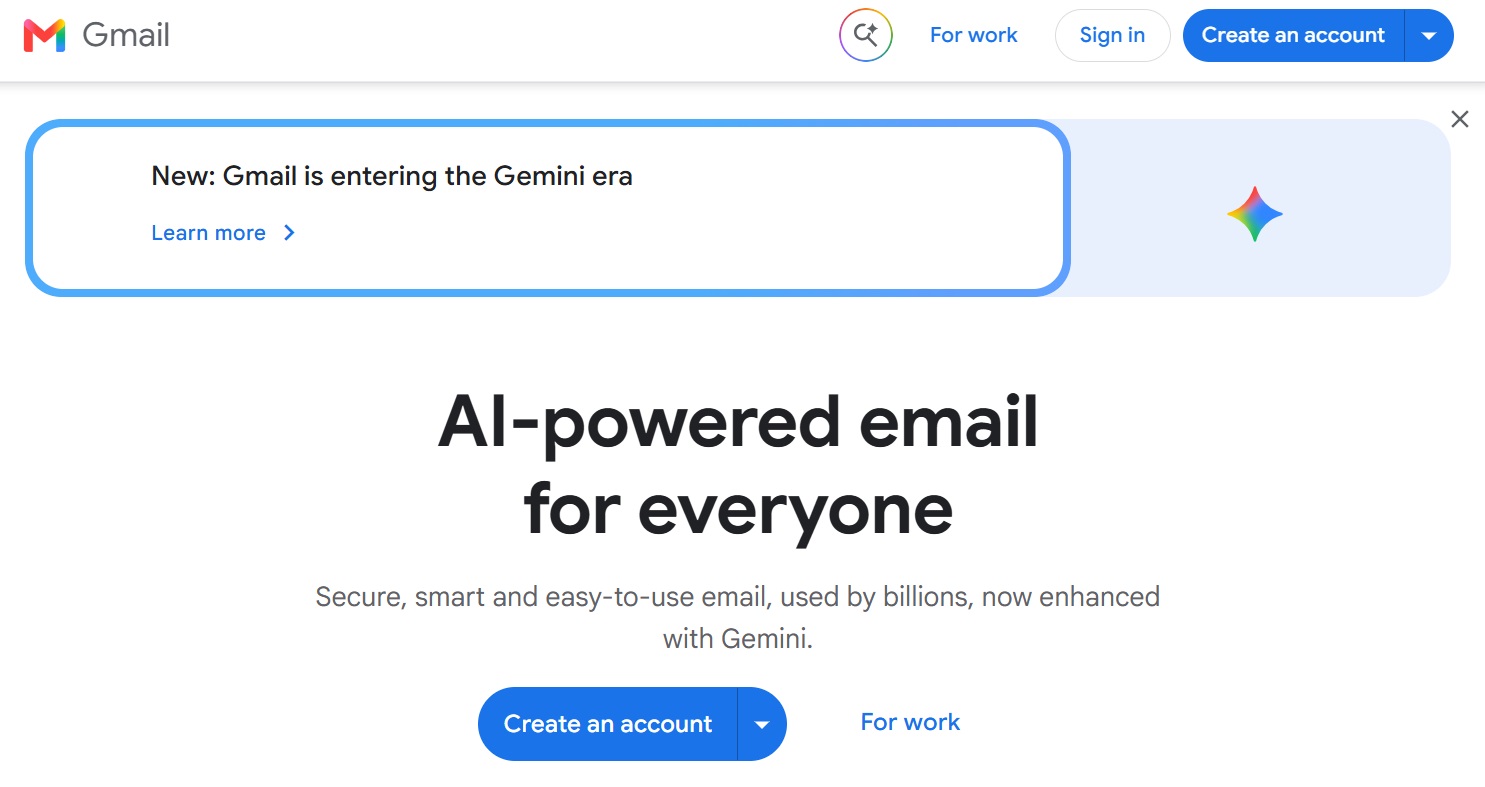
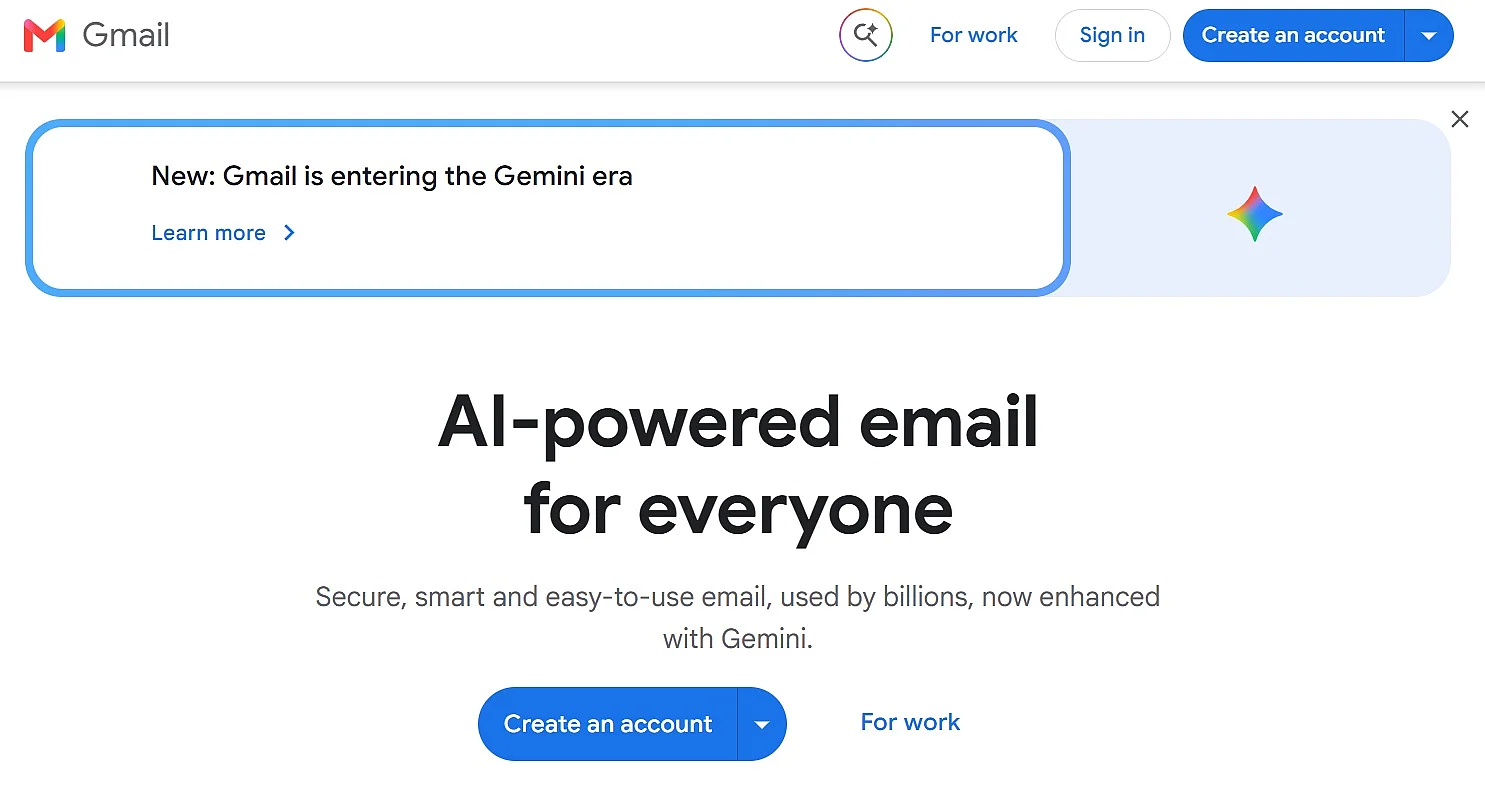
In terms of layout and ease of use, Gmail has an interface with a very similar orientation to other email providers like Outlook and Thunderbird. This has been the case since it first came about, despite it being browser-based. It is now possible to individualise the interface by designing it with personal photos, for example. In addition to this, tabs can be adjusted as required.
A further advantage of Gmail is its perfect integration into the Google universe. Alongside Google Drive, Google Meet is also very handy. Google Meet also lets users start video calls directly from Gmail across multiple devices. Free personal accounts support meetings with up to 100 participants, although calls with three or more participants end automatically after 60 minutes. One-to-one calls can last up to 24 hours.
One consideration with Gmail is that it is closely connected to Google’s wider advertising and data ecosystem. Google may personalise ads based on account settings, activity and other information associated with a user’s Google Account. However, the company does not use or scan the contents of Gmail messages for advertising personalisation.
Gmail encrypts messages while they are being transferred between users’ devices and Google’s servers. However, standard Gmail messages are not generally protected by end-to-end encryption, meaning the content is not accessible only to the sender and recipient.
| Advantages | Disadvantages |
|---|---|
| ✓ Up to 15 GB of storage shared across Google services | ✗ Storage is shared with Google Drive and Google Photos |
| ✓ Integration into the Google ecosystem | ✗ Ads appear in the free version |
| ✓ Numerous customisation options | ✗ Server locations are not individually selectable |
| ✓ Clean and intuitive user interface | |
| ✓ Apps for Android and iOS |
Yahoo Mail
Yahoo Mail provides 15 GB of free email storage for users in Ireland. This is more than the 15 GB available with some competing services, although it is considerably less than the 1 TB Yahoo previously offered. Users who reach the storage limit must delete emails or upgrade their storage before they can continue sending and receiving messages.
In addition to this, Yahoo Mail offers many options when it comes to personalisation. Layout, order, and the email preview function can all be adjusted, as well as the design of the inbox. Alongside features like a messenger, and apps for both iOS and Android, there are also POP3 and IMAP protocols, as well as an ‘adaptable’ spam filter.
When it comes to data protection, Yahoo Mail has limitations similar to those of Gmail. Emails are protected with SSL/TLS encryption while being transferred between the user’s browser and Yahoo’s servers.
| Advantages | Disadvantages |
|---|---|
| ✓ 15 GB of free email storage | ✗ Cloud storage is only available through integration with external services like Dropbox or Google Drive |
| ✓ Intelligent spam filter | ✗ Email content is also analysed for advertising purposes |
| ✓ Apps for Android and iOS | ✗ Server locations unclear |
| ✗ Relatively frequent or intrusive ads |
Outlook.com
For a long time, ‘Outlook’ was the name of the Personal Information Manager (PIM) developed by Microsoft. It is part of the whole Microsoft 365 package. But since early 2013, the very similar sounding web email service ‘Outlook.com’ has replaced Microsoft’s previous free email software ‘Hotmail’. With Outlook.com, Microsoft now provides serious competition to the free email providers such as Yahoo and Google.
The first and most important advantage is its perfect integration into the Microsoft universe. By simply registering on Outlook.com, you will have access to other services offered by Microsoft. These include Microsoft Teams Free, the cloud storage service OneDrive, web versions of Microsoft 365 apps and OneNote. Thanks to the included office interfaces, Outlook.com is also suitable for more complex work environments, and even comes with a similarly intuitive and trustworthy user interface.
With regards to storage space, Outlook.com is on a similar level to Google’s Gmail service. With 15 GB, there is more than enough space for all emails. Additional storage is available for files of a different kind with Microsoft’s integrated cloud storage solution OneDrive, which is available for free. Attachments can be up to 25 MB in size.
The advertisements that do appear are not personalised based on the content of emails according to Microsoft’s privacy policy. Instead, the software uses data like your location, or your internet surfing habits based on cookies. Something that is still unknown, however, is the server location. Microsoft’s email servers are primarily located in the USA and Europe, with data centres worldwide.
| Advantages | Disadvantages |
|---|---|
| ✓ 15 GB email storage | ✗ Data stored in Microsoft’s global data centres (not fully transparent for users) |
| ✓ 5 GB cloud storage with OneDrive | ✗ Ads in the free version |
| ✓ Clear and user-friendly design | |
| ✓ Office integration, seamless connection to the Microsoft ecosystem | |
| ✓ Apps for Android and iOS |
GMX
GMX is not as well-known as the free email providers presented above, but still conveniently manages to meet all your basic email requirements. When emails are transmitted to the GMX server, they are exclusively SSL/TLS encrypted. The data transfer between the servers of individual providers is also encrypted. Two-factor authentication provides even more security.
One of the biggest selling points for GMX is its 65 GB of storage space, which can hold hundreds of thousands of emails, depending on their size. Your attachments can be up to 50 MB in size. If you need to send larger files, you can use GMX’s built-in cloud storage, which offers 2 GB for free, with additional space available in paid packages.
Another major upside of GMX is its Online Office feature. Without installing additional software, you can edit Word documents, Excel spreadsheets, or PowerPoint presentations directly in your browser. While not as feature-rich as Microsoft 365 or Google Docs, it provides essential editing capabilities.
GMX also offers apps for Android and iOS, allowing you to access your emails and mailbox folders anywhere. Additionally, GMX provides MailCheck, a browser extension for Chrome, Firefox, and Edge, ensuring you never miss an important email.
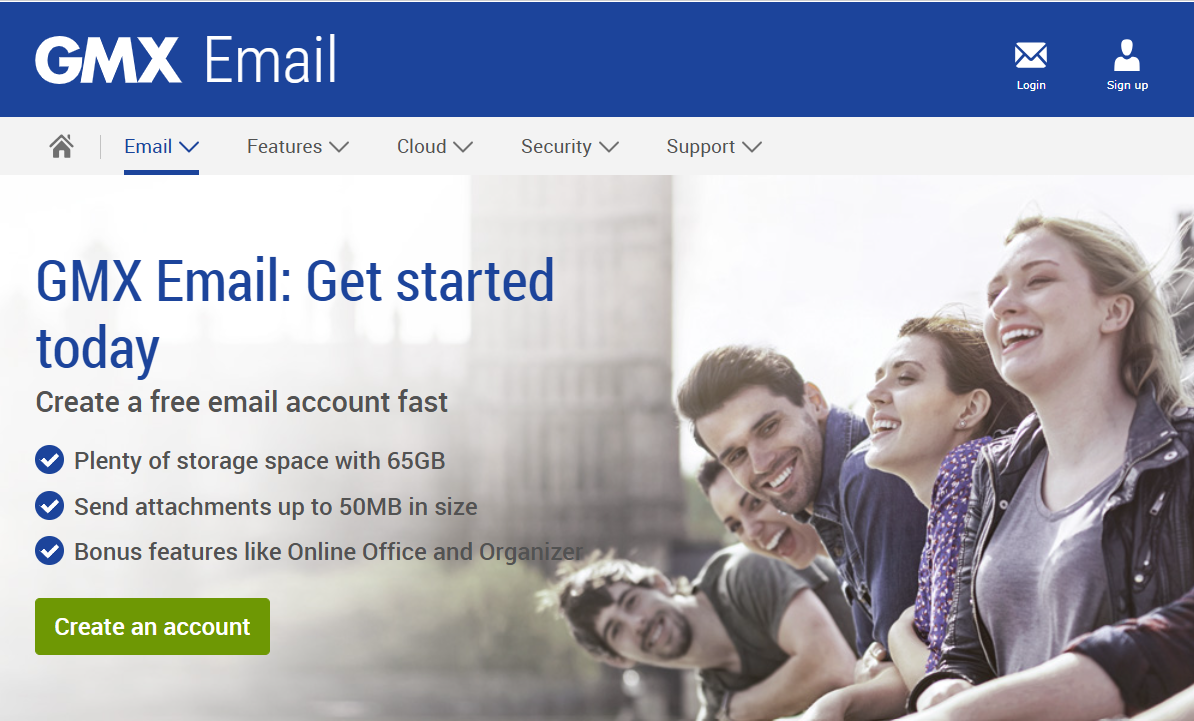
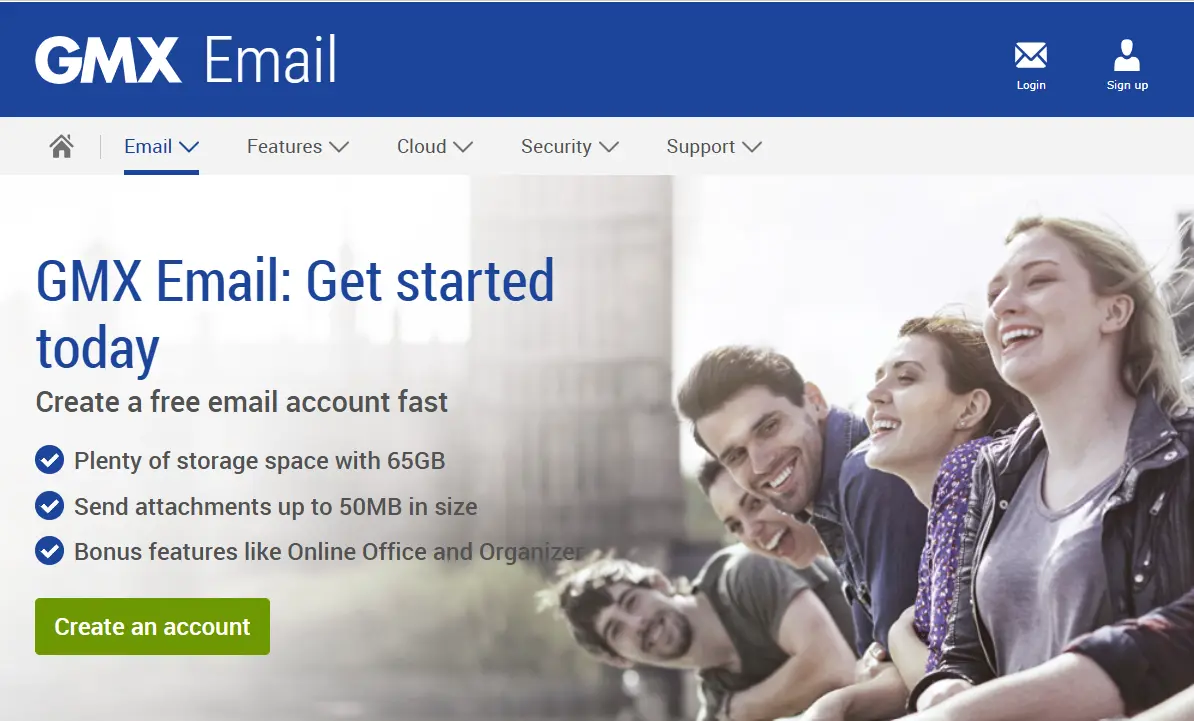
GMX’s default interface is blue. Alternative designs can be selected and saved in the settings. You can navigate around using the menu bars. While the upper tab allows a quick change between the standard features such as mailboxes, cloud, calendar or address book, you will also find advertisements and links to other GMX products on the left, which are used to finance the free email service.
| Advantages | Disadvantages |
|---|---|
| ✓ 65 GB of email storage | ✗ Somewhat cluttered user interface |
| ✓ Attachments up to 50 MB | ✗ Advertisements in the free version |
| ✓ 2 GB of cloud storage included | |
| ✓ Apps for Android and iOS |
AOL Mail
Many years ago, America Online was one of the most popular email services, but it has since declined in prominence. However, this does not mean it is not a reliable free email provider. Recognising the need for improvement, AOL revamped its service in 2022. Today, the web portal offers 250 GB of storage space and supports attachments of up to 25 MB.
AOL Mail allows you to customise your spam filter’s strictness level, choosing between Low, Medium, or High. AOL recommends setting it to ‘Medium’, as they find this level provides the best balance between security and ensuring important emails are not mistakenly sent to the spam folder.
The free email provider also offers an integrated calendar, allowing users to manage their schedules and appointments more easily. AOL Mail also provides customisable themes, enabling users to personalise their inbox to their liking. Additionally, users can create folders to organise emails and search their inbox efficiently using keywords.
| Advantages | Disadvantages |
|---|---|
| ✓ Adjustable spam filter levels: Low, Medium, or High | ✗ Cannot import contacts from social media |
| ✓ 250 GB of storage space | ✗ App is not dedicated solely to email |
| ✓ Apps available for Android and iOS | ✗ No cloud storage |
Zoho
Zoho Mail is an email service designed for both individual users and businesses. The free package is intended for personal use and, while relatively basic, it still provides all the essential features you would expect from a free email provider. Similar to Microsoft, Zoho offers a comprehensive suite of productivity tools. In addition to email, it includes instant messaging, a word processor, a calendar, document sharing, and several other features. Collectively, these services are known as Zoho Workplace.
One major advantage of Zoho Mail is that it is completely ad-free, ensuring a distraction-free user experience. The service boasts a 99.99% uptime, meaning users can rely on it for uninterrupted access to their emails. Additionally, Zoho Mail provides advanced administrative tools to protect users from phishing, spam, viruses, and malware. To enhance security, the platform also requires two-factor authentication (2FA).
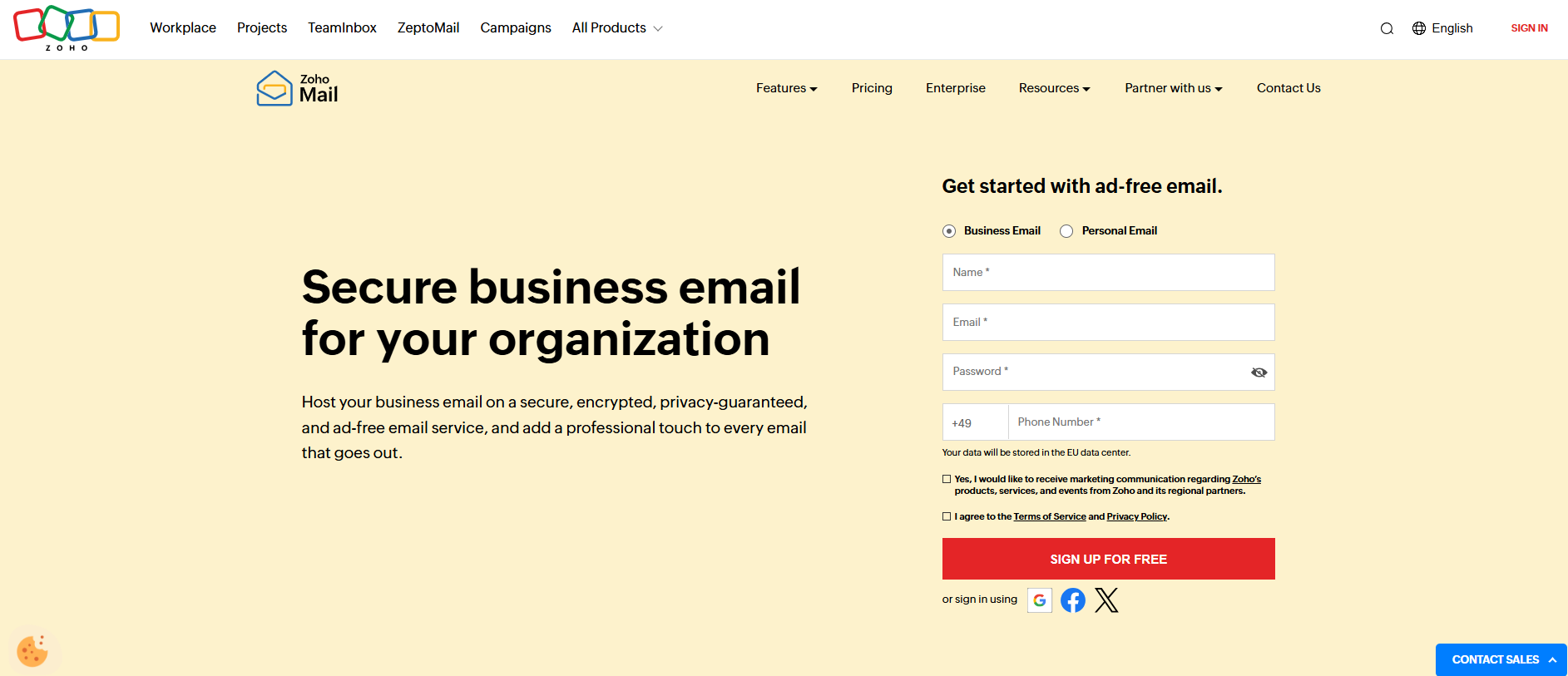
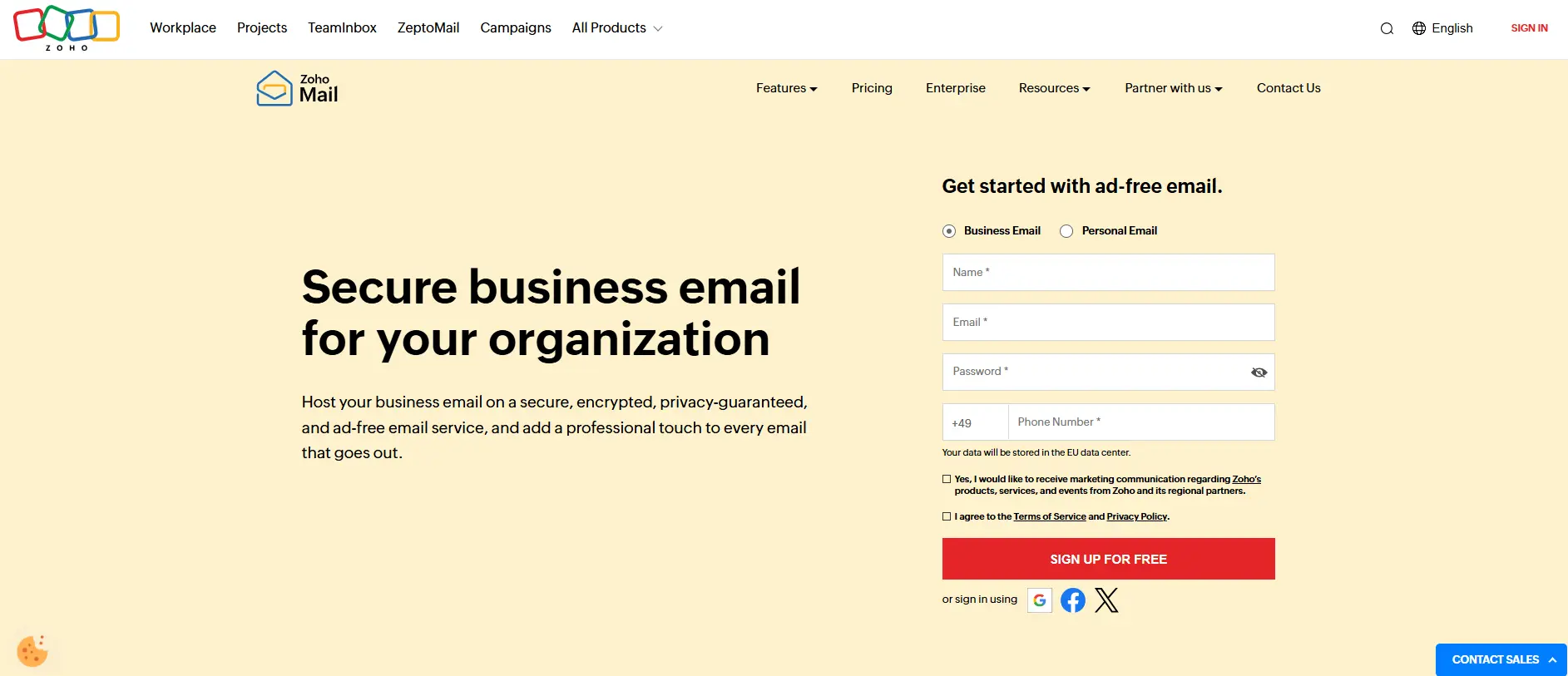
Zoho Mail provides 5 GB of email storage per user and supports attachments of up to 25 MB. The free package is available only in selected data centres and provides web-only access, without IMAP, POP or ActiveSync support.
Zoho Mail prioritises privacy and security, offering end-to-end encryption, phishing protection, and spam filtering, and unlike many free providers, it does not scan emails for ads. However, the free package has limitations, including no third-party email client support (IMAP/POP3), no automatic contact import from social media, and a custom domain feature limited to five users, which may not be sufficient for larger teams.
| Advantages | Disadvantages |
|---|---|
| ✓ Completely ad-free | ✗ The free package does not support IMAP, POP or ActiveSync |
| ✓ 5 GB of email storage per user | ✗ The maximum attachment size is 25 MB |
| ✓ Mobile apps for Android and iOS | ✗ The free package is available only in selected data centres |
| ✓ Does not scan emails for advertising purposes | ✗ Interface is less intuitive than Gmail or Outlook |
Proton Mail
Proton Mail is a great email option for users who prioritise privacy and security. It is an open-source, encrypted email provider based in Switzerland, operating under strict Swiss privacy laws. Proton Mail uses end-to-end encryption, ensuring that only the sender and recipient can read emails—not even Proton Mail itself. It also supports OpenPGP encryption and offers two-factor authentication (2FA) for extra security.
With the free package, users initially receive 500 MB of email storage, which can be increased to 1 GB by completing Proton Mail’s starter checklist within 18 days of creating the account. The package also includes 2 GB of Proton Drive storage, expandable to 5 GB after completing a separate set of onboarding tasks. Users get one email address and can send up to 150 messages per day. Each recipient counts towards this limit, so an email sent to 10 people counts as 10 messages.
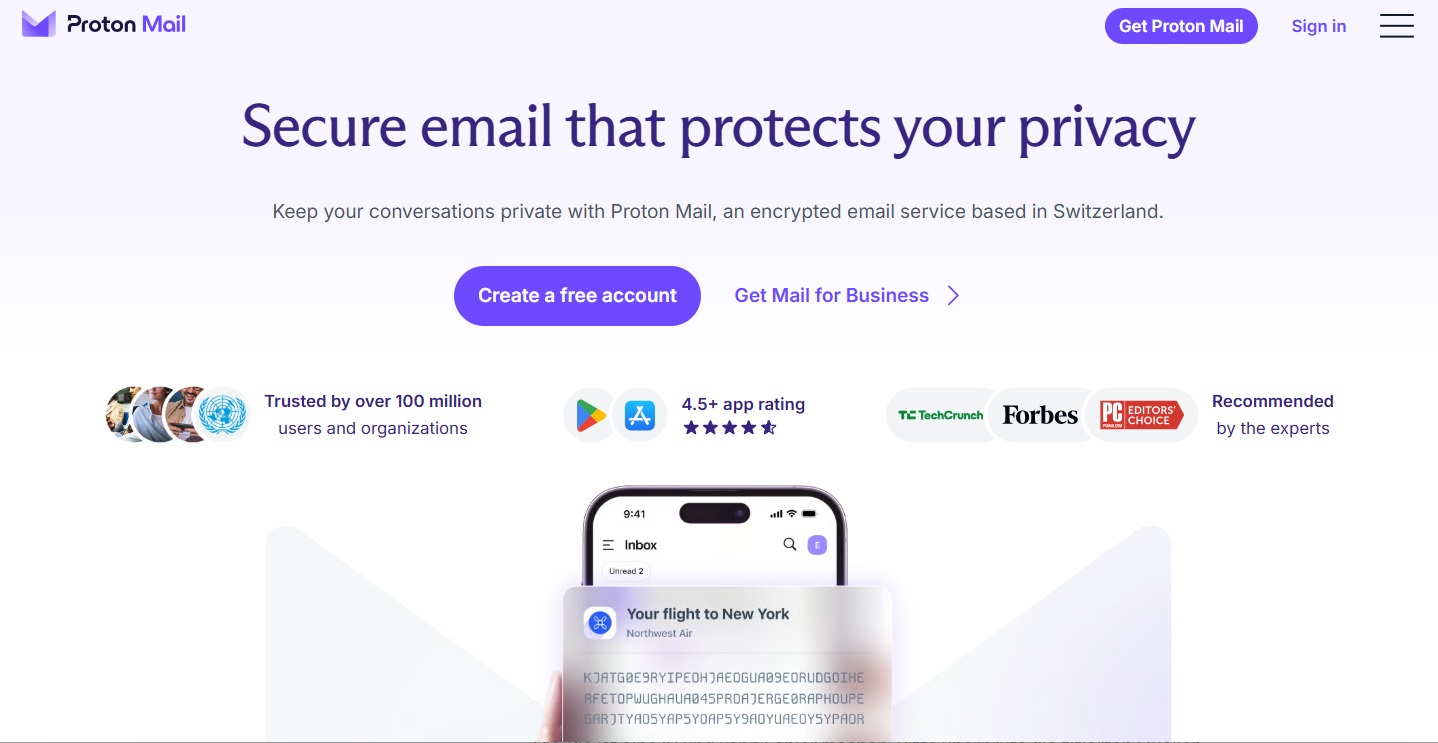
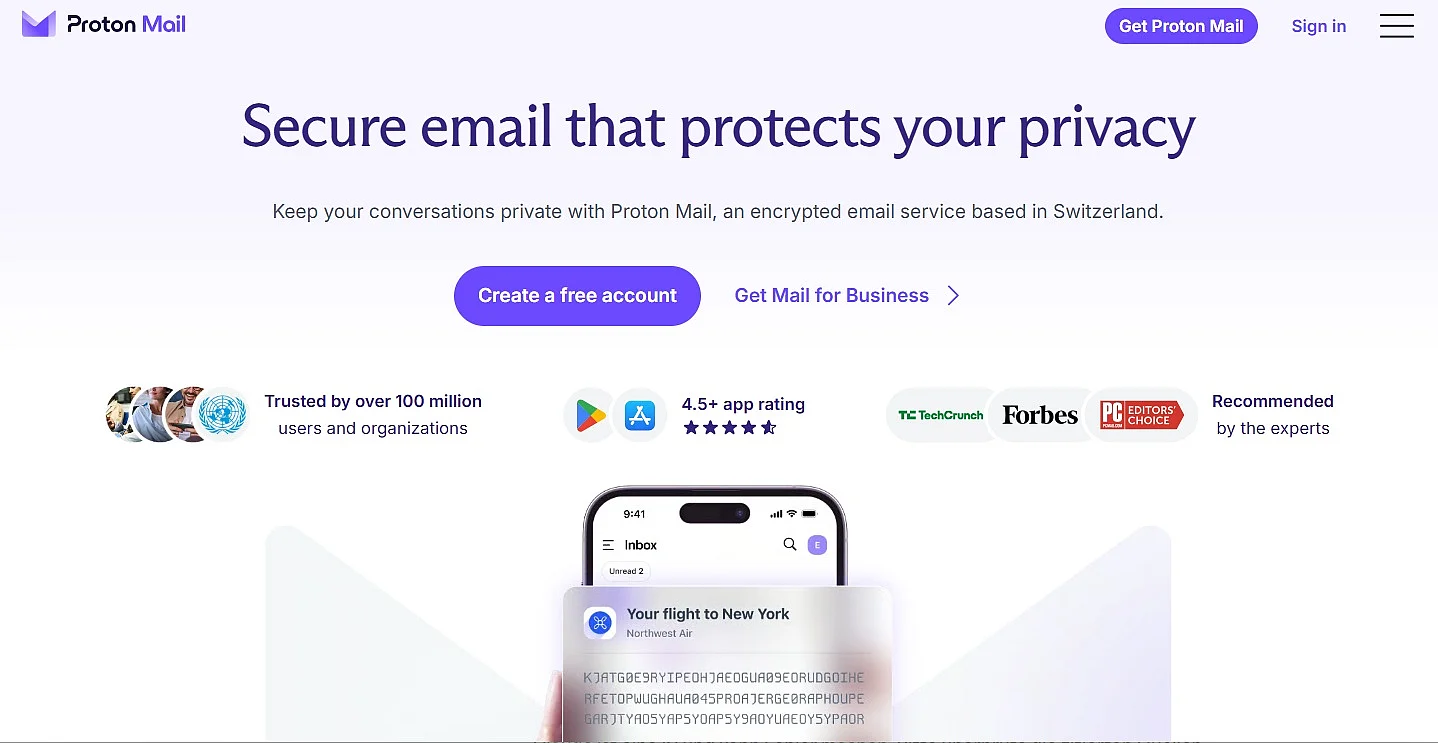
The Proton Free package also includes access to other Proton services. Users get three personal calendars, a free Proton VPN connection and 10 hide-my-email aliases through Proton Pass. They can also store files in Proton Drive with the same end-to-end encryption used across Proton’s privacy-focused services.
| Advantages | Disadvantages |
|---|---|
| ✓ End-to-end encryption for maximum privacy | ✗ Email storage starts at only 500 MB |
| ✓ No advertisements displayed | ✗ Daily email sending limit of 150 messages |
| ✓ Apps available for Android and iOS | ✗ Does not support POP3 or IMAP in the free version |
| ✓ Up to 5 GB of free Proton Drive storage | ✗ Full storage allowances require completing onboarding tasks |
Proton Mail is an excellent choice for privacy-focused users who want secure, ad-free email with end-to-end encryption. However, its email storage remains relatively limited, even after it has been increased to 1 GB. The daily sending limit and lack of IMAP and POP3 support in the free package may also be restrictive for some users.
Anyone looking to secure their communication even further should also consider installing email encryption via PGP. This will also protect the content of emails. With the help of browser add-ons (e.g., Mailvelope), it is possible to achieve end-to-end encryption.
Who are professional solutions best suited to?
At first glance, free email services may seem suitable even for more demanding tasks. Providers such as those mentioned above offer useful features and security measures such as spam filtering, encryption in transit and two-factor authentication. Some services place particular emphasis on certain areas. Proton Mail focuses on privacy and encryption, while Zoho Mail is primarily designed for professional and business communication.
However, free email services are not always the right choice. With most free email providers, you are tied to the provider’s branded domain name. This can be impractical for business use and may appear less professional. Addresses such as first.last@yahoo.com can create an unprofessional impression, particularly when the business already has its own website and matching domain.
A professional email solution also gives a business greater control over email authentication. Major mailbox providers increasingly rely on SPF, DKIM and DMARC to verify senders and filter suspicious messages. Free email providers manage these settings for their own domains, but businesses need a custom domain to configure and manage the authentication of their own branded addresses.
Anyone who mainly uses an email address for business communication should therefore consider a professional solution. A custom email address such as name@company.com strengthens the company’s brand, creates a more professional impression and provides greater control over email security and administration.
Advantages of professional email services over free email providers
Although credibility is often the main reason why businesses and self-employed professionals choose a professional email provider, there are several other advantages:
- More choice and a custom domain: Free email providers typically have millions of users registered under the same domain. Common combinations of first and last names are therefore often already taken. Paid email services allow you to use custom addresses such as
info@yourcompany.com. - No advertising: Free email services are often financed through advertising, while paid services can generally offer an ad-free experience.
- Better deliverability: Domain settings such as SPF, DKIM and DMARC can improve email deliverability. Generic free email addresses may also be taken less seriously or be more likely to end up in the spam folder.
- Greater protection: In addition to TLS encryption, professional email solutions often include security features such as centralised administration, mandatory multi-factor authentication and advanced phishing protection. These features help businesses reduce security risks and prevent data loss.
- Greater long-term control: A professional email address makes a business less dependent on a particular provider. The address can remain the same when switching providers, provided the company retains its domain. Businesses also generally receive more comprehensive support and more reliable service levels.
- Protection against typing errors: Another advantage of using a custom email domain instead of a free email domain is the catch-all feature offered by many providers. This can forward messages sent to misspelled addresses within the domain to a main inbox.
- Better team features: Many business packages include additional features such as shared inboxes (
support@,sales@), shared calendars, centralised user management and email archiving. These tools can make collaboration within a company considerably easier.