Which WordPress event plugin is right for your events in 2026?

WordPress event plugins are extensions for managing, displaying and selling tickets for events. The best solutions in 2026 offer seamless block editor integration, AI-assisted content creation and strong performance with minimal impact on LCP, making it easier to manage both in-person and hybrid events efficiently.
What is a WordPress event plugin used for?
For straightforward appointment scheduling, the integrated WordPress calendar or standard WordPress appointment booking solutions are usually sufficient. However, once events need to be promoted, booked and organised as well as planned, these tools can quickly become limiting. WordPress event plugins bring the key functions together in one place, making events easier to manage. The best WordPress event plugin for you will depend on your requirements and budget.
What should a WordPress event plugin offer?
There are many WordPress event plugins available, so it helps to decide in advance which features you actually need. Whether you only want to display events, accept bookings, sell tickets or manage hybrid events, the right plugin should match your requirements. The following features are particularly worth considering:
- Responsive design: Event pages, calendars, booking forms and other content should work smoothly on desktops, tablets and smartphones. This is especially important when attendees need to access tickets, schedules or event information while on the move.
- Ease of use: A good WordPress event plugin should be straightforward for both organisers and attendees. Clear administration, simple booking processes and intuitive forms save time and reduce the risk of errors.
- AI-powered features: Many modern plugins now include AI capabilities. EventON, for example, can generate event titles and descriptions automatically. Modern Events Calendar offers an official Zapier add-on, allowing triggers such as new bookings or events to connect with ChatGPT or OpenAI actions in automated workflows.
- Performance and Core Web Vitals: Feature-rich plugins often load additional scripts and styles that can slow down your website. Fast loading times, responsive interactions and stable layouts are important for both user experience and search rankings. Lightweight options such as Sugar Calendar or WP Event Manager may therefore be a better choice if you only need core event functionality.
- Integration options: Look for plugins that integrate with WooCommerce, payment gateways, calendars, CRM systems and email marketing platforms. This allows bookings, payments, reminders and attendee data to be managed more efficiently.
- Support for hybrid events: Online and hybrid events are now commonplace. Ideally, your plugin should integrate with platforms such as Zoom, Google Meet or Microsoft Teams and automatically send participants the correct meeting link after registration.
- Useful additional features: Depending on your needs, features such as maps, recurring events, ticket types, QR code check-in, automated email notifications or attendee management can be valuable. Focus on the functionality you are most likely to use rather than choosing the plugin with the longest feature list.
- Value for money: Most WordPress event plugins offer a free version with optional paid add-ons. A free solution is often sufficient for occasional events, while premium packages make more sense if you regularly organise events, sell tickets or need advanced automation.
The best WordPress event plugins at a glance
| WordPress event plugin | AI support | Mobile check-in app | REST API | Free basic version | Price |
|---|---|---|---|---|---|
| Modern Events Calendar | ✓ (via Zapier) | ✓ | ✓ | ✓ | ++ |
| Events Manager | ✓ (via MCP) | ✗ | ✓ | ✓ | ++ |
| WP Event Manager | ✓ (AI matchmaking in mobile app) | ✓ | ✓ | ✓ | ++ |
| EventON | ✓ (native) | ✗ | ✓ | ✓ | ++ |
| The Events Calendar | ✓ (via MCP) | ✓ | ✓ | ✓ | +++ |
All information is correct as of June 2026. Price legend: + = low, ++ = medium, +++ = high
Modern Events Calendar
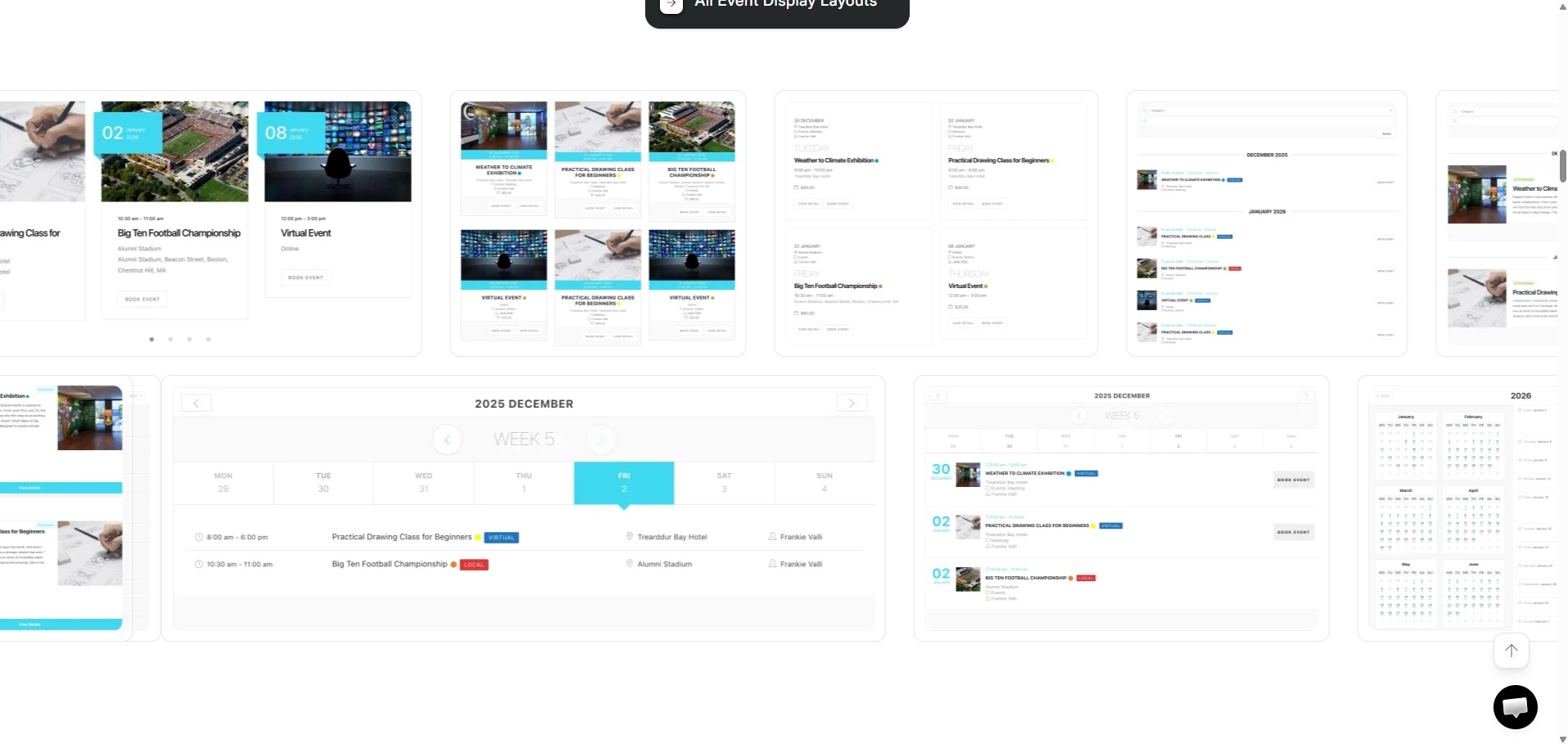
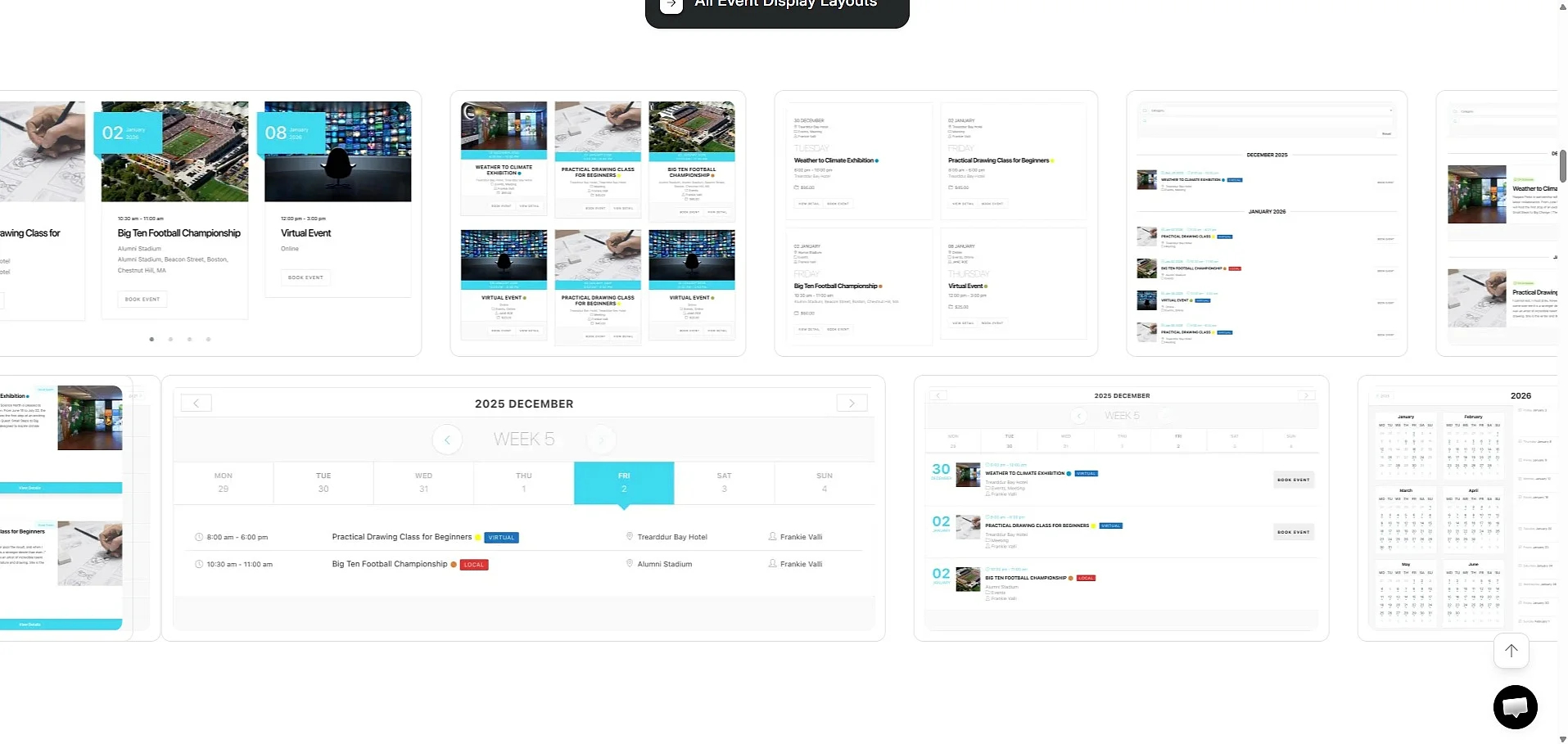
Even the free version of Modern Events Calendar offers numerous features to help you plan, present and promote your events. Modern Events Calendar stands out for its strong focus on design. With more than 50 layouts, multiple calendar and list views, and extensive customisation options, it is particularly well suited to websites where events should look as professional as they function. The plugin also includes a Gutenberg Single Builder for creating custom event pages, making it a good fit for block-based WordPress websites.
Beyond creating and displaying events, Modern Events Calendar supports ticket sales, QR code check-in, recurring events, online payments and integrations with services such as WooCommerce and Google Calendar. It also works with video conferencing platforms including Zoom and Webex for online and hybrid events. Another advantage is its support for appointment bookings with time slots in addition to traditional events. The premium version expands the feature set further with advanced booking, ticketing, payment and event management tools.
| Advantages | Disadvantages |
|---|---|
| ✓ User-friendly | ✗ Some add-ons comparatively expensive |
| ✓ Modern design with many layouts | ✗ Large range of features may require performance testing |
| ✓ Ticketing and check-in functions | |
| ✓ Free basic version |
Who is Modern Events Calendar suitable for?
Modern Events Calendar is particularly suitable for users who value a modern event presentation and want to manage bookings or ticket sales directly through WordPress. Its free version also makes the plugin a good option for one-off or occasional events. Businesses that organise larger events regularly can benefit from the premium version’s additional layout, booking, check-in and payment features.
Events Manager
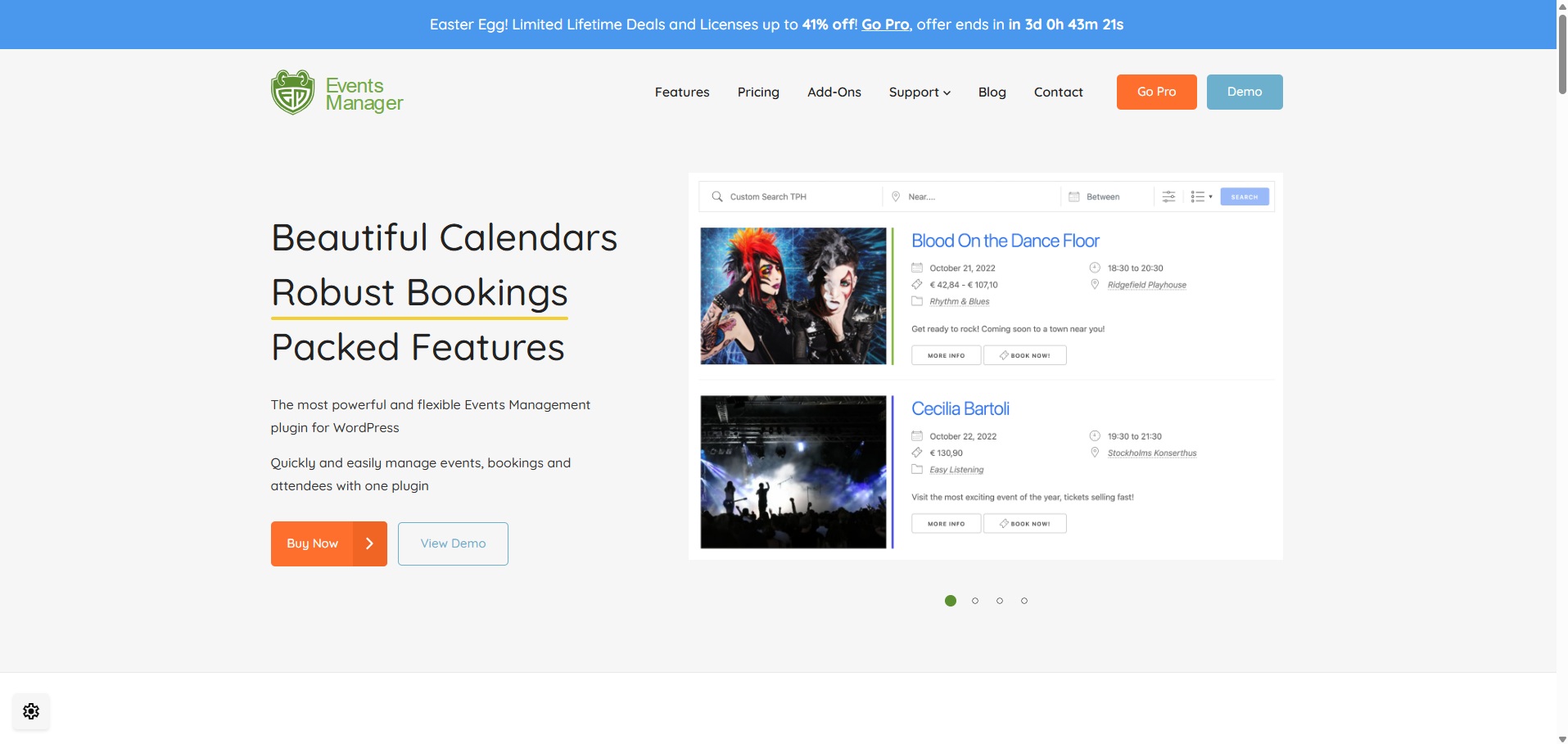
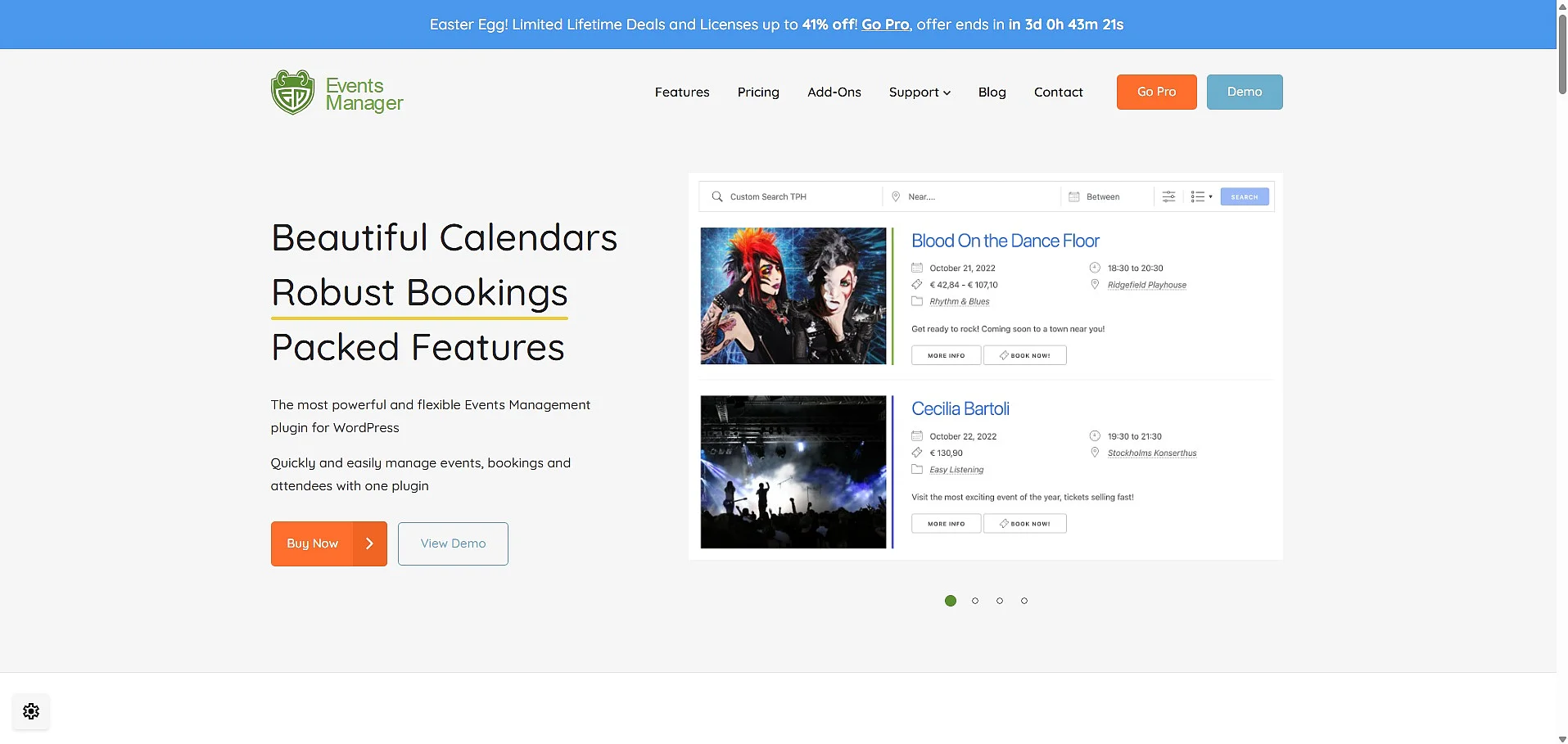
Events Manager is also a comprehensive WordPress plugin for events, available in a free basic version and a paid Pro version. Compared with more design-focused WordPress event plugins, Events Manager places greater emphasis on administration, bookings and flexible event structures. It can be used for simple and recurring events, multi-day events, registrations, ticketing and venue management.
Calendars, event lists, search pages, grid views and booking forms can be integrated flexibly into a website. Its detailed booking options are particularly useful for tasks such as managing approvals, exporting data, offering multiple ticket types and setting up complex recurring events with exclusion dates. More recent versions also provide additional integration options, including REST API features and AI connections via MCP. The Pro version adds payment options, discount vouchers and further booking features.
| Advantages | Disadvantages |
|---|---|
| ✓ Free basic version | ✗ Many functions may be oversized for simple event pages |
| ✓ Extensive booking and ticket features | |
| ✓ Supports recurring and multi-day events | |
| ✓ Flexible calendars, lists and booking forms |
Who is Events Manager suitable for?
Events Manager is suitable if you not only want to display events, but also manage them. This WordPress event plugin is particularly useful when bookings, tickets, recurring dates, venues, multiple time slots or more complex event types play a role. For very simple event pages, the range of functions may feel a bit extensive.
WP Event Manager
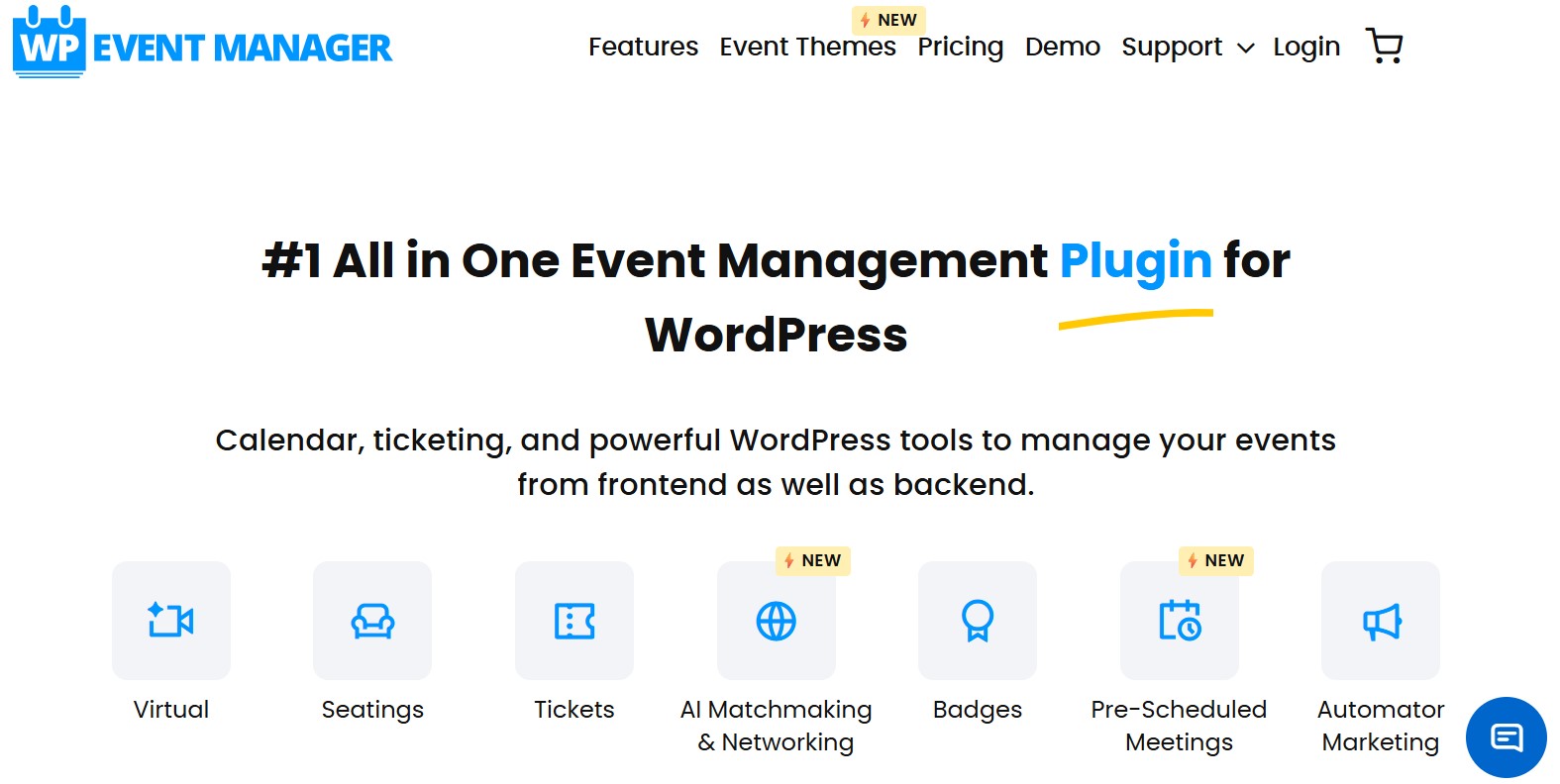
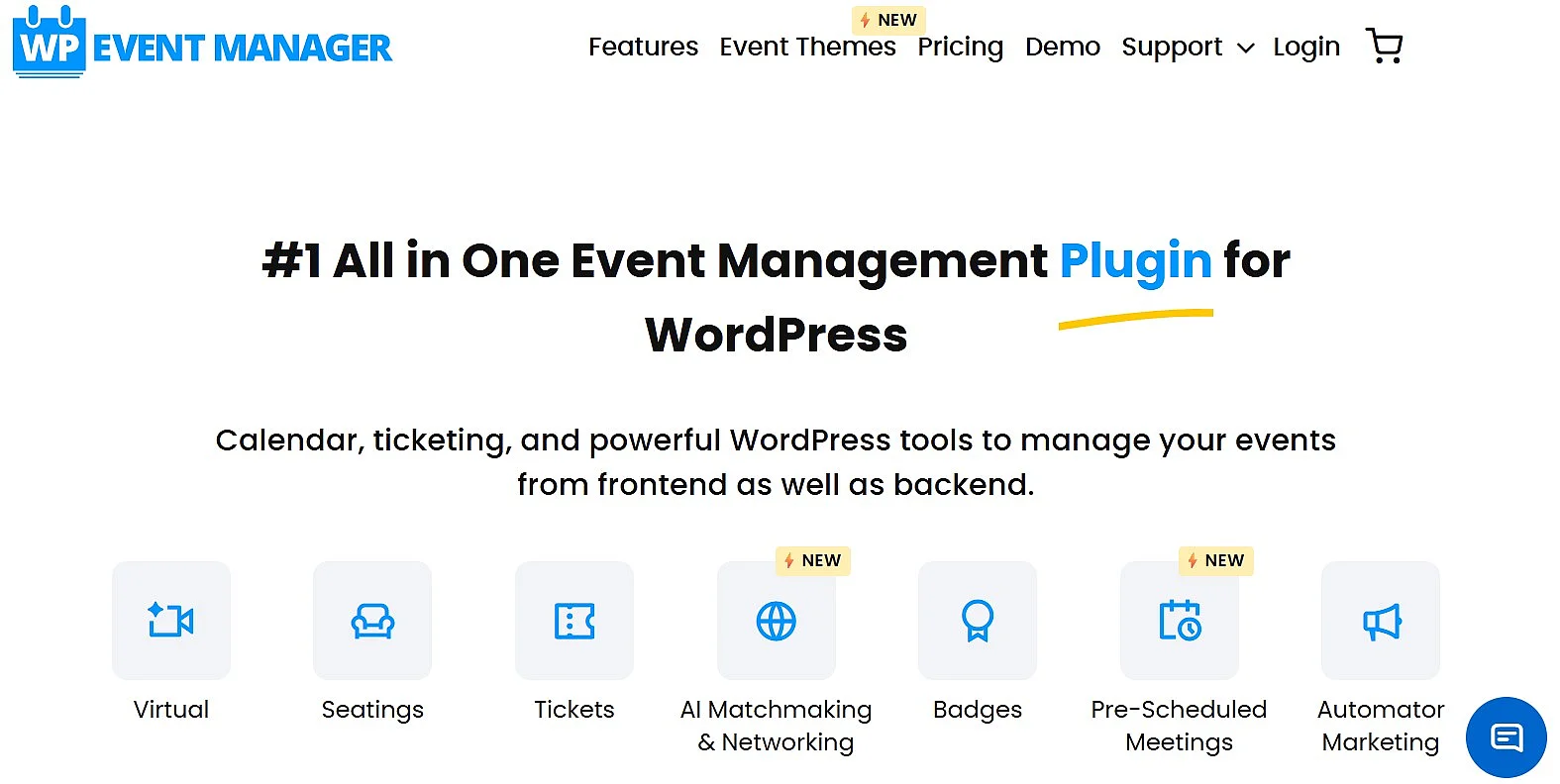
WP Event Manager is a lightweight WordPress event plugin for creating, managing and displaying event listings. Designed to be easy to use while remaining highly extensible, it supports in-person, virtual and hybrid events and offers a wide range of optional add-ons for growing websites.
The free version includes event listings, calendars, search and filter functions, recurring events, attendee registrations and WooCommerce integration for ticket sales. It also supports QR code check-in, responsive layouts and structured data for SEO. As your requirements grow, you can extend the plugin with premium add-ons for features such as Zoom integration, automated email notifications, seating plans, coupons, mobile check-in and advanced event management.
| Advantages | Disadvantages |
|---|---|
| ✓ Free core version available | ✗ Many advanced features require paid add-ons |
| ✓ Supports in-person, virtual and hybrid events | ✗ Costs can increase if multiple add-ons are needed |
| ✓ WooCommerce integration for ticket sales | |
| ✓ Highly extensible with 30+ premium add-ons |
Who is WP Event Manager suitable for?
WP Event Manager is a good choice if you want a lightweight, flexible WordPress event plugin that can grow with your needs. The free version is suitable for creating and managing event listings, while premium add-ons let you add features such as ticket sales, registrations, recurring events, QR code check-in and hybrid event support as required.
EventON
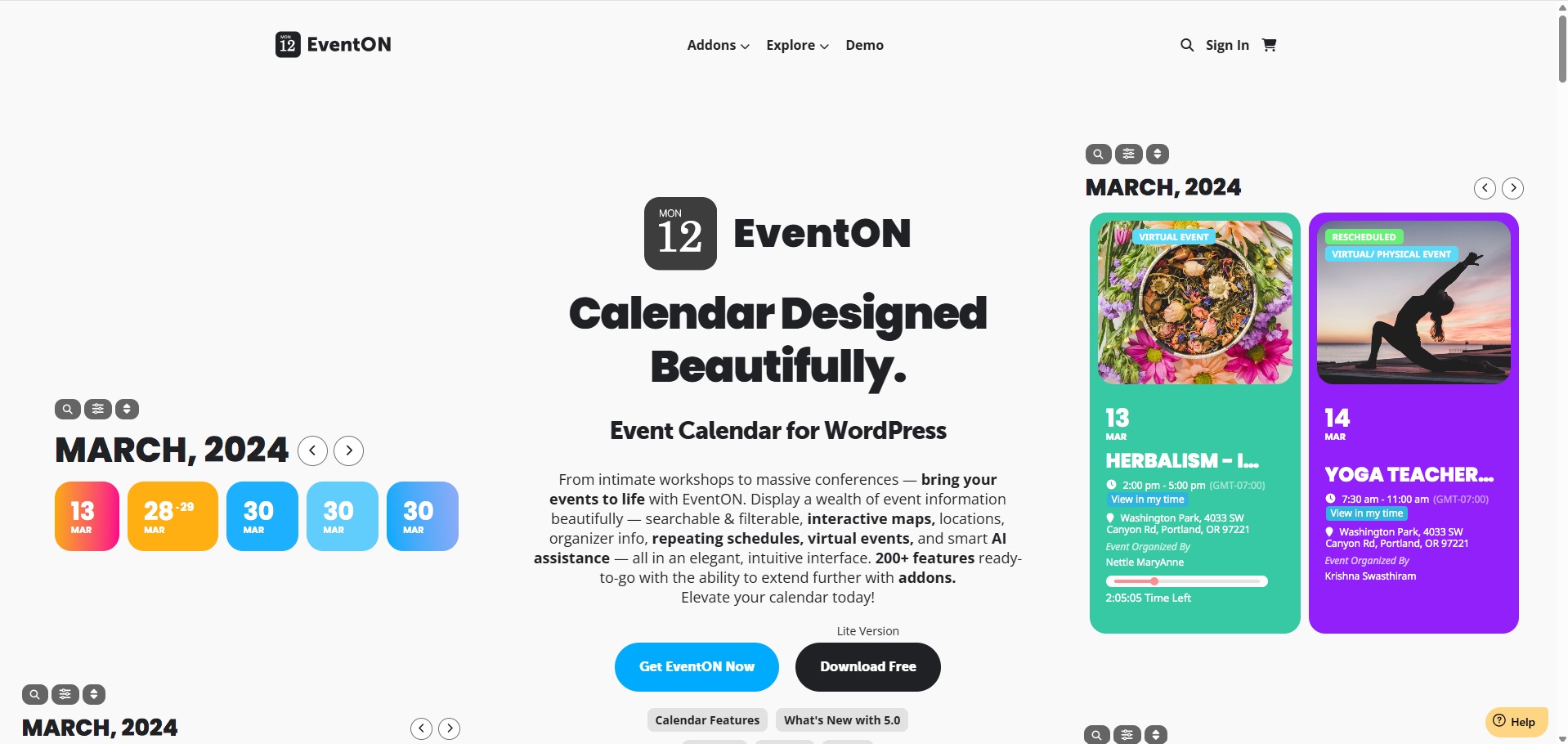
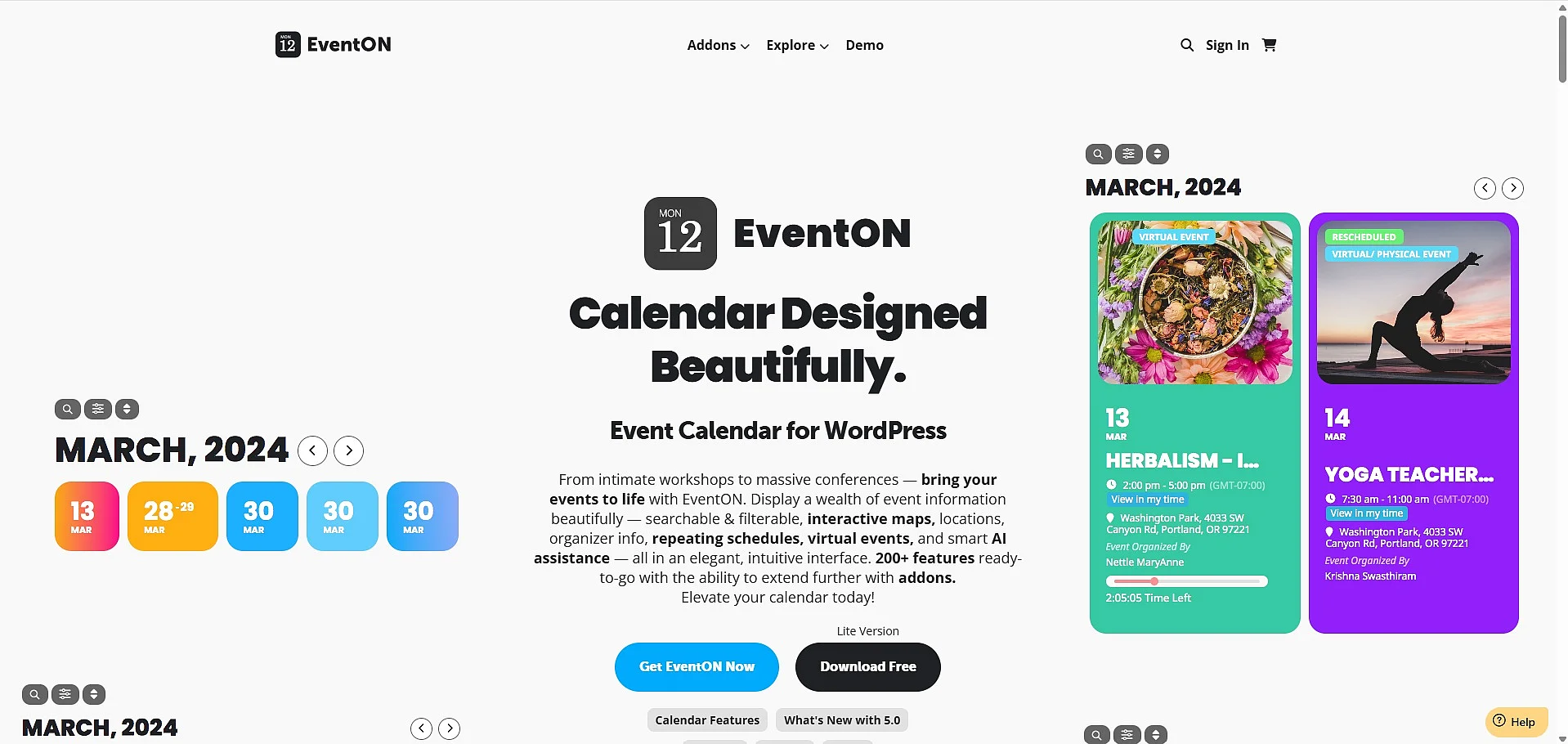
EventON is a WordPress event plugin that stands out mainly for its modern, minimalist design. Alongside the paid full version, EventON is also available as a free Lite edition. The plugin is particularly well suited to presenting events in a compact, interactive and easy-to-filter format. EventON Lite already supports responsive calendars, recurring and virtual events, search and filter functions, calendar downloads and several display options. It also works with full site editing themes and can be integrated into Gutenberg using its own block or shortcode generator.
EventON also includes native AI features for generating event titles, descriptions and other content. The full version adds more layouts, broader customisation options, extended event data and access to numerous add-ons. These can provide booking tools, email notifications, subscriptions, seating plans, RSVP functions and monetisation options, although additional costs may apply depending on the add-ons selected.
| Advantages | Disadvantages |
|---|---|
| ✓ Modern, responsive design | ✗ Add-ons can increase overall costs |
| ✓ Recurring and virtual events possible | ✗ Partly too extensive for simple event pages |
| ✓ Filters, search and calendar downloads integrated | |
| ✓ Custom event data and categories | |
| ✓ Native AI features for content creation |
Who is EventON suitable for?
EventON is a good choice if you want to present events on your WordPress website in a modern, visually appealing way. The free Lite version is suitable if you mainly need an attractive event calendar with recurring or virtual events, filters, search and calendar downloads. For ticketing, RSVP features, seating management, subscriptions or advanced monetisation, the full version and relevant add-ons are the better option.
The Events Calendar
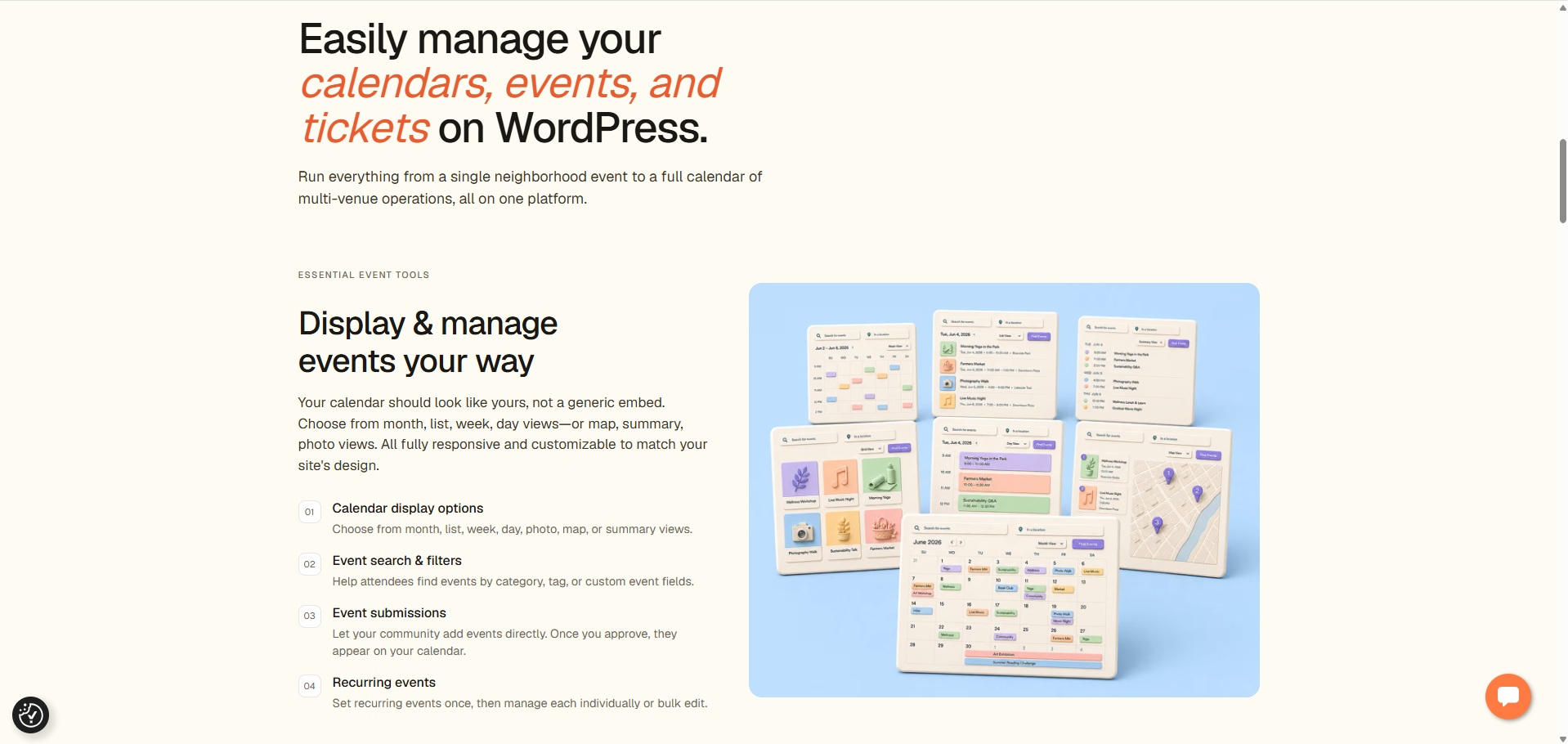
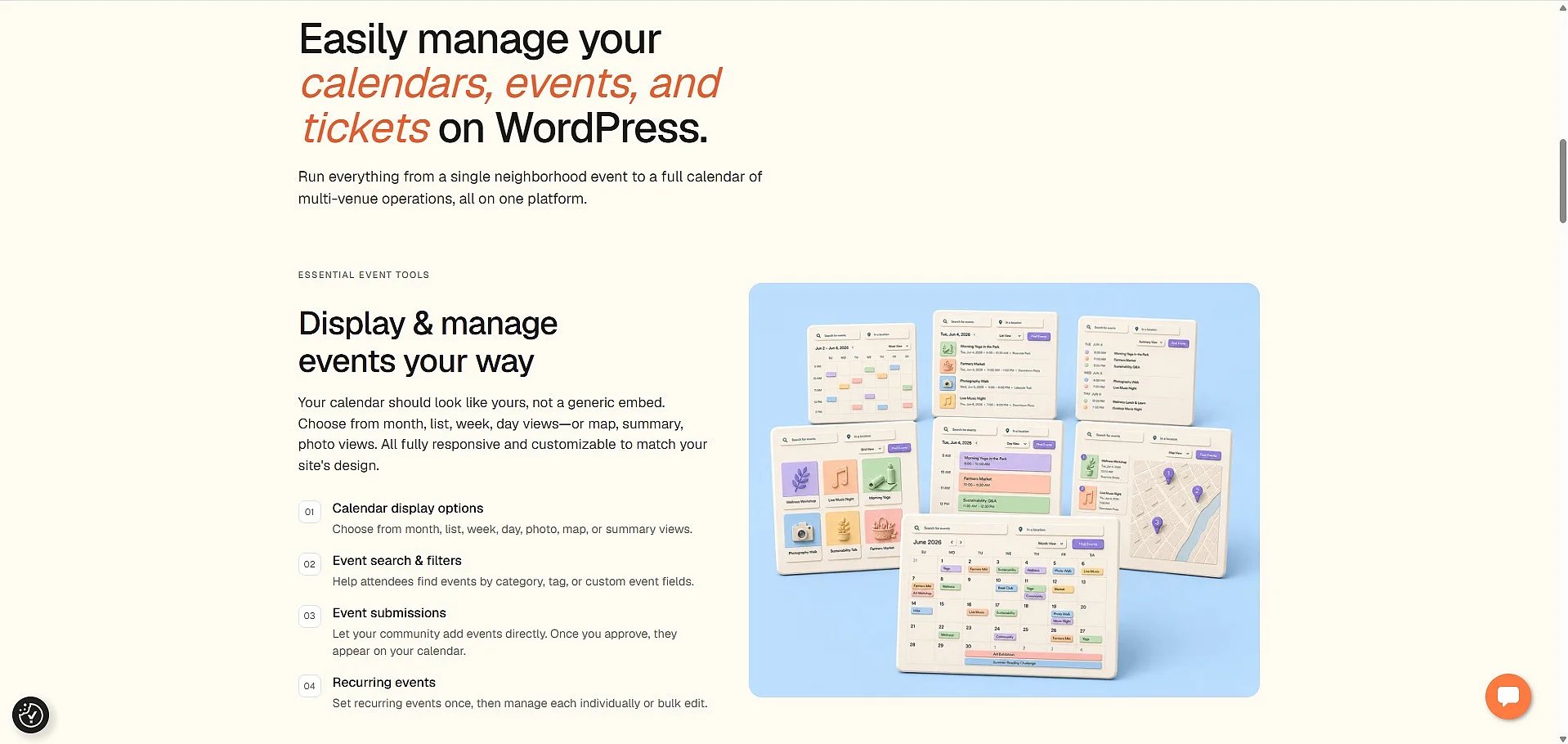
The Events Calendar is one of the best-known WordPress event plugins for event calendars and is suitable both for individual events and for more extensive event pages. The free basic version is quick to set up and offers key features such as month, list and day views, saved venues and organisers, event search, Google Maps integration, and calendar exports for Google Calendar and iCal. The Events Calendar can generally be used with the WordPress Site Editor, making this WordPress events plugin particularly suitable for projects already using block themes and Full Site Editing.
Its main strength is not highly specialised all-in-one event management, but a stable and versatile calendar framework with strong WordPress integration. Features include block editor support, categories and tags, REST API endpoints, JSON-LD structured data for event SEO, responsive layouts and numerous extension options. For more advanced requirements, paid extensions and bundles add features such as recurring events, ticket sales, event imports, shortcodes, virtual and hybrid events, QR code check-in and enhanced attendee management.
| Advantages | Disadvantages |
|---|---|
| ✓ Easy to set up and use | ✗ Premium version comparatively expensive |
| ✓ Month, list and day views included | ✗ Ticketing and advanced payments may require additional plugins or extensions |
| ✓ Categories, tags and event search available | |
| ✓ Can be extended for tickets, imports, as well as virtual and hybrid events |
Who is The Events Calendar suitable for?
The Events Calendar is a good choice if you want to publish events on your WordPress website quickly and clearly. The free version works particularly well for straightforward calendars with individual events. It is also a solid option if you want a reliable calendar foundation that can later be expanded with paid add-ons.