What Shopify alternatives are there? 3 options compared

Shopify is a beginner-friendly online shop system that allows retailers to sell their products online without extensive programming skills. However, there are also plenty of good Shopify alternatives, some of which are even free. In this guide, we take a look at the best alternatives to Shopify.
Ask, create and research with the European alternative to ChatGPT. Robust security and unlimited chats give you peace of mind.
Overview of the best Shopify alternatives
| BigCommerce | Shopware | WooCommerce | |
|---|---|---|---|
| Open source | ✗ | ✓ | ✓ |
| Cloud hosting | ✓ | ✓ | ✗ |
| Server location | Provider managed | Depends on hosting | Depends on hosting |
| Fixed monthly price | ✓ | ✓/✗ | ✗ |
| Transaction fees | ✗ (with approved providers) | ✗ | ✗ |
| Community | + | + | +++ |
| Plugins | + | ++ | +++ |
All information is correct as of November 2026.
Shopify and other e-commerce software
Shopify stands out for its simplicity. The platform makes it quick and easy to get an online shop up and running. For a fixed monthly fee plus percentage-based transaction fees, Shopify takes care of essentials such as web hosting and provides a range of design templates. You can build the shop itself using drag and drop, with no programming knowledge required. This makes the e-commerce platform a good starting point if you want to launch your own shop without having to code. However, there are numerous Shopify alternatives that offer their own advantages and may be a better fit for your needs.
The main Shopify alternatives include:
- BigCommerce
- Shopware
- WooCommerce
Each comes with its own strengths and weaknesses, which we explore in more detail below.
- Get started with stunning designs or AI
- Grow with advanced marketing and admin tools
- Sell on social and online marketplaces
BigCommerce
While Shopify focuses on ease of use, BigCommerce places greater emphasis on functionality and flexibility. Many features that would otherwise require additional apps or purchases are already included. This Shopify alternative also offers more flexibility in terms of structure and pricing.

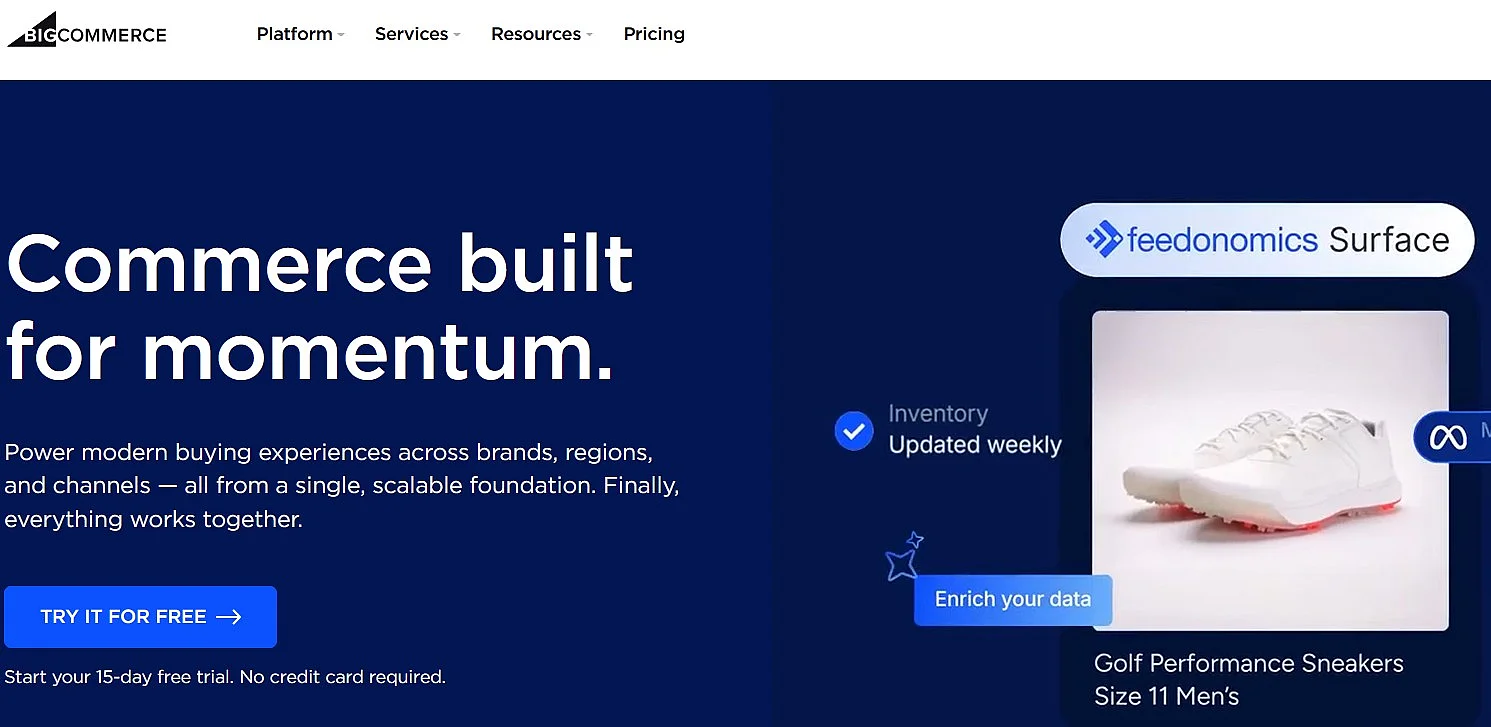
BigCommerce offers a great deal of flexibility when it comes to pricing products. Prices can be set by country and currency, which is particularly useful if you sell internationally. You can also integrate a wide range of payment service providers, giving you greater control over your online shop. In addition, BigCommerce lets you set different prices for different customer groups, making it easier to run a B2B (business-to-business) shop. You can also offer customer-specific discounts, which can be particularly useful for bulk buyers.
Interfaces (APIs) allow data to be exchanged between different systems. In e-commerce, this can be particularly useful if you also use logistics software or a CRM.
Product variants are another strength of BigCommerce. You can create hundreds of product options and assign a large number of individual stock keeping units (SKUs). This is particularly useful for products with many variants, such as clothing.
Search engine optimisation (SEO) is an important part of running a successful online shop. With the right SEO basics, you can improve your shop’s visibility over the long term. BigCommerce includes a wide range of SEO features as standard. For example, you have considerable control over the URL structure, which can help search engines understand your pages. Product images can also be optimised automatically, helping to improve the loading speed of your shop, another factor that can affect SEO.
However, BigCommerce also has some drawbacks. Its broad range of features can make the platform more complicated to use, particularly for beginners. What experienced e-commerce retailers may see as useful flexibility can quickly become overwhelming for new users. You should therefore allow for a longer learning and setup phase when choosing this Shopify alternative.
BigCommerce’s pricing structure is another factor to consider. Since June 2026, the Core and Growth packages have been linked to your gross merchandise volume (GMV) over the previous 12 months and automatically move up to the next package once you pass the limit. The Scale package uses a monthly GMV limit and charges a percentage fee on volume above it. As your business grows, this can therefore increase your costs.
Point-of-sale functionality is also less central to BigCommerce than it is to Shopify. POS features generally require integrations with third-party providers, which may make the platform less attractive to retailers that also operate brick-and-mortar shops.
| Advantages | Disadvantages |
|---|---|
| ✓ No additional transaction fees with eligible payment providers | ✗ More complicated user experience |
| ✓ Flexible pricing and B2B features | ✗ Fewer design templates |
| ✓ Extensive API integrations | ✗ Smaller app marketplace |
| ✓ Many product variants possible | ✗ Higher sales can require a more expensive package |
| ✓ Extensive SEO options | ✗ POS relies more heavily on third-party integrations |
BigCommerce performs well in several key areas as a Shopify alternative. With eligible payment providers, there are no additional transaction fees, which can be particularly valuable as a business grows. The platform also offers powerful tools for developers, including extensive API integrations and greater flexibility when configuring products and pricing. Although BigCommerce is more complex than Shopify, it is a good alternative for retailers with ambitious growth plans.
Shopware
With Shopware, one of the main Shopify alternatives comes from a German provider. One of its key strengths is its focus on data protection and support for GDPR-compliant e-commerce. The software is available either as a cloud solution, which is more similar to Shopify, or as self-hosted open-source software.
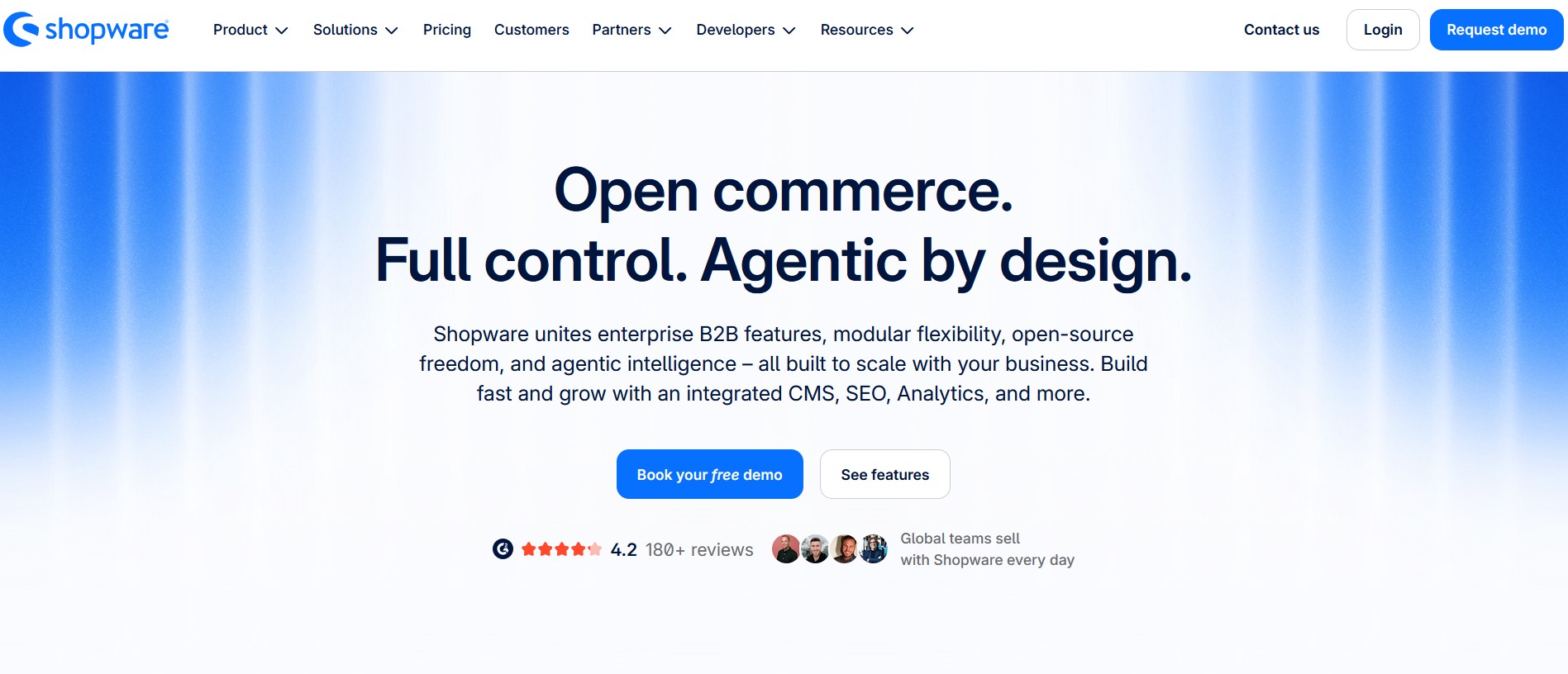
Shopware is an e-commerce platform and one of the increasingly popular Shopify alternatives, particularly in German-speaking countries. It can be used to build both small and large online shops. One of its main advantages is the open-source nature of the software, which allows users to develop their own modules, plugins and other elements. The cloud version also offers hosting in the EU, helping businesses meet GDPR requirements.
Shopware offers several pricing options. Alongside the free open-source Community Edition, there are three paid packages with different features and levels of support. Under Shopware’s Fair Usage Policy, businesses using the Community Edition with an annual gross merchandise volume (GMV) of more than €1 million must switch to a paid package to retain access to the Shopware Account and Extension Store.
The software is suitable for both B2B and B2C shops. Features such as tiered pricing, themed pages and storefront integration are available across the different packages. The paid versions also support additional sales channels, such as Instagram and shopping feeds.
New users can quickly find their way around the interface. It is simple and functional, with the most important features clearly presented. This straightforward approach also extends to the product detail pages, making the backend easy to work with.
Although the community is growing, the plugin store has a more limited selection than Shopify’s. Apps undergo a certification process before being listed, but some important functions still need to be added through paid plugins. This can include features for search engine marketing, point-of-sale integration and additional design themes. On the plus side, the certification process helps ensure the quality and compatibility of plugins and themes.
| Advantages | Disadvantages |
|---|---|
| ✓ Free open-source Community Edition available | ✗ More complicated user experience |
| ✓ Open source as standalone software | ✗ Relatively small community |
| ✓ Hosted in the EU as cloud software | ✗ Plugin store with limited selection |
| ✓ Suitable for B2B and B2C | ✗ No integrated POS (plugin available) |
| ✓ Functional interface |
Shopware is something of a hidden champion in the e-commerce sector. It is available both as self-hosted open-source software and as a cloud solution, with the latter likely to suit most retailers. The open-source Community Edition is free of charge, while the cloud plans are paid. However, Shopware is less established than some other Shopify alternatives and has a smaller community, which is reflected in the more limited selection of plugins and themes.
WooCommerce
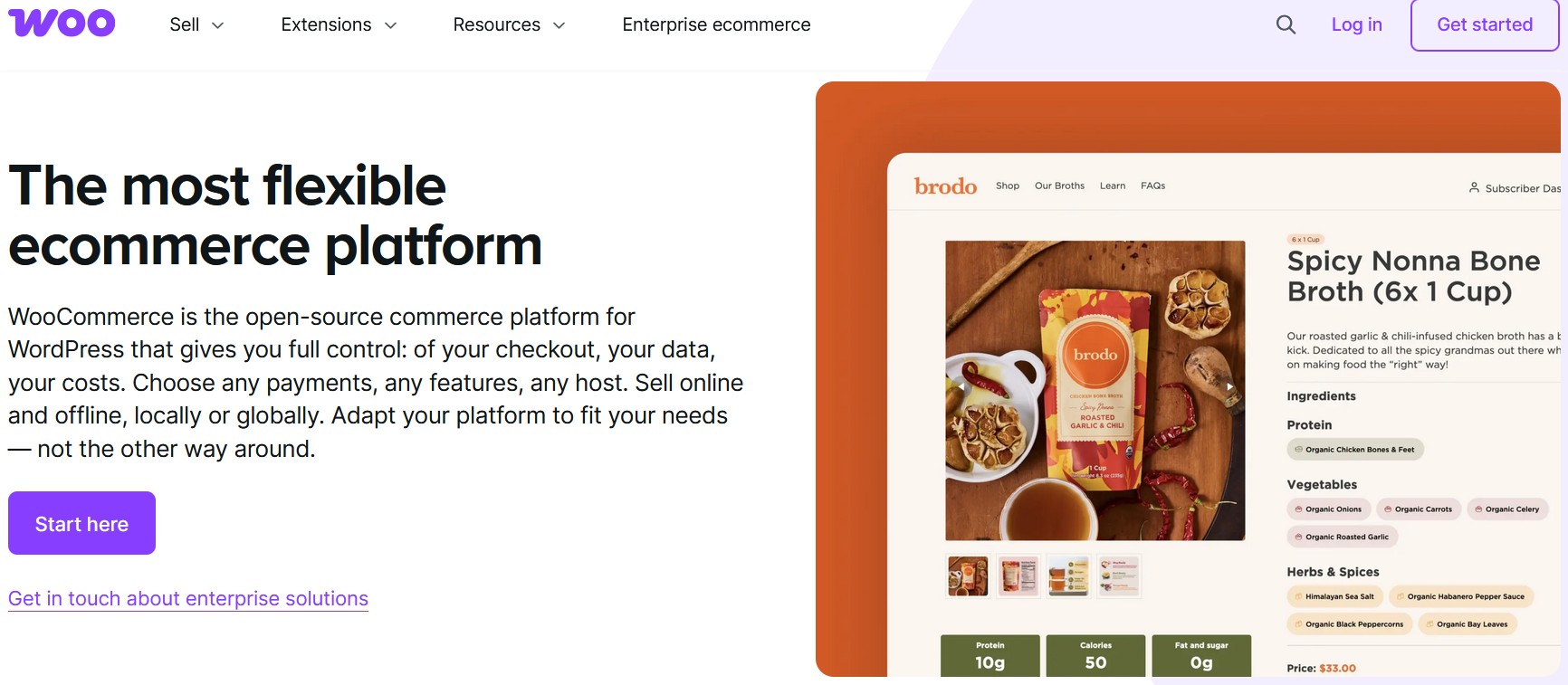
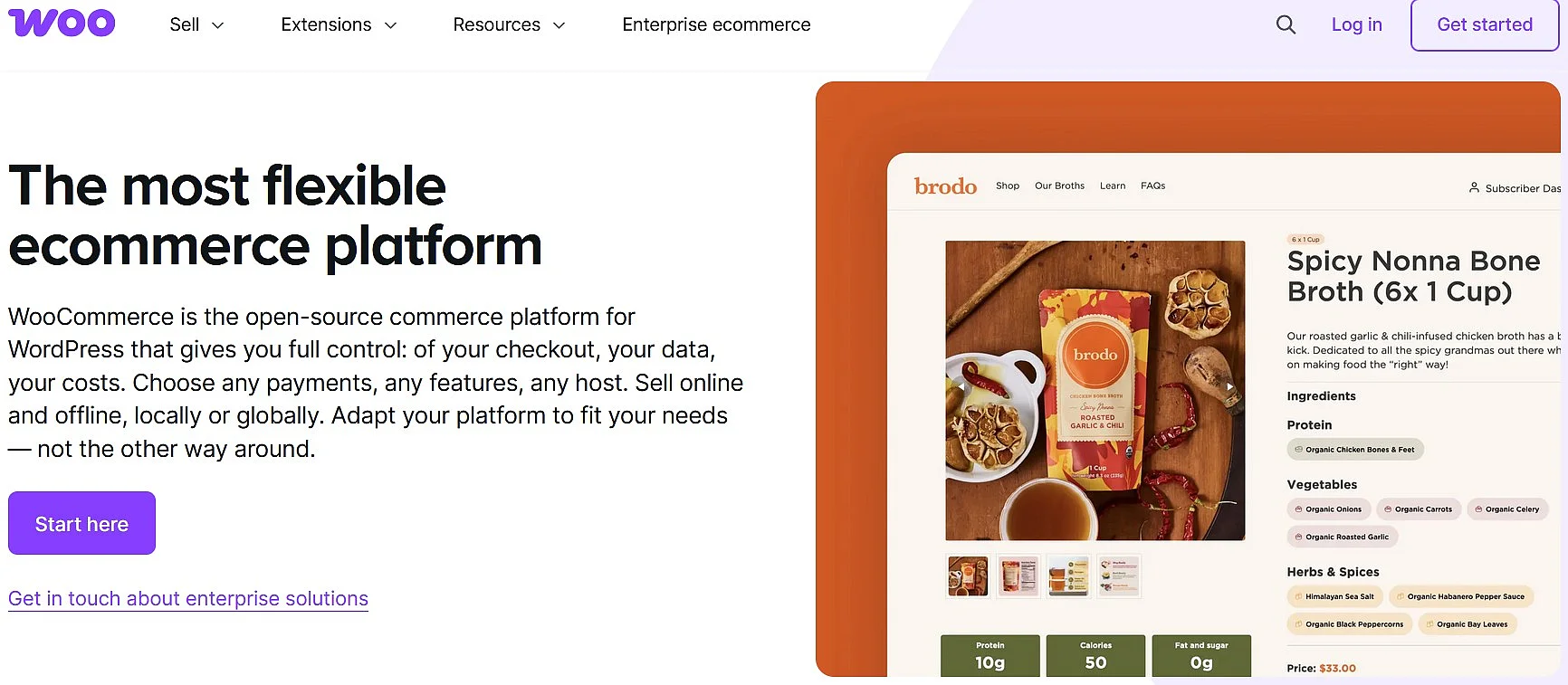
With the WooCommerce plugin, you can create an online shop with WordPress. As WordPress is one of the most widely used content management systems (CMSs), WooCommerce benefits from a large ecosystem and comes with its own advantages and disadvantages.
- Sell on social media in minutes
- Manage everything from one platform
- Works with any product or service
The biggest advantage of WooCommerce is its price, as the plugin itself is free. Unlike Shopify and many other Shopify alternatives, there is no fixed monthly fee for the software. However, costs can arise for hosting, extensions and other services.
Another advantage is that WooCommerce is open source and, thanks to its WordPress foundation, supported by a large developer community. This gives you extensive control over your online shop and allows you to adapt both its design and functionality to your needs.
With WooCommerce, you retain full control over your online shop. You are not tied to a proprietary e-commerce platform and can choose your own hosting provider, extensions and technical setup. You also have full control over your website and can use its traffic for your own marketing activities.
If you have a business idea that is difficult to implement with standard e-commerce software, WooCommerce can be a good Shopify alternative. It gives you the flexibility to implement your own ideas, including subscription models and members-only areas.
However, some basic functions require additional extensions. Features that are already included with Shopify may need to be added separately in WooCommerce, sometimes at an additional cost.
This can also make the technical setup more demanding. The quality and compatibility of third-party extensions can vary, so technical knowledge may be required to resolve problems yourself or you may need professional support.
Using a large number of plugins can create another challenge, as updates may occasionally cause compatibility issues. Since plugins can interact with one another, a problem with one extension can affect other parts of the shop, including the checkout process.
| Advantages | Disadvantages |
|---|---|
| ✓ Core plugin is free | ✗ Plugin updates can cause compatibility issues |
| ✓ Open source with a large community | ✗ Some functions require additional extensions |
| ✓ Full control over the online shop | ✗ Technical issues may require specialist knowledge |
| ✓ Highly flexible and customisable |
WooCommerce is one of the most popular solutions for online shops, and for good reason. The initial costs are low, and because it is built on WordPress, it benefits from the ecosystem of the world’s most widely used content management system. WooCommerce also offers considerable flexibility when it comes to implementing your own ideas.
However, this freedom comes with challenges. WooCommerce and the additional plugins you use are not part of a single standardised system, so compatibility and technical issues can arise. If problems occur, you may need sufficient technical knowledge or professional support to keep your shop running smoothly. As some functions require additional plugins, managing extensions and updates is an important consideration when choosing this Shopify alternative.