Which WooCommerce dropshipping plugins are best for your online shop?

With the right WooCommerce dropshipping plugins, you can import products, automate sending orders to suppliers, and keep inventory synced at all times. In this guide, we show how WooCommerce dropshipping works and which extensions are best suited for it.
Key Takeaways
The best WooCommerce dropshipping plugins at a glance:
- WooCommerce Dropshipping Plugin (OPMC): supplier management and automatic order forwarding, CSV import
- WooDropship: AliExpress import via Chrome extension, one-time payment
- DropshipMe: curated AliExpress products, but no automated order processing
- AliDropship: AliExpress import, pricing rules and automated fulfilment
- Spocket: EU and U.S. suppliers with automatic inventory and price sync
What is WooCommerce dropshipping?
Dropshipping is a business model that allows companies to operate without their own warehousing or shipping logistics, and without having to stock products or employ dedicated staff for fulfilment.
Anyone who wants to start an online store with WooCommerce will quickly notice that dropshipping features are not included by default. Fortunately, there are numerous WooCommerce dropshipping plugins that can be installed in just a few steps. These practical extensions connect your store to marketplaces offering the best dropshipping products, import items directly into your product catalogue, and synchronise ordering and shipping processes automatically.
If you are new to the business, this setup makes it easy to start dropshipping and enter the world of online retail using the popular WooCommerce store system.
What makes a good WooCommerce dropshipping plugin?
- Product import in WooCommerce: Dropshipping plugins let you import products directly from marketplaces like AliExpress or from vetted suppliers. This saves you from manually creating products in WooCommerce and provides optimised listing data—sometimes even with prewritten product copy and customer reviews.
- Automatic pricing and margin control: Many dropshipping plugins offer pricing formulas or margin rules. This means pricing logic doesn’t have to be maintained manually, helping you ensure consistent profit margins across your entire WooCommerce store.
- Orders in the WooCommerce checkout: Depending on the plugin, businesses don’t have to pass order data on to suppliers themselves, making the ordering process leaner and less error-prone. A WooCommerce dropshipping plugin can automatically forward a wide range of information.
- Supplier fulfilment and tracking sync: Some plugins automatically write the tracking number back to the WooCommerce order, and customers automatically receive notifications with their shipment status.
- Automatic inventory and price updates in WooCommerce: Good WooCommerce dropshipping plugins continuously monitor supplier data such as inventory and price changes, availability, and delivery times.
Overview of WooCommerce dropshipping plugins
Which plugins are best suited for WooCommerce dropshipping depends on which target audiences you want to reach and which products you want to source from dropshipping suppliers.
| Main feature | WooCommerce benefit | |
|---|---|---|
| WooCommerce Dropshipping Plugin (OPMC) | AliExpress, Amazon, and custom marketplaces (CSV import), supplier management | Does not require an external dashboard, works with WooCommerce order logic |
| WooDropship | AliExpress import | Simple import directly from Chrome into the WooCommerce product structure |
| DropshipMe | Import and optimisation of selected dropshipping products incl. customer reviews | Quickly fills the WooCommerce catalogue with high-quality product data |
| AliDropship | AliExpress import and automated fulfilment | Direct integration into WooCommerce variations, pricing rules, auto-fulfilment |
| Spocket | EU/U.S. suppliers with automated order processing | Automatic inventory and price sync with WooCommerce |
WooCommerce dropshipping plugins in detail
WooCommerce Dropshipping Plugin (OPMC)
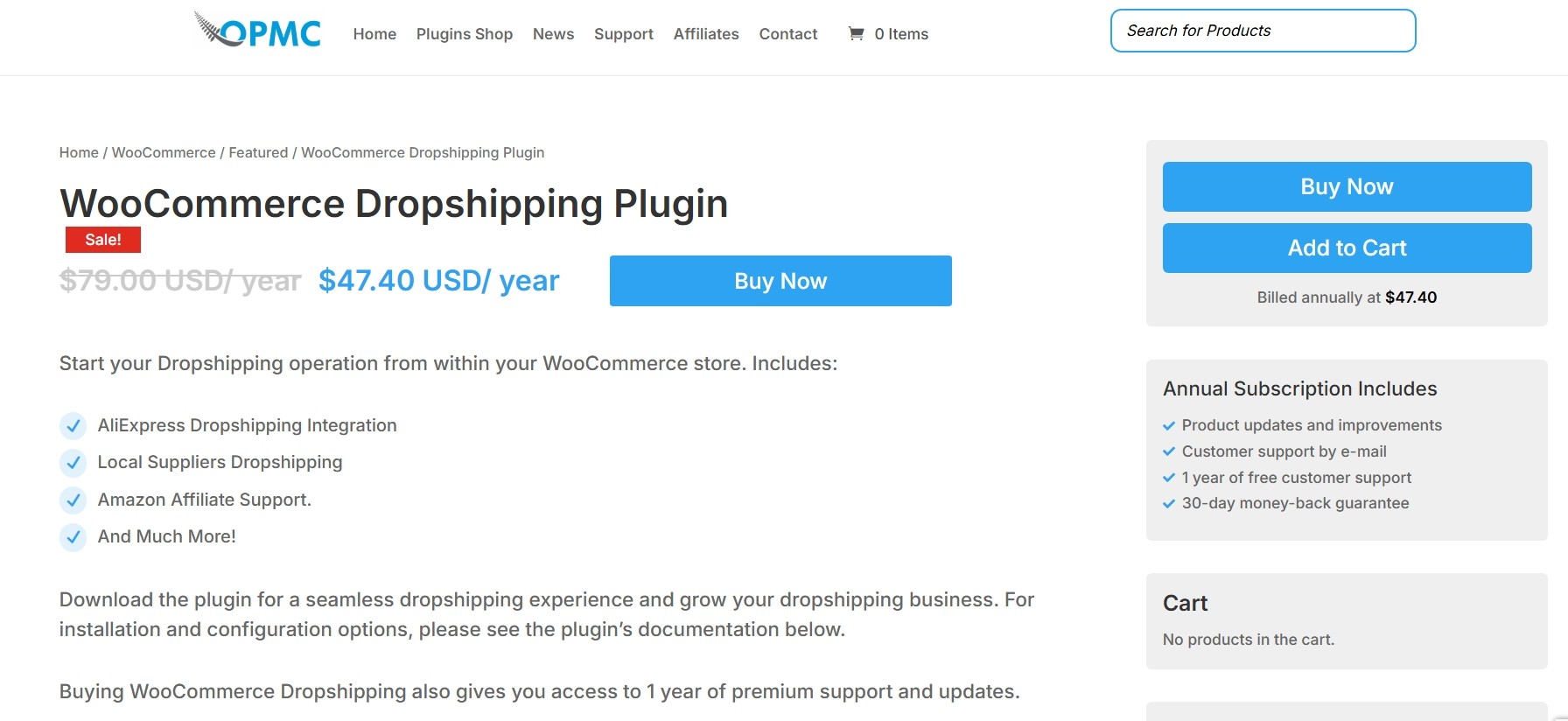
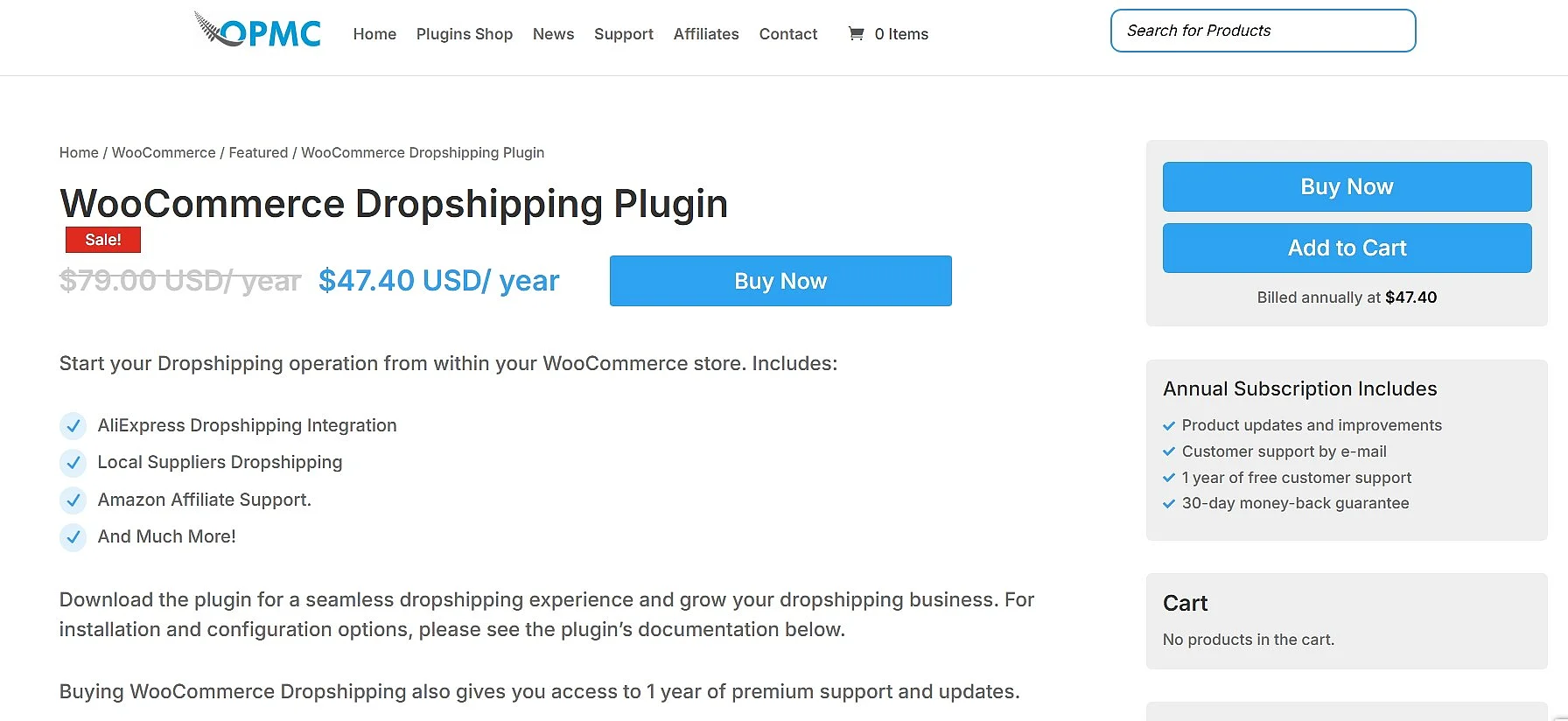
WooCommerce Dropshipping Plugin by OPMC stands out in particular for its strong supplier management. The extension makes it possible to assign products to suppliers, clearly defining who fulfils which order. As soon as a customer places an order, the plugin automatically generates notifications and packing slips that are sent directly to the supplier. This eliminates the need to manually forward order data, noticeably streamlining the process.
It also makes it possible to import or offer products from AliExpress, Amazon, and others in your own product list. However, the OPMC plugin integration also works independently of major marketplaces. Product lists from other suppliers can be imported and expanded via CSV files. This makes this plugin especially suitable for companies that work with individual, specialised partners.
Another key strength of the plugin is its flexibility in order processing and automation. The plugin for WooCommerce dropshipping supports automated email notifications and offers additional features such as automatic inventory updates and custom supplier profiles. Companies retain full control over prices, margins, and product data at all times, without having to rely on external marketplaces. This independence makes the plugin especially attractive for stores that want to build professional, stable supply chains for the long term.
| Advantages | Disadvantages |
|---|---|
| ✓ Import from various online marketplaces as well as local and nationwide retailers | ✗ Single-site licence is relatively expensive for one year |
| ✓ Automatic forwarding of order data, packing slips, and shipping processing | ✗ Amazon integration is not a true dropshipping import, but affiliate-based |
WooDropship
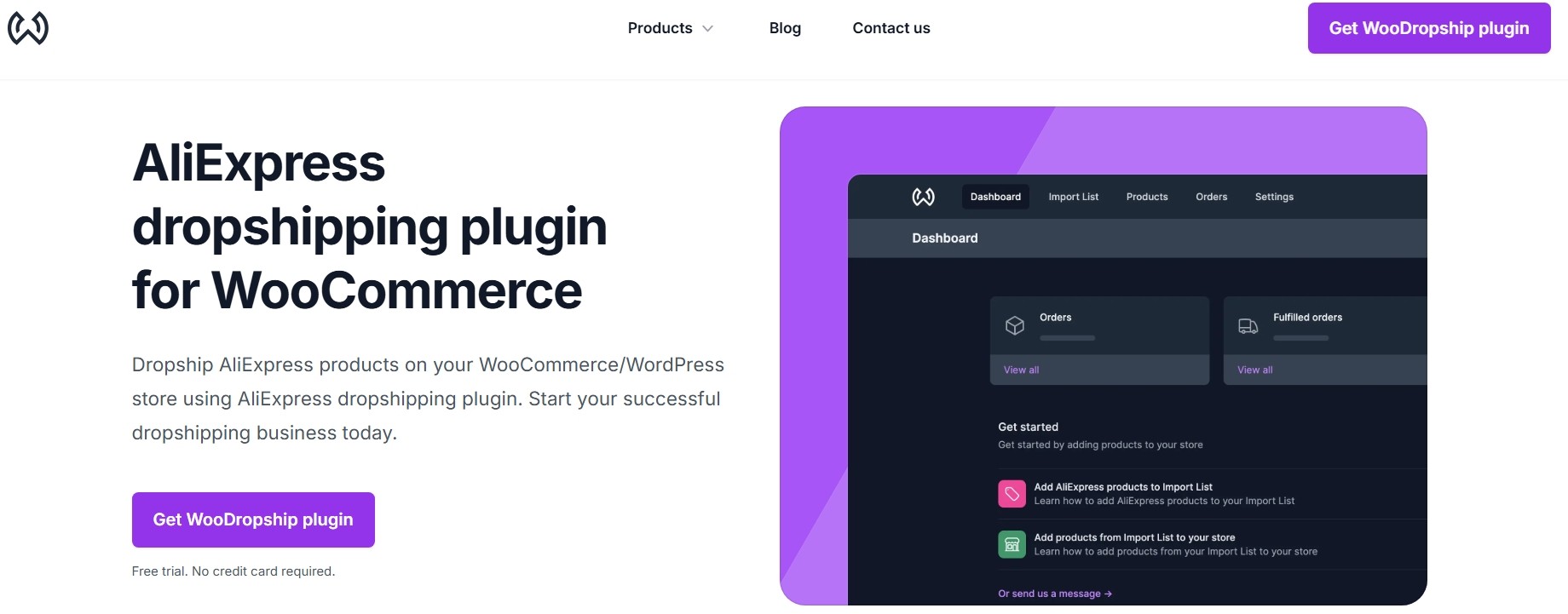
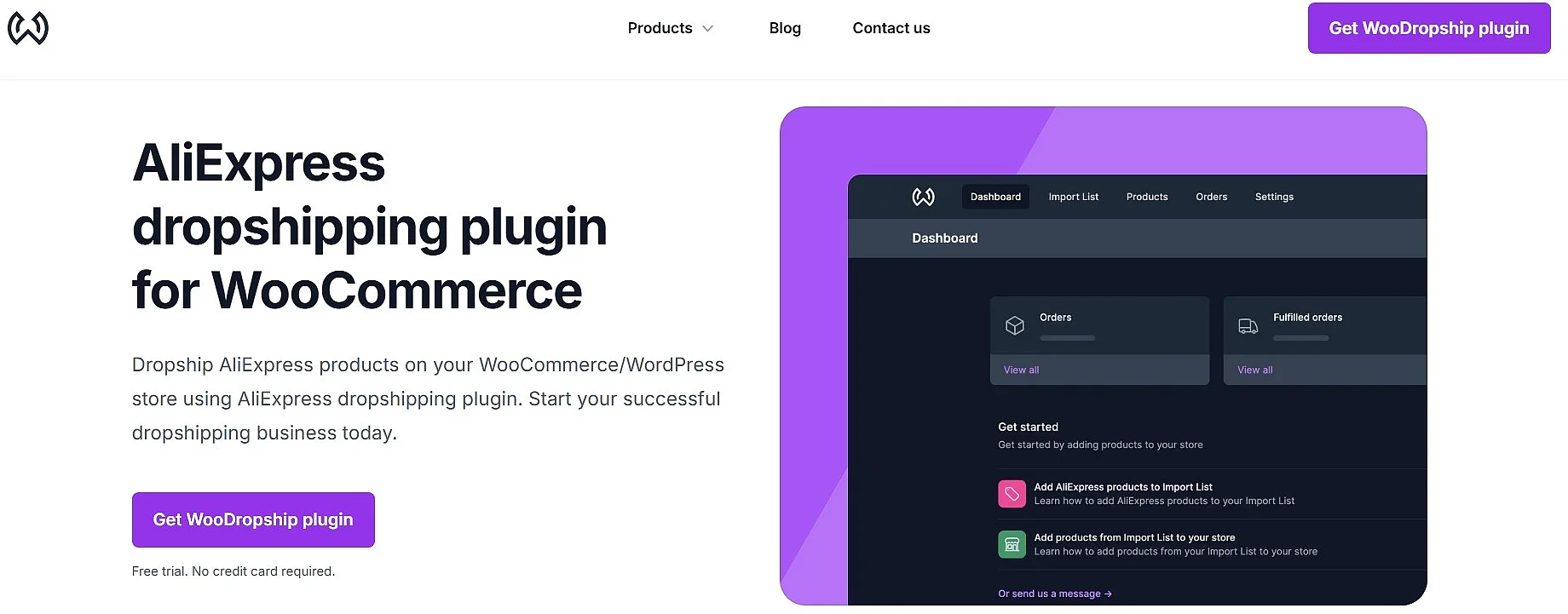
The WooDropship plugin enables WooCommerce merchants to import products from the AliExpress marketplace directly into their own store and automatically keep inventory levels up to date. Product imports are handled via the included Google Chrome extension. Prices are adjusted automatically based on predefined rules and synchronised with supplier data. Product images can also be imported, edited, and published without the AliExpress watermark.
| Advantages | Disadvantages |
|---|---|
| ✓ Import AliExpress products via Google Chrome extension | ✗ Limited to AliExpress dropshipping |
| ✓ Automatic or customised price adjustment | |
| ✓ Easy editing of product images | |
| ✓ One-time payment enables lifetime use of the plugin |
When dropshipping to customers in the Republic of Ireland from marketplaces outside the EU — such as AliExpress — merchants may face longer delivery times, customs procedures, and additional costs. Under EU VAT rules, the Import One-Stop Shop (IOSS) system applies to goods valued at €150 or less, meaning VAT is usually collected at checkout and remitted by the seller or marketplace. In addition, since 1 July 2026 the EU has charged a flat customs duty of €3 per item category on these low-value parcels. For goods above €150, import VAT and regular customs duties are charged upon entry into Ireland. While dropshipping plugins can support product imports and inventory updates, they do not handle VAT compliance, customs declarations, or import duties, so merchants remain responsible for meeting EU and Irish tax and customs obligations.
DropshipMe
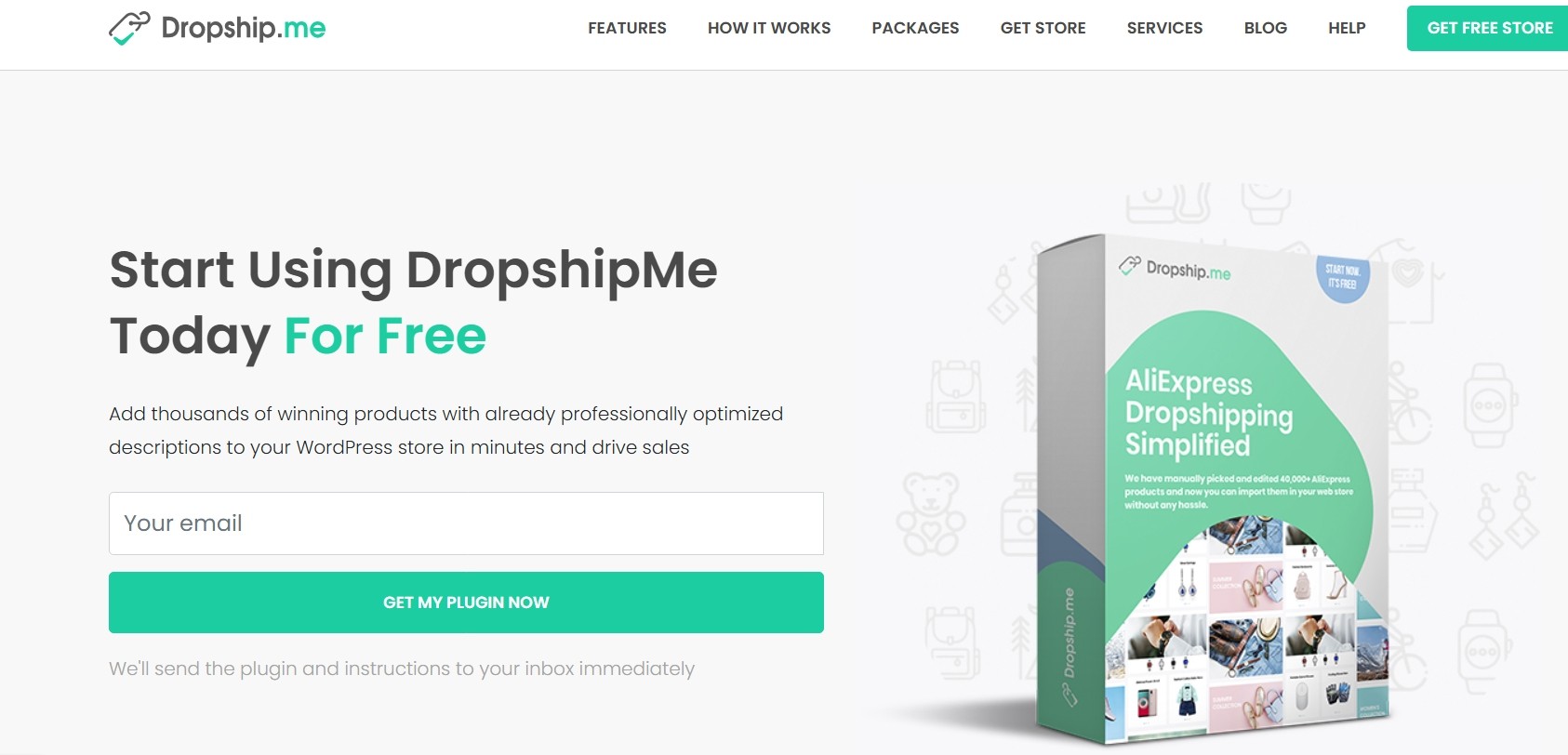
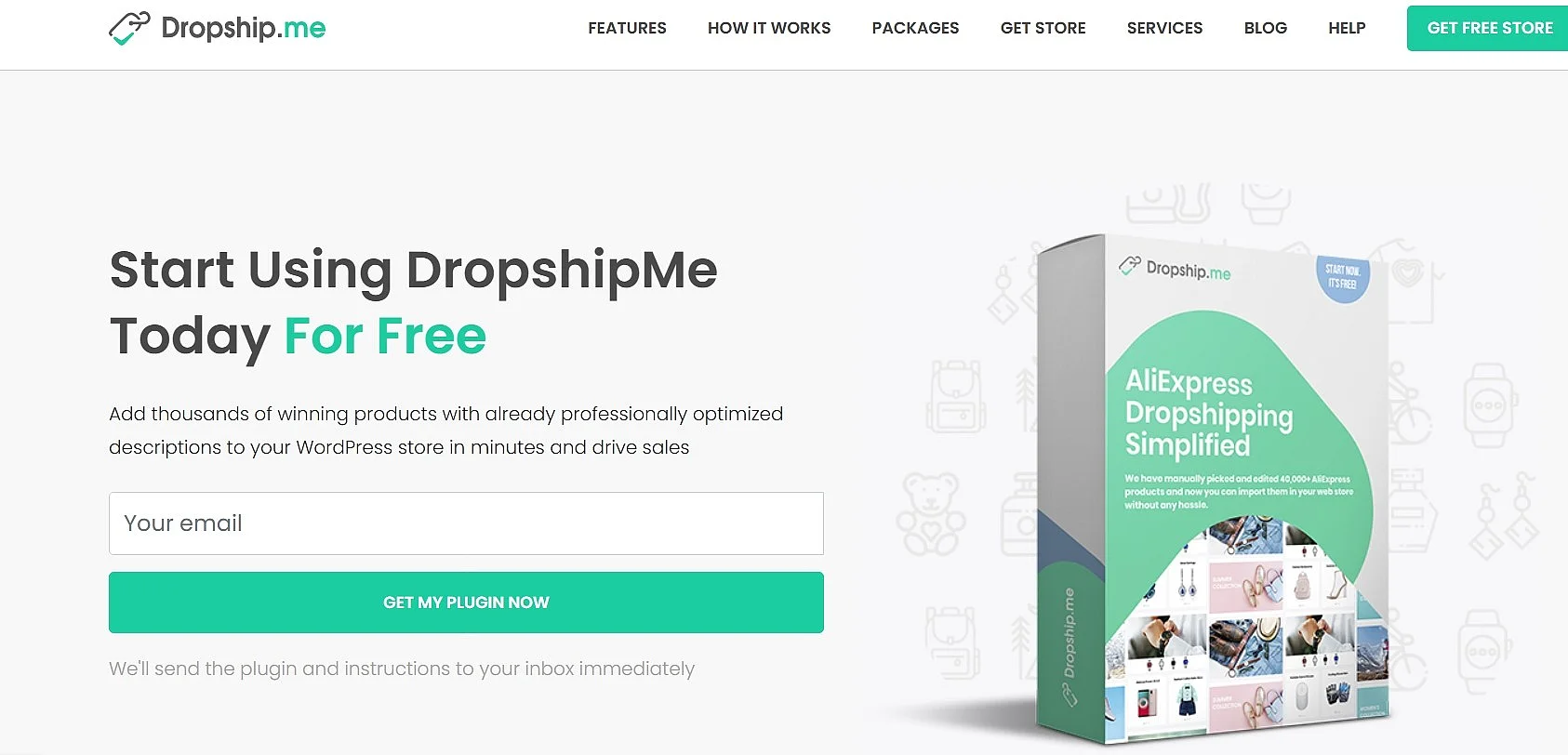
DropshipMe is a WordPress plugin for WooCommerce dropshipping that integrates directly into an existing WordPress installation. With this solution, you can select pre-curated dropshipping products from the AliExpress ecosystem directly in the WordPress dashboard and import them into your store. The plugin provides prepared product images, titles, and descriptions and optionally allows you to import selected customer reviews from AliExpress. DropshipMe is limited to product selection and import and does not offer features for automatic order processing, inventory, or price synchronisation.
| Advantages | Disadvantages |
|---|---|
| ✓ One-click import and fast listing of pre-optimised AliExpress products | ✗ Sourcing limited to AliExpress products |
| ✓ Pre-optimised product database | ✗ Product information is regularly revised by DropshipMe, but must be updated manually in your own shop |
| ✓ Reliable, vetted supplier list | |
| ✓ Payment based on product quota with permanent access to the DropshipMe database instead of a subscription |
AliDropship
The AliDropship plugin is a WordPress/WooCommerce dropshipping solution that lets you easily import products from AliExpress into your own online store using a Google Chrome extension. Once items are added, inventory levels and pricing are kept in sync automatically with AliExpress supplier data, and you can define pricing formulas to ensure your desired profit margins are maintained. AliDropship also simplifies order and shipping management and helps keep customers informed about the status of their deliveries by automating order data and tracking information.


| Advantages | Disadvantages |
|---|---|
| ✓ Automatic one-click import from the AliExpress marketplace via Chrome extension | ✗ Limited to the AliExpress marketplace |
| ✓ Synchronisation and updates for product listings | |
| ✓ Unlimited products/orders | |
| ✓ Extensive pricing configurations with flexible markup rules |
Spocket
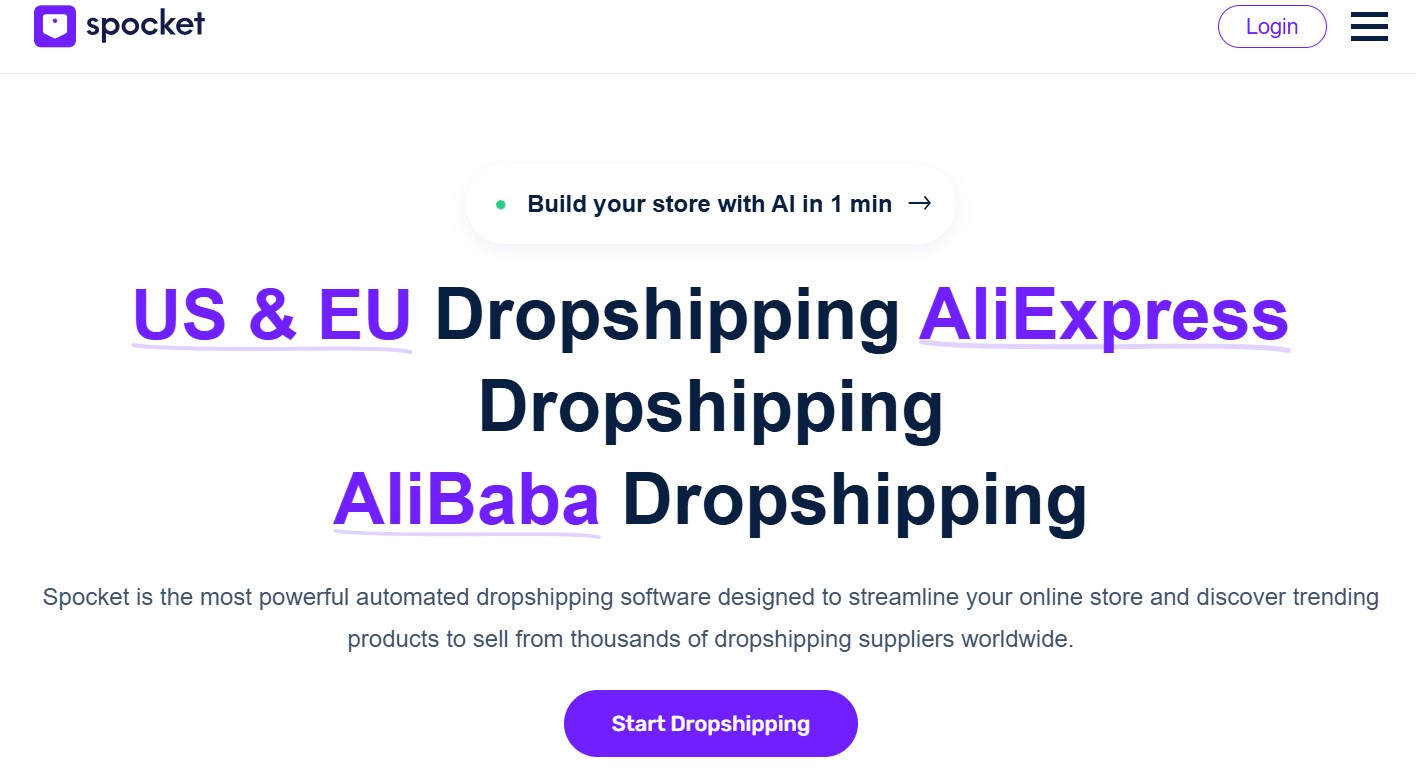
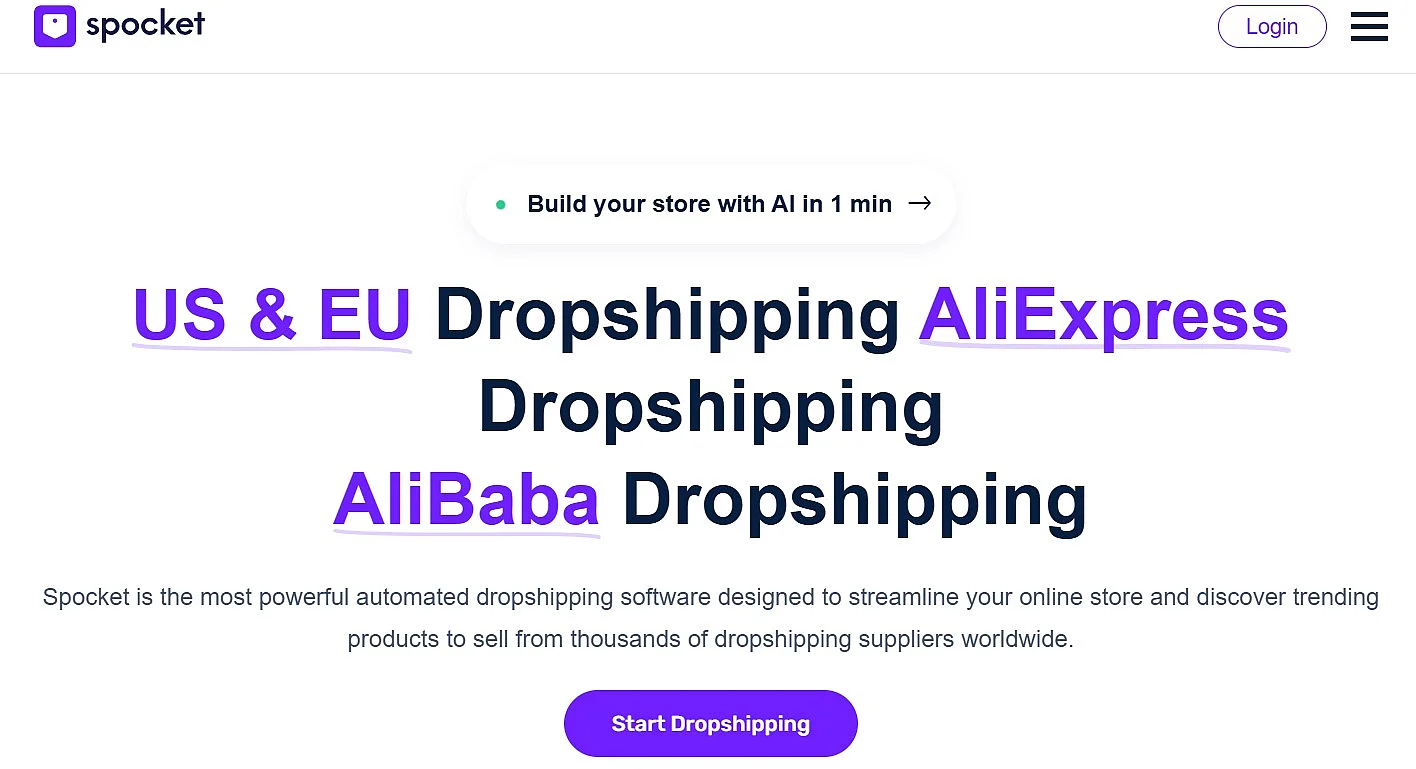
Spocket primarily offers products from dropshipping suppliers in the EU and the USA. Import and integration follow the one-click principle. Since Spocket typically sells at wholesale prices, businesses often receive a discount for larger order volumes. Another advantage is branded invoicing meaning that invoices can be customised with your store branding, which supports a professional brand perception.
| Advantages | Disadvantages |
|---|---|
| ✓ Import from suppliers and providers in the EU and the USA | ✗ Primarily for importing from U.S. and European marketplaces |
| ✓ Access to competitive wholesale pricing from many U.S./EU suppliers | ✗ Higher costs for plans with large product limits and advanced features |
| ✓ Easy importing and automated order processing | |
| ✓ Free version available for seven days |
Feature overview comparing the plugins
| Plugin | Sourcing | Auto Ordering | Inventory/Price Sync | Pricing Rules | Chrome Ext. | EU/U.S. Suppliers |
|---|---|---|---|---|---|---|
| OPMC (WooCommerce Dropshipping) | AliExpress, CSV, individual suppliers | ✓ | ✓ | ✓ | ✗ | depends on source |
| WooDropship | AliExpress | ✓ (partial) | ✓ | ✓ | ✓ | ✗ |
| DropshipMe | AliExpress (curated products) | ✗ | ✗ | ✗ | ✗ | ✗ |
| AliDropship | AliExpress | ✓ | ✓ | ✓ | ✓ | ✗ |
| Spocket | EU/U.S. suppliers | ✓ | ✓ | ✓ | ✗ | ✓ |
How to add WooCommerce dropshipping plugins
Once you’ve decided on a suitable plugin, you just need to add it to your WooCommerce store. You have two options for this:
Option 1: Install in the WordPress Dashboard
- Log in to the WordPress dashboard and go to ‘Plugins’ > ‘Add New Plugin’.
- Enter the name of the WooCommerce dropshipping plugin you want in the search field.
- For the right plugin, click ‘Install Now’ and then ‘Activate’.
After activation, the dropshipping plugin will appear in the WooCommerce menu, for example under ‘WooCommerce’, ‘Settings’, and ‘Dropshipping’. There you connect your store to the relevant marketplaces such as AliExpress.
Option 2: Upload the Plugin as a ZIP File
- Purchase the plugin from the provider if necessary and save the downloaded ZIP file to your computer.
- In the WordPress dashboard, open ‘Plugins’, then go to ‘Add New Plugin’, and click ‘Upload Plugin’ at the top.
- Select the ZIP file via ‘Choose File’ and click ‘Install Now’.
- Then click ‘Activate’ to use the plugin in your WooCommerce store.