What is a thumbnail? Small images with great power

Similar to how a package image in retail can encourage a purchase, a thumbnail on the internet creates the first impression of images, videos, or other web content. A well-crafted thumbnail image sparks curiosity and leads to more clicks.
What is a thumbnail?
A thumbnail is a smaller preview image designed to give a quick visual impression of the content, whether it’s a video, image, or article. Thumbnail images are commonly used across the internet, including in online shops, where they help display multiple products in an organised way. Clicking on the thumbnail directs you to the original file or product page.
The biggest advantage of thumbnails is the reduced file size. When a large number of image or video contents are initially loaded as small preview images, it noticeably improves the website’s loading time. Users can then decide which content they want to view in full size. Additional advantages include:
- Space-saving: Thumbnails provide a quick overview of many contents in a small area.
- User-friendliness: The brain processes images faster than text, so thumbnail images support intuitive navigation.
- Interactivity: Attractive preview images encourage users to click on content (click-through rate) and interact with the page.
Where are thumbnails used?
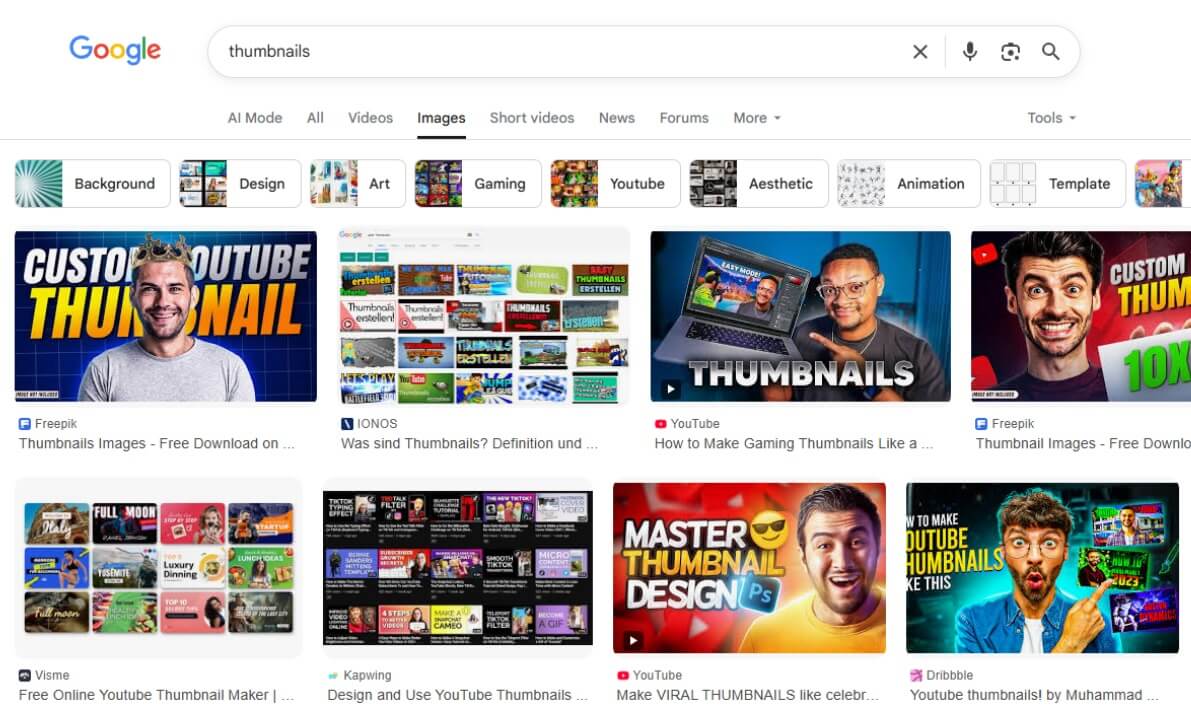
Thumbnail images can be found all over the web—such as on YouTube, in Google Image Search, in social media feeds, or in online shops. However, their design and style vary significantly depending on the platform and purpose. While they primarily serve as neutral product images on Amazon, YouTube thumbnails often resemble small ‘billboards’ that visually tease the content and capture attention.
YouTube thumbnails
With the intense competition on YouTube, it’s essential for the thumbnail to capture attention within seconds to improve key KPIs like the click-through rate (CTR). Many creators on the platform use emotional facial expressions, graphic elements like arrows or circles, and strong contrasts to make their thumbnails stand out from the crowd. Consistent branding is also key, achieved through uniform colours, a recurring layout, or featuring the same people.


Thumbnails in Google Image Search
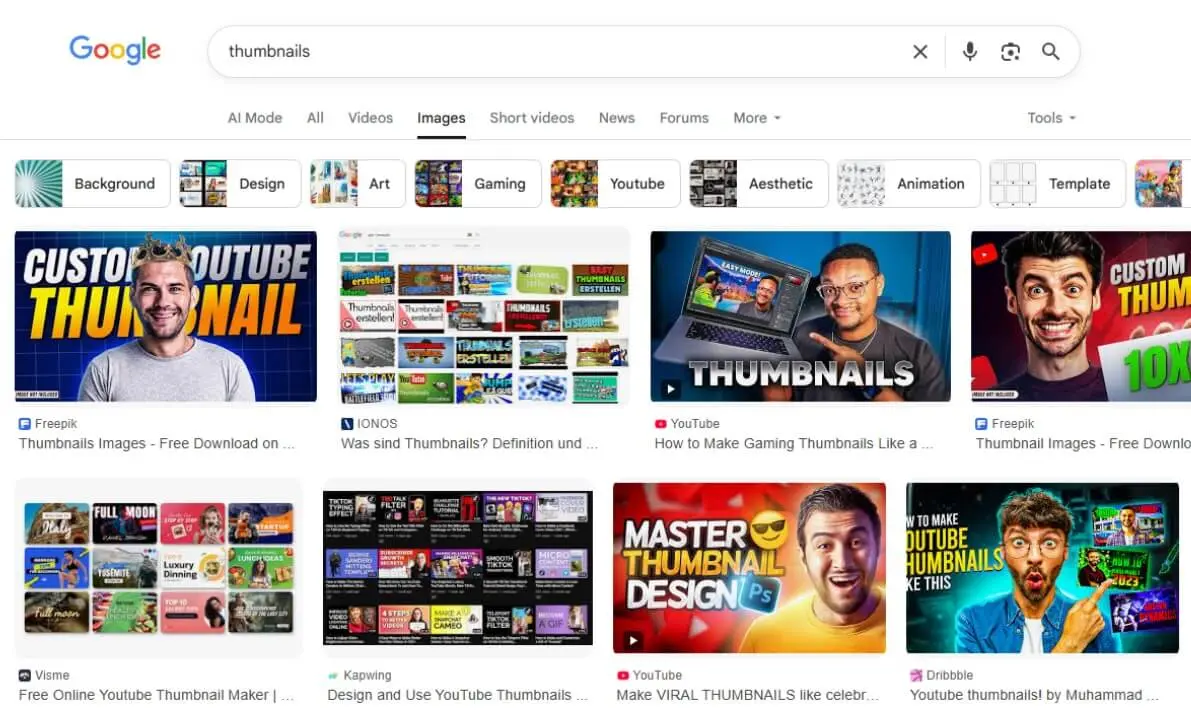
To display a large number of results to users simultaneously, Google uses thumbnails in its image search instead of high-resolution original images. These are linked preview images that belong to websites. If YouTube videos are also listed in the search results, Google uses the corresponding video thumbnail as a preview. Thumbnail images also play a central role in ‘Google Discover’ for the click probability of an article.
Thumbnails in online shopping
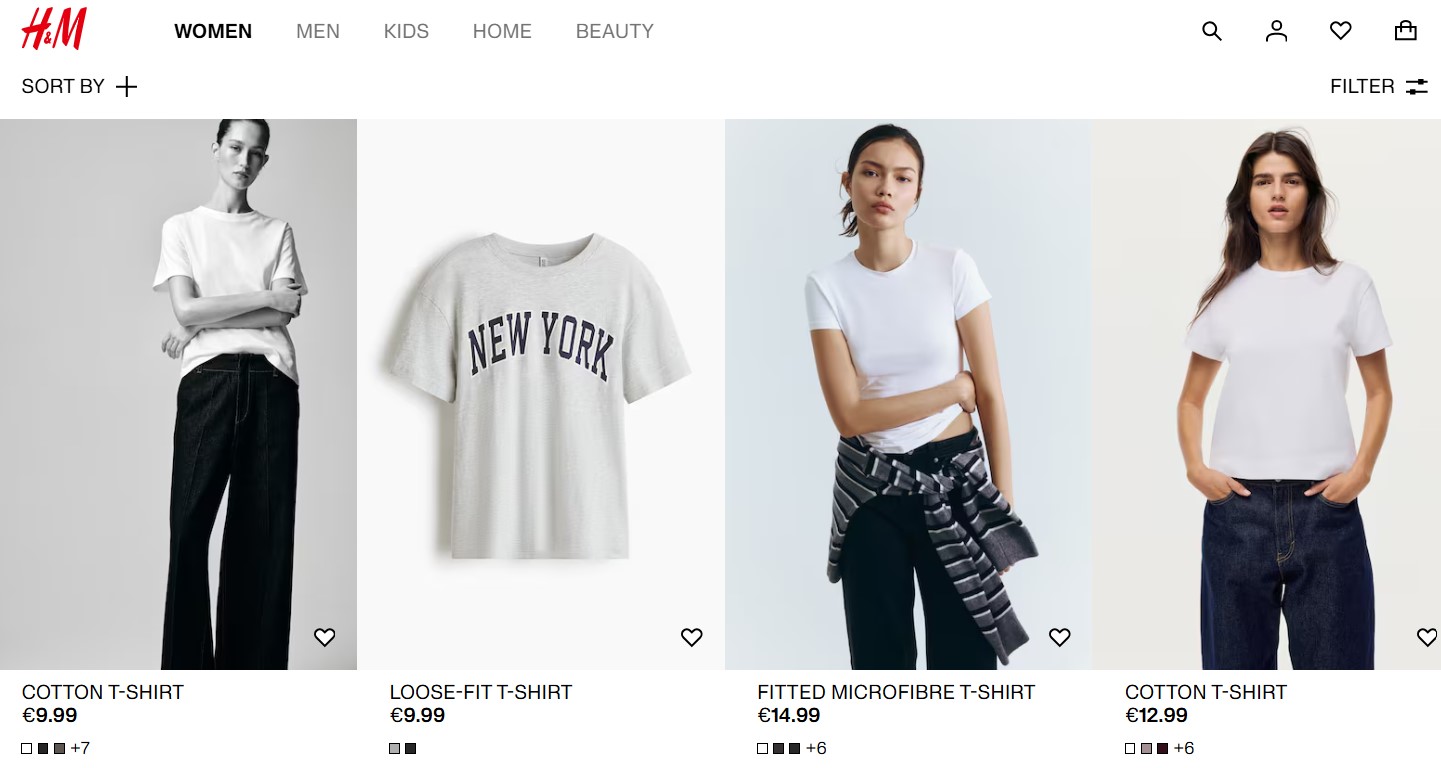
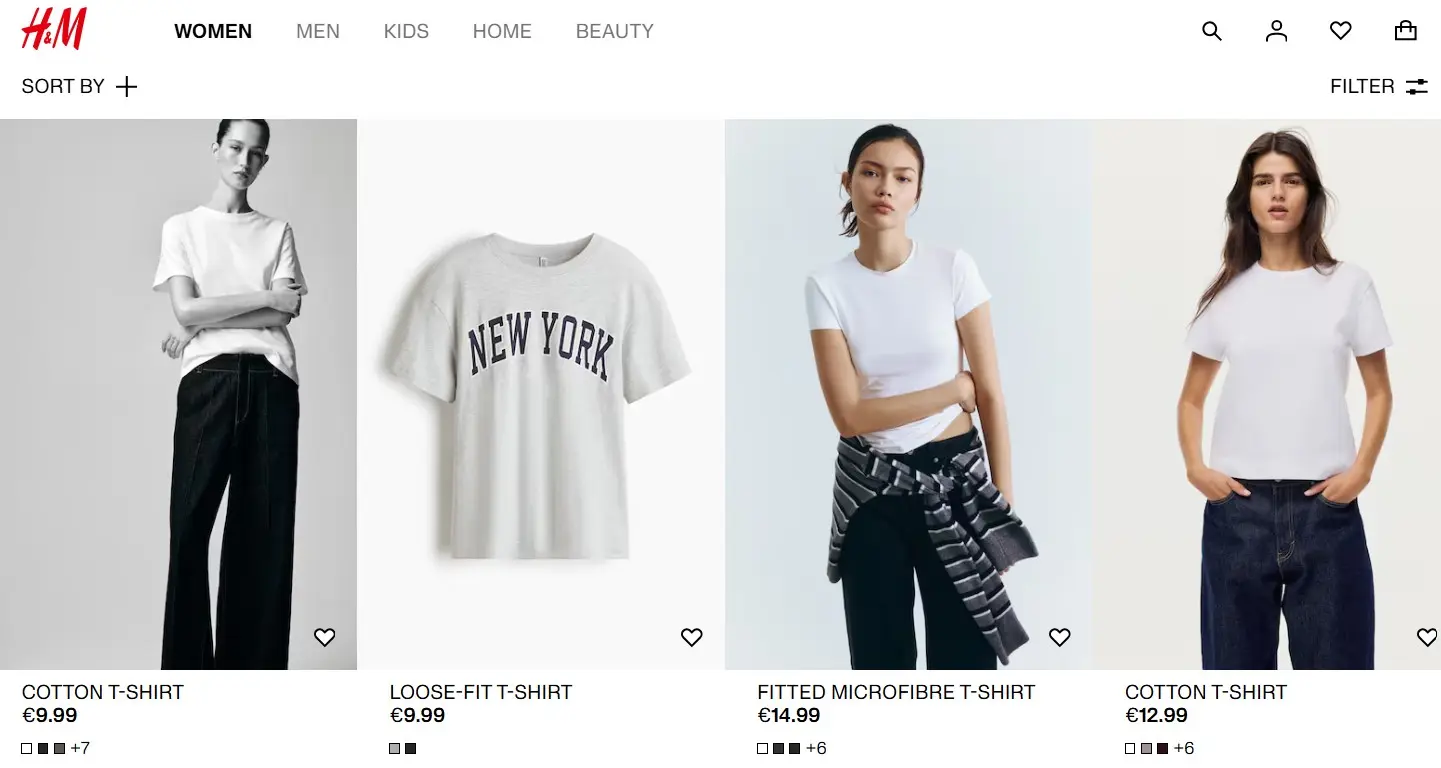
In online stores, preview images often display a neutral view of the product against a white background (cutout), without elaborate staging. In fashion stores, models often appear in a neutral pose on thumbnails; aesthetically pleasing perspectives and detail shots are shown only on the product detail page.
Many stores now automatically provide more interactivity through modern shop systems. For example, when you hover over the thumbnail (mouseover), you can often browse through additional views or display alternative colours without leaving the page. This makes product research significantly faster and more user-friendly.
Common sizes for thumbnails
Depending on the website, the purpose and therefore the optimal size of thumbnail images can vary. Here are common guidelines (as of 2025):
- Google Search / Discover: Google recommends images that are at least 1,200 pixels wide for optimal display in Discover and Search. While smaller images (starting at 300 pixels) do work, larger images are often displayed more attractively (e.g., as a large card format).
- Amazon: Amazon requires a minimum width of 500 pixels on the longest side. However, it is recommended to use 1,000 to 1,600 pixels on the longest side. This size activates the ‘zoom feature’ on the product page, which is crucial for conversions.
- YouTube: Thumbnails on YouTube are displayed in a 16:9 format. The optimal size is 1,280 x 720 pixels (minimum width 640 pixels). File sizes should ideally remain under 2 MB.
- Pinterest: Pinterest is a vertical search engine. Ideal images have a 2:3 aspect ratio, such as 1,000 x 1,500 pixels. Deviating formats are often cropped or less favoured in the feed.
Legal situation for thumbnails
In the Republic of Ireland, thumbnails of copyrighted images fall under the Copyright and Related Rights Act 2000, which protects them similarly to full-size originals, requiring permission or a valid exception to avoid infringement claims. Unlike the US fair use doctrine, Irish law provides narrower fair dealing exceptions for criticism, review, research, or news reporting, but thumbnails used for general website previews, blogs, or decoration typically do not qualify unless genuinely transformative and non-commercial. To minimise risks, use self-created images, public domain works, Creative Commons-licensed content with attribution, obtain explicit permissions, or embed via links to originals rather than hosting copies yourself.