Which is the best CaaS provider? Container as a Service comparison

Container as a Service provides hosted container platforms as complete cloud-based solutions. We explain what this CaaS model involves, present four of the most popular CaaS platforms, and show how businesses can use cloud-based container services.
Key Takeaways
Container as a Service (CaaS) provides complete container environments as a hosted cloud service – including orchestration, an image registry, and cluster management.
- CaaS is a cloud service model for container-based virtualisation. It sits between IaaS and PaaS but uses a different virtualisation approach.
- Container services run applications together with all their dependencies as isolated instances at operating system level, making them portable across systems.
- At the core of every CaaS platform is an orchestration tool that distributes, groups, and scales containers and handles load balancing and service discovery.
- Before choosing a provider, check the orchestration tools, cluster management, network and storage functions, private registry, and billing model.
- We present four platforms: IONOS Cloud Managed Kubernetes, Amazon Elastic Container Service, Google Kubernetes Engine, and Microsoft Azure Kubernetes Service – each with its own advantages and disadvantages.
What is CaaS?
CaaS, short for Container as a Service, is a business model in which cloud computing providers offer platforms for container-based virtualisation as a scalable online service. This allows businesses to use container services without having to provide the underlying infrastructure themselves. The term is a marketing label based on other cloud service models such as Infrastructure as a Service (IaaS), Platform as a Service (PaaS), and Software as a Service (SaaS).
What are container services?
The term container service refers to a cloud computing service that allows users to develop, test, run, or distribute software in application containers across IT infrastructures. The concept comes from the Linux environment and enables virtualisation at operating system level. Individual applications run as isolated instances that include all required dependencies, such as libraries and configuration files. This allows several applications with different requirements to run in parallel on the same operating system and makes deployment across different systems easier.
CaaS usually provides a complete container environment with orchestration tools, an image catalogue, also known as a registry, cluster management software, and a set of developer tools and APIs.
How does CaaS differ from other cloud services?
Companies and private users can use cloud computing instead of providing IT resources on their own premises (on-premises). Alongside CaaS, three other service models are especially common:
- IaaS: Infrastructure as a Service provides virtual hardware resources such as computing power, storage space, and network capacity. IaaS providers deliver these basic IT infrastructure components as virtual machines (VMs) or Virtual Local Area Networks (VLANs).
- PaaS: The middle layer of the cloud computing model is known as Platform as a Service. With PaaS, cloud providers make programming platforms and development environments available over the Internet. PaaS builds on IaaS.
- SaaS: The top layer of the cloud computing model is the application layer. Software as a Service refers to application software provided over the internet. In this model, the software does not run on the customer’s hardware, but on the provider’s servers.
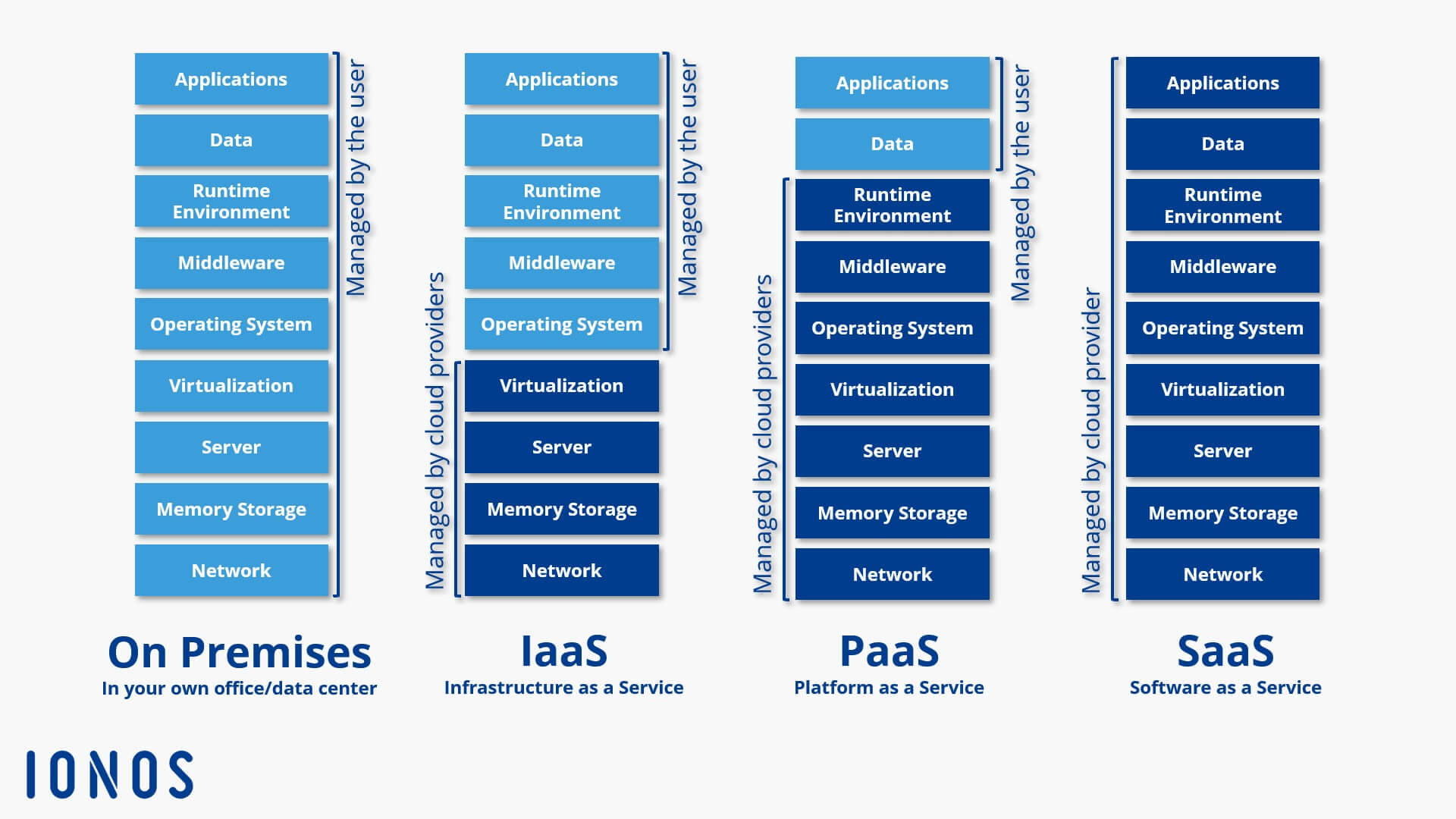
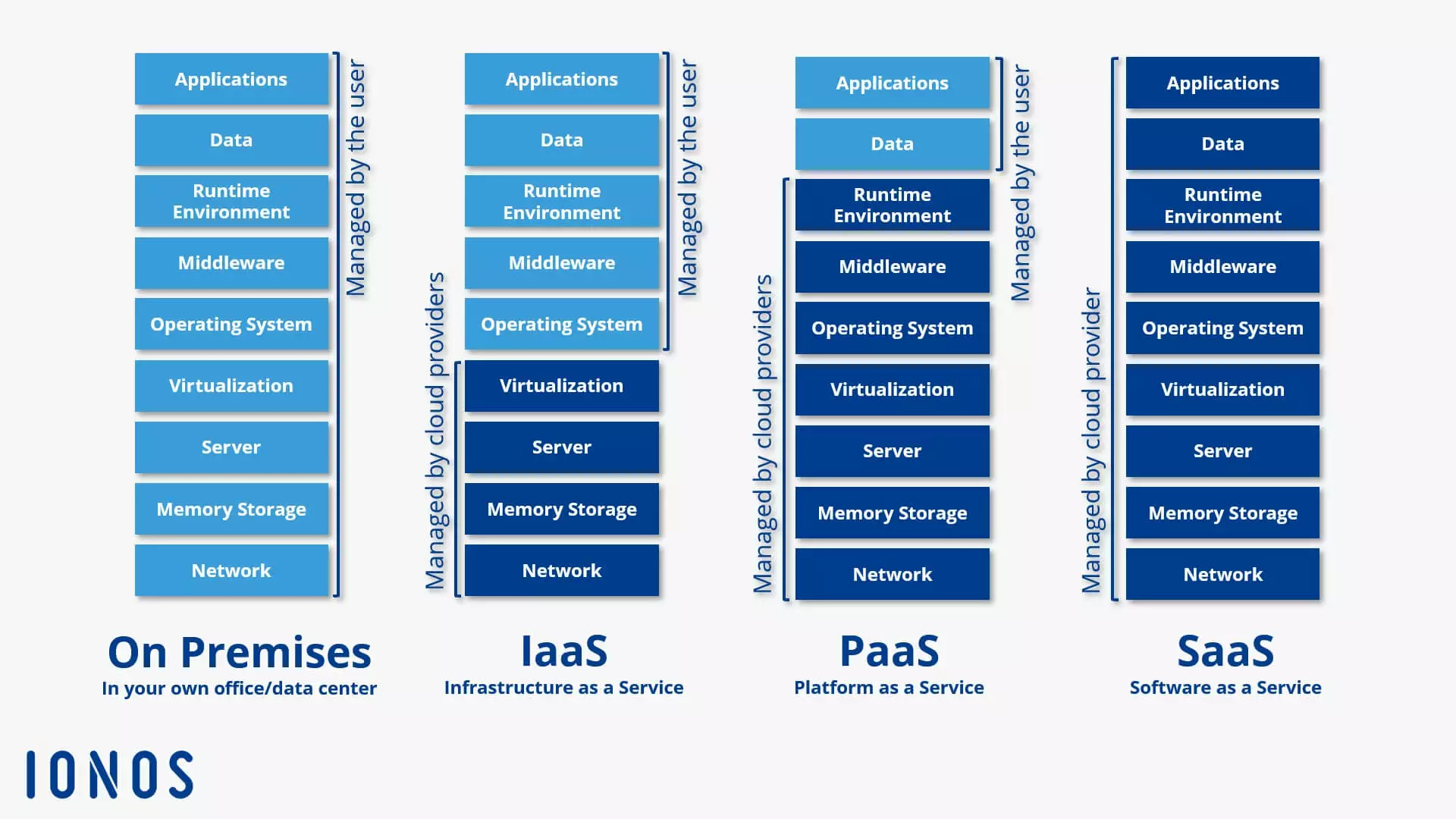
Within the traditional structure of the three established cloud computing models, CaaS sits between IaaS and PaaS. However, Container as a Service differs from these models because it uses a fundamentally different virtualisation approach: container technology.
Container as a service is a form of container-based virtualisation in which the runtime environment, orchestration tools and the underlying infrastructure resources are provided by a cloud computing provider.
How does CaaS work?
Container as a Service is based on a cluster of computers provided via the cloud. Users rent part of this capacity to upload, create, centrally manage, and run container-based applications on the cloud platform. They interact with the cloud-based container environment either through a graphical user interface (GUI) or via API calls.
The container technologies available depend on the provider. However, every CaaS platform is built around an orchestration tool, also known as an orchestrator. This tool makes it possible to manage complex container architectures. Key functions include:
- Distributing containers across multiple hosts
- Grouping containers into logical units
- Scaling containers
- Load balancing
- Allocating storage capacity
- Providing communication interfaces between containers
- Service discovery
What makes a good container as a service provider?
When selecting a CaaS service for business use, users should consider the following questions:
- Which orchestration tools are available?
- Which file formats for container applications are supported?
- Can multi-container applications be run?
- How are the clusters used to run containers managed?
- Which network and storage functions are supported?
- Does the provider offer a private registry for container images?
- How well is the container runtime environment integrated with the provider’s other cloud services?
- Which billing models are available?
Overview of CaaS providers
Container technology is booming. The range of CaaS services is correspondingly large. Services for virtualisation at operating system level can be found in the portfolios of almost all public cloud providers. Amazon, Microsoft, Google and IONOS have also expanded their cloud platforms with a container solution.
IONOS Cloud Managed Kubernetes
The Managed Kubernetes is the ideal platform for high-performance, highly scalable container applications. The service is available directly via the IONOS Cloud Panel or the Data Center Designer and integrates Kubernetes into the IONOS Cloud infrastructure.
The IONOS CaaS solution is designed for developers and IT teams. It allows them to deploy, manage, and scale container-based applications in Kubernetes clusters. The feature set includes:
- Resource model: managed node pools with dedicated core or vCPU-based resources
- Cluster management: individual cluster management
- Administration: full cluster administrator access to the Kubernetes API
- Container orchestration: orchestration of containerised applications with Kubernetes
- Support offering: support and documentation resources for setting up and managing container clusters
- DevOps integration: API- and SDK-based integration into DevOps and CI/CD workflows
IONOS support covers the provisioning and management of the container cluster. Users can access the cluster via kubeconfig and tools such as kubectl, among other methods. External registries such as Docker Hub can be used for container images. IONOS also offers a private container registry.
IONOS Cloud Managed Kubernetes enables fully automated setup of Kubernetes clusters. Billing is based on the managed Kubernetes and infrastructure resources actually provided.
| Advantages | Disadvantages |
|---|---|
| ✓ Kubernetes-native managed service with full access to the Kubernetes API | ✗ Fewer options to intervene in managed core components |
| ✓ Good integration into API, SDK, and CI/CD workflows | |
| ✓ High portability |
Amazon Elastic Container Service (ECS)
Amazon offers container-based virtualisation solutions under the name Amazon Elastic Container Service (ECS) as part of the AWS (Amazon Web Services) cloud computing platform. The service allows containerised applications to run on different capacity options, including Amazon EC2, AWS Fargate, and external instances via ECS Anywhere.
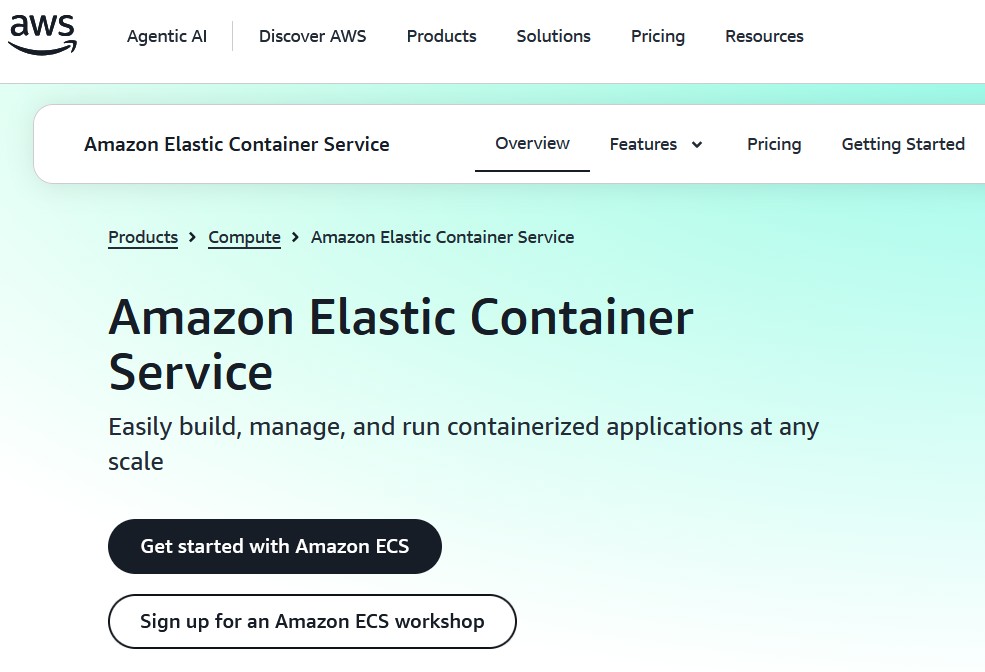
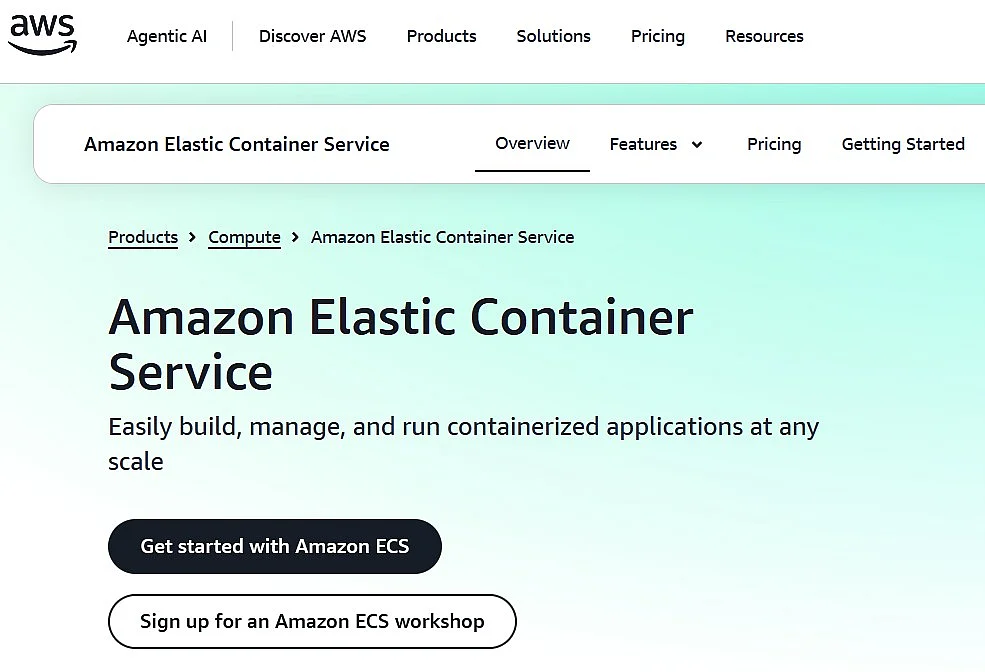
Amazon ECS offers users various interfaces that make it possible to run isolated applications in containers within AWS environments. Technically, the CaaS service is based on the following cloud resources:
- Amazon EC2 instances (instances of Amazon Elastic Compute Cloud): Amazon EC2 is scalable computing capacity from the Amazon cloud computing service, rented in the form of so-called instances.
- AWS Fargate: AWS Fargate allows you to run containers without having to manage servers or clusters of EC2 instances yourself.
- Amazon S3 (Amazon Simple Storage Service): Amazon S3 is a cloud-based object storage platform.
- Amazon EBS (Amazon Elastic Block Store): Amazon EBS provides highly available block storage volumes for EC2 instances.
- Amazon RDS (Amazon Relational Database Service): Amazon RDS is a database service for managing relational database engines such as Amazon Aurora, PostgreSQL, MySQL, MariaDB, Oracle and Microsoft SQL Server.
Container management in ECS is handled by the AWS service itself, including the scheduler, cluster management, and agents for connected instances.
One of the main strengths of Amazon ECS is its integration with other AWS services, including the access management tool AWS Identity and Access Management (IAM), the monitoring service Amazon CloudWatch, and various storage and network services from the AWS ecosystem.
Amazon ECS is closely tied to AWS. However, with ECS Anywhere, external instances such as on-premises servers or VMs can also be integrated into ECS clusters. This generally makes hybrid cloud scenarios possible. However, ECS Anywhere does not fully match native operation within AWS in every respect, for example when it comes to load balancing for certain external workloads.
Pricing for Amazon ECS depends on the selected capacity option. For ECS on Amazon EC2, there are no additional fees for the ECS service itself; you pay for the AWS resources you use. Separate pricing models apply to AWS Fargate and ECS Anywhere.
| Advantages | Disadvantages |
|---|---|
| ✓ Integration with other AWS products | ✗ Hybrid operation via ECS Anywhere is more limited than native AWS deployment |
| ✓ Supports EC2, Fargate, and external instances | ✗ Strong dependency on the AWS ecosystem |
| ✓ No separate service fees for ECS on EC2 |
AWS also offers Amazon Elastic Kubernetes Service (EKS) as a managed Kubernetes service. EKS is particularly suitable for companies that use Kubernetes as their standard orchestrator or want to run containerised applications more portably across different clouds. Compared with ECS, EKS is therefore especially relevant for teams with existing Kubernetes experience or a multi-cloud strategy.
Google Kubernetes Engine (GKE)
Google has also integrated a hosted container service into the public cloud with Google Kubernetes Engine (GKE). The core component of this CaaS service is the orchestration tool Kubernetes.
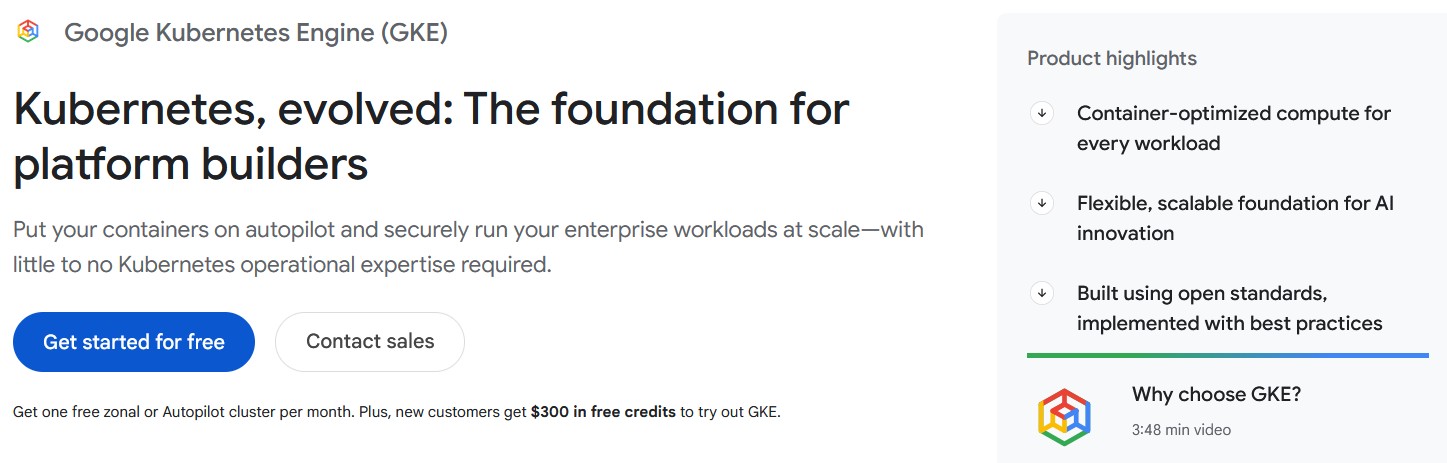
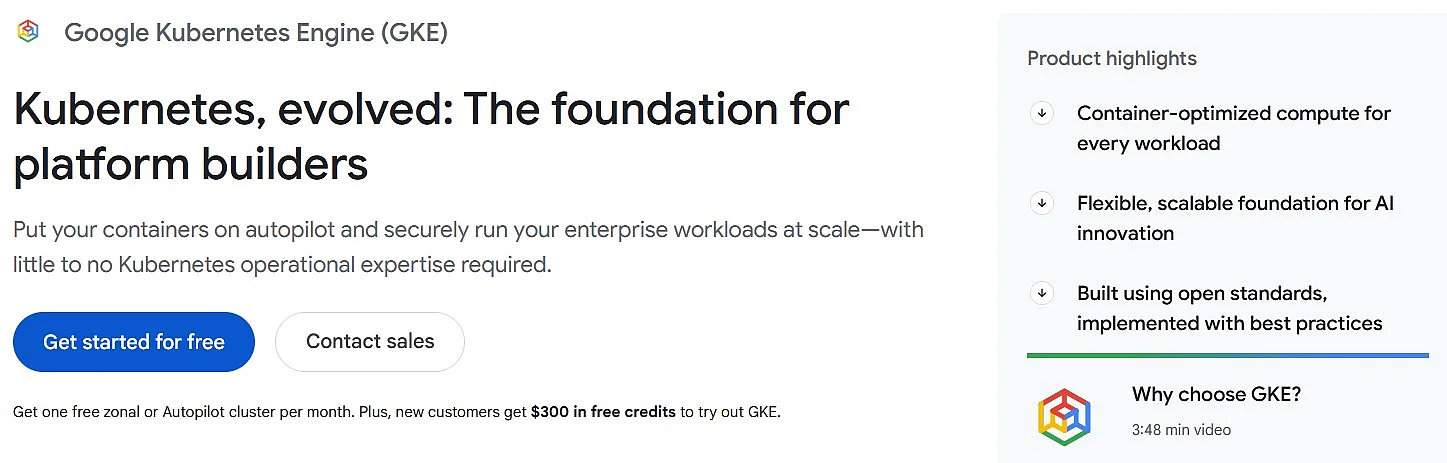
GKE uses Google Compute Engine (GCE) resources and allows users to run container-based applications on clusters in Google Cloud. However, GKE is not limited to Google infrastructure. For hybrid and multi-cloud scenarios, Google offers dedicated multi-cloud approaches and management functions that go beyond classic single clusters in Google Cloud.
Each cluster created with GKE consists of a control plane and any number of worker nodes. In the standard version, Google manages the control plane while users manage the nodes. With Autopilot, Google also takes over infrastructure management for the nodes. GKE nodes use the containerd runtime environment. Artifact Registry provides a central registry solution for container images.
The integration of Kubernetes into GKE provides the following functions for orchestrating container applications:
- Automatic bin packing: Kubernetes automatically places containers based on constraints and resource requirements so that the cluster is used efficiently.
- Health checks with auto-repair function: Automatic health checks help ensure that nodes and workloads run reliably.
- Horizontal scaling: Kubernetes can scale applications up or down as required.
- Service discovery and load balancing: Kubernetes offers two modes for service discovery: services can be located via environment variables and DNS records. Load balancing between containers is implemented via IP addresses and DNS names.
- Storage orchestration: Kubernetes enables the integration and management of different storage systems.
Google takes a different approach to pricing its CaaS service than many classic infrastructure offerings. With GKE, a cluster management fee is generally charged per cluster and per hour. At the same time, each billing account receives a monthly free tier credit, which can be applied to one Autopilot or zonal standard cluster. Additional costs apply for the compute, network, and other cloud resources used.
| Advantages | Disadvantages |
|---|---|
| ✓ Integration with other Google products | ✗ Steep learning curve |
| ✓ Support for hybrid and multi-cloud scenarios | ✗ Can quickly become costly depending on the cluster and resource model |
Microsoft Azure Kubernetes Service (AKS)
Azure Kubernetes Service (AKS) is a hosting environment optimised for Microsoft’s Azure cloud computing platform. It enables users to develop container-based applications and deploy them in scalable compute clusters. AKS is a managed Kubernetes service and supports Linux and Windows containers in Azure.
The features available to AKS users when running containerised applications in the Azure cloud depend mainly on how Kubernetes interacts with the management, network, and security services integrated into Azure. Unlike the former Azure Container Service (ACS), AKS now focuses entirely on Kubernetes as the orchestration platform. Microsoft manages the Kubernetes control plane, while users run their node pools and workloads in Azure.
In Azure Kubernetes Service, Kubernetes provides the following functions, among others, for orchestrating and scaling container applications:
- Automatic scaling: clusters and workloads can be scaled horizontally depending on the load.
- Control via the command line: clusters can be managed via the Azure CLI and
kubectl, among other tools. - REST API: container environments can be managed automatically via the Kubernetes API and Azure interfaces.
- Rule-based deployment: container distribution in the cluster can be controlled using Kubernetes mechanisms such as labels, taints, tolerations, and affinity rules.
- Service discovery: Kubernetes provides integrated functions for service discovery and load balancing.
Microsoft also provides CI/CD and DevOps integrations for container-based applications in AKS, along with identity and access management functions via Microsoft Entra ID. For production clusters, several pricing tiers are available for cluster management: Free, Standard, and Premium. In addition to cluster management fees, the underlying infrastructure resources in Azure are also billed.
| Advantages | Disadvantages |
|---|---|
| ✓ Fully integrated into the Azure cloud platform | ✗ Strong dependency on the Azure ecosystem |
| ✓ Supports Linux and Windows containers | ✗ Costs can be high depending on the pricing tier and infrastructure |