Which WordPress alternatives are worth considering?

A WordPress alternative is worth considering if a more specialised, streamlined, or easier-to-use platform would be a better fit for your website. IONOS AI Website Builder, Ghost, systeme.io, Kirby and Astro cater to different needs, from building simple websites to publishing content, managing online marketing and creating static sites.
Key Takeaways
- A WordPress alternative may make sense when WordPress is more complex than your project needs, because themes and plugins add maintenance work and, if they are not kept up to date, security risks.
- IONOS AI Website Builder and systeme.io are hosted solutions that take care of hosting and much of the technical work.
- Ghost focuses on publishing, newsletters and memberships.
- Kirby is a file-based CMS that needs no database for most projects.
- Astro is a framework for fast, content-focused websites and requires development skills.
- The best choice depends on your project, your technical skills and the features you need.
Ask, create and research with the European alternative to ChatGPT. Robust security and unlimited chats give you peace of mind.
How do the best WordPress alternatives compare?
IONOS AI Website Builder and systeme.io take care of hosting and much of the technical work for you. Ghost focuses on publishing and memberships, Kirby on flexible file-based websites and Astro on fast-loading, content-focused websites.
| WordPress alternative | First released | Self-hosting | Best for |
|---|---|---|---|
| IONOS AI Website Builder | – | No | Personal websites and small to medium-sized businesses |
| Ghost | 2013 | Yes | Publishers, bloggers and editorial teams |
| systeme.io | 2018 | No | Creators, coaches and marketing projects |
| Kirby | 2012 | Yes | Custom, file-based websites |
| Astro | 2021 | Yes | Developers and content-focused websites |
Why choose an alternative to WordPress?
A WordPress alternative may make sense if WordPress is too complex for your project or another platform already has the features you need built in. Much of WordPress’s flexibility comes from its themes and plugins. These let you customise your website, but they also need regular updates, and you have to make sure the extensions you choose work well together.
For simple websites, having lots of extensions can make maintenance more time-consuming and slow down page loading. Poorly coded or incompatible plugins and themes can also cause technical problems. And if extensions aren’t kept up to date, each one adds to the site’s potential attack surface.
WordPress is a versatile CMS, but it can offer more than a simple website needs. Specialised WordPress alternatives often focus on specific tasks, making them easier to set up or maintain.
What are the 5 best alternatives to WordPress?
There’s no single best WordPress alternative for everyone. The right choice depends on the type of website you’re building, your technical skills and the features you need. The following five options are designed for different kinds of users.
IONOS AI Website Builder for AI-powered website building

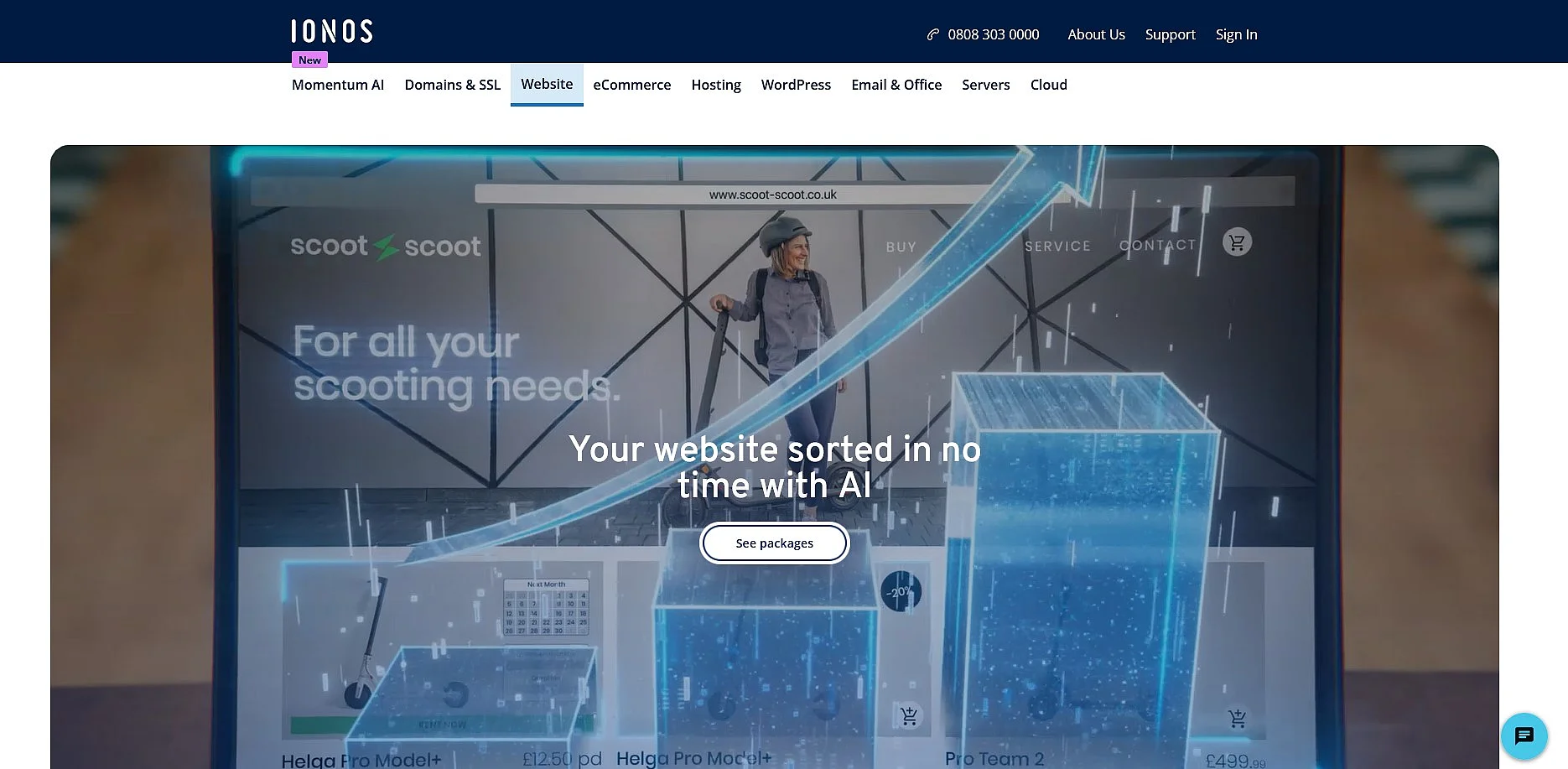
The IONOS AI Website Builder is designed for individuals and small to medium-sized businesses that want to build a website without knowing how to code. Just enter a few details about your website, and the AI creates an initial design with text and images. You can then customise it in your browser using drag-and-drop tools, ready-made layouts and content blocks.
Depending on your package, you also get AI tools for creating and improving text, images, logos and SEO content. Other features include mobile-friendly designs, professional templates, marketing tools, analytics and online appointment booking on certain plans. Standard packages include a domain free for the first year when selected with the initial order, a professional email address, a wildcard SSL certificate and customer support. IONOS also takes care of hosting, so you don’t need to manage your own server.
| Advantages | Disadvantages |
|---|---|
| ✓ Saves time by generating an initial website design with text and images | ✗ You can’t host your website on your own server |
| ✓ Makes customisation easy with a beginner-friendly drag-and-drop editor | ✗ Some AI and marketing features are only included in certain packages |
| ✓ Includes a domain free for the first year when selected with the initial order, plus an email address and SSL certificate in standard packages |
- Choose from thousands of templates
- Customise content in seconds with AI suggestions
- Integrated marketing tools for maximum reach
Ghost for blogs and online publishing


Ghost is an open-source platform launched in 2013 for publishers, bloggers, independent journalists and editorial teams. Built on Node.js, it focuses on creating, publishing and distributing content.
Ghost combines a visual editor with built-in SEO tools, newsletters, members-only content and paid subscriptions. You can add tags, author details, publication dates, custom URLs, meta titles and meta descriptions to your content. Themes let you customise the design, while integrations, APIs and webhooks let you connect external services.
You can host Ghost yourself or use its managed hosting service, Ghost(Pro). For self-hosted production environments, Ghost supports MySQL 8 and recommends Node.js 22 LTS. You can also create custom themes using Handlebars, HTML, CSS and JavaScript.
| Advantages | Disadvantages |
|---|---|
| ✓ Lets you manage publishing, newsletters and memberships in one platform | ✗ Doesn’t offer the same extensive plugin ecosystem as WordPress |
| ✓ Gives you the choice between self-hosting and managed hosting | ✗ Self-hosting requires technical knowledge |
systeme.io for websites and online marketing
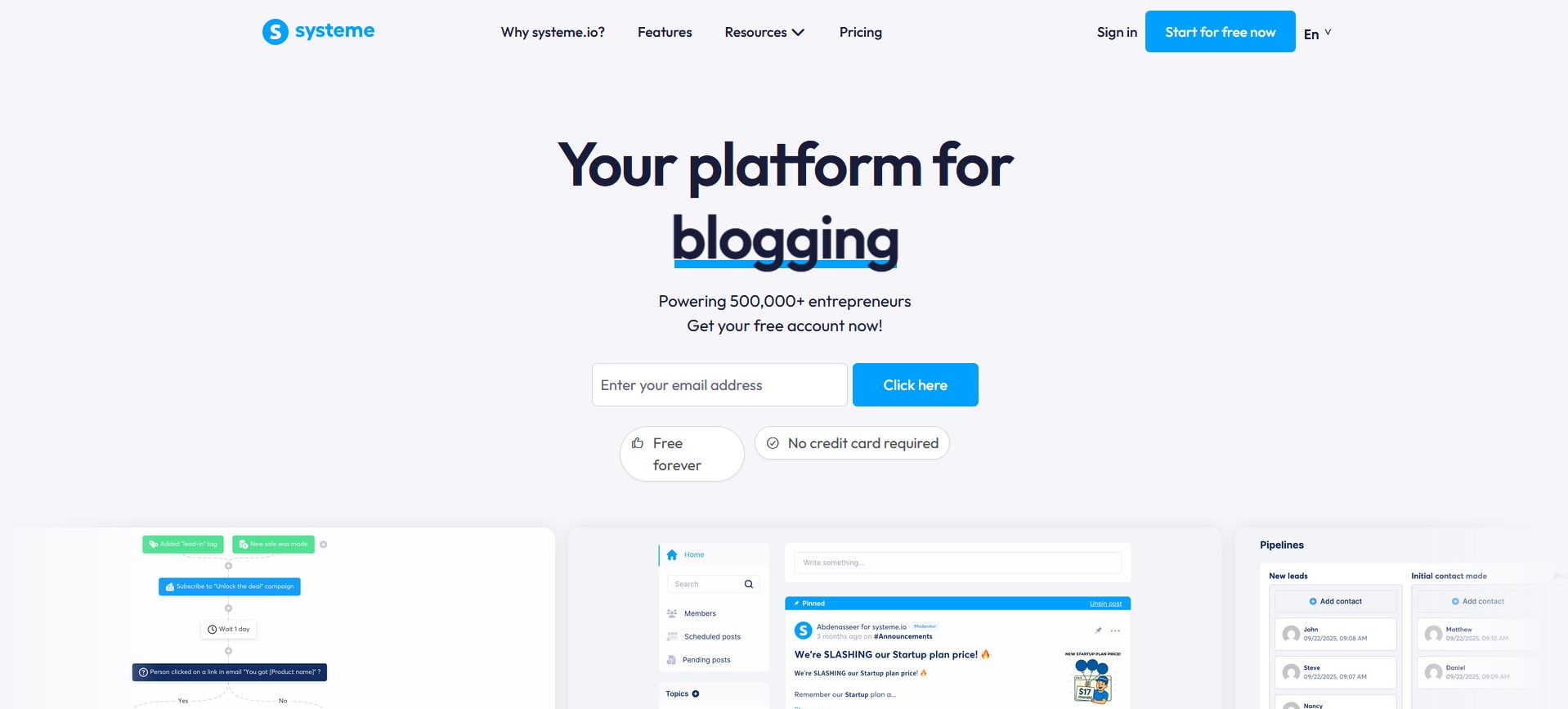
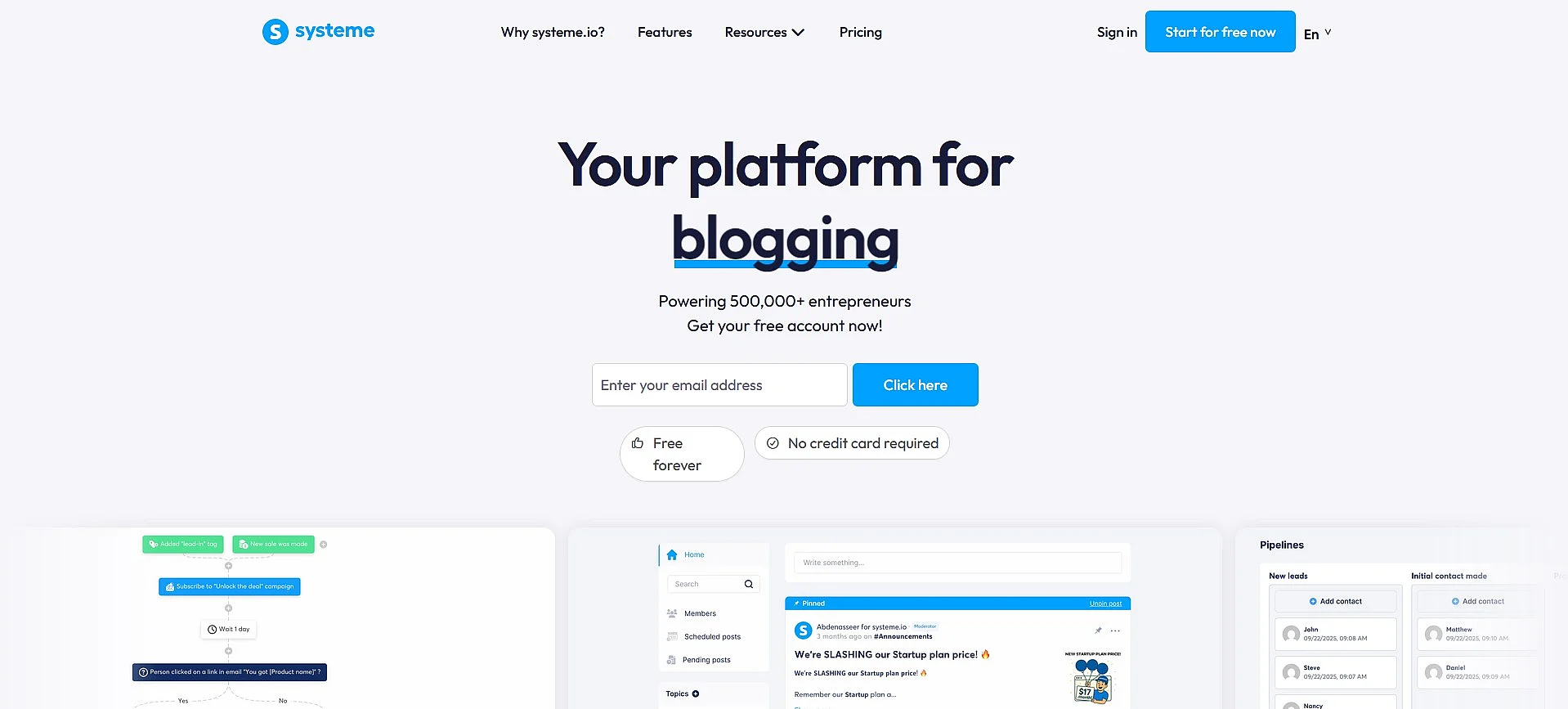
systeme.io is an all-in-one platform that combines a website builder, blog, sales funnels, landing pages, email marketing, membership areas, checkout and marketing automation. It’s designed for creators, coaches and small business owners who want to manage their website and online marketing in one place.
The drag-and-drop editor lets you build websites and landing pages using ready-made templates, without having to arrange separate hosting. Built-in marketing tools include forms, email campaigns, automated workflows and sales funnels. You can also create online courses, sell digital or physical products and manage an affiliate programme.
systeme.io offers a free plan with limits on the number of contacts, funnels and other resources. Paid plans increase these limits. Because hosting and marketing tools are built into the platform, you don’t need to install and maintain separate plugins for these features as you would with a self-hosted CMS.
| Advantages | Disadvantages |
|---|---|
| ✓ Lets you manage your website, email marketing, sales funnels and checkout in one place | ✗ You can’t host your website on your own server |
| ✓ Saves time with built-in marketing automation | ✗ Offers fewer options for custom extensions than WordPress |
| ✓ Offers a free plan to get started without paying for a subscription |
Kirby for flexible, database-free websites
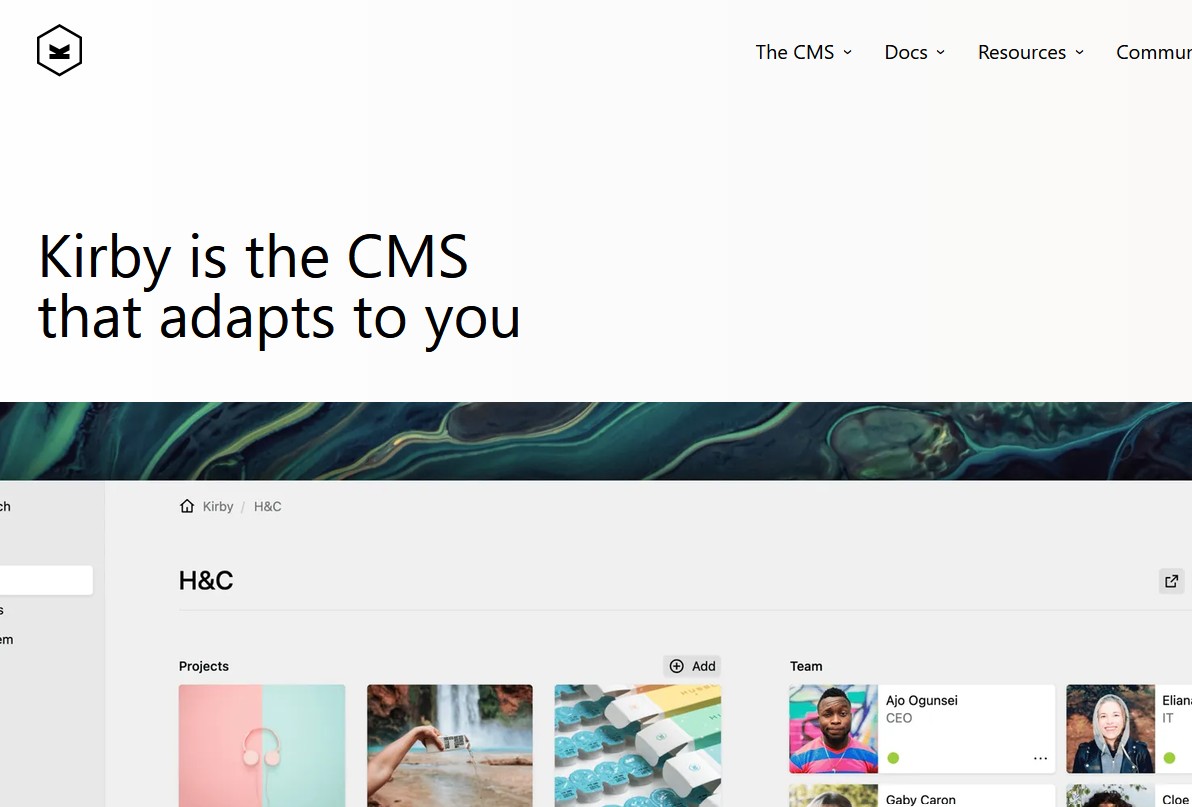
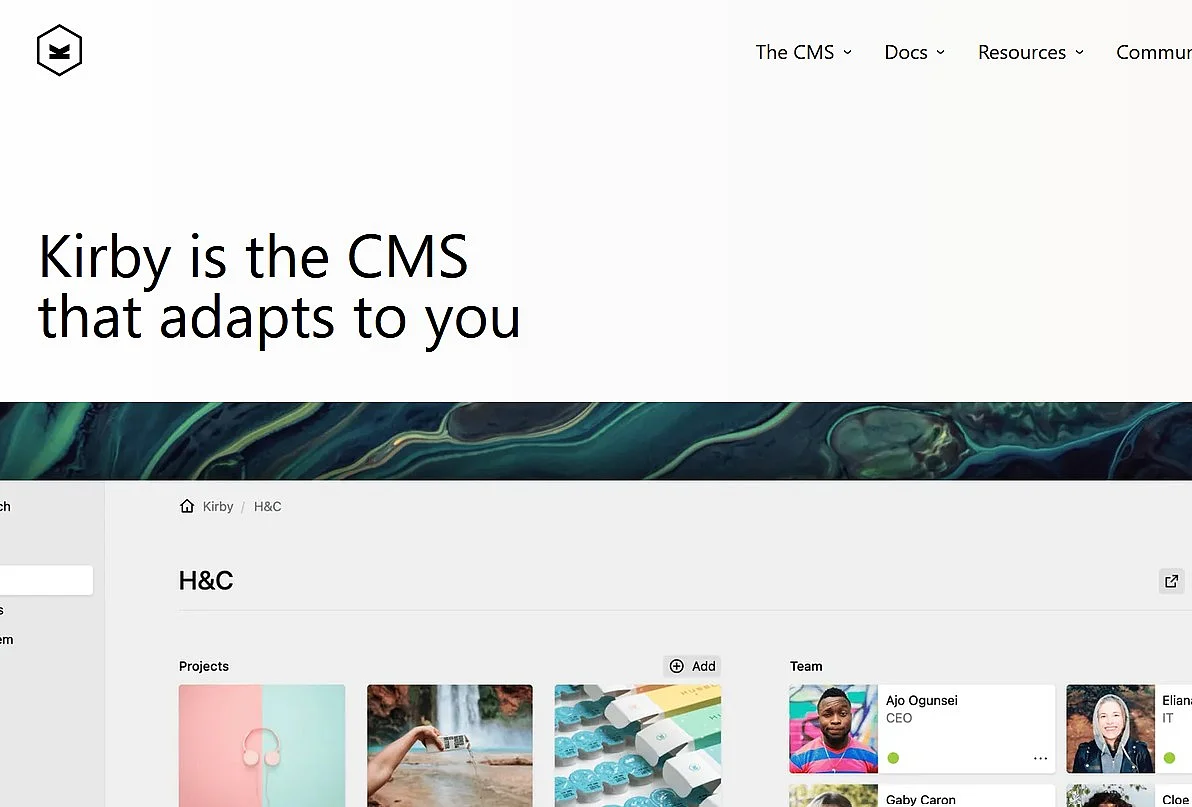
Kirby is a file-based content management system developed by Bastian Allgeier. It stores content in text files by default, so you don’t need a database for most projects. Kirby 5 supports PHP 8.2 through 8.5, with PHP 8.4 recommended.
Kirby’s optional Panel gives you a customisable interface for managing your content. You can format text and add special elements using KirbyText, an extension of Markdown, and KirbyTags. Kirby also supports multilingual websites without an additional plugin. Templates use PHP and HTML, while blueprints define the fields and forms that appear in the Panel.
You can extend Kirby with plugins from its official plugin directory or use it as a headless CMS. You’ll need a paid licence to publish your website, but you can use Kirby for free while developing and testing it.
| Advantages | Disadvantages |
|---|---|
| ✓ Lets you manage website content without setting up a database | ✗ Requires a paid licence to publish your website |
| ✓ Gives you a customisable editing interface and built-in multilingual support | ✗ Offers fewer ready-made themes and extensions than WordPress |
Astro for fast-loading, content-focused websites
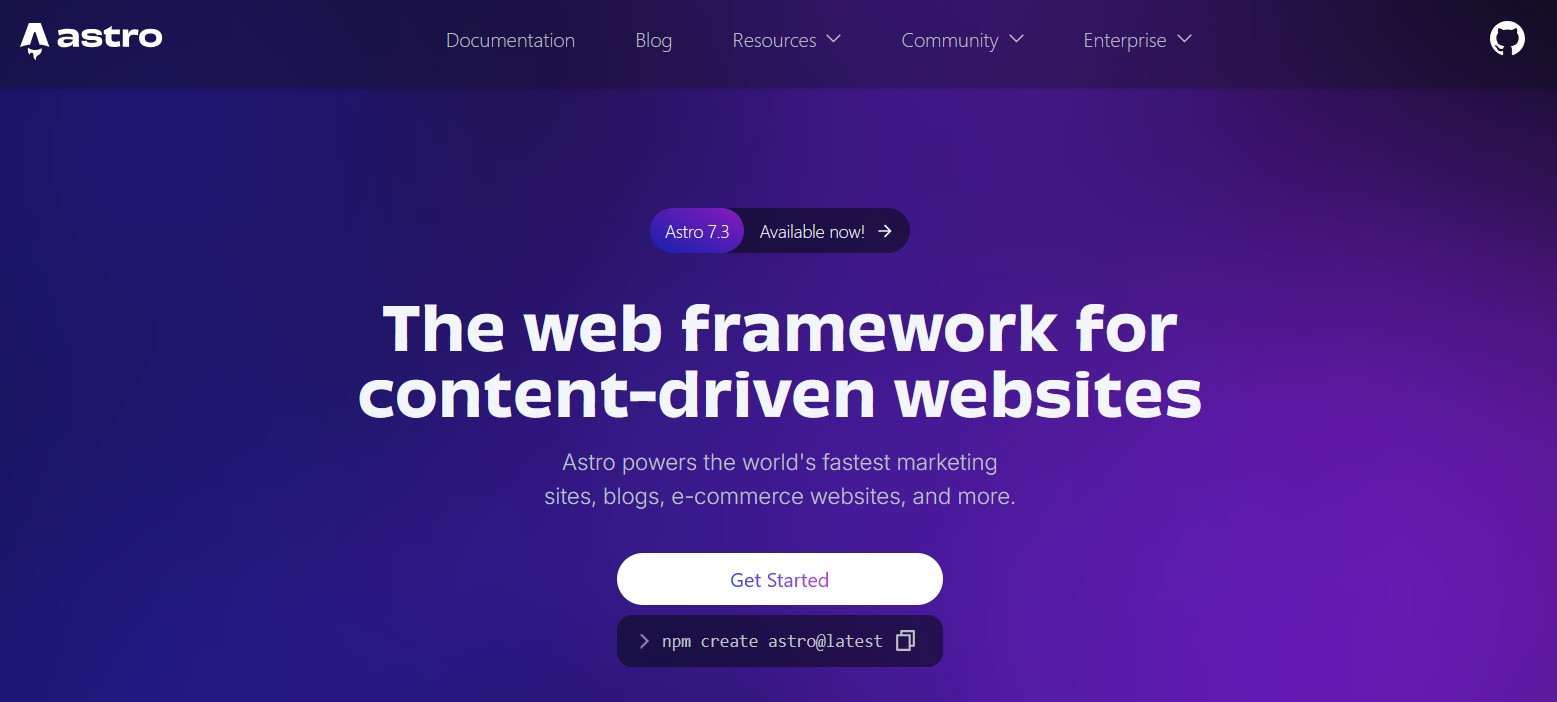
Astro is an open-source web framework for blogs, documentation sites, marketing pages, portfolios and online stores. It’s mainly aimed at developers who want to build fast-loading, content-focused websites using modern web technologies.
Astro renders components on the server by default and only sends JavaScript to the browser when it’s needed for interactive features. You can generate static pages ahead of time or render them dynamically when needed. Alongside its own components, Astro supports React, Preact, Svelte, Vue, Solid and Web Components.
You can add content using Markdown, MDX or an external CMS. Content Collections help you organise and validate your content. Official and community-built integrations let you work with different UI frameworks, generate sitemaps and deploy websites to different hosting environments. However, Astro doesn’t come with a built-in visual editor for managing content.
| Advantages | Disadvantages |
|---|---|
| ✓ Helps you build fast-loading websites by keeping browser-side JavaScript to a minimum | ✗ Requires basic knowledge of modern web development |
| ✓ Gives you flexibility with support for multiple UI frameworks and a wide range of integrations | ✗ Doesn’t include a built-in visual editor for managing content |