What do the best Dropbox alternatives?

Dropbox remains one of the most popular cloud storage services, largely due to its user-friendly interface. However, its infrastructure is primarily based in the United States, which may raise concerns for users who prioritise stricter data privacy standards. At the same time, many alternatives offer more free storage and different approaches to hosting and protecting data. So which options are worth exploring?
A direct comparison of Dropbox and its alternatives
| Data encryption | Server locations | Free package available | |
|---|---|---|---|
| Microsoft OneDrive | AES 256-bit | Europe, USA, Asia, Australia | ✓ (5 GB) |
| Google Drive | AES 256-bit | Europe, Chile, USA, Asia | ✓ (15 GB) |
| IONOS HiDrive | AES 128-bit | Germany (primary), EU and USA infrastructure | ✗ |
| iCloud Drive | AES 256-bit | USA, Asia, Europe | ✓ (5 GB) |
| Box | AES 256-bit | Worldwide | ✓ (10 GB) |
| Dropbox | AES 256-bit | Almost exclusively in the USA (companies with a certain number of users can use German servers) | ✓ (2 GB; expandable) |
| SecureSafe | AES 256-bit | Switzerland | ✗ |
| SecureCloud | AES 256-bit | Germany | ✗ |
Last updated: March 2026
The best Dropbox alternatives at a glance
Dropbox is one of the oldest file hosting services, but many companies have now established themselves in the cloud storage market. Below, we introduce some of the best Dropbox alternatives in detail.
Microsoft OneDrive
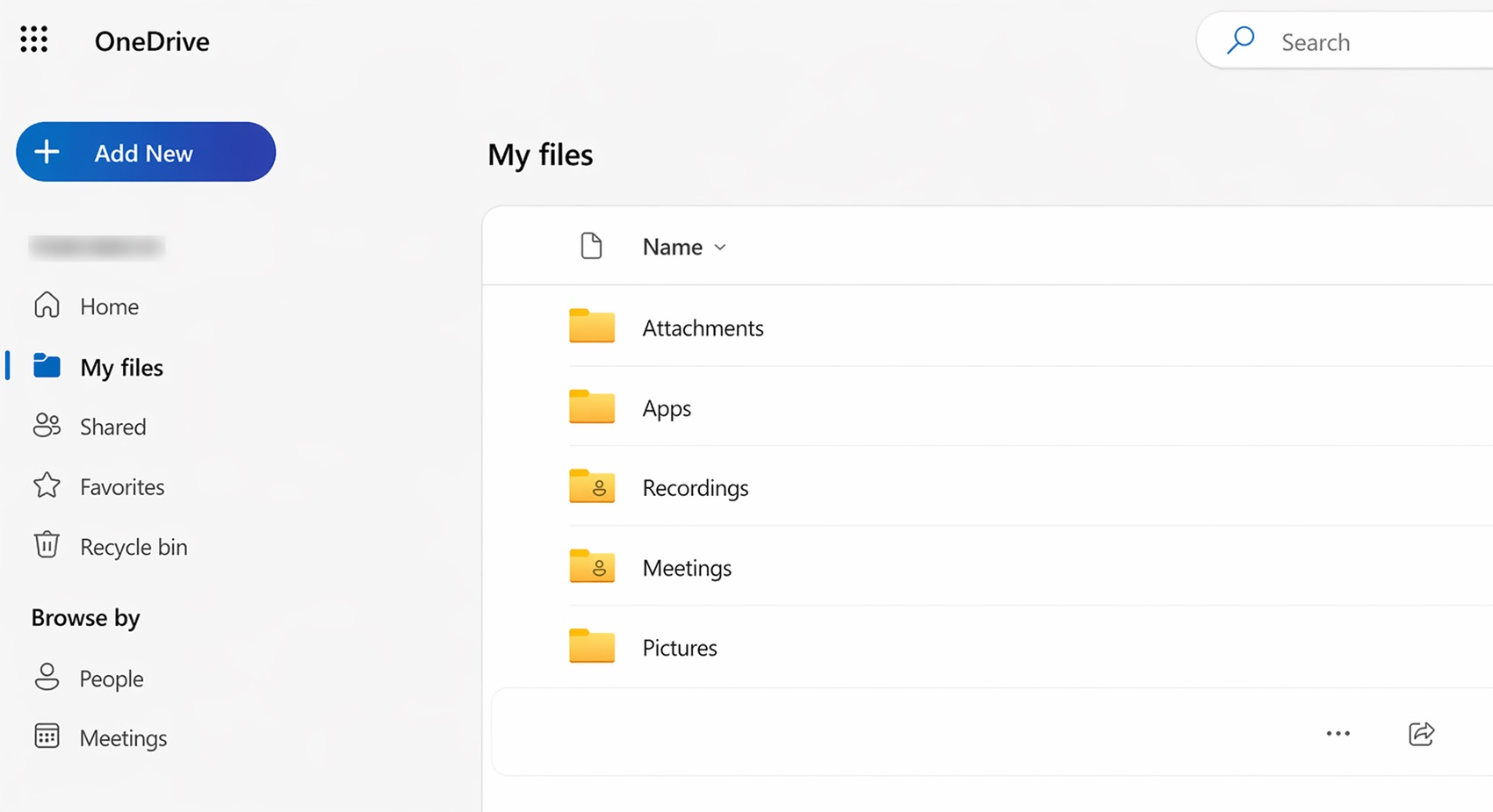
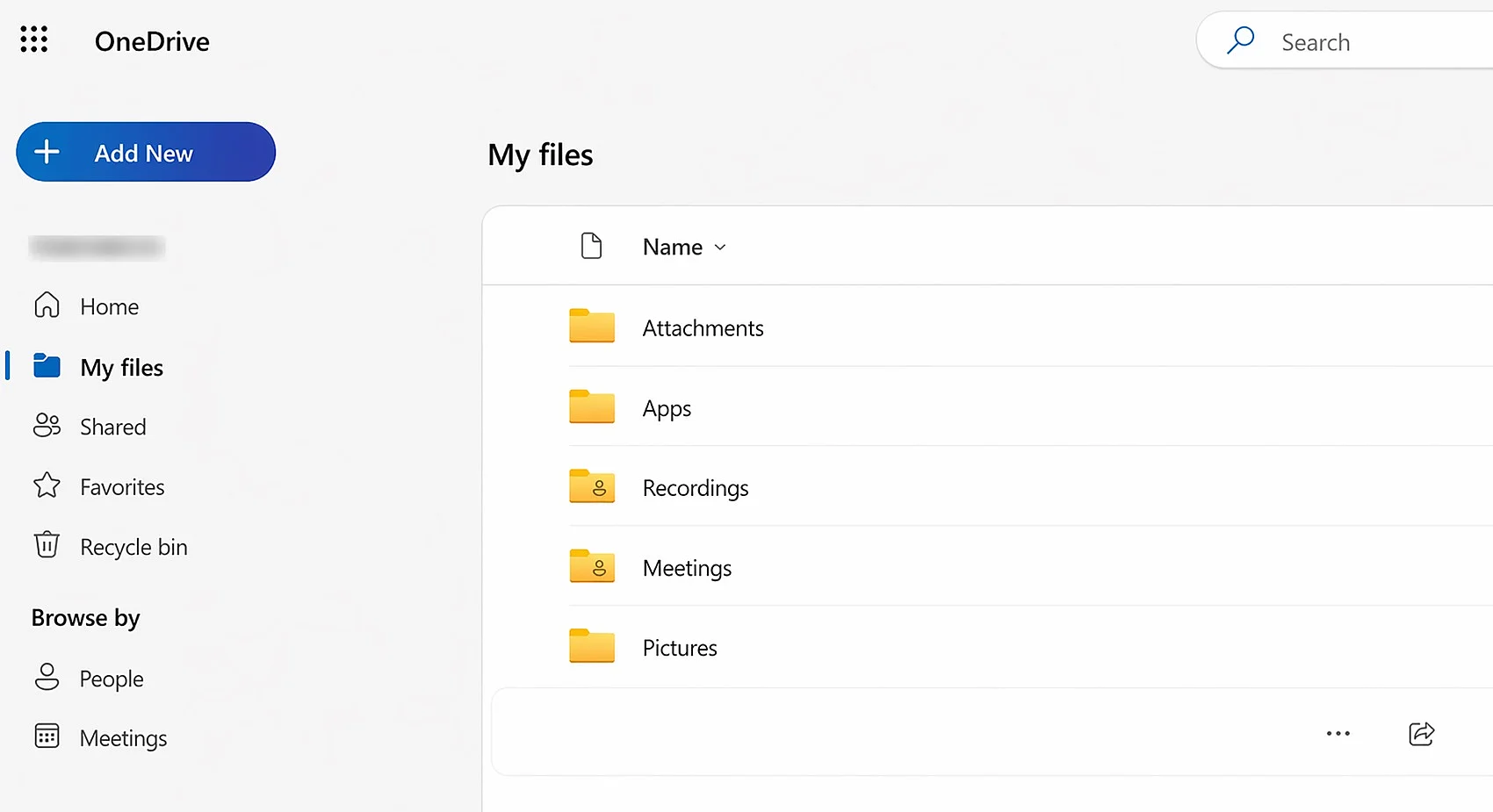
With Microsoft’s cloud storage OneDrive, you get 5 GB of free storage, which can be expanded to up to 1 TB with a paid package. You can edit documents directly in your browser using web versions of Word, Excel, and PowerPoint, and the platform also supports collaborative work through a range of built-in features.
If you choose the Single, Family, or Microsoft 365 Business packages, you can also use the well-known Microsoft Office applications like Word, Excel, PowerPoint, and more. One key advantage is that the Microsoft 365 desktop apps, such as Word, Excel, and PowerPoint, can be used offline and then sync automatically via OneDrive.
| Advantages | Disadvantages |
|---|---|
| ✓ With Microsoft 365, you get an excellent, full-fledged Office suite with many features. | ✗ Only 5 GB of storage with the free account; free cloud storage from other providers offers more space |
| ✓ Many packages for private and business customers with a compelling price-performance ratio | ✗ Only business packages allow you to freely choose the storage region |
| ✓ Easy to use |
Google Drive
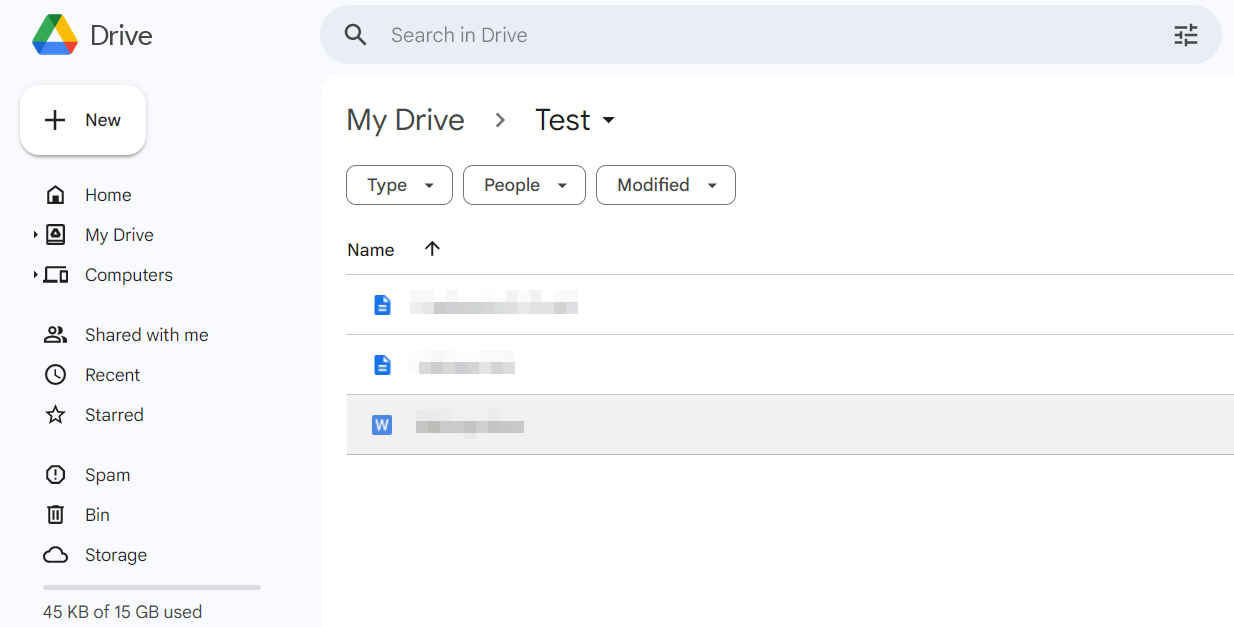
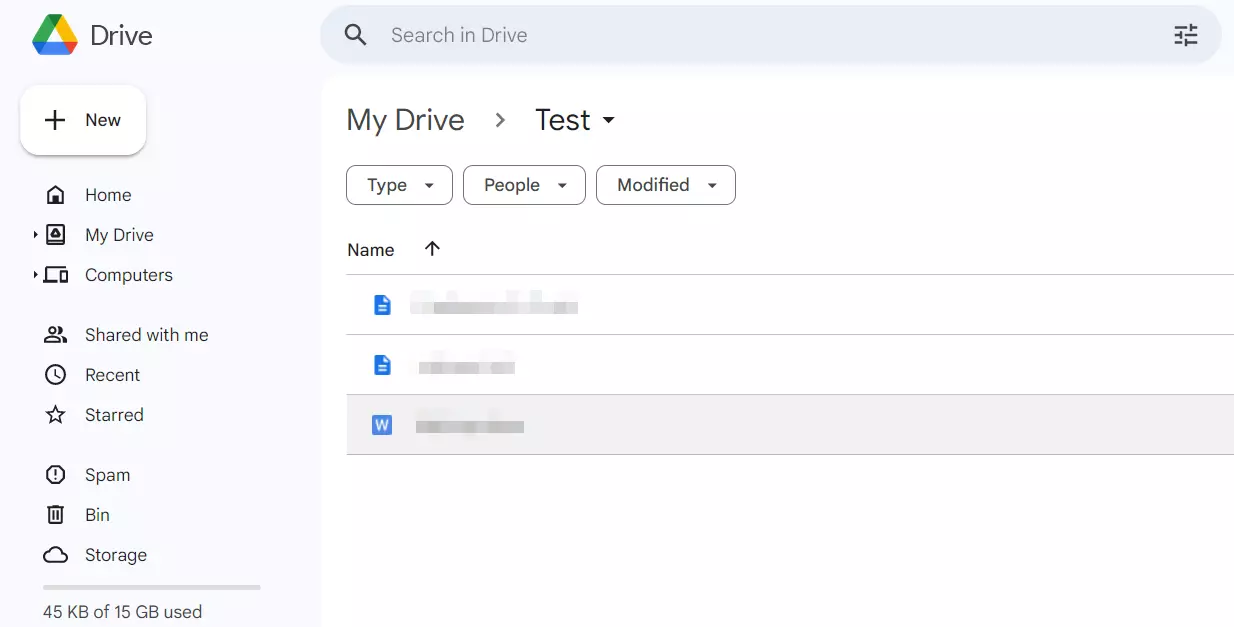
With Google Drive, you get another widely used alternative to Dropbox. You receive 15 GB of storage for free when you set up a Google account. However, this storage quota also includes all files you store with other Google services (Gmail, Google Photos). If you need more space, you have to upgrade to the paid Google One service, which offers 100 GB, 200 GB, or 2 TB. Alternatively, Google’s AI packages, which include access to its AI features, offer up to 30 TB of storage. Whether you use the free or paid version of Google Drive, your data is always encrypted, including during transmission.
One of the biggest advantages of Google Drive is the integrated office suite. It lets you work directly in your browser on text documents (Google Docs), spreadsheets (Google Sheets), and presentations (Google Slides). The documents are also very well suited for team editing – for example, changes are saved automatically and a complete version history of each document is created (you can go back up to 30 days or 100 versions). Users can communicate quickly through built-in commenting and chat features.
| Advantages | Disadvantages |
|---|---|
| ✓ A lot of free storage (15 GB); paid packages are comparatively inexpensive | ✗ Only business packages allow you to freely choose the storage region |
| ✓ Very good functionality of the included Google office suite (Google Docs, Google Sheets, and Google Slides); simultaneous work by multiple users on documents is also easily possible | |
| ✓ Good user interface |
HiDrive cloud storage
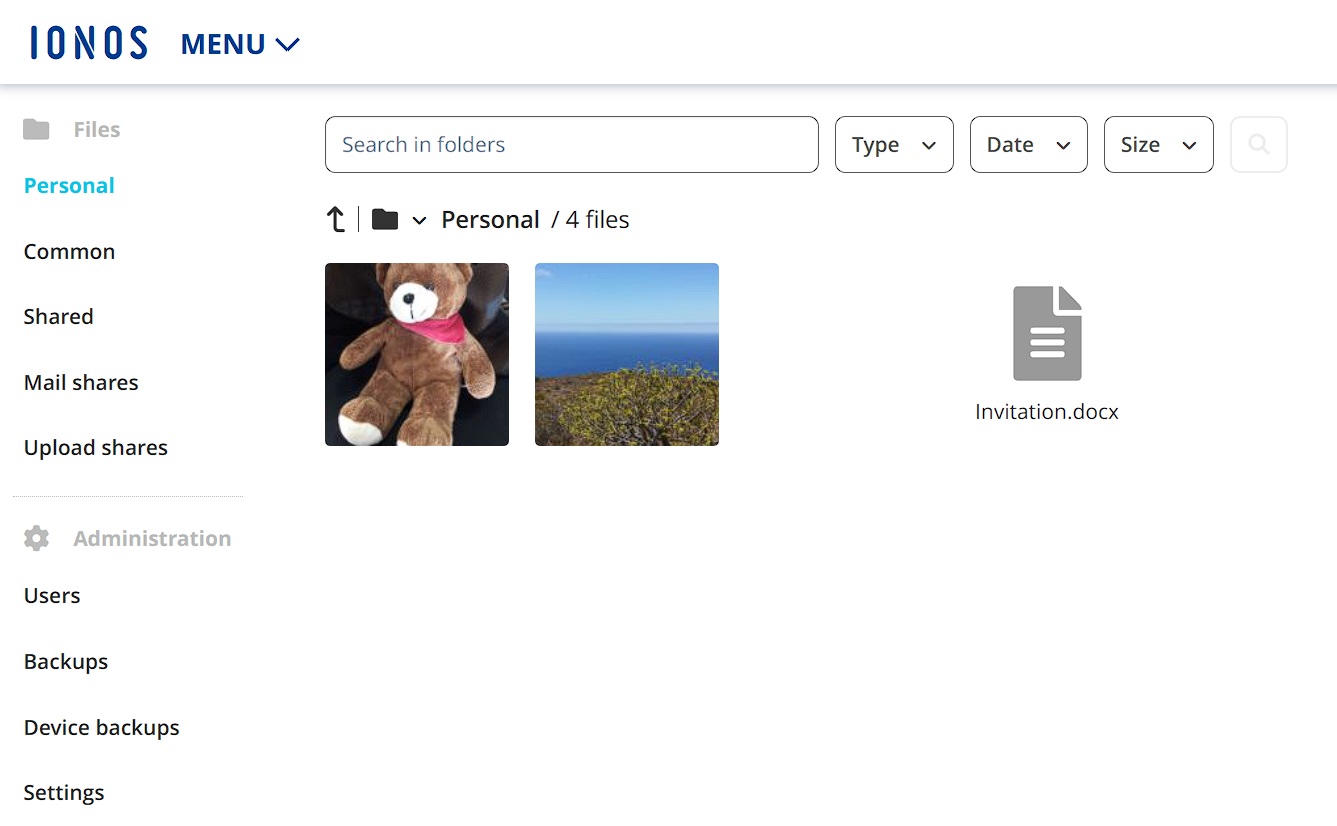
IONOS has launched an interesting alternative to Dropbox with HiDrive Cloud Storage. This cloud service is aimed at private users and businesses and offers maximum flexibility and freedom when accessing and storing your files on all devices. To this end, HiDrive provides cross-platform web applications that enable intuitive and efficient data synchronisation, desktop clients for Windows and macOS, as well as mobile apps for iOS and Android.
Files are encrypted and stored in ISO-certified data centres in Germany in compliance with GDPR, the European Union’s strict data protection regulation that sets high standards for how personal data is stored and processed. SSL/TLS-encrypted transmission, fully automatic backups, and optional two-factor authentication provide additional protection. Depending on the selected package, device backup and HiDrive Office are included or can be added at any time. In addition, the HiDrive packages offer a lot of storage space for comparatively little money.
| Advantages | Disadvantages |
|---|---|
| ✓ Data is available from anywhere and on any device (online or offline) | ✗ No free edition available |
| ✓ Very user-friendly (even when sharing storage space) | |
| ✓ First-class security suite (servers, encryption, backup system, etc.) | |
| ✓ Low-cost paid packages |
iCloud Drive
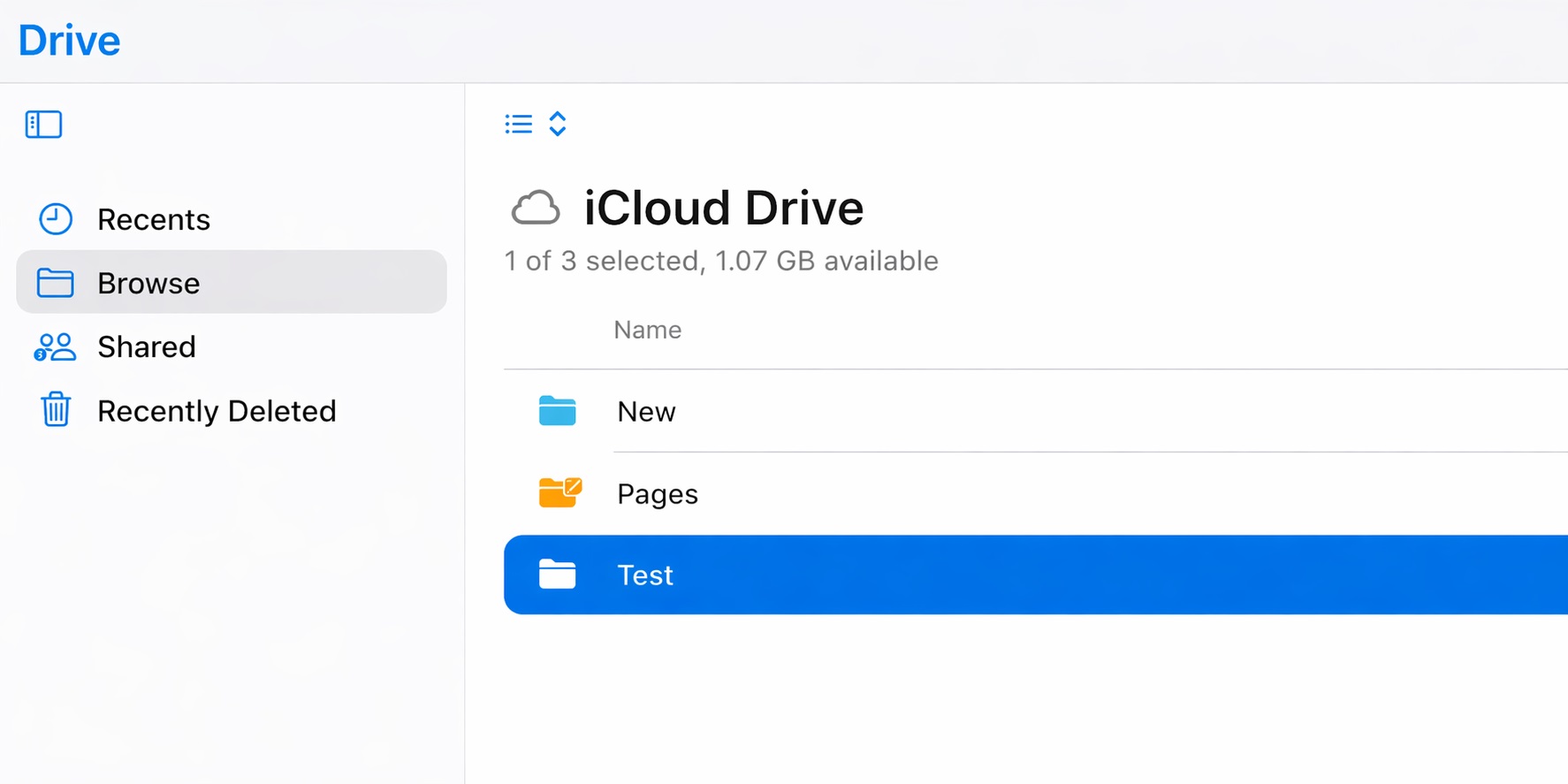
iCloud Drive is part of Apple’s iCloud service and includes 5 GB of free storage, which can be expanded at any time. Paid packages offer 50 GB, 200 GB, 2 TB, 6 TB, or 12 TB for a monthly fee. While Apple’s cloud storage also works on Windows and through a web interface, it is primarily designed for Apple users, especially those already using iCloud on a Mac or iPhone. In addition to storage, Apple provides browser-based office apps through its iWork suite.
| Advantages | Disadvantages |
|---|---|
| ✓ Files are accessible and synchronised on all devices connected to iCloud Drive | ✗ Native apps are mainly available for Apple devices and Windows |
| ✓ Proprietary office suite that allows multiple users to work on documents in parallel | ✗ Apple stores data in data centres distributed worldwide |
Box
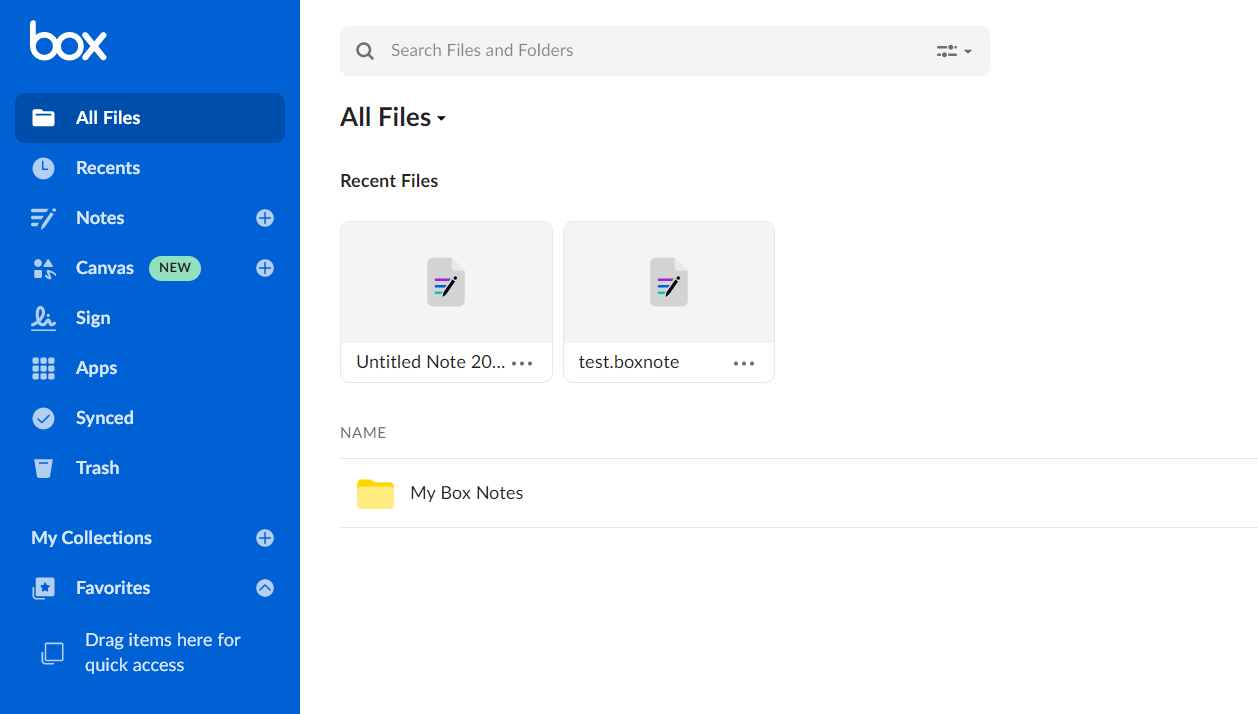
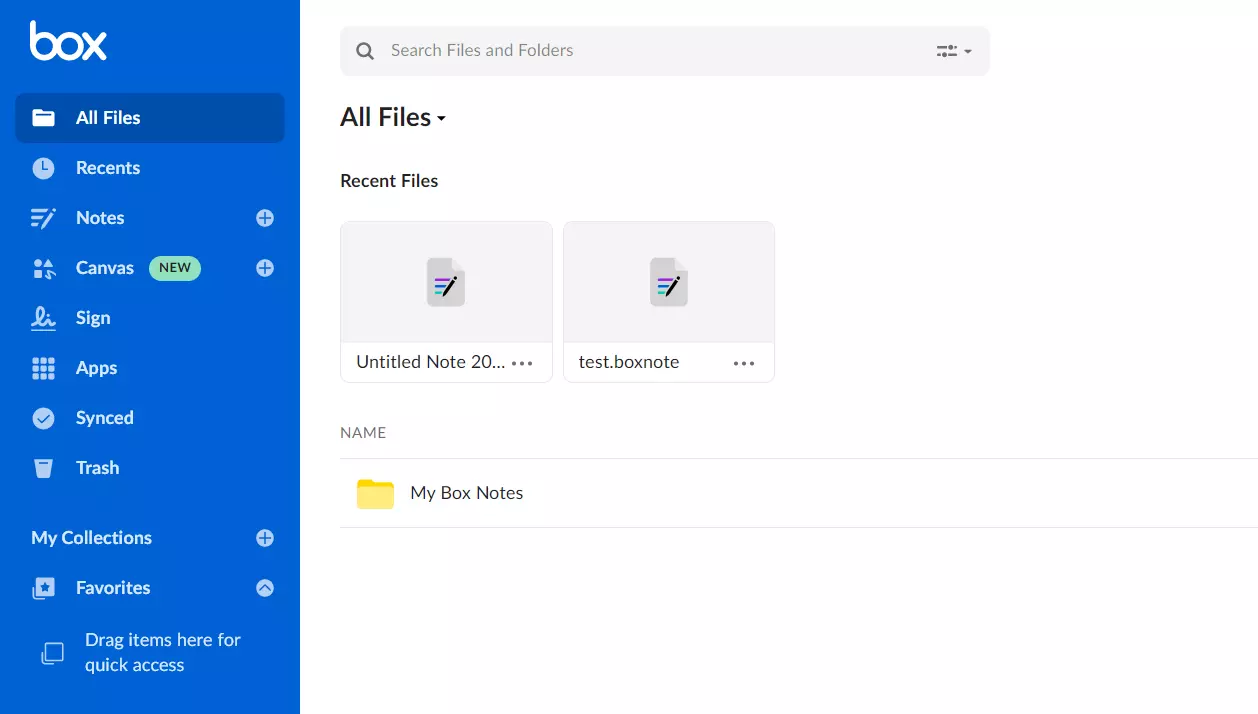
The California-based company Box has been around since 2005, making it even two years older than Dropbox. The two providers are similar in many ways, as Box also uses strong AES encryption with a 256-bit key length and stands out for its features. The platform is even slightly easier to use than Dropbox. However, Box is now primarily geared toward businesses and teams.
Private users receive 10 GB of free storage, but individual uploads are limited to 250 MB, which makes it difficult to handle larger files. The paid package increases the upload limit to 5 GB and includes a total of 100 GB of storage, which is relatively modest compared to other Dropbox alternatives. For business users, Box offers dedicated packages with unlimited storage and upload limits of up to 500 GB. With ‘Box Zones’, it is also possible to store data in specific regions.
| Advantages | Disadvantages |
|---|---|
| ✓ Very easy to use and lots of free storage (10 GB) | ✗ File upload in the free package limited to 250 MB |
| ✓ Desktop clients and apps for most platforms (Windows, macOS, Android, iOS) | ✗ The paid package for private users is not the strongest option, as some Dropbox alternatives offer better value for the price |
| ✓ Many features for collaborative work on documents and projects (notes, calendar, etc.) |
SecureSafe
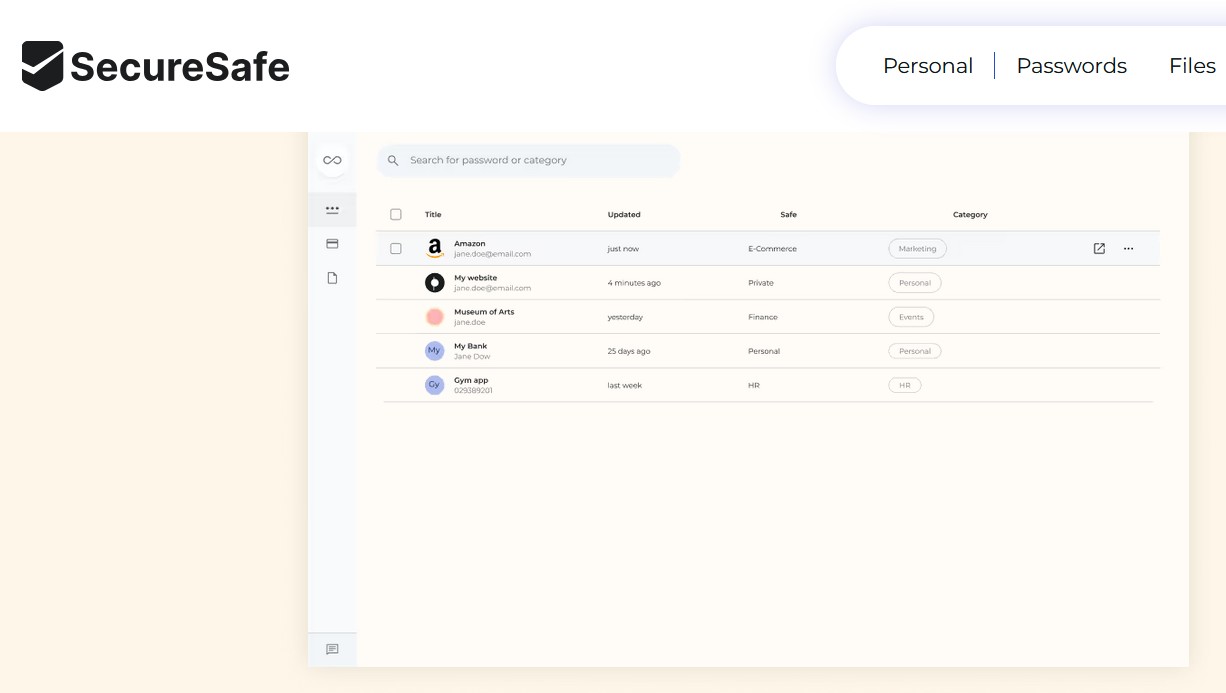
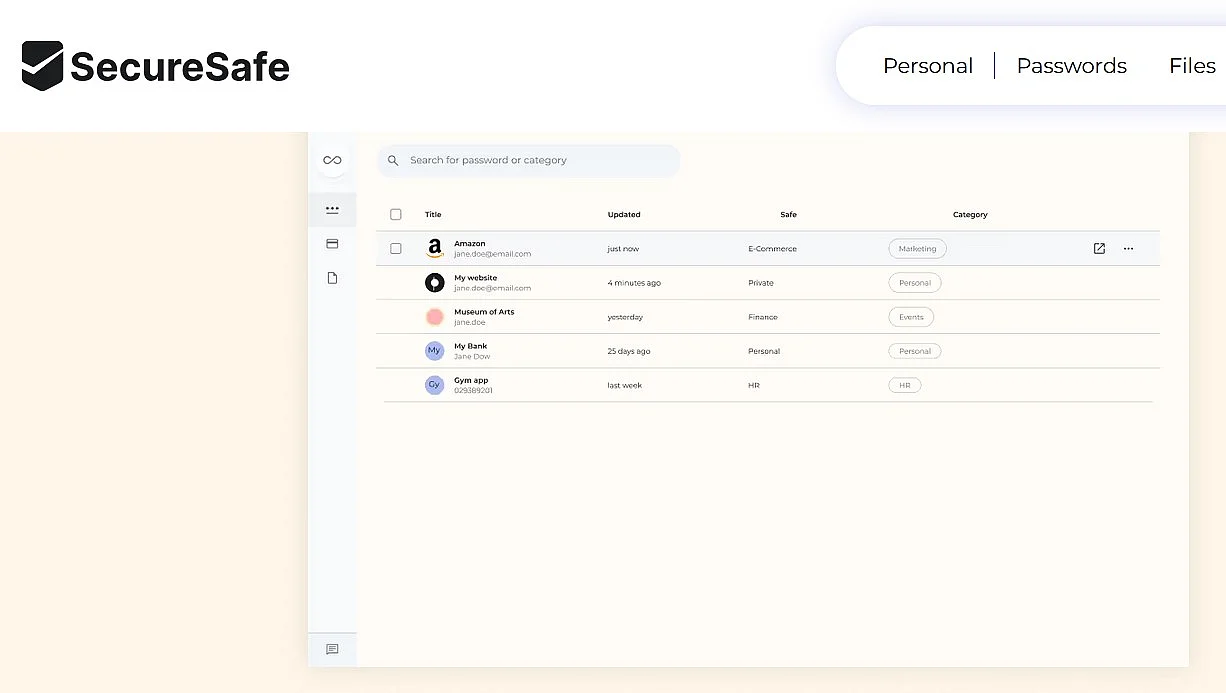
The Dropbox alternative SecureSafe combines cloud storage with password management and is aimed at anyone who wants to protect their passwords and personal documents as effectively as possible. All data is stored on servers in Switzerland and is securely encrypted. Triple-redundant backups, along with user authentication via the Secure Remote Password (SRP) protocol, provide additional protection for files and passwords.
| Advantages | Disadvantages |
|---|---|
| ✓ Servers located in Switzerland (similarly high level of data protection as in the EU) | ✗ No free version available |
| ✓ High security in all areas (login, passwords, encryption of data and data transmission, etc.) | ✗ Relatively expensive; suitable only for storing small files and passwords |
SecureCloud
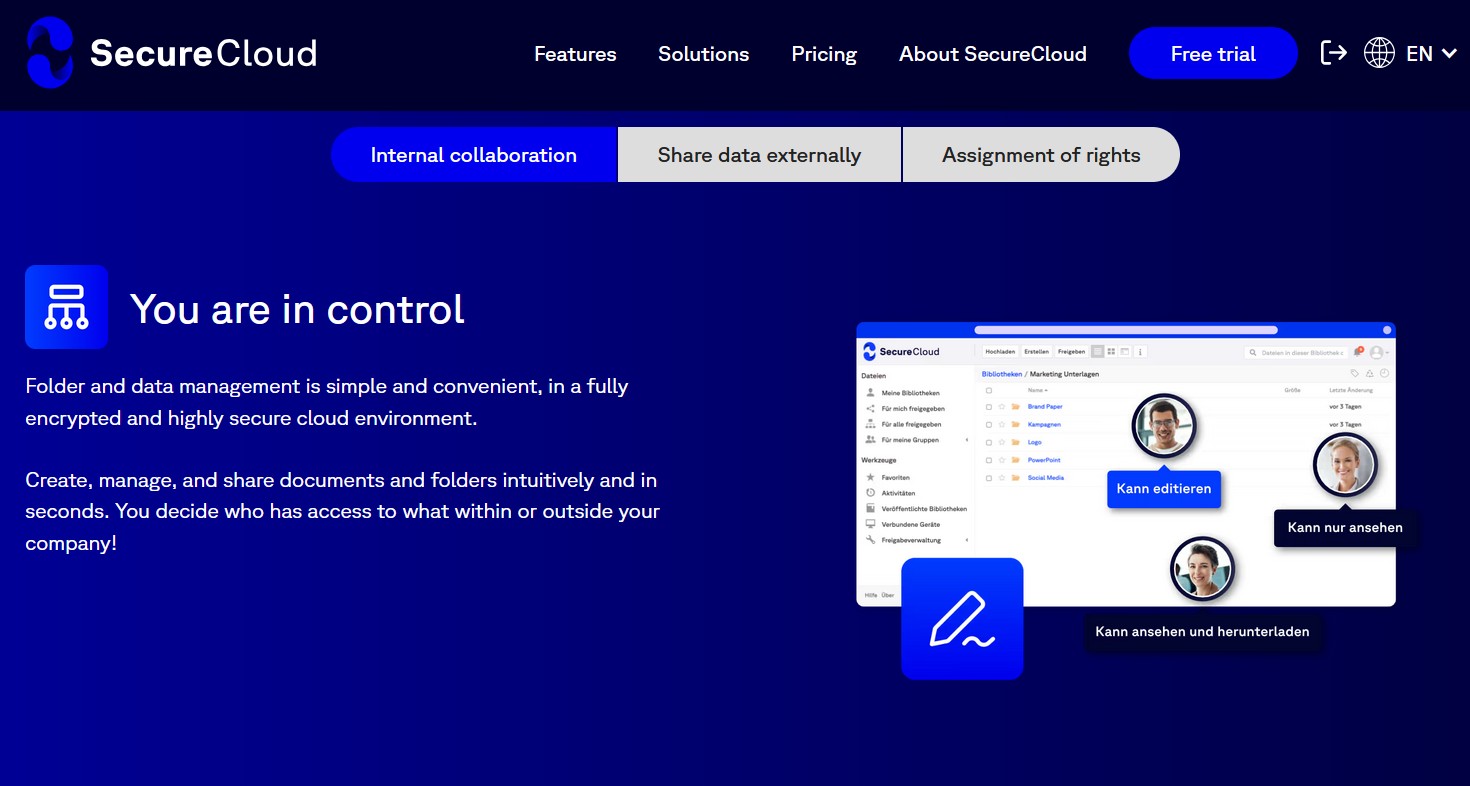
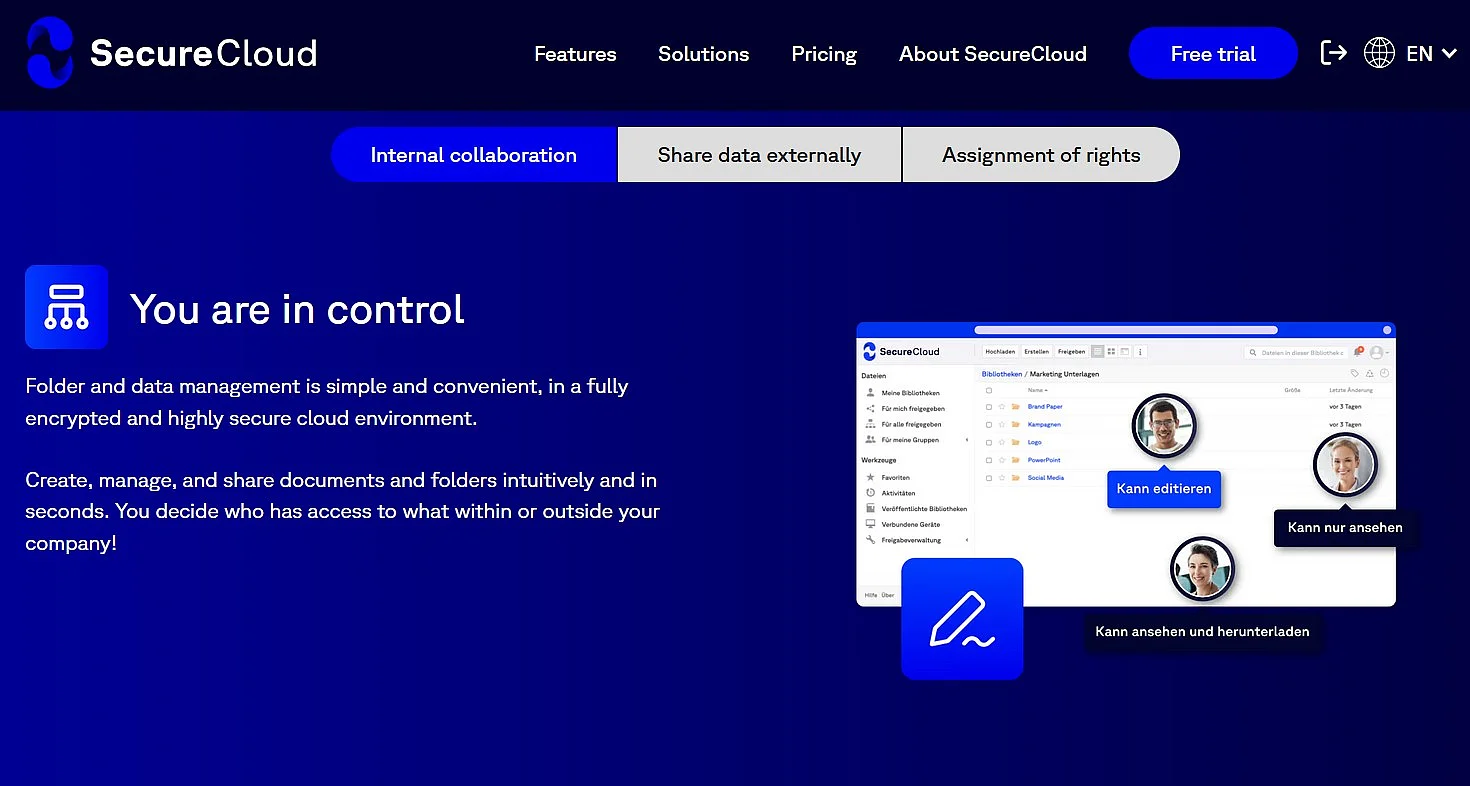
SecureCloud also puts a strong focus on security, with end-to-end encryption ensuring that data is encrypted directly on the user’s device. This Dropbox alternative also stands out for its server location, as files are stored exclusively on servers in Germany. Features such as integrated chat and group management make collaboration across teams easier, while the activity overview lets you track all changes made to your file libraries.
You can access your SecureCloud storage either through the web app or via client applications for macOS, Linux, Windows, iOS, and Android. After a 14-day trial, a paid subscription is required to continue using the service. The service is mainly designed for teams, with the Business package starting at two users and including 50 GB per user. Organisations with 10 or more employees receive 100 GB per user under the ‘Advanced’ or ‘Enterprise’ packages.
| Advantages | Disadvantages |
|---|---|
| ✓ Servers located in Germany, your files benefit from German data protection laws | ✗ No free storage space offered |
| ✓ Very high data security with encryption before, during, and after transmission, plus optional password protection for folders | ✗ Storage space is relatively expensive |
| ✓ Supports Linux operating systems |