What are the best WeTransfer alternatives? 6 solutions compared
WeTransfer is one of the most widely used tools for sending large files. That said, plenty of alternatives offer similar capabilities or even more features. Many of these services allow you to upload files for free and share them via download links, sometimes with greater storage limits or added functionality.
Overview of WeTransfer and its alternatives
To start, here’s an overview of the strengths, weaknesses, and special features of WeTransfer and its alternatives:
| Service | Usable without registration | Maximum file size (free) | Storage period (free) |
|---|---|---|---|
| WeTransfer | ✓ | approx. 3 GB | 3 days |
| HiDrive Share | ✓ | 2 GB | 7 days |
| Smash | ✓ | 2 GB | 7 days |
| TransferNow | ✓ | 5 GB | 7 days |
| Send Anywhere | ✓ (direct transfer) | 10 GB share and 50 GB direct transfer | 48 hours |
| Google Drive | ✗ | 15 GB storage | No fixed period |
| Dropbox | ✗ | 2 GB storage | unlimited |
Last updated: March 2026
Why is WeTransfer so popular?
WeTransfer became popular mainly because it’s so easy to use. You don’t need to register to send large files, and the service works directly in the browser without installing additional software. Users can select one or more files and send them via a download link or directly by email. In the free version, files stay available online for up to 3 days and are limited to 3 GB per transfer. You can send up to 10 transfers per month at no cost.
WeTransfer alternatives compared
All featured WeTransfer alternatives let you share files with others. Most services set a limit on file size, although registered or paid users usually get higher limits. Some providers also include features that make it easy to sync files across multiple devices.
HiDrive Share
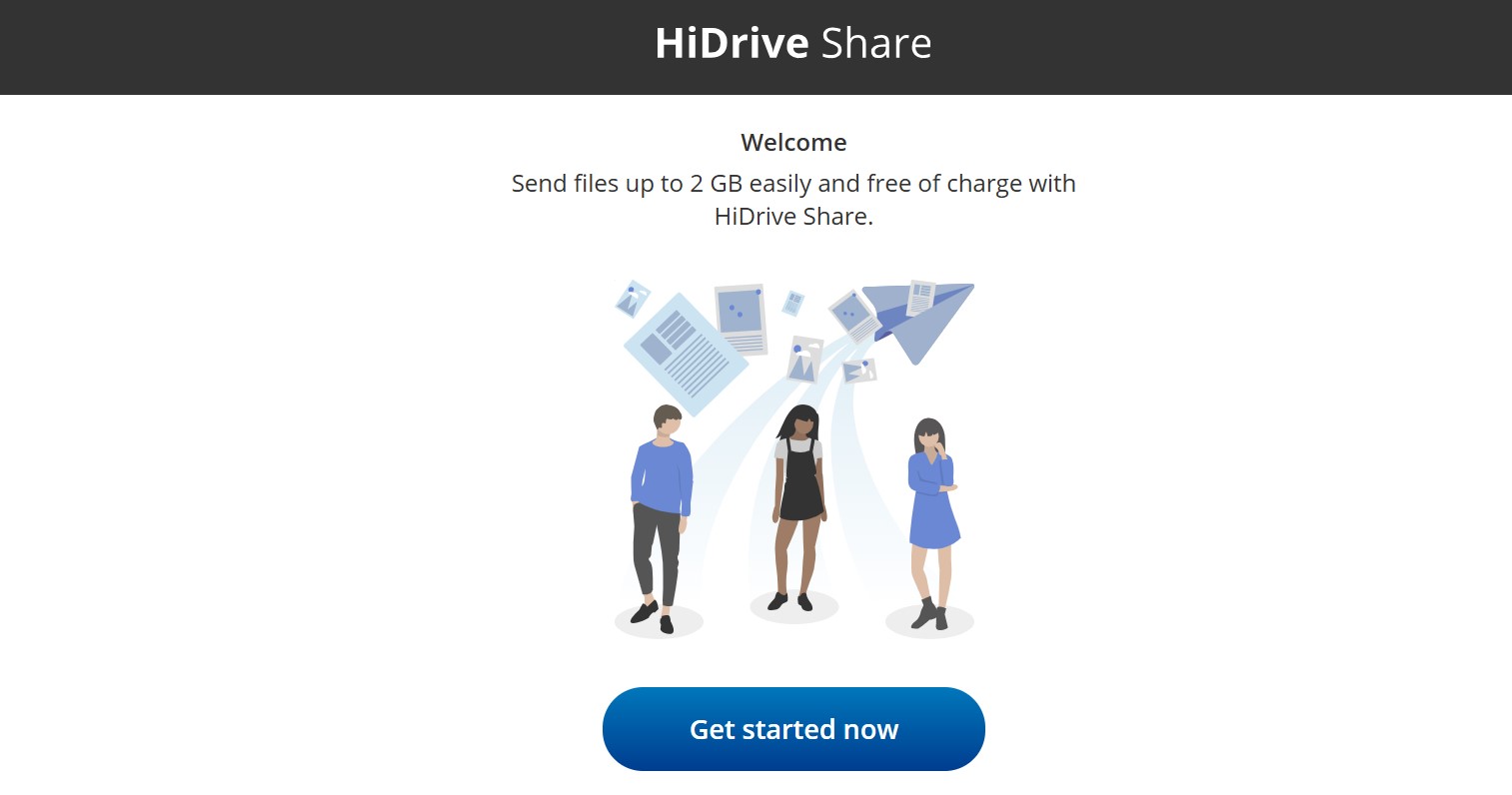
HiDrive Share from IONOS is a simple, fast, and free alternative to WeTransfer for sharing large files. You upload your files directly on the HiDrive Share website and get a download link to share with others. Anyone with the link can access and download the files, making it quick and easy to share documents, photos, or videos.
Each upload has a maximum size of 2 GB, regardless of how many individual files are included. There are no limits on the number of downloads or recipients. After 7 days, all data is automatically and permanently deleted. However, additional security features such as password protection are not available.
| Advantages | Disadvantages |
|---|---|
| ✓ intuitive to use | ✗ 2 GB maximum |
| ✓ no sign-up or installation required | |
| ✓ hosting in European data centres |
Smash
The file transfer service Smash also lets you send large files online quickly and easily. The tool runs directly in the browser and doesn’t require registration in the free mode. After uploading, a download link is generated that you can share with the intended recipients. In the free version, files of up to 2 GB per transfer can be sent, and the number of transfers is not limited. The files remain stored on Smash’s servers for 7 days.


| Advantages | Disadvantages |
|---|---|
| ✓ no registration required | ✗ maximum file size of 2 GB in free package |
| ✓ easy to use directly in the browser | |
| ✓ unlimited number of transfers |
Send Anywhere
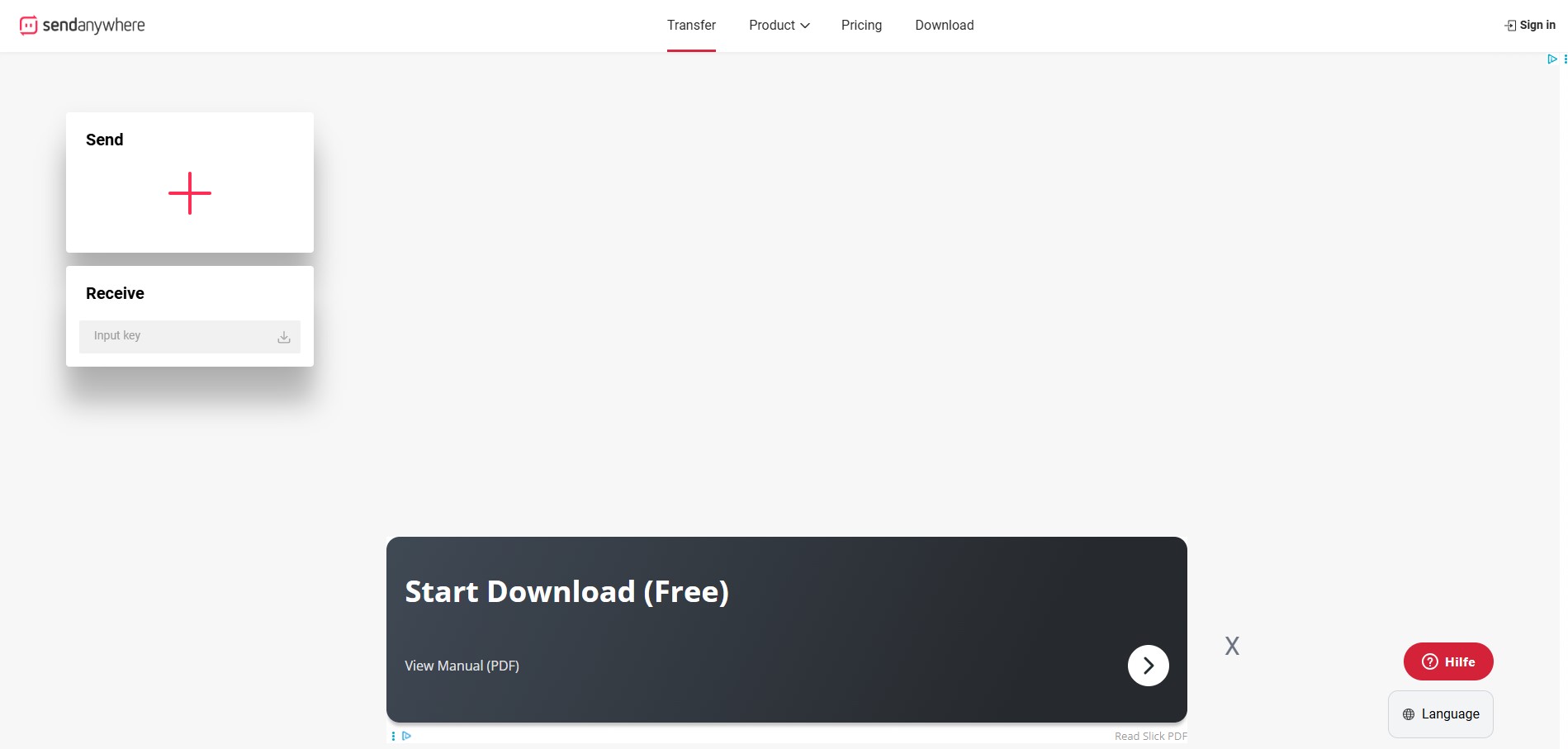
Send Anywhere is a compelling alternative to WeTransfer. Alongside standard download links, it also supports direct device-to-device transfers. The app generates a unique six-digit code for each upload. When the recipient enters this code, the download starts immediately.
Send Anywhere can be used directly in your browser, but you’ll need to sign up to create share links. In the free package, direct transfers support up to 50 GB, while share links are limited to 10 GB per file. Download links expire automatically after 48 hours.
| Advantages | Disadvantages |
|---|---|
| ✓ direct transfers between devices | ✗ share links valid for only 48 hours |
| ✓ use via browser or app | ✗ registration required for file transfer via email/link |
| ✓ large direct transfers up to 50 GB possible |
TransferNow
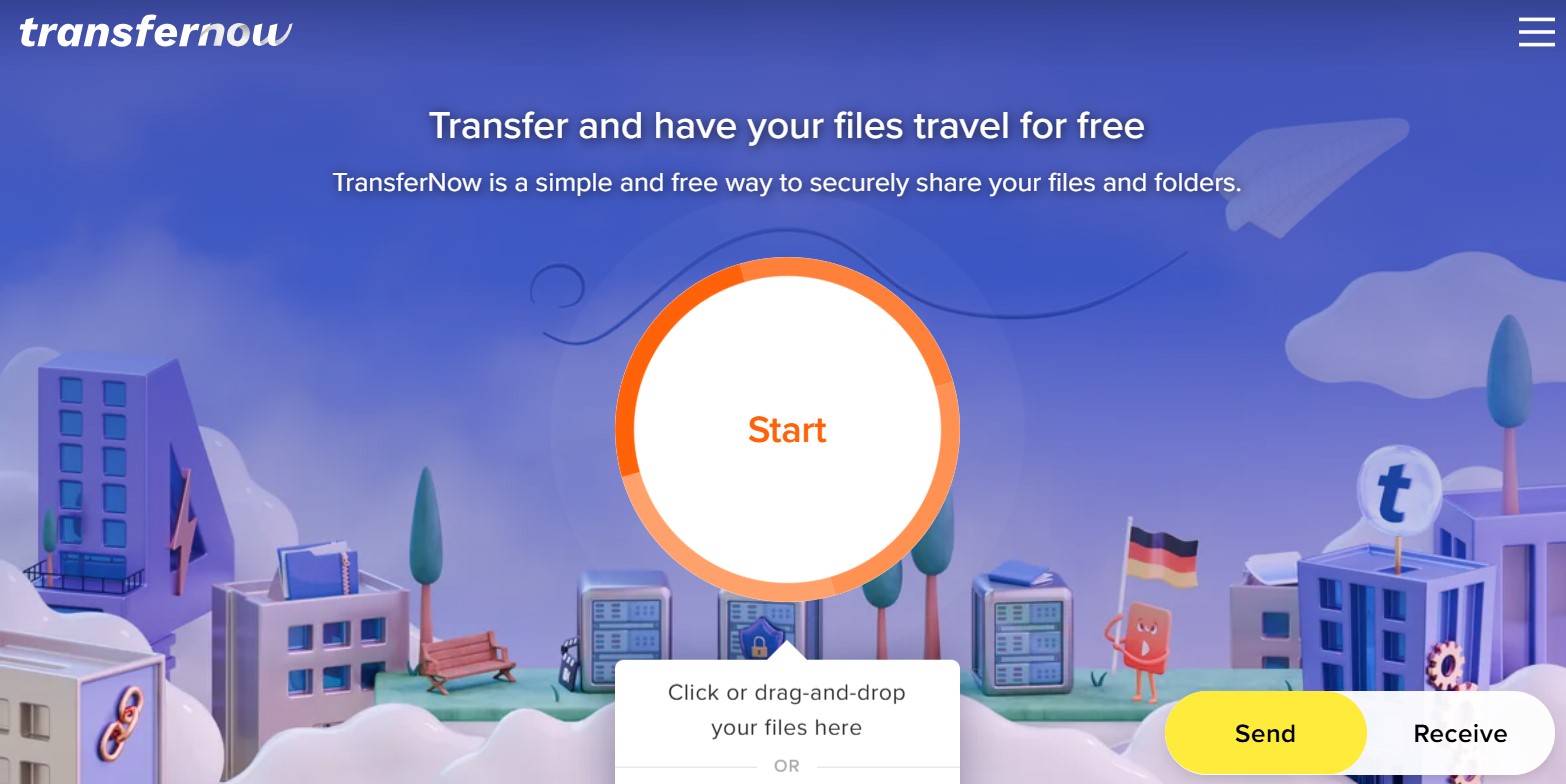
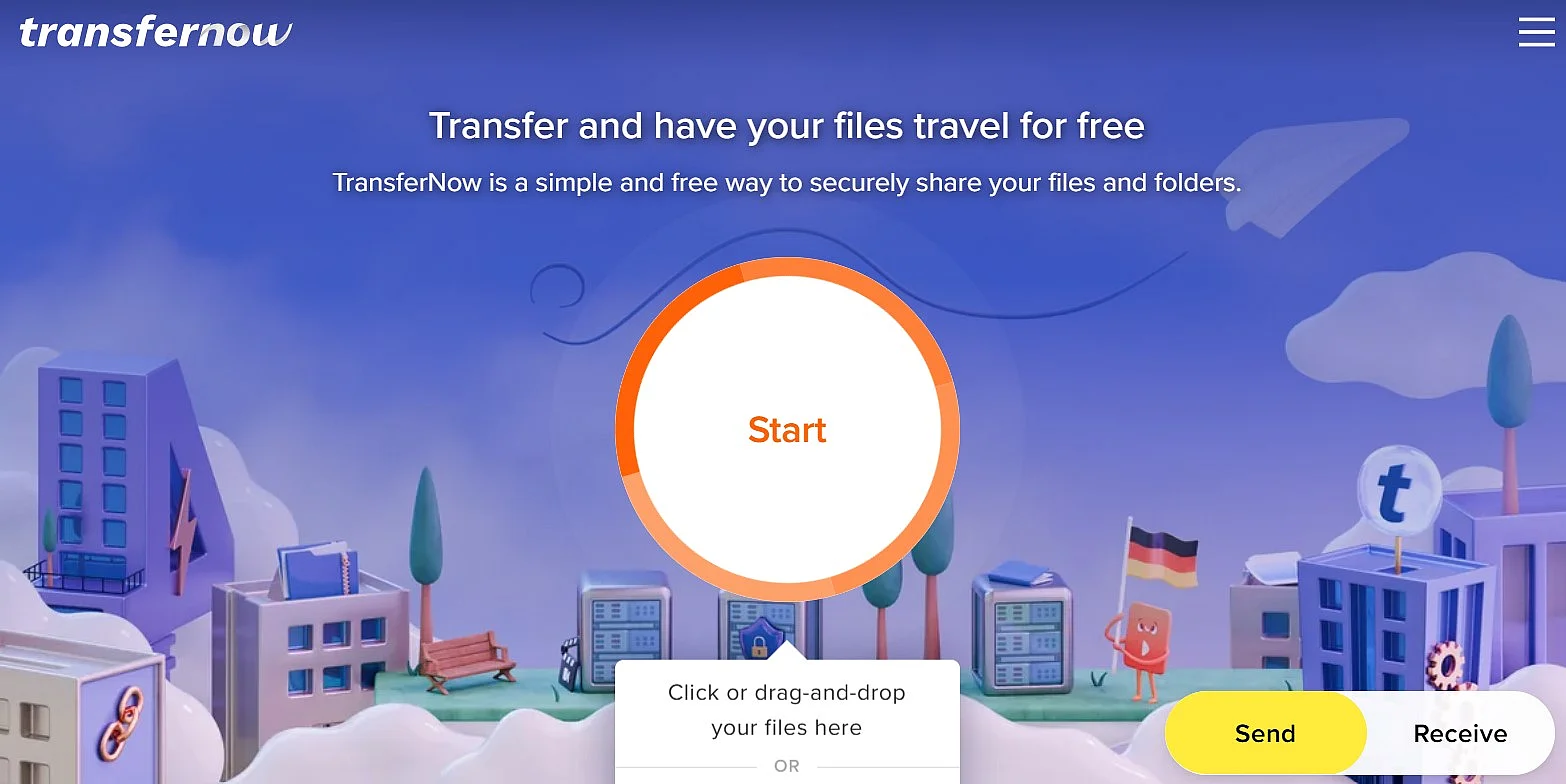
With TransferNow, you can send files of up to 5 GB per transfer. The service runs directly in your browser. After uploading a file, it generates a download link you can share with recipients. Files stay available for up to 7 days and can optionally be protected with a password.
| Advantages | Disadvantages |
|---|---|
| ✓ up to 5 GB per transfer in the free package | ✗ registration required for some features |
| ✓ optional password protection | |
| ✓ easy to use directly in the browser |
Google Drive
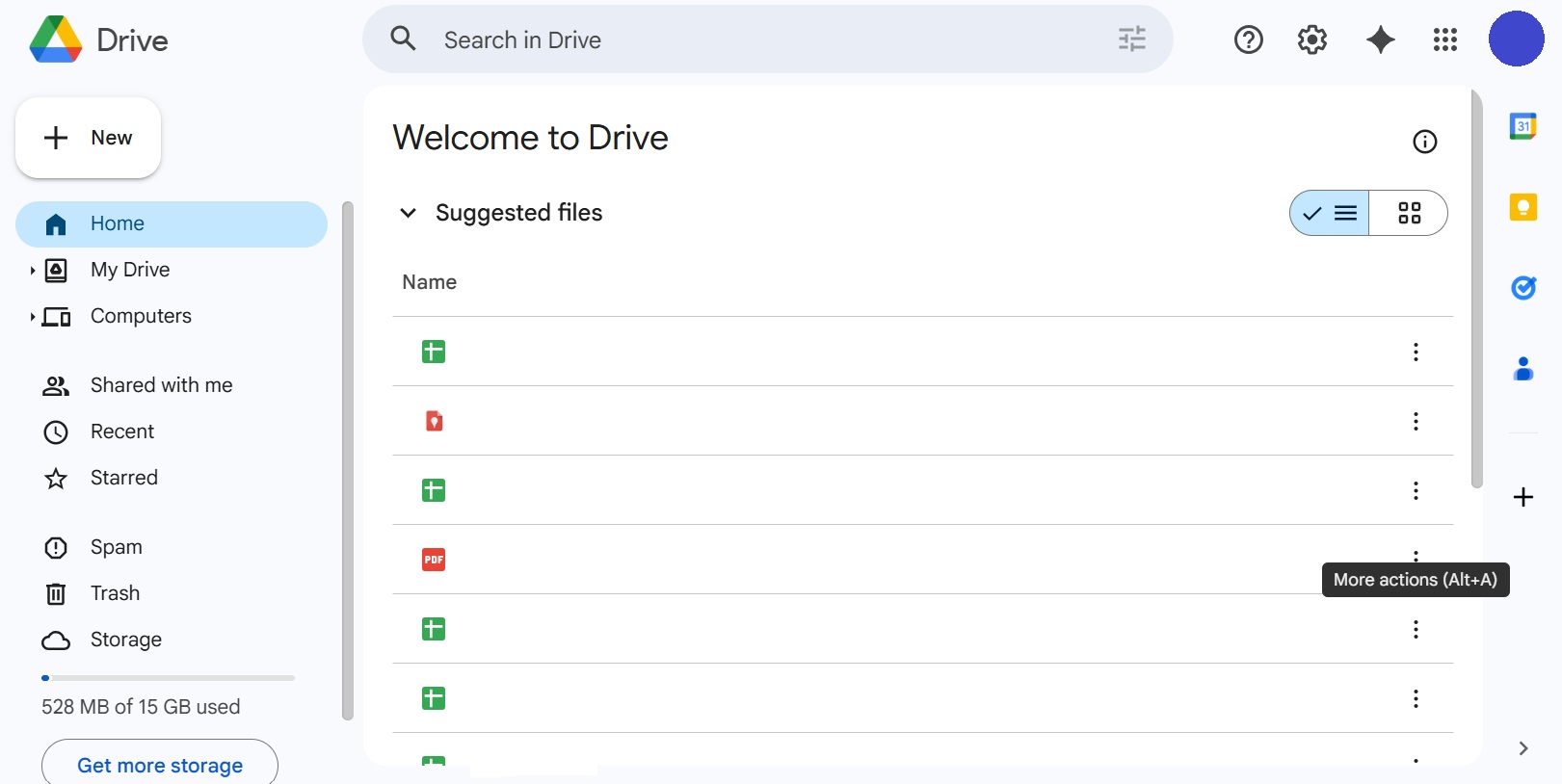
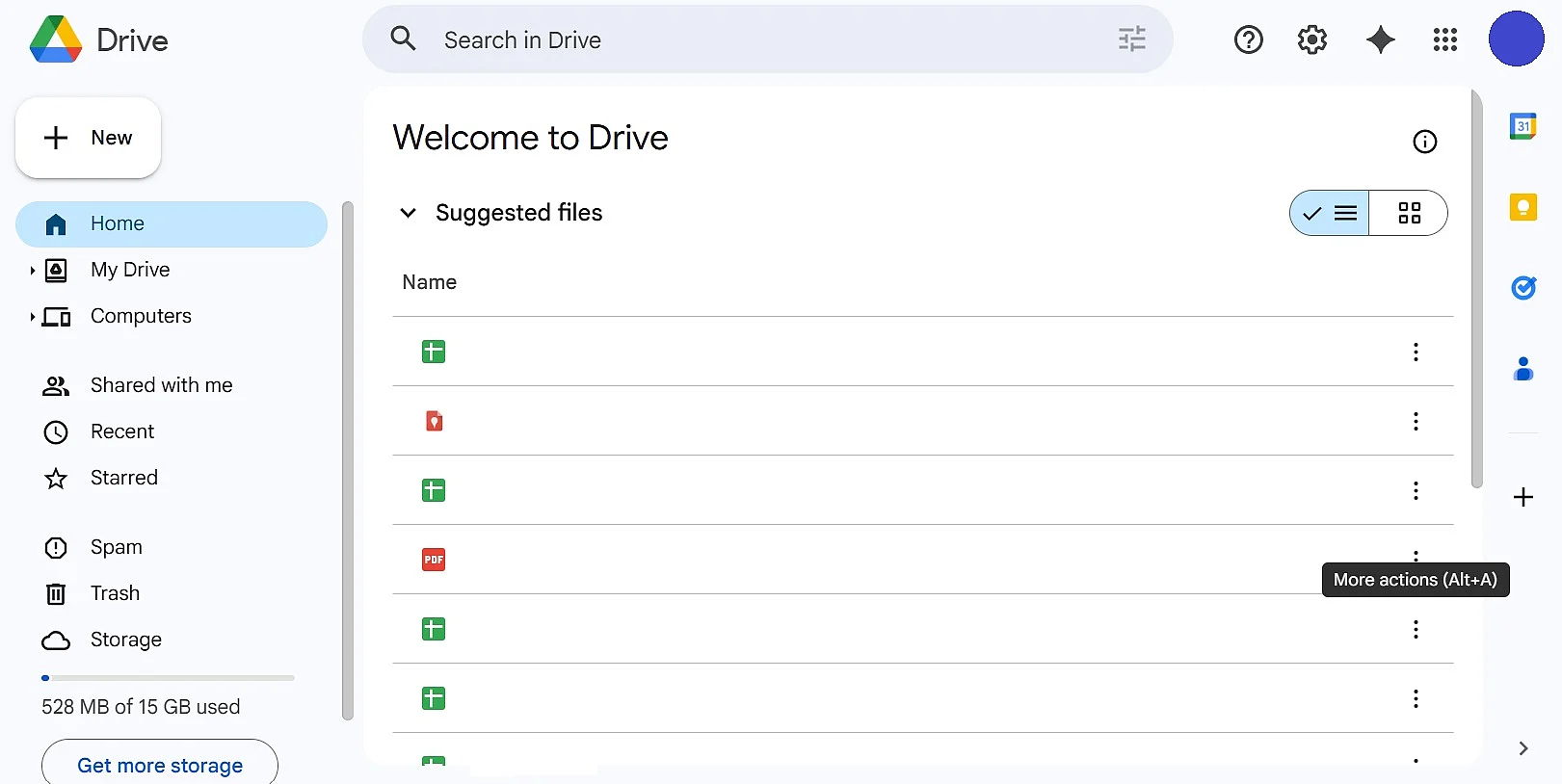
With Google Drive you’re dealing more with traditional cloud storage than a direct WeTransfer alternative. However, the service can also be used to send larger files by sharing uploaded content with others via a sharing link. Users get 15 GB of free storage with a Google account, which is shared between Google Drive, Gmail, and other Google services. When sharing files, you can also specify whether other people are allowed to only view, comment on, or edit the content.
| Advantages | Disadvantages |
|---|---|
| ✓ hard drive synchronisation possible | ✗ free storage is shared with Gmail and Google Photos |
| ✓ 15 GB of free storage | |
| ✓ tight integration with Google services |
Dropbox
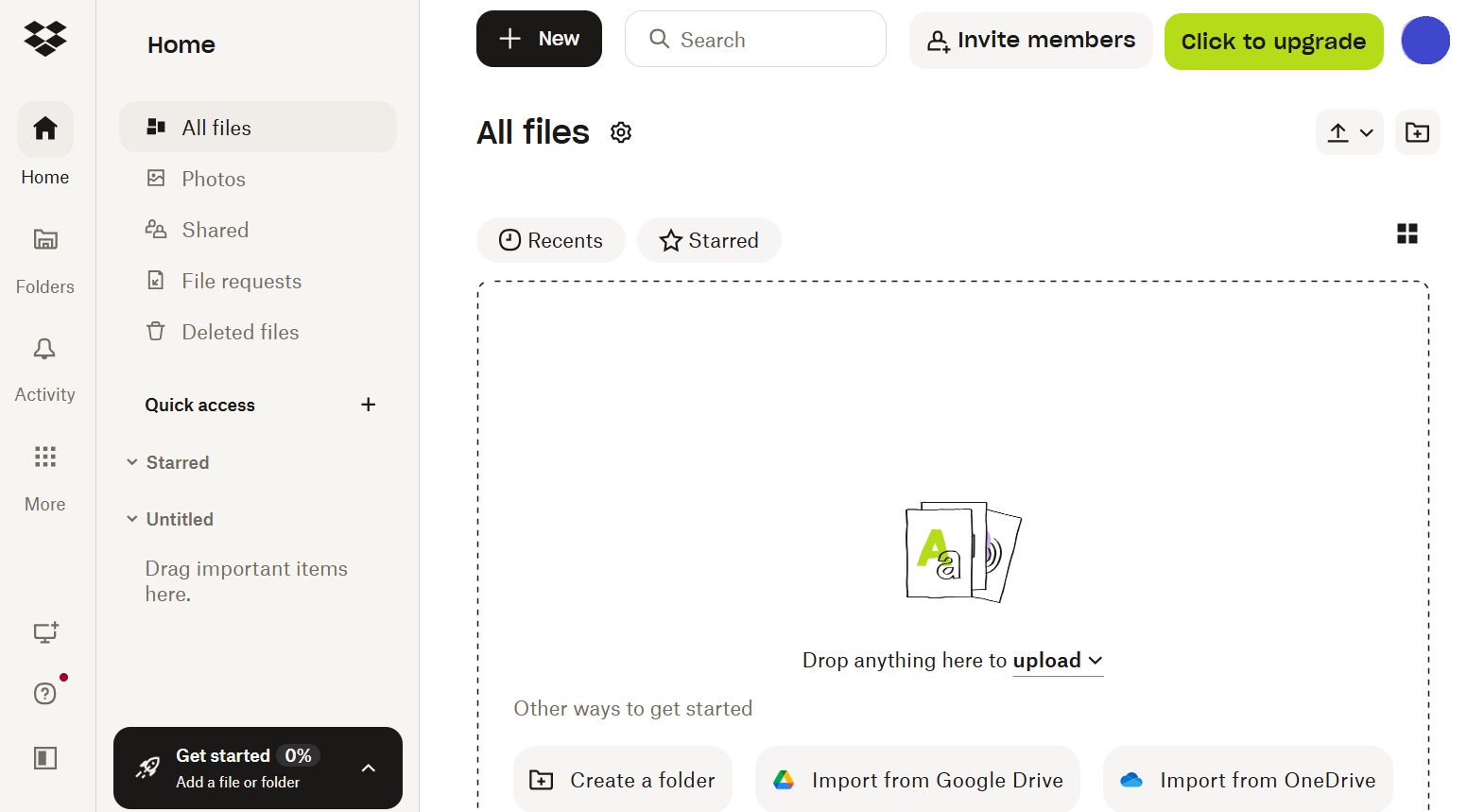
Dropbox is one of the best-known cloud storage services and is used by many users to sync and back up files. In addition to this classic function, the service can also be used to send larger files. To do this, the sender uploads the desired files to their online storage and then shares them with others via a sharing link. In the free package, Dropbox provides 2 GB of storage. You can share files or entire folders via a link without recipients needing a Dropbox account. Unlike typical file transfer services and many WeTransfer alternatives, files stay available as long as they remain in storage, unless the sender deletes them.
| Advantages | Disadvantages |
|---|---|
| ✓ synchronisation feature available | ✗ free 2 GB storage is relatively low |
| ✓ easily share files via sharing links |