What are the six best alternatives to OneDrive?

Finding a suitable alternative to OneDrive isn’t difficult. The cloud storage market offers plenty of options with different combinations of storage capacity, cost, data protection, where data is stored, encryption and team collaboration features.
Key Takeaways
These six cloud storage services are alternatives to OneDrive:
- pCloud: Swiss data protection and optional zero-knowledge encryption
- IONOS HiDrive Next: German data centres and file synchronisation
- SecureCloud: client-side encryption and integrated office applications for businesses
- Google Drive: strong collaboration and Google integration, with data processed worldwide
- iCloud: ideal for Apple devices, with end-to-end encryption for many data categories through Advanced Data Protection (not available in all regions)
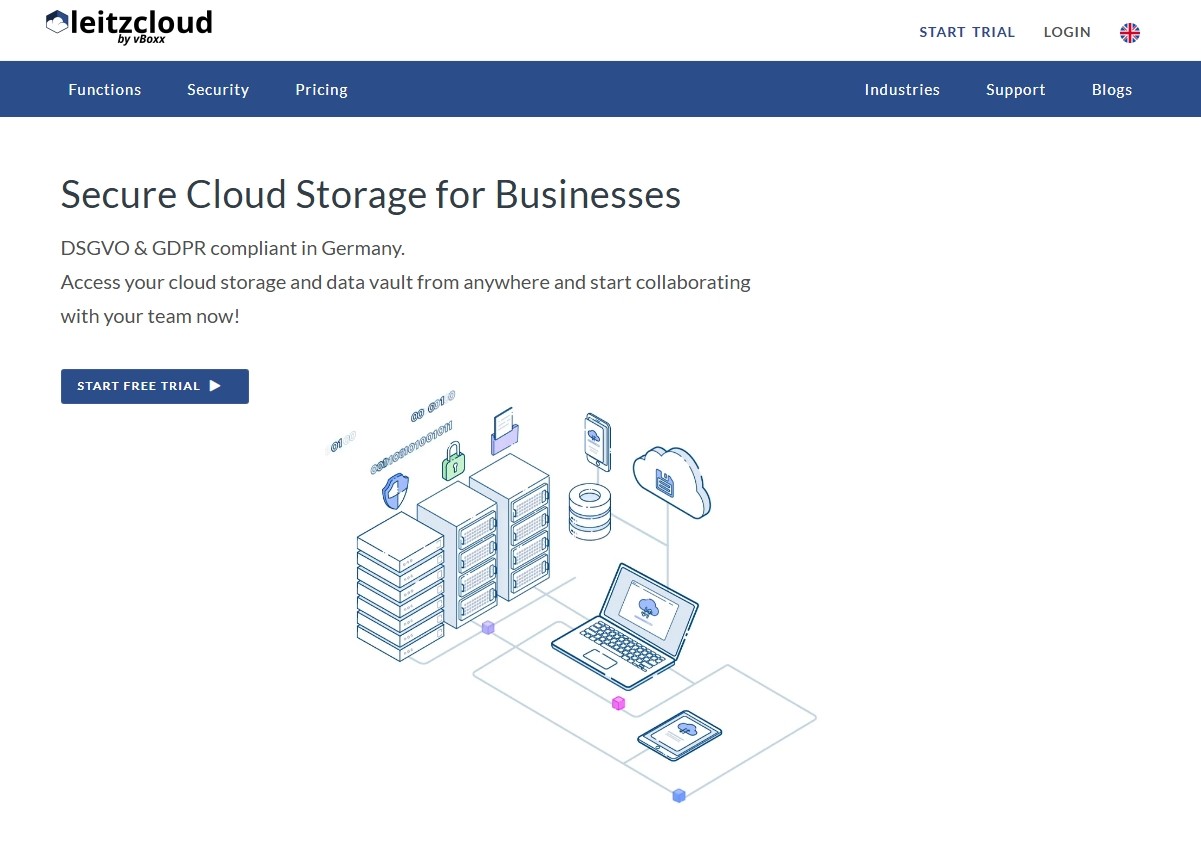
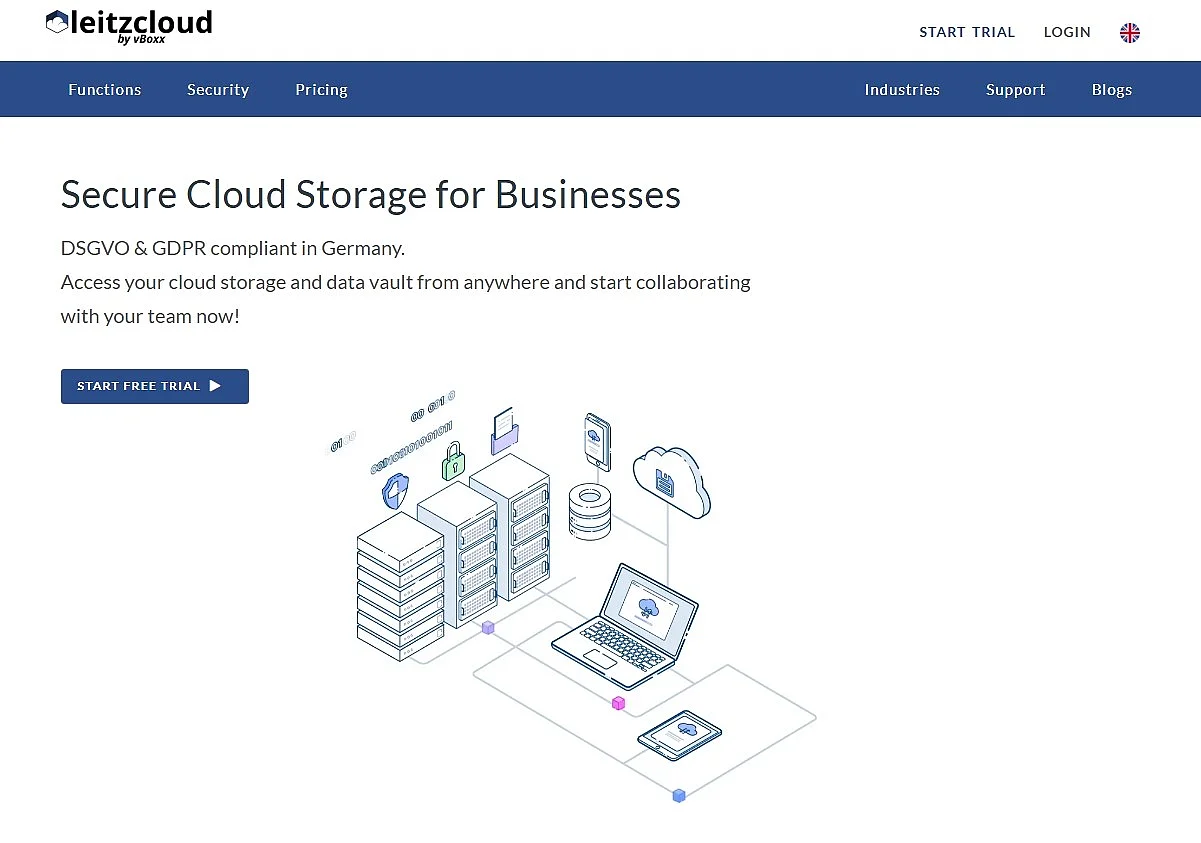
- leitzcloud by vBoxx: German provider with permissions management and real-time synchronisation for teams
How do you find the right alternative to OneDrive?
Whether you regularly create a backup of personal or business data, back up videos and photos, send large files or need to access stored files from any device or location, cloud storage is often a practical solution. If 5 GB of free storage isn’t enough for you or you want stronger data protection, more control over where your data is stored or additional collaboration features, there are plenty of suitable alternatives to OneDrive to choose from.
In addition to cloud security, you should consider whether each OneDrive alternative offers good value for money and sufficient storage space. It’s also worth considering data location, encryption and ease of use when choosing one.
How do OneDrive alternatives compare?
| OneDrive Alternative | Advantages | Server Location | Target Audience |
|---|---|---|---|
| pCloud | ✓ Swiss data protection ✓ flexible plans ✓ optional zero-knowledge encryption |
EU (Luxembourg) or US (Dallas), your choice | Individuals + SMEs |
| IONOS HiDrive Next | ✓ GDPR-compliant ✓ German data centres ✓ file synchronisation |
Germany | Individuals + businesses |
| Google Drive | ✓ strong collaboration ✓ Google integration |
Global (e.g. US) | Individuals + businesses |
| SecureCloud | ✓ client-side encryption ✓ German data centres ✓ integrated office applications |
Germany | Businesses |
| iCloud | ✓ ideal for the Apple ecosystem ✓ easy to use |
Global (Apple infrastructure) | Individuals |
| leitzcloud by vBoxx | ✓ business focus ✓ permissions management ✓ Microsoft Office compatibility |
Germany | Businesses |
As of: March 2026
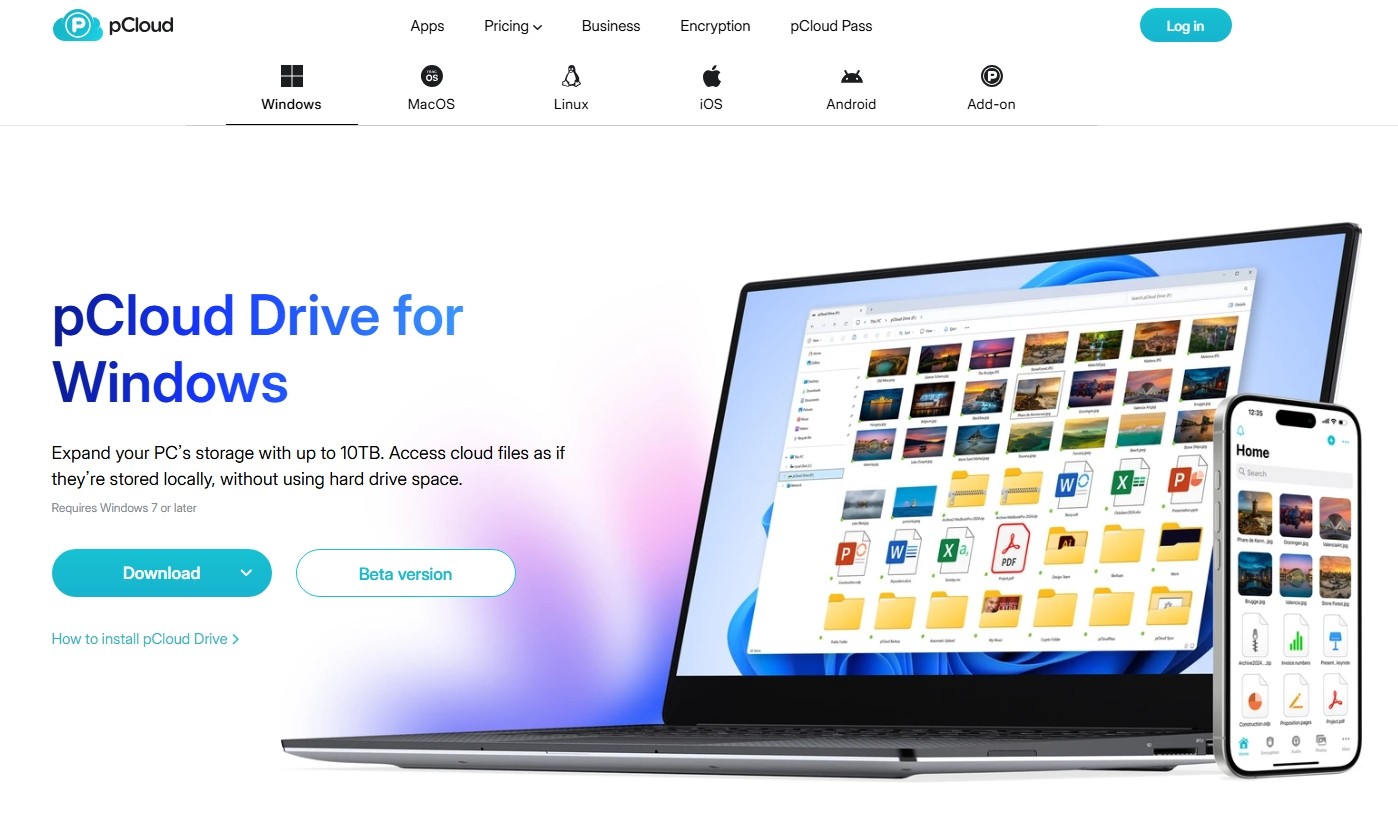
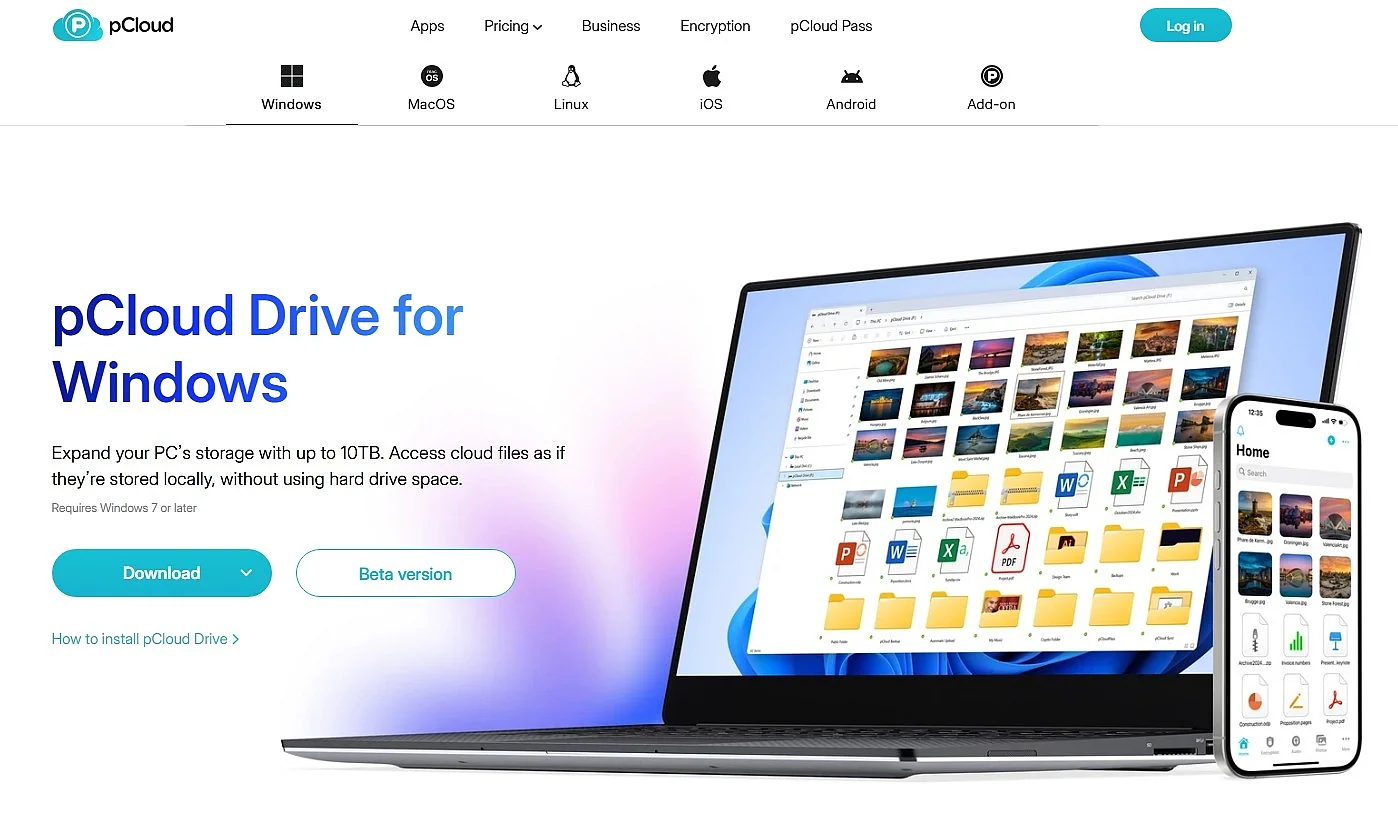
pCloud
As a cloud storage service based in Switzerland, pCloud offers a high level of data protection. Data is encrypted during transfer via TLS, while stored content is encrypted on the server side using AES-256. Its data centres meet recognised security standards such as ISO 27001.
The paid pCloud Encryption add-on also provides client-side encryption. This enables zero-knowledge protection, meaning only users themselves can access their encrypted data. Note that this feature is not enabled by default. The key features and advantages of pCloud include:
- secure data transfer and storage using modern encryption standards
- optional zero-knowledge encryption for maximum control over your data
- easy collaboration through file and folder sharing
- support for large media files, including streaming features
- synchronisation across multiple devices
pCloud also offers team collaboration features, including file and folder sharing and shared access to content.
Costs: free plan with limited storage, plus various paid subscriptions with additional storage or lifetime plans
HiDrive Next cloud storage from IONOS
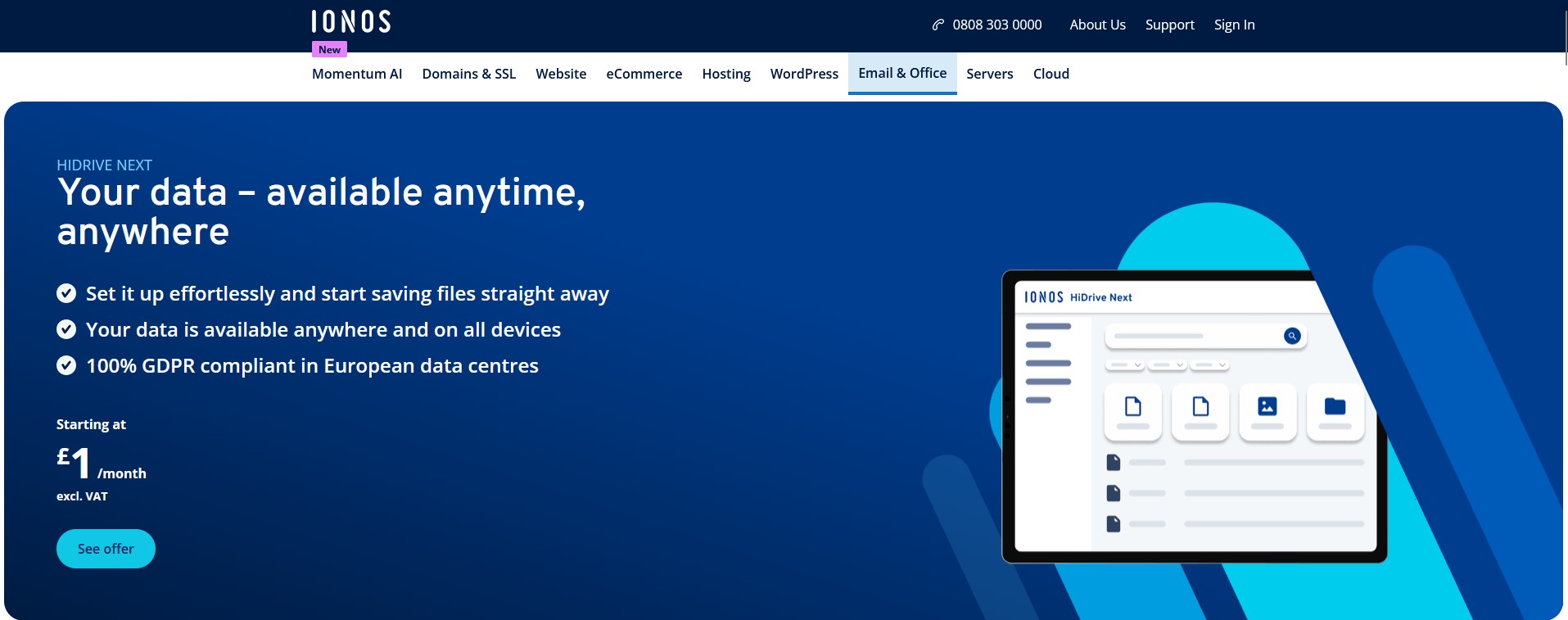
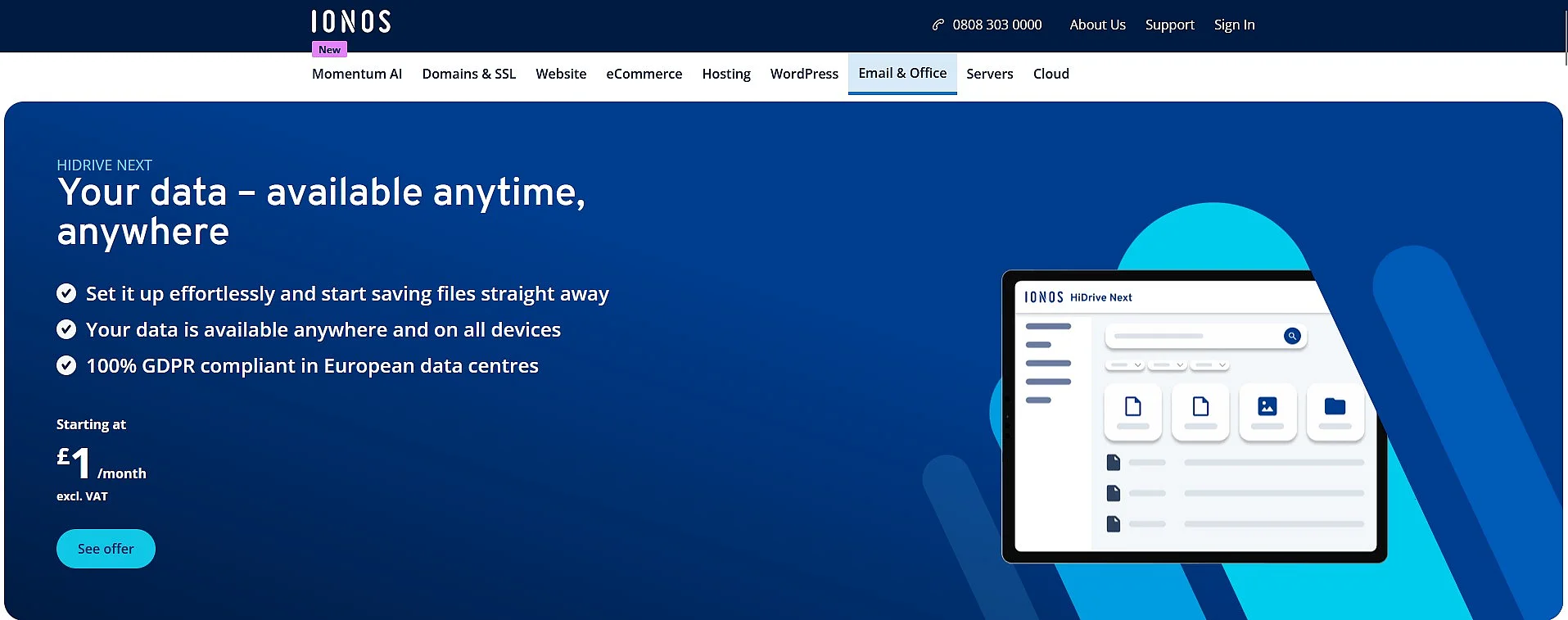
HiDrive Next cloud storage from IONOS offers secure online storage for storing, sharing and synchronising files across devices. Data is stored entirely in German data centres that are certified to ISO 27001 and meet GDPR requirements as well as high standards for data centre security. Data transfers are protected using SSL encryption.
Your files are stored centrally and securely while remaining accessible across devices. File synchronisation, private and shared folders, and password-protected sharing links support collaboration, while WebDAV allows the storage to be integrated into existing local infrastructures and backup systems.
Costs: various plans with different storage capacities and feature sets
SecureCloud
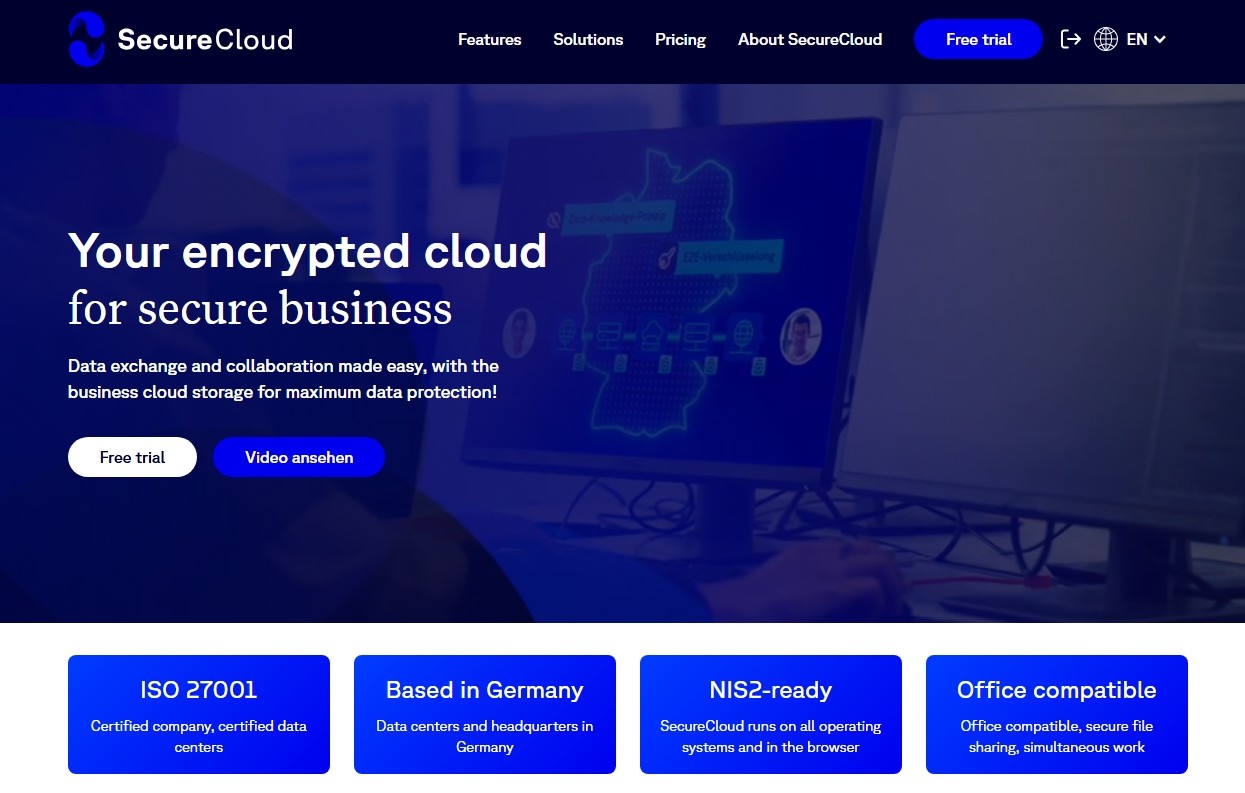
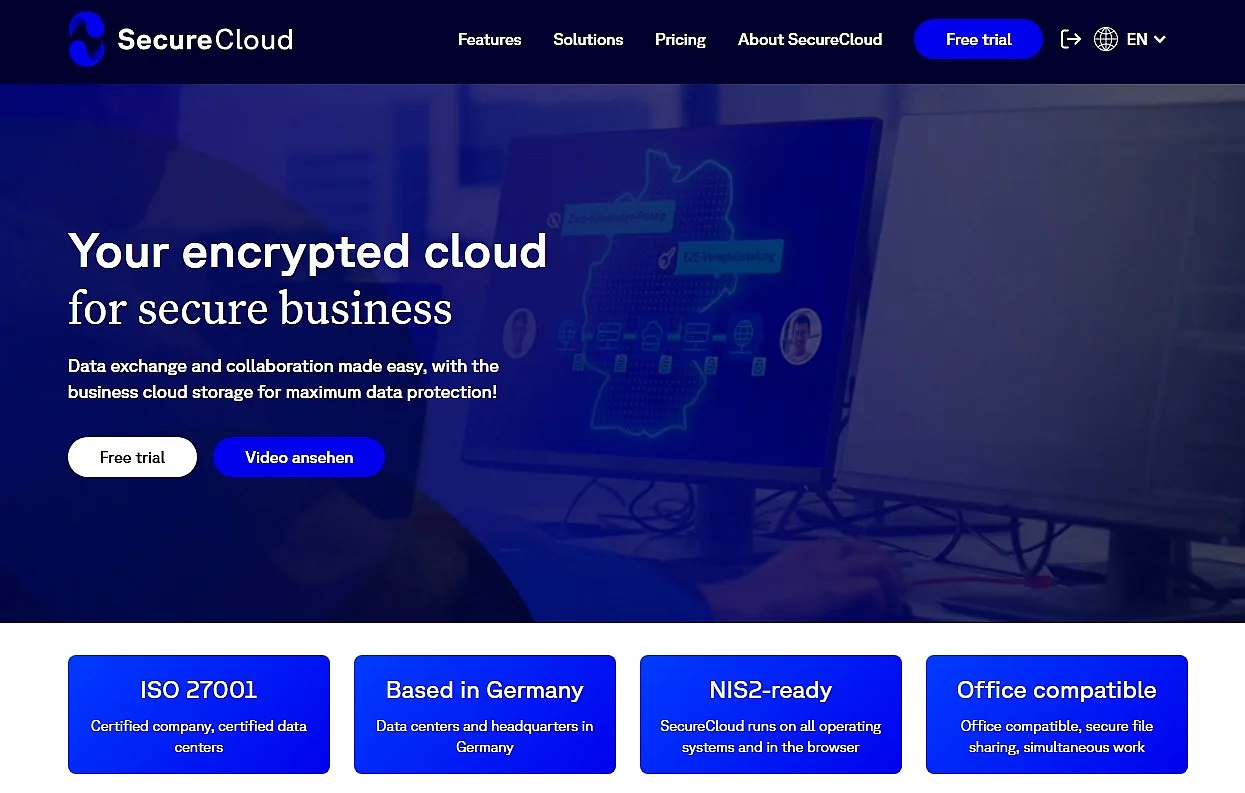
The German cloud service SecureCloud is primarily aimed at businesses that value data protection and secure collaboration. Data is processed in German data centres that are certified to widely used ISO standards and comply with GDPR requirements.
SecureCloud uses strong encryption: files are encrypted on the client side before transmission and then transferred over secure connections (TLS/SSL). This helps protect content from unauthorised access. Depending on the configuration, SecureCloud can also be set up so that the provider cannot access the stored data. This OneDrive alternative also offers team collaboration features. The most important features include:
- integrated web office applications for editing documents directly
- centralised storage and access to files from any device
- structured permissions and role management for teams and organisations
- features for efficient collaboration and content sharing
This makes SecureCloud highly suitable for businesses and organisations with stringent security and control requirements.
Costs: tiered plans with user-based storage; Business and Enterprise models with scalable storage and features that can be expanded as needed
Google Drive
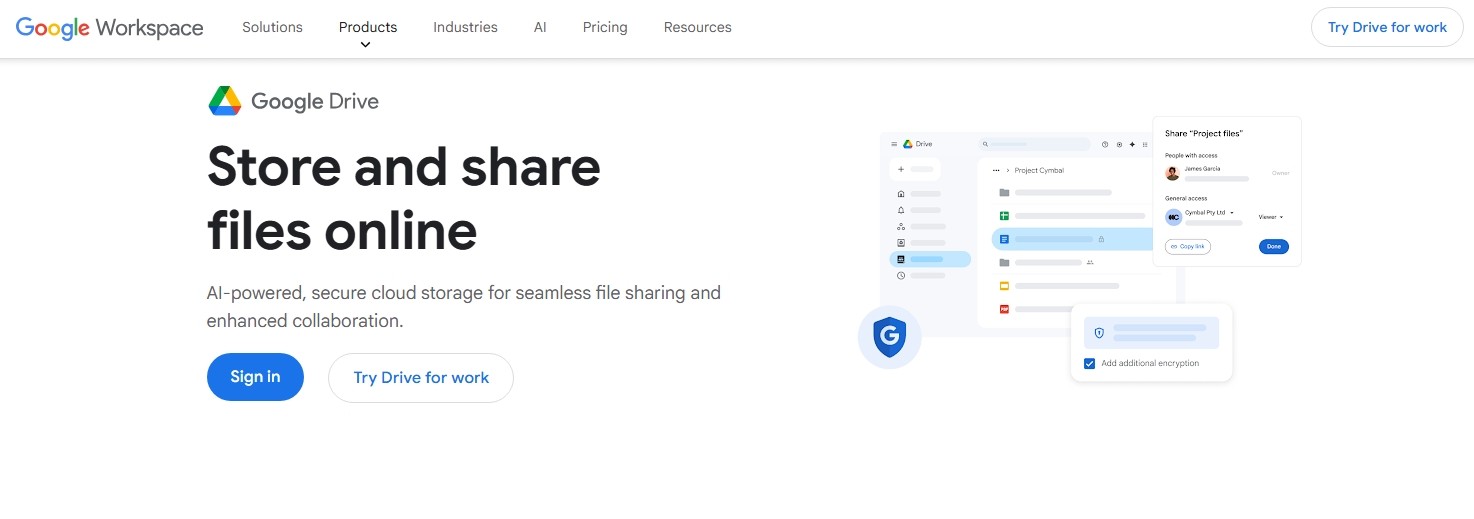
Like OneDrive, Google Drive is considered one of the leading cloud services on the market. A major advantage of Drive is its integration with Google services such as Gmail, Docs, Sheets and Contacts, which come as standard for Android users. To use Drive for free, all you need is a Google account with access to Drive. Backups can be created easily and automatically, and data can be synchronised across devices. Drive also supports third-party apps, allowing data to be shared and edited centrally and in real time.
For security, Google uses established standards such as encryption in transit and at rest, along with protections against spam and malware. Users should also be aware that data is processed in data centres distributed around the world, including locations in the United States. Eligible Google Workspace editions can use Data Regions to choose where certain covered data is stored and processed, including in Europe or the United States. Google Workspace also offers a Cloud Data Processing Addendum (CDPA), which sets out Google’s data processing and security commitments and supports compliance with applicable data protection requirements, including the GDPR.
Costs: free basic storage allowance and various paid storage plans through Google One
iCloud
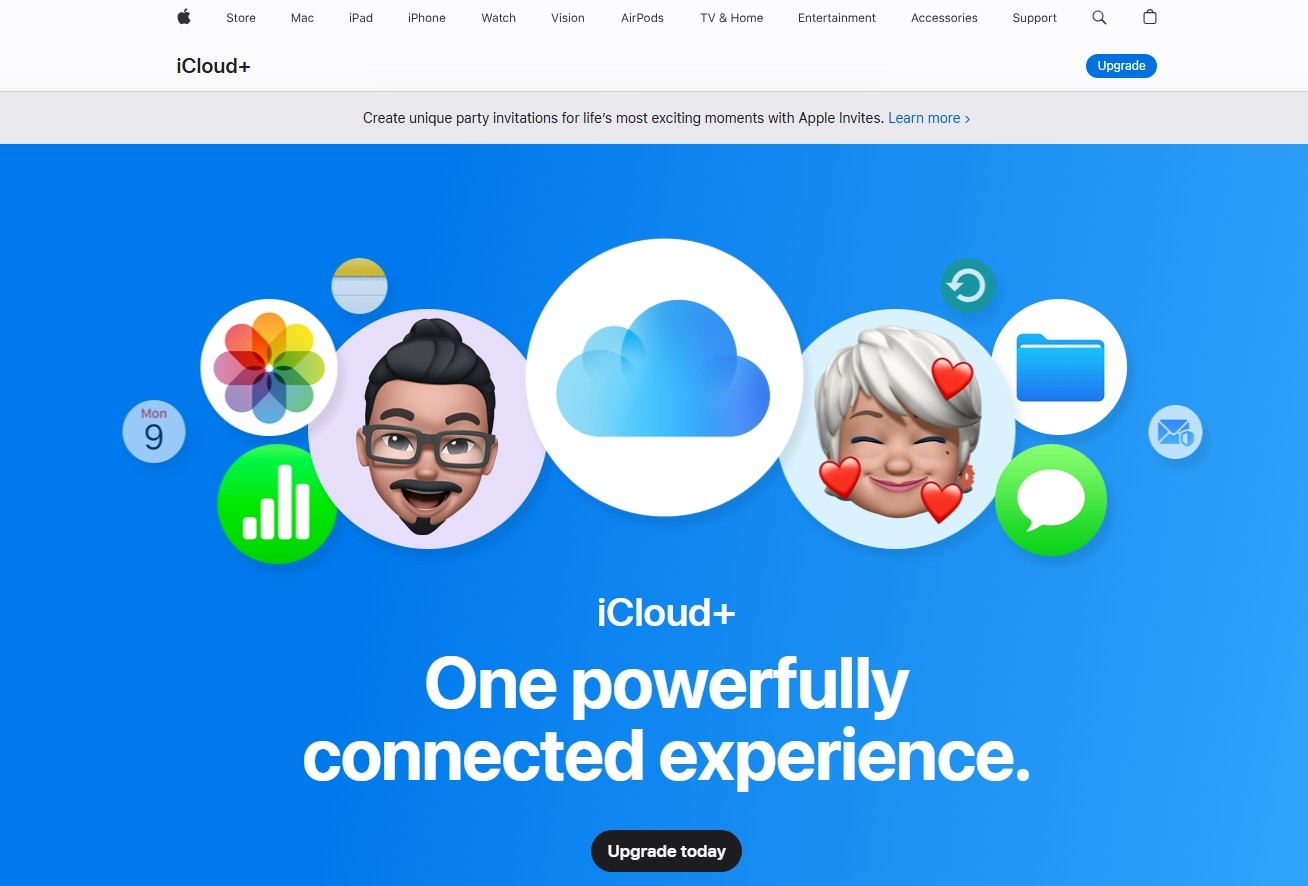
iCloud comes as standard for Apple users with an Apple ID. The service is deeply integrated into the Apple ecosystem and automatically synchronises photos, files, contacts, and other data across Apple devices. With Advanced Data Protection (ADP), Apple provides enhanced end-to-end encryption for many categories of iCloud data, so even Apple cannot access the content. However, the feature is not available in all regions. In the United Kingdom, for example, it was disabled in 2025 due to government requirements.
iCloud can also be used on Windows through the iCloud for Windows application, although it offers fewer features than on macOS or iOS. The browser-based iCloud.com interface also provides access to services such as Pages, Numbers and Keynote without requiring local installation.
Costs: 5 GB of free cloud storage by default; paid iCloud+ plans with different storage options
leitzcloud by vBoxx
The German cloud service leitzcloud by vBoxx offers a high level of data protection with data centres in Germany. Data is encrypted during transfer, while stored data is also protected by modern security measures.
Key features include real-time file synchronisation, collaborative online editing, and permission and user management. Sharing settings, access permissions, and organisational workflows can be managed through a clear, easy-to-use dashboard. leitzcloud by vBoxx also includes features for mapping out team structures and centrally managing company data.
Costs: licence-based pricing, with plans offering different storage allowances and feature sets