What are the best alternatives to Picasa?

Picasa was a program that many users liked to use for convenient photo management and simple image editing. After Google had operated the tool for a decade, development of the cross-platform photo viewer was permanently discontinued in 2016. We present the best Picasa alternatives.
Key Takeaways
Since Picasa was discontinued, several strong alternatives are available for photo management.
- Google Photos offers automatic sorting and powerful search as a cloud service.
- Adobe Lightroom and ACDSee Photo Studio stand out with professional DAM features and editing tools.
- Local tools like XnView MP, digiKam, and FastStone Image Viewer keep full control over your data without relying on the cloud.
- Key features to look for include metadata support, facial recognition, and geo data.
What features should Picasa alternatives offer?
A program for viewing and organising your photos should primarily stand out with clear, easy-to-use management features. Good photo management software offers tagging options that let you sort your images by date, location, people, events, and more. Ideally, it also lets you assign custom keywords to your pictures. Other important features include the following:
- Metadata: Every time you take a photo, your camera stores information about the shot as metadata. Good photo management software should also display this information. It is usually stored as EXIF data in the image file. However, there are other metadata formats such as XMP and IPTC.
- Facial recognition: Another helpful feature is facial recognition, even though data privacy advocates tend to view it critically. With facial recognition, photos can, for example, be quickly sorted by specific groups of friends.
- Geo data: Based on the metadata, some programs can also display on a map where the photos were taken. Modern cameras with GPS usually record these geo-coordinates automatically. Good photo management software can read this data as well.
When it comes to displaying photos, everyone has their own preferences. Zoom and full-screen mode, simple editing options, and slideshows are standard features in most photo management programs. More ambitious photographers also need an overview option to quickly review series of images. Some programs display selected photos in a slideshow that can be enhanced with effects.
The 6 best alternatives to Picasa
What Picasa alternatives are there, and which ones are the best? By now, there are plenty of programs for managing and editing images that replace and even expand on Picasa’s features. To save you from having to navigate the jungle of photo management and editing tools yourself, we present the 6 best alternatives to Picasa and give you an overview of their features.
| Software | Operating system | Storage | Strengths |
|---|---|---|---|
| Google Photos | Browser, Android, iOS | Cloud | automatic sorting, powerful search, easy synchronisation |
| Adobe Lightroom | Windows, macOS, Android, iOS | local & cloud (optional) | non-destructive editing, pro workflow, AI features |
| XnView MP | Windows, macOS, Linux | local | supports many image formats, powerful metadata and batch features |
| ACDSee Photo Studio | Windows, macOS (limited) | local | professional photo management, integrated image editing, RAW workflow |
| digiKam | Windows, macOS, Linux | local | open source, powerful DAM, local facial recognition |
| FastStone Image Viewer | Windows | local | easy to use, ideal as an image viewer |
Google Photos
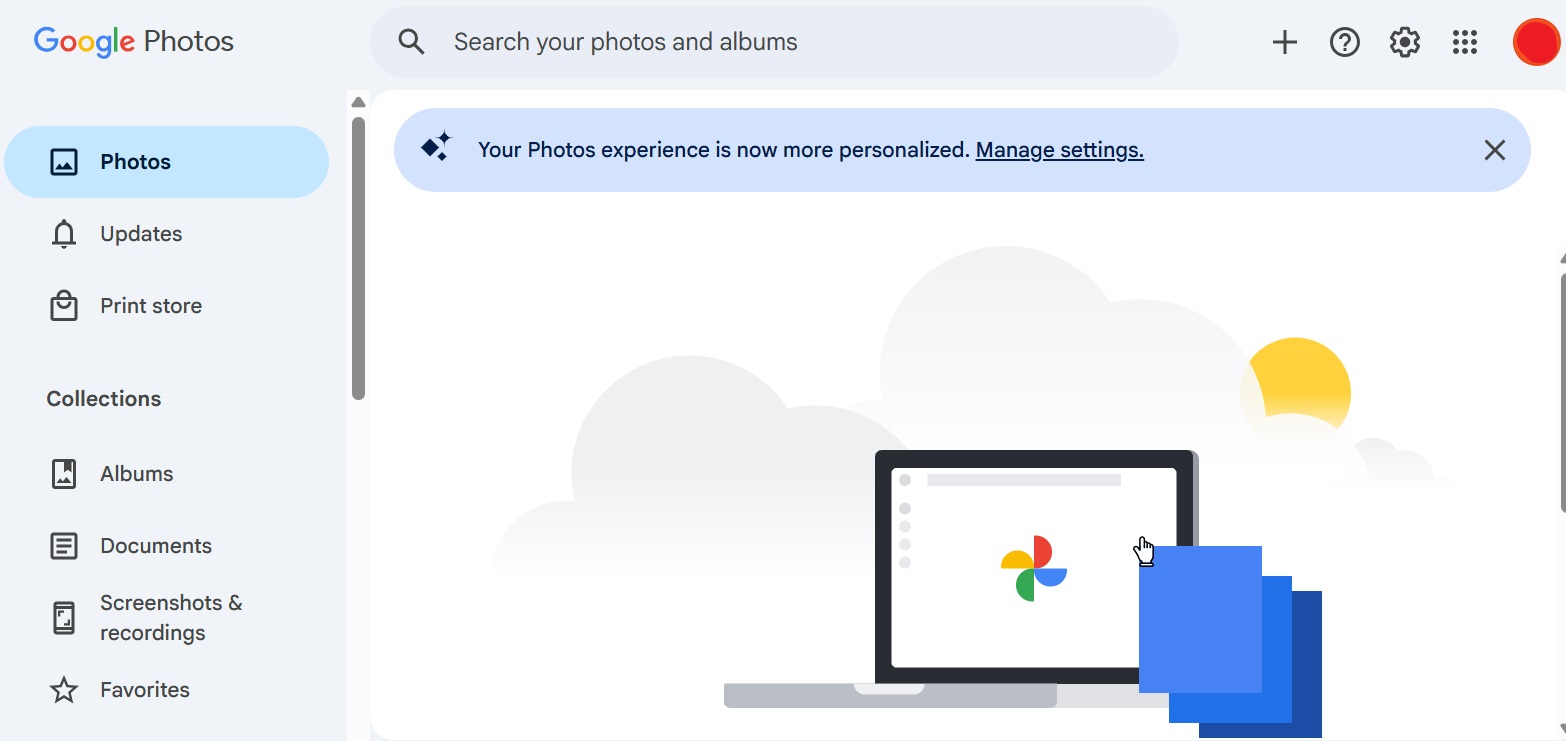
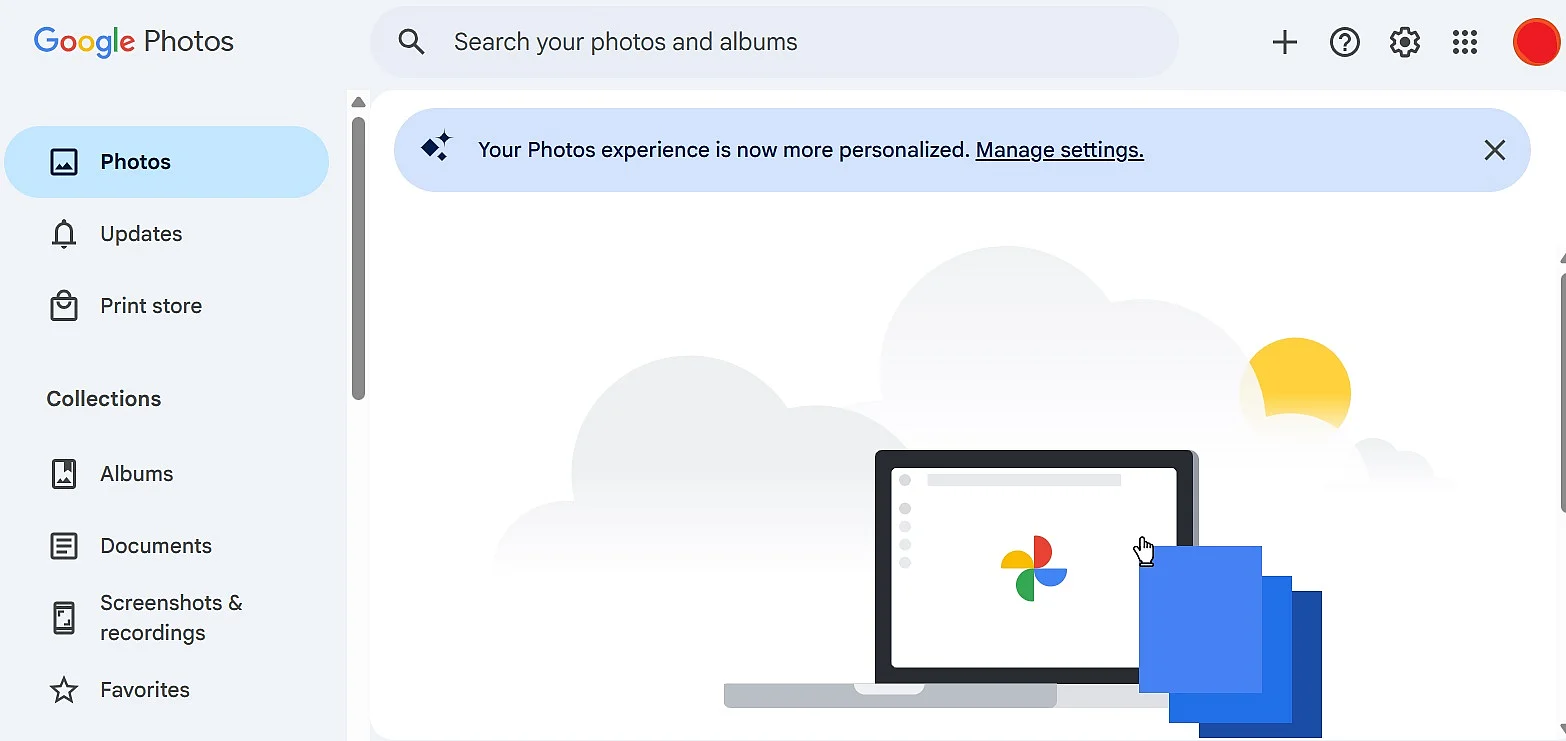
Google didn’t discontinue Picasa without providing an alternative. With Google Photos, the company introduced a cloud-based service for photos and videos, accessible both in the browser and via apps for Android and iOS. However, traditional desktop software like Picasa is no longer available. On desktop devices, access is handled through the browser or via sync solutions that back up local photo libraries to the cloud.
Google Photos stores images and videos in the cloud, automatically organising them by date, location, content, and recognised people. The service originated from Google+ photo features and is now closely integrated with Google accounts and Google Drive. Unlimited free storage is no longer available. Instead, users receive 15 GB of free storage per Google account, shared across Google Photos, Google Drive, and Gmail. Any photos and videos uploaded since June 1, 2021, count fully toward this limit. Additional storage requires a paid Google One subscription.
One of the key strengths of Google Photos is its advanced search functionality. Images can be quickly located using automatically generated tags such as subjects, locations, or visual content. The service can also recognise faces and group photos by individual people. These capabilities are powered by machine learning and run largely in the background without user input.
However, the automated analysis of image content and individuals raises data privacy concerns, particularly for users in the EU. Although facial recognition can be turned off, images are still processed on Google’s servers. As a result, compared to locally installed software, Google Photos is often considered a more sensitive option from a data protection perspective.
| Advantages | Disadvantages |
|---|---|
| ✓ automatic sorting by content, locations, and people | ✗ no more unlimited free storage space |
| ✓ very powerful search without manual tagging | ✗ use only with a Google account |
| ✓ can be used across platforms via browser and apps | ✗ no classic desktop application like Picasa |
| ✓ easy sharing and synchronisation between devices | ✗ privacy concerns due to cloud-based analysis |
Adobe Lightroom
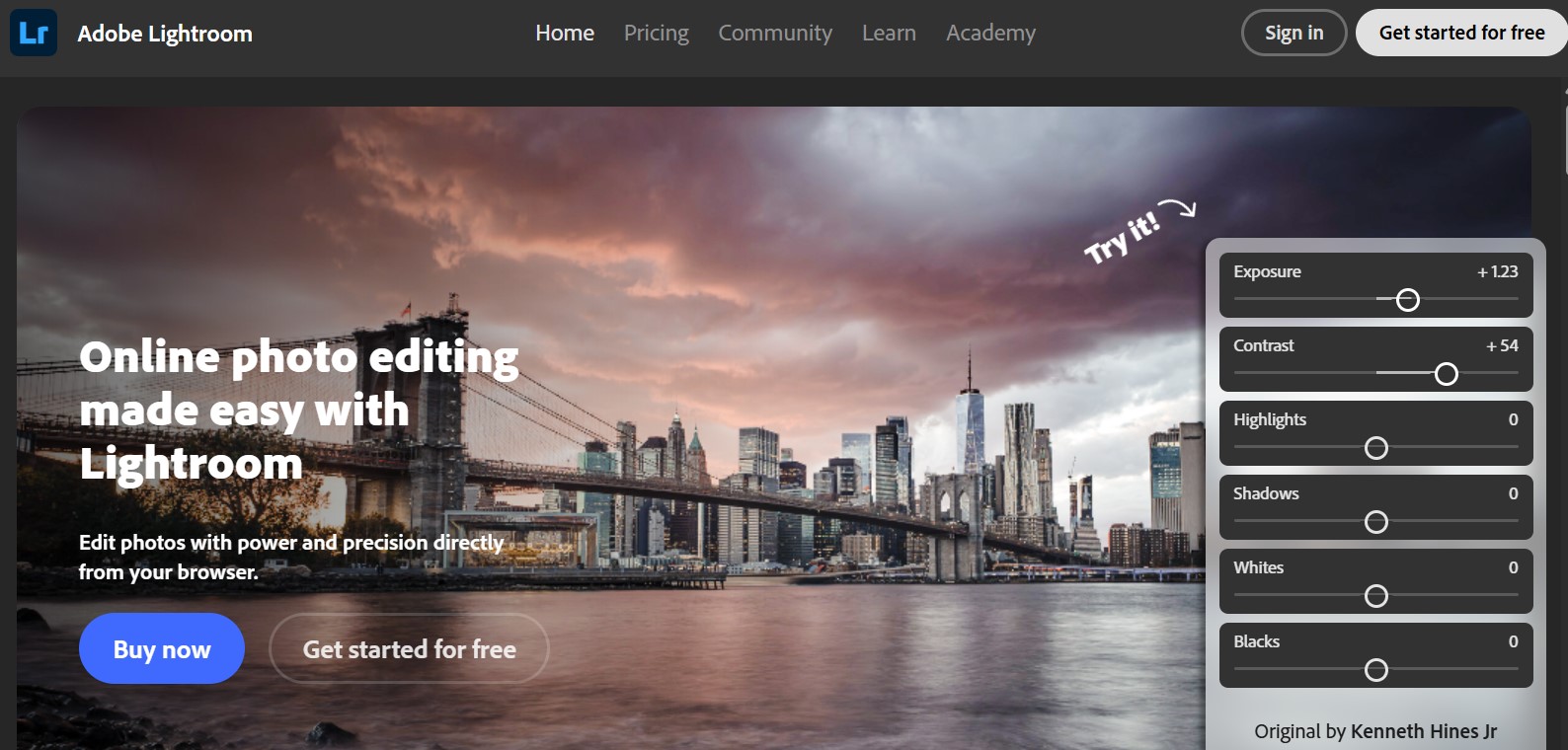
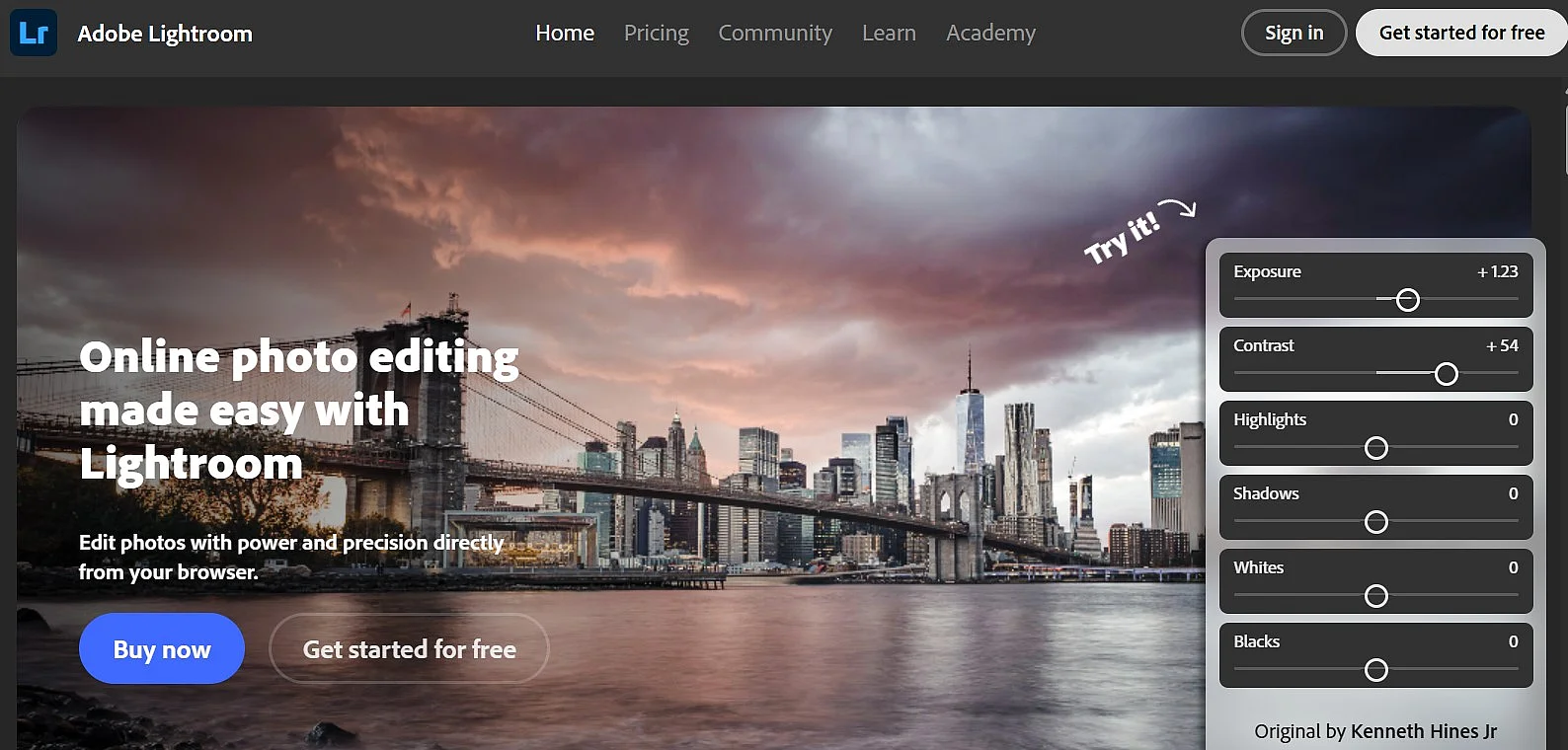
With Adobe Lightroom, Adobe offers a professional solution for photo management and editing aimed at both serious hobby photographers and professionals. Lightroom is available for Windows and macOS and is complemented by mobile apps for Android and iOS. Unlike Picasa, it is not free software, but a subscription model within Adobe Creative Cloud (usually as part of the Photography package).
Lightroom combines powerful digital asset management (DAM) with extensive tools for non-destructive photo editing. Photos can be catalogued, rated, tagged, and specifically searched using EXIF, IPTC, and XMP metadata. Organisation is structured via catalogues, which is especially beneficial for large image archives.
Adobe differentiates between Lightroom Classic, which uses a local catalogue and is designed for desktop-based workflows, and Lightroom, a cloud-focused version with automatic syncing across devices. Depending on the version, photos are stored either locally or additionally in the Adobe cloud and synchronised between desktop and mobile devices. Available cloud storage is limited and varies based on the selected subscription package.
A standout feature of Lightroom is its AI-powered capabilities built on Adobe Sensei. These include automatic subject and object detection, intelligent masking, and content-aware search. Depending on the feature, processing takes place either locally or on Adobe’s servers. This is particularly relevant for the cloud-based version and should be considered in light of the GDPR.
| Advantages | Disadvantages |
|---|---|
| ✓ very powerful photo management and editing | ✗ only available by subscription |
| ✓ non-destructive workflow with professional tools | ✗ higher barrier to entry than Picasa |
| ✓ precise metadata, catalogue, and search functions | ✗ limited cloud storage included |
| ✓ optional synchronisation between desktop and mobile devices | ✗ often oversized if used only for image management |
| ✓ AI-assisted editing and selection functions | ✗ be mindful of data privacy aspects when using the cloud |
XnView MP
With XnView MP, a locally installed desktop software is available that deliberately sets itself apart from cloud-based services like Google Photos. XnView MP is available for Windows, macOS, and Linux and is particularly suitable for users who want to manage their photos offline and retain full control over their image data.
The program combines a fast image viewer with comprehensive photo management features. Photos can be organised in folder structures, assigned ratings, colour labels, and keywords, and searched using EXIF, IPTC, and XMP metadata. Unlike Picasa or Google Photos, tagging is not automated by AI but is instead done manually by the users themselves.
XnView MP supports several hundred image formats, including RAW files from many camera manufacturers. In addition, practical batch processing tools are available, for example for renaming, converting, or resizing large numbers of images. Basic editing functions such as cropping, rotating, and colour corrections are also integrated, without claiming to be a full-fledged image editing program.
Since XnView MP runs entirely locally, no photos are uploaded to the cloud and no image content is analysed. From a data privacy standpoint, this makes the software particularly low-risk and suitable for both private users and professional environments, such as businesses or public institutions.
| Advantages | Disadvantages |
|---|---|
| ✓ complete local photo management without the cloud | ✗ no automatic AI-powered image recognition |
| ✓ support for a very large number of image and RAW formats | ✗ interface can seem somewhat technical for beginners |
| ✓ powerful metadata and keyword search | ✗ no mobile app or integrated cloud synchronisation |
| ✓ extensive batch functions | ✗ only basic-level image editing |
| ✓ free for private use |
ACDSee Photo Studio
With ACDSee Photo Studio, a classic desktop software is available that is specifically aimed at users who want to manage, review, and edit their photos locally. The program is available for Windows, and individual product lines (e.g., ACDSee Photo Studio for Mac) are also available for macOS. Cloud-based use is not required; the focus is clearly on working with local image collections.
ACDSee Photo Studio combines powerful digital asset management (DAM) with integrated image editing tools. Photos can be organised in folder structures, rated, categorised, and tagged with keywords as well as EXIF, IPTC, and XMP metadata. Unlike Google Photos, tagging is not done automatically by AI but is controlled by the users themselves.
Depending on the edition (e.g., Home, Professional, or Ultimate), ACDSee additionally offers non-destructive editing, layers, RAW development, and AI-powered features such as subject detection, automatic masks, and noise reduction. This positions the software functionally between pure image viewers and comprehensive professional solutions like Adobe Lightroom.
Since ACDSee Photo Studio works locally, images by default remain on your own computer or in the local network. There is no automatic analysis or transfer to a cloud. From a data privacy perspective, the software is therefore unproblematic and particularly suitable for users who value data sovereignty or work with sensitive image collections.


| Advantages | Disadvantages |
|---|---|
| ✓ powerful local photo management without mandatory cloud use | ✗ paid software |
| ✓ extensive metadata, rating, and search features | ✗ only limited cross-platform support |
| ✓ integrated image editing including RAW workflow | ✗ no automatic cloud synchronisation |
| ✓ optional AI-powered editing features | ✗ learning curve required depending on edition |
digiKam
With digiKam, a free open-source software is available that specialises in the local management of large photo collections. digiKam is available for Windows, macOS, and Linux and is aimed at users who want to organise and archive their images without relying on the cloud.
The program offers comprehensive digital asset management (DAM) with flexible categorisation. Photos can be organised into albums, tagged, rated, colour-labelled, and searched using EXIF, IPTC, and XMP metadata. Unlike Google Photos, the structuring is not exclusively automatic but can be deliberately controlled manually.
digiKam supports a very large number of image and RAW formats, making it suitable for advanced photographers as well. In addition to basic editing features, it includes modules for RAW development, batch processing, and importing from cameras and external storage devices. digiKam also offers AI-powered features such as facial recognition and similarity search, which run entirely locally on your own computer.
Since digiKam operates offline by default, photos are neither automatically uploaded to the cloud nor analysed externally. Its local facial recognition system is therefore fundamentally different from cloud-based services like Google Photos and poses no data privacy concerns. While online services can be connected for exporting or publishing, they are entirely optional.
| Advantages | Disadvantages |
|---|---|
| ✓ completely free open-source software | ✗ training period required |
| ✓ powerful local photo management without cloud | ✗ less modern user interface |
| ✓ support for numerous RAW and image formats | ✗ no native mobile app |
| ✓ optional AI features like facial recognition (local) | ✗ higher system requirements for large collections |
| ✓ very well suited for large photo archives |
FastStone Image Viewer
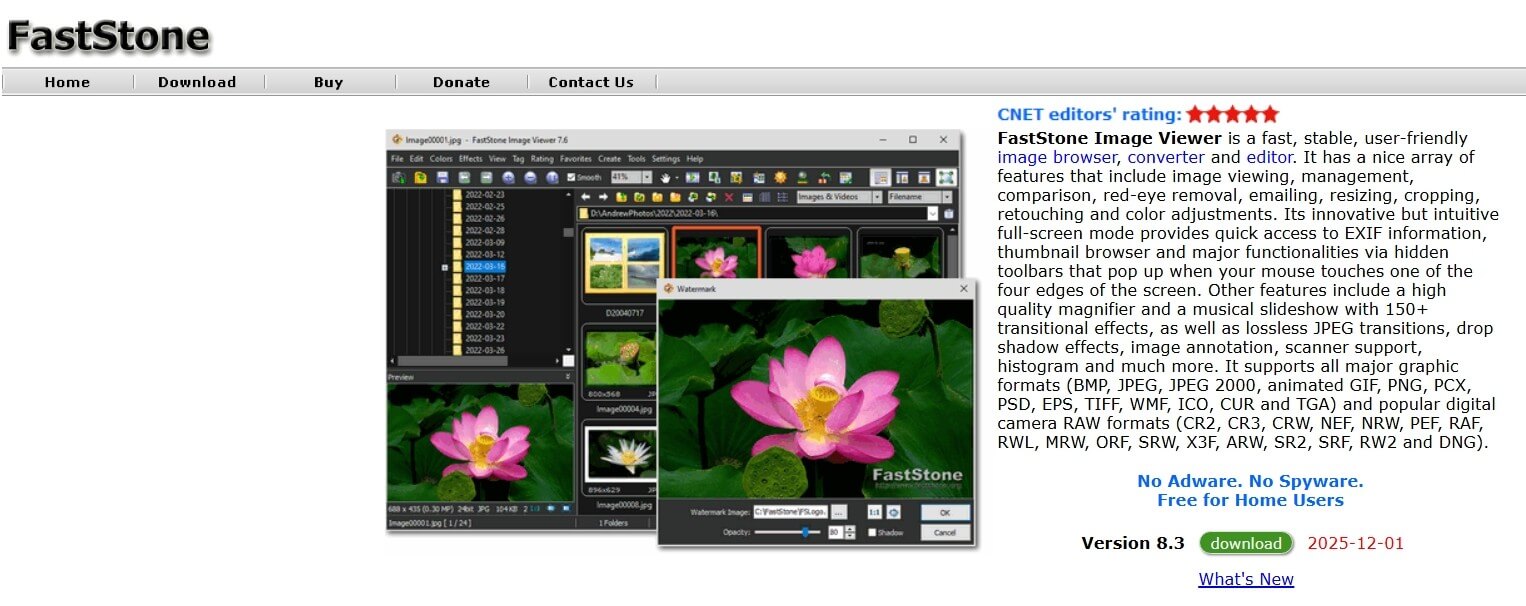
With FastStone Image Viewer, a locally installed image viewer for Windows is available that is aimed primarily at users who want fast, straightforward management and viewing of large image collections. Unlike cloud-based services like Google Photos, FastStone works entirely offline and without a user account.
The program focuses on performance, with images loading quickly and allowing for comfortable browsing in full-screen mode. In addition to classic folder navigation, FastStone provides basic management features such as ratings, favourites, and simple metadata display (EXIF and IPTC). However, it does not include automatic keywording or AI-based image recognition.
FastStone Image Viewer supports a large number of image formats, including many RAW formats from common camera manufacturers. In addition, it provides simple tools for image editing, such as cropping, rotating, colour corrections, and red-eye removal. For recurring tasks like renaming, converting, or scaling, the program also offers batch processing functions.
Since FastStone Image Viewer works completely locally and has no integrated cloud features, no image data is transmitted or analysed. From a data privacy perspective, the program is therefore unproblematic. In terms of functionality, it is particularly suitable for users who mainly used Picasa as a fast image viewer and place less value on extensive archiving or AI features.
| Advantages | Disadvantages |
|---|---|
| ✓ very fast image display even with large collections | ✗ only available for Windows |
| ✓ simple, clearly structured operation | ✗ no automatic keywording or facial recognition |
| ✓ support for many image and RAW formats | ✗ limited metadata and archiving features |
| ✓ integrated batch functions | ✗ no cloud or synchronisation features |
| ✓ free for private use | ✗ image editing only at a basic level |
Alternative options for cloud storage providers
All the services listed so far are explicitly designed for hosting photos. However, if you want to store your photos online securely, there are several other options. There is a wide range of cloud storage services such as Google Drive, Dropbox and OneDrive, which you can also use as online photo storage. Apple also has its own cloud-based photo and file storage system. With iCloud Drive, you back up the photos that you upload to the cloud with your iDevices. One key advantage is clear—you’re not restricted to just photo and video formats; you can also store all other types of files.