Which WordPress booking plugins are best? 10 practical options

There is a wide range of WordPress booking plugins available, each with different strengths depending on how you intend to use them. Most good options provide a clear overview in both the front end and back end, automatic appointment reminders and flexible customisation options.
Key Takeaways
A good WordPress booking plugin makes it easier for customers to book appointments and helps you manage your schedule:
- Ten plugins at a glance: Amelia, BookingPress, Booking Calendar, Bookly, Bookme, Booknetic, LatePoint, Salon Booking System, The Booking and WooCommerce Bookings, compared by price and free version
- Key administration features: filters, customisation options, staff management, time zone support, and reminders and confirmations
- Key UX features: mobile-first design, accessibility, booking, rescheduling and cancelling by customers, and optional online payments
- Benefits: saved time, streamlined processes, fewer errors and bookings at any time
- Each plugin is introduced with its advantages and disadvantages
The 10 best booking plugins for WordPress
| WordPress booking plugin | Price | Free version |
|---|---|---|
| Amelia | ++ | ✓ |
| BookingPress | ++ | ✓ |
| Booking Calendar | +++ | ✓ |
| Bookly | +++ | ✓ |
| Bookme | ++ | ✗ |
| Booknetic | +++ | ✓ |
| LatePoint | +++ | ✓ |
| Salon Booking System | ++ | ✓ |
| The Booking | + | ✗ |
| WooCommerce Bookings | +++ | ✗ |
Information correct as of May 2026
Appointment booking with WordPress
WordPress offers numerous plugins for managing appointments, some of which are designed for specific industries. Below, we look at different options that you can use straight away, whether you are planning to create a WordPress site or already have one up and running.
What features should a good WordPress booking tool have?
While a standard WordPress calendar usually only displays appointments, booking plugins go much further and can offer a range of additional features depending on the solution. These generally fall into two areas: features that make administration easier and those that help visitors book appointments smoothly.
Key administration features
- Filters: To get a clearer overview, it is helpful to be able to filter appointments in WordPress by individual days, tasks or staff members.
- Customisation options: For businesses with specific services or requirements, it is useful if these can be customised individually.
- Staff management: If several people work in your company, each person should be set up individually and available for customers to select.
- Flexibility: A good tool can be integrated into different areas of the website and remains compatible with a WordPress menu plugin.
- Security and maintenance: A good booking tool should be updated regularly, remain compatible with current WordPress versions and handle sensitive customer data securely.
- Time zone support: Automatic time zone detection is particularly useful for remote services. A good booking system adjusts appointments to each user’s local time.
- Reminders and confirmations: Automatic reminders and confirmations help reduce missed appointments and ensure smoother scheduling.
Key UX features
- Mobile-first, responsive design: The booking tool should work reliably across all devices.
- Accessibility: A good booking system should support features such as screen readers, clear colour contrast, keyboard navigation and easy-to-understand menus.
- Editing options: Users should be able to book, reschedule or cancel appointments themselves.
- Optional payment functions: Depending on your services, you may want to offer direct online payments, for example by credit card, PayPal or other payment providers.
- Reminders and confirmations: Reminder and confirmation functions are also useful for customers. Automatic notifications by email, SMS or WhatsApp help them keep track of upcoming appointments.
What are the benefits of WordPress plugins for appointment booking?
WordPress booking plugins offer a range of benefits. They save time, streamline processes and improve time management. Appointments are clearly organised, errors can be reduced and many routine tasks can be automated. Customers can also book appointments themselves at any time, without having to contact you directly.
Which WordPress booking plugins stand out?
Amelia
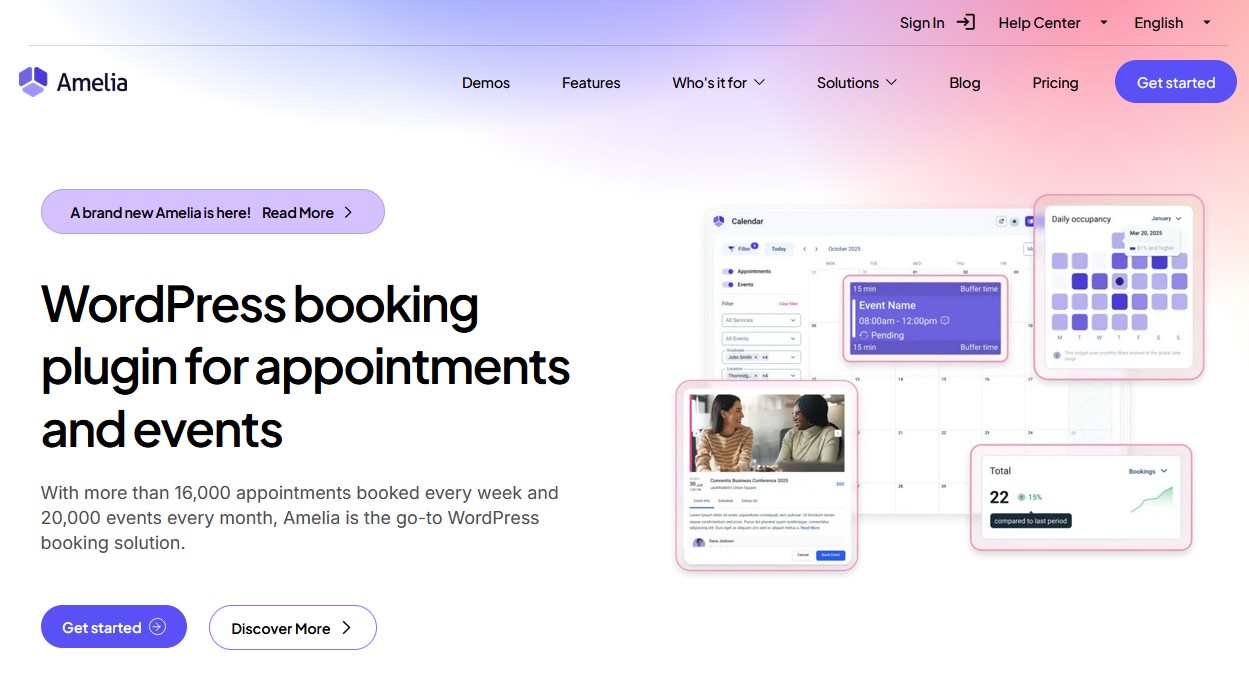
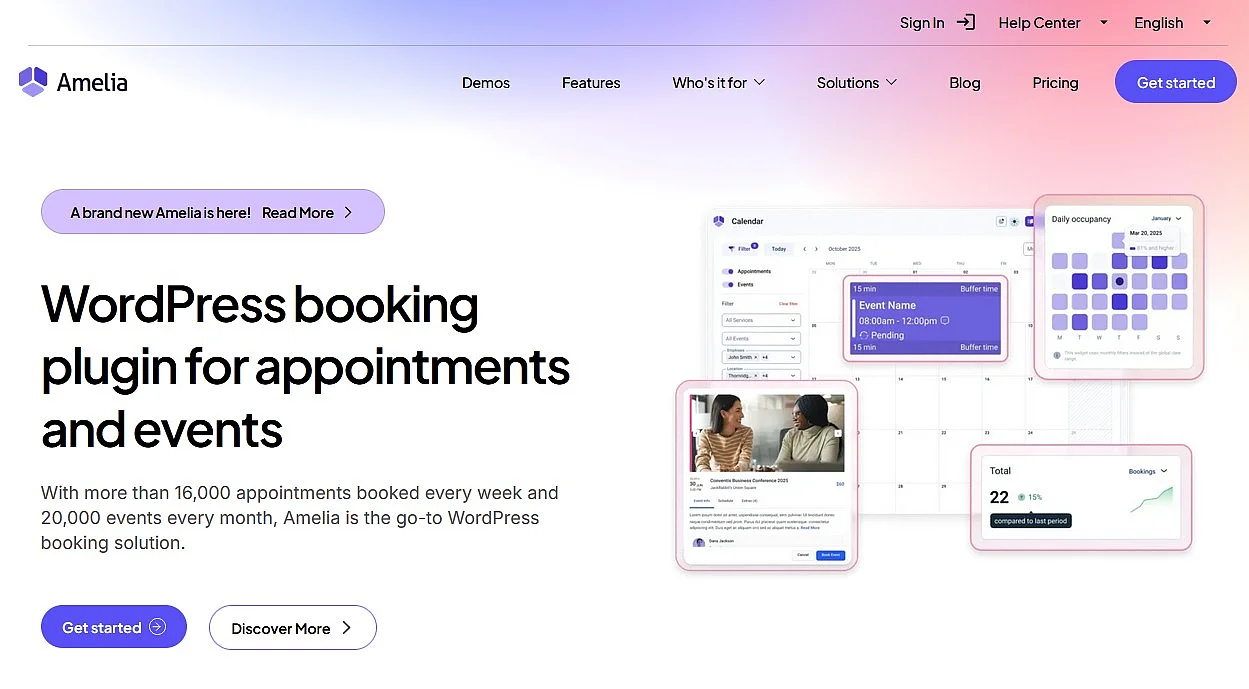
Amelia is suitable for businesses of all sizes. Even the free basic version includes a range of useful features, while the paid version offers additional functionality. As well as 24/7 appointment booking, Amelia includes features such as SMS notifications, an appointment assistant and integrations with WooCommerce and Google.
| Advantages | Disadvantages |
|---|---|
| ✓ Free basic version | ✗ Google synchronisation can be complex |
| ✓ Payments via Square available in the free version (in supported countries only) | |
| ✓ Integration with WooCommerce and Google (paid) |
BookingPress
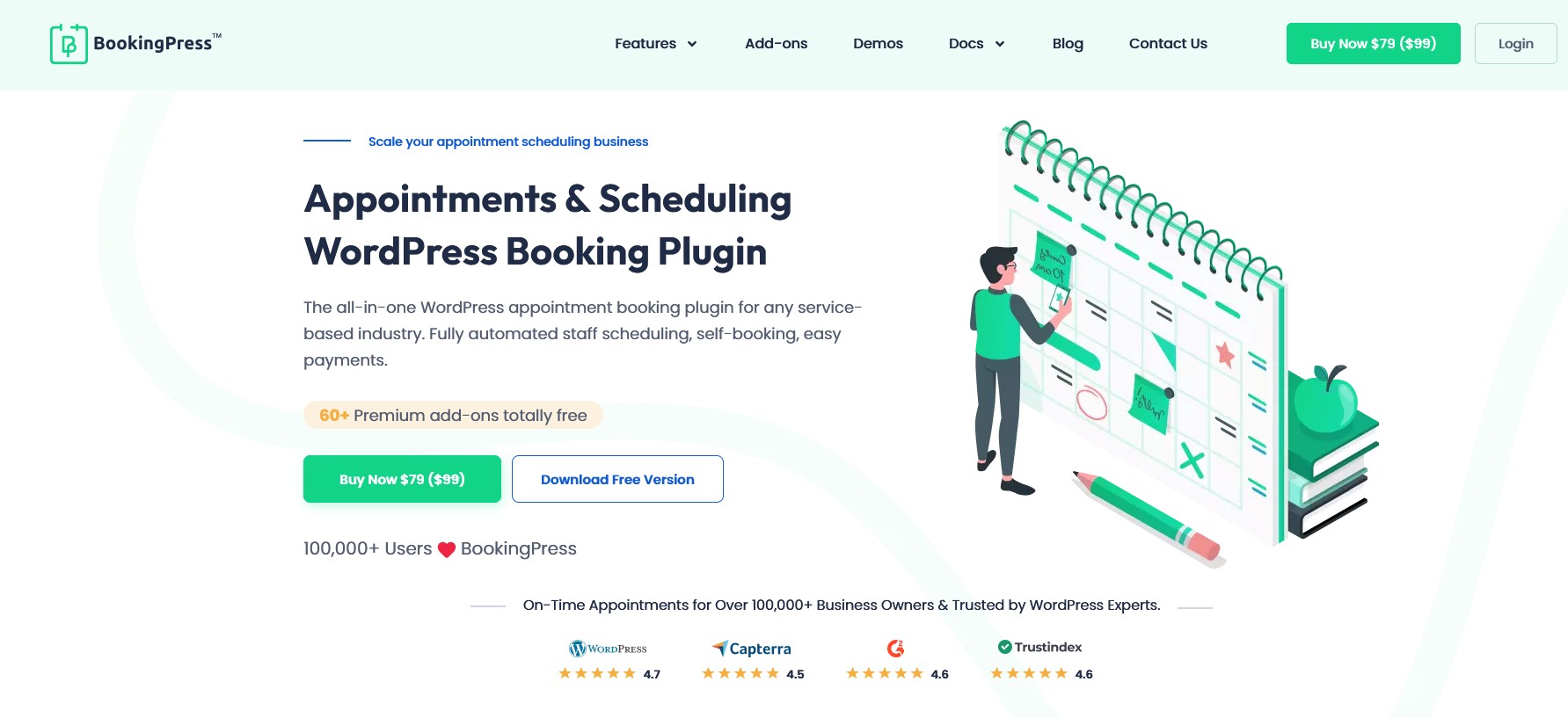
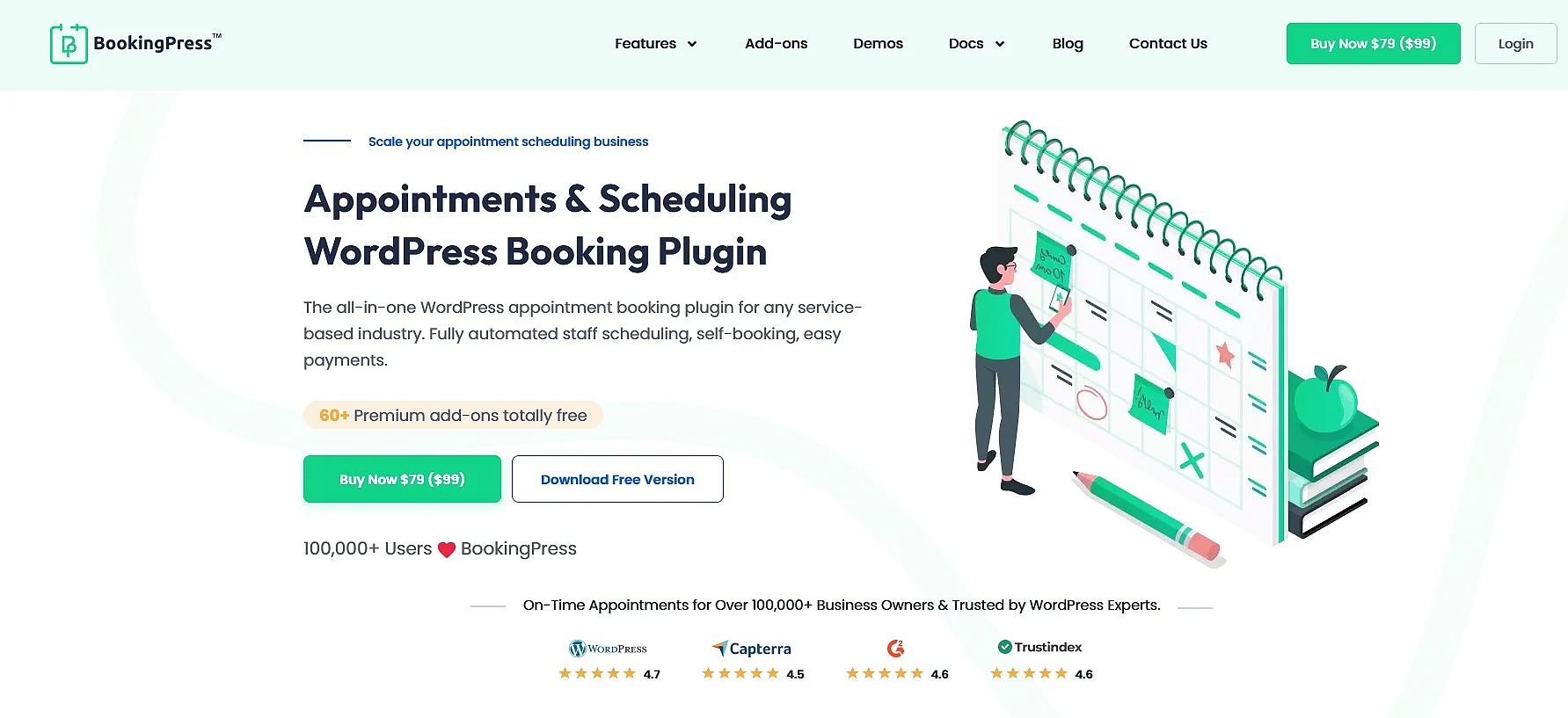
BookingPress is a flexible WordPress appointment booking plugin that supports real-time bookings and customisable settings for appointment duration, public holidays and availability. It works with a range of payment, communication and invoicing tools and can be extended with more than 60 add-ons. Built-in statistics help you keep track of your business, while detailed documentation and video tutorials make it easier to get started. The plugin is also multilingual, developer-friendly and easy to adapt to individual requirements.
| Advantages | Disadvantages |
|---|---|
| ✓ Easy to use thanks to detailed instructions | ✗ Not available in the WordPress plugin directory |
| ✓ Automatic notifications | ✗ No automatic updates via the WordPress dashboard |
| ✓ Highly flexible | |
| ✓ Compatible with WooCommerce and various site builders | |
| ✓ Built-in statistics and reporting |
Booking Calendar
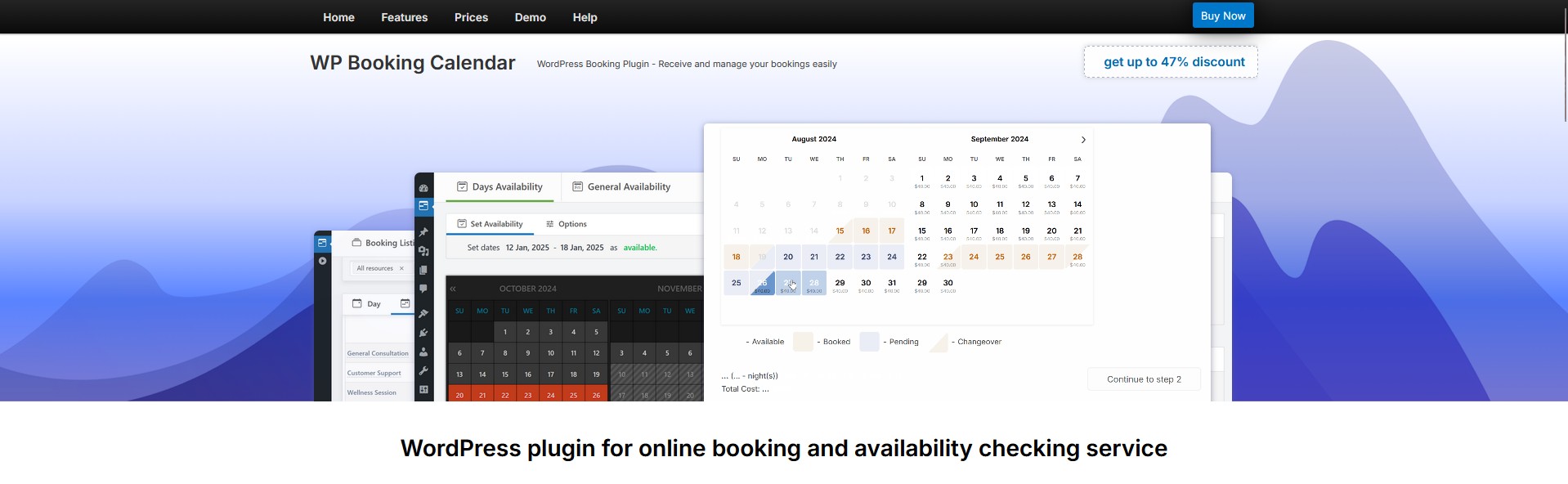
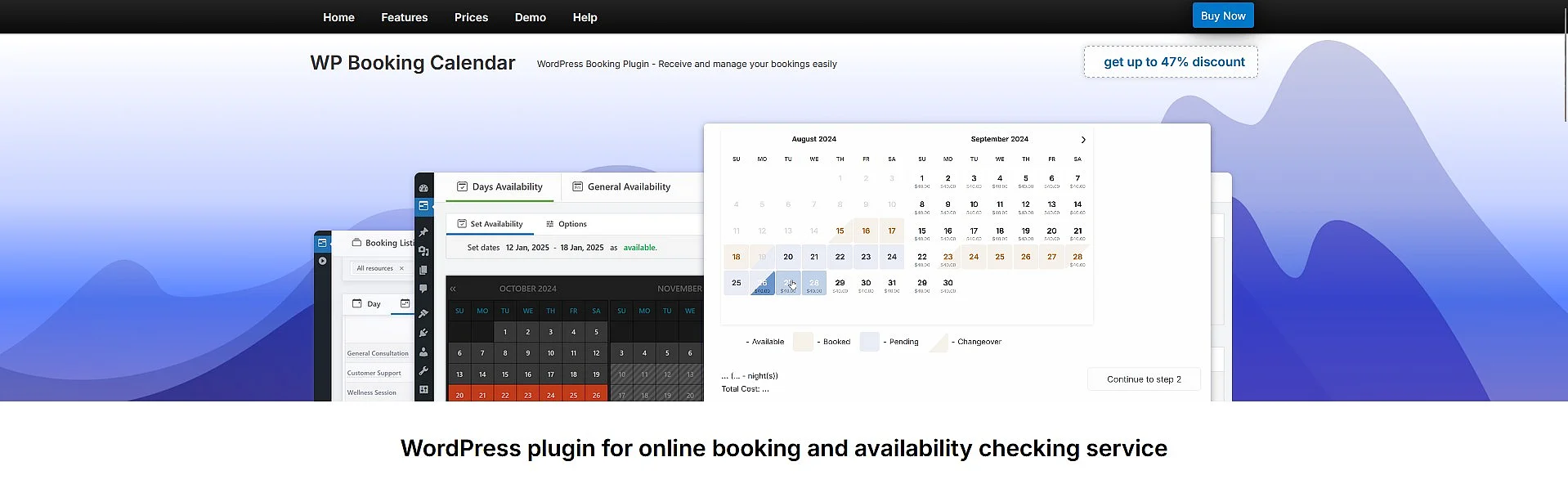
Booking Calendar has been under continuous development since 2009. This established WordPress booking plugin offers a free basic version that is already well suited to smaller businesses and practices. Installation and setup are simple and intuitive, while the calendar can be integrated flexibly into your website and customised to suit your needs. Booking Calendar also includes email notifications and integration with Google Calendar. More advanced paid versions of the WordPress appointment plugin are available as well.
| Advantages | Disadvantages |
|---|---|
| ✓ Free basic version | ✗ Premium version comparatively expensive |
| ✓ Easy installation | |
| ✓ Email notifications |
Bookly
Bookly offers both a free and a paid package. The WordPress booking plugin is very user-friendly and allows you to set up and offer any number of services. It supports email and SMS notifications as well as flexible, customisable schedules. Most payment systems can also be integrated easily. Thanks to its range of features, ease of use and relatively low price, Bookly is a good option for small practices, studios and shops.
| Advantages | Disadvantages |
|---|---|
| ✓ Very user-friendly | ✗ Better suited to smaller businesses |
| ✓ Email and SMS notifications | |
| ✓ Comparatively inexpensive |
Bookme
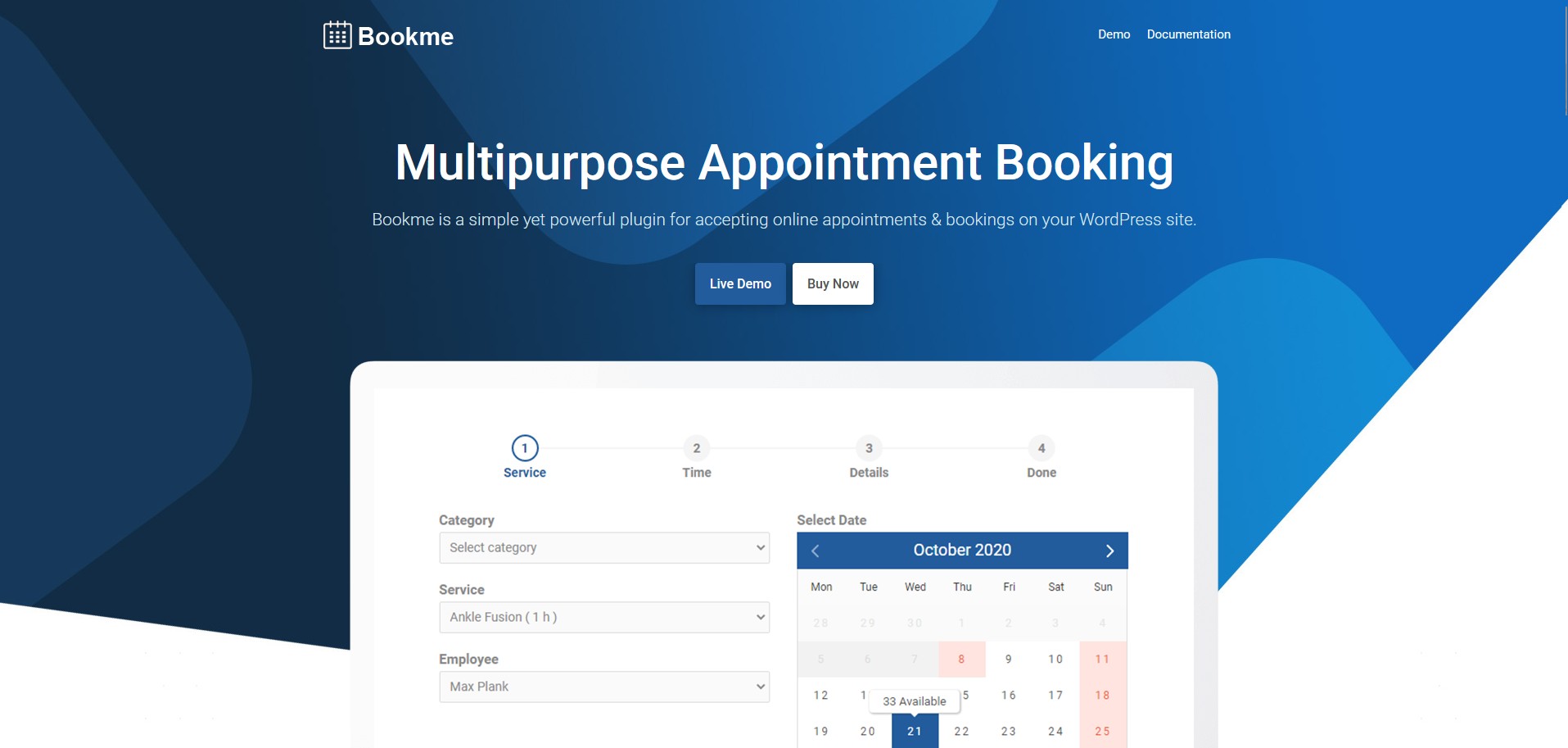
Bookme is a simple, user-friendly solution. Although it is not as extensive as some of the other options, it includes most of the key features. Prices and services can be set up easily, while different booking options, including group bookings and WooCommerce integration, are also supported. Bookings can be confirmed either manually or automatically. The WordPress appointment booking plugin can also be synchronised with Google Calendar.
| Advantages | Disadvantages |
|---|---|
| ✓ Easy to use | ✗ Less extensive than some alternatives |
| ✓ Google Calendar synchronisation | ✗ Not available in the official WordPress.org plugin directory |
| ✓ Manual or automatic confirmation |
Booknetic
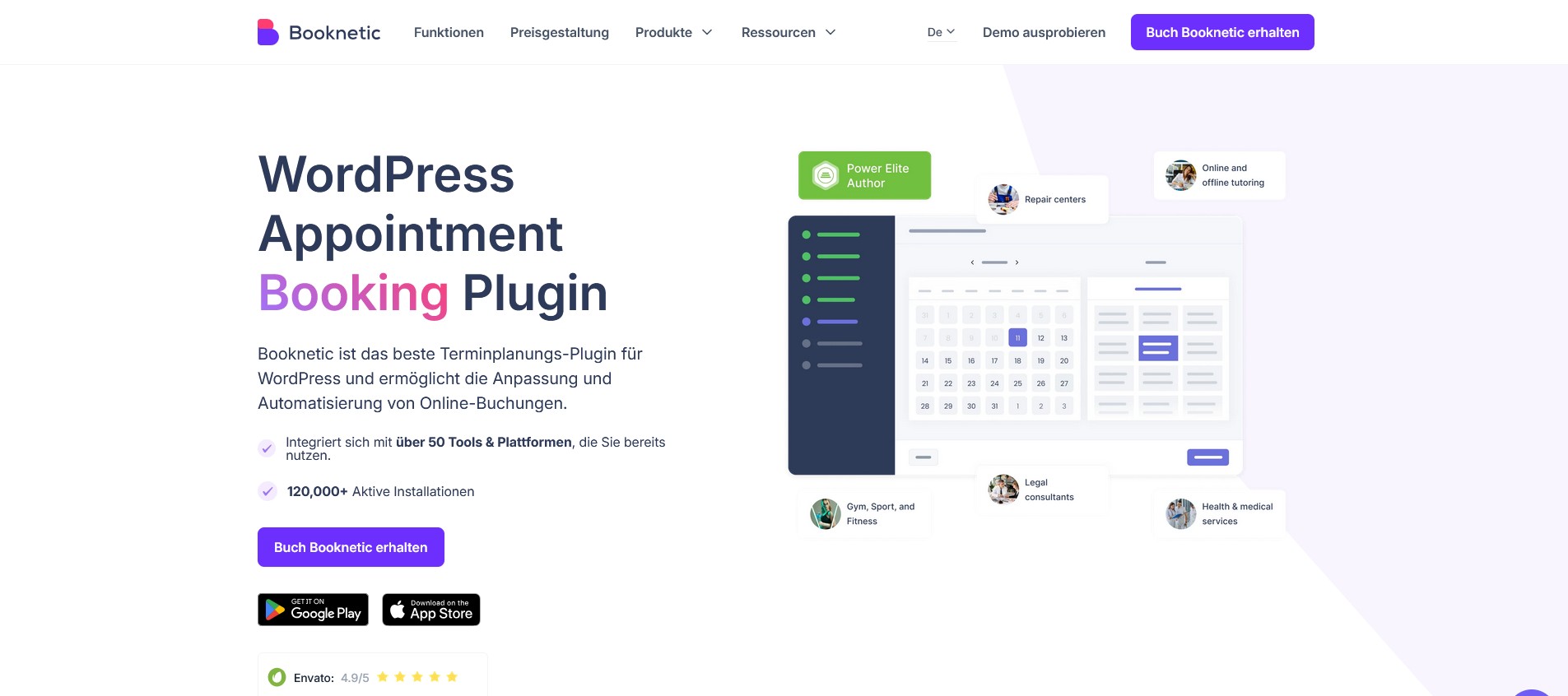
Booknetic offers a reminder function via email, SMS or WhatsApp. Its WordPress booking calendar has a clear layout and includes a built-in form builder. In addition to WooCommerce, it supports Stripe and PayPal. Customers can conveniently manage, reschedule and cancel appointments themselves. Booknetic can be integrated into your website using a drag-and-drop builder and also offers extensive reporting features for appointments, staff and services.
| Advantages | Disadvantages |
|---|---|
| ✓ Reminders via email, SMS or WhatsApp | ✗ Many additional features depend on the selected licence or add-on model |
| ✓ Clear and easy to navigate | |
| ✓ Drag-and-drop builder |
LatePoint
LatePoint is a modern appointment and booking system for WordPress designed specifically for service-based businesses. The WordPress booking plugin stands out for its ease of use, clean interface and automation features, including reminders, calendar synchronisation and payment processing during the booking process. It also supports integrations with services such as Zapier, Stripe, Mailchimp, Google Calendar and WhatsApp, although most of these are only available with the paid Pro version.


| Advantages | Disadvantages |
|---|---|
| ✓ Wide range of integrations | ✗ Limited design flexibility |
| ✓ Very intuitive booking process | ✗ Free version is very limited |
| ✓ Strong automation features, including emails, SMS and reminders |
Salon Booking System
For hair salons, nail studios and similar businesses, Salon Booking System is a well-suited option. The WordPress booking plugin is available in several languages and also supports customer feedback. Business owners can define individual booking rules to tailor the system to their needs. Setup and management are straightforward, while email notifications can be sent to both customers and staff.


| Advantages | Disadvantages |
|---|---|
| ✓ Supports multiple languages | ✗ Only suitable for certain sectors |
| ✓ Easy to use | |
| ✓ Customisable booking rules |
The Booking
The Booking is one of the more affordable WordPress booking plugins available. Despite its lower price, it offers a range of useful features, including map integration and the option to create individual schedules for each staff member. One drawback, however, is that customisation via code is relatively limited.
| Advantages | Disadvantages |
|---|---|
| ✓ Relatively affordable | ✗ Difficult to customise via code |
| ✓ Triple Google Calendar synchronisation | |
| ✓ Individual schedules |
WooCommerce Bookings
WooCommerce Bookings is particularly well suited to users who already work with WooCommerce. The extension allows you to make products, services, appointments, reservations and rentals directly bookable through WooCommerce, with payment processing handled via the existing WooCommerce checkout.


| Advantages | Disadvantages |
|---|---|
| ✓ Wide range of features | ✗ Relatively expensive |
| ✓ Powerful payment processing | ✗ Mainly suitable for WooCommerce users |