What are the best online backup services? A comparison

Backing up data to the cloud offers several benefits, including access across devices and availability from almost anywhere. Dedicated online backup services make this even more reliable by giving your files a secure place to stay protected. Here, we introduce the best online backup services.
Key Takeaways
Online backup services protect your files in the cloud if a device fails, is lost or is damaged. This article compares seven providers:
- The best online backup providers compared: storage space, price, encryption, location and supported operating systems at a glance
- IONOS Cloud Backup and IONOS MyDefender: backup for computers and mobile devices, with a Flex package (Cloud Backup) and simple web-based management (MyDefender)
- Carbonite and Backblaze: Carbonite packages are based on the number and type of your devices, while Backblaze places no limits on storage space or file size
- IDrive: one package for all devices, plus offline backup with IDrive Express
- Acronis: local and online backup with active ransomware protection
- Jottacloud: Norwegian provider with data stored in Norway and a version history
The best online backup providers compared
Each of the best online backup services has its advantages and disadvantages. To help you keep track, we’ve summarised the most important information for you.
| Storage space | Price | Encryption | Location | Backup operating systems | |
|---|---|---|---|---|---|
| IONOS Cloud Backup | 100 GB–2 TB / flexible | ++ | 256-bit AES | Europe or USA (freely selectable) | Windows, macOS, Linux, iOS, Android |
| IONOS MyDefender | 100 GB, 250 GB, 500 GB, 1 TB | + | 256-bit AES | Europe | Windows, macOS, Linux, iOS, Android |
| Carbonite | unlimited | + | 256-bit AES | Europe, Canada, USA | Windows, macOS |
| Backblaze | unlimited | + | 128-bit AES | Netherlands, USA, Canada | Windows, macOS |
| IDrive | 10 GB–500 TB | ++ | 256-bit AES | USA | Windows, macOS, Linux, iOS, Android |
| Acronis | 0–10 TB | + | 256-bit AES | Europe, USA, Asia, Africa | Windows, macOS, Linux, iOS, Android |
| Jottacloud | 5 GB–50 TB / unlimited | ++ | 256-bit AES | Norway | Windows, macOS, Linux, iOS, Android |
All information is current as of November 2026.
IONOS Cloud Backup
With Cloud Backup from IONOS, you back up all your data with a single provider – whether PC or server, smartphone, tablet and laptop, or cloud infrastructure. Thanks to preconfigured backup agents, you can easily set up different online backup measures, deciding yourself when and how often interim backups are created and how long they are stored on the IONOS servers. The incremental approach ensures that the online data backup service only backs up data that is new or has changed since the last backup. If needed, you can also rely on full backups and additionally compress the backup copies to make optimal use of the available online backup storage.
IONOS ranks among the best online backup services primarily because of its high-performance data centres, which meet some of the world’s highest security standards. They are ISO-certified and protected with firewalls as well as modern SIEM and IDS/IPS technology. Both data transfers to the backup server via SSL/TLS and the backup data itself are encrypted, with backups secured using 256-bit AES encryption. You can choose from fixed storage packages with 100 GB, 250 GB, 500 GB, 1 TB, or 2 TB. Alternatively, the Flex package lets you pay monthly per GB, so you only pay for the storage space you actually use.
| Advantages | Disadvantages |
|---|---|
| ✓ Software for many computers and mobile devices | ✗ Storage space is always limited in the standard package |
| ✓ Certified data centres in Europe and the U.S. | |
| ✓ Flex package with exact billing based on usage |
IONOS MyDefender
While Cloud Backup from IONOS is primarily aimed at larger business customers, private users and small to medium-sized businesses (SMBs) will find an excellent solution in MyDefender. The main strengths of this solution are its simple setup and ease of use. You can manage everything through a web interface, and once the backup policies are configured, the service runs automatically in the background. From then on, online backups are created according to the predefined settings without requiring further action from you.
There are four storage options available: 100 GB, 250 GB, 500 GB, or 1 TB. If you exceed the selected storage limit, an additional fee of £0.12 per GB is charged. Contracts can be cancelled on a monthly basis, giving you flexibility to adjust your storage needs.
MyDefender is compatible with Windows, macOS, Linux, iOS, and Android. In addition to the backup function, the service provides proactive protection against ransomware through AI-based real-time analysis that continuously monitors your system for threats.
Just like with other IONOS products, you also benefit from high security standards with MyDefender. All data centres are ISO-certified according to strict European standards and data is also encrypted with 256-bit AES.
| Advantages | Disadvantages |
|---|---|
| ✓ Software for many computers and mobile devices | ✗ Additional costs if the storage limit is exceeded |
| ✓ ISO-certified data centres | |
| ✓ Easy operation via web interface |
Carbonite
If you choose online data backup with Carbonite, you don’t have to decide in advance how much backup storage you need. Instead, you select a package based on how many devices you want to protect and what type of devices they are. Carbonite’s packages range from protection for a single computer to multiple computers and full servers. For larger customers, Carbonite also offers more comprehensive security solutions.
The provider also offers several add-on packages. One option that is especially useful for small and medium-sized businesses is Microsoft 365 data backup. This allows data created in Microsoft 365 apps to be backed up to the cloud. In addition to protecting important files, this also supports flexible access from different devices.
To make online backups as smooth and automated as possible, Carbonite provides software for macOS and Windows. The program can automatically monitor selected folders and back up newly created or changed files.
Data is protected with 256-bit encryption both during transfer and at rest. For added security, Windows users can enable private key encryption, although this option is not available for macOS users.
| Advantages | Disadvantages |
|---|---|
| ✓ Scheduling of regular backups | ✗ No backups from mobile devices |
| ✓ Unlimited storage space (depending on package) | ✗ Private key encryption only available with Windows |
| ✗ No backup of applications and operating system files |
Backblaze
Backblaze also places no limits on its users – neither on storage space nor on file size. The provider offers software that either constantly monitors your computer and immediately backs up all changes, or runs according to a schedule you define yourself. All system files are included automatically, so you don’t have to specify in advance what you want to back up. You can also choose the upload speed yourself or let it be throttled automatically if you don’t want to use your entire bandwidth for the online backup. Encryption at Backblaze uses SSL and AES. A two-factor authentication feature is also built in.
Backblaze also offers a distinctive recovery option that sets it apart from many other cloud backup providers. In addition to downloading your files, you can have your data shipped to you on a USB drive with up to 8 TB of storage capacity.
| Advantages | Disadvantages |
|---|---|
| ✓ Shipping data on physical drives possible | ✗ No backups from mobile devices |
| ✓ Unlimited storage space with no file size restrictions | ✗ Only AES 128-bit encryption |
| ✗ Additional costs for shipping physical storage media (refund possible if returned on time) |
IDrive
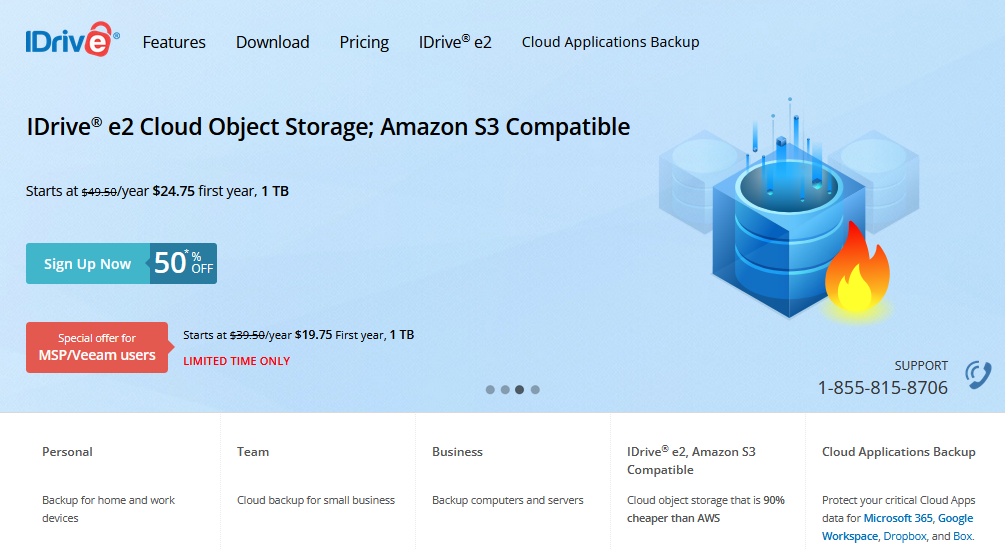
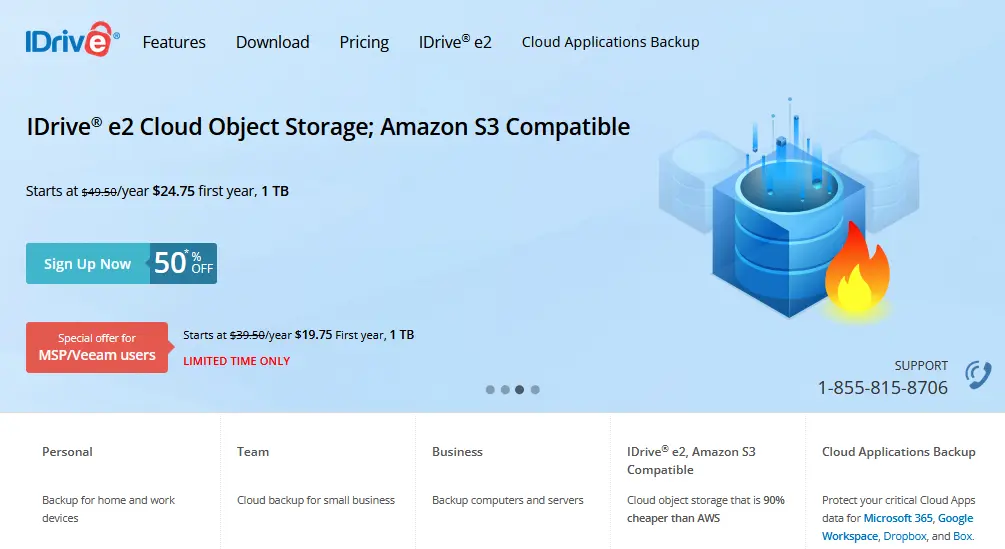
Despite the name, IDrive has no connection to Apple or BMW’s iDrive system. With this US-based backup provider, you can protect all your devices with a single package. However, you do need to choose your storage capacity in advance. Packages range from 10 GB to 500 TB and are available for individuals, teams, and businesses.
IDrive offers software for Windows, macOS, Linux in the business segment, iOS, and Android. One standout feature is IDrive Express, an offline backup service designed for large data transfers. IDrive sends you an external storage device, which you can use to back up large amounts of data without straining your internet connection. Once the backup is complete, you send the device back, and IDrive uploads the data to your online backup storage. This is especially useful for initial backups where an entire system needs to be saved.
| Advantages | Disadvantages |
|---|---|
| ✓ Software for many computers and mobile devices | ✗ Data centres located only in the USA, which may be a drawback for users with strict data protection requirements |
| ✓ Offline storage option | ✗ Storage space limitation |
| ✓ Files can be shared with others | ✗ Additional fees if the storage limit is exceeded |
Acronis
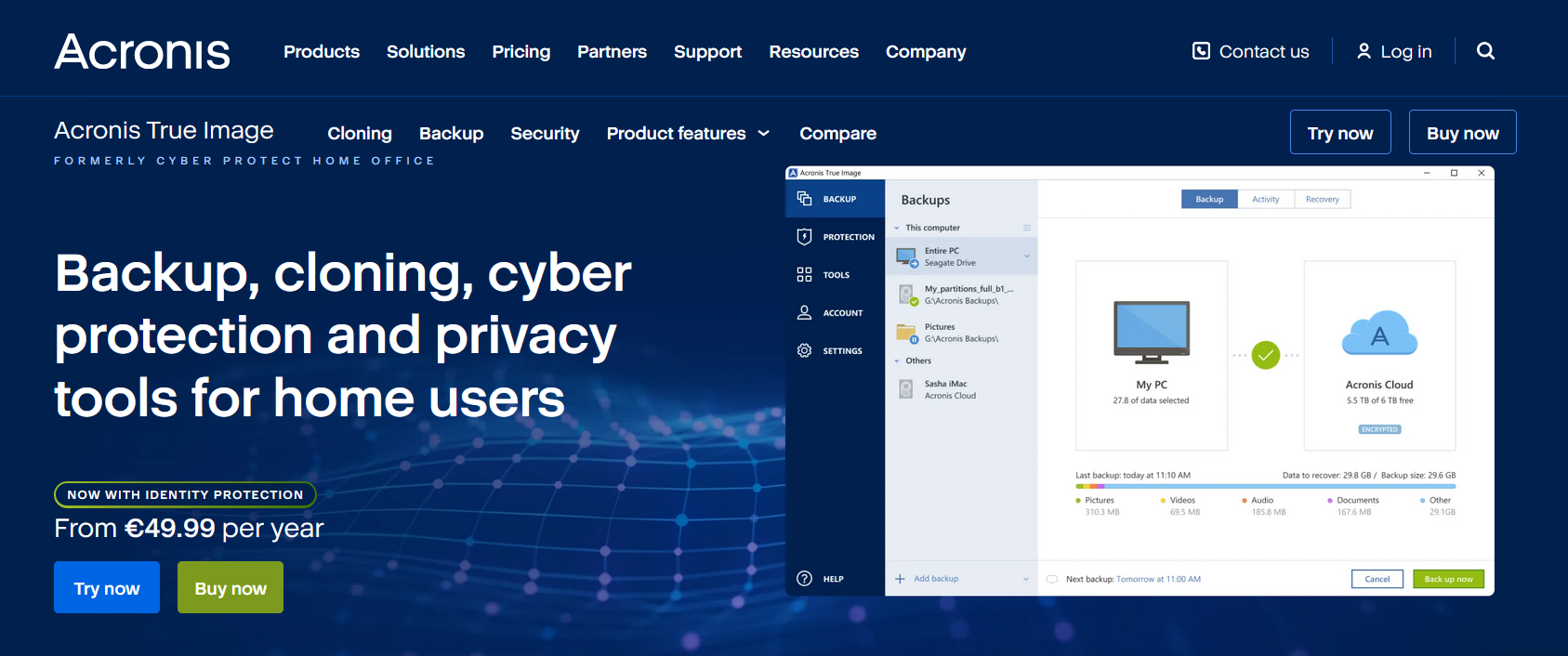
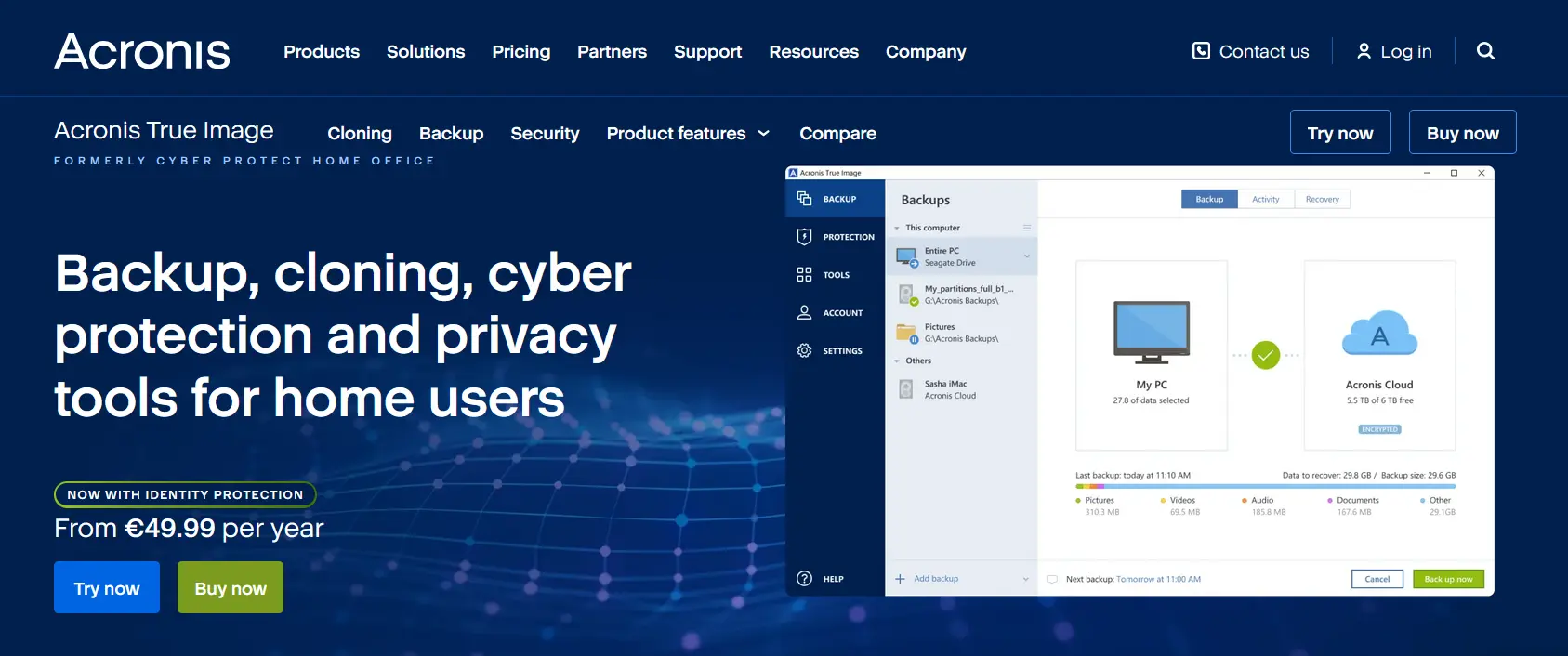
Acronis offers backup software for private customers that lets you manage both local backups and online data backup in the provider’s cloud. Depending on the package, Acronis includes either no cloud storage, 50 GB, or 1 TB; upgrades up to 500 GB or 10 TB are possible, depending on the package. The company follows a 3-2-1 backup strategy: three copies of all data on two different types of storage, one of which should be off-site. For business customers, Acronis even provides on-premises solutions that can be used, for example, in combination with a hybrid disaster recovery service.
The software for private users also includes active protection against ransomware. Built-in artificial intelligence continuously scans the system for suspicious activity and can therefore warn you about ransomware. The software also lets you convert a full backup into a virtual drive, creating a test environment where you can try out new software, for example. Acronis uses end-to-end encryption and, in the Premium version, offers electronic signatures and its own blockchain to authenticate data.
| Advantages | Disadvantages |
|---|---|
| ✓ Software for many computers and mobile devices | ✗ Storage space limitation depending on the selected package |
| ✓ Combination of backup and cybersecurity in one solution | ✗ Some advanced features only available in higher-tier subscriptions |
| ✓ Data centre location can be freely chosen |
Jottacloud
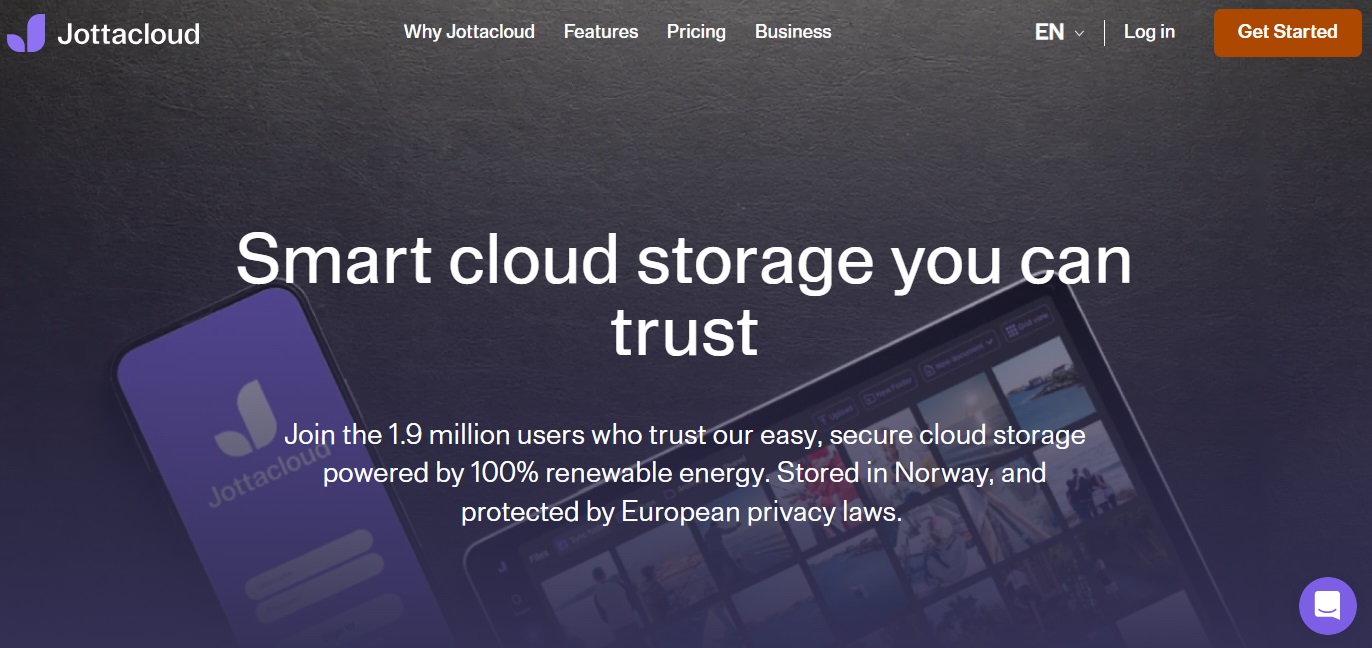
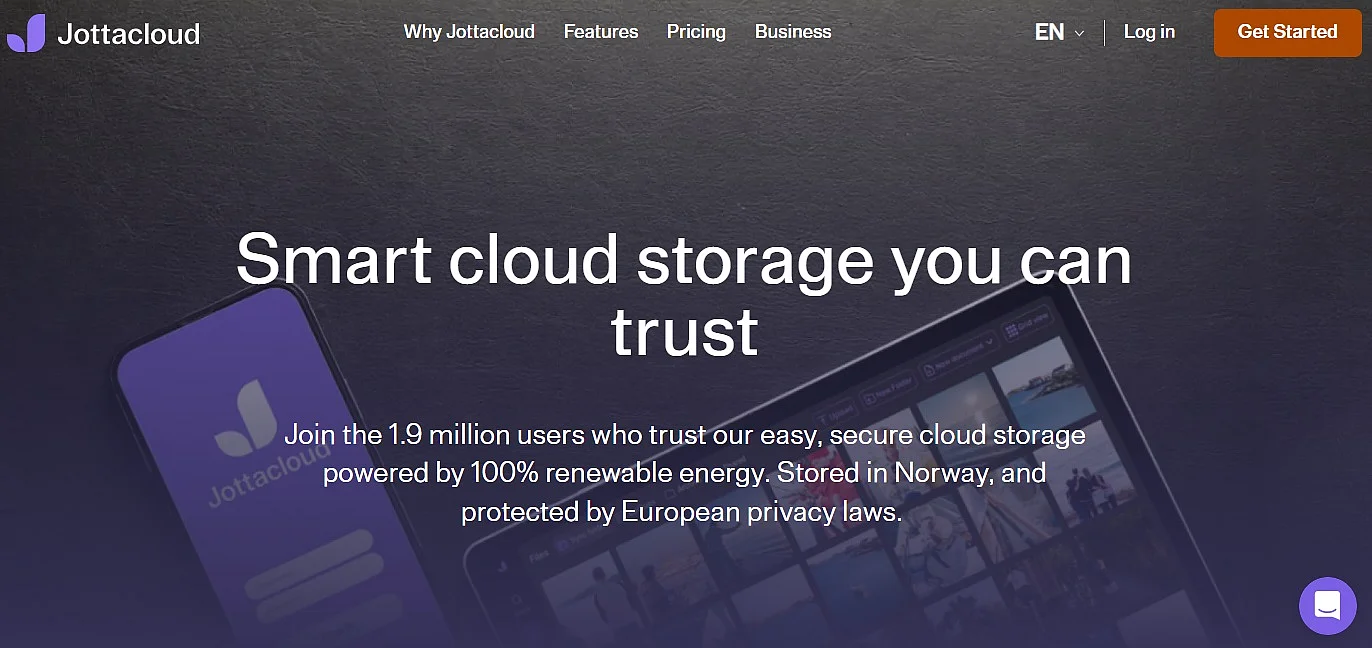
Jottacloud is a Norwegian cloud storage and online backup provider that is well suited to private users, families, and smaller teams. One of its main advantages is that data is stored in Norway and, according to the provider, protected under Norwegian and European data protection laws. Current storage options include a free 5 GB package, an unlimited package for individuals, Home packages with 1 TB or 5 TB, and Pro packages ranging from 10 TB to 50 TB.
Jottacloud focuses on making it as simple as possible to combine automatic backup, cloud storage, and file synchronisation. The provider emphasises that you can back up all devices and restore lost data using a version history. There are also useful features like an archive for infrequently used files and easy sharing options. One minor drawback: in the Unlimited package, upload speed is gradually reduced from 5 TB onwards, according to the provider. This makes Jottacloud particularly appealing to users who value data protection, ease of use, and flexible storage options, but less suitable for highly complex backup and disaster recovery scenarios in a corporate environment.
| Advantages | Disadvantages |
|---|---|
| ✓ Data is stored in Norway | ✗ Upload speed in the Unlimited package reduced from 5 TB onwards |
| ✓ Protection under Norwegian and European data protection laws | ✗ Less focused on complex business backup scenarios |
| ✓ Combination of backup, cloud storage, and synchronisation | |
| ✓ Free entry-level option and flexible package selection |