What are the top AI code generators? An overview

AI code generators can help you write cleaner code and identify potential issues early. However, even the best AI code generation tools require human review to ensure accuracy, security, and overall code quality.
Key Takeaways
AI code generators help developers write, complete, and optimise code more efficiently using artificial intelligence.
- Tools like
GitHub Copilotprovide automated code completion and error detection for languages likePython. - The
IONOS AI App & Site Buildercreates entire web applications from natural language or screenshots. - Features include automated documentation,
unit tests, and code analysis. - Human review remains essential for security and code quality.
What is AI code generation?
AI code generators use artificial intelligence (AI) to write program code autonomously or translate existing code. AI code generation tools can also be used to document individual programming steps and handle various auxiliary tasks, such as searching for previously used code snippets.
Another key aspect of AI code generation is the automated conversion of natural language into code. These tools are designed to simplify code creation and support developers in their daily work. By taking over time-consuming tasks, they can increase efficiency and help improve the security of programming projects.
Not every tool can be used with every programming language. Which options are available depends on how they are built. For example, there are AI code generators for Python, Java, TypeScript, PHP or a mix of all these languages. Users should primarily see AI code generators as aids for simple tasks and as an exciting glimpse into the future. These programs are not meant to fully take over the work, but simply to make it easier.
Modern tools support developers by generating suggestions and completing code, but in practice they will never fully replace people. Typically, developers use several AI tools at the same time.
The best AI code generation tools on the market
Which AI code generator is best suited for your work depends primarily on your requirements and needs. The most effective solutions are usually those trained particularly carefully with large amounts of data. The AI code generation tools presented below are among the best options currently available on the market.
| AI code generator | Price |
|---|---|
| IONOS AI App & Site Builder | from €9 per month |
| GitHub Copilot | free / from €8.60 per month |
| ChatGPT | free / from €8 per month |
| Amazon Q Developer | free / from €16.30 per month |
| CodePal | free / from €8.60 per month |
| Tabnine | 14-day trial / from €50 per month |
Ask, create and research with the European alternative to ChatGPT. Robust security and unlimited chats give you peace of mind.
IONOS AI App and Site Builder
The IONOS AI App and Site Builder takes a fundamentally different approach from traditional code completion tools. Instead of completing individual lines of code, it creates a complete, ready-to-use web application from a natural language description. This principle, known as vibe coding, is designed for entrepreneurs, agencies, consultants, and professionals with technical expertise who want to quickly create functional prototypes, MVPs, or internal tools without having to work through framework and deployment requirements themselves.
Users can provide input through a text prompt, voice command, or uploaded screenshot. Based on this description, the AI generates a full-stack application that includes the front end, back end, database, and deployment. Changes appear in a live preview. A version history makes it possible to restore the code, conversation history, and database state at any time.


Typical use cases include:
-
Generating an application from a prompt: Describe the functions your application should provide in a few sentences. The AI automatically creates the data model, logic, and interface.
-
Visual-to-Code: Upload a screenshot or sketch to generate a functional layout, including the interaction logic.
-
Iterative improvement: Existing applications can be expanded, adapted, and enhanced with new features through a series of prompts.
-
AI image generation: Custom visuals can be created directly in the tool and then integrated into the application.
-
One-click deployment: Finished applications are published on IONOS infrastructure without any additional configuration, including a domain name, SSL certificate, CDN, and email inboxes.
Unlike basic IDE assistants such as GitHub Copilot or Tabnine, the AI App and Site Builder is not designed simply to complete code in an existing codebase. It is a prompt-to-app platform that supports the entire process, from the initial idea to publishing the finished application.
For users who prioritise data protection and legal compliance, it is also important to note that hosting and data storage take place exclusively on IONOS infrastructure in European data centres. The tool complies with the GDPR and does not rely on third-party hyperscalers.
- Describe your idea by chat
- Domain, email and European hosting included
- 30-day money-back guarantee
GitHub Copilot
The name Copilot clearly reflects the approach GitHub’s AI code generator takes. The tool supports developers during code creation. Copilot primarily suggests individual lines of code and, in some cases, entire code blocks, making automatic completion easier. It can also generate comments and documentation. Since the software was trained on large volumes of code from GitHub repositories, it can often suggest solutions to complex problems and help identify errors early. Copilot also uses machine learning models to adapt to your coding style. The more you use the tool, the more accurately its suggestions can reflect your way of working.
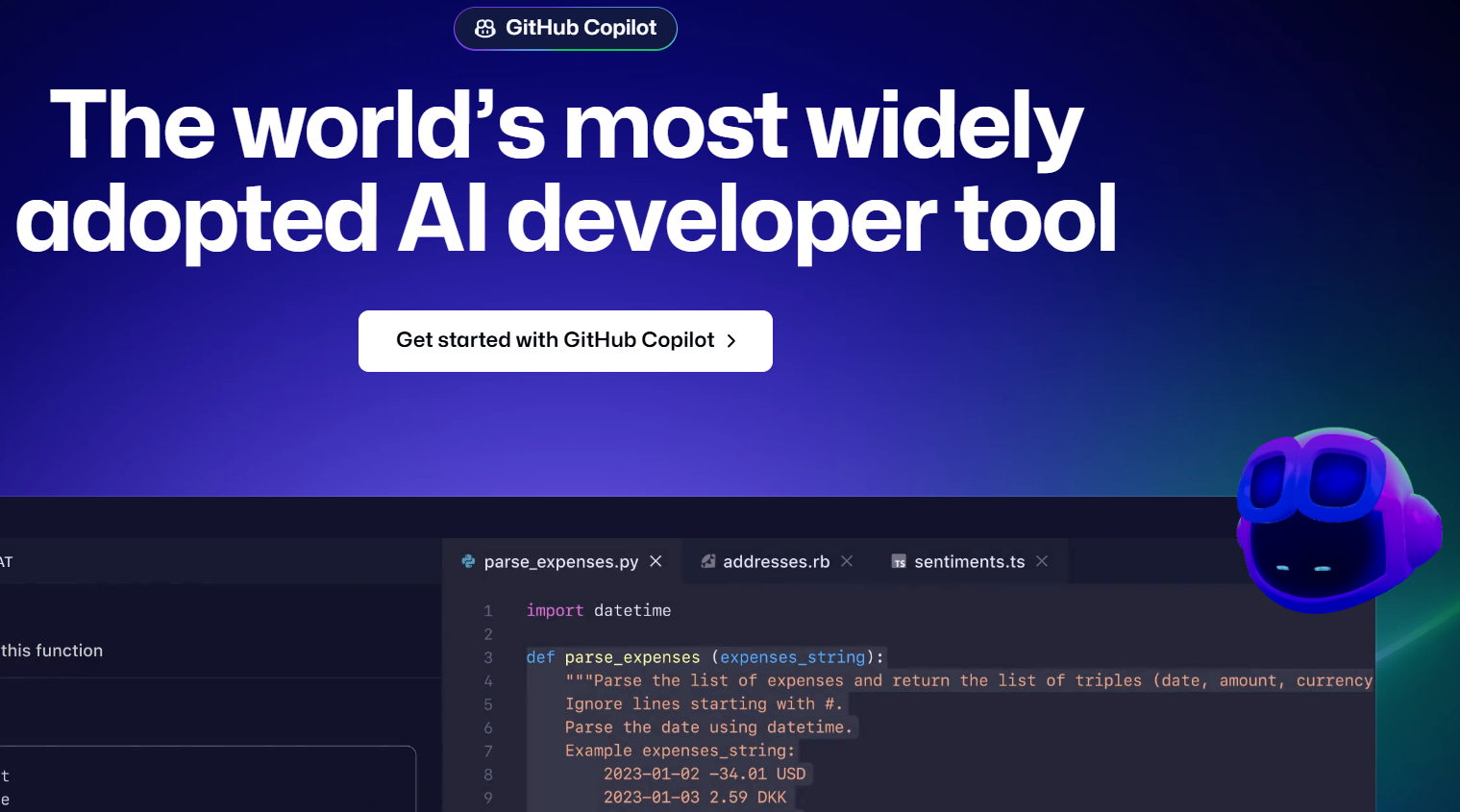
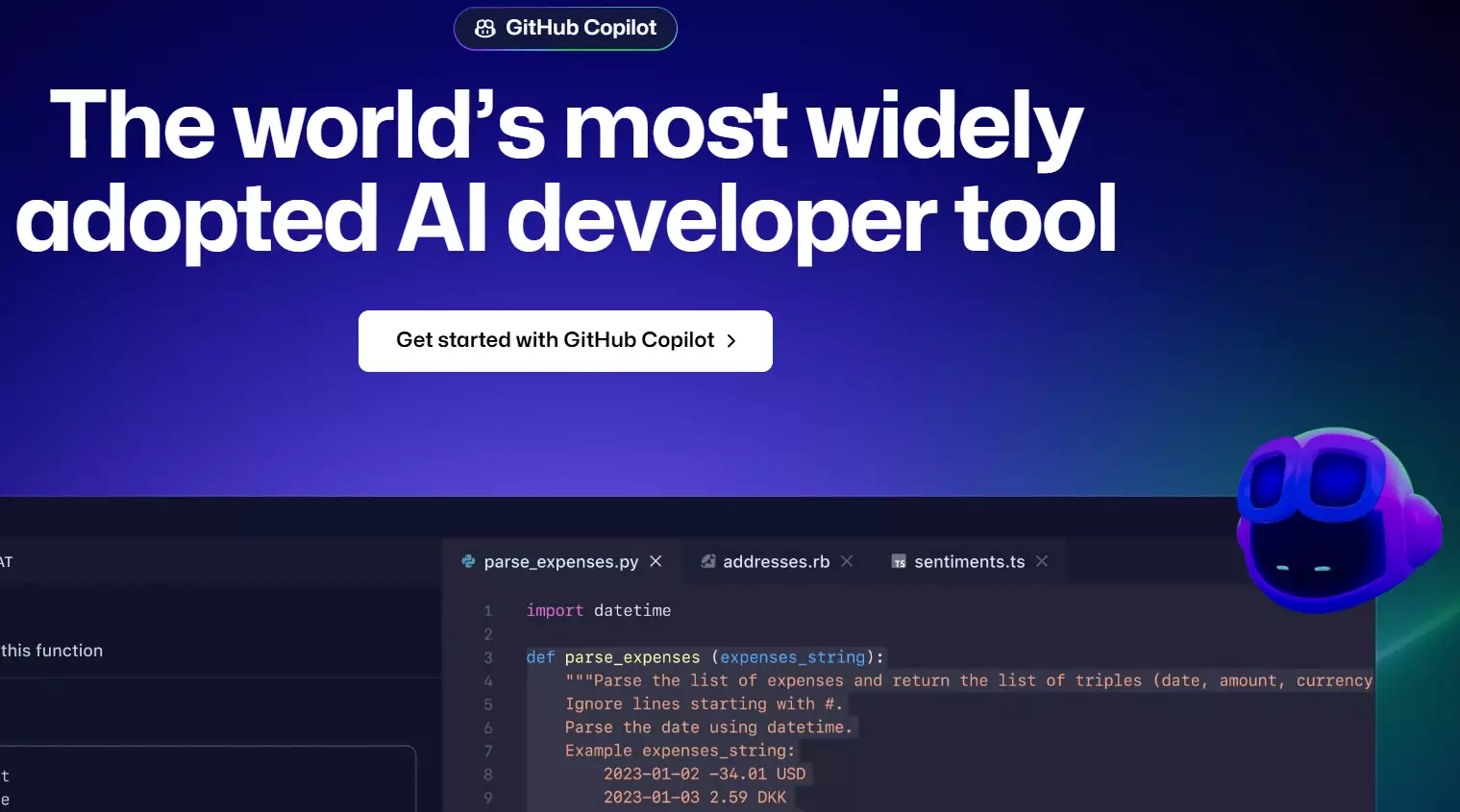
Although GitHub Copilot’s suggestions are often promising and impressive, the tool still has noticeable limitations. Not every suggestion is truly useful, and some are based on assumptions rather than reliable sources. Copyright concerns may also arise because the AI code generator was trained on public repositories and can reproduce learned patterns without verifying their origin. GitHub Copilot packages start at €8.60 per month. A free version is also available, but with a much smaller feature set.
| Advantages | Disadvantages |
|---|---|
| ✓ Supports many programming languages | ✗ Copyright concerns |
| ✓ Adapts to users |
Ask, create and research with the European alternative to ChatGPT. Robust security and unlimited chats give you peace of mind.
ChatGPT
ChatGPT from OpenAI is perhaps the best-known AI chatbot in the world. Since version 4 in particular, the program has also become a reliable AI code generation tool for Java, Python, and other programming languages. It works in a similar way to the bot’s other functions. Drawing on large amounts of data, it answers questions, makes suggestions, highlights errors, completes code, and supports a range of other tasks. The AI code generator can even create entirely new code.
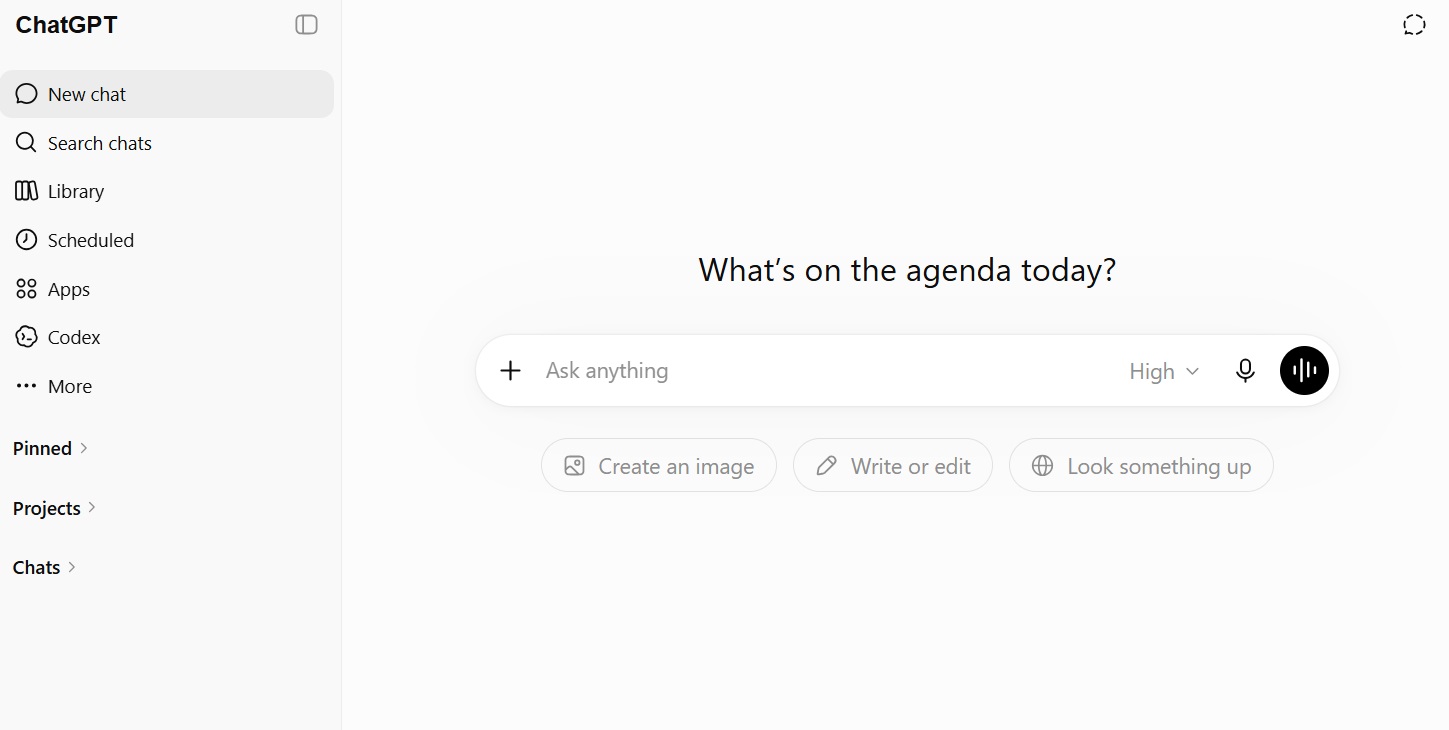
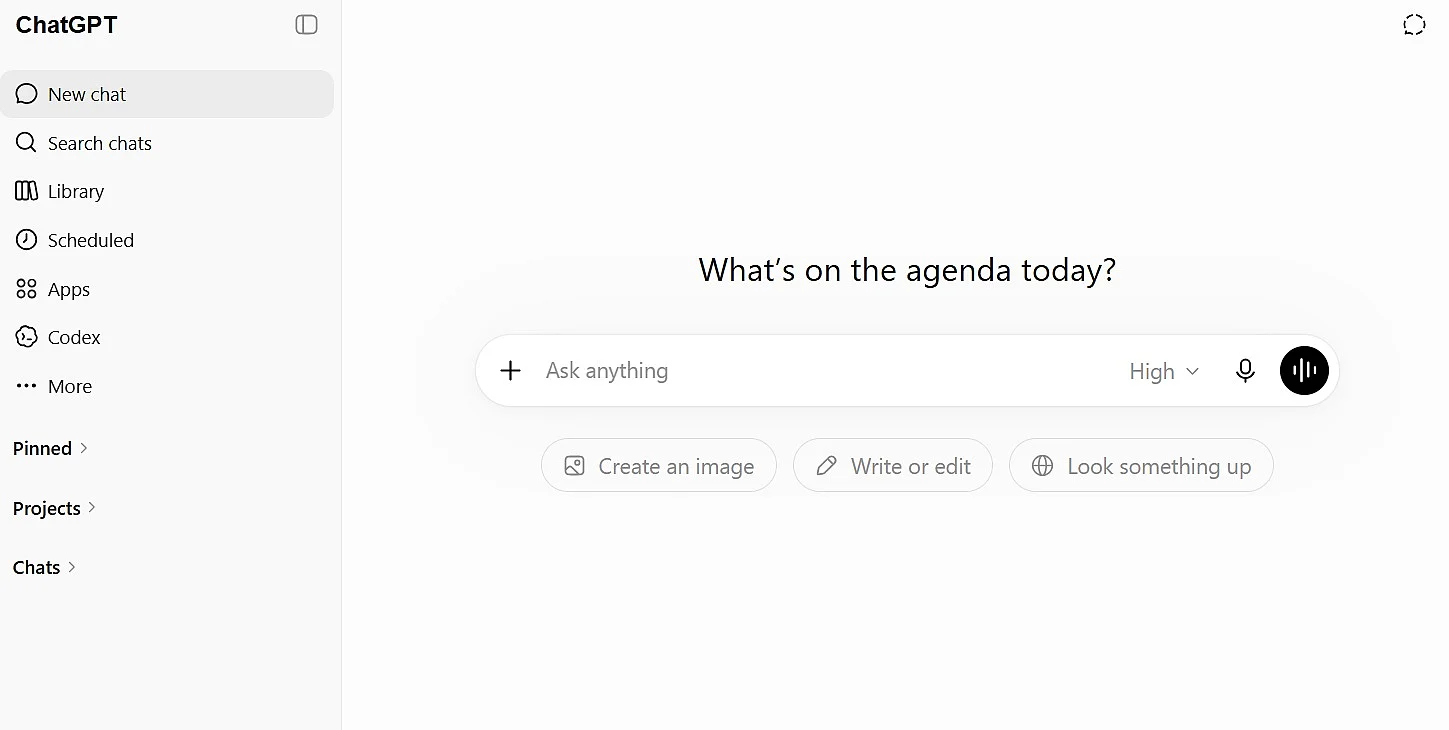
The quality of the results can vary. ChatGPT delivers promising responses especially for simple tasks and can be useful as an AI code generation tool or Python AI code generator. However, when the available data is less comprehensive, the output may contain incomplete information or logical errors, which can also raise security concerns in some cases. For this reason, the tool is better suited to experienced users who can reliably review the results. ChatGPT is available in a free version with limited features, while paid packages with additional functionality start at €8 per month, depending on the market. OpenAI also offers Codex, a specialised software engineering agent for programming tasks, with usage limits varying by package.
| Advantages | Disadvantages |
|---|---|
| ✓ Free to use (limited) | ✗ Security and data-privacy concerns |
| ✓ Very reliable code debugging | ✗ Accuracy decreases with code complexity |
Kiro
Kiro is an agentic development environment launched by AWS in 2025. Since 2026, Amazon has positioned it as the successor to Amazon Q Developer for IDE and command-line development workflows. Unlike traditional code completion tools, Kiro places particular emphasis on spec-driven development. Based on a natural language description, the agent creates requirements, a design document, and a task list that the team can review and modify before the code is generated. Automated hooks can trigger actions such as tests, quality checks, and documentation updates when events occur, such as saving a file. Steering files also provide the agent with persistent context about the project’s architecture and conventions.
Since May 15, 2026, users have no longer been able to create a new free Amazon Q Developer account through an IDE extension or sign up for a new Amazon Q Developer Pro subscription. Existing users can continue using the service during the transition period. Support for IDE extensions, paid subscriptions, and code transformation features will end on April 30, 2027. AWS therefore recommends that affected companies prepare to migrate to Kiro.
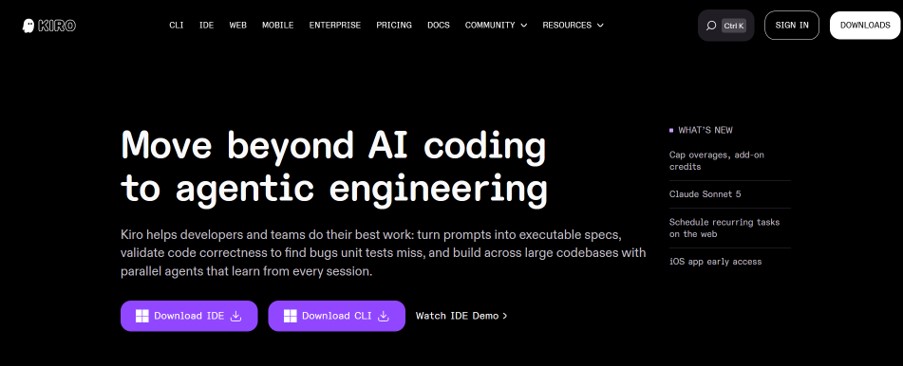

Kiro supports the Model Context Protocol, enabling connections to external tools and data sources. Businesses can centrally manage users and subscriptions through AWS IAM Identity Center. Built on Code OSS, the open-source foundation of VS Code, Kiro is available as both an IDE and a command-line tool.
| Advantages | Disadvantages |
|---|---|
| ✓ Structured, specification-based approach suitable for complex projects | ✗ Migration required for teams that still use Amazon Q Developer |
| ✓ Choice of several recent coding models | ✗ Potentially high credit usage for advanced models and complex tasks |
CodePal
CodePal is an AI code generator that, thanks to its intuitive use, is aimed primarily at beginners. It offers a range of around 30 different tools and supports just as many languages. Among other things, the program can complete code based on previous inputs or use speech input to generate it from scratch. It also creates unit tests and analyses that can help optimise the code. There is a starter package that is completely free, but it only offers limited features.
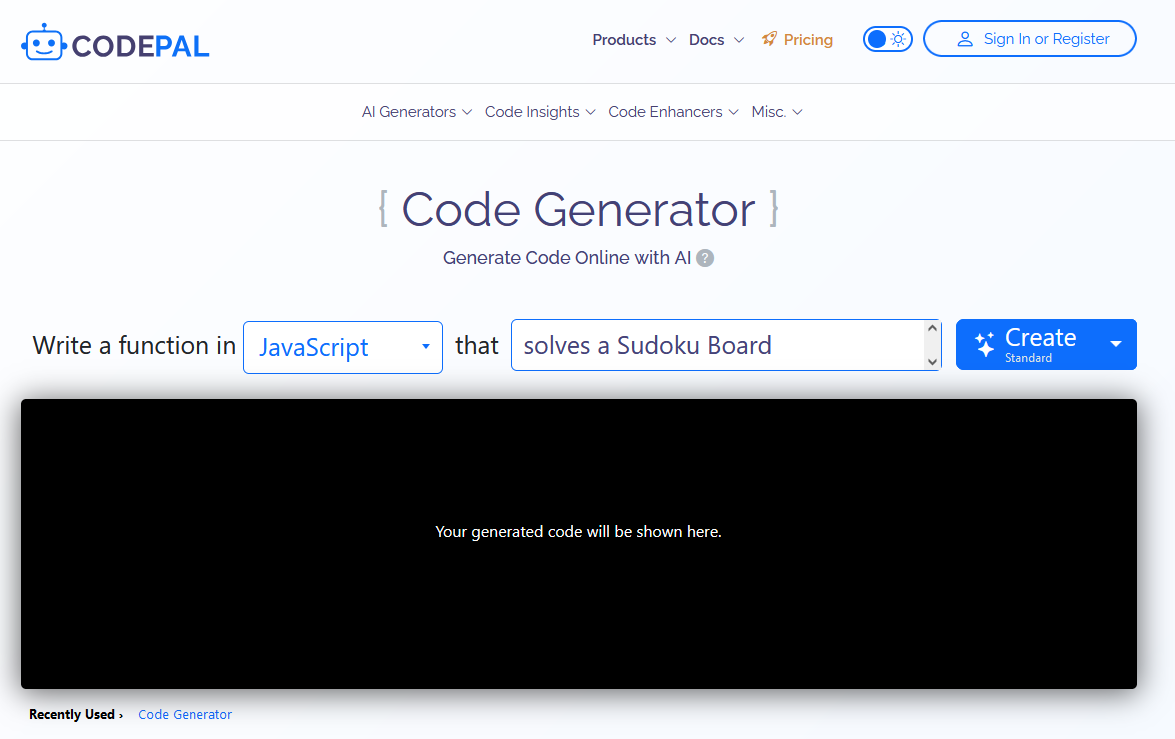
With this AI code generator, the quality of suggestions can also vary depending on the task, prompt quality, and available training data. Imprecise prompts may reduce functionality, and the tool does not always choose the most logical solution. The data privacy concerns that apply to many AI code generation tools also affect CodePal. In addition, some key features, including API access, are only available with a paid monthly subscription.
| Advantages | Disadvantages |
|---|---|
| ✓ Great language support | ✗ Data privacy concerns |
| ✓ Numerous additional code tools available | ✗ Code activities in the free package are made public |
Tabnine
Tabnine takes a somewhat different approach than competing tools. This AI code generator also helps with code completion and uses deep learning to continuously improve results, but security and data protection are the top priority. For example, there is an isolated mode that lets you host the tool in a private cloud or other shielded environment. This way, the code never falls into the wrong hands. Tabnine supports more than 20 programming languages and works across platforms.
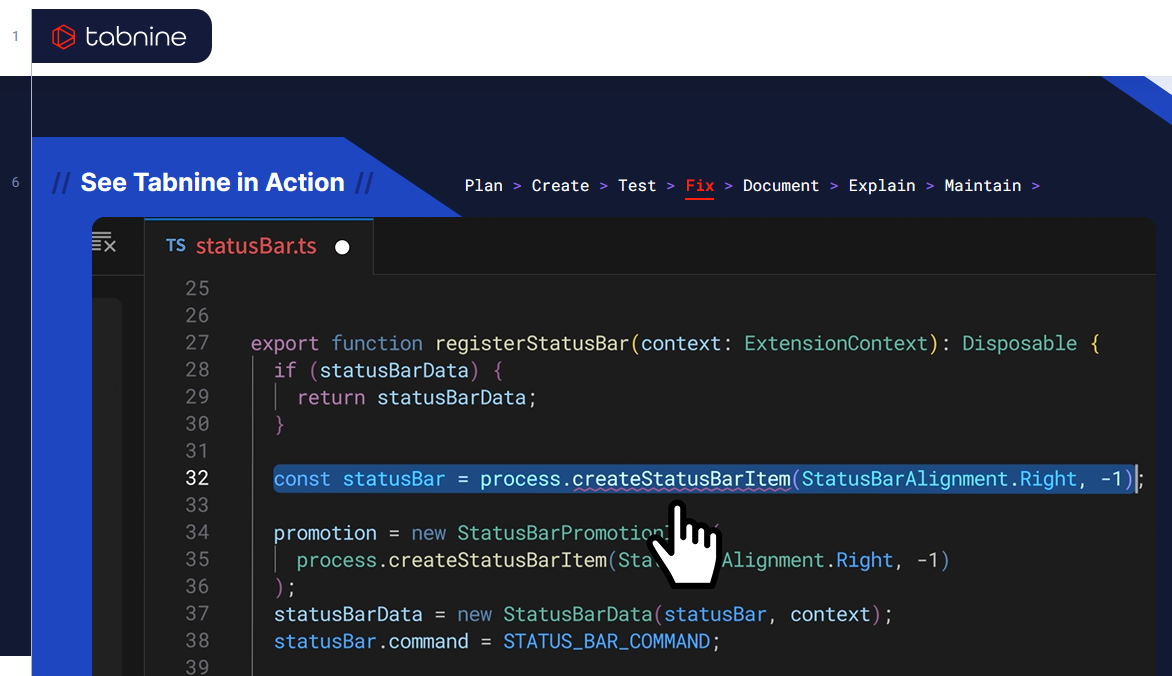
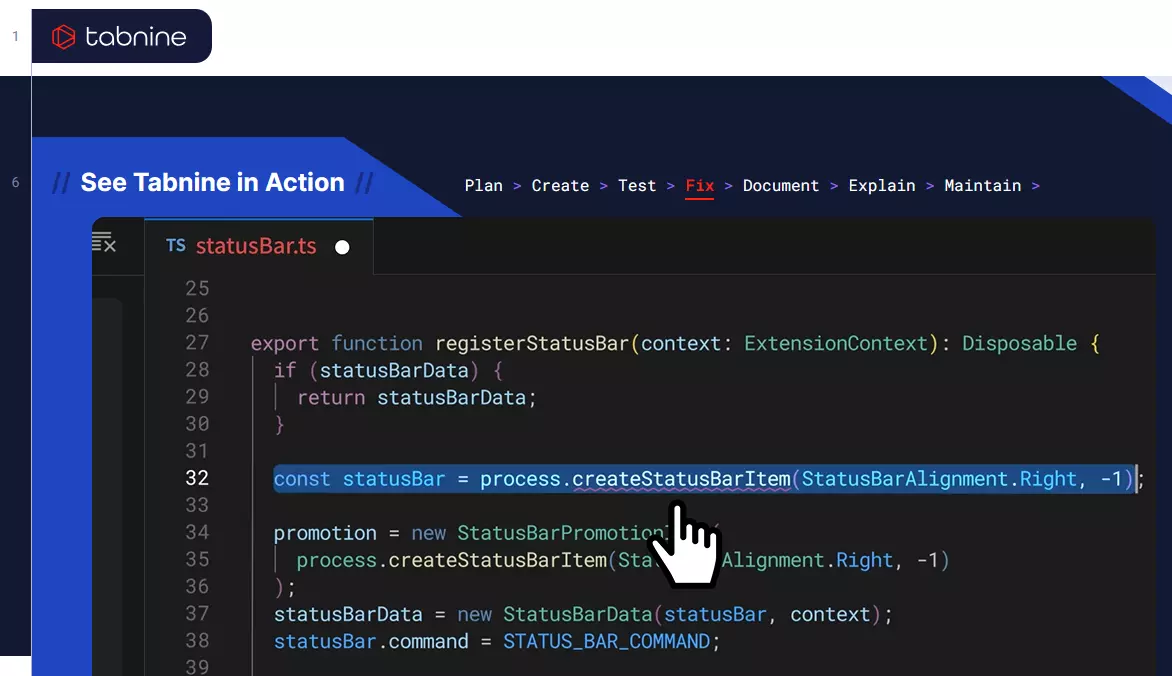
Not all suggestions from this AI code generator are fully optimal yet. The tool also requires relatively high computing power. It is not ideal for beginners, as many outputs need to be reviewed and verified carefully. With costs of around €50 per user per month, the solution is aimed mainly at experienced users and companies in the enterprise segment.
| Advantages | Disadvantages |
|---|---|
| ✓ Focus on data privacy and security | ✗ Partly very resource-intensive |
| ✓ Supports many programming languages | ✗ Very expensive |