HiDrive Next
Your files, always on. Your data, always off-limits.
Get started in minutes, no IT expertise required
Access your files from any device, anywhere
Privacy-first with no data sharing or selling
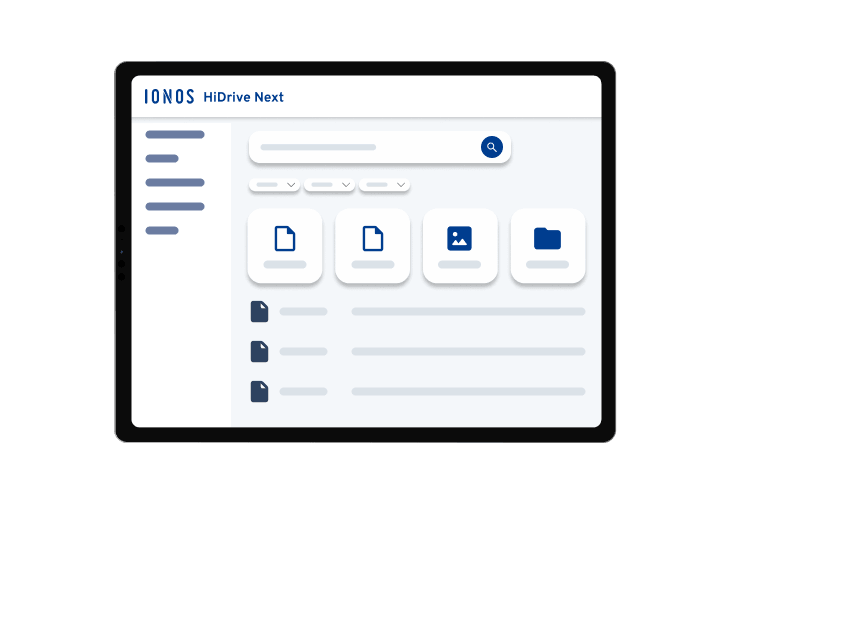

Store, share, and sync your files with complete peace of mind
Everything your team needs to collaborate, in one place that keeps your data yours.Get started with HiDrive Next online storage
State and local sales taxes may apply. Click here for our General Terms and Conditions.
Features built for the way your team actually works
Plug into your existing setup
Keep everyone on the same page
Turn paper documents into searchable files
Decide who sees what and when

Only at IONOS
Your personal consultant
Not only do you get the latest AI tech, but you also get your own personal consultant to guide you every step of the way.
24/7 expert support
Technical questions? Our award-winning experts are always available to help by phone, chat or email.
We help you succeed online
 AI email writer
 Free DNS
 .io domain
 Free SSL
 Secure email
 Free Domain Name
 Free Website Hosting
 SFTP hosting
HiDrive Next Cloud Storage – FAQ
The longer you use a device, the less storage space you have for your photos, videos, music, and other documents. Because devices can be damaged, lost, or break down, cloud storage offers a reliable solution to back up this precious data securely. With HiDrive Next, you can access your files at any time and from any device. You also have the freedom to add new holiday photos, videos, documents, and MP3 files whenever you want.
Securing files is essential for businesses, especially for important projects. With HiDrive Next, your data, high-resolution images, PDFs, presentations, and spreadsheets are protected. Online storage also makes collaboration easier. There is no need to send large ZIP files by email. Your team members can access files and update them in real time, wherever they are.
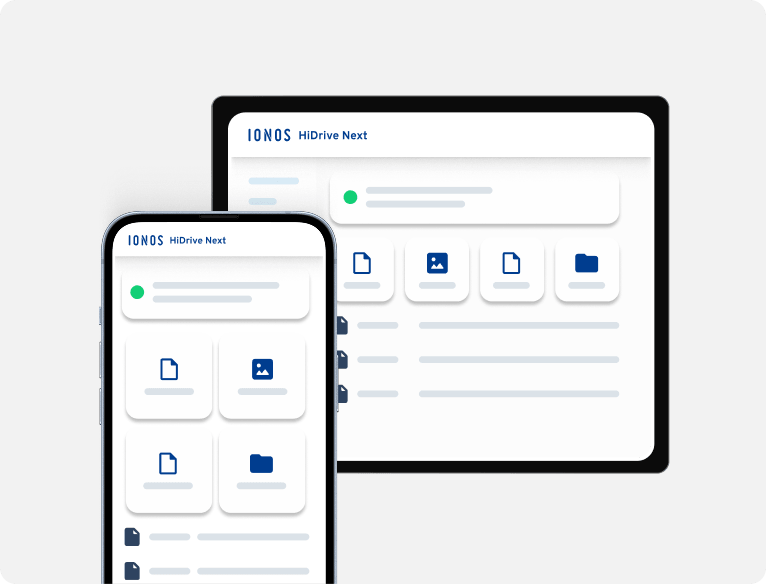
HiDrive Next online storage works on several different devices and operating systems. You can use HiDrive Next as a storage app, desktop software, or directly in your web browser. You can access your stored data on the online server whenever and wherever you need it. This works across many different devices, whether you are at home, at work, or on the move. Here is a quick overview of how you can use HiDrive Next online storage on different devices:
- Apps: The HiDrive Next cloud storage app is available on iOS and Android. For iOS, version 13 or higher is required due to updated security features. The iOS app is compatible with both iPhone and iPad.
- Desktop: The desktop software for HiDrive Next online storage is compatible with Windows operating systems (Windows 10 and higher). The HiDrive Next software is also available on MacOS. You can easily synchronise your desktop directories to the cloud.
- Web browser: You can also access everything you have backed up via a web browser if you do not have your mobile device or computer to hand. This works from any browser. It is a practical solution if your computer breaks down while working for an important client. The web browser provides an ideal solution for these situations.
You can save all kinds of files without exception using HiDrive Next. Whether you have Word or Excel documents, PDF files, video or XML files, various image formats, or Photoshop and PSD files, HiDrive Next can store them all. It supports many other file formats as well. This means you can use different programmes across different operating systems and devices while keeping everything in one place. You get easy and secure access whenever and wherever you need it.
Storing large files is no problem with HiDrive Next. There is no set limit for file sizes. Depending on your chosen package, you will simply have more or less storage space available.
The only real restriction on available space depends on technical limits, but these are very rarely reached. For example, if you want to back up an Adobe Premiere video project of 5 GB or more, HiDrive Next handles it flawlessly. You can also upload very large Photoshop files in multiple parts.
You can easily integrate HiDrive Next into your existing infrastructure using WebDAV. This allows you to enable directory access via an HTTP connection.
Generally speaking, there is no real difference between cloud storage and an online backup when using HiDrive Next. HiDrive Next is an online storage provider. It makes sharing and using files much easier, and you can use it just as smoothly as your online backup.
This means you will have your online backup and all your data close to hand in a single, secure place, making them incredibly easy to manage.
Cloud storage works with all types of internet connections. Whether you have a WiFi or LAN connection, you can perform an online backup with an online storage provider without any issues. However, if you plan to back up large video files, a faster internet connection is highly recommended.
Uploading many large image files will take more time regardless of your connection, though a slow connection will naturally take even longer. Similarly, if you use online storage across multiple devices simultaneously, a reliable and fast internet connection ensures your cloud storage performs at its best.
In short, online storage works with all internet connections. Your specific usage will determine the connection speed you need to enjoy an optimal experience.
Every file is transferred using SSL/256-bit encryption. Your data is stored in ISO 27001-certified data centers and never shared with third parties — not sold, not analyzed, not handed over to anyone.
Each user gets private folders for sensitive files, with shared folders available for team collaboration. You control who has access to what.