Which are the best Instagram tools to increase your reach?

Image-editing programs, video editing apps, and social media management tools help prepare content on Instagram in a visually appealing way, create formats efficiently, and publish posts regularly. They save time, ensure a consistent look, and make it easier to plan and analyze content.
Third-party Instagram apps often require access to your account to schedule or analyze content. Make sure you only use tools with transparent privacy policies and responsible data handling practices that comply with applicable US privacy laws, such as the California Consumer Privacy Act (CCPA) where relevant. Regularly review granted permissions and remove apps you no longer use to keep your account secure.
Instagram apps for image editing, text, and graphics

Picsart (iOS, Android & Desktop)
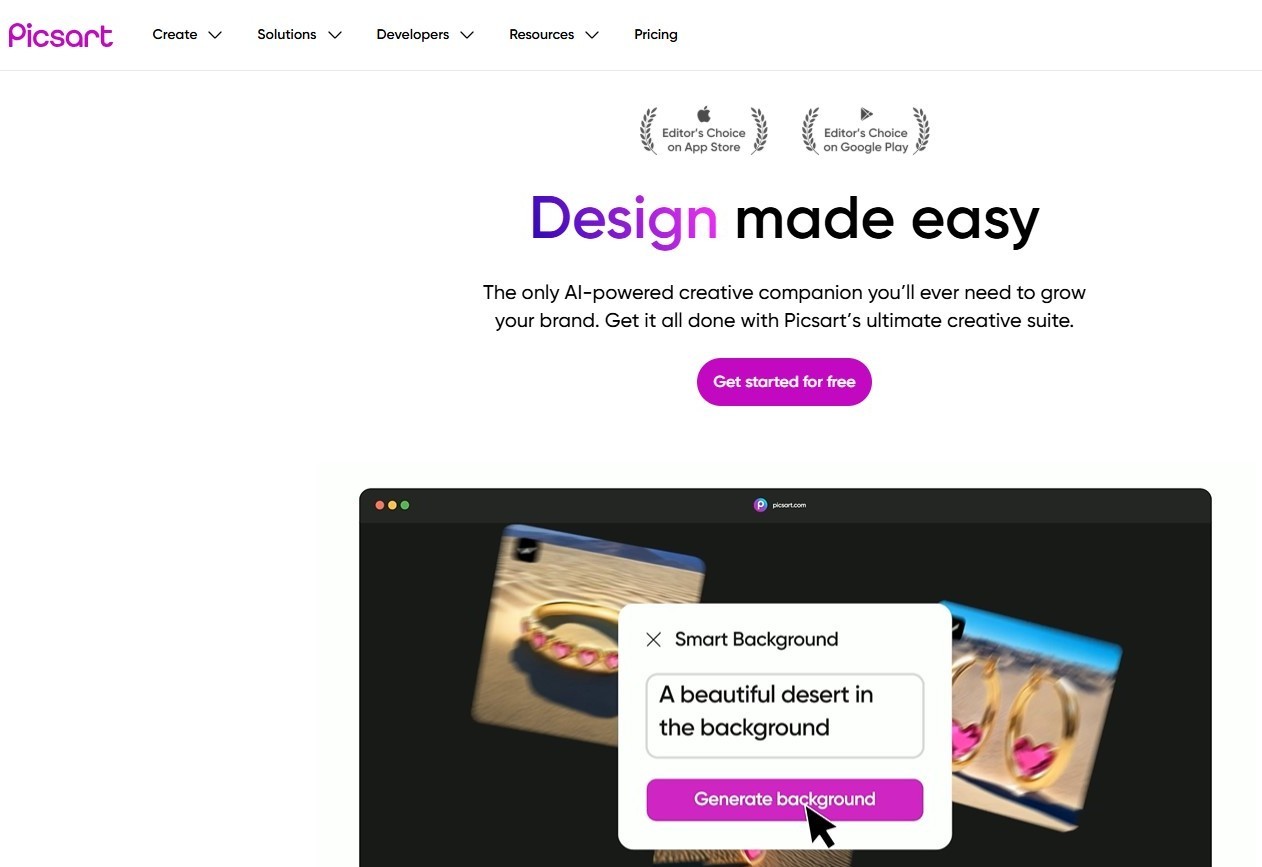
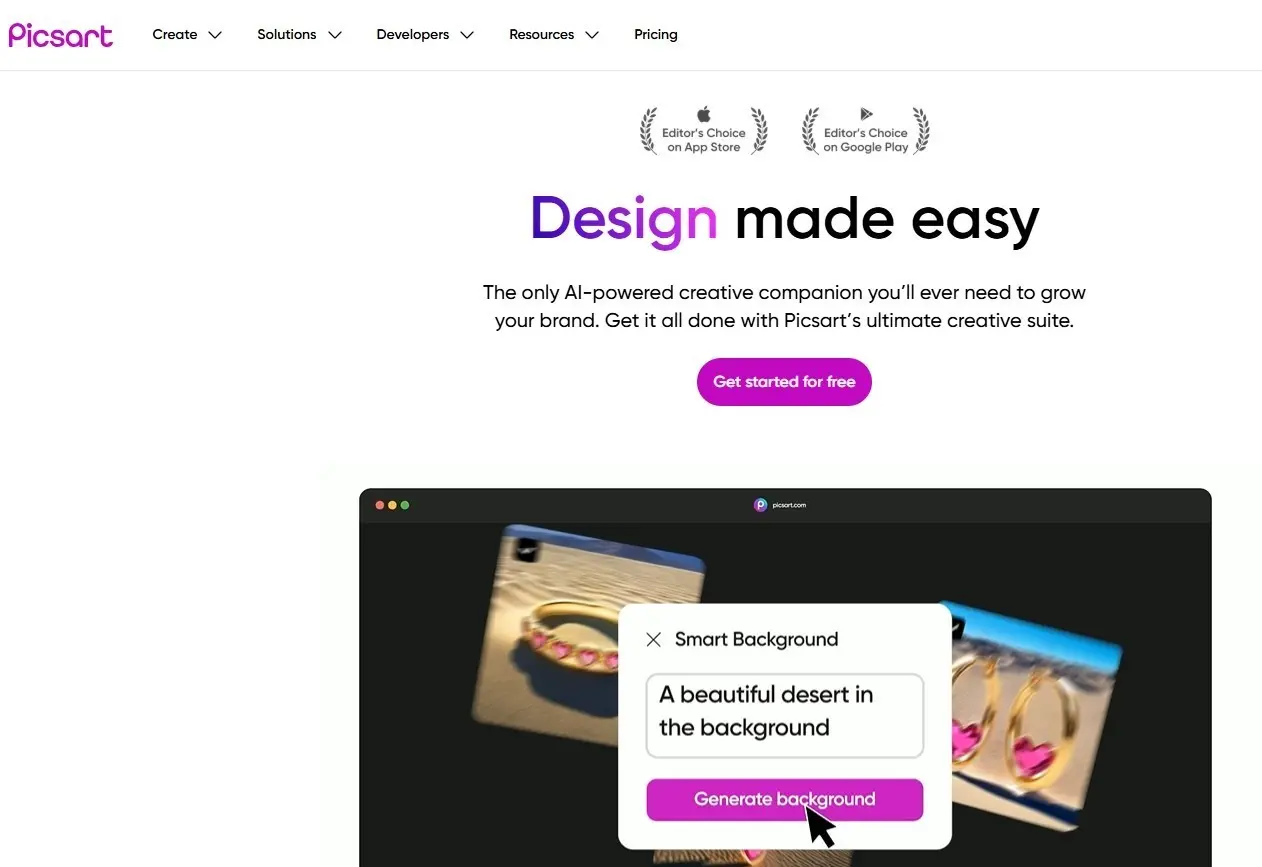
Picsart is a versatile all-rounder for image editing. The app offers numerous filters, collage templates, various fonts, object-cutout features, and many other tools. The offering is complemented by increasingly integrated AI features such as automatic background removal and quality enhancements that simplify and speed up the editing process.
However, a downside is the frequent ad interruptions between individual editing steps. In addition, many features are only available with a premium subscription.
Prequel (iOS, Android)
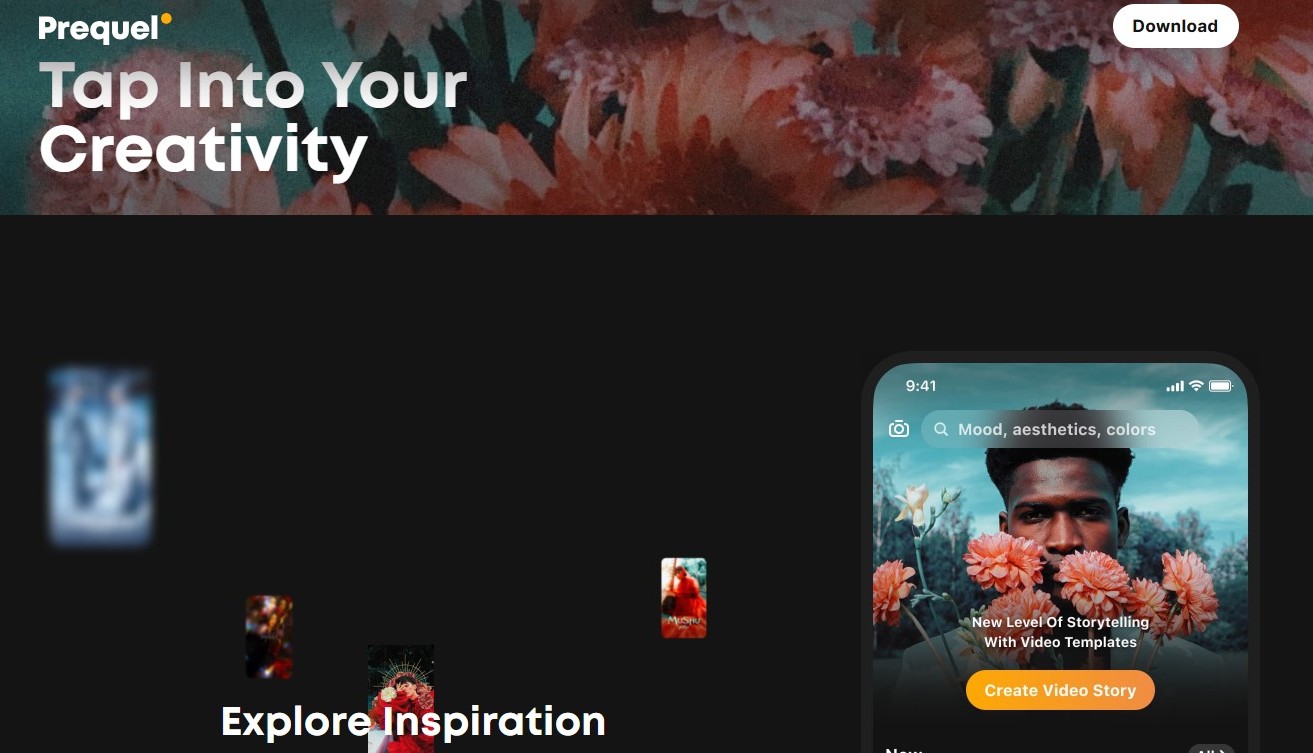
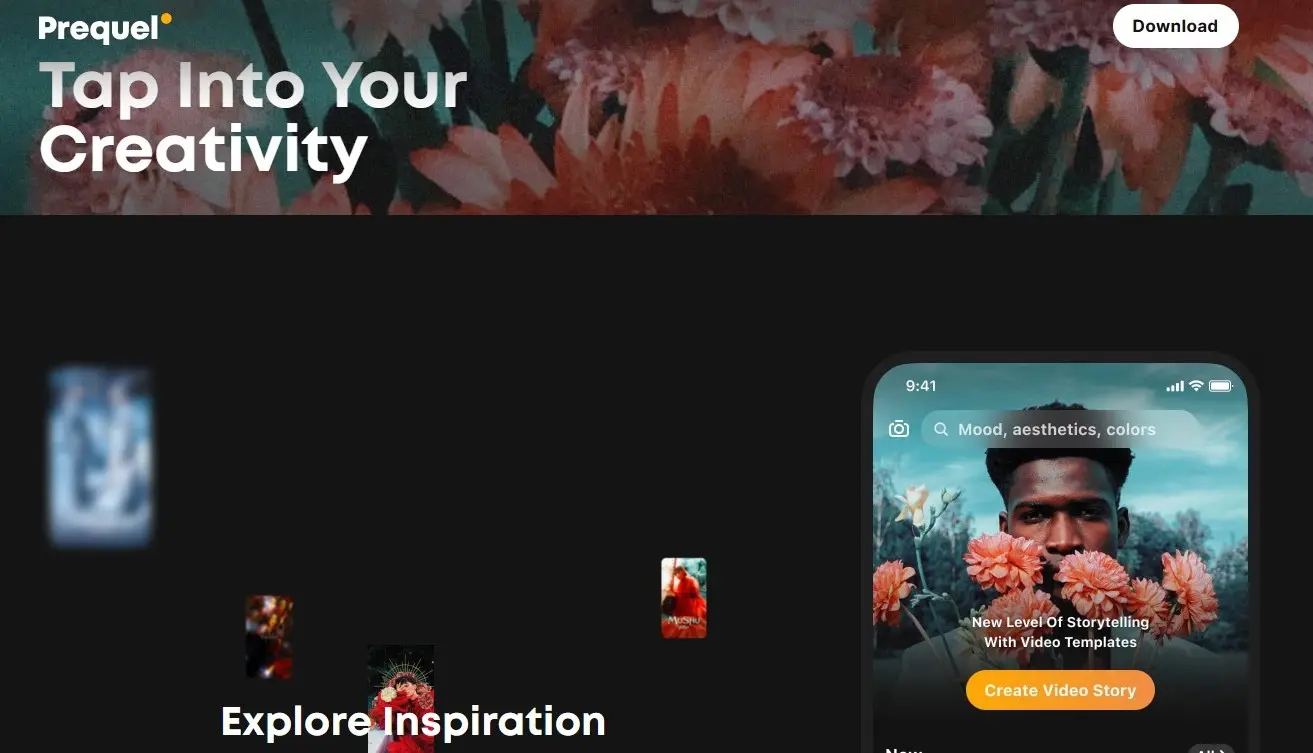
Another popular Instagram app is Prequel, which stands out with its distinctive, style-focused design. When you first open the app, you’re asked about your preferred aesthetic and content, allowing the interface, tools, and effects to adapt accordingly. Alongside classic retro filters and blur effects, Prequel offers a wide range of controls for adjusting color, lighting, and focus, as well as an extensive selection of fonts.
In addition, the app has a feed organized by different aesthetic styles. Edited sample images are displayed there to highlight the filters and tools used. If you like a particular look, you can select the corresponding preset directly and apply it to your own images.
The free version includes a selection of filters and basic editing tools. More advanced effects and presets are reserved for premium users.
- Create professional newsletters, no experience needed
- Drive clicks and conversions with smart templates
- Optimize every campaign with real-time analytics
Canva (iOS, Android & Desktop)
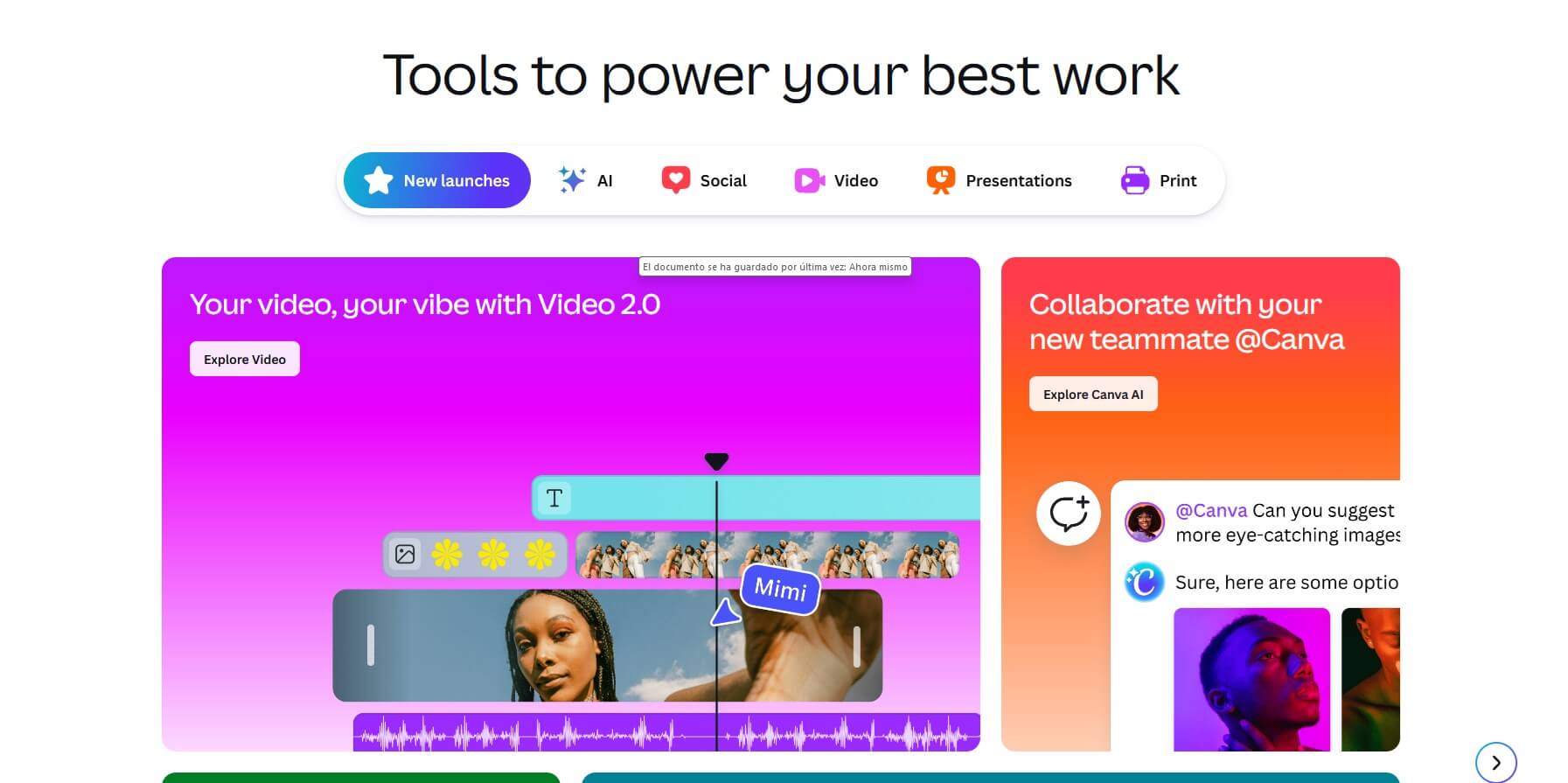
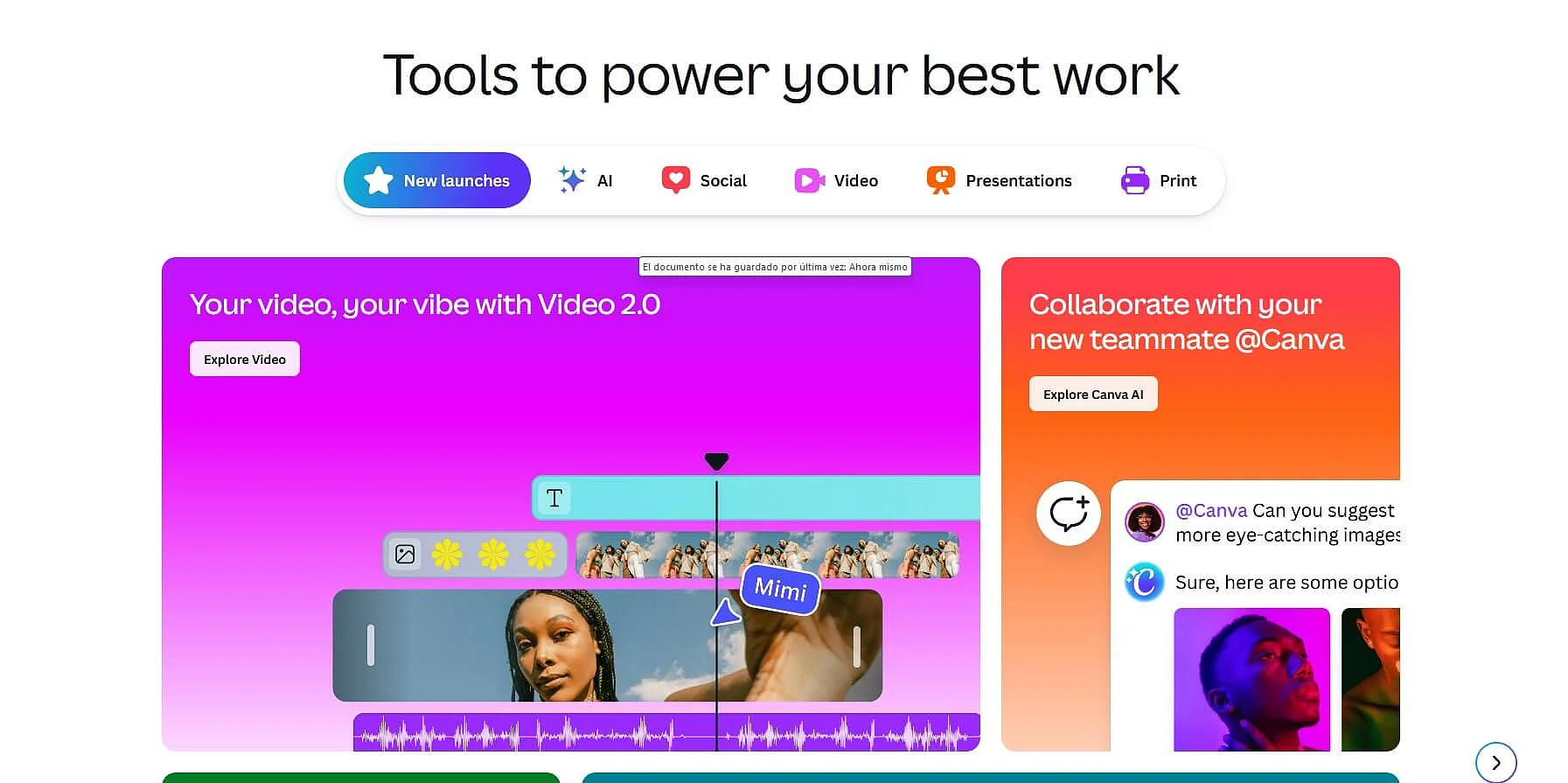
The graphic tool Canva makes it especially easy to create visual content such as posters, logos, presentations, flyers, and social media graphics. Using thousands of ready-to-use templates, you can design customized Instagram posts.
The templates give you a solid starting point, as every element — including fonts, font size, and the number and placement of text elements — can be customized at any time directly within the tool. Canva also makes increasing use of AI features to support layout suggestions, text generation, image editing, and social media content, helping to speed up creative workflows.
When getting started, Canva makes it clear that not all content is available for free. Free elements are labeled accordingly, while full access to premium photos, videos, graphics, audio assets, and additional features requires a Canva Pro membership. You can choose between a personal or business account, billed either monthly or annually.
Desktop and mobile apps for Instagram planning
Similar to newsletter marketing, successful Instagram marketing also requires careful planning. What matters is not only which content is published, but also how regularly and at what times posts, Instagram Reels or Stories appear. In addition, content is usually published on several channels at the same time to achieve maximum reach. Various specialized Instagram apps are available for these tasks, three of which we present below as examples.
Hootsuite (iOS, Android, Desktop)
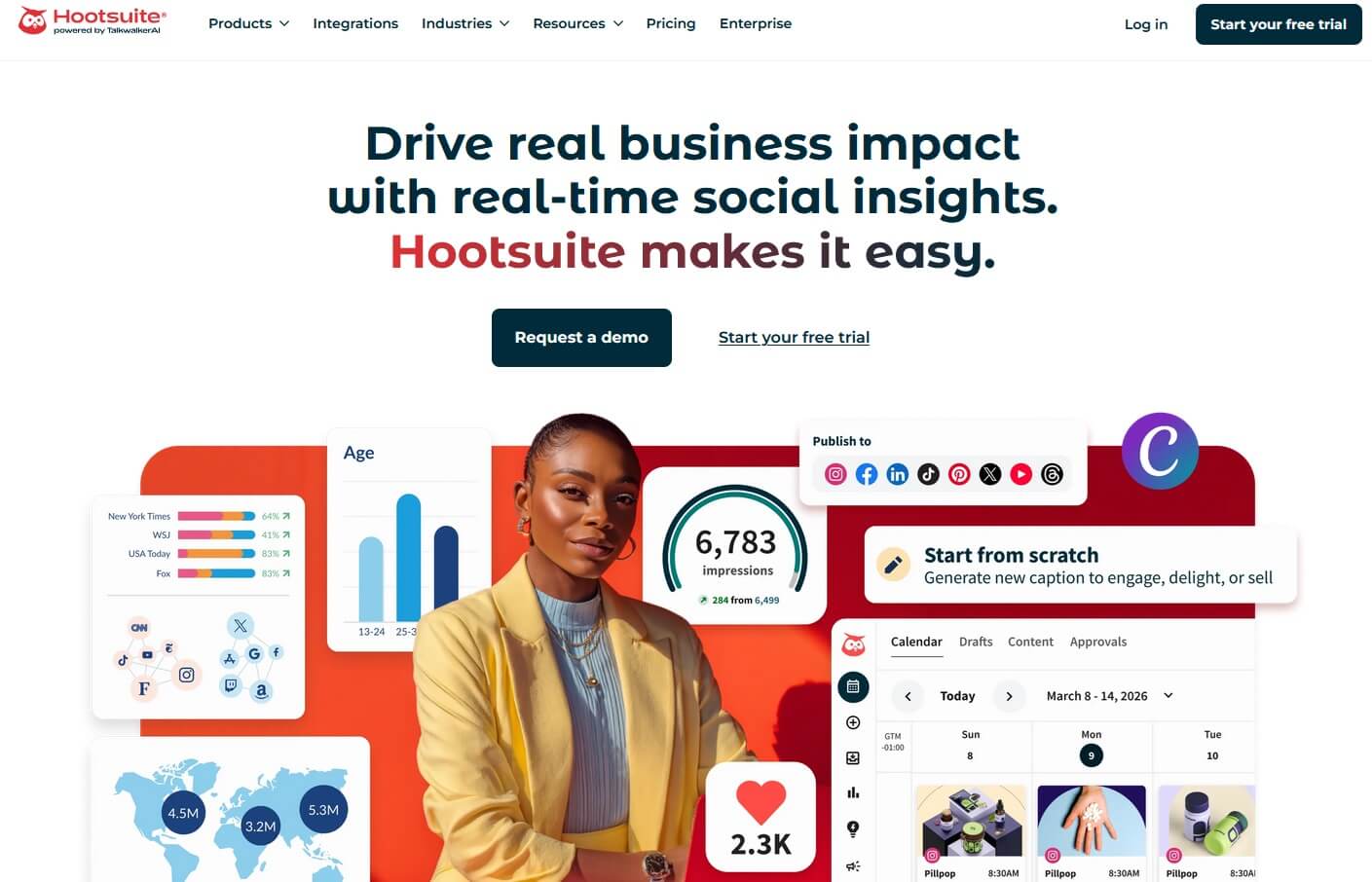
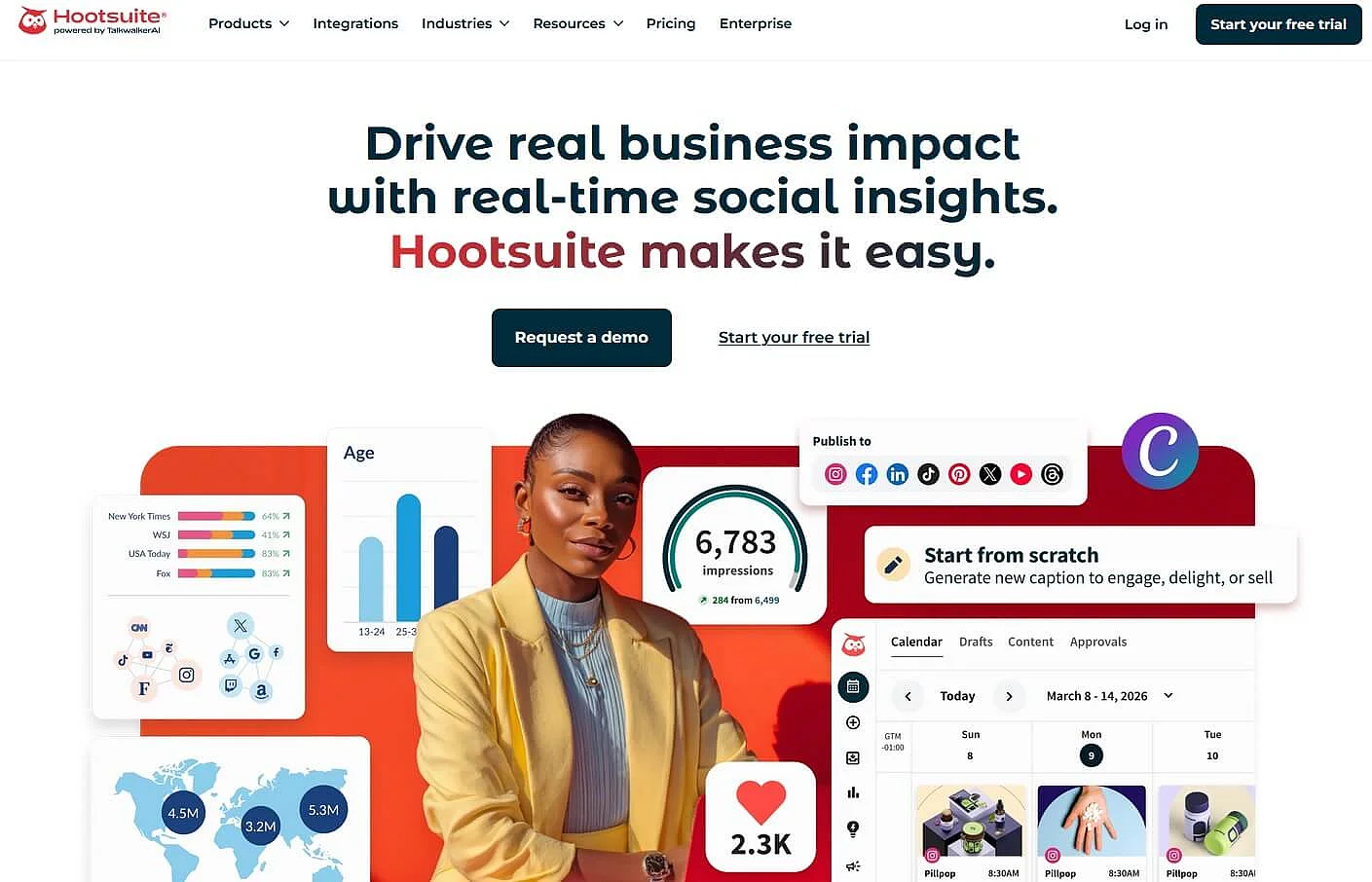
The organizational effort of supplying several social media channels with content can be significantly reduced with tools like Hootsuite. The platform serves as a central management interface for social media platforms such as Instagram, Facebook, LinkedIn, or X.
After linking the respective accounts, you can create posts across channels and publish them either immediately or on a schedule. The integrated “AutoSchedule” feature automatically selects suitable posting times. In addition, Hootsuite offers analytics and reporting functions and, depending on the plan, options for team collaboration.
The Standard plan is designed for individuals and allows you to manage up to 10 social media accounts. For teams that require advanced analytics and collaboration features, the Advanced plan is available. Larger organizations can choose customized enterprise solutions tailored to their specific needs.
Buffer (iOS, Android & Desktop)
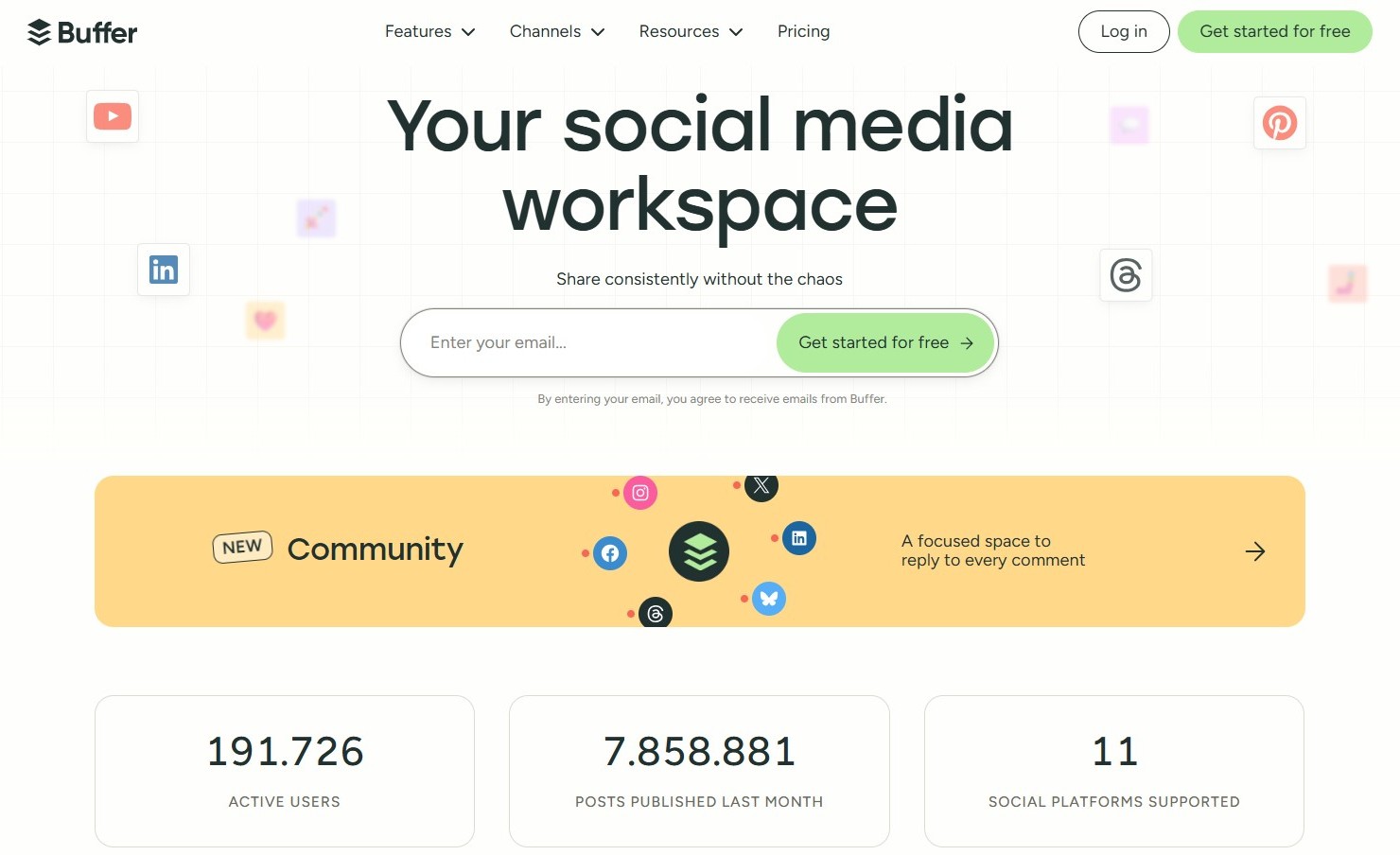
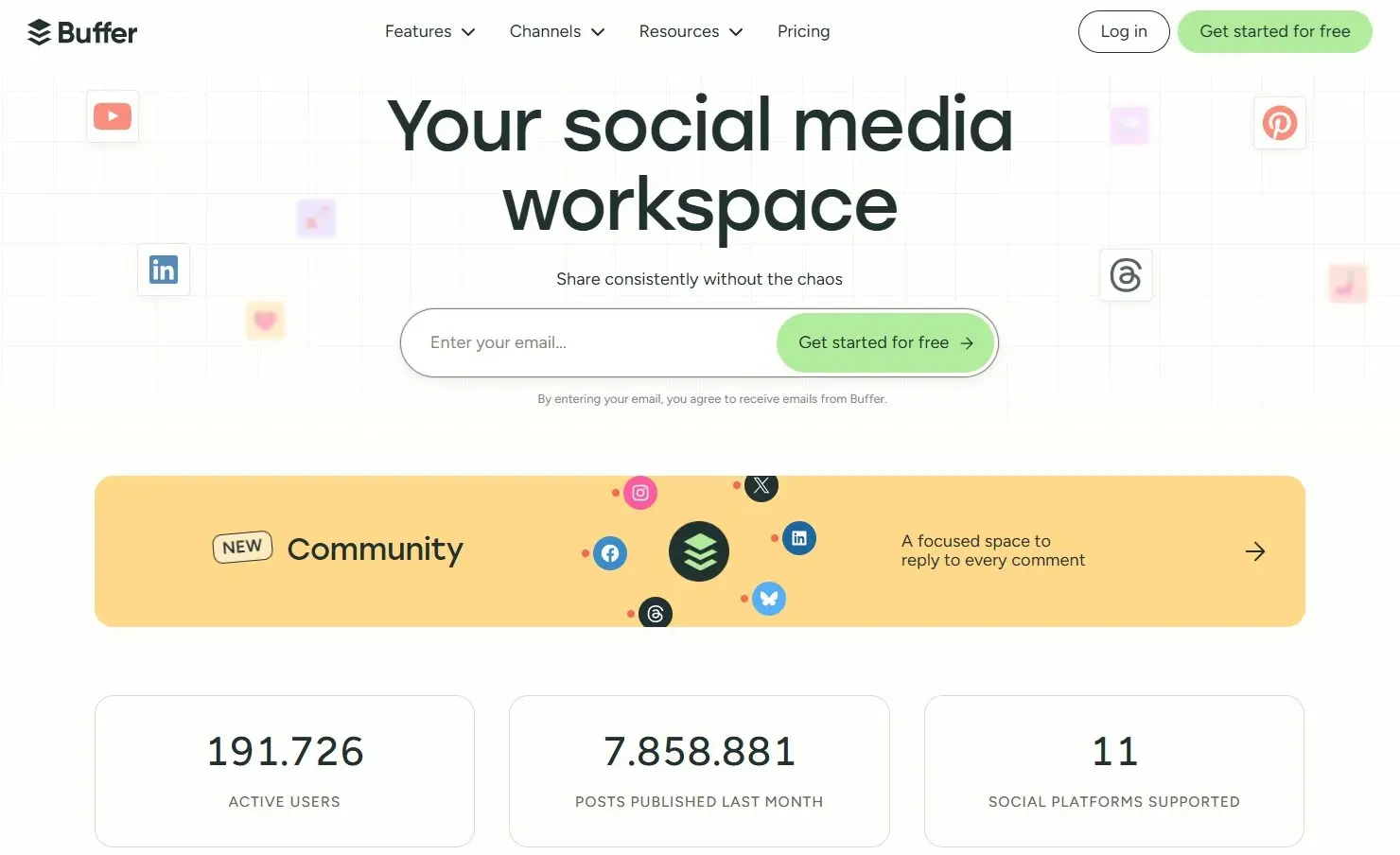
Buffer is a streamlined social media management tool for creators and small teams that focuses on simple post scheduling and intuitive handling. At its core is a clear posting calendar with a queue function that lets you efficiently prepare content and publish it automatically. Basic analytics features and optional team features are also available.
The free version allows you to manage up to three social media accounts with limited features. The paid “Essentials” and “Team” plans offer unlimited posting, along with advanced analytics and engagement tools.
SocialPilot (iOS, Android & Desktop)
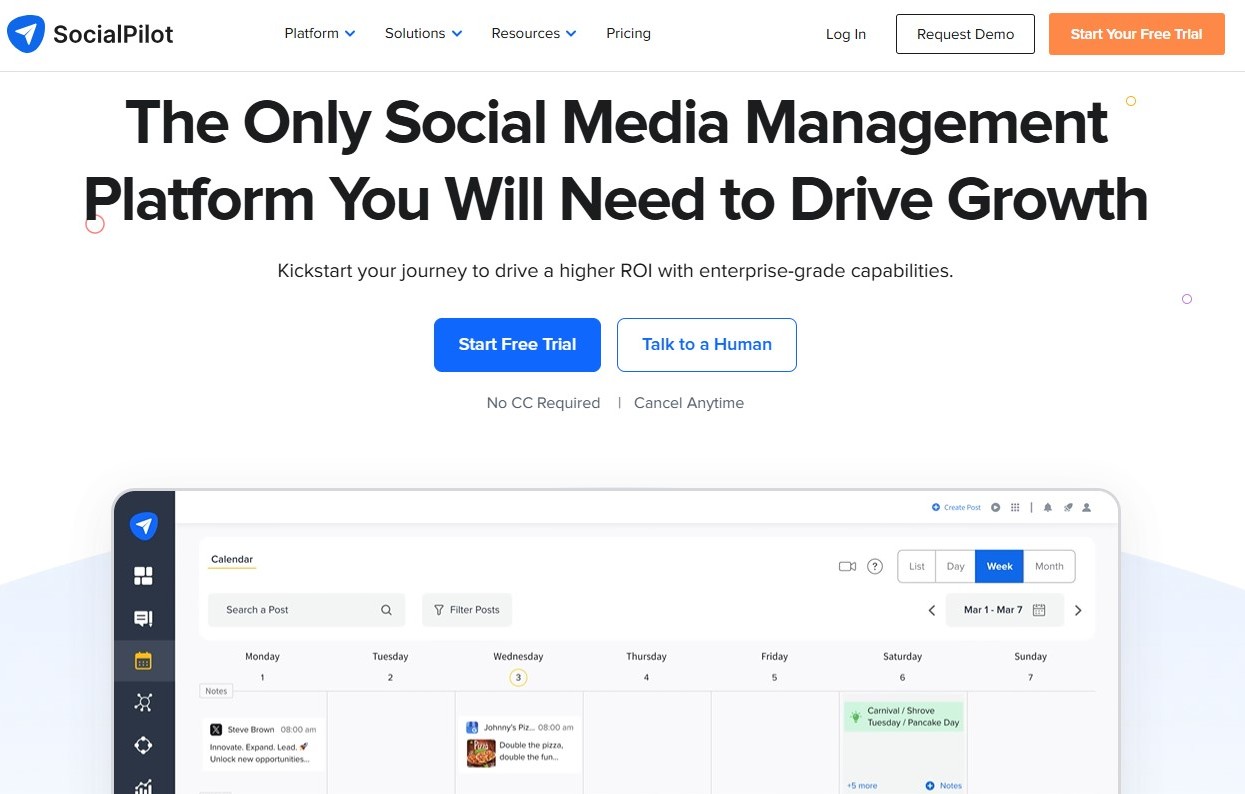
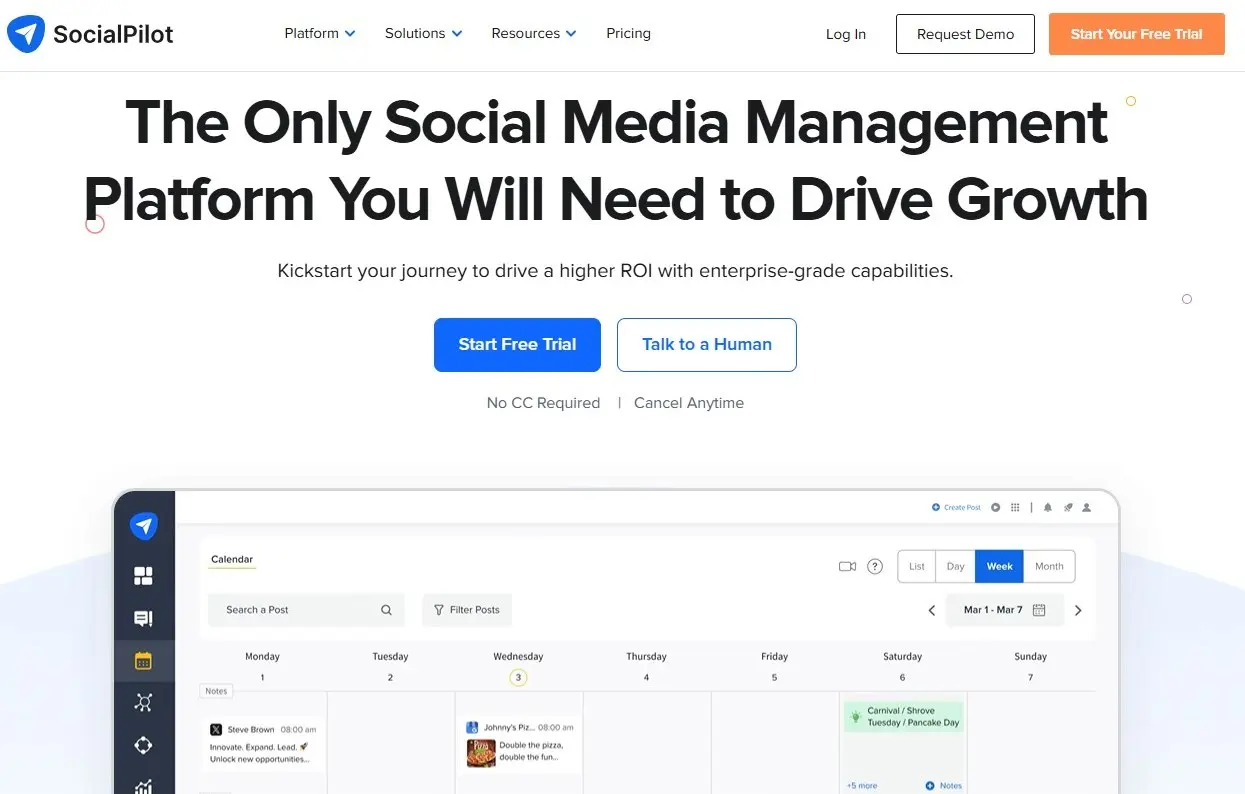
SocialPilot is a cloud-based social media management tool that lets you plan, create, publish, and analyze content centrally across multiple networks – ideal for freelancers, small businesses, and agencies. The platform offers a structured content calendar, tools for bulk scheduling, AI support for content, and basic analytics and reporting features to measure and optimize the performance of your social media strategy. All major networks such as Instagram, Facebook, LinkedIn, TikTok, and Pinterest are supported.
Unlike Hootsuite and Buffer, SocialPilot does not offer a permanently free version, but only a 14-day trial period. The paid plans start with the Essentials plan, which costs 30 dollars per month and allows you to manage up to 7 social media accounts. The most comprehensive plan costs 200 dollars per month and lets you manage up to 50 social media accounts. It also includes advanced analytics features, unlimited user accounts, a dedicated account manager, and additional extra features.
- Start selling on social media in minutes
- Manage all your channels from one place
- Scale up as sales grow, no website needed
The best Instagram apps for better video content
Videos, especially Reels, have become a key driver of reach on Instagram. What matters most isn’t the length, but a strong hook, the right format, and a visually engaging style that captures attention straight away. At the same time, expectations around editing, timing, and post-production are rising, as content needs to be easy to consume and optimized for mobile viewing. The following Instagram apps help you create short video clips, animations, and visual effects efficiently, and tailor them specifically for Instagram.
CapCut (iOS, Android & Desktop)
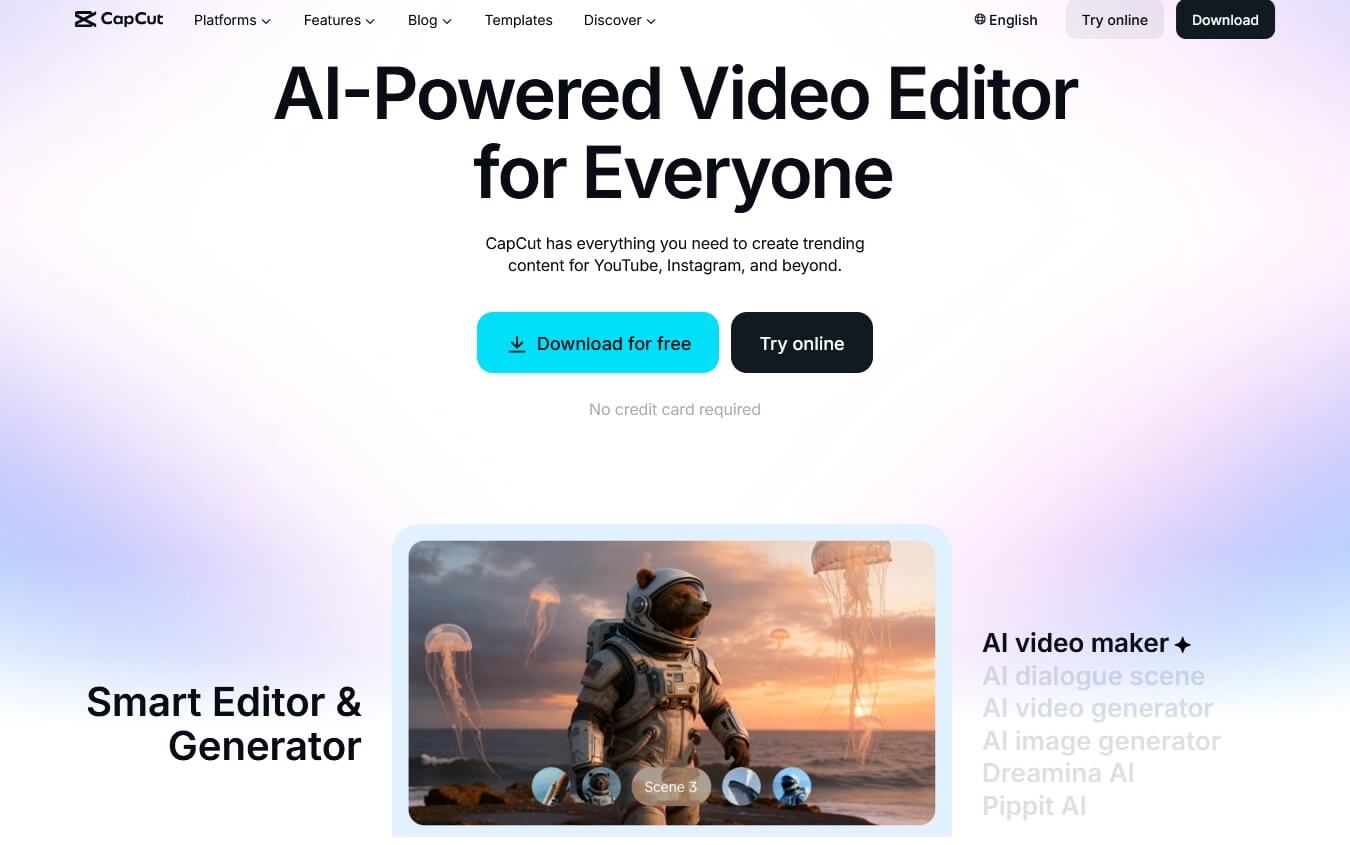
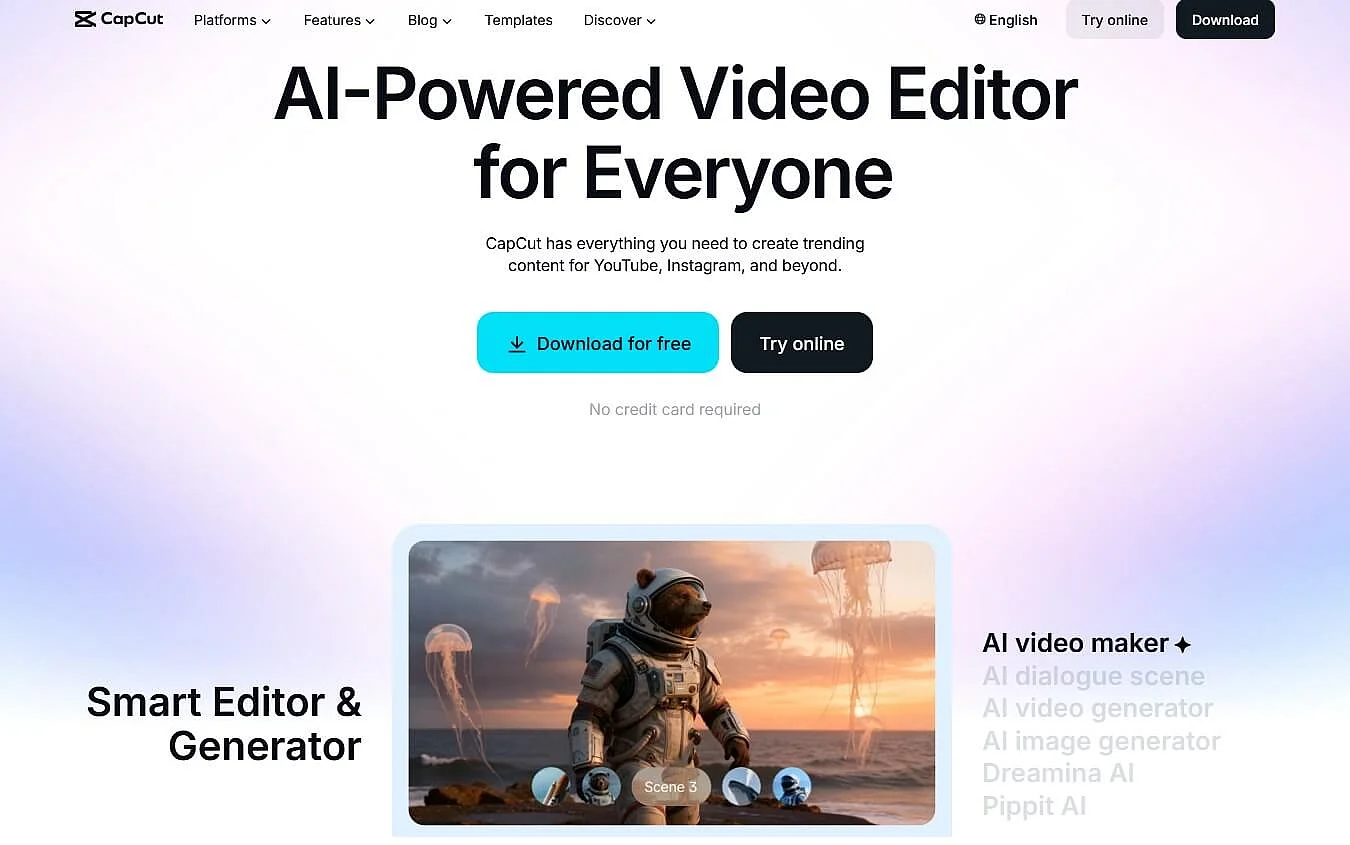
CapCut is a versatile video editing tool that’s particularly well suited for creating short-form content, making it ideal for Instagram Reels or for creating Instagram Stories. The app features an intuitive interface along with a wide range of editing options, including cutting tools, transitions, text overlays, filters, effects, and music tracks. CapCut also supports automatic subtitles, speed adjustments, green screen effects, and increasingly relies on AI-powered features to help you create or optimize clips more quickly.
In general, the app is available for free. However, a paid subscription removes the watermark from your videos and unlocks additional effects, filters, transitions, export options, and AI features.
Edits (iOS, Android)
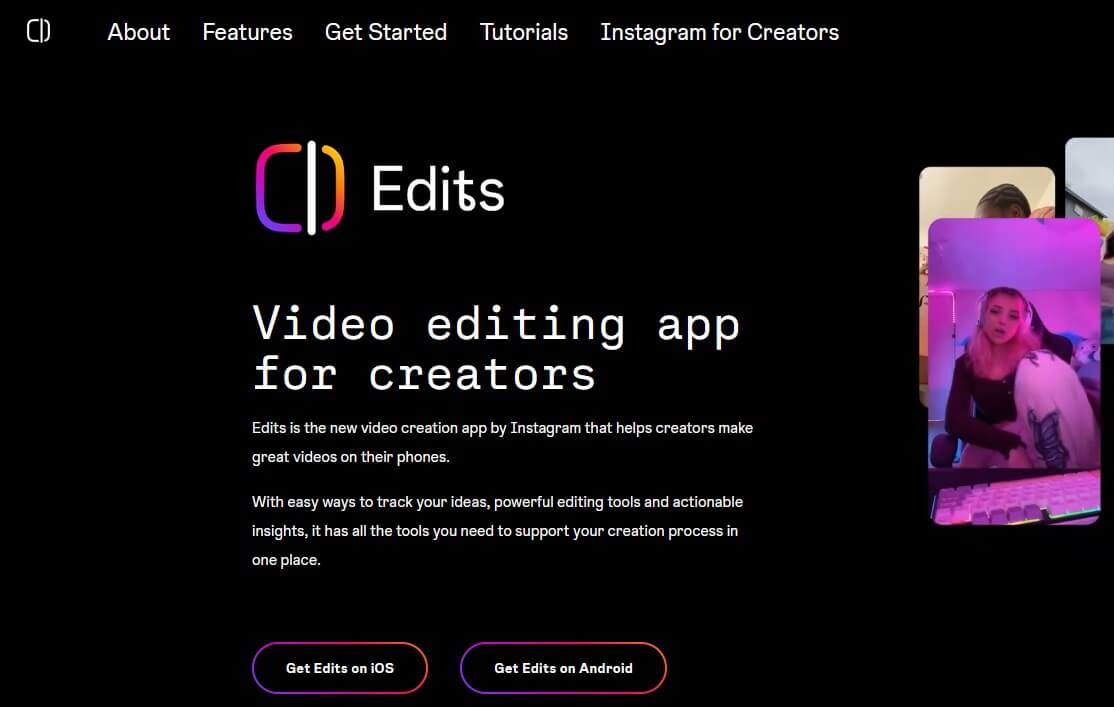
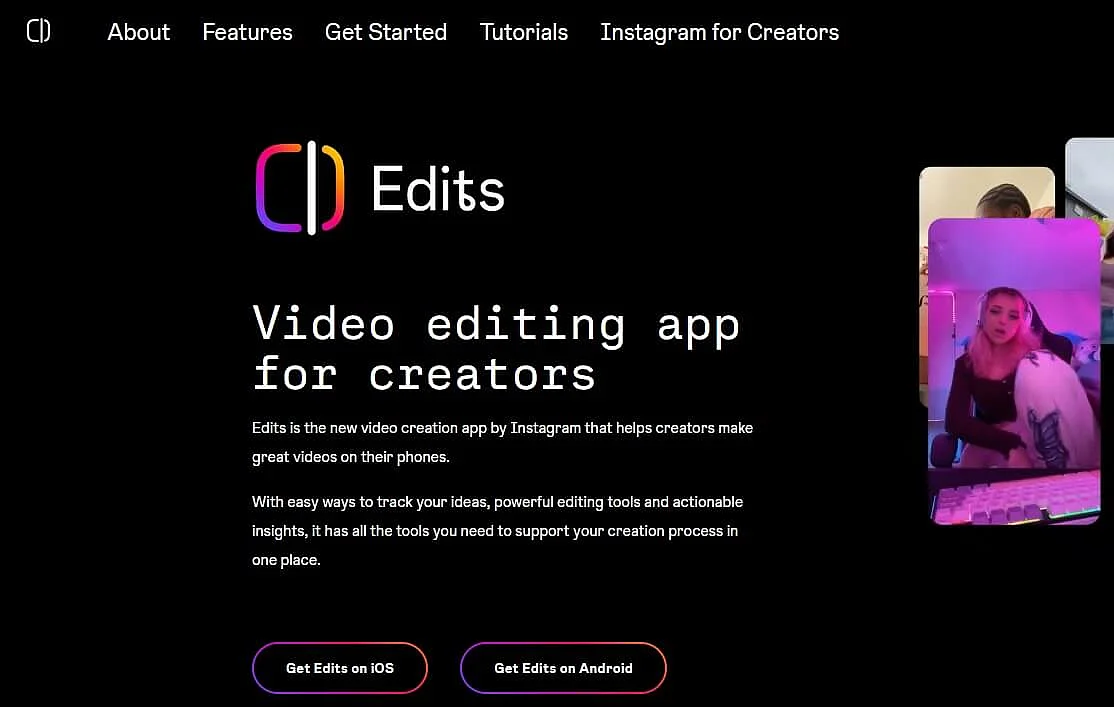
Edits is a mobile video editing app for iOS and Android from Instagram (Meta), developed specifically for creating and optimizing short and social media videos directly on your smartphone. It combines basic and advanced editing features such as timeline editing, trimming, adding text and music, filters, and effects in an intuitive interface. You can also save projects, manage ideas, and export videos in high quality (up to about 10 minutes) and share them directly on Instagram or Facebook, including performance statistics for analysis.
The app is primarily aimed at content creators who want to produce and enhance their Reels and social videos efficiently while on the go, without relying on external editing software. Edits is completely free and does not include any features locked behind subscriptions or in-app purchases.
InShOt (iOS, Android)
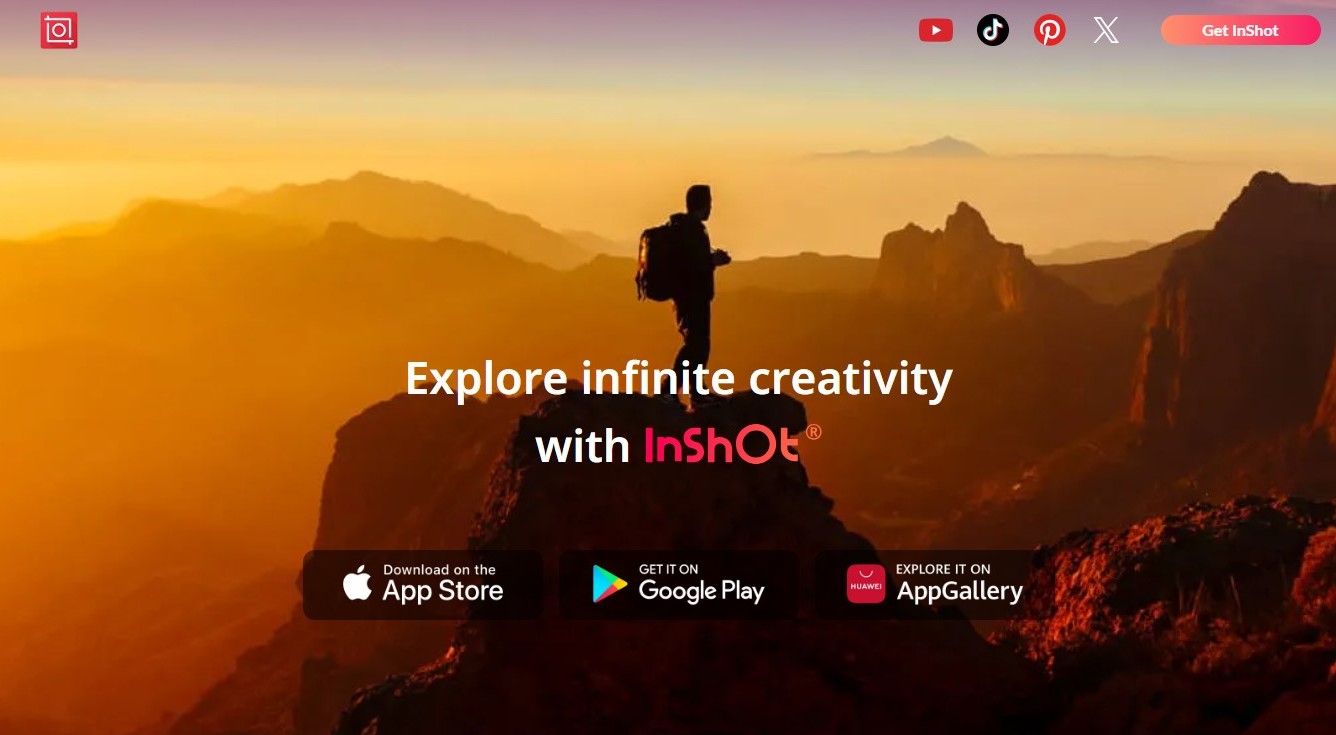
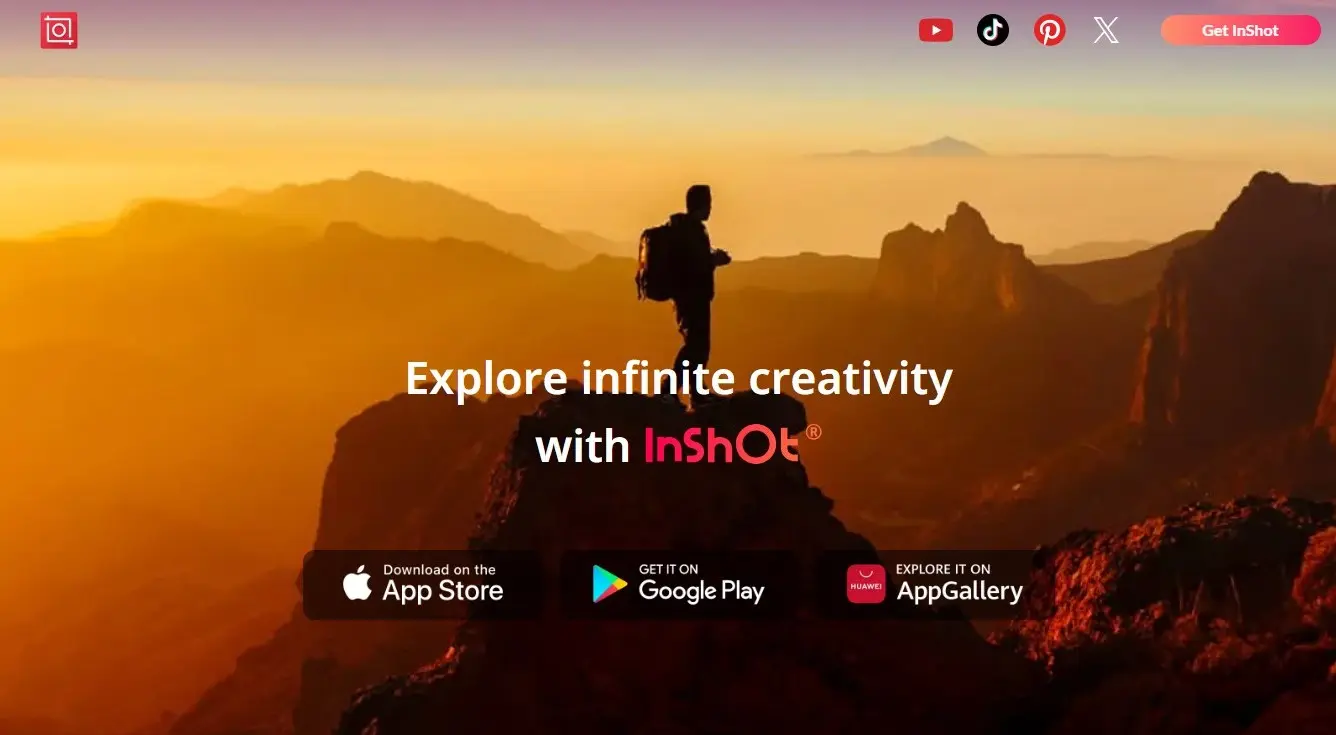
With the video editing tool InShOt, you can quickly and easily prepare short clips for social media. The app offers all the key basic features, such as cutting, trimming, removing individual sequences, and adjusting speed. Videos can be split, merged, or combined across multiple tracks. In addition, you have access to music, sound effects (including your own recordings), filters, transitions, and animations to enhance Reels, Stories, or other short videos both visually and acoustically. Text overlays, stickers, and simple photo editing and collage functions are also integrated.
A large portion of the features can be used for free. If you want access to all effects, transitions, stickers, and additional export options, you can upgrade to InShOt Pro. The upgrade also removes ads and the default InShOt watermark. However, the free version already offers enough features to thoroughly test the app and create simple social media videos.
Reviewer

Melissa Senn
Melissa Senn has been with IONOS since 2016 and focuses on website, e-commerce, social media, and AI in the Digital Guide. As a digital strategist, she uses her extensive SEO and GEO experience to transform complex technological trends into practical content.