

Bookkeeping software: how does an online accountancy program work?

Most companies are obliged to keep accounts. On one hand, tax returns in the US need to be filed with the Internal Revenue Service (IRS) or with the state or local tax collection agency. On the other hand, entrepreneurs and self-employed people should also take an interest in their earnings and expenditure. With the balance sheet, you can work out how profitable your company is and how much money you can expect to make in the future.
Accounting programs make work much easier. They are aimed primarily at self-employed people and SMEs (small/medium-sized enterprises) since they often do not have professional accountants and the bookkeeping must take place as quickly and easily as possible. Software like this enables people without much accounting expertise to manage their bookkeeping without any worries.
Cloud-based accounting is especially efficient, and you can do it all through a web browser application. The features of online accounting are explained in this article.
Accounting programs as web apps – what can they do
Specific software for accounting simplifies the task considerably. By using an online or a Cloud bookkeeping program in the form of a web app, you can save yourself even more time. If you do financial accounting online, it means you can access your data from anywhere, and can carry out transactions such as pre-registering VAT, or online banking via the program.
However, software specialized in financial accounting also helps you in many other areas. All you need for online bookkeeping is a suitable program, an internet-compatible device, and an internet connection. The following is a description of the most important functions of accounting software.
You might also find our article on "Accounting apps in comparison: The best solutions for mobile accounting" interesting.
Digitalizing and saving documents
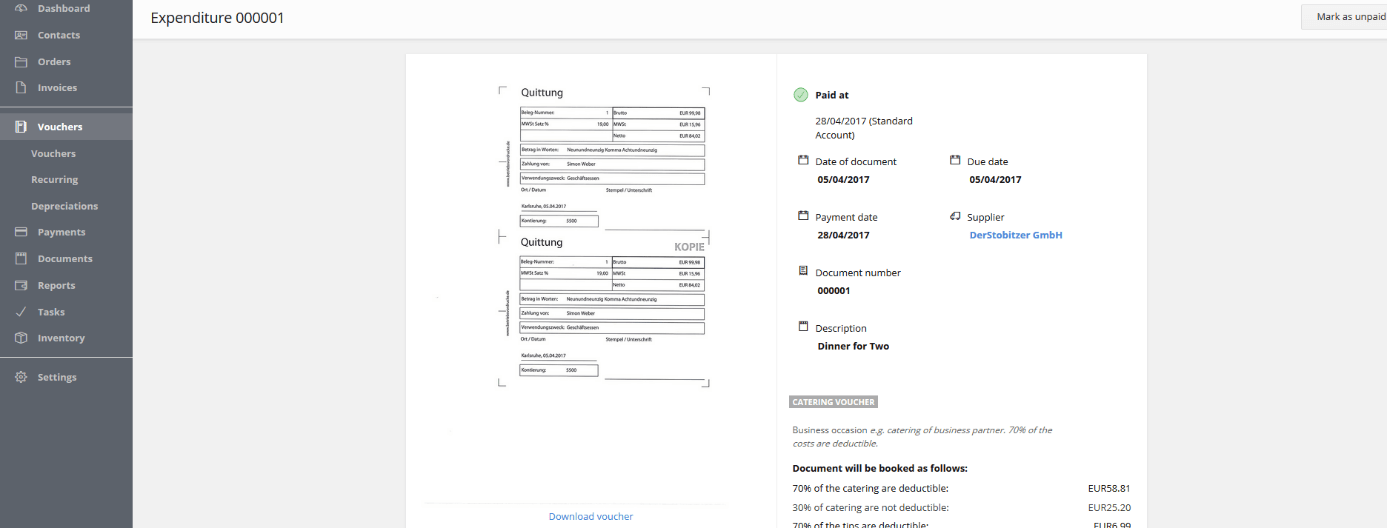
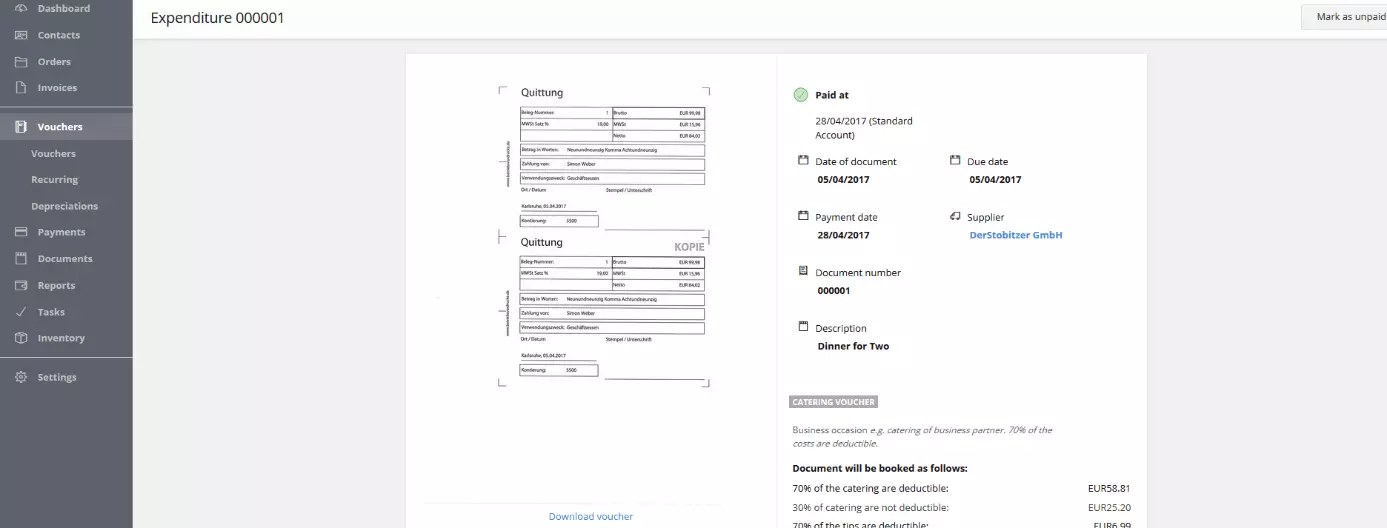
Accounting programs are useful because you can use them to bundle your entire accounting records into one program. For example, you can use the tool to digitalize and insert documents such as receipts and invoices. Here, it is possible to read the corresponding letters either by scanner or by photographing them with your smartphone. The contents of the documents are then captured by text recognition, which means that you don’t have to enter many details (invoice and sales tax amount, date, etc.) manually. The information goes directly into your account and is automatically included in the accounting process.
Cloud accounting software guarantees that your financial data is kept safe: your data is stored on the provider’s servers, which means you don’t have to worry about backing up your documents. When you keep up to date with your accounting, it means you have all the documents ready for the Internal Revenue Service at all times.
Account book
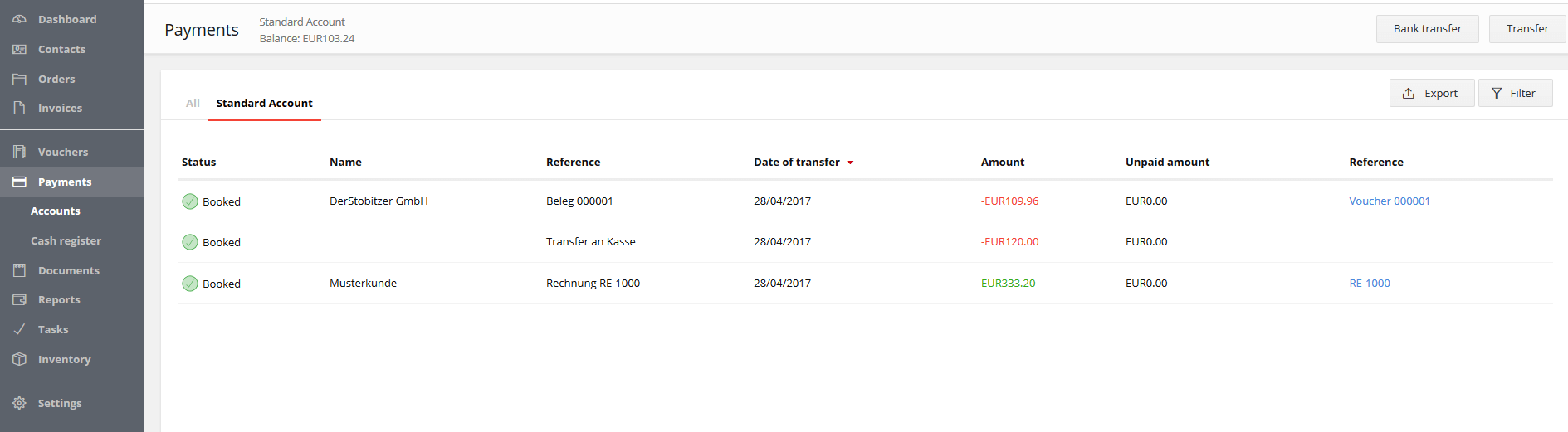
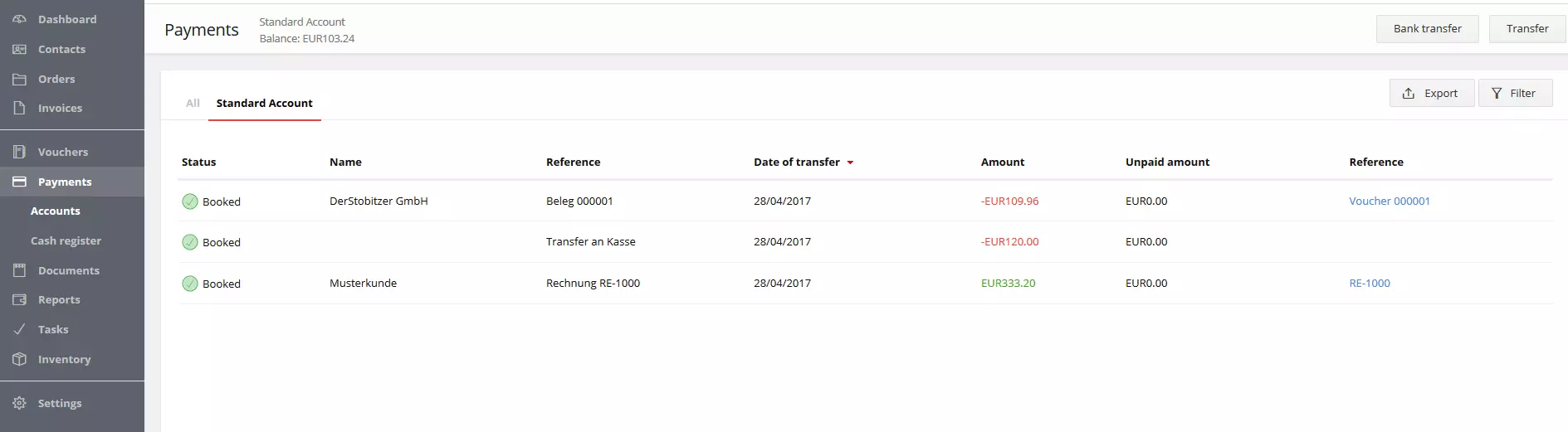
An account book enables you to keep track of all your incomings and outgoings. The software will automatically list the costs and income based on your receipts, postage expenses, and money transfers (if you connect your online banking account to the application, you can move funds directly using the tool). You can generate daily and monthly statements using an account book.
This is not only an advantage for your company’s own bookkeeping, but is something that you can also show the IRS.
Income statement
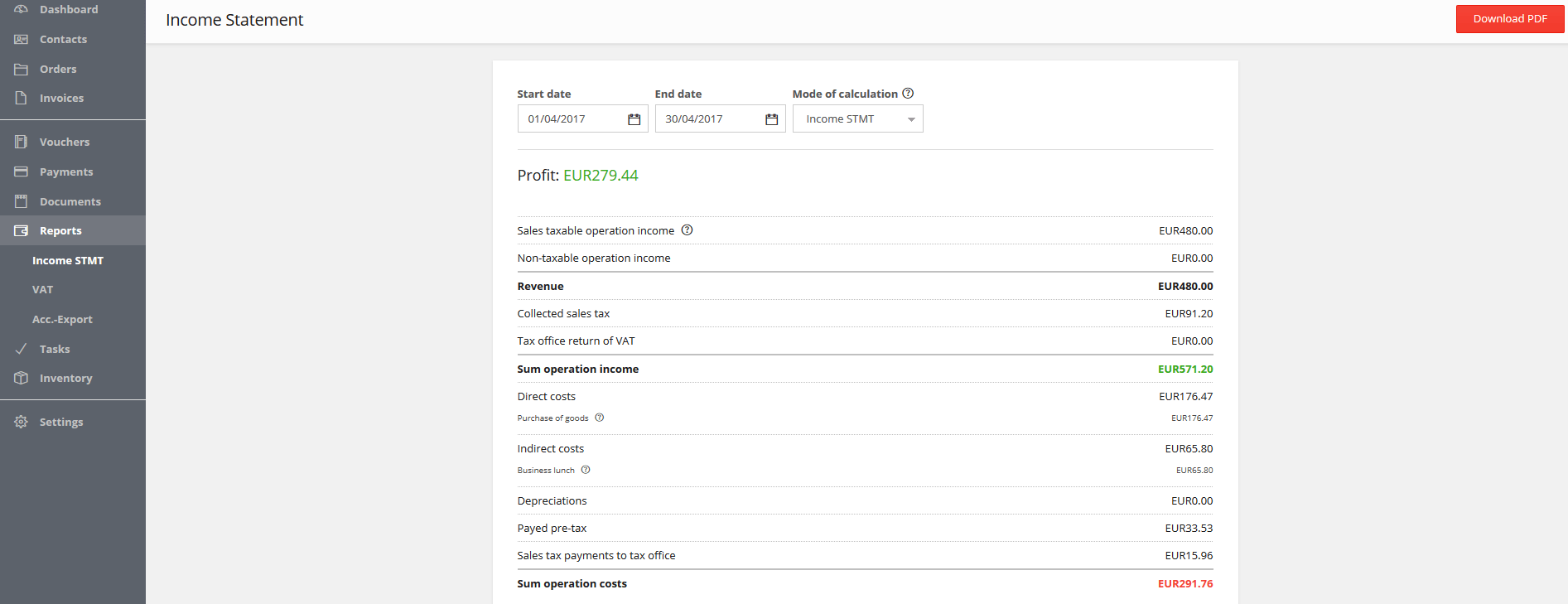
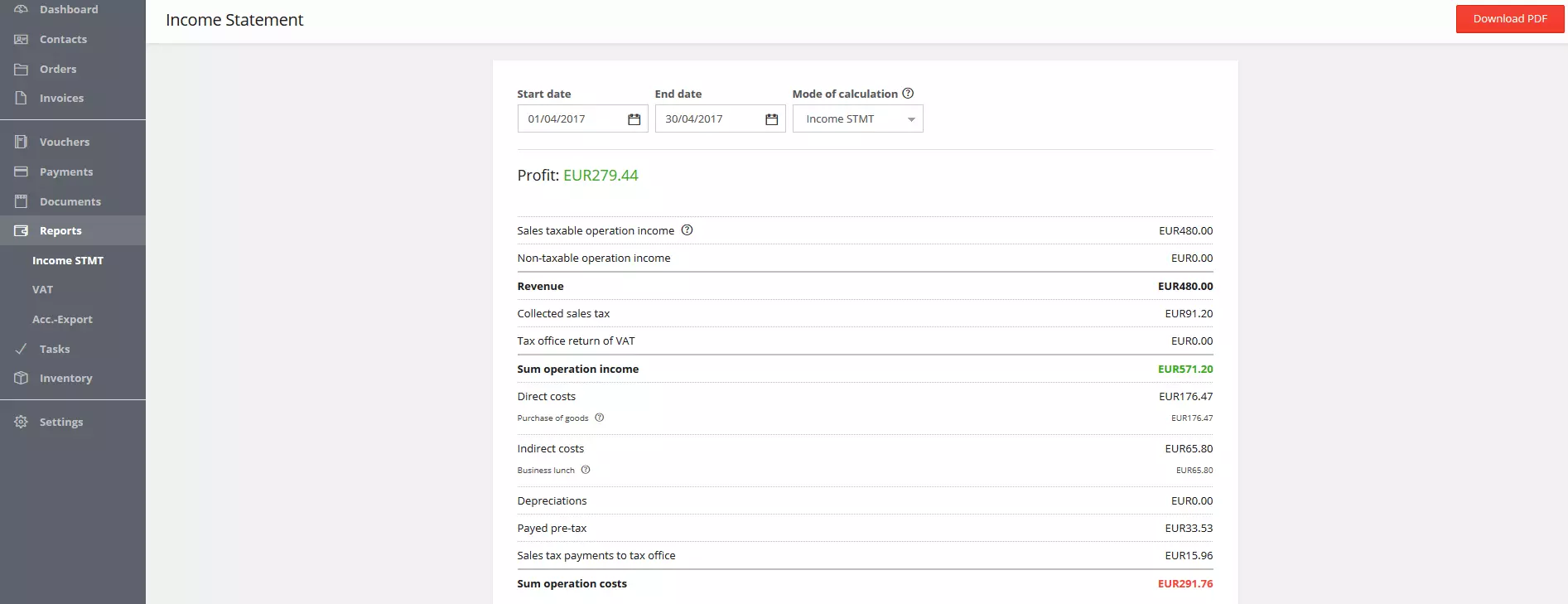
SMEs that don’t have double-entry accounting can use this simplified program that works according to the inflow and outflow principle. Expenses are automatically calculated, which also makes generating the income statement a lot easier. Just like the account book, the income statement is updated with every new piece of information added and can be accessed at any time.
With this part of the program, you can see how profitable your business was at a certain point in time: simply select a period and the application will show you your statement. All relevant incomings and outgoings, which are recorded in the system, are taken into account by the program. The income statement can also be exported as a PDF.
Accountant export
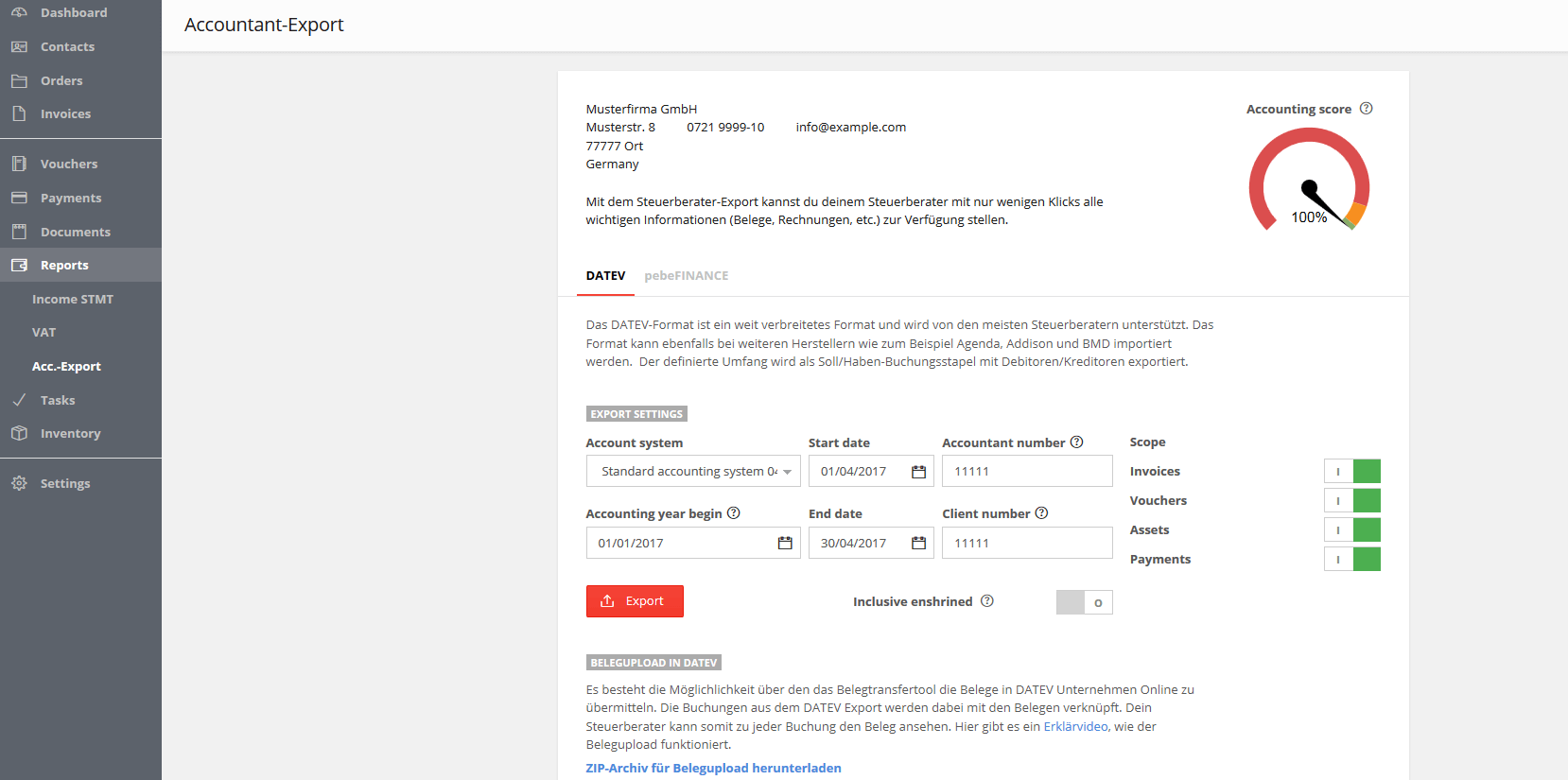
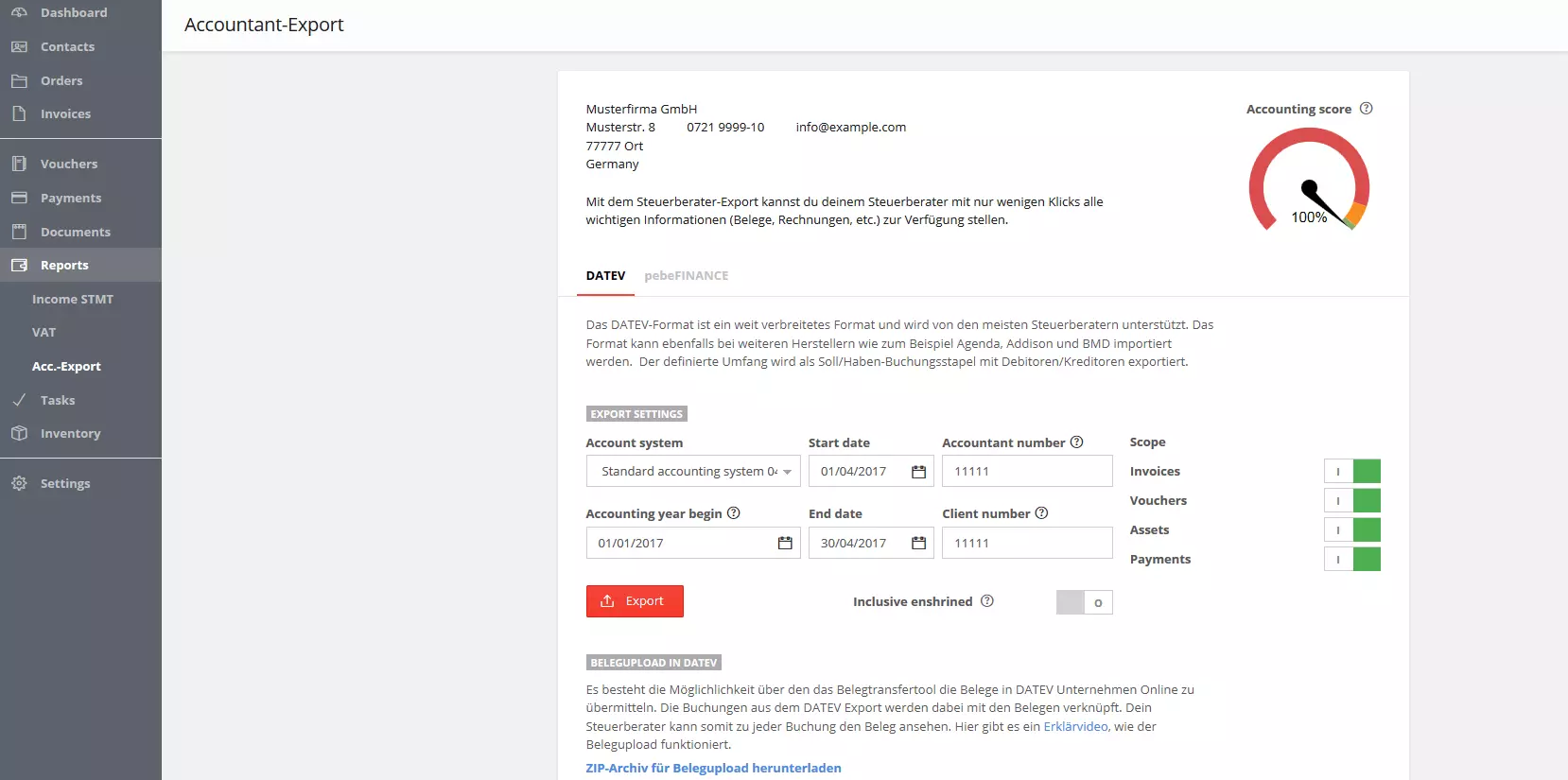
If a tax consultant is to check your documents, they usually need your balance sheet in DATEV format. This is a standard format in tax consultancy, which can be created immediately with an accountancy program using the correct accountant export function.
If this file alone isn’t enough for your tax consultant and they want to look deeper into your files, you can simply add extra access to your financial account so they have everything at their beck and call. By offering features like these, bookkeeping software makes it much easier to collaborate with the tax consultant and saves both parties time.
Summary: Cloud accounting programs are efficient and easy to use
With the right software, accounting can be done in next to no time. You don’t have to be a trained accountant to be able to use the program: thanks to the many useful features, templates, and the fact that all invoices can be automatically calculated, even beginners can quickly learn how to manage their bookkeeping. You don’t have to worry about updating the software yourself, since the provider takes care of this. You just need to access the application in the browser and make sure you always work with the latest version of the program.
At the same time, accounting software also serves as a backup for your documents. Your data is securely stored on the provider’s servers and can be accessed online in just a few clicks. These Cloud features don’t only allow you to get an up-to-date impression of your business’ financial situation from wherever you are. In addition, you can also photocopy documents with your smartphone and upload them to your user account. Invoices and receipts, which you receive by e-mail, can simply be forwarded to your account. And thanks to text recognition, a large part of the information is transferred directly into the system.
An accounting web app automatically creates balance sheets that you can download as text documents. Many features facilitate bookkeeping, such as the automatic generation of income statements or the possibility of sending your documents in DATEV format. All in all, you save a lot of time and effort by using an accounting software, and therefore, more time for what’s really important: your business.
Click here for important legal disclaimers.