
Thinking made easy: the best 7 mind-mapping programs, explained

The concept of mind maps sounds quite new, however, the term was coined by the English author, speaker, and education trainer Tony Buzan in the early 1970s. Although Tony Buzan named the phenomenon, he did not reinvent the wheel: The mind map has been used for centuries as a way to represent thoughts and ideas, because it corresponds to the way the human brain processes, stores, and retrieves information.
No wonder professors, students, start-ups, and large corporations have rediscovered this practical tool for themselves in recent years. All it takes is a pen and a piece of paper – as well as creative thinking, of course. However, there are also software solutions that not only simplify and accelerate the process of creating and working with mind maps, but also add their own little touches. But first: what are mind maps? Why do you need them? And what do mind mapping tools actually do?
What are mind maps?
A mind map is roughly defined as a structured form of presentation for concepts whereby individual elements are arranged around a central theme and linked together. With its non-linear, graphic layout, it helps the user to associatively retrieve complex or even chaotic thoughts and ideas, arrange them intuitively, and visualize them in an attractive way. In contrast to a chronologically structured list, a mind map corresponds more to the structure and functioning of the human brain.
The keyword is: radiant thinking. Mind maps take up this natural area of the mind to make countless links between elements and concepts in a complex way. It is also said to address both hemispheres of the cerebral cortex’s youngest part, and subsequently a whole range of cortical abilities at the same time. These are supposed to mutually reinforce each other and increase brain performance. This makes mind mapping a highly effective method for storing and retrieving information from the brain.
Each mind map follows the same basic principles. First of all, they have a map-like structure, which begins in the middle with a basic idea (best represented by an image) and “propagates” from there to the outside in thin branches. All ramifications can be traced logically in both directions, making connections and interactions clearly visible. For better visualization, various types of lines, symbols, images, shapes, fonts, and colors are used to enrich the mind map with additional information and to address other areas of the brain. This stimulates the ability to associate and facilitates memory retention.
Why would someone need mind mapping?
Since they correspond to the human brain’s natural structure, the functionality of mind maps is universally understandable and applicable to almost every topic.
In everyday life, mind maps are used to create notes in a non-linear way (e.g. to-do or vacation packing lists). Students can use them to internalize complicated learning materials quickly. Sometimes, a well thought-out mind map can also help in structuring and writing texts – like us in this article.
In the workplace, the mind map also has clear advantages for collaborative work. It allows speakers to share their thoughts with audiences and workgroups, and use it for effective decision making and marketing campaigns. Financial planning, logging, as well as event and project management, are further conceivable areas of application.
However, instead of pushing around a large piece of paper with your colleagues, it makes much more sense for companies and agencies to use digital mind mapping tools. With their help, the entire team can work on the same mind map, not just simultaneously but also completely independently of location. In this way, these software solutions are able to improve communication and collaboration within the company while saving time, energy, and ultimately, money.
Structuring information using mind map software
As an alternative to pen and paper (or board or whiteboard) there are several ways to create mind maps with digital tools. Programs like Photoshop – assuming creativity and technical knowhow – offer extensive design possibilities, but prove to be comparatively cumbersome and labor-intensive for this task.
Fortunately, there are a lot of specialized mind mapping tools on the internet at the moment – these are ideal if you use mind maps more often in your private or professional life. Free mind map software and professional programs look very similar at first glance, but the differences lie in the details.
So, how are you meant to recognize good software? Since a mind map is usually just recorded by hand, a digital tool needs to offer clear advantages to be considered relevant. These include above all:
- Intuitive handling: Changing to keyboard and mouse is only really worthwhile if the user interface is self-explanatory and it is faster to create a mind map than using pen and paper.
- Automation: With just a few clicks, it should be possible to create clear, descriptive, structured mind maps with ideal space utilization. Prefabricated templates, which can be filled and extended, serve as quickly-available samples.
- Performance: What is only possible in the physical world in poster format should not pose a problem in the digital field. This means that a good tool must allow inputs to be edited, rearranged, copied, and deleted later, even if the mind map is very large and complex.
- Aesthetics: In any case, digital mind maps should look better than a quick scribble on the next best napkin. Aesthetically appealing visualizations and colors are therefore an important quality criterion. The ability to add images and icons can also add great value.
- Cost factor: Since the cost of a pen and a sheet of paper is virtually zero, mind map software should offer the best possible price/performance ratio – either by being available free of charge or by outweighing the money used by the user with extensive additional functions. These include features that a traditional mind map cannot provide, such as the insertion of links, video and audio files, or the storage of backups in the cloud.
Another important aspect of mind map and brainstorming tools is the collaborate aspect. Multiple user accesses, live updates, change histories, feedback, and sharing capabilities allow many cleverly programmed programs to collaborate with colleagues in real time.
7 practical mind mapping tools
The mind mapping programs presented below meet most, or even all of the quality criteria mentioned, but stand out from each other due to their individual strengths.
Beginner friendly: Coggle
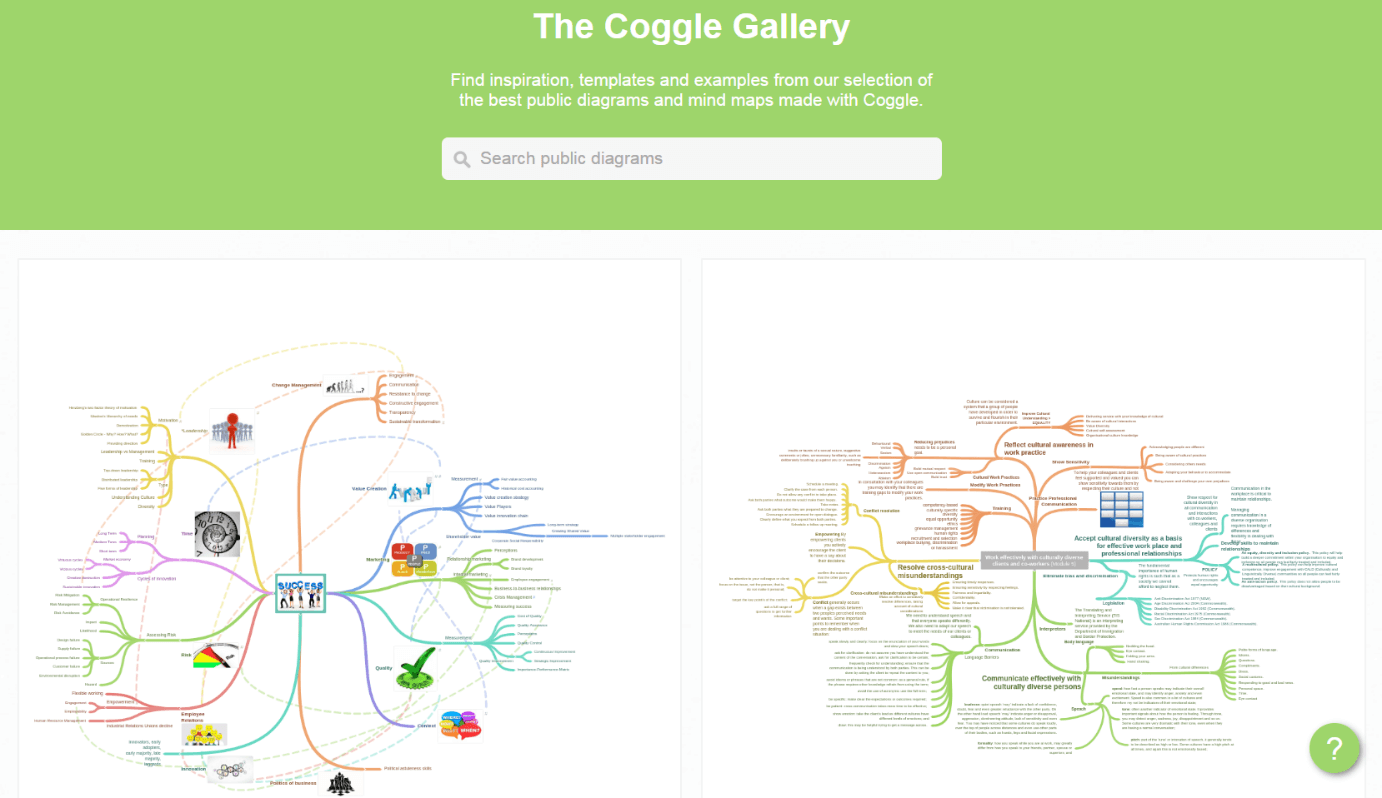
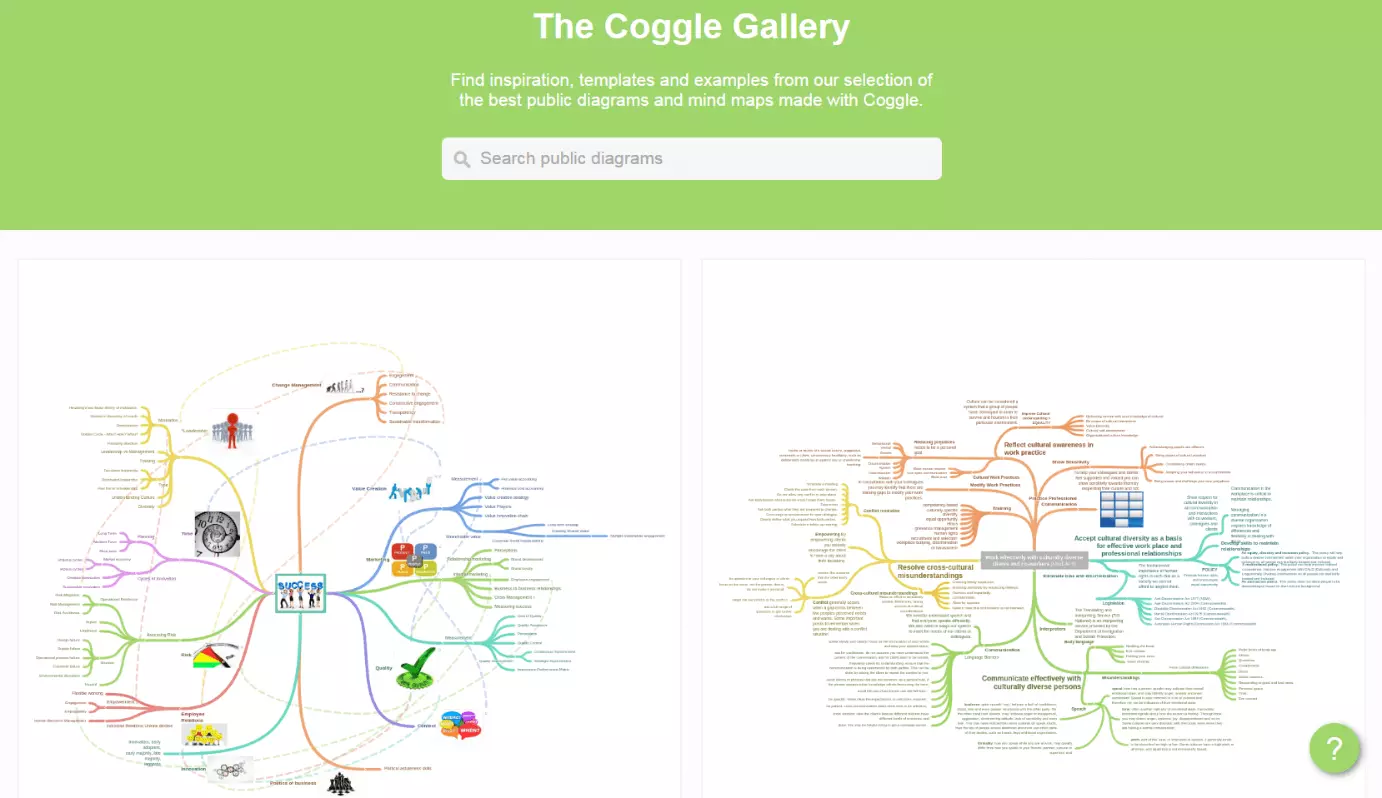
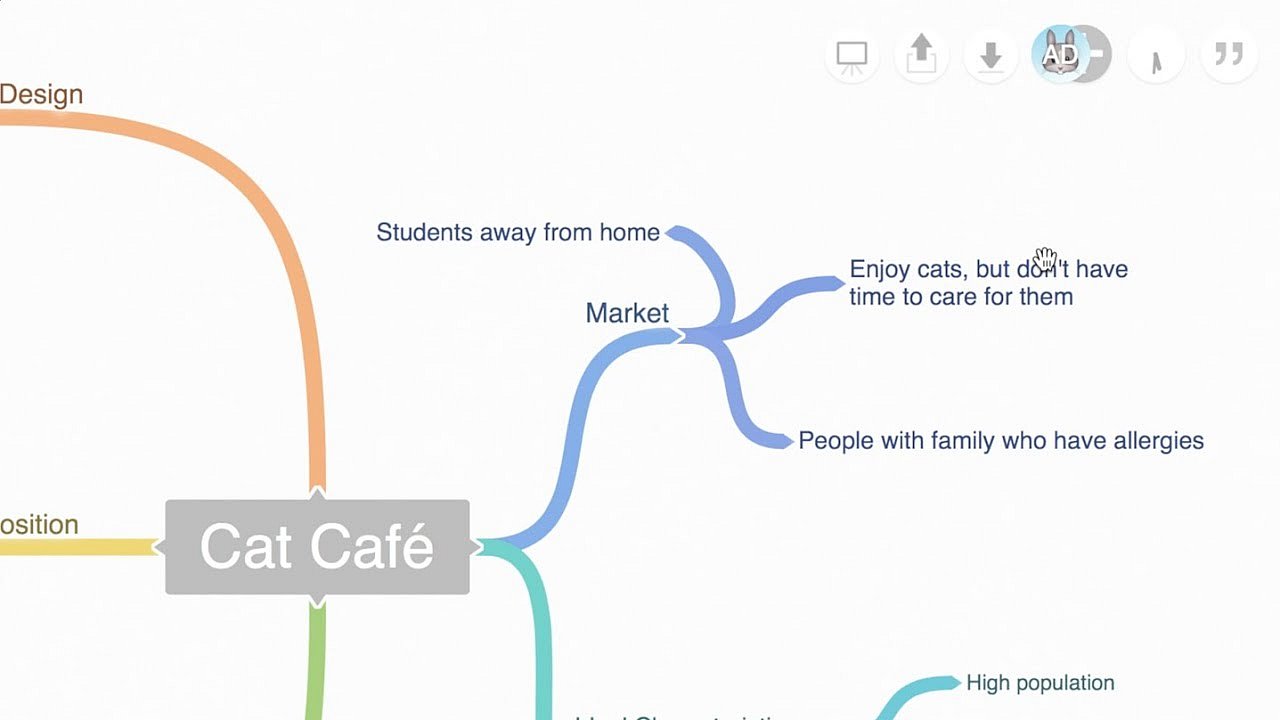
Coggle’s main selling point is it’s user-friendliness and clear interface. After a quick registration process using your e-mail or Google account, the developers promise that you can master the whole tool in just five minutes, thanks to their intuitive drag-and-drop system. Despite how easy it is for beginners, it’s not lacking any important functions compared with other mind mapping tools, and also facilitates real-time collaboration: you can add images and comments, customize colors and designs, as well as invite team members to the map by e-mail. Results can then be shared on Facebook and Twitter, exported as a PDF or PNG, or integrated into your own website through IFRAME.
 To display this video, third-party cookies are required. You can access and change your cookie settings here.
However, certain features are only available as paid subscriptions and are missing from the free model: For about $5 per month, there is an unlimited number of mind maps, an upload function for high-resolution images, and the e-mail collaboration function. Functions like user and data management, and the SAML XML framework, are unlocked with a few more dollars per month, and for a fee you can also have personal branding added to your maps.
Collaboration: MindMeister
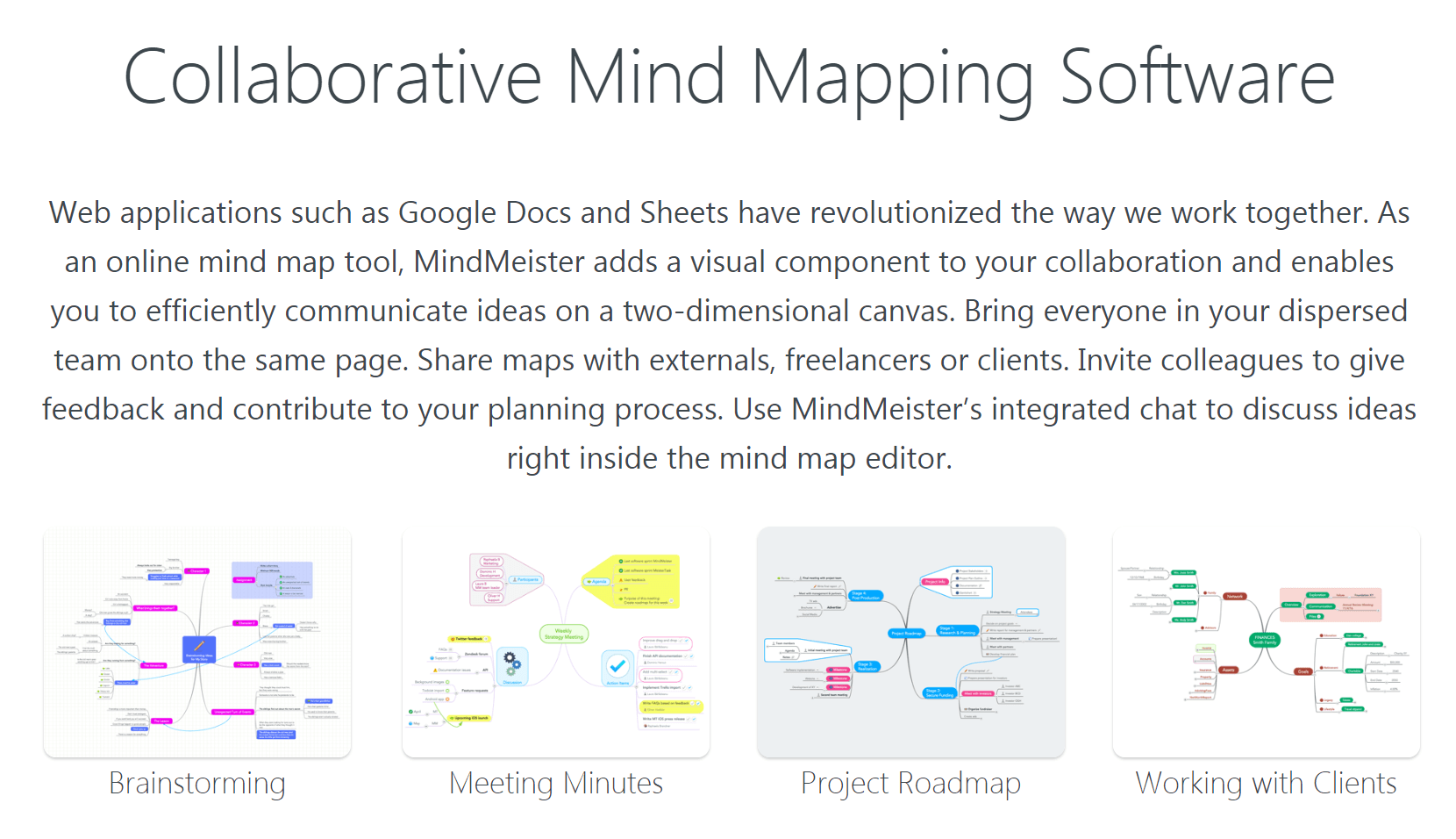
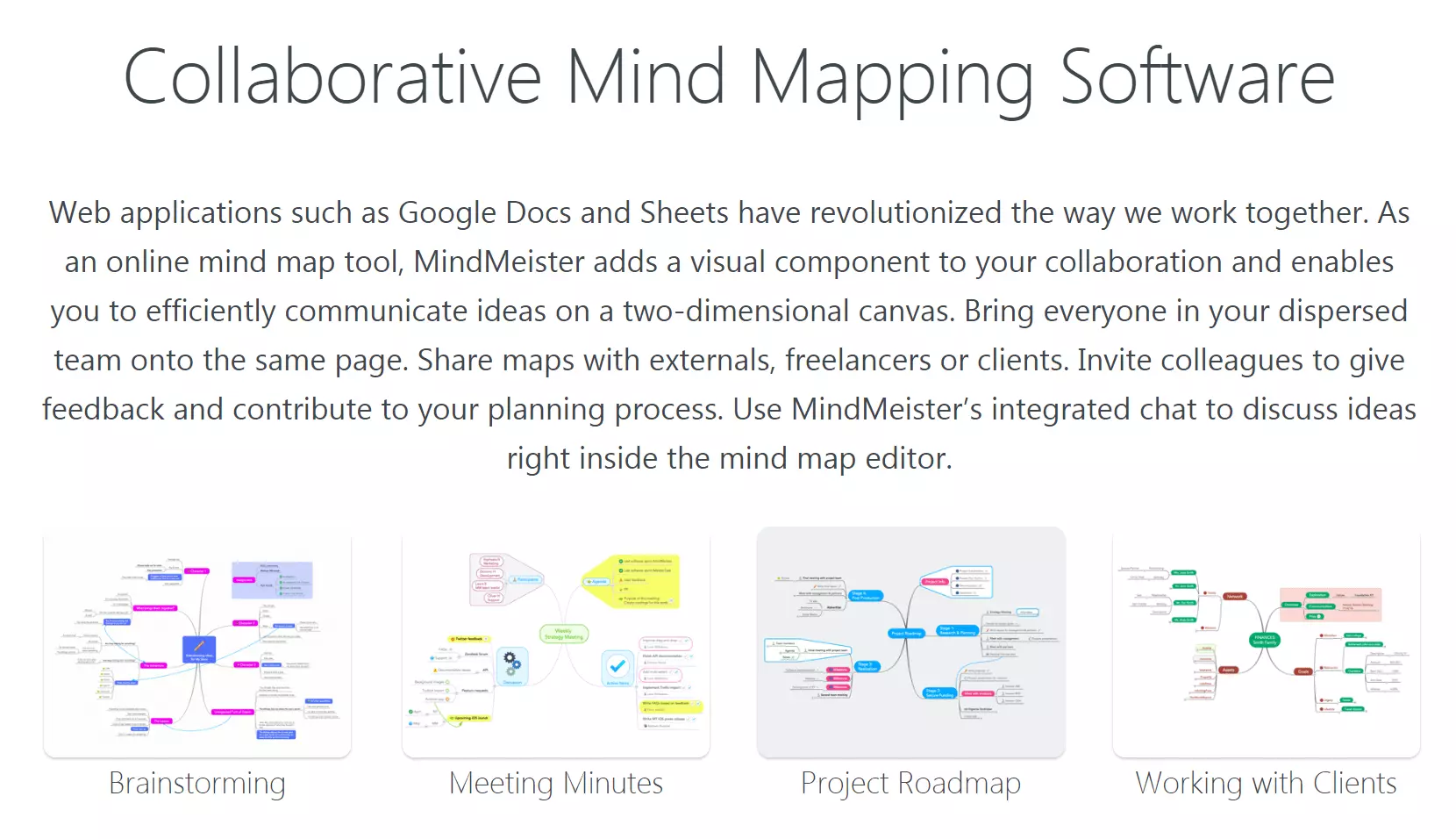
The application MindMeister calls itself a “Mind map Collaboration Tool”, has a special focus on companies like Electronic Arts, CNN, and Philips, and wants to offer a range of functions that justify its name. These include: the ability to share mind maps via direct link, bulk group invitations, Wiki-Map, or Google Drive, real-time collaboration via live chat, change history, comment, and rating options to facilitate an exchange of feedback. MindMeister is also available as a mobile app for iOS and Android.
The free basic version prohibits uploading images and files and is limited to three mind maps per account. Additional functions like Word and PowerPoint exports, as well as their own themes for the company are available in the paid packages, which cost either (approx.) $5 or (approx.) $8 for 6 months. With the “business package” which costs (approx.) $12, you can also take advantage of group sharing, external backups, and customized logins.
Open Source: WiseMapping
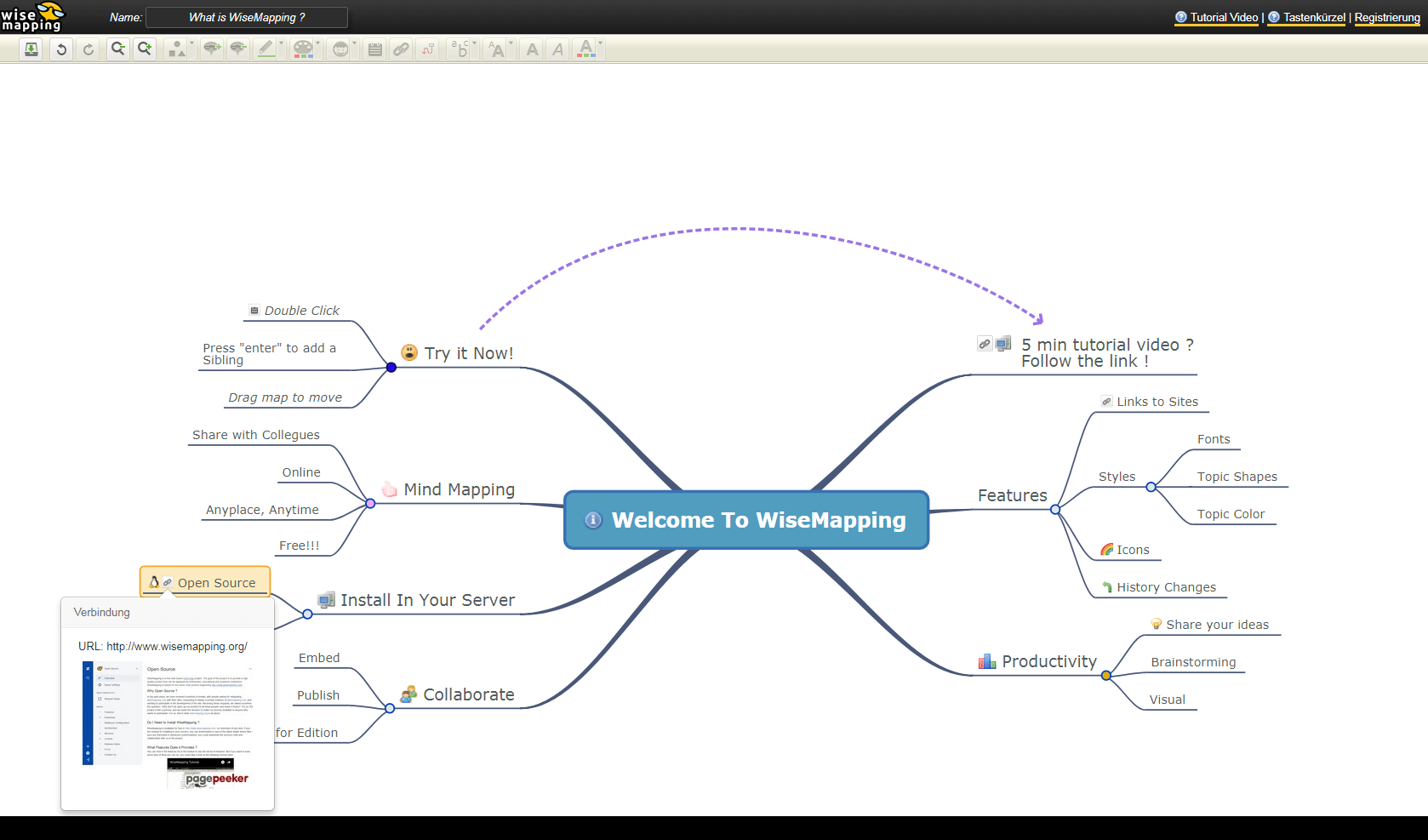
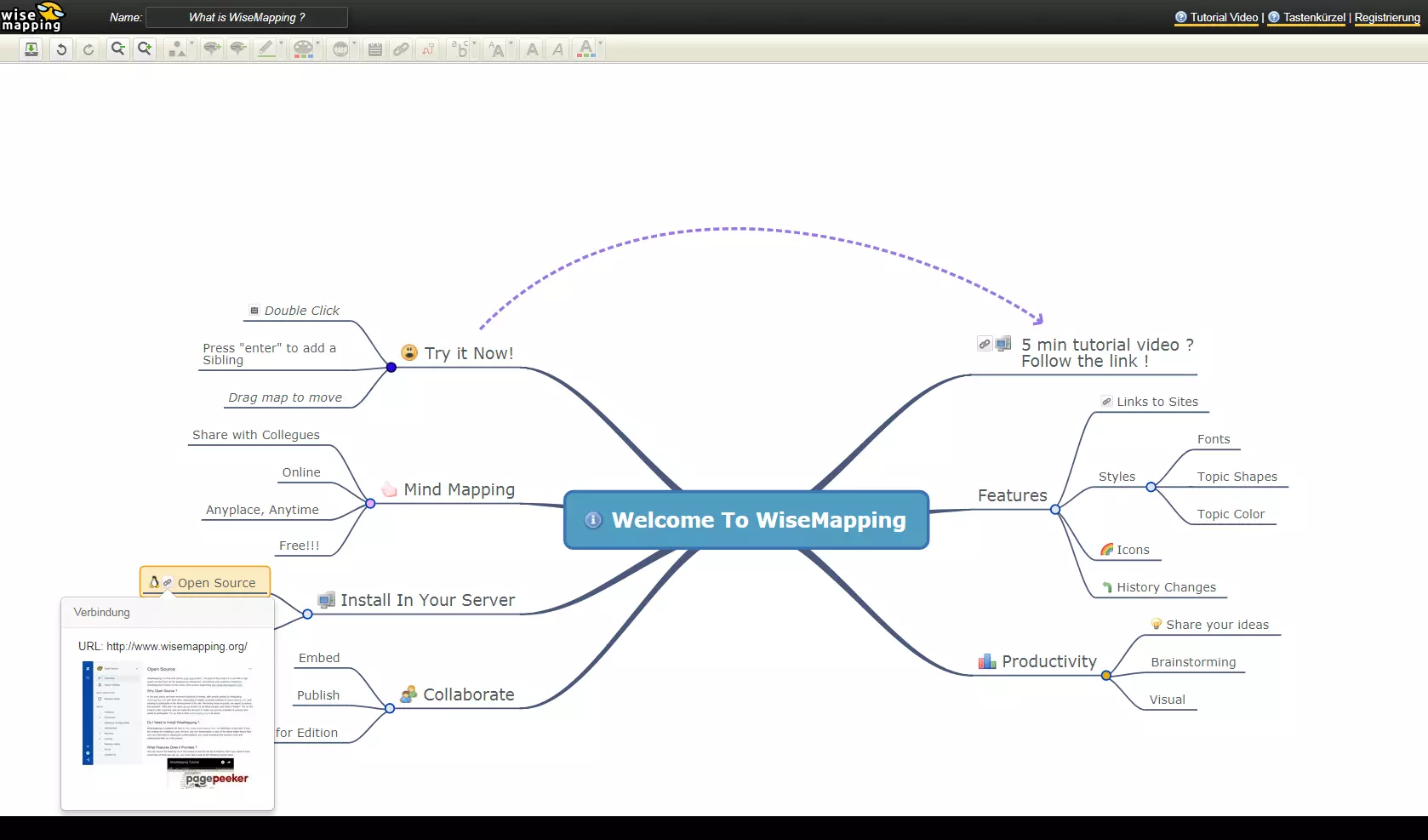
WiseMapping is a browser-based open source tool for individuals and companies. Unique to the other mind map programs in this list is the ability to host the software on a dedicated server without any plugins, thanks to a customized Apache Version 2 license. This is achieved by means of an absolutely transparent source code, which can be obtained from the official website. Since the software is open source, it is completely free of charge. You will, however, have to include a tag stating “powered by WiseMapping.”
Another advantage: The tool can be tested completely anonymously, but you have to accept that your finished mind map could be displayed on their website as a promotional example. Once you have tested the software and decided its functionality is good enough for you, you can register using your e-mail address, Twitter, Facebook, or Google+ account, and you also have the option to donate via PayPal to support the developers in optimizing the software.
Aesthetic: Mapul
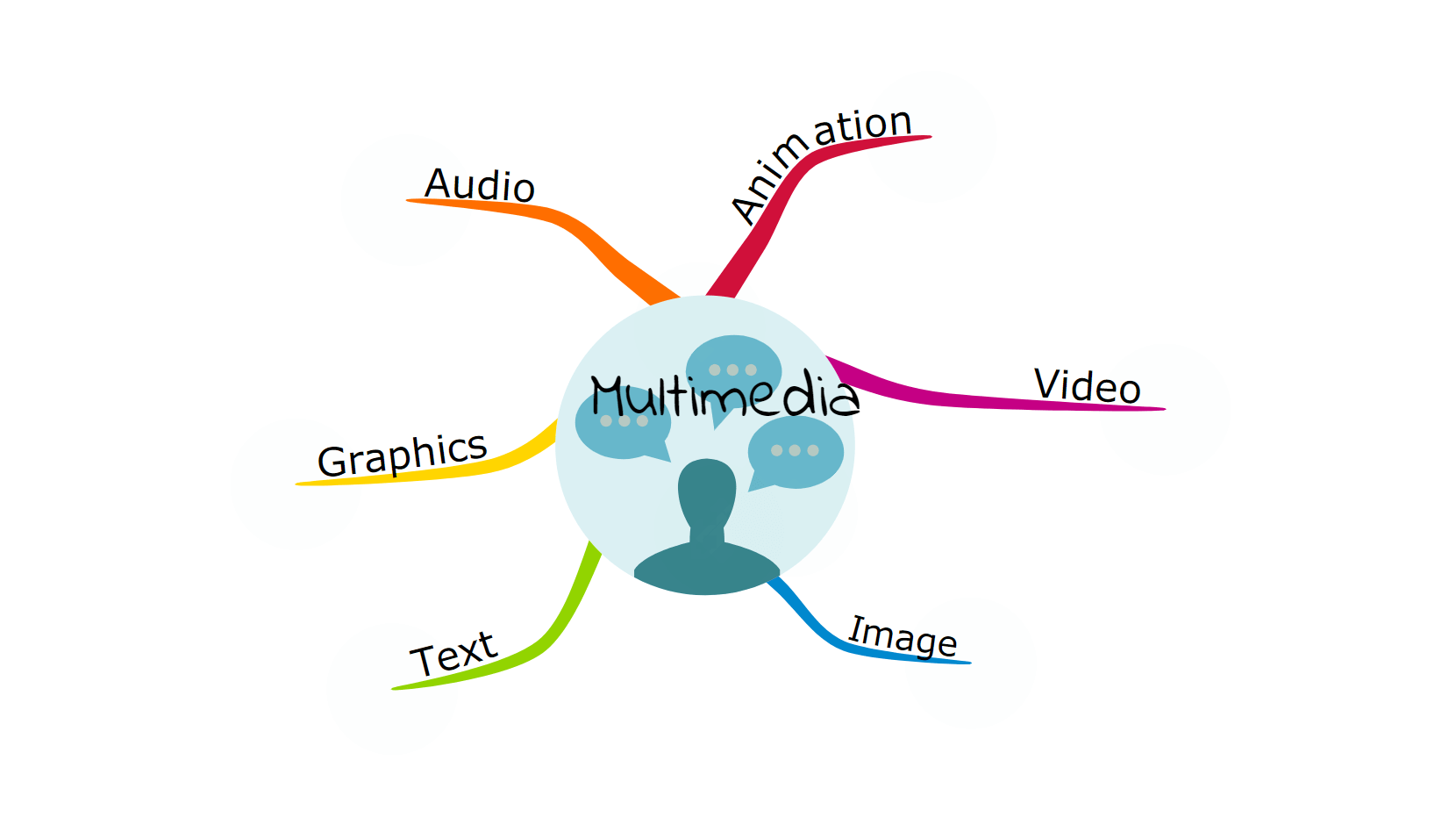
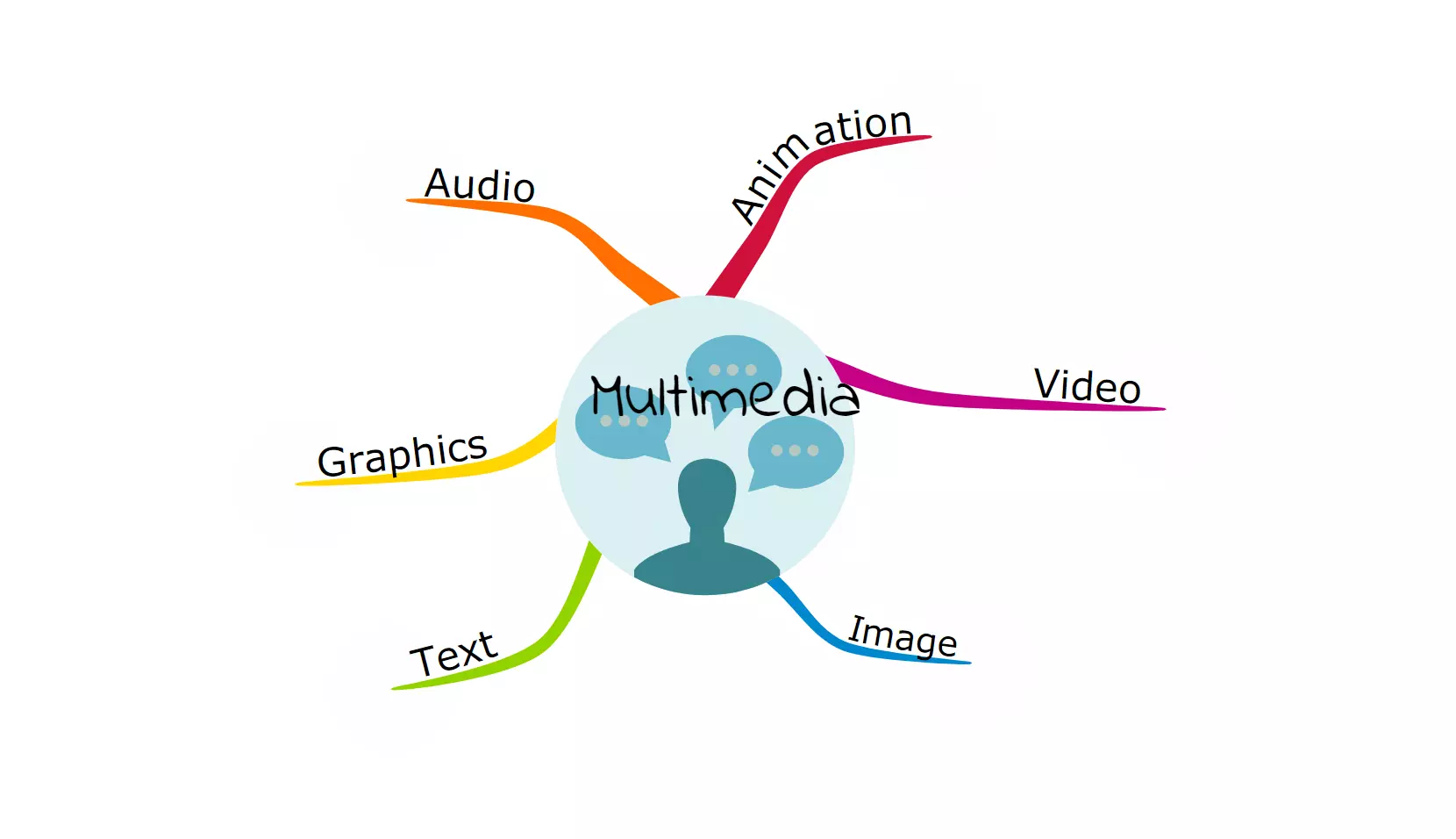
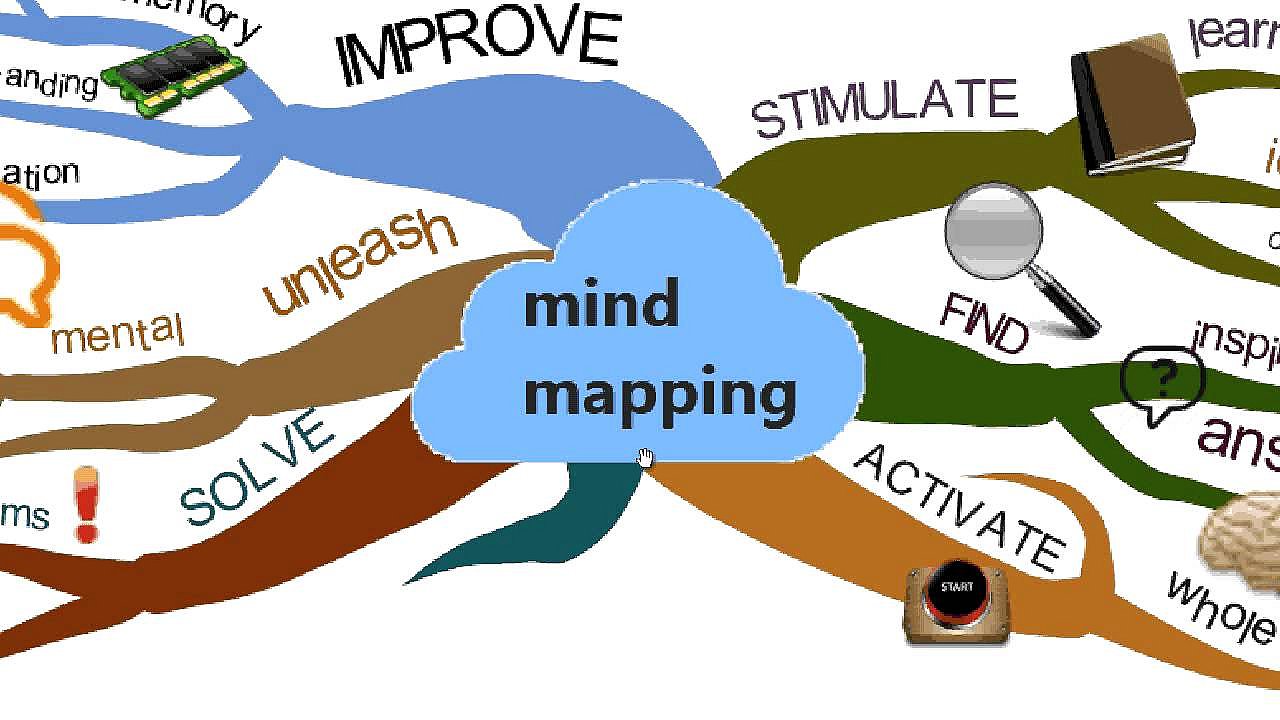
At Mapul , the hand-painted aesthetics of the interface and mind maps are at the forefront (do not let yourself be deterred from the website!). The web app was developed with the help of Microsoft Silverlight and is extremely visually appealing, since it is significantly more artistic that other tools. Departing from the usual boring tree style structure, Mapul’s diagram is literally a tree: branches of varying thickness reach out from a colorful, well-designed trunk, and spread to dainty, filigree branches where terms and images hang like fruit.
 To display this video, third-party cookies are required. You can access and change your cookie settings here.
If this organic, classic style isn’t working for you, you can also opt for the auto-layout function. This allows you to create mind maps just using a keyboard, and the program takes off the branches arrangement, which you can edit later. Due to its strong focus on the aesthetic component, however, Mapul lags behind other tools when it comes to collaborative functions. In addition, most functions are not available in the free version. To create more than just one mind map, you will need a paid subscription for $25 (for 3 months, $35 (for 6 months) or $50 (for 1 year), depending on the duration.
Completely free: Mind42
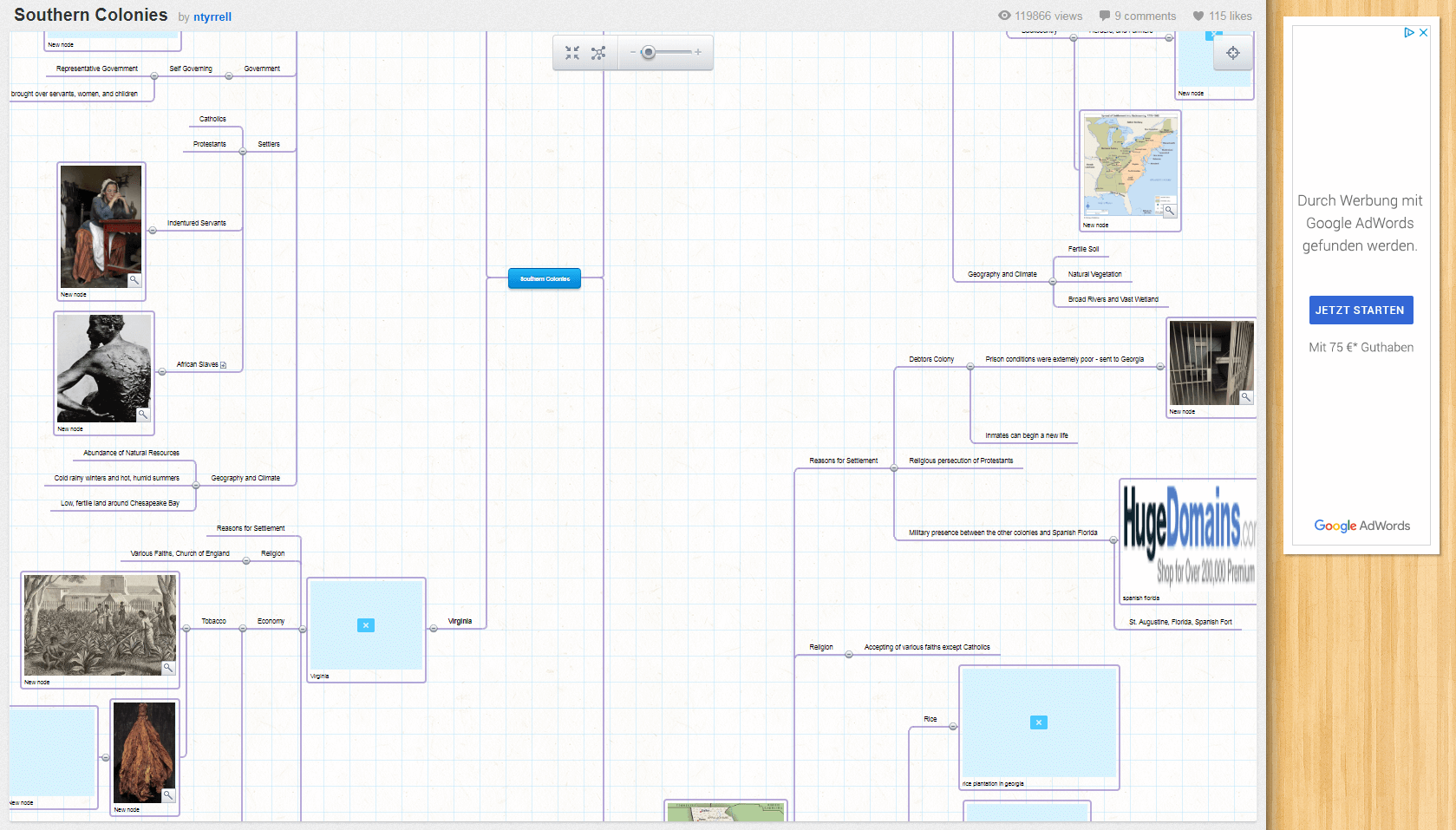
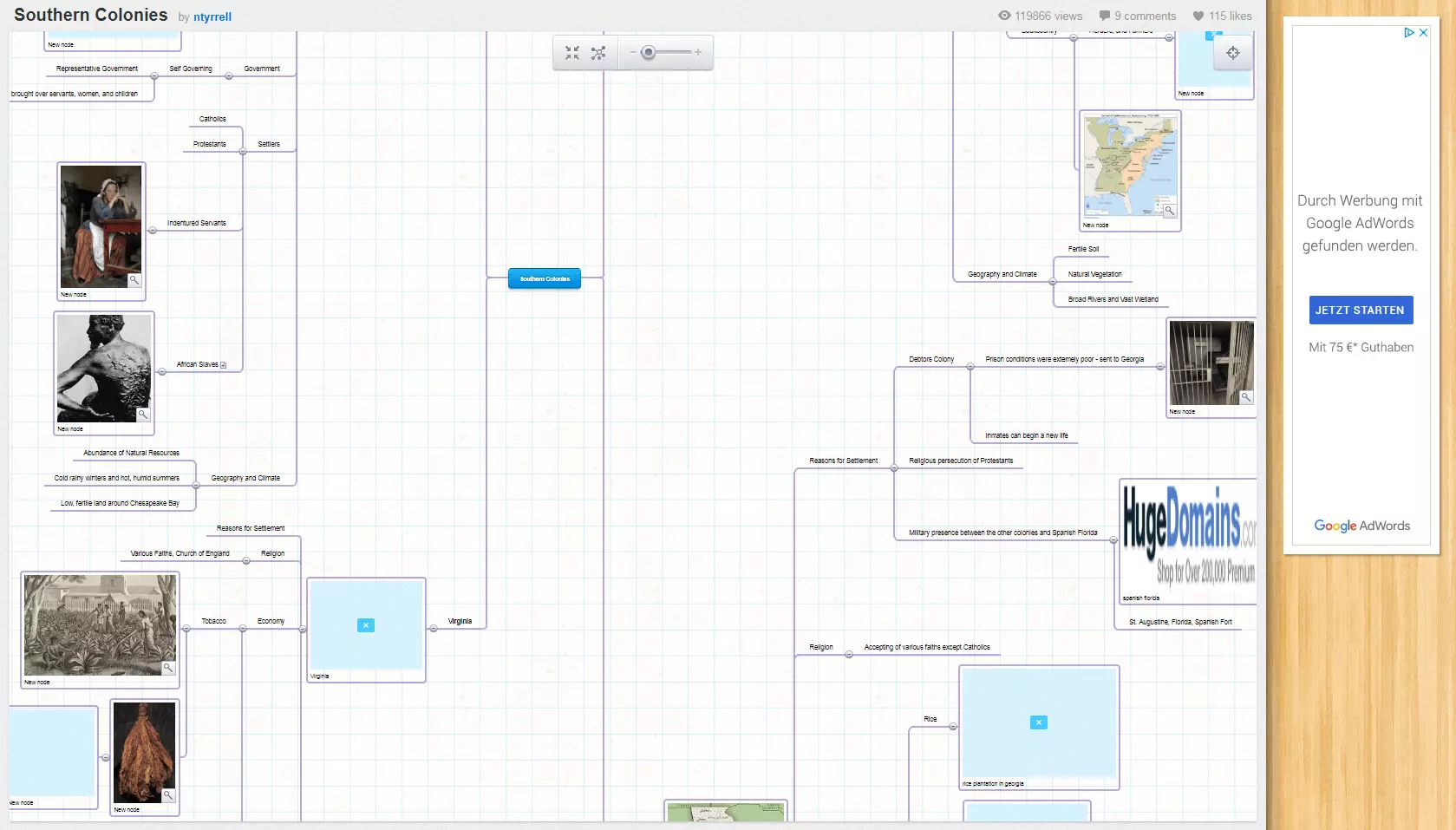
Don’t want to invest money in your mind mapping software? Mind42 is one hundred percent free of charge, being financed by advertising (which doesn’t affect tool usage). All you need to do is register with your e-mail address. Nevertheless, the web app is suitable for extensive collaborative use. Using e-mail and direct link invitations, as well as having google talk instant messenger integrated, working together in real-time is easy.
You can also add links, notes, and images directly with a URL, and export finished mind maps in various formats – be it common ones like RTF, PDF, JPEG, and PNG, or files created in Freemind, Mindjet Mindmanager, or other mind map software. However, there is one downer: the change history of a mind map is only visible to its creator, not for individual team members.
Cross-platform integration: Mindomo
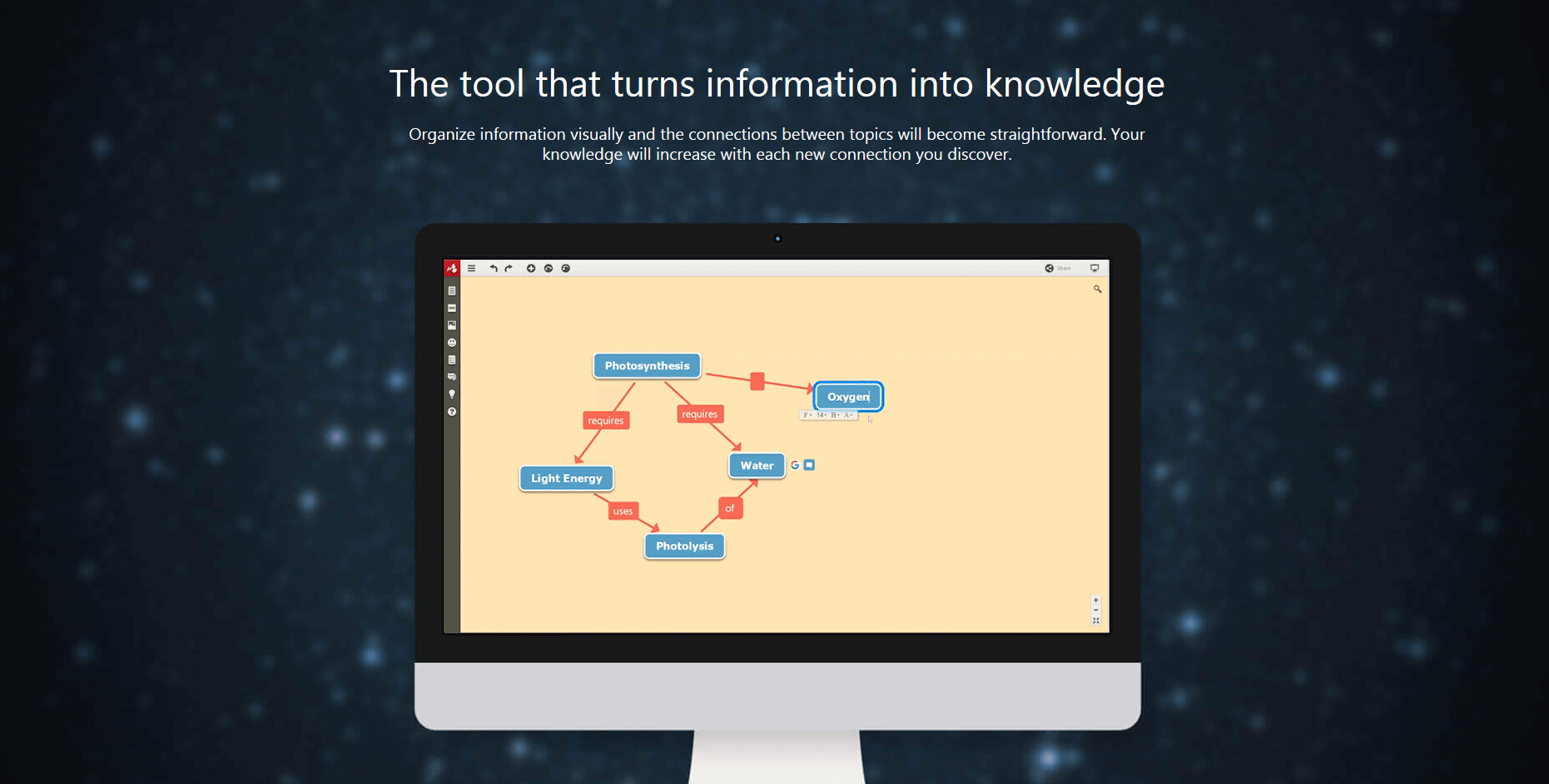
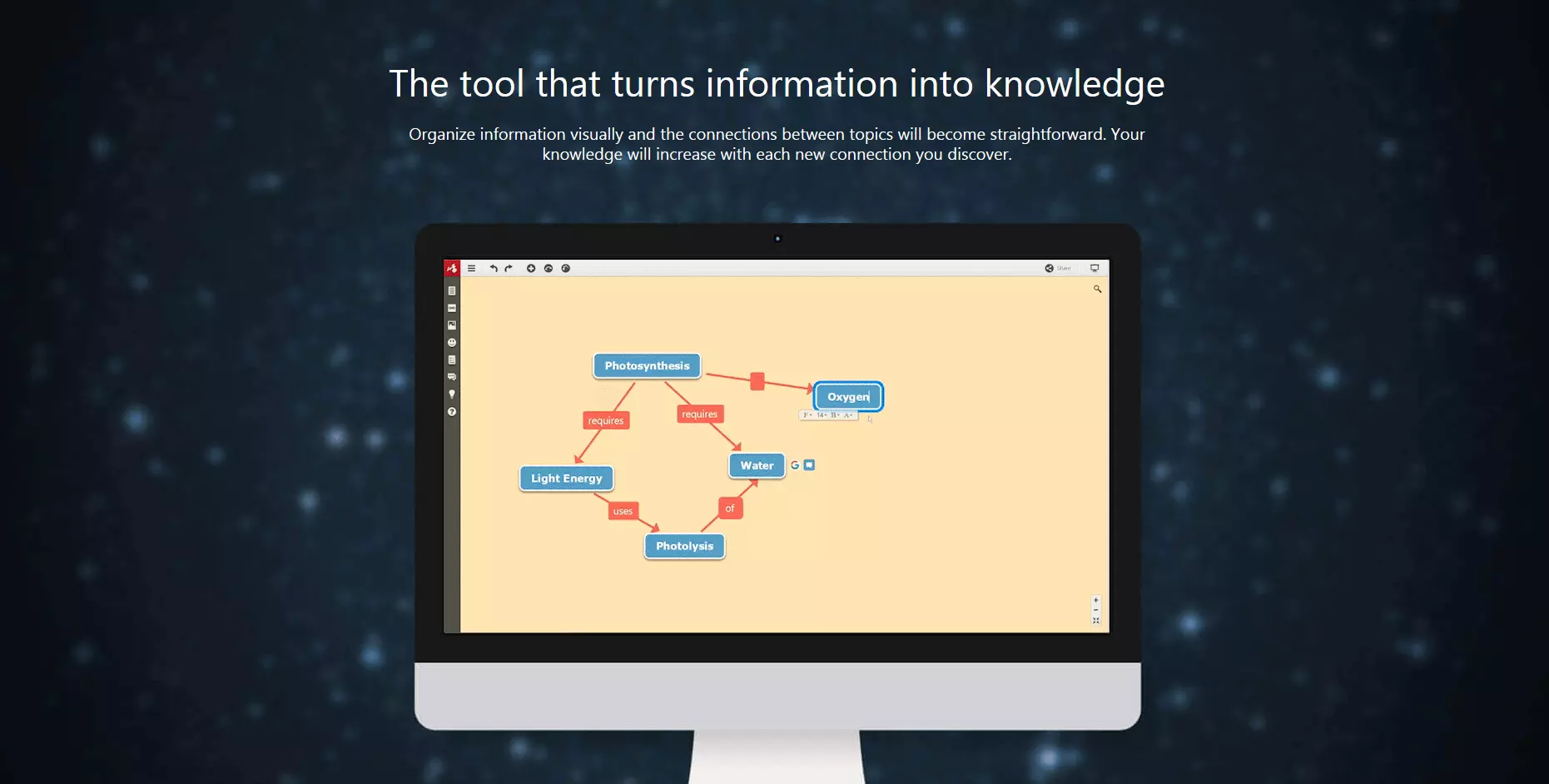
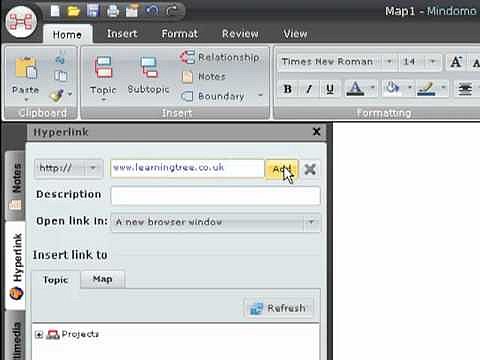
Not developed as a web application, but as software for the operating systems macOS, Windows, and Linux, as well as iPad and Android devices, Mindomo relies on full cross-platform integration with Microsoft 365, Google Apps, Google Drive, and Dropbox, as well as learning management systems like Canvas, Moodle, and its learning. The program is not just intended for professional use in companies, but also in the field of education. Since it’s supposed to make collaboration easier for teachers and students, it can be assumed that a lot of thoughtful work was invested in the development – and a lot of mind mapping was also undertaken, no doubt.
 To display this video, third-party cookies are required. You can access and change your cookie settings here.
For example, Mindomo offers a practical presentation mode for its academic target group. In addition, there are various interfaces for teachers and students, as well as the possibility of integrating explanatory audio and video files and images directly from the internet into a mind map. The free version of the program only offers a few features and enables a maximum of three mind maps. With a 6 month subscription for about $36 (1 user), about $90 (1 user and 5 guests), or about $140 (5 users), all limitations are removed: you get more memory, more export formats, and you can link the desktop applications with mobile versions.
Practical instead of aesthetic: FreeMind
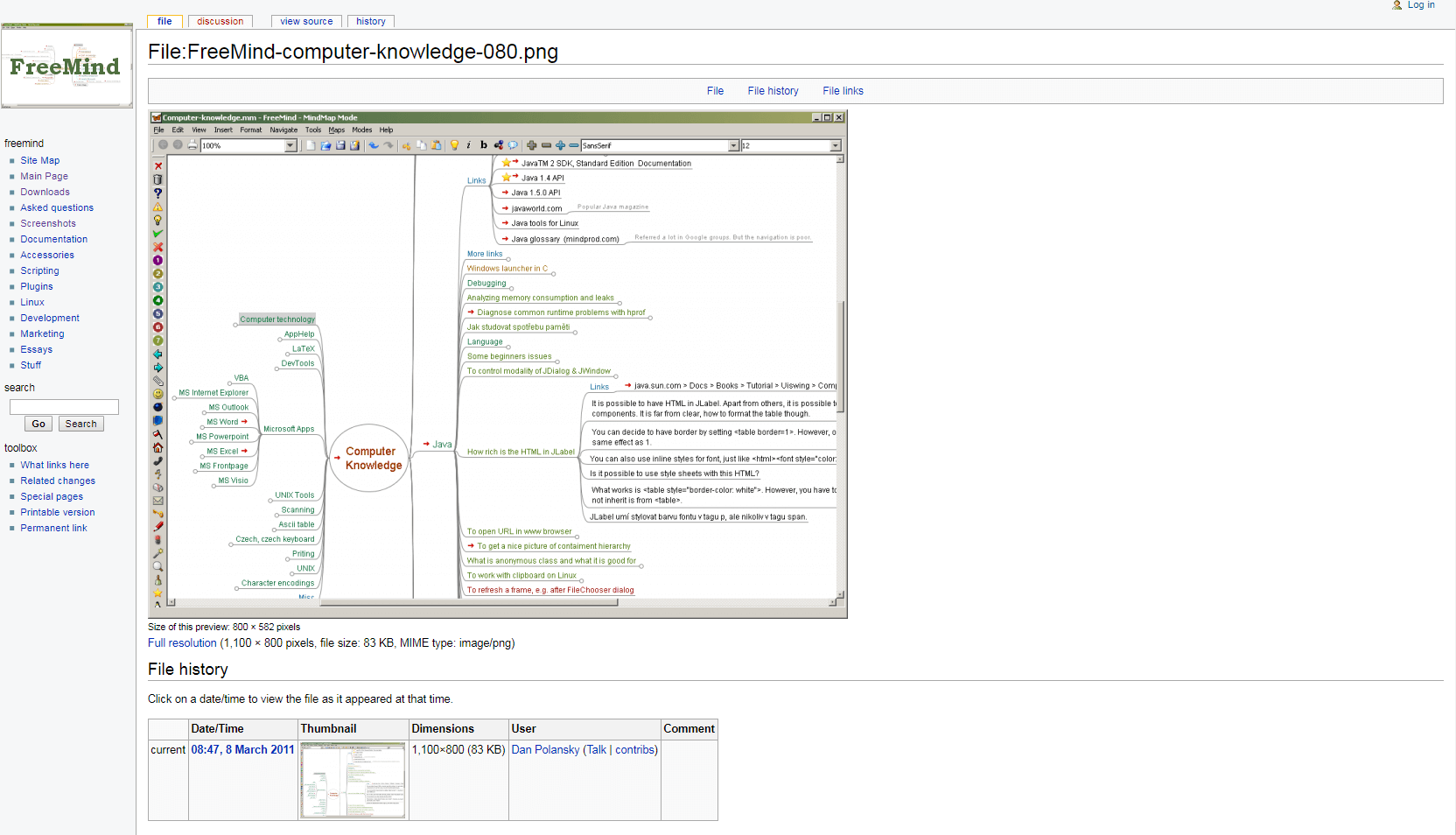
The tool FreeMind for macOS, Windows, and Linux is more practical than chic, but that is exactly the reason for its fanbase. It is also thanks to this that the special FreeMind format is recognized by numerous other mind mapping tools and can therefore be imported. Compared to the competition, the completely free open source application may look a little dusty and less intuitive, but in its final version, it provides to be both flexible and powerful.
The functionality of FreeMind is mainly limited to the core tasks of mind mapping. Collaboration is not always possible, but there are better programs for this purpose. FreeMind’s strengths are the integration of links and multimedia files, location-based mind mapping, and dedicated support that is happy to help with problems like data loss.
Overview of the features included in the 7 best mind mapping programs
Below, you will find a clear summary of all relevant features and strengths of our mind mapping programs:
| Tool | Strengths | Export format | Available as | Register with | Price |
|---|---|---|---|---|---|
| Coggle | User friendly, suitable for beginners | PDF, PNG | Web app | E-Mail, Google+ | Free Awesome: approx. 5$/month Organisation: ca. 8$/month |
| MindMeister | Extensive collaboration functions | DOC, PPT, ZIP, PDF, RTF, Grafik | Web app, mobile versions for iOS, Android | E-Mail, Google+, Facebook, Twitter | Basic: Free Personal: approx. $5/month Pro: approx. $8/month plus other users Business: approx. $12,50/month plus other users |
| Wisemapping | Hosting on your own server is possible | PDF, SVG, FreeMind | Web app | E-Mail, Google+, Facebook, Twitter | Free |
| Mapul | Particularly visually appealling | SVG, JPG | Web app | Free: kostenlos 3 Monate: ca. 25 $ 6 Monate: ca. 35 $ 1 Jahr: ca. 50 $ | |
| Mind42 | Good price/performance ratio | RTF, PDF, JPEG, PNG, FreeMind, Mindjet Mindmanager | Web app | Free | |
| Mindomo | Cross-platform integration | PDF, TRF, TXT, MPX, HTML, PNG | Versions for macOS, Windows, Linux as well as iPad and Android devices | E-Mail, Google+, Facebook, Yahoo!, Microsoft 365, Windows Live, Clever, MC Online, Yilan | Basic: free Premium: approx. $36/6 months Professional: approx. $90/6 months Team: ca. $140/6 months |
| FreeMind | Practical, flexible, powerful | HTML/XHTML, PDF, OpenDocument, SVG, PNG | Versions for macOS, Windows, Linux | Not necessary | Free |
Conclusion: the right mind map software is a matter of taste
As you can see, the difference between the best mind mapping tools on the market is mainly found in the details. Clear, visually appealing mind maps can be created quickly and easily with each of these programs, while collaborative functions are available to different degrees. This means that each program has its individual strengths. Which one is right for you depends mainly on your personal preferences and whether you are willing to spend money on it. Sample screenshots, promo videos, and free test versions on the websites can help you with your decision – as well as extensive brainstorming using a mind map!
Reviewers

Anne-Laure Wolber
Anne-Laure has been part of the IONOS Digital Guide since its inception in 2016. As an expert in the startup category, she focuses primarily on the strategic integration of SEO, GEO, and conversion rate optimization. Over the years, she has also gained extensive experience in related performance disciplines such as lead generation and native advertising. As a polyglot, she leverages her multilingual background to develop content strategies with precision and impact for international audiences.

Christian Heldmaier
Christian Heldmaier is an experienced online marketing and SEO specialist from Karlsruhe. He has been working as an SEO Manager at IONOS since July 2020.