

What are the best free email providers?

Sending and receiving emails should not have to cost anything, which is why free email providers are particularly popular among private users. Our overview gives you tips on where to get the most storage space, the highest security standards, as well as explaining what other features are offered by these free email providers.
All information is current as of December 2025.
The best free email providers in direct comparison
| Provider | Mail.com | Gmail | Yahoo Mail | Outlook.com | GMX | AOL Mail | ZOHO | Proton Mail |
|---|---|---|---|---|---|---|---|---|
| Inbox size | 65 GB | 15 GB incl. Cloud | 20 GB | 15 GB | 65 GB | 250 GB | 5 GB (all Cloud) | 1 GB |
| Cloud storage | 2 GB | 15 GB shared with Drive & Photos | Not available | Further 5 GB | from 2 GB | 5 GB | See above | Proton Drive in beta (5 GB for Plus users) |
| Max. size of attachments | 30 MB (free) / 100 MB (premium) | 25 MB | 25 MB | 25 MB | 50 MB | 25 MB | 25 MB | 25 MB |
| POP3 | ✓ | ✓ | ✓ | ✓ | ✓ | ✓ | ✓ | ✗ |
| IMAP | ✓ | ✓ | ✓ | ✓ | ✓ | ✓ | ✓ | ✗ |
| Server location | USA | Worldwide | Worldwide | Worldwide | Germany | USA | Worldwide/Europe | Switzerland |
| Apps | Android & iOS | Android & iOS | Android & iOS | Android & iOS | Android & iOS | Android & iOS | Android & iOS | Android & iOS |
- Write perfect emails with optional AI features
- Add credibility to your brand
- Includes domain, spam filter and email forwarding
Mail.com
The big advantage of Mail.com is the wide selection of over 200 different domains you can choose from. Unlike most free email providers, which typically use the brand name as the second part of the email address, Mail.com allows you to choose from a variety of domain names. Some of these domains even relate to specific industries, making Mail.com email addresses suitable for professional communication.
With Mail.com, you get 65 GB of storage space in your mailbox, which is quite generous compared to other free email services. You can send attachments up to 30 MB in size, and if you need to send larger files, you can use Mail.com’s 2 GB of free cloud storage and share a link to the file. Additionally, you can connect up to 10 email addresses under one account.
Mail.com also offers the possibility of creating a professional account, which is free, but the maximum file attachment size for free users is limited to 100 MB in this version.
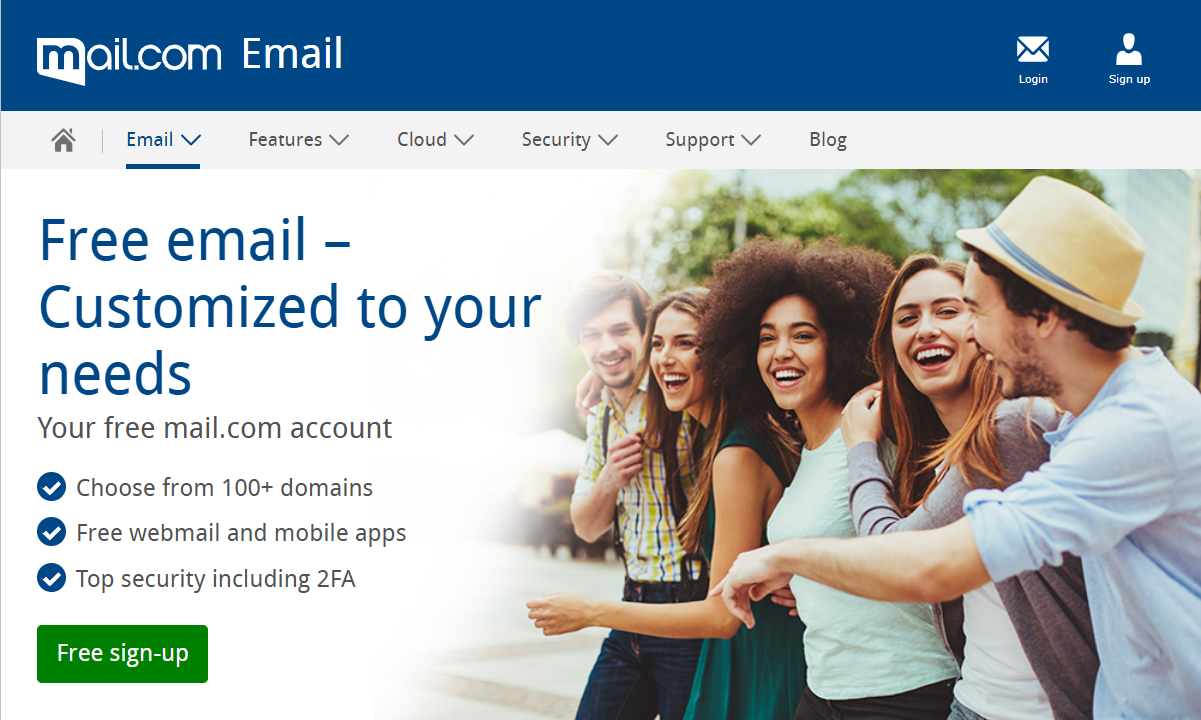
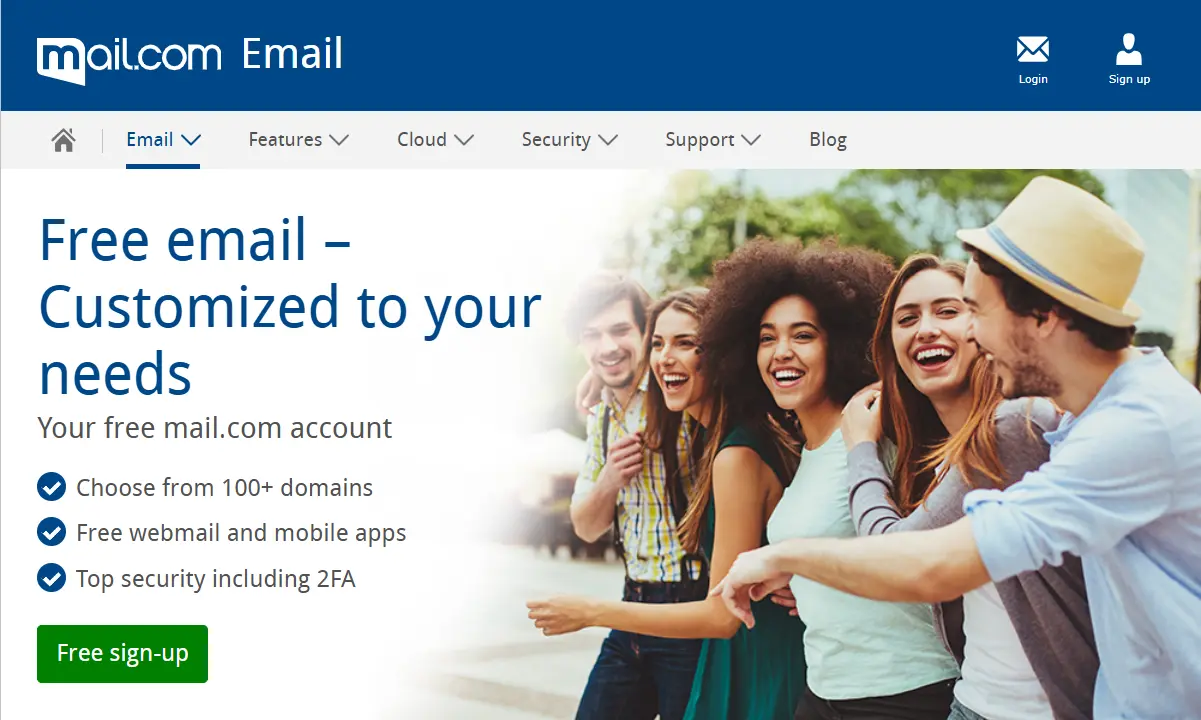
Mail.com uses a variety of security measures, including antivirus scanning to protect your inbox from threats and spam filtering to keep junk mail out of your inbox. To prevent unauthorized access to your account, Mail.com also offers two-factor authentication (2FA) for extra security.
| Advantages | Disadvantages |
|---|---|
| ✓ 65 GB of storage space in the email inbox | ✗ Slightly unclear user interface |
| ✓ 2 GB of included cloud storage | ✗ Features advertisements |
| ✓ Over 200 available domains to choose from | |
| ✓ Apps for Android and iOS |
Gmail
Gmail offers a total storage capacity of 15 GB across all the connected Google services, including Gmail, Google Drive, and Google Photos. The maximum size of email attachments has also increased in proportion to this growth, and now stands at 25 MB. Alternatively, the provider lets users send large files via Google Drive.
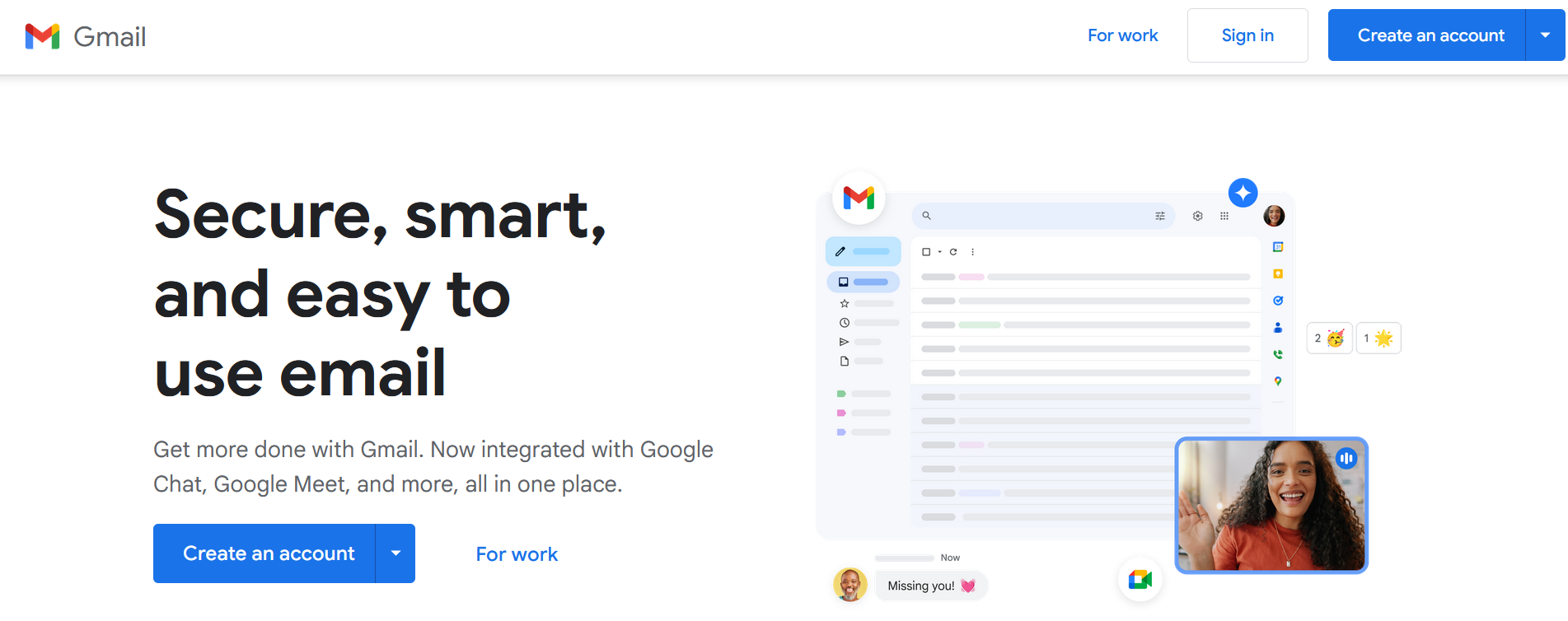
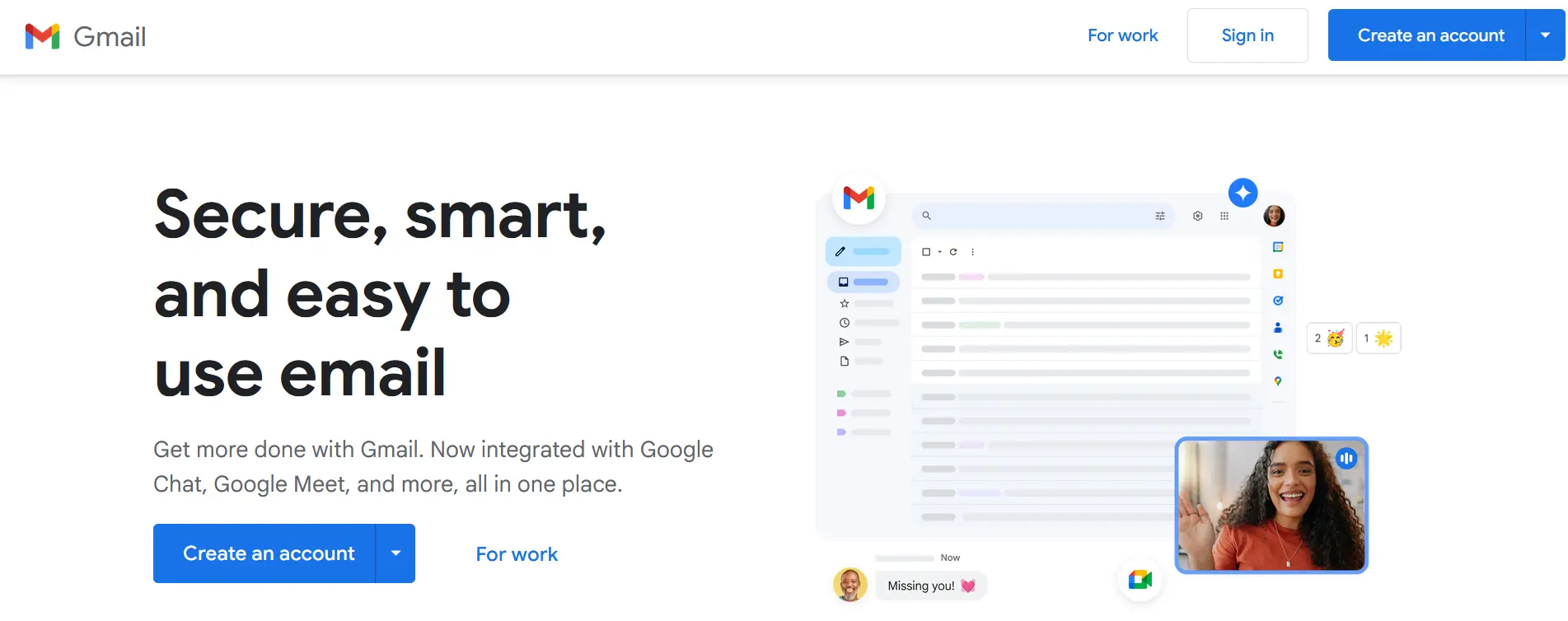
In terms of layout and ease of use, Gmail has an interface with a very similar orientation to other email providers like Outlook and Thunderbird. This has been the case since it first came about, despite it being browser-based. It is now possible to individualize the interface by designing it with personal photos, for example. In addition to this, tabs can be adjusted as required.
A further advantage of Gmail is its perfect integration into the Google universe. Alongside Google Drive, Google Meet is also very handy. With this you can chat with friends within Gmail and have video conversations with up to 100 people – and this across multiple devices as well.
One of the main downsides of Gmail is data protection. Google is often criticized when it comes to data protection, due to the alleged blurring or even softening of their own guidelines. It currently scans the contents of emails received and sent via Gmail. Through this it can help them to deliver target advertising to Gmail users. Google claims that this scanning also helps to identify and sort spam mail and display personalized advertising.
But according to the company, SSL/TLS encryption will protect emails better in the transfer between a browser and the Gmail servers. However, this does not mean that your emails will be encrypted end-to-end, just as the content of your emails will not be protected – only during its transit to the server.
| Advantages | Disadvantages |
|---|---|
| ✓ 15 GB storage space | ✗ Data protection policies vague |
| ✓ Integration into the Google ecosystem | ✗ Server locations unclear |
| ✓ Numerous customization and personalization options | ✗ Compliance with data protection regulations is criticized |
| ✓ Clean and intuitive user interface | |
| ✓ Apps for Android and iOS |


Yahoo Mail
Just like Gmail, Yahoo Mail is another free email provider with a solid amount of storage space – currently 20 GB. This has meant that the need to delete emails is very much a thing of the past. The flip side, though, is that there is no cloud storage service offered.
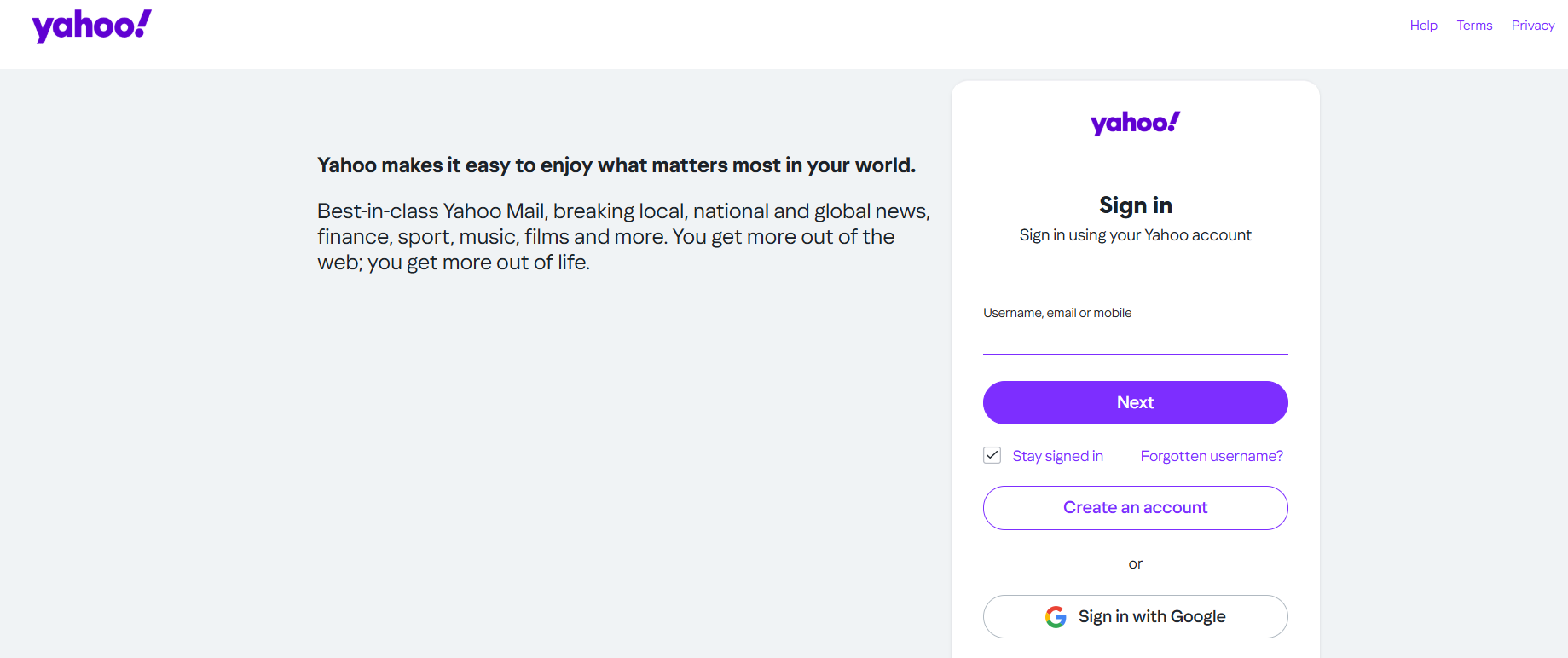
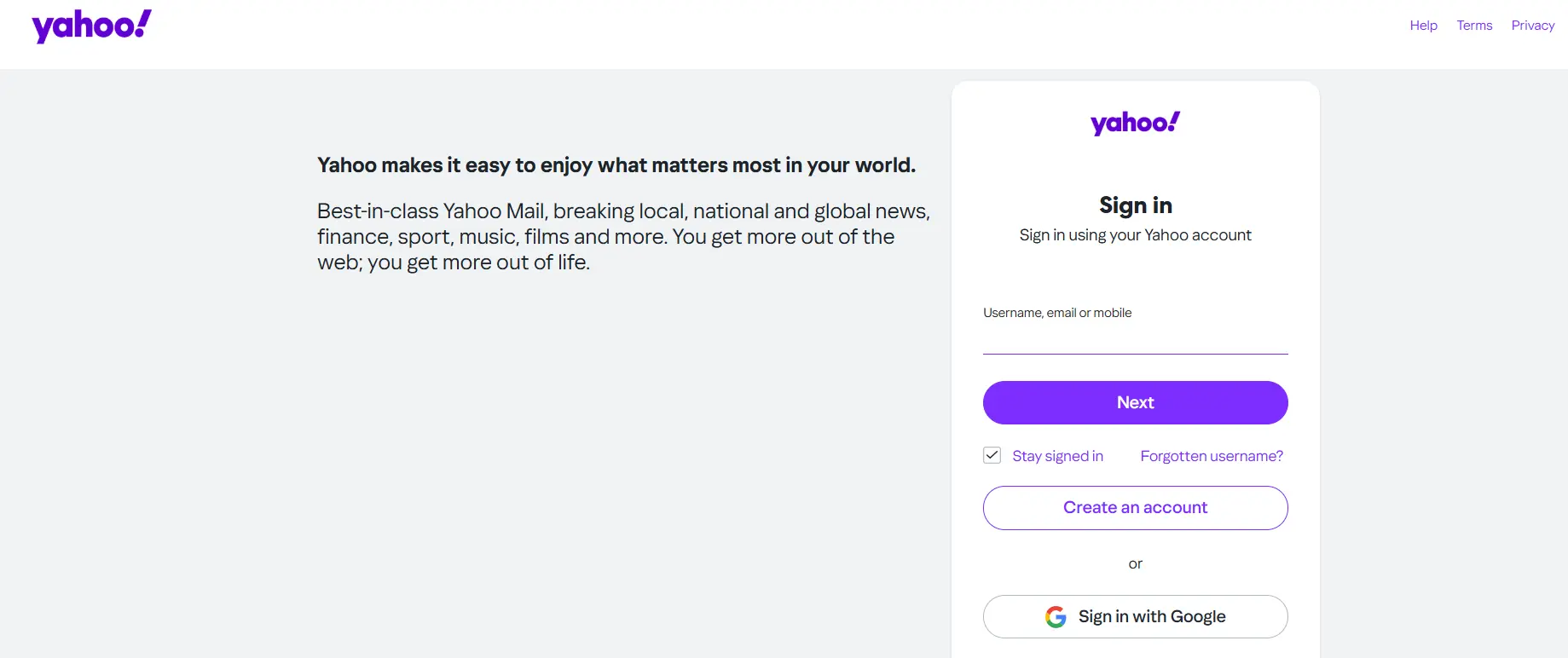
In addition to this, Yahoo Mail offers many options when it comes to personalization. Layout, order, and the email preview function can all be adjusted, as well as the design of the inbox. Alongside features like a messenger, and apps for both iOS and Android, there are also POP3 and IMAP protocols, as well as an “adaptable” spam filter.
In terms of data protection, Yahoo Mail has similar shortcomings to Gmail. For the transfer of emails between the browser and the Yahoo server, SSL/TLS encryption is used.
| Advantages | Disadvantages |
|---|---|
| ✓ 20 GB storage space for emails | ✗ Cloud storage is only available through integration with external services like Dropbox or Google Drive |
| ✓ Intelligent spam filter | ✗ Email content is also analyzed for advertising purposes |
| ✓ Apps for Android and iOS | ✗ Server locations unclear |
| ✗ Relatively frequent or intrusive ads |
Outlook.com
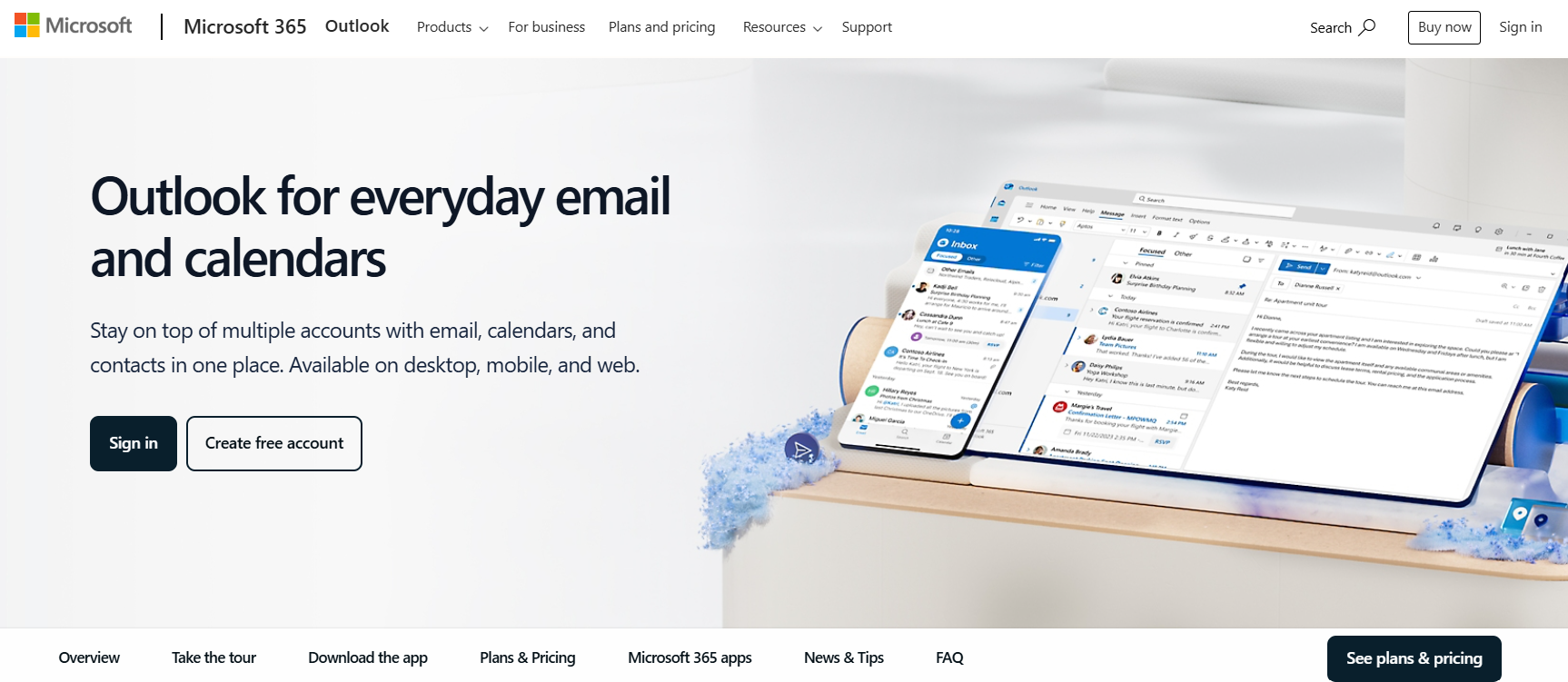
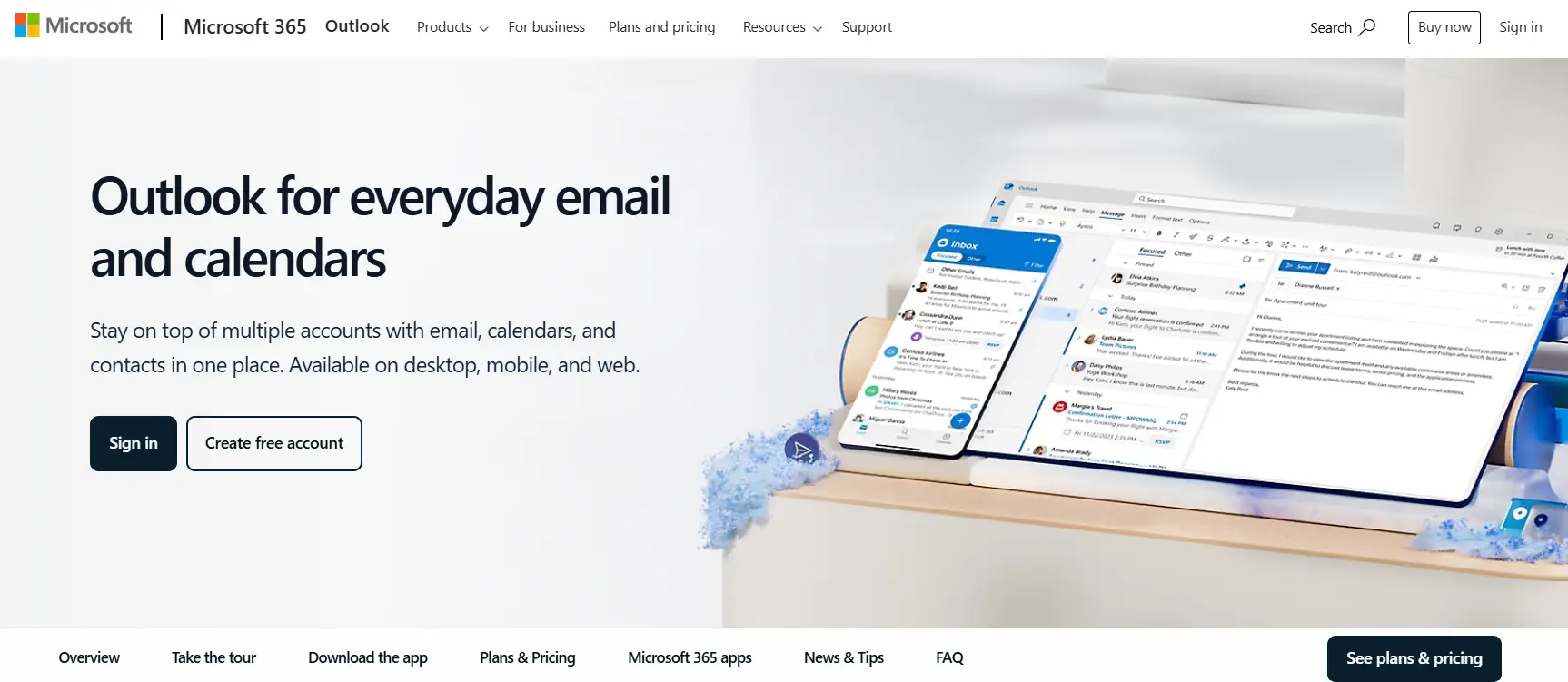
For a long time, “Outlook” was the name of the Personal Information Manager (PIM) developed by Microsoft. It is part of the whole Microsoft 365 package. But since early 2013, the very similar sounding web email service “Outlook.com” has replaced Microsoft’s previous free email software “Hotmail”. With Outlook.com, Microsoft now provides serious competition to the free email providers such as Yahoo and Google.
The first and most important advantage is its perfect integration into the Microsoft universe. By simply registering on Outlook.com, you will have access to other services offered by Microsoft. These include the video call and chat service Skype, the cloud storage service OneDrive, the online version of Office, and OneNote. Thanks to the included office interfaces, Outlook.com is also suitable for more complex work environments, and even comes with a similarly intuitive and trustworthy user interface.
With regards to storage space, Outlook.com is on a similar level to Google’s Gmail service. With over 15 GB, there is more than enough space for all emails. Additional storage is available for files of a different kind with Microsoft’s integrated cloud storage solution OneDrive, which is available for free. Attachments can be up to 25 MB in size.
The advertisements that do appear are not personalized based on the content of emails according to Microsoft’s privacy policy. Instead, the software uses data like your location, or your internet surfing habits based on cookies. Something that is still unknown, however, is the server location. Microsoft’s email servers are primarily located in the USA and Europe, with data centers worldwide.
| Advantages | Disadvantages |
|---|---|
| ✓ 15 GB email storage | ✗ Data stored in Microsoft’s global data centers (not fully transparent for users) |
| ✓ 5 GB cloud storage with OneDrive | ✗ Ads in the free version |
| ✓ Clear and user-friendly design | |
| ✓ Office integration, seamless connection to the Microsoft ecosystem | |
| ✓ Apps for Android and iOS |
Powerful Exchange email and the latest versions of your favorite Office apps on any device — get started with our free setup assistance.
GMX
GMX is not as well-known as the free email providers presented above, but still conveniently manages to meet all your basic email requirements. When emails are transmitted to the GMX server, they are exclusively SSL/TLS encrypted. The data transfer between the servers of individual providers is also encrypted. Two-factor authentication provides even more security.
One of the biggest selling points for GMX is its 65 GB of storage space, which can hold hundreds of thousands of emails, depending on their size. Your attachments can be up to 50 MB in size. If you need to send larger files, you can use GMX’s built-in cloud storage, which offers 2 GB for free, with additional space available in paid plans.
Another major upside of GMX is its Online Office feature. Without installing additional software, you can edit Word documents, Excel spreadsheets, or PowerPoint presentations directly in your browser. While not as feature-rich as Microsoft 365 or Google Docs, it provides essential editing capabilities.
GMX also offers apps for Android and iOS, allowing you to access your emails and mailbox folders anywhere. Additionally, GMX provides MailCheck, a browser extension for Chrome, Firefox, and Edge, ensuring you never miss an important email.
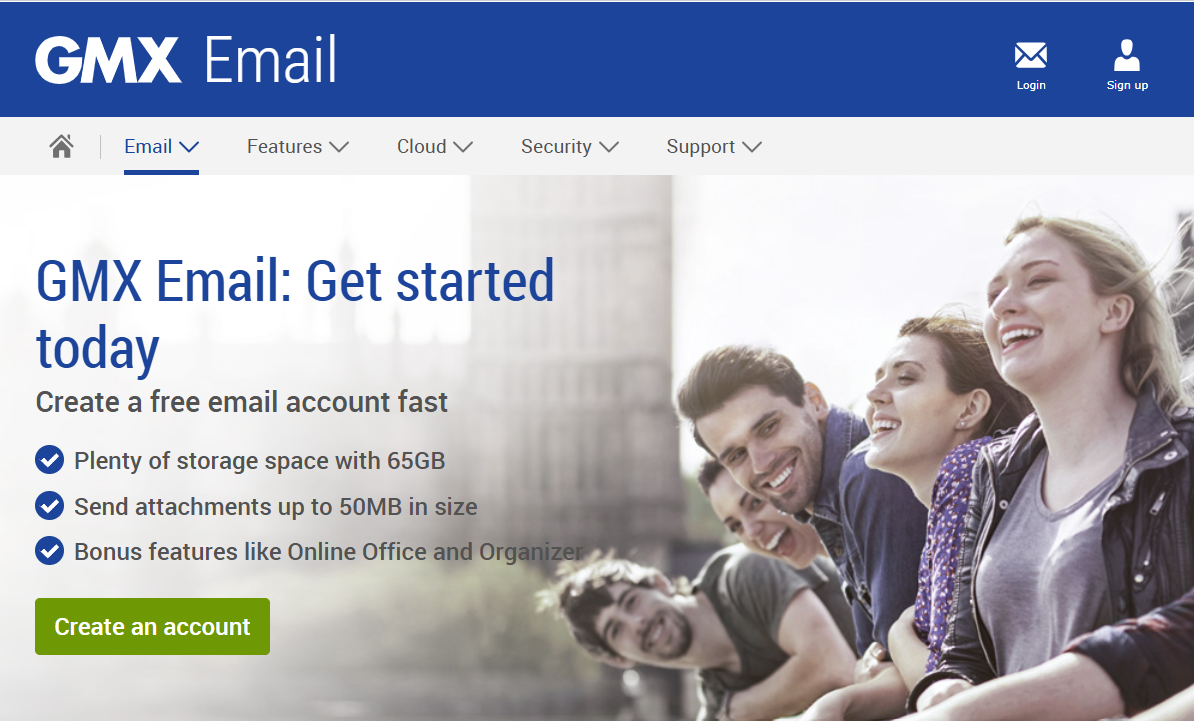
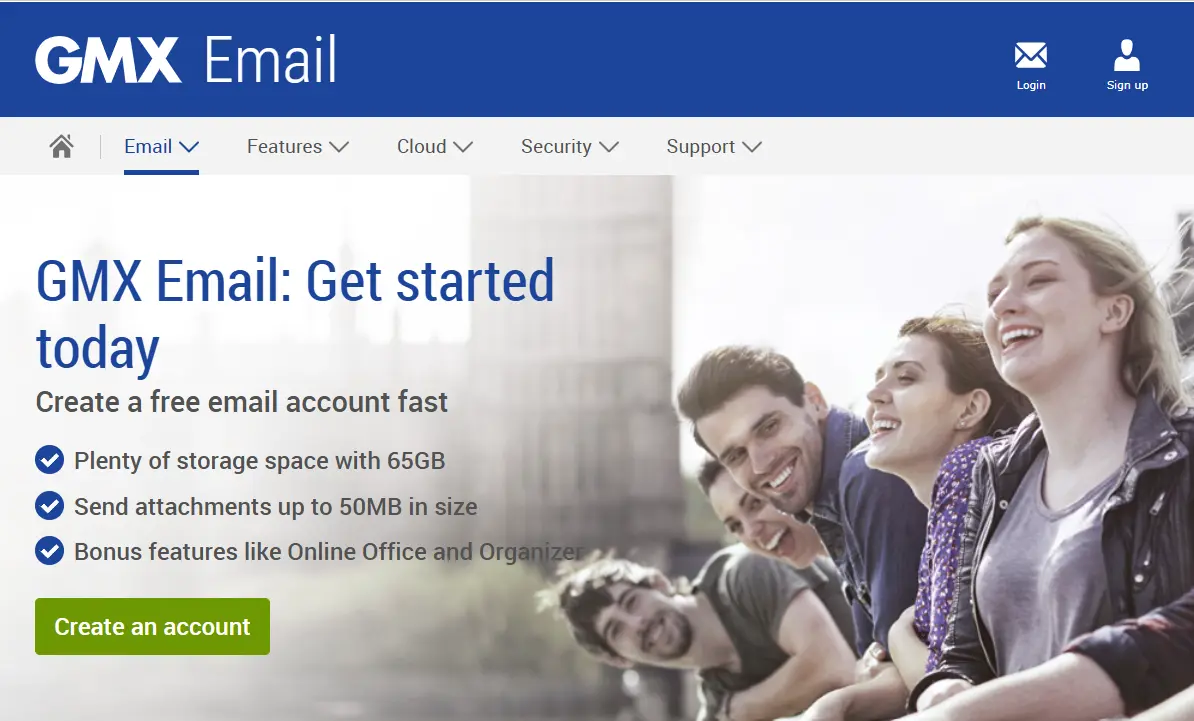
GMX’s default interface is blue. Alternative designs can be selected and saved in the settings. You can navigate around using the menu bars. While the upper tab allows a quick change between the standard features such as mailboxes, cloud, calendar or address book, you will also find advertisements and links to other GMX products on the left, which are used to finance the free email service.
| Advantages | Disadvantages |
|---|---|
| ✓ Up to 50 MB attachment size | ✗ Mailbox storage limited to a maximum of 1.5 GB, relatively small |
| ✓ 2 GB cloud storage included | ✗ Somewhat cluttered user interface |
| ✓ Apps for Android and iOS |
AOL Mail
Many years ago, America Online was one of the most popular email services, but it has since declined in prominence. However, this does not mean it is not a reliable free email provider. Recognizing the need for improvement, AOL revamped its service in 2022. Today, the web portal offers 250 GB of storage space and supports attachments of up to 25 MB.
AOL Mail allows you to customize your spam filter’s strictness level, choosing between Low, Medium, or High. AOL recommends setting it to “Medium,” as they find this level provides the best balance between security and ensuring important emails are not mistakenly sent to the spam folder.
The free email provider also offers an integrated calendar, allowing users to manage their schedules and appointments more easily. AOL Mail also provides customizable themes, enabling users to personalize their inbox to their liking. Additionally, users can create folders to organize emails and search their inbox efficiently using keywords.
| Advantages | Disadvantages |
|---|---|
| ✓ Adjustable spam filter levels: Low, Medium, or High | ✗ Cannot import contacts from social media |
| ✓ 250 GB of storage space | ✗ App is not dedicated solely to email |
| ✓ Apps available for Android and iOS | ✗ No cloud storage |
Zoho
Zoho Mail is an email service designed for both individual users and businesses. The free plan is intended for personal use and, while relatively basic, it still provides all the essential features you would expect from a free email provider. Similar to Microsoft, Zoho offers a comprehensive suite of productivity tools. In addition to email, it includes instant messaging, a word processor, a calendar, document sharing, and several other features. Collectively, these services are known as Zoho Workplace.
One major advantage of Zoho Mail is that it is completely ad-free, ensuring a distraction-free user experience. The service boasts a 99.99% uptime, meaning users can rely on it for uninterrupted access to their emails. Additionally, Zoho Mail provides advanced administrative tools to protect users from phishing, spam, viruses, and malware. To enhance security, the platform also requires two-factor authentication (2FA).
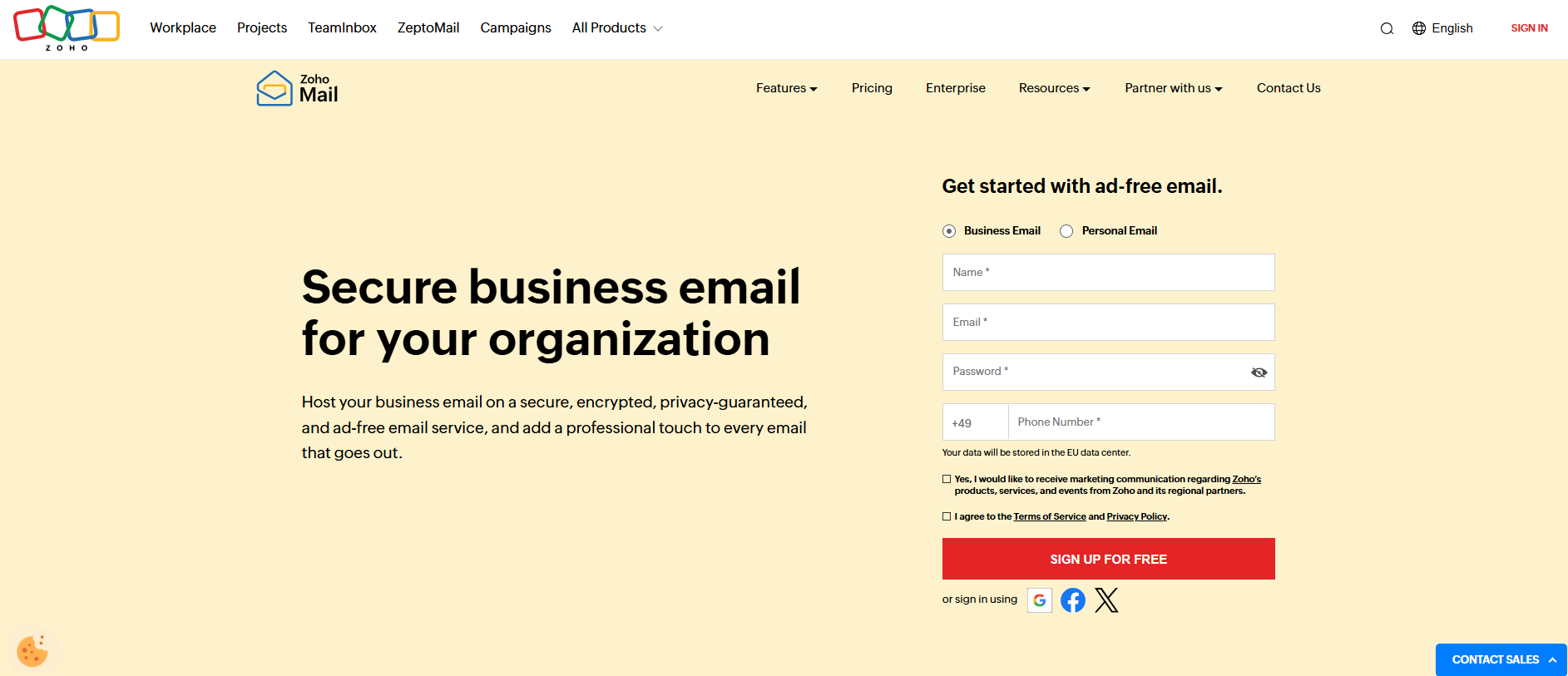
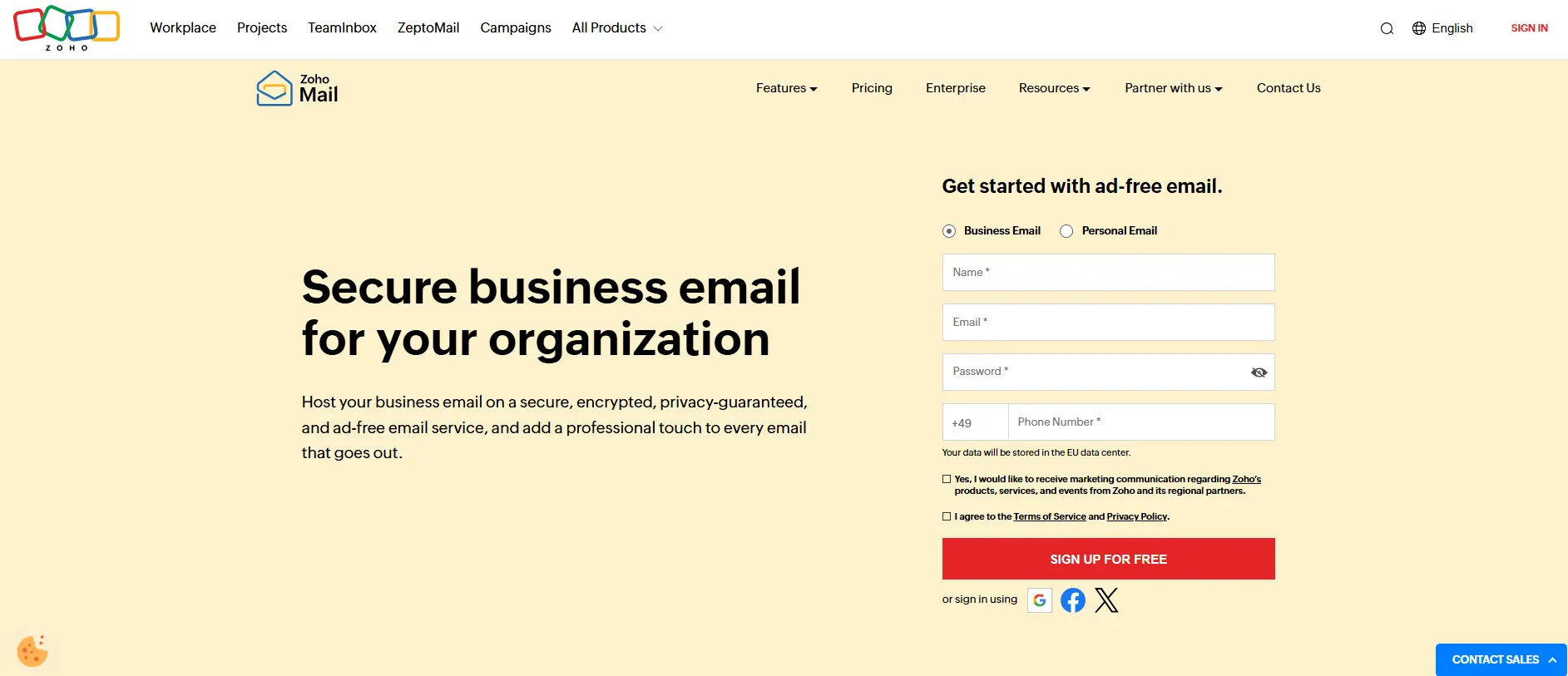
Zoho Mail provides 5 GB of cloud storage per user and supports attachments up to 25 MB, with optional Dropbox integration for added flexibility. It is accessible via webmail and mobile apps for Android and iOS, but the free plan does not support IMAP or POP3, restricting use to Zoho’s own platforms.
Zoho Mail prioritizes privacy and security, offering end-to-end encryption, phishing protection, and spam filtering, and unlike many free providers, it does not scan emails for ads. However, the free plan has limitations, including no third-party email client support (IMAP/POP3), no automatic contact import from social media, and a custom domain feature limited to five users, which may not be sufficient for larger teams.
| Advantages | Disadvantages |
|---|---|
| ✓ Zoho Mail is completely ad-free, providing a distraction-free email experience. | ✗ The free plan does not support IMAP/POP3. |
| ✓ Each user receives 5 GB of cloud-based storage. | ✓ The maximum attachment size is 25 MB, which may be limiting for users who frequently send large files. |
| ✓ Mobile apps are available for Android and iOS, allowing users to access their emails on the go. | ✗ The free plan is limited to five users per custom domain, which may not be enough for larger teams. |
| ✓ Zoho Mail prioritizes user privacy and does not scan emails for advertising purposes. | ✗ Interface less intuitive compared to Gmail or Outlook. |
Proton Mail
Proton Mail is a great email option for users who prioritize privacy and security. It is an open-source, encrypted email provider based in Switzerland, operating under strict Swiss privacy laws. ProtonMail uses end-to-end encryption, ensuring that only the sender and recipient can read emails—not even ProtonMail itself. It also supports OpenPGP encryption and offers two-factor authentication (2FA) for extra security.
With a free plan, users receive 1 GB of storage, which is lower than what many other providers offer. However, paid plans allow users to expand their storage. The free plan also includes one email address and a daily sending limit of 150 messages. It’s important to note that each recipient counts as one email, meaning an email sent to 10 people counts as 10 emails.
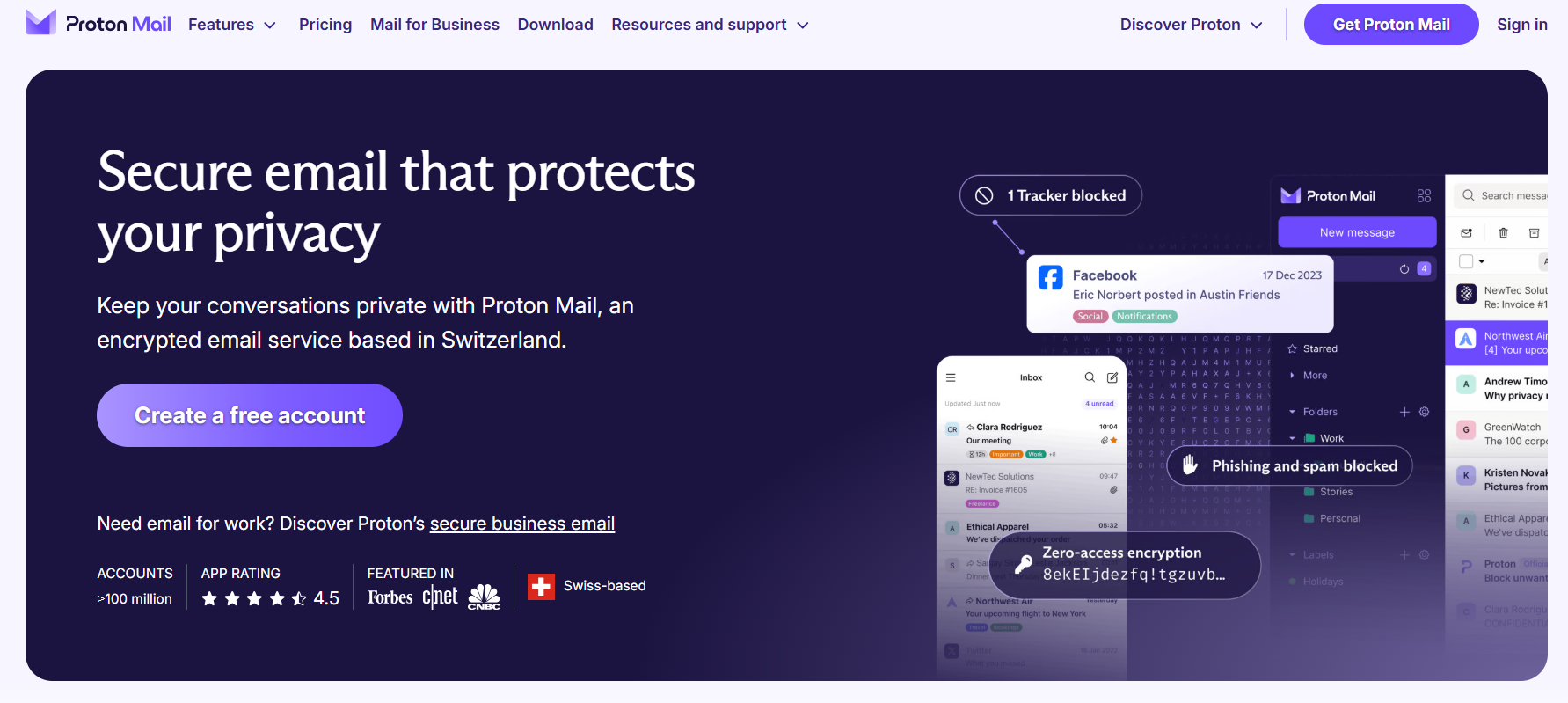
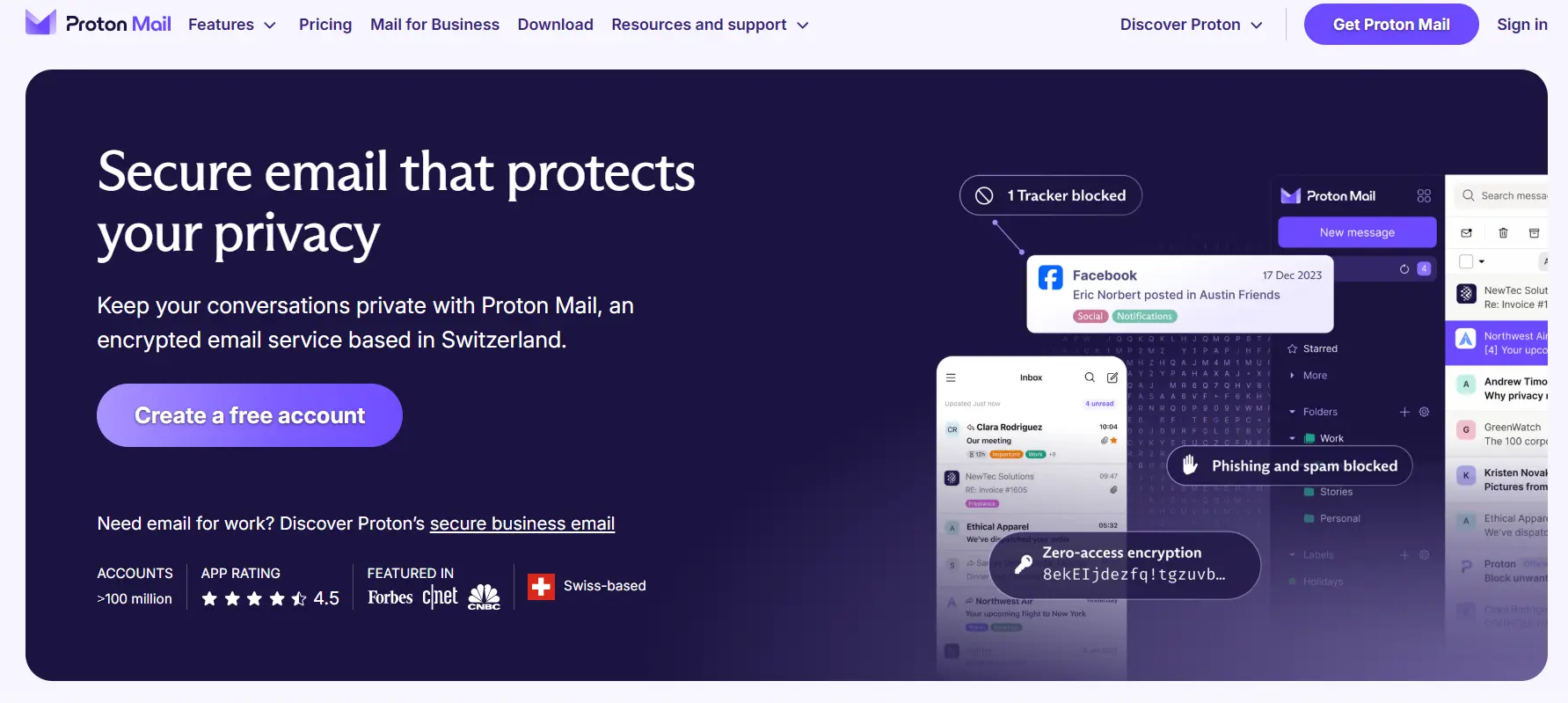
ProtonMail’s free plan includes one calendar, helping users organize their appointments. Additionally, the free plan provides access to ProtonVPN, though at a limited speed. Another privacy-focused feature is hide-my-email aliases, allowing users to create up to 10 temporary email addresses to protect their identity while still receiving emails.
| Advantages | Disadvantages |
|---|---|
| ✓ End-to-end encryption for maximum privacy | ✗ Free plan has only 1 GB of storage |
| ✓ No advertisements displayed | ✗ Daily email sending limit of 150 messages |
| ✓ App available for Android and iOS | ✗ Does not support POP3 or IMAP in the free version |
| ✓ Includes ProtonVPN (limited speed in free plan) | ✗ Only one calendar included in the free plan |
ProtonMail is an excellent choice for privacy-focused users who want secure, ad-free email with end-to-end encryption. However, the limited storage, daily email limit, and lack of IMAP/POP3 support in the free version may be restrictive for some users.
Anyone looking to secure their communication even further should also consider installing email encryption via PGP. This will also protect the content of emails. With the help of browser add-ons (e.g., Mailvelope), it is possible to achieve end-to-end encryption.
Who are professional solutions best suited to?
At first glance, what these free email providers offer seems to be perfect. With their strong functionality and various security mechanisms such as SSL/TLS encryption, DKIM signatures and authenticator logins, the free email services are a popular choice in the private sector.
However, free services are not always the right choice. With free email providers, you are more often than not tied to the brand-specific domain name, which is rather impractical, especially in the business sector, and is often seen as spammy. Email addresses like “firstname.surname@yahoo.com” look less professional, especially if you run your own website and could actually use its domain.
So, if you primarily want to handle business communication using this email address, you need a professional solution to create the right impression. This may mean having to forego an address from a free email provider if the address is to represent the company or the profession.
- Personalized email address
- Access your emails from anywhere
- Highest security standards
The advantages of professional email services compared to free email providers
Even if professionalism is often the reason for a company choosing a professional email provider, the self-employed and the like, there are also other benefits:
- Free choice of name: Free email providers usually have several million customers registered under the same subdomain. The most common first and last names are therefore quickly snapped up, which is why you sometimes have to resort to complicated alternative solutions (e.g., including numbers in the address). Customers using fee-based email services do not have this problem and can therefore create memorable and precise contact addresses.
- No advertising or spam: Free email providers usually use advertising to fund the service. Using a professional service, on the other hand, rids you of annoying advertisements and means you can work without distractions. In addition, fee-based options are less susceptible to advertising spam. This is because free email addresses are relatively similar to one another, it’s easy for spammers to “guess” different addresses.
- Increased protection: Not only are professional mailboxes less likely to be targeted by spam, phishing, etc., but they are also the safer choice in case your computer gets infected with malware. An account that is getting spammed too much is likely to be blocked by the provider. While the chance of getting your account back with a free email provider is practically zero, just describing the problem is usually enough to regain access with a fee-based provider.
- Planning security: If you use a professional email address, you get a lot of independence from your provider. If the provider makes changes to the product range or terminates the service, the contact address usually remains unaffected. You often just need to move to another provider. If a free email provider discontinues its services, the user has no choice but to register a new address.
- Resistance to typos: Another advantage of having your own email domain instead of a free email subdomain is the catch-all function. This ensures that all incoming messages to a domain are redirected to a main mailbox, even if the local part of the address (before the @ sign) cannot be assigned to a specific mailbox due to a typo. This way, professional email solutions reduce the likelihood of important messages being lost.