

The best Gmail alternatives

Gmail, the email service developed by Google, has been the largest free, ad-financed email service in the world since 2012. The email service by Google Workspace (previously G Suite) is easy to use, simple to connect, usable on a wide variety of devices, and, thanks to Google, accessible practically everywhere. But not everybody is a fan of the American company. Plus, there are some Gmail alternatives that can easily keep up with the search engine giant’s email service. But which functions do these alternatives offer, and to what extent do they differ from Google’s email service?
- Simple registration
- Premium TLDs at great prices
- 24/7 personal consultant included
- Free privacy protection for eligible domains
The best Gmail alternatives in a short overview
| Storage space | Attachments | Price | POP3/IMAP | Security | Extras | |
| Outlook.com | 15GB | 20MB | Free | Yes/Yes | Medium | Mail collector |
| Posteo | 2GB | 50MB | $1.20 / month | Yes/Yes | High | Provider uses green energy |
| Mailfence | 500MB | 50MB | Free | Yes/Yes | High | Digital signature |
| Yahoo Mail | 1TB (1,000GB) | 25MB | Free | Yes/Yes | Medium | SSL/TLS encryption |
| AOL Mail | 250GB | 25MB | Free | Yes/Yes | Medium | Chat service |
| GMX | 1GB, Upgrade to 1.5GB available (browser plugin) | 20MB | Free | Yes/Yes | High | SSL/TLS encryption |
What Gmail offers
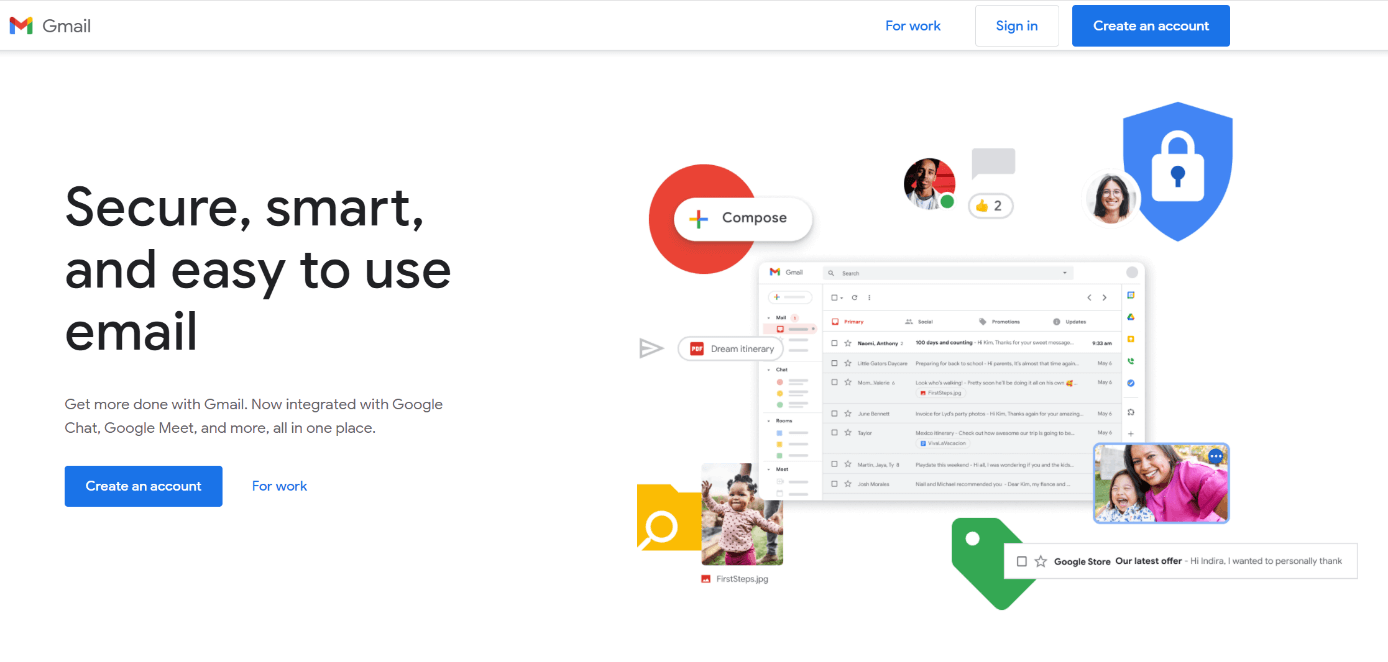
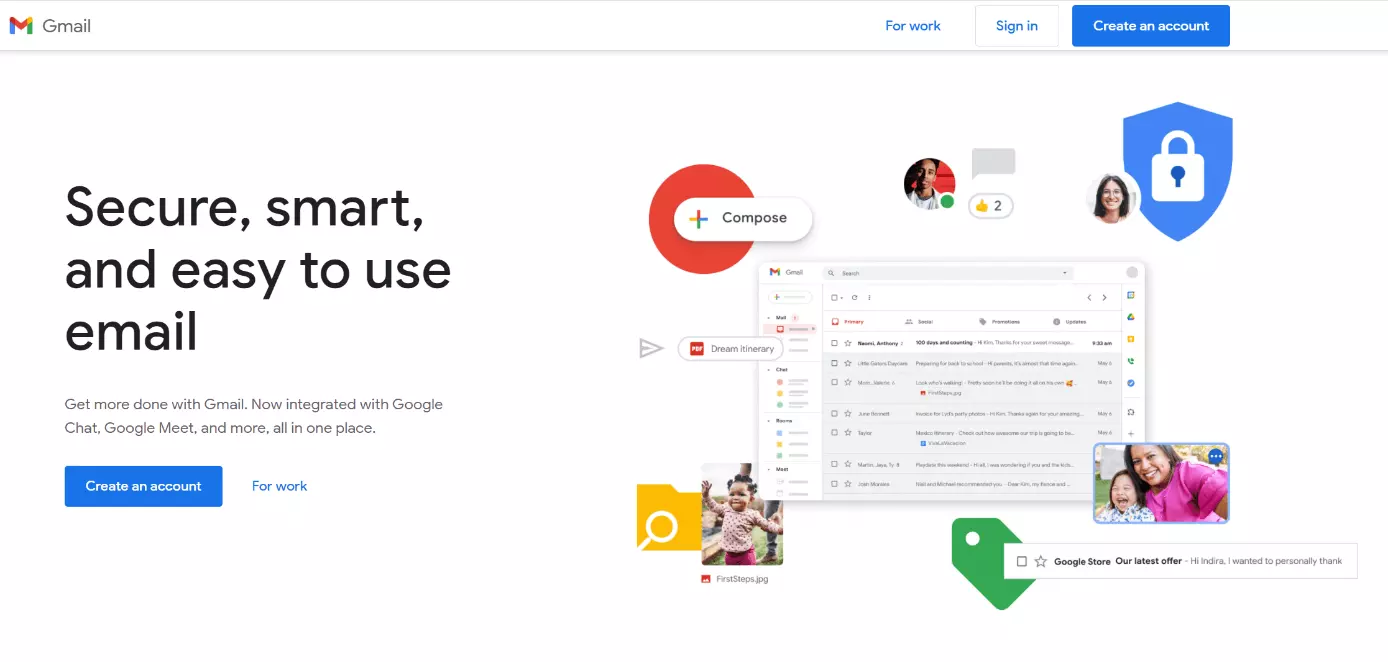
Gmail has been the most-used email portal worldwide since 2012. The email platform from the search engine giant is pre-installed on almost every Android smartphone and can be linked directly to other accounts – for example, YouTube.
One big weakness of the Google service is its poor data security. Even the general terms and conditions of the search engine service have shortcomings that make it possible to pass on user data. For example, according to the Gmail terms of service, the provider is allowed to search through user emails for ad-related keywords. Due to this problem, Gmail has received low rankings in security assessments.
| Advantages | Disadvantages |
|---|---|
| Free | Personalized ads |
| 15 GB storage (Google Drive) | Data protection concerns: forwarding of user data, inadequate privacy regulations |
| Direct connection to other Google services | |
| Good spam filter |
The best Gmail alternatives in detail
A good email service is characterized by the ease with which it allows you to send and receive data, messages, and images – preferably at any time and from anywhere. Data security is also an important point of concern for most users. After all, very private information – including applications, bank information, or account data – is sometimes sent via email. Ease of use is also a major factor for the success of a portal that can set the email service apart from its competition.
Outlook.com
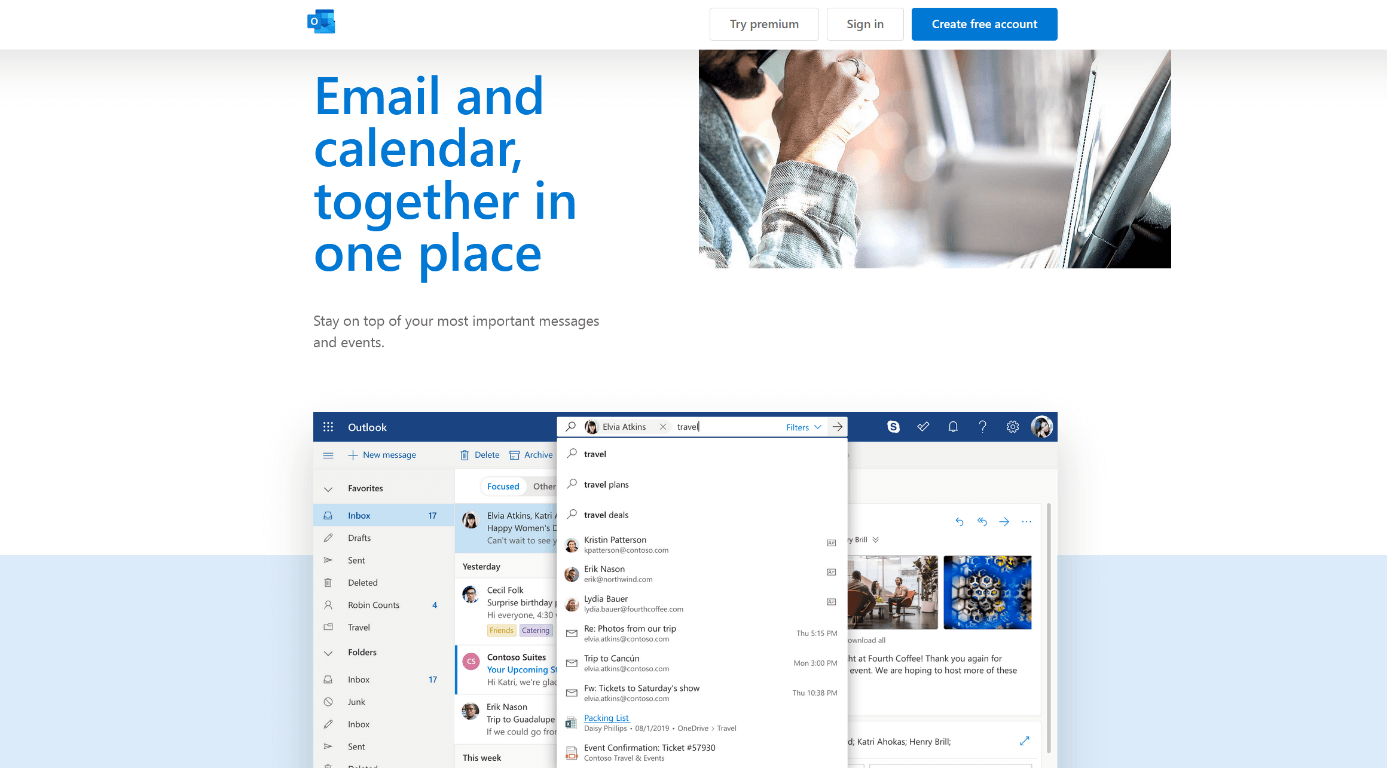
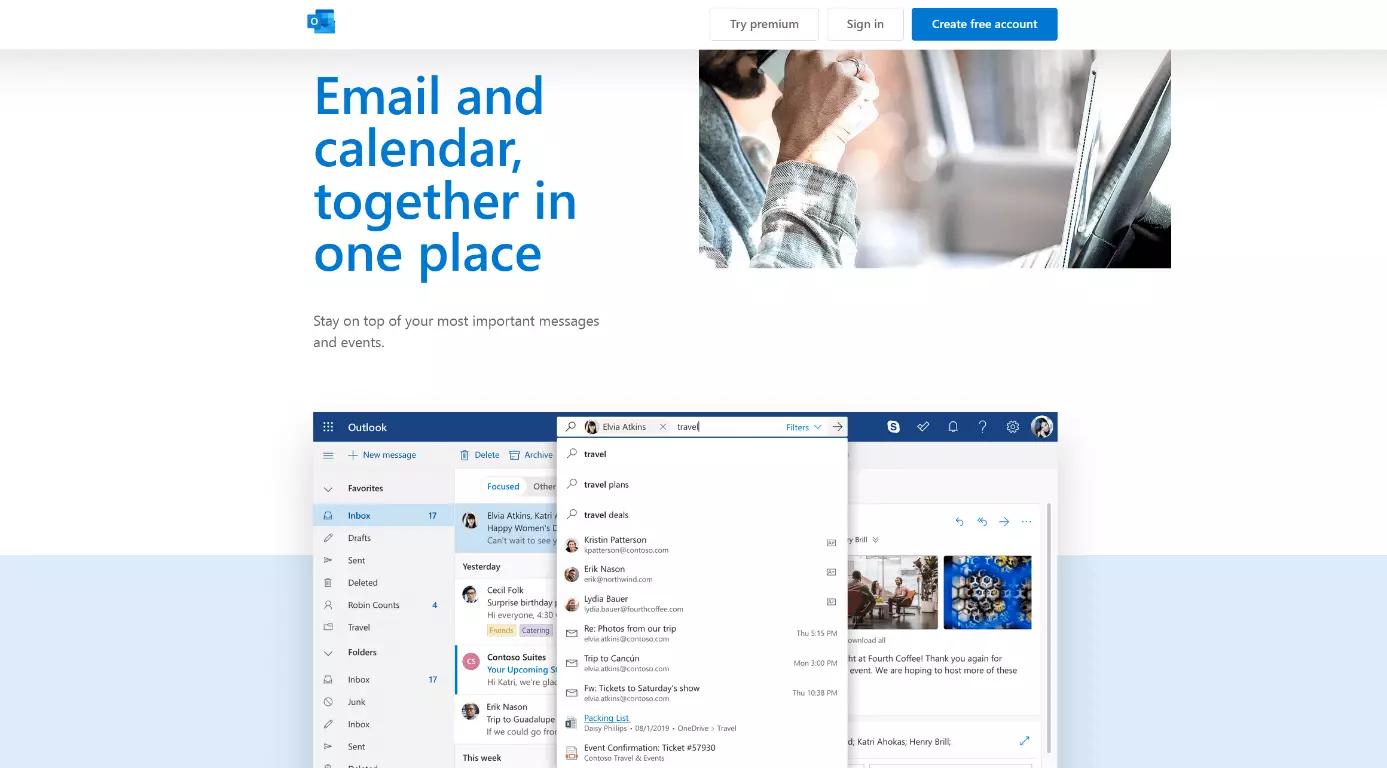
Outlook.com is the successor of Hotmail, the former “free” email services from Microsoft (in 2013, Hotmail was replaced by Outlook). Much like Google, this alternative provides 15GB of storage to store your messages. In addition, the Microsoft service includes a mail collector to collect address books and email addresses. Another benefit of Outlook.com is that you can import contacts from social networks such as Facebook.
Powerful Exchange email and the latest versions of your favorite Office apps on any device — get started with our free setup assistance.
In addition to your primary email address, you can establish up to 10 alias addresses. In contrast to Gmail which allows up to 30 alias addresses for free, fewer addresses are possible.
The storage space and size of attached files are also similarly large for both Gmail and Outlook. Both mail services offer around 15GB of storage and allow you to send file attachments up to 20MB (Outlook.com) to 25 MB in size.
Outlook.com is available as an app for Android and iOS.
| Benefits | Drawbacks |
|---|---|
| Free | Data protection concerns: forwarding of user data is possible |
| 15GB storage space | Many encryption features are only available in the paid-for Office subscription |
| Great spam filter | |
| No personalized ads |
Posteo
If you use the paid email service Posteo, you can rest assured that your confidential information will never be seen by a third party. This is because this premium alternative to Gmail protects your data via comprehensive encryption and two-factor authentication. Saved data can also be encrypted. Beyond that, Posteo allows you to create an email address without providing any personal information.
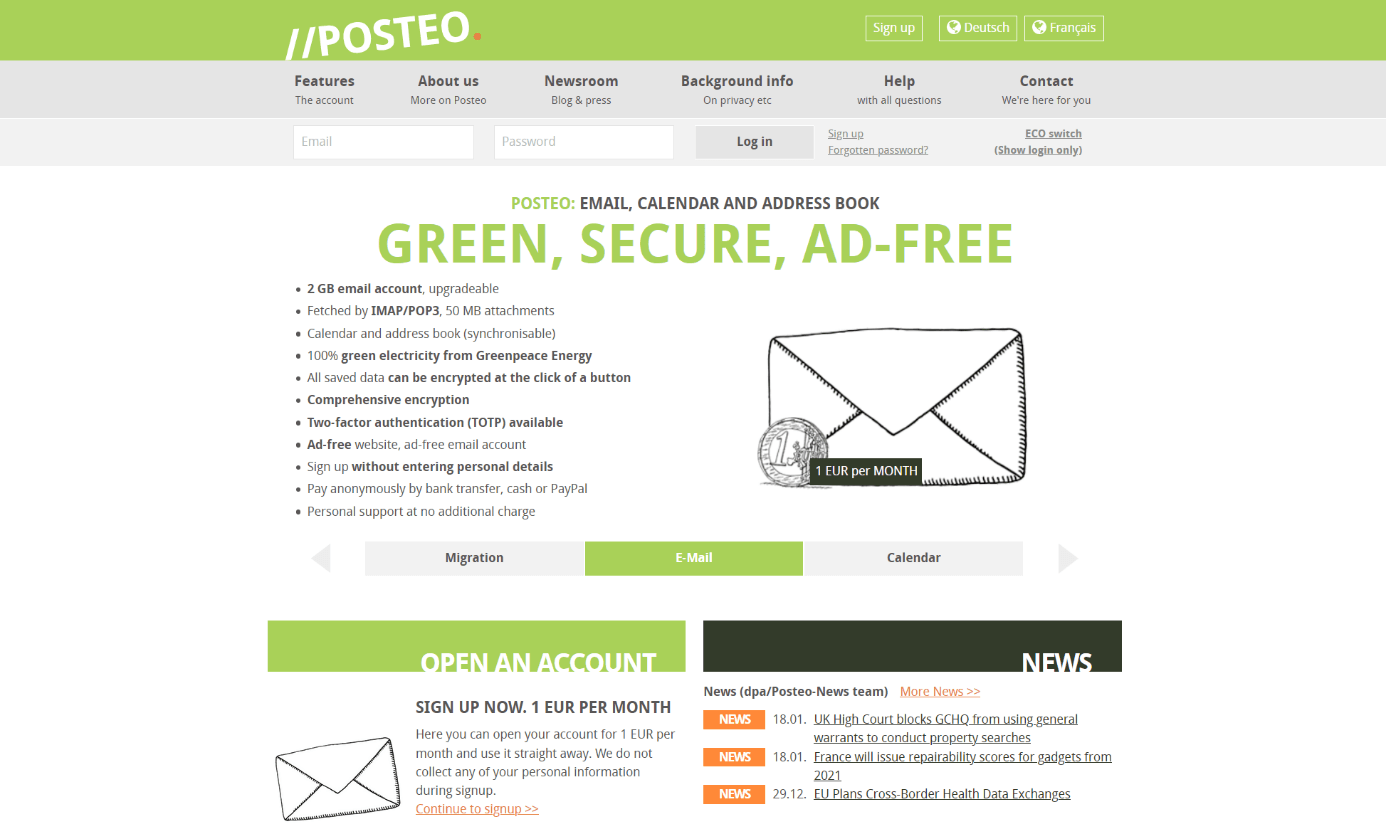
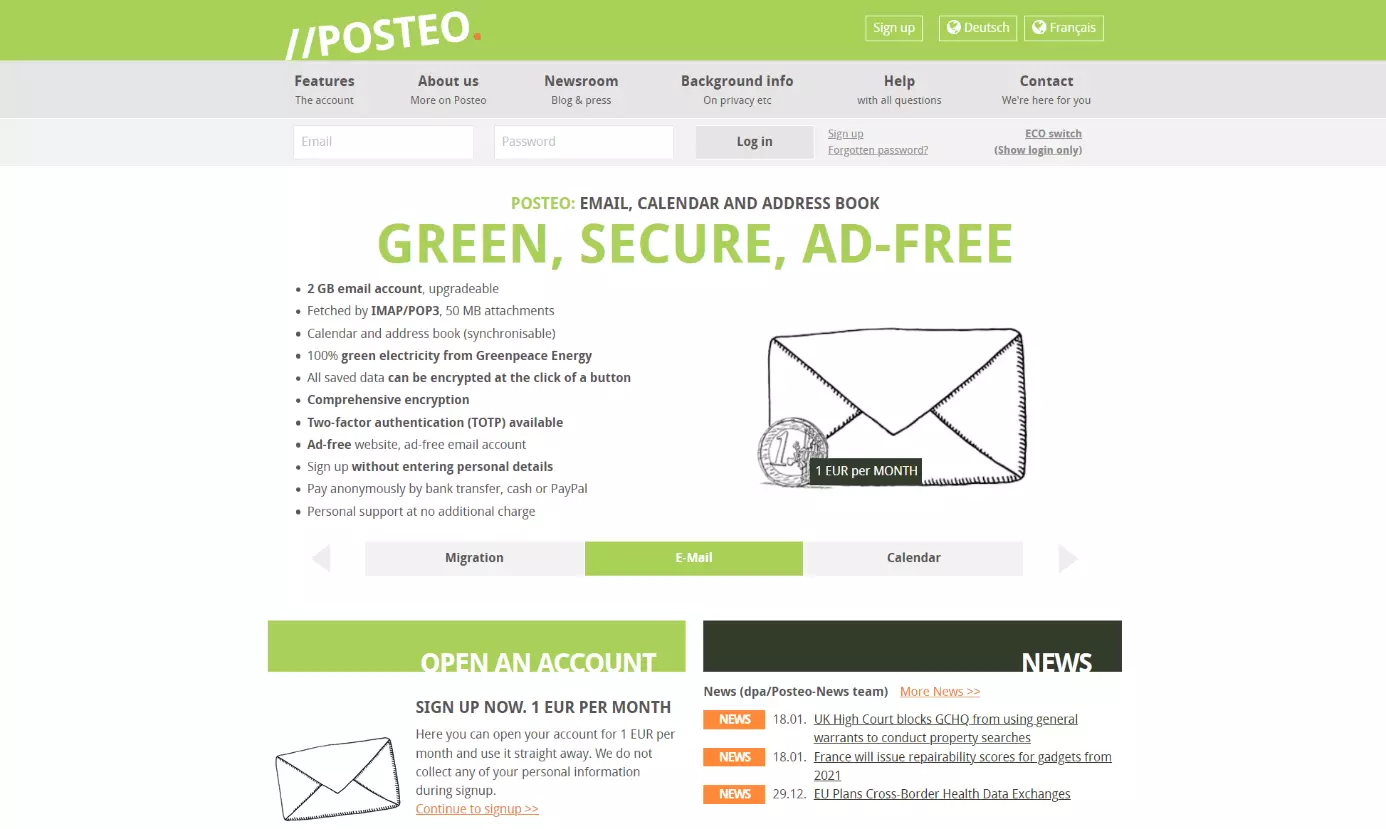
With a cost of only one Euro (around $1.20) per month, Posteo is a very affordable alternative for securely sending your emails. The “green” email provider encrypts all data in your account: from the calendar to addresses and images. Posteo also uses 100% green electricity from Greenpeace Energy.
“A Posteo email account saves electricity, CO2 and nuclear waste and conserves resources. Our savings are invested in ecological projects with the Umweltbank.” – Posteo, Source: https://posteo.de/en/site/sustainability
Especially in terms of data security, Posteo far outdoes the email service Gmail. On the other hand, Gmail has a slightly more user-friendly design.
| Advantages | Disadvantages |
|---|---|
| Reliable data protection | Paid |
| Attachments of up to 50MB | Less user-friendly than the famous competition |
| Extensive encryption options | |
| Operated with 100% green energy |
Mailfence
No adverts, no spam, no tracking – that’s what Gmail alternative Mailfence promises. To that end, the Belgium-based email service uses two-factor authentication as well as message encryption in the browser. Each email is digitally signed and shows recipients who the sender is. What’s more, you can create, import, launch, and manage simple OpenPGP keys using the solution.
The basic edition of Mailfence provides just 500MB in storage which is comparatively little for emails. An additional 500MB are available to store documents, which can be easily opened and shared online. Mailfence is an exclusively browser-based alternative and does not provide native apps.
| Advantages | Disadvantages |
|---|---|
| Attachments of up to 50MB | Apps for iOS and Android missing |
| Two-factor authentication and end-to-end encryption of all messages |
Yahoo Mail
Though Yahoo Mail had some difficulties getting started, the mail portal can now easily keep up with the best Gmail alternatives. Like many other alternatives to Gmail, Yahoo is also usable on various iPhones and iPads as well as Android and Windows devices. Contacts can easily be imported from social networks – Yahoo even provides an impressive 1TB of storage space. The service also offers a manually configurable spam filter and a chat function with which you can receive SMS messages, among other things.
Much like Google, Yahoo allows its users to send emails with attachments of up to 25MB. Through Dropbox or Google Drive, Yahoo Mail can share attachments up to 2GB in size. For those who need lots of storage space and would like to send and receive larger files, Yahoo is a good choice.
| Advantages | Disadvantages |
|---|---|
| Free | Extensive ad tracking |
| Massive storage space (1,000 GB) | Display ads can only be disabled with Yahoo Pro |
| Good connection to social networks |
AOL Mail
One of the top email providers since its high-profile launch in the 1990s, AOL Mail remains a popular alternative to Gmail. The service is available for free with the creation of an AOL account. Mobile access to AOL Mail is available for both Android and iOS users via the AOL App, or through the browser. Users can add their buddies into AOL Instant Messenger (AIM) chat service directly through their inbox.
Storage space on AOL Mail is 250GB if all emails have attachments of 25MB. Attachment size is limited to 25MB. The email service also has integrated spam filters and protection services. AOL Mail has a very user-friendly design, and provides unlimited customer support to its users.
| Advantages | Disadvantages |
|---|---|
| Free | Attachments limited to 25MB |
| 250GB storage space | |
| Spam filters protect inbox |
Email hosting from IONOS means you can communicate professionally and safely, all at a reasonable price. Use personalized email addresses with your own domain, flexible access to your mails at any time, archiving function, calendar and office solution and much more. Rely on the highest security standards too, with IONOS' ISO-certified data centers.
GMX
GMX, like Outlook.com, also offers a mail collector as an extra. With GMX FreeMail you can send attachments up to 20MB in size. Beyond this, GMX features a sophisticated anti-spam module that can scan incoming messages for viruses or trojans. The Gmail alternative uses various backup services to secure and protect data.
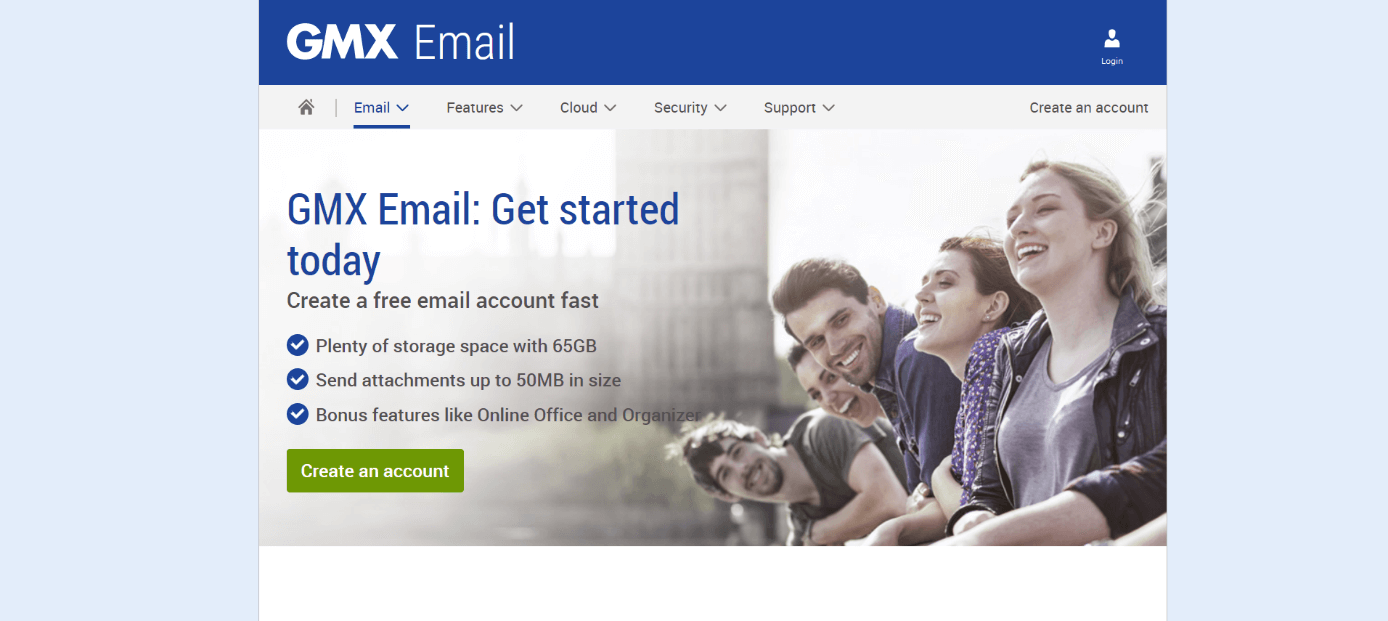
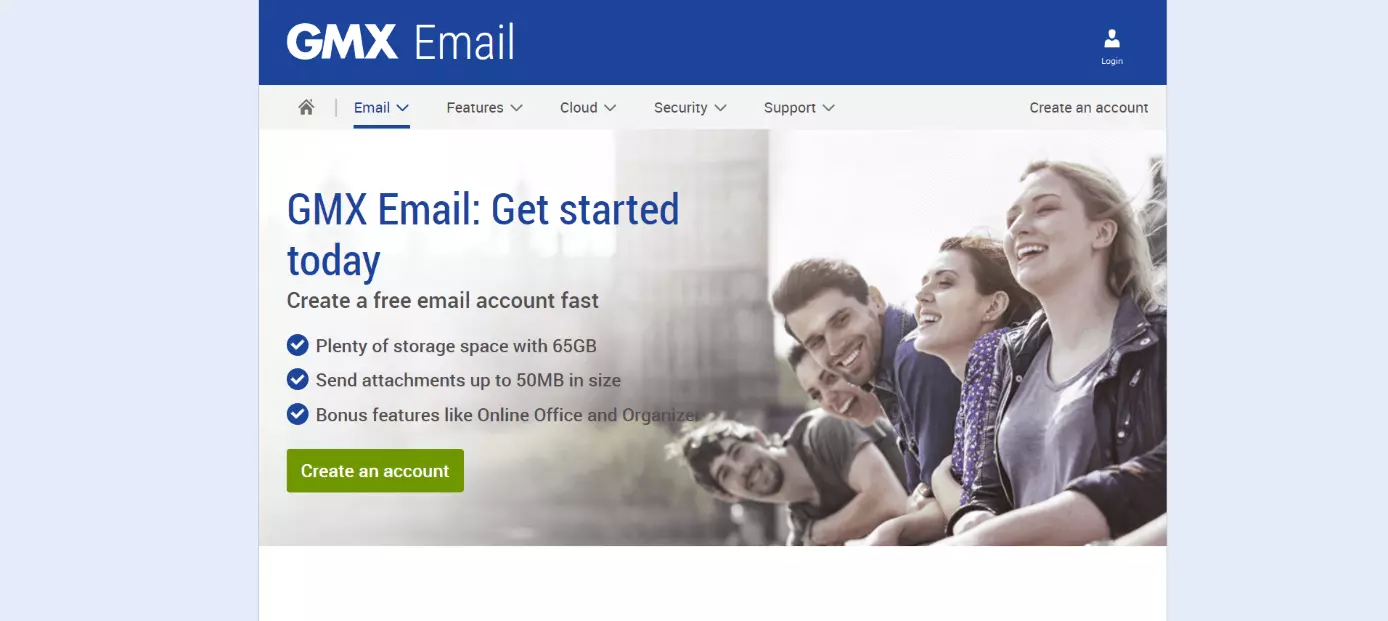
In comparison to Gmail, GMX’s storage for emails is rather limited at 1GB. But through an installation of the browser plugin GMX MailCheck it can be extended to 1.5GB. Additional storage space is available at cost. In terms of security, GMX impresses with its end-to-end encryption.
| Advantages | Disadvantages |
|---|---|
| Free basic versions | Less storage |
| End-to-end encryption | More adverts |
| Good spam filter, antivirus |
Summary: Gmail alternatives mostly with greater data security
For the free Gmail alternatives that don’t already offer unlimited storage, additional storage space can be acquired with paid extensions. Both individual add-ons as well as extension packages with additional extras are available.
Most alternatives to Gmail are characterized by high levels of data security. This is because Google’s general terms and conditions allow the provider to read email content. But Gmail isn’t the only email service with questionable data protection.
If you’re looking for a free alternative that guarantees better data protection, then switching to one of the providers discussed in this article could be a logical move. Some of the free versions offer fewer functions – for organizing appointments, for example – and a relatively small amount of storage, but this can usually be solved with a paid upgrade.
- The world’s leading email and calendar solution
- Secure hosting from a single source
- Anytime remote access with Microsoft Outlook