

Microsoft excel alternatives: 5 premium free-of-charge applications

Microsoft’s spreadsheet program, Excel, is the most widely-used planning software for companies. From breaking down costs, to displaying complicated financing models with graphics and diagrams, the Office software makes it possible to design and process a diverse array of complicated graphics. And there’s also hope for those looking for a way to avoid paying a hefty price for a complete Office package: some free-of-charge alternative programs fulfill most of Microsoft Excel’s common functions, differing from the conventional user interface ever so slightly in terms of both structure and design.
The freeware and open source alternatives offer one important advantage: they’re available for a comparable price, and in some cases, are also continually maintained. But what options are out there? And what can they do when stacked up against the market leader? In the following paragraphs, we’ll lay out 5 practical programs.
- Up to 50 GB Exchange email account
- Outlook Web App and collaboration tools
- Expert support & setup service
Calc—the OpenOffice solution
When it comes to processing and planning texts and image content, there’s a wide array of freeware options to consider before purchasing the fee-based Microsoft Office options. Apache OpenOffice, formerly known as OpenOffice.org, is the most commonly used alternative to Microsoft Office. LibreOffice, which was also a spin-off from the OpenOffice package and has been continually developed. Both office packages are similar to one another, and are easy to use for experienced Microsoft users. As a spread sheet calculation tool by Apache OpenOffice and LibreOffice, the open source tool Calc is one of the best Microsoft alternatives. In terms of looks and functionality, Calc is quite similar to Excel. Just as with Excel, Calc offers a large rage of functions, like complex cell formatting options, the ability to adopt source data into cross tables, filterable pivot tables, different formatting templates, flexible and rotatable content, backgrounds, frames and sum buttons. Furthermore, it also offers users the ability to simultaneously access documents. Tables are saved in XML-based OpenDocument formats (.ods), which can be opened via other OpenDocument-capable software. There is, however, one certain limitation in terms of the software’s compatibility with Excel: while Apache OpenOffice Calc can open the current Microsoft file format, .xlsx, it’s only able to save documents in the older .xlsx format. LibreOffice’s Calc program, on the other hand, is able to save the .xls format and can even be viewed in an Android viewer, giving the Berlin-based software company the edge in terms of compatibility. Both OpenOffice options are compatible with Windows, Mac OS, and Linux. An overview on additional practical and free office alternatives can be found here.
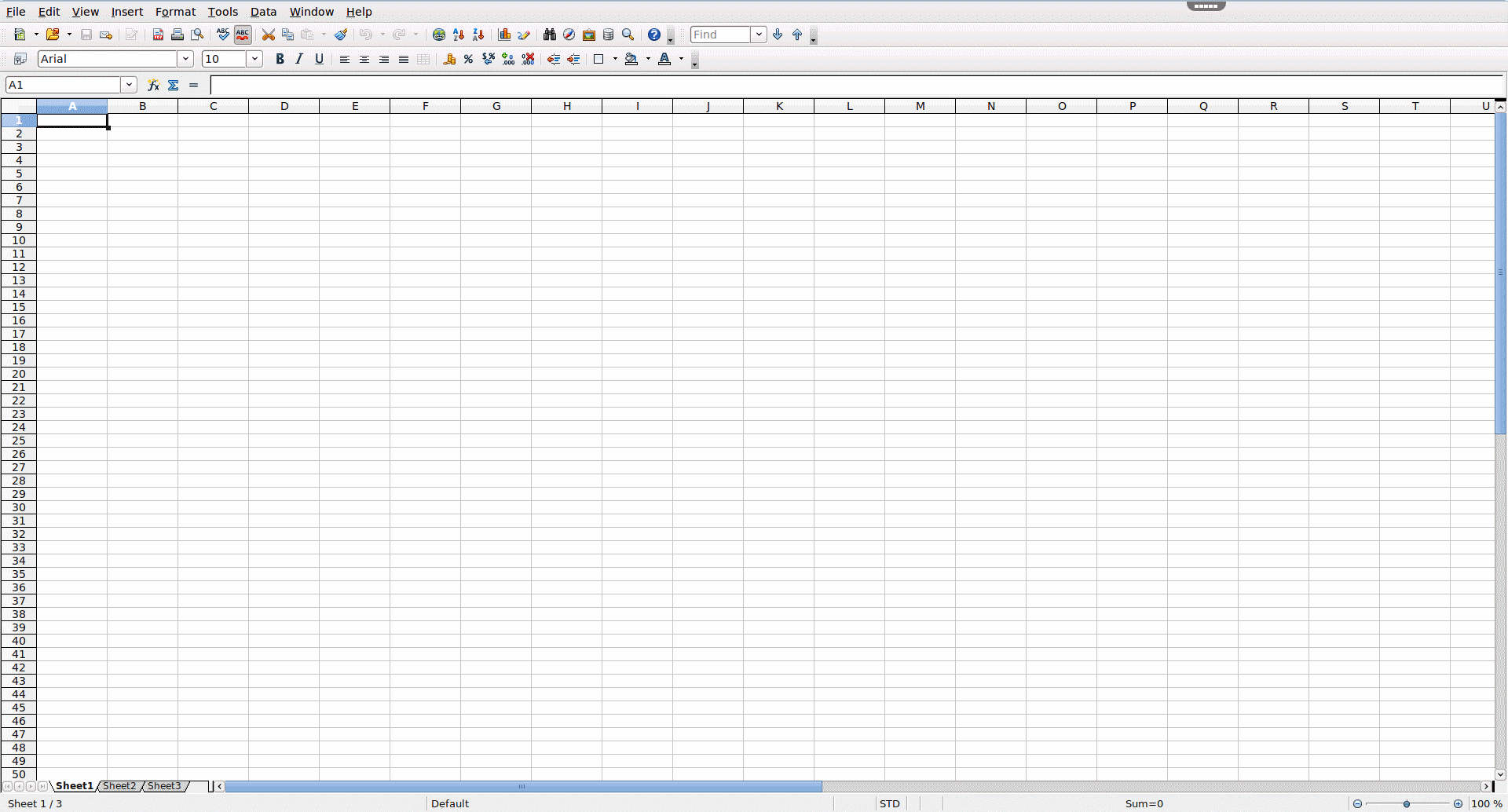
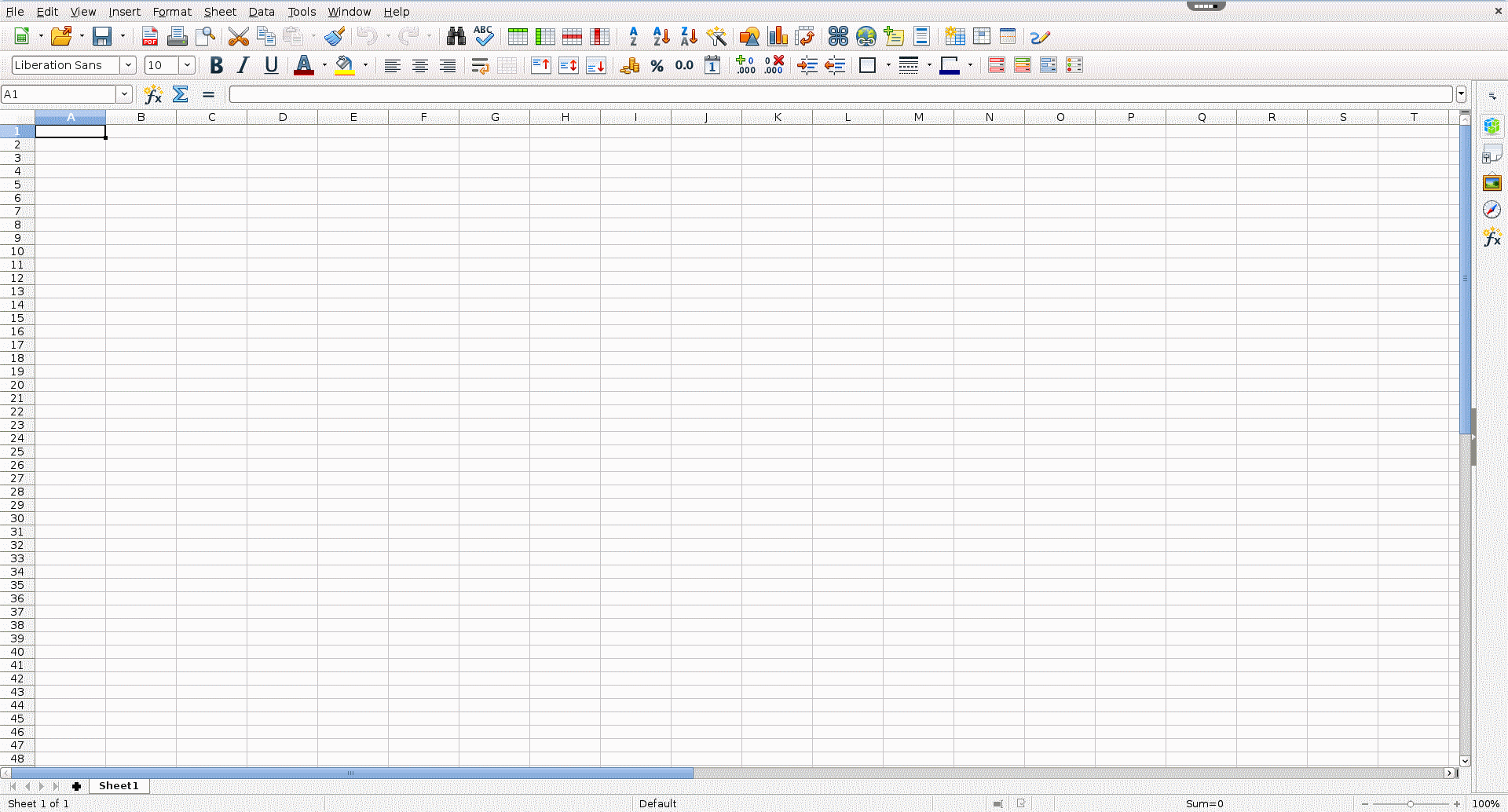
Conclusion: OpenOffice versions are practical alternatives to Microsoft Excel when it comes to private, every day as well as business-related use. This is because these versions all offer basic functions. What’s more, the program’s similar interface to that of Excel’s makes switching over more manageable. And while the file format’s compatibility may be limiting to some, the program’s functions work very well.
| Advantages | Disadvantages |
|---|---|
| Compatible with Windows, Mac OS, and Linux | Doesn’t save the current .xlsl formats (Apache) |
| Similar functions to Excel | Format losses or changes possible in Excel |
| Processes OpenDocument and Excel files | |
| Offers mobile Android viewer (Libre) |
Google sheets—the easy-to-use browser table tool
Search engine giant, Google, also offers its users a free tool for creating and processing spreadsheets. By using Google sheets logged-in users can generate texts, formulas, presentations, and spreadsheets via the browser-based office tool by Google docs. For those looking to free themselves from the traditional desktop version, this tool is available free of charge in mobile versions as well. In addition to typical functions, like pivot tables as well as a wide arrange of formatting options, Google Sheets also offers a clear advantage when compared to Excel: collective and mobile access to documents. Because it’s a web-based application, the tool is very quick, and enables multiple mobile users to comfortably access documents via app. Conventional spreadsheets with different format templates can be easily created in the browser. Compatibility isn’t a problem: Excel files and Google spreadsheets can be easily saved, processed, and converted. The practical ‘Revision History’ function makes it possible to get a quick overview of the status of each project, which is also automatically saved. With a storage space of 15 GB on Google Drive, each account allows users to save a large number of spreadsheets. Sheets, however, is much more modestly designed than Excel, and requires a personal account to be set up prior to use.
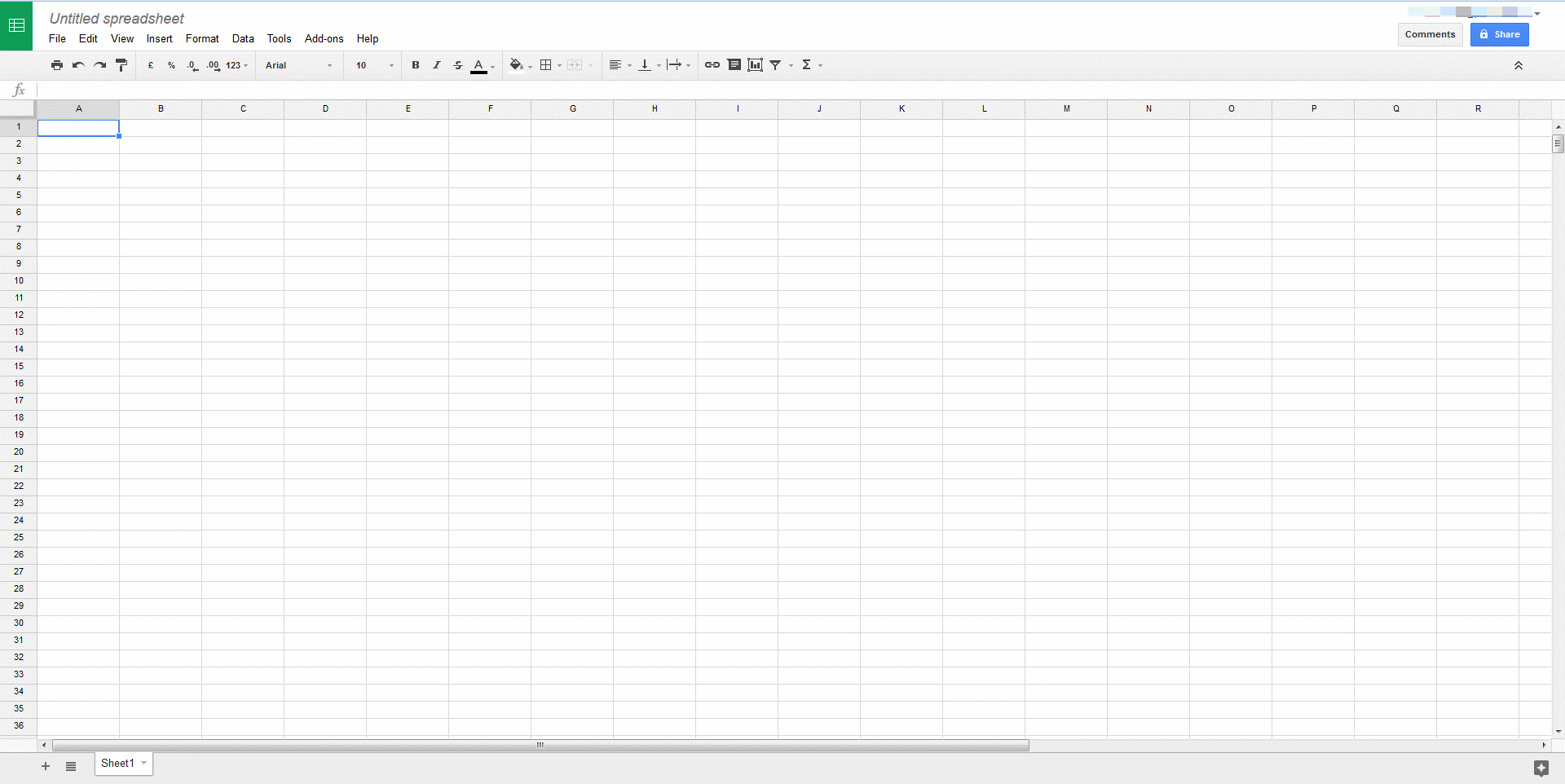
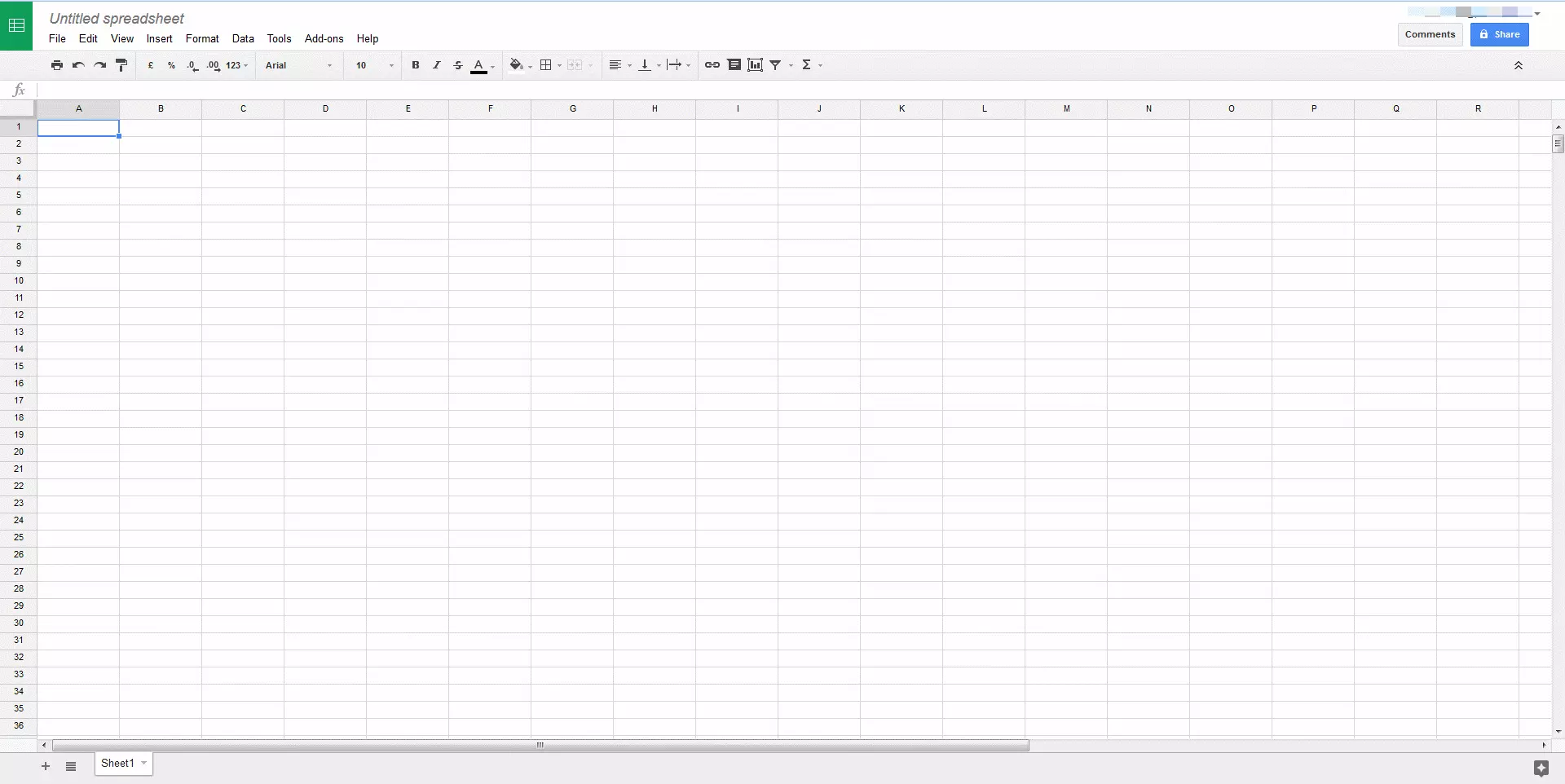
In sum: Unlike Excel, Google Sheets is somewhat limited in terms of its functions. Those looking for flexible, mobile access to spreadsheets won’t be disappointed by this fast and useful browser tool. A Google account lets you easily share projects with others; processing Excel files also isn’t a problem with Sheets.
| Advantages | Disadvantages |
|---|---|
| Browser-based (not dependent on operating system) | Limited to online use |
| Intuitive and easy to use | Limited functions and templates |
| Processes, imports, and saves Excel files | Can only be used with a Google account |
| Use via app enables mobile project work for multiple users | Cannot be used in China, as Google doesn’t serve this market |
| Data is automatically saved in the cloud (autosave) | |
| Overview and recovery of old document versions (Revision History) | |
| High performance and fast |
Gnumeric – a sleek tool trimmed down to the bare necessities
Born out of the Linux GNOME project, the free open source software Gnumeric, is also a decent Excel alternative for more complex calculations. Because it tends to use less resources, this program is also recommended for slower computers. Diagrams, graphics, finance formulas, and statistical analyses can all be easily processed in Gnumeric and its respective plugins. Like OpenDocuments, Gnumeric is also able to process and save .xls and .xlsx files. However, the somewhat minimalistic freeware isn’t always the easiest to use, and it doesn’t have the same scope of functions as Excel. What the version does offer, however, is a portable version for mobile devices. A further disadvantage: the user language is only offered in English and the program is mainly available for Linux. There aren’t any official Windows versions, and Mac users are completely left out to dry when it comes to Gnumeric.
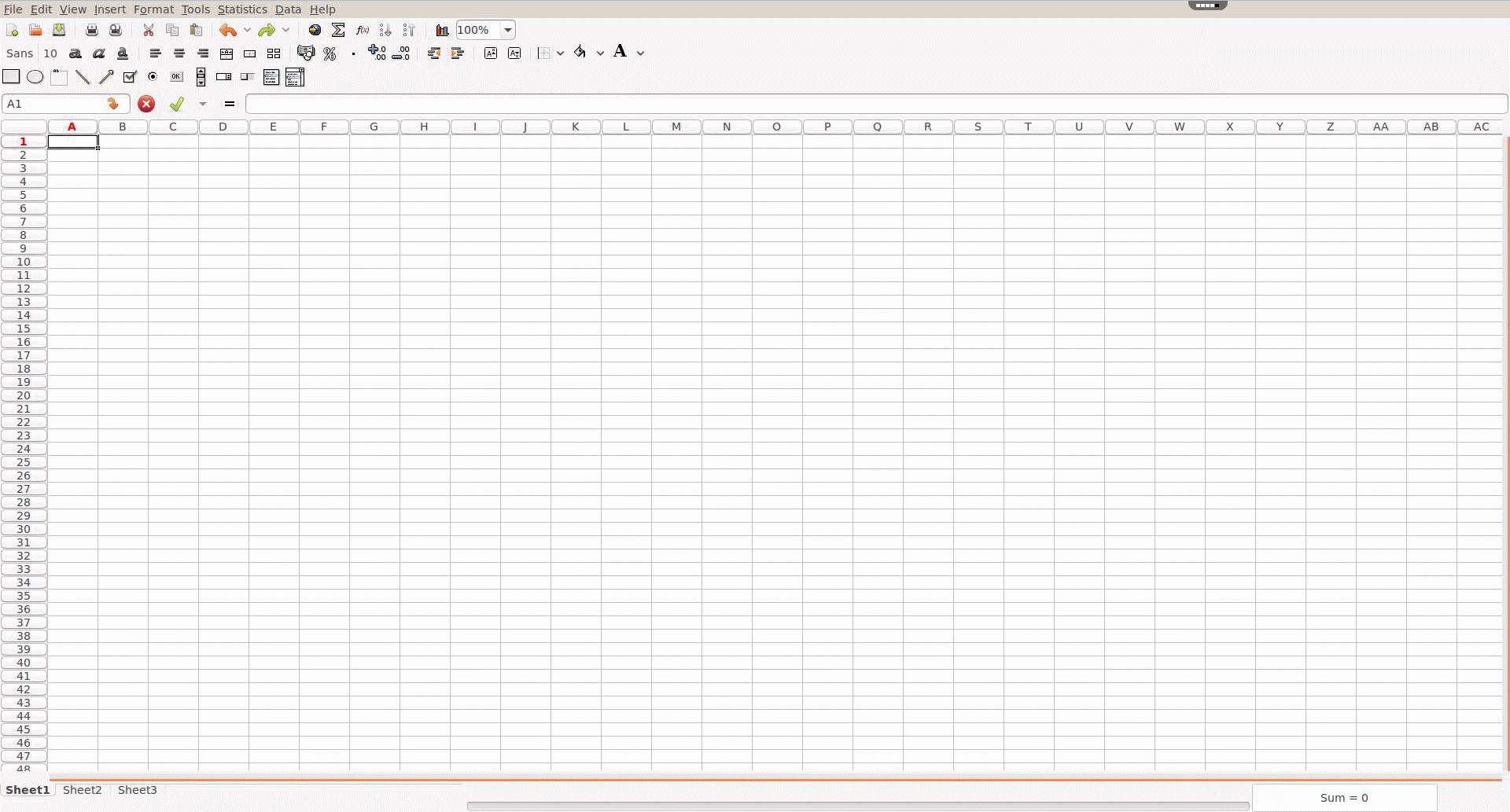
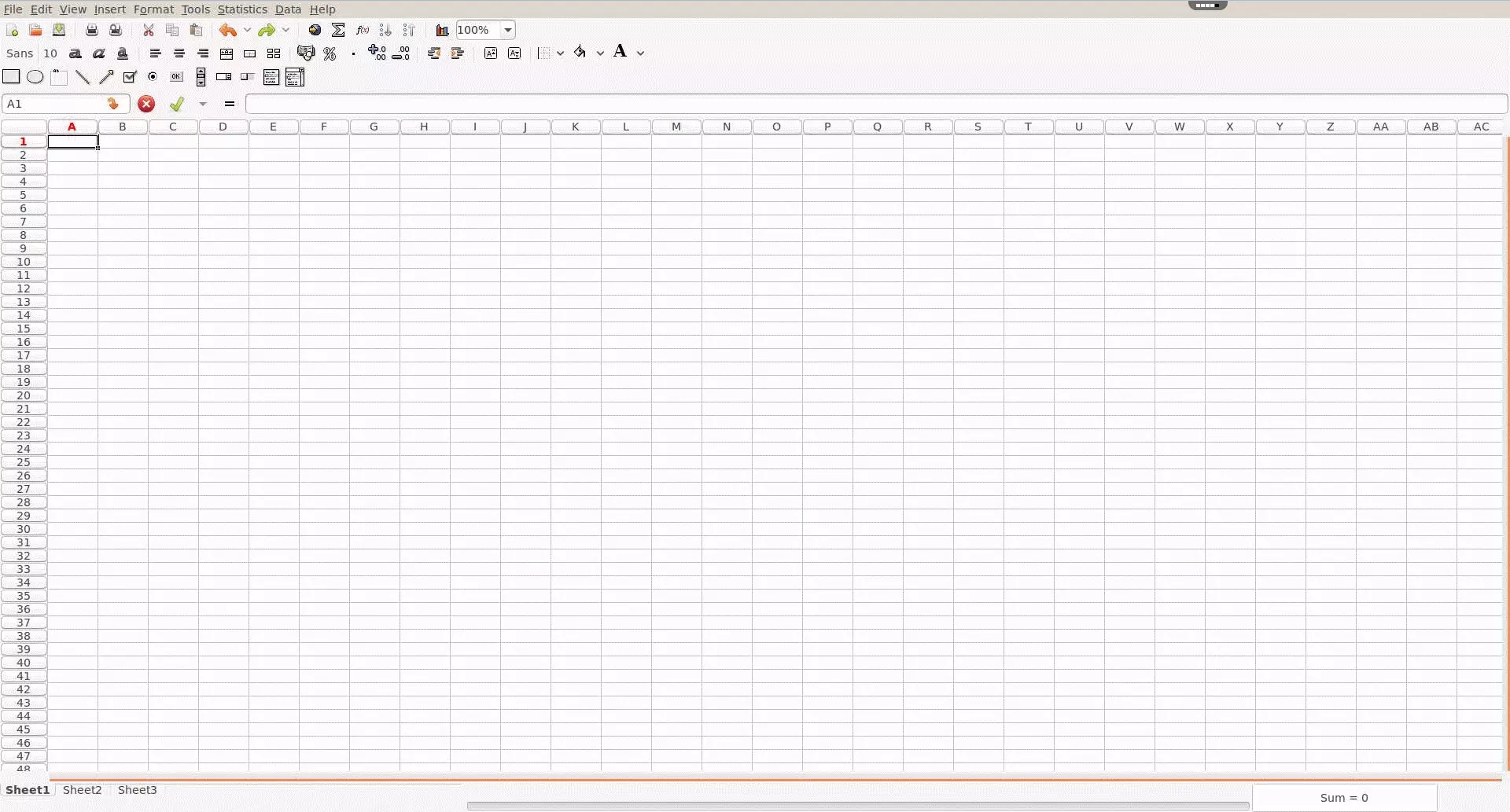
Summary: Linux users looking for good Microsoft Excel alternatives, especially when it comes to processing and creating diagrams and mathematical formulas, will find Gnumeric to be a good solution. For those looking to learn on their own, GNOME offers an extensive user manual.
| Advantage | Disadvantage |
|---|---|
| Good for diagrams and mathematical formulas | Not compatible |
| Processes and saves Excel, OpenDocument, and LOTUS formats | Not suitable for large amounts of data |
| New user interface may require getting used to |
Apple Numbers—for attractive spreadsheets
Apple’s spreadsheet program, Numbers is a web app especially optimized for Mac computers and laptops, iPhones, and iPads. As a part of the iWorks suite for iColoud, its browser-based set-up allows multiple users to access individual projects simultaneously. Numbers can be used by many different devices and these can access the spreadsheets from any location with a secure and reliable internet connection. All that’s needed is to register with the iCloud platform
Numbers can import tables and save them in Excel format. Fitting to Apple’s creative design, the program offers a diverse array of design options for animated diagrams and graphics. This makes Numbers the most stylish and modern spreadsheet tool on offer. Unlike Excel’s somewhat conservative approach, Numbers’ icon-heavy user interface has been set up more for looks than it has for performance reasons. And while this may not be appropriate for every industry, Numbers’ sharp looks makes the program especially well-suited to creative industries.
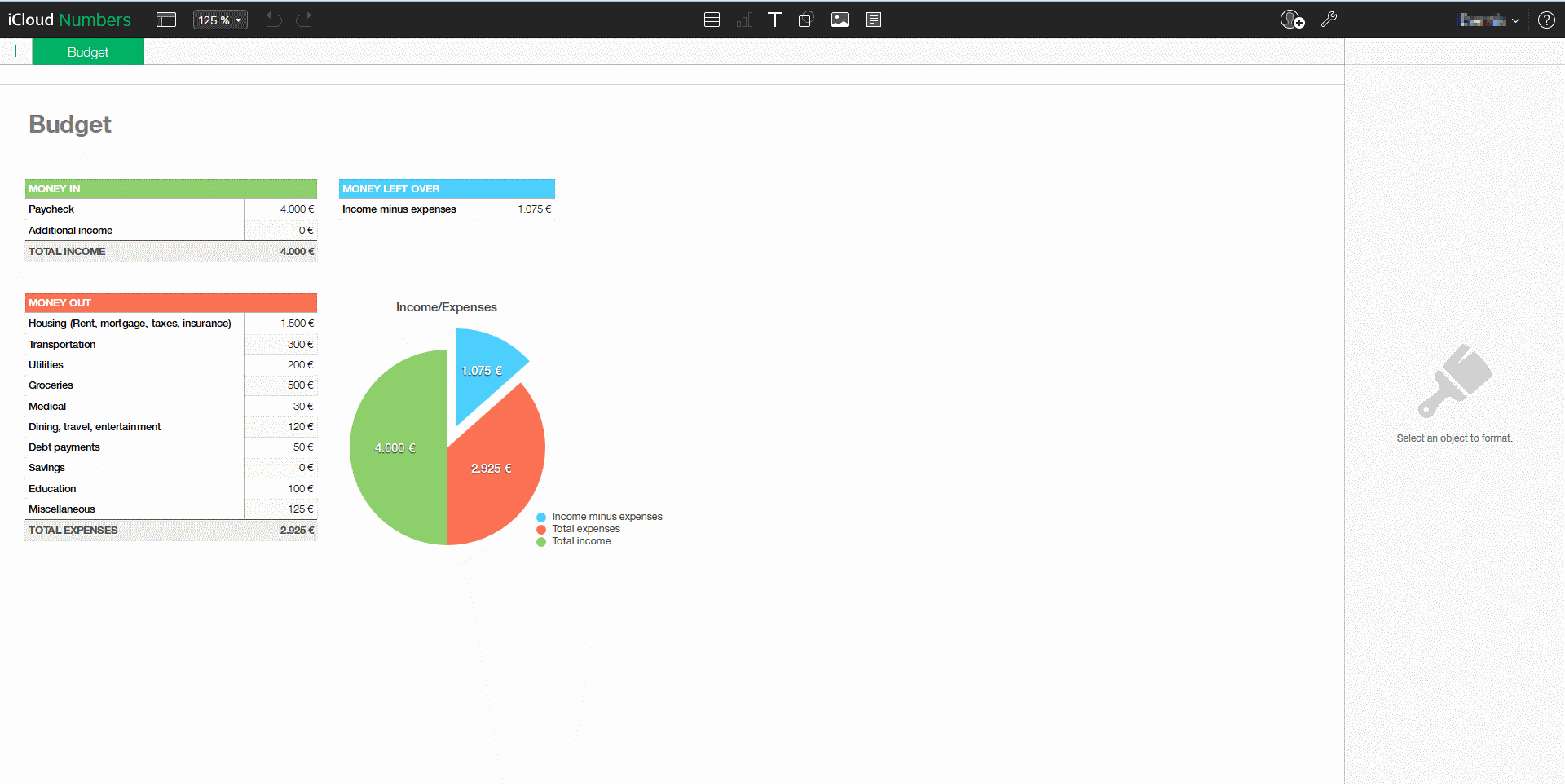
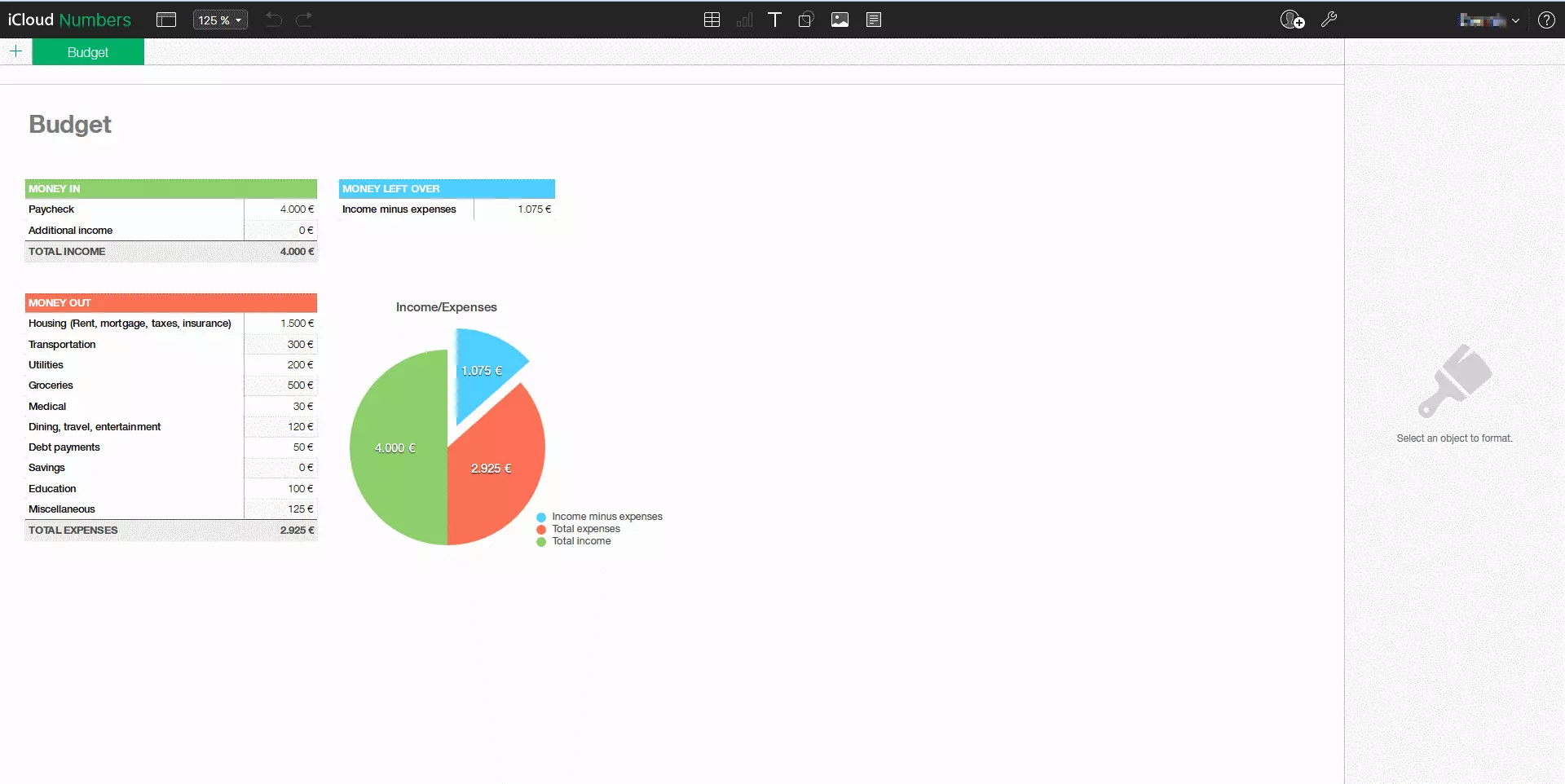
Conclusion: Numbers is an ideal alternative to Excel for those who value good design and mobile use. In terms of its basic functions, the tool is comparable to Excel, and even surpasses it as far as visuals are concerned. The browser-based setup allows projects to be worked on in a synchronized, flexible, and mobile manner.
| Advantages | Disadvantages |
|---|---|
| Browser-based (not dependent on operating system) | Losses to format or changes in Excel possible |
| Ideal for Mac desktops/laptops, iPhones, or iPads | User interface may require some getting used to |
| Empty documents (without cells) can be intuitively designed | |
| App allows mobile project work to be carried out by multiple participants | |
| Well suited for visually appealing presentations | |
| Imported, processed, and saved Excel formats |
Spread (SpreadCE)—small, mobile, and functional
Spread32, offered by the company ‘Bye Design’ Ltd., offers a sleek, portable spreadsheet program that supports all common file formats. From lists and filters, to complex calculations and macros, this program will have you covered with its over 300 basic functions. What’s more, Spread32 also processes and stores .xls and .csv files. Those who aren’t too bothered about design will find that Spread32 is a very compact tool for devices running on Windows and Android. A further practical point: the .exe file only needs a bit of storage space, and can be easily started via your own hard drive or via portable storage media, such as USB sticks.
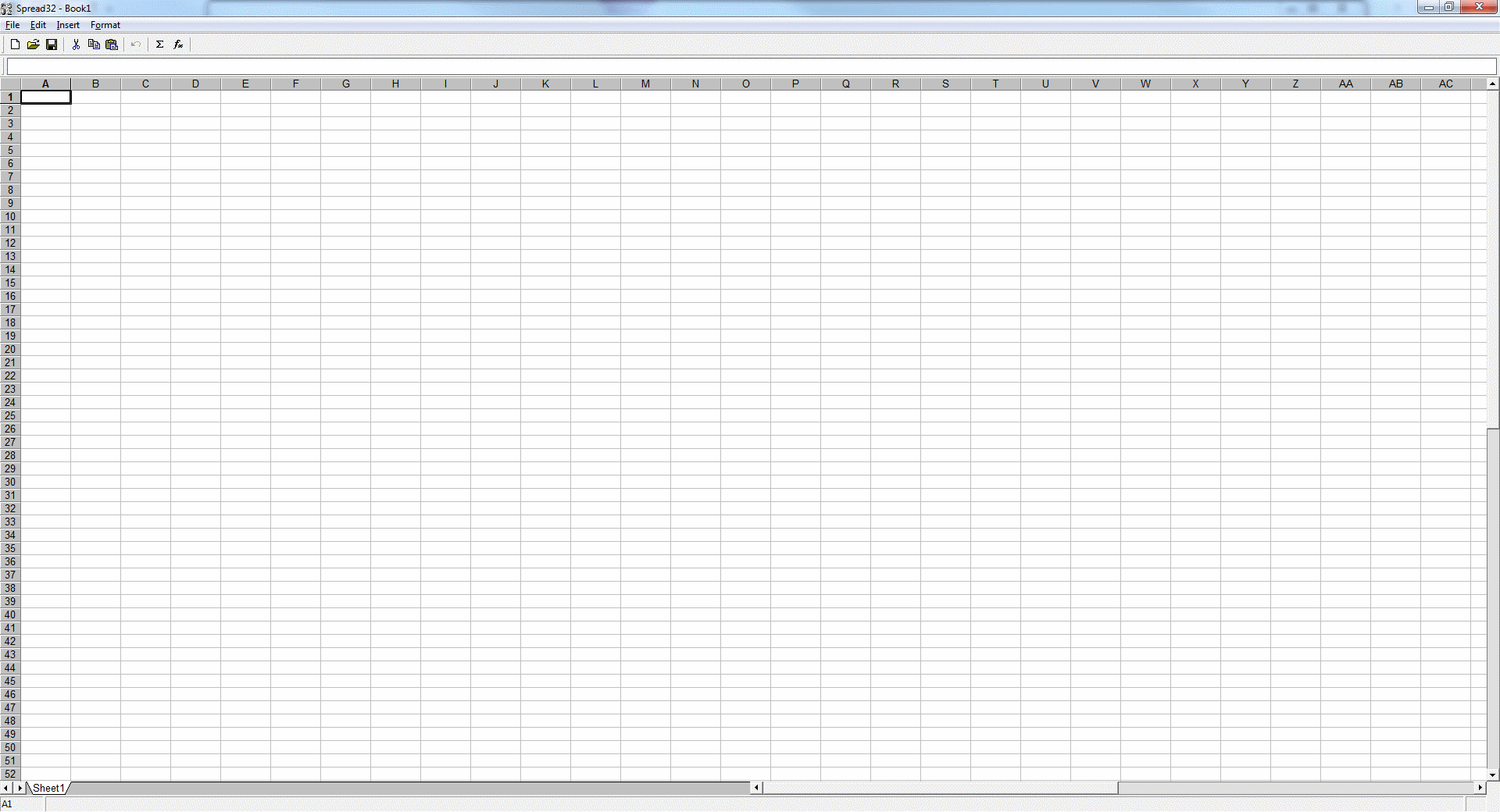
Conclusion: Although the comparatively modest Spread32 isn’t quite at eyelevel with Excel, it’s extremely versatile and offers many advantages through its mobile, flexible use; it’s a practical, portable tool without any unnecessary bells and whistles.
| Advantages | Disadvantages |
| Solid basic functions (algebra, trigonometry, finance, etc.) | Not compatible with Mac OS or Linux |
| Processes .xtl, .csv, and .pxl files | Not suitable for larger amounts of data |
| Clear toolbar | |
| Doesn’t require much storage space | |
| Portable; no installation required |
Excel—universal power tool or complacent market leader?
When it comes to dealing with large, complex data sets in a professional manner, Excel is still the most comprehensive spreadsheet program out there. This is particularly true when it comes to finance, where advanced calculations, formulas, and depictions are often needed. It’s in these areas that conventional freeware versions of the Microsoft application often fall short. Working with large amounts of data and complex formulas is still most easily achieved with Excel. And if you want to avoid formatting losses, then some of the less compatible tools should be avoided. However, free-of-charge Microsoft Excel alternatives may be worthwhile, depending on the purpose of your project.
Depending on how they’re implemented, freeware spreadsheet functions have a deciding advantage when compared with Excel. Alternative tools are especially well suited to those looking for increased flexibility and better visuals. When it comes to calculating moderately-sized data sets, though, many of the offers are still at an advantage when compared with the market leader. In the end, it depends on what line of work you’re in and how you plan on exploiting the data. Remember, these alternatives don’t constitute as full-proof Excel replacements, but trying something new may be well worth your while.
Overview of Excel alternatives
| Program | Operating system | Browser/Desktop | Mobile use | Compatibility with Excel |
|---|---|---|---|---|
| Calc (Apache OpenOffice/LibreOffice) | Windows macOS Linux | Desktop | Yes (LibreOffice) | Opens and saves .xlsx files (Libre), saves .xls files (Apache) |
| Google Sheets | Independent | Browser | Yes (per App) | Opens and saves .xlsx files |
| Gnumeric | Windows Linux | Desktop | Yes (portable file) | Opens and saves .xls- and .xlsx files |
| Apple Numbers | Windows macOS (va iCloud) | Browser | Yes (per App) | Opens .xls and saves .xlsx files, saves .xlsx files |
| Spread32 / SpreadCE | Windows | Desktop | Yes (portable file) | Opens and saves .xls files |