

What are the best Outlook alternatives?

Whether for personal or professional use, many people are on the lookout for free or more cost-effective alternatives to Outlook. Here we take a look at some interesting solutions, along with their advantages and disadvantages.
- Write perfect emails with optional AI features
- Add credibility to your brand
- Includes domain, spam filter and email forwarding
Overview of Outlook alternatives
| Available for | Security | Supported servers | Price | |
|---|---|---|---|---|
| Postbox | Windows, macOS | Google Safe Browsing, tracking prevention, PGP encryption possible | POP3, IMAP, SMTP | Fee-based |
| Thunderbird | Windows, macOS, Linux | End-to-end encryption (OpenPGP & S/MIME), phishing protection | POP3, IMAP, SMTP, NNTP | Free |
| SeaMonkey | Windows, macOS, Linux | S/MIME encryption, SSL/TLS | POP3, IMAP, SMTP, NNTP | Free |
| Spike | Windows, macOS, Android, iOS | AES-256 encryption | IMAP, SMTP | Free basic version |
| eM Client | Windows, macOS, Android, iOS | SSL/TLS, PGP & S/MIME encryption | POP3, IMAP, SMTP, EWS | Free basic version |
| Mailbird | Windows | SSL/TLS | POP3, IMAP, SMTP | Free basic version |
| IONOS Hosted Microsoft Exchange | Windows, macOS, Android, iOS | SSL/TLS, S/MIME encryption, Disaster Recovery | POP3, IMAP, SMTP, LDAP v2 | Fee-based |
| Google Workspace | Windows, macOS, Linux, iOS, Android | SSL/TLS, S/MIME | POP3, IMAP, SMTP, LDAP | Fee-based |
| Spark | Windows, macOS, Android, iOS | Encryption through Google Cloud | IMAP, SMTP | Free basic version |
| Mailspring | Windows, macOS, Linux | via extension | IMAP, SMTP | Free basic version |
What to look for in an Outlook alternative
When it comes to email clients, Outlook is hard to miss. In order for an alternative to come anywhere close to the Microsoft solution, it should at least have the following basic features:
- The ability to process emails and schedule appointments and tasks
- Be inexpensive, or ideally free
- Be available for many different desktop and mobile devices and/or as a web application
- Have extensive security features such as encryption and spam filters
- Have a user-friendly, tidy interface
- Offer easy integration of other programs such as cloud storage
- Provide sufficient storage space
Postbox
The Outlook alternative Postbox was created by former Mozilla employees and was originally based on Thunderbird. Since then, the software has evolved into an independent and powerful mail client. The design of the interface is similar to that of other solutions and is intuitive to use. Users who prefer a different look can simply adjust themes or create their own designs.
The most important info at a glance:
- Easy to use thanks to many shortcuts
- Provides help with drafting emails
- HTML editor for emails
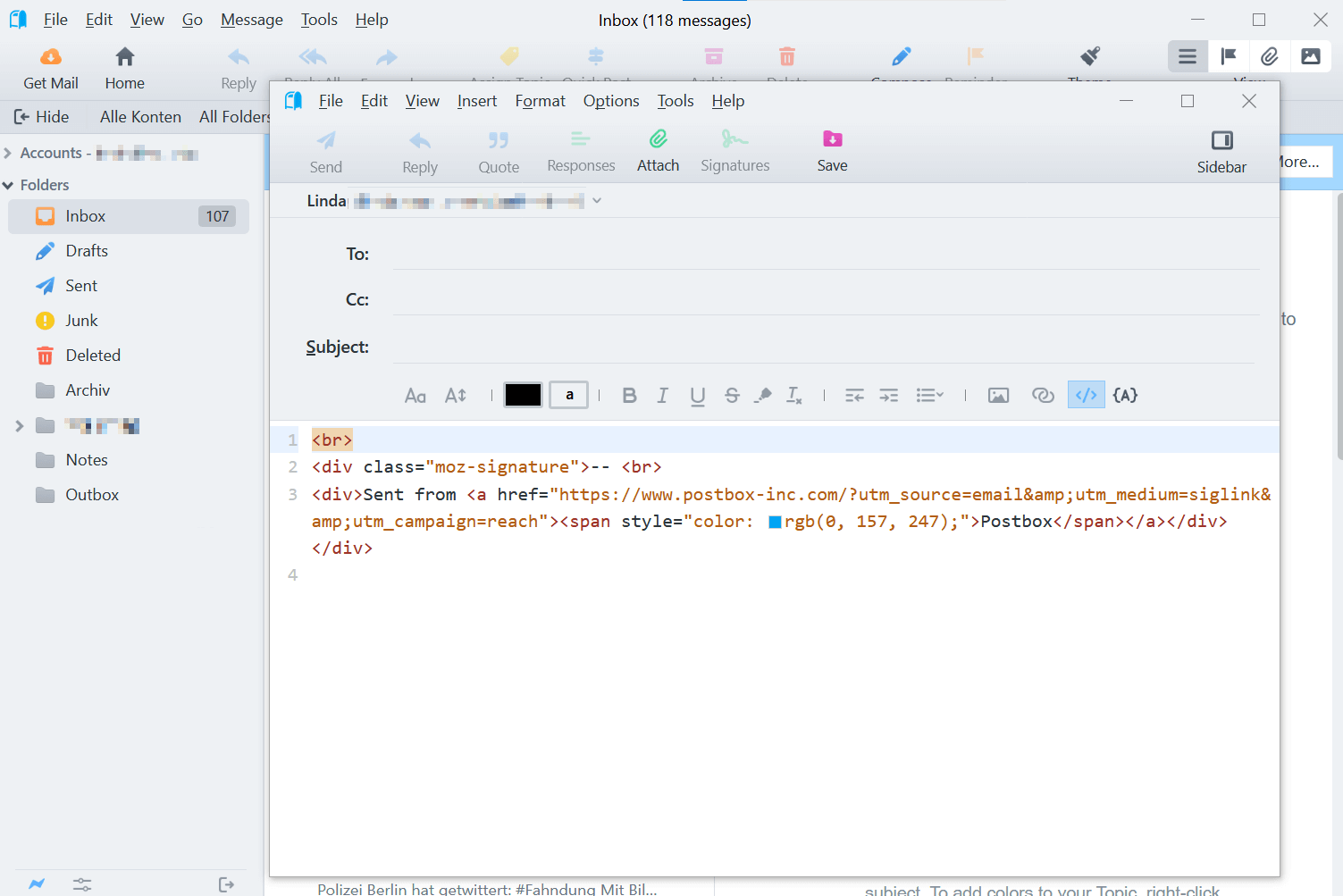
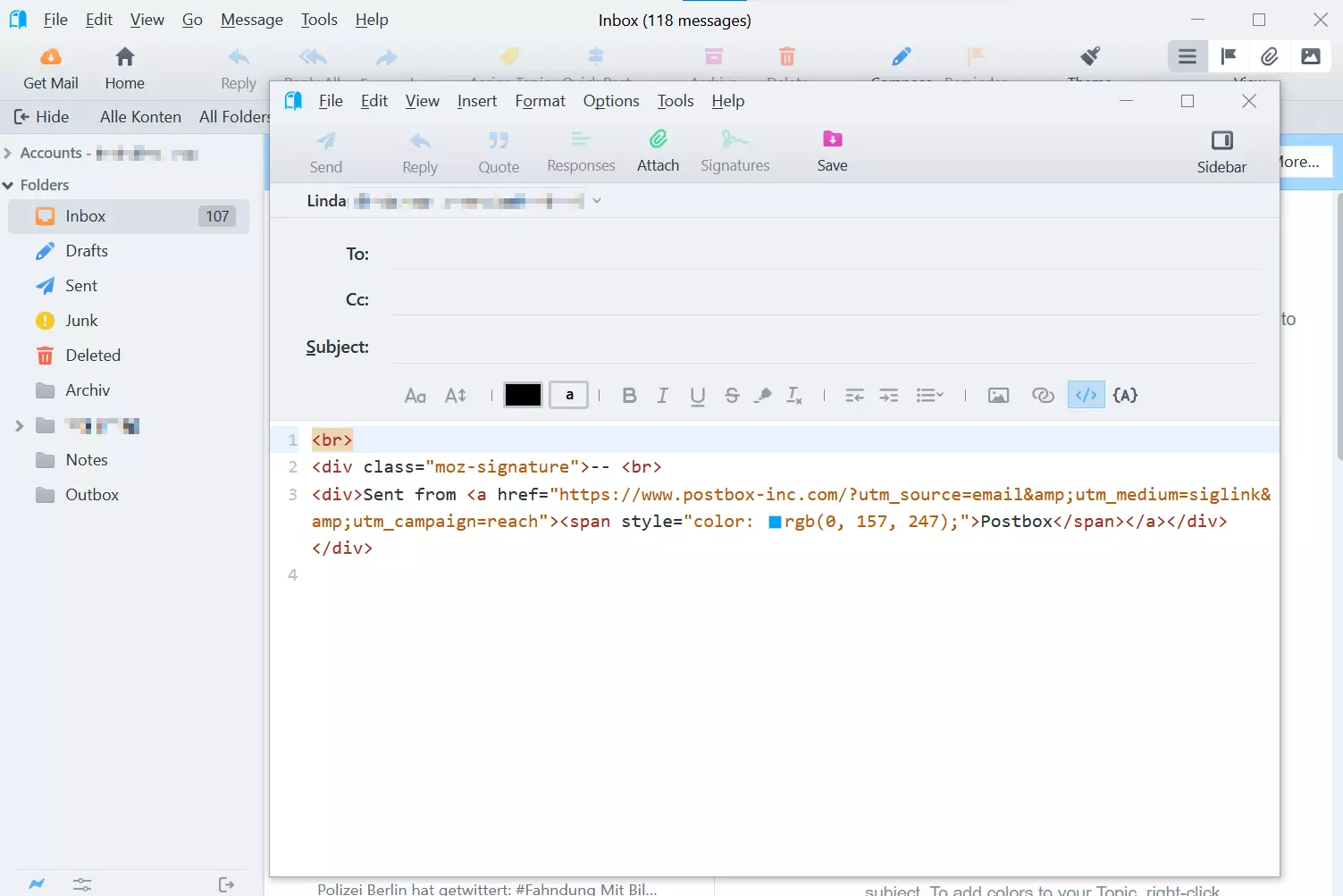
For a more productive workflow, Postbox uses various shortcuts. For example, users can access the Quick Bar via hotkey in order to quickly move or categorize messages. When composing an email, you can insert a signature via Quick Bar without using the mouse.
Writing emails in Postbox has several other advantages. The software comes with numerous templates and text blocks to help you write professional cover letters and replies. You can also create your own templates and add placeholders for the recipient’s name, which the program will then automatically add.
| Advantages | Disadvantages |
|---|---|
| ✓ Intuitive interface | ✗ Not a free Outlook alternative |
| ✓ Quick workflow thanks to Quick Bar | ✗ PGP encryption only available as an add-on |
| ✓ Templates and modules available for professional emails | |
| ✓ HTML editor for emails |
Thunderbird
The Mozilla mail client Thunderbird is certainly one of the most frequently used Outlook alternatives among both private users and companies. The open-source solution is also available free of charge. The basic version of the program is rather streamlined and provides you with the most commonly used basic functions.
The most important info at a glance:
- Free open-source solution
- Available for Windows, Mac and Linux
- Encryption available
- Administration of RSS feeds possible
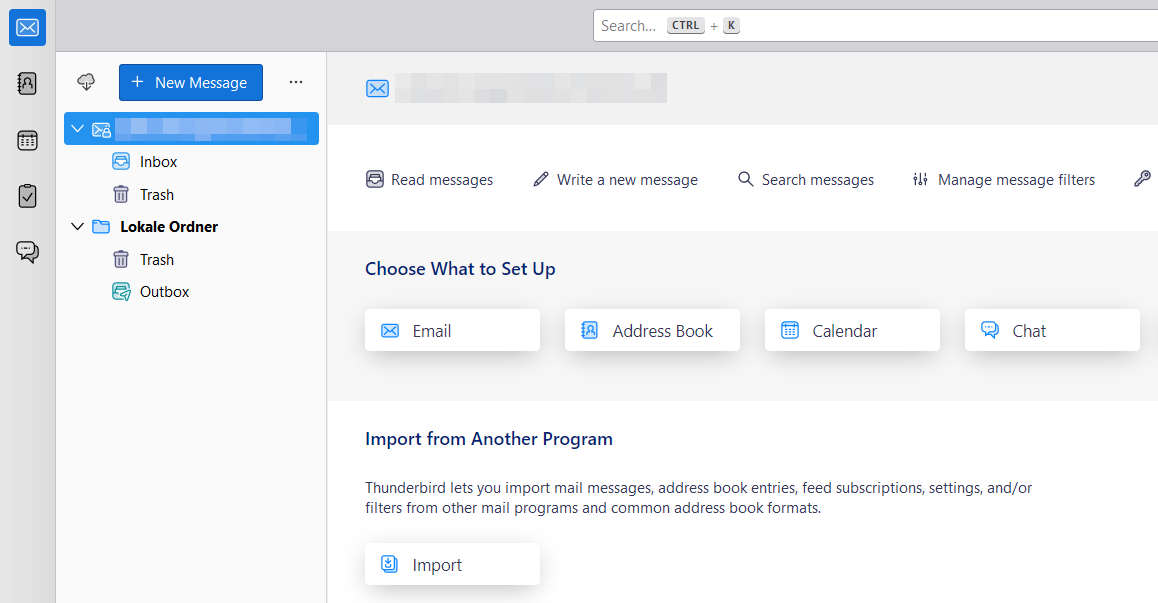
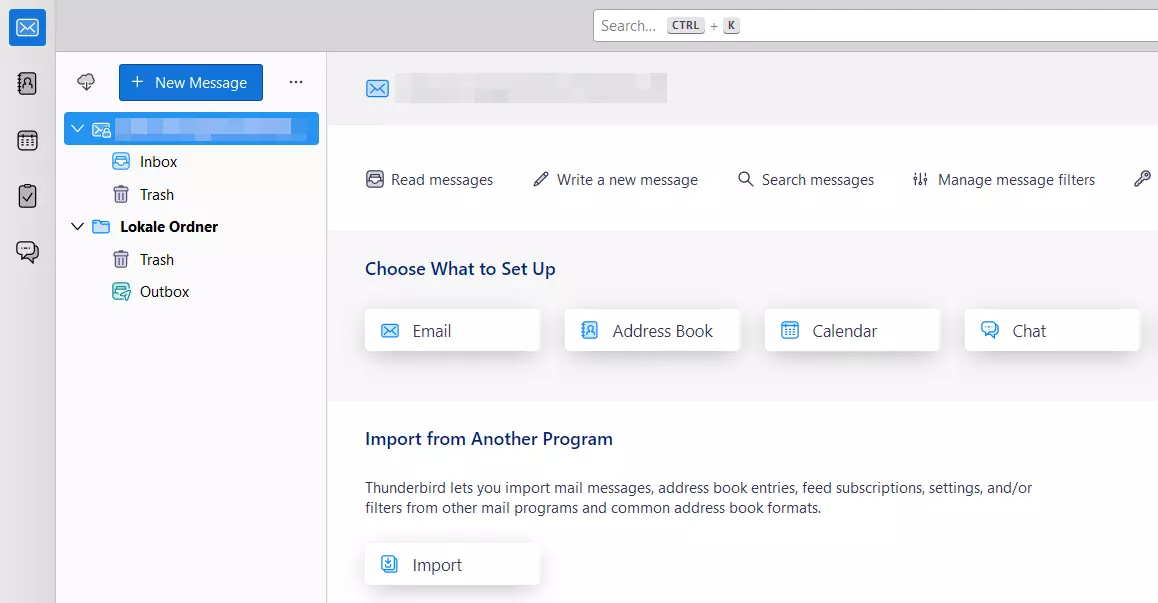
A big plus is that there are numerous add-ons available. This means that the software can be expanded with modules for date and task administration, amongst other things. If you want to update your version of Thunderbird, you also need to update any add-ons you use or wait until the corresponding versions are available.
| Advantages | Disadvantages |
|---|---|
| ✓ Clear structure | ✗ With higher demands and more features, it quickly becomes disorganized |
| ✓ Practical features for message management and categorization | |
| ✓ Individually expandable through numerous add-ons |
SeaMonkey
SeaMonkey is an all-round solution for office communication. It includes an HTML editor as well as a browser, email and chat client. Users define how emails should be organized and there are also further features such as flexible sorting and visual highlighting available. The encryption takes place according to S/MIME. To use SSL/TLS encryption, you need to first activate it manually.
The most important info at a glance:
- Available for Windows, Mac and Linux
- Read receipts
- Digital signature
- Integration in LDAP directory services
- Customizable spam filter
- Administration of several accounts possible
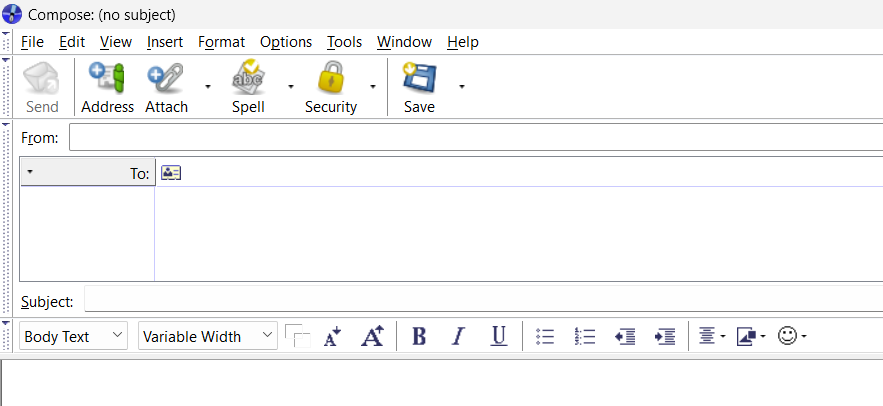
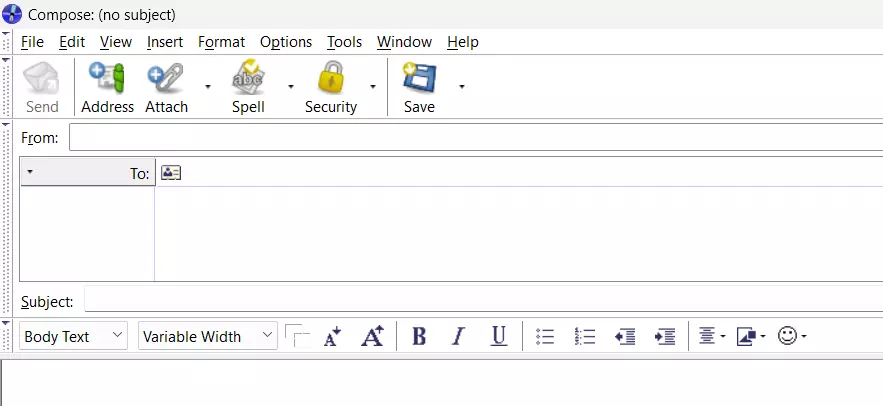
For a non-commercial open-source project, SeaMonkey users get an enormously comprehensive Outlook alternative that goes far beyond what is expected of an email client. SeaMonkey is basically lots of different Mozilla projects bundled together.
| Advantages | Disadvantages |
|---|---|
| ✓ High security standards | ✗ Irregular updates |
| ✓ Very comprehensive package | ✗ Several features need to be activated manually |
| ✓ Many important features for the corporate environment, e.g., digital signature or acknowledgement of receipt |
Spike
Spike combines the features of a classic email client with those of modern messaging services. As soon as you link a private mailbox to the app, annoying elements such as subject lines or signatures become a thing of the past, while basic mail client functionality—such as the central inbox, calendar or contact management—are integrated into the modern messenger environment. It’s no coincidence that the manufacturer describes Spike as a “conversational email app”. Audio and video calls are also possible via the software.
The most important info at a glance:
- Available for Windows, Mac, iOS and Android as well as web applications
- Collaboration features such as group chats
- Connects to cloud services such as Google Drive, Dropbox and OneDrive
- Integrated file manager
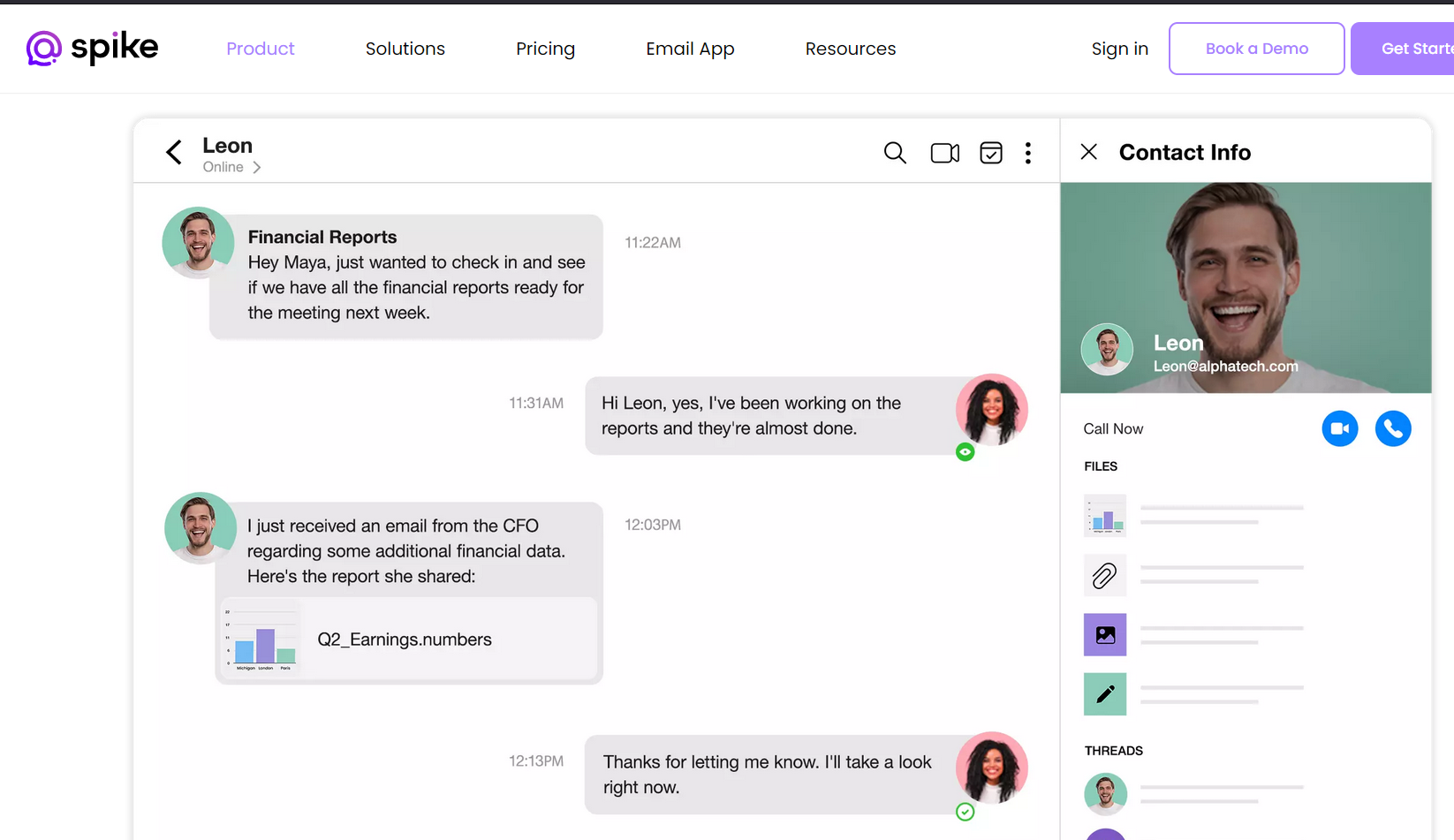
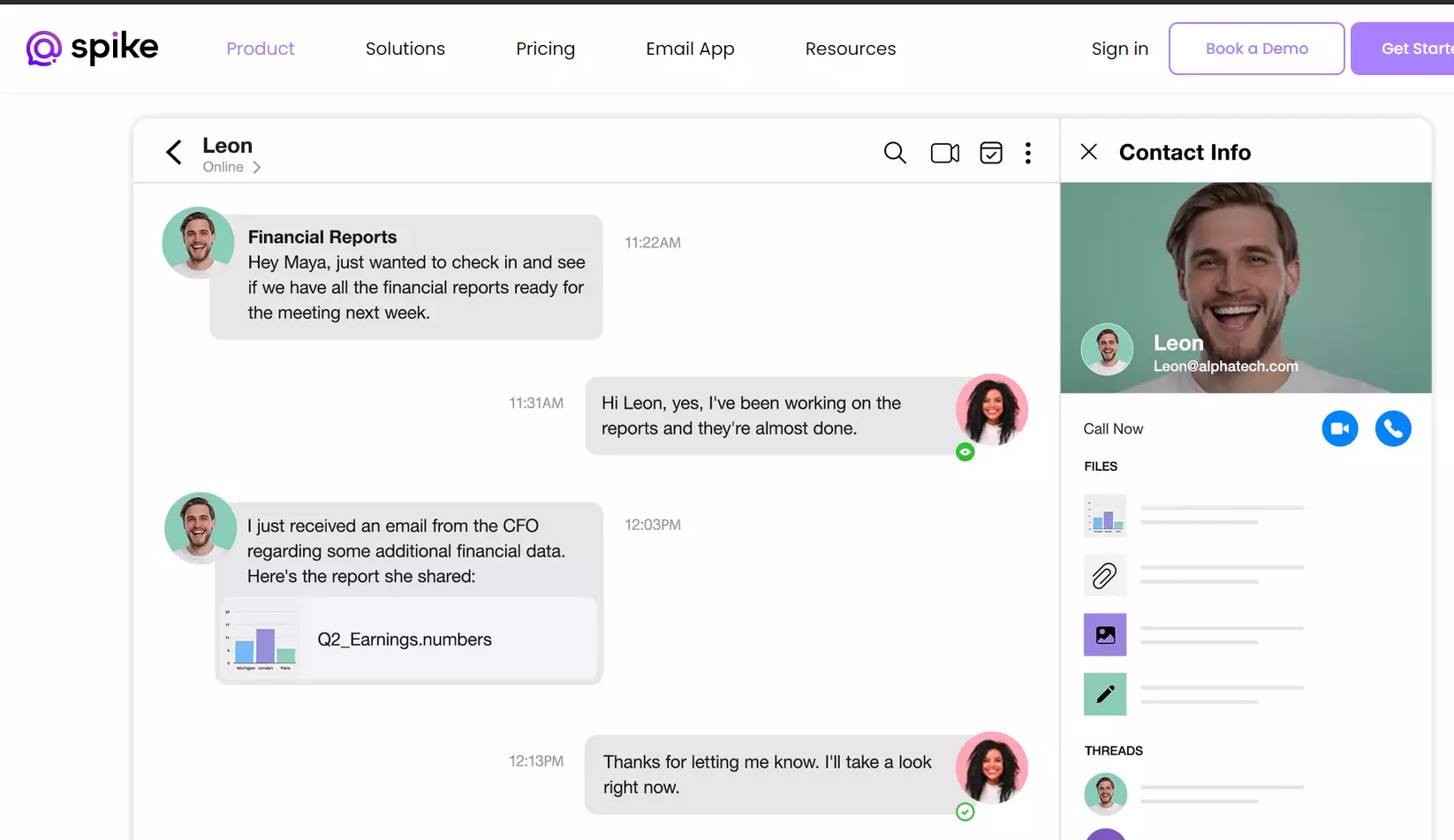
Spike also relies on modern standards when it comes to security. With a single click, any type of communication including attached files can be encrypted (AES-256). This ensures your messages are optimally protected against unauthorized access. Recipients who do not use the app can also decrypt the messages they receive with a single click. Spike is free for private users albeit with certain restrictions. To integrate business email accounts, you’ll need to pay a monthly fee.
| Advantages | Disadvantages |
|---|---|
| ✓ Cross-platform thanks to web app | ✗ Complicated interface |
| ✓ Easy linking between mail and messenger | ✗ Expensive for companies |
| ✓ Team features are integrated by default |
eM Client
eM Client is an Outlook alternative for private and business use. The free program for Windows, macOS, iOS and Android offers standard functionality for appointments and contact management, as well as an integrated instant messenger. However, free use is only available for private users. With the free version, you’ll have to forego some important features though. To use the client commercially or for more than two accounts, you need to purchase the Pro license.
The most important info at a glance:
- Available for Windows, macOS, iOS and Android
- RSS reader
- Integrated Instant messenger
- Automatic updates
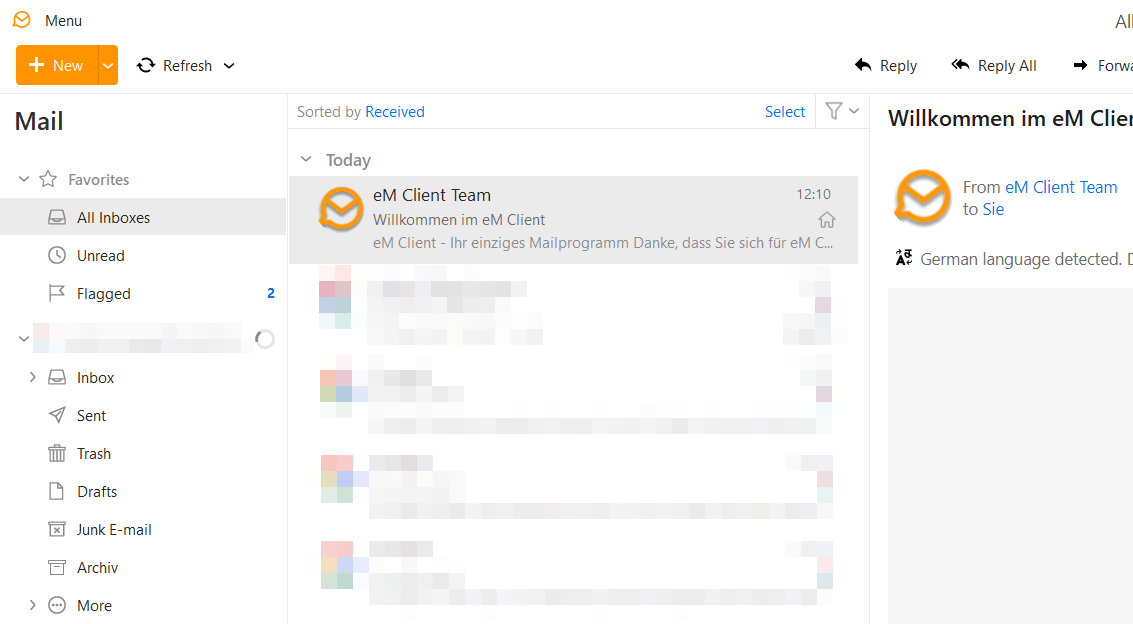
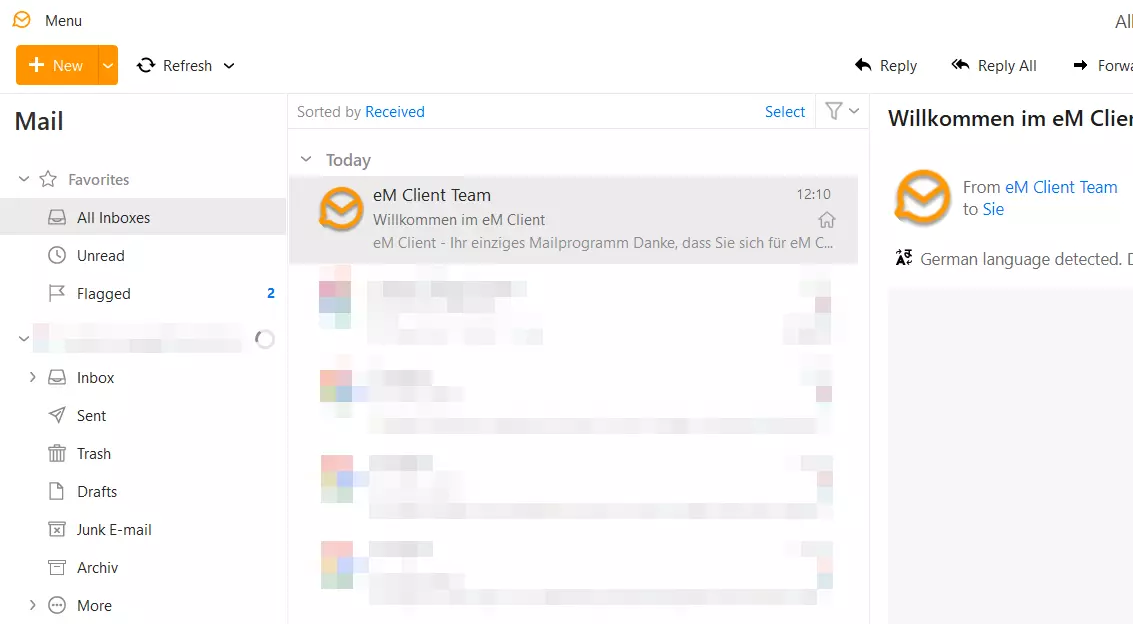
The program supports all major basic services, including Gmail, Exchange, iCloud and Outlook. It also supports the following email technologies: POP3, SMTP, IMAP, EWS and AirSync. Additional features such as translation capabilities and the extremely fast full-text search feature make every day work easier. SSL/TLS standards ensure secure communication, and PGP and S/MIME are used for encryption.
| Advantages | Disadvantages |
|---|---|
| ✓ High security standards | ✗ Free version only available for up to two personal accounts |
| ✓ Many synchronization features | ✗ Free version does not include all features |
| ✓ Smooth data importation | |
| ✓ Touch support |
Mailbird
Mailbird is an Outlook alternative that offers a free version, which is much more streamlined. The email solution allows you to unify and manage your messages and contacts from multiple accounts into a single inbox. With lots of free themes, you can design the interface as you like.
The most important info at a glance:
- Available for Windows
- Drag-and-drop contact manager
- Powerful attachment search function
- Shortcut keys for various actions such as writing, replying, forwarding, etc.
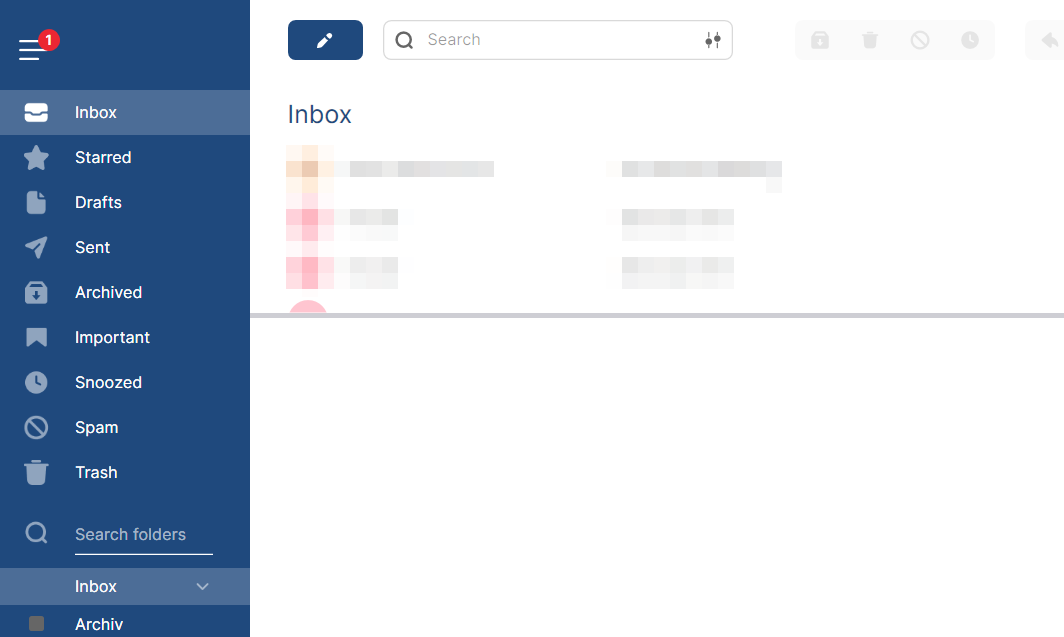
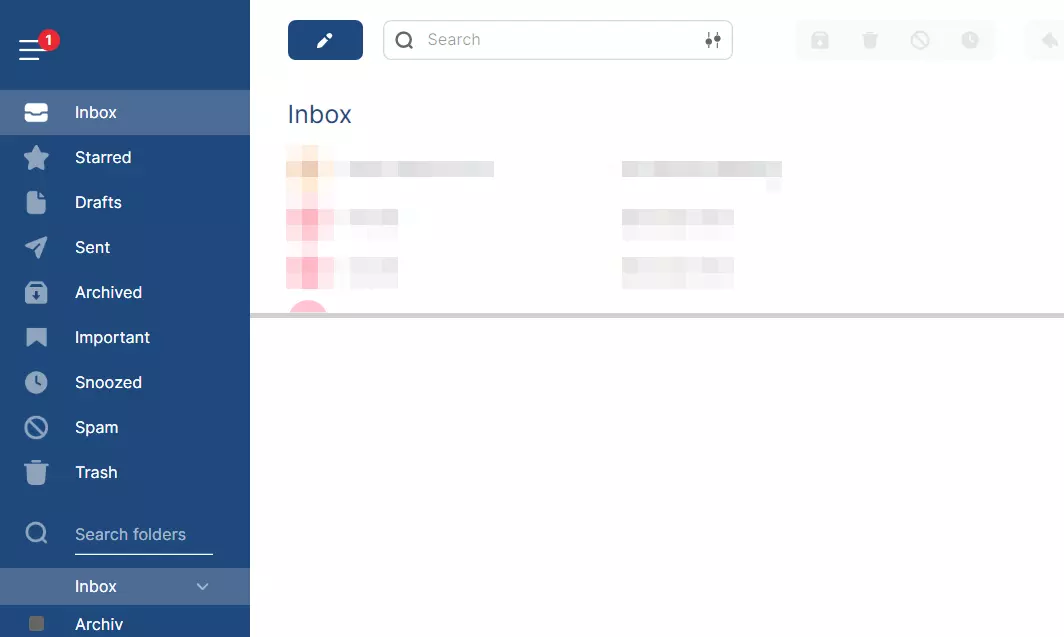
Mailbird provides interfaces to numerous apps, enhancing your mailbox with useful features for organization, interaction and teamwork. For example, you can integrate WhatsApp, Twitter, Google Calendar, Dropbox and Slack into your email client to transform it into a multifunctional platform.
| Advantages | Disadvantages |
|---|---|
| ✓ Modern, attractive design | ✗ Free version very limited |
| ✓ Integration of various additional tools such as Slack or WhatsApp possible | |
| ✓ Snooze function |
IONOS Hosted Microsoft Exchange
Another alternative to Outlook is IONOS Hosted Microsoft Exchange. Microsoft Exchange Server is a groupware system that enables access to contacts, appointments and email databases within a company, from anywhere in the world. In short, you can open Microsoft Office anywhere you want.
Exchange Server can be obtained directly from Microsoft, however, the hosted exchange solution from IONOS can prove considerably beneficial to a company’s IT department. Among other things, it saves companies the cost of having to purchase a sophisticated IT infrastructure, since the necessary server infrastructure is provided by IONOS.
In addition to the desktop version of the Outlook software and the management of mailboxes via Microsoft Exchange, the all-round solution from IONOS also provides you with your own email domain.
The most important info at a glance:
- Management of inboxes via Microsoft Exchange
- Microsoft Outlook software
- Real-time synchronization
- Mobile access to all data
- 50 GB mailbox storage for each user
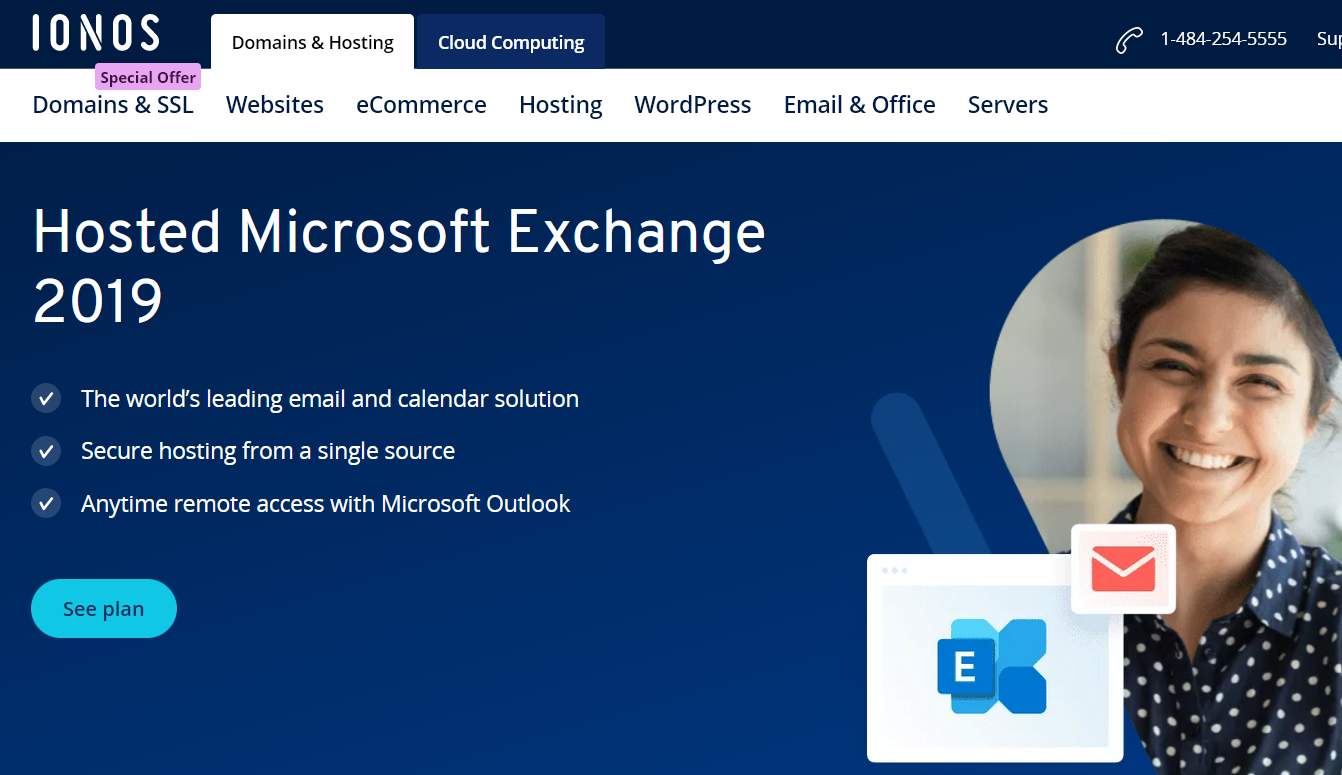
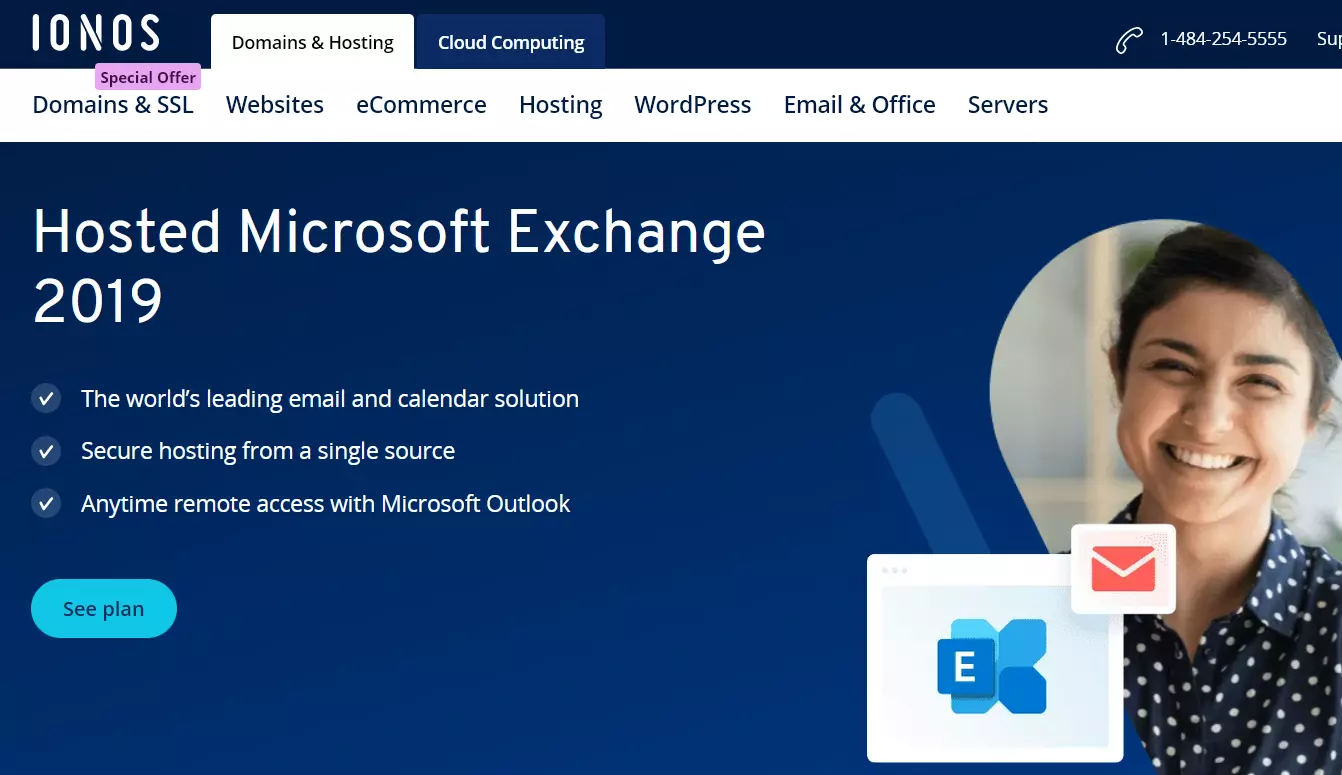
The Microsoft Exchange plan minimizes costs associated with acquiring a server structure and offers a number of advantages. There is less administration effort because the provider takes care of mailbox maintenance, continuous updates for the software and the updates for virus scanners and spam filters. All data is hosted on security servers with a specially secured infrastructure. If you are looking for a professional email solution, the IONOS Microsoft Exchange option is a good Outlook alternative, even if it’s not available free of charge.
| Advantages | Disadvantages |
|---|---|
| ✓ Individual email domain included | ✗ Not a free Outlook alternative |
| ✓ Highest security standards | ✗ Not suitable for private users |
| ✓ Hardware acquisition and administration taken care of by provider | |
| ✓ Microsoft Outlook software is included in the plan |
- The world’s leading email and calendar solution
- Secure hosting from a single source
- Anytime remote access with Microsoft Outlook
Google Workspace
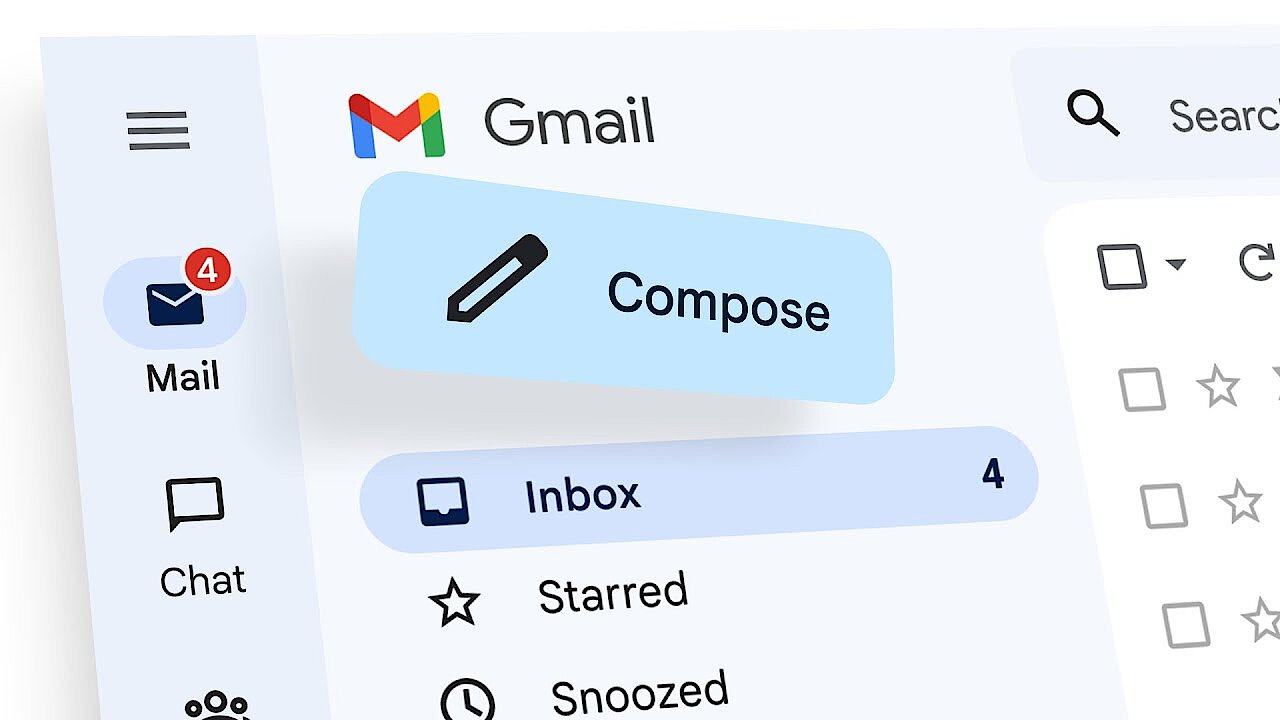
The internet giant Google also offers its own Outlook alternative. Google Workspace is a comprehensive office package, designed for professional use. In addition to Gmail, suite users also have access to collaboration tools, among other things. Gmail’s free email service is particularly popular. If you opt for the fee-based Google Workspace, you’ll receive full access to each application’s range of features and also be able to secure a professional email domain for business communication.
In contrast to its free email offer, Gmail offers ad-free access to work platforms and professional management through Google Workspace. Admins can manage their employees’ accounts centrally and adapt them individually to the company’s needs. This includes assigning roles.
The most important info at a glance:
- Part of a large office suite
- Software-as-a-service
- Plenty of storage space
- Web interface
- Mobile apps for iOS and Android
- GDPR compliant
 To display this video, third-party cookies are required. You can access and change your cookie settings here.
 | Advantages | Disadvantages |
|---|---|
| ✓ Platform-independent | ✗ Not a free Outlook alternative |
| ✓ Full Office suite | |
| ✓ Mobile apps | |
| ✓ Compliant with GDPR |
Google Workspace can be operated entirely through a web interface. Just like with other Google products and services, the controls are very clear, and users can quickly access all the features. Since it’s a suite, all apps are closely connected. For example, you can easily move file attachments to cloud storage and edit them there with Google Docs. Scheduling appointments or holding online meetings also works with Gmail thanks to extensive integration possibilities.
- All your favorite Google productivity tools
- Business Gmail for your domain
- Using Gmail with your domain from IONOS
Spark
The email client Spark supports user workflow. It relies on intelligent features that help to avoid disruption and speed up important processes. The highlight of this Outlook alternative is its filter feature, which only shows notifications if the email sender is someone that the user knows. The filter can detect newsletters and sort them into their own category. The app also offers features to let you quickly react to incoming emails or put emails “on hold”. If you can’t reply to an email immediately, the app will remind you about it later.
Spark was created with teamwork in mind. The client lets users discuss emails together, allowing each member of the team to comment without others being able to see their comments. The delegation function is another innovative feature where members can assign writing certain emails to others in their organization.
The most important info at a glance:
- Free version permanently available
- Innovative features for teamwork
- Intelligent filters
 To display this video, third-party cookies are required. You can access and change your cookie settings here.
 Spark is available for Windows, macOS and mobile devices. The app is available free of charge and even comes with 5 GB of storage for teams. However, a paid license may be worthwhile for larger teams as it includes more storage space and additional benefits.
| Advantages | Disadvantages |
|---|---|
| ✓ Free email client | ✗ Team features are limited in the free version |
| ✓ Many team functions | |
| ✓ Intelligent filter |
Mailspring
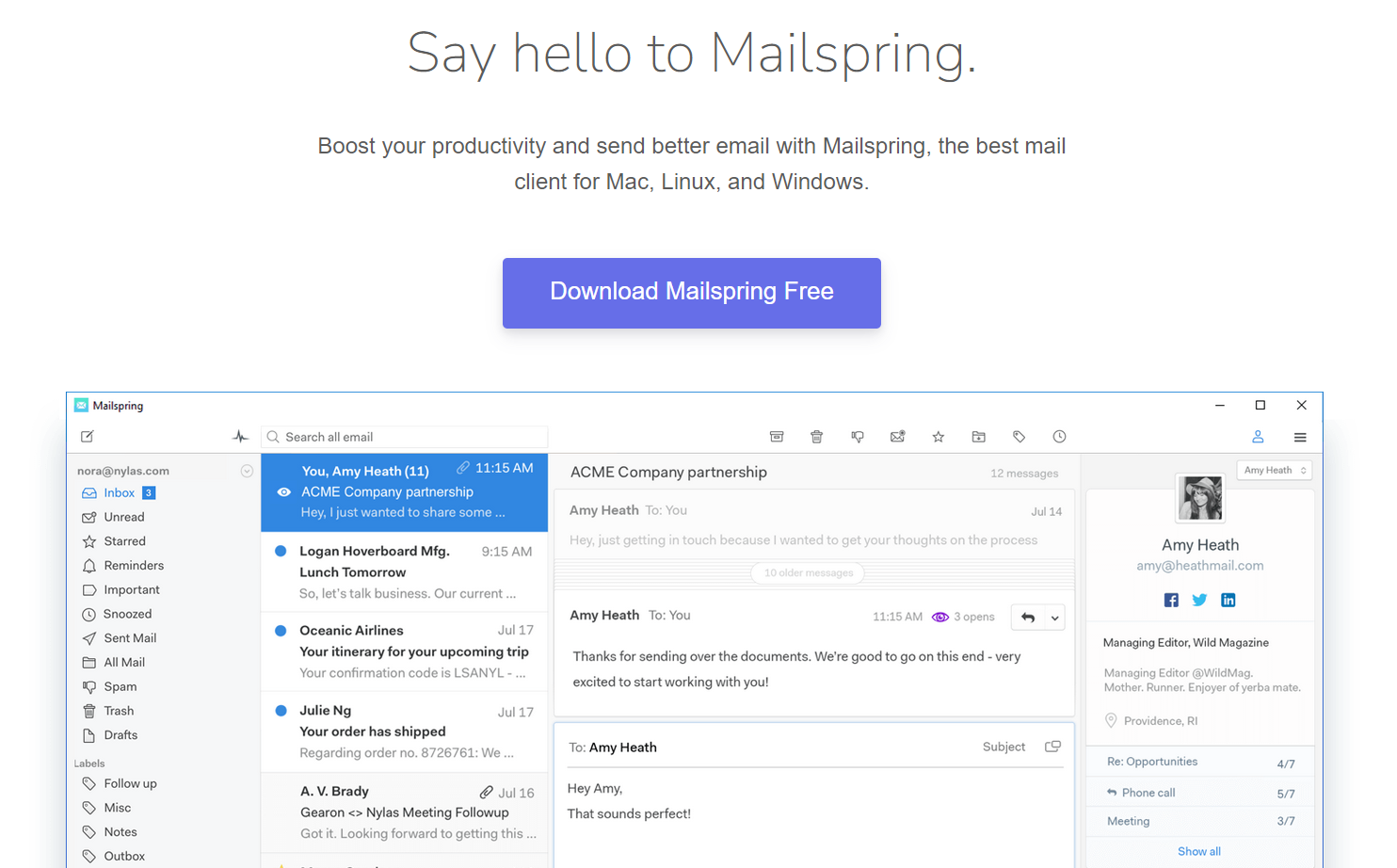
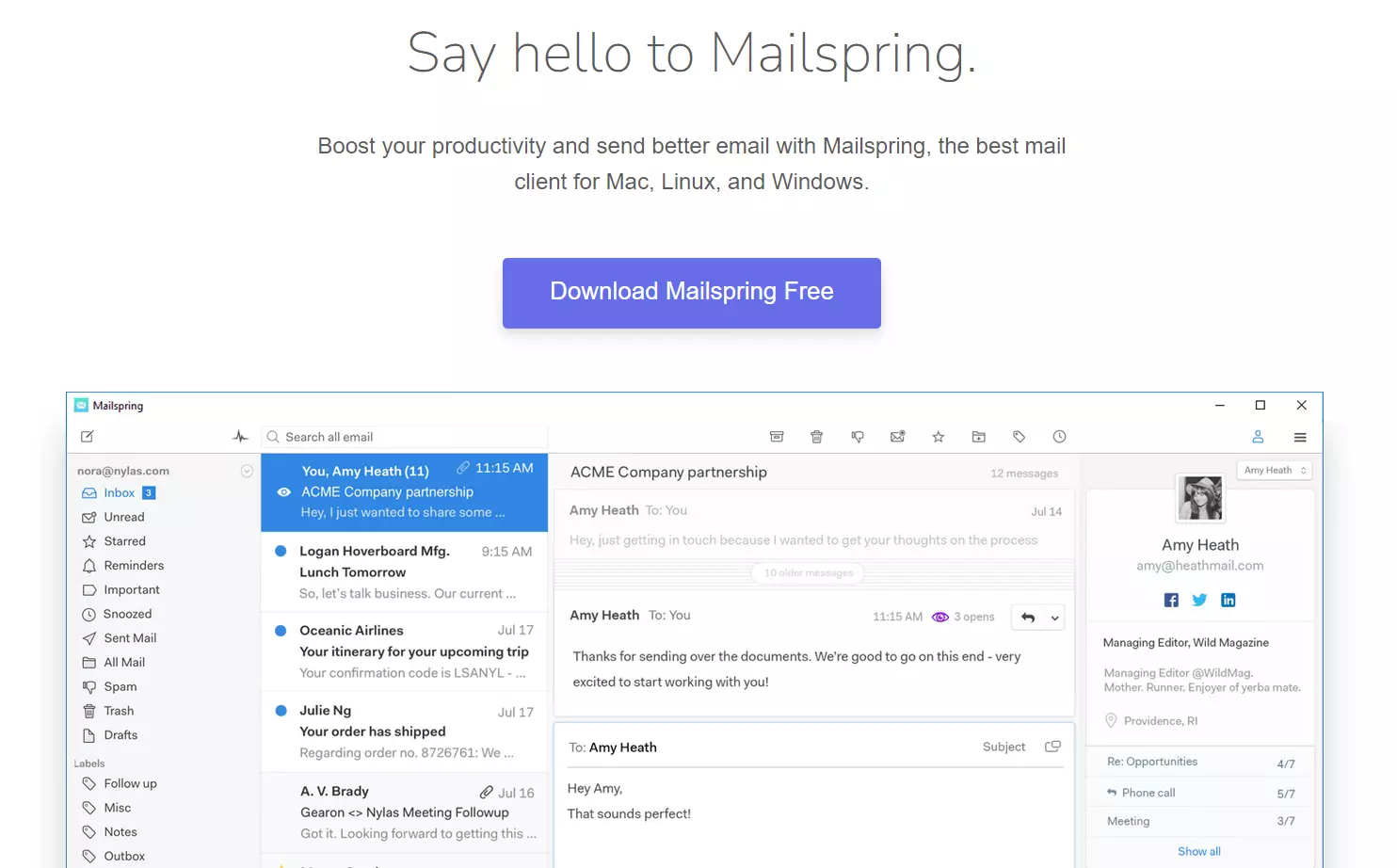
The free Outlook alternative Mailspring focuses on providing a multilingual service. The software is available in over 60 languages (partially with machine translation) and can also translate emails. In addition to English and German, Mailspring currently translates into four other languages. The tool also offers a spell checker for various languages.
The software provides all the features one would expect from an Outlook alternative. The search feature is rather impressive. Multiple email accounts can easily be integrated, and social media accounts can be added as well. Users can also add information from LinkedIn or Twitter to their contacts. Activity tracking is an interesting feature that shows users whether a sent email has already been read. However, the feature is only available in the paid version, which also includes other interesting tools.
The most important info at a glance:
- Focus on multiple languages
- Activity tracking
- Clean interface
| Advantages | Disadvantages |
|---|---|
| ✓ Translation functionality | ✗ Limited amount of features in free version |
| ✓ Many language versions available | ✗ No built-in security functions |
| ✓ Tracking function |
- Write perfect emails with optional AI features
- Add credibility to your brand
- Includes domain, spam filter and email forwarding