

What is Microsoft 365? An introduction to Microsoft’s complete solution
Microsoft 365 includes, in addition to the well-known Microsoft Office package, a variety of primarily cloud-based applications. Different subscriptions and plans ensure that Microsoft 365 can be used in the personal area as well as being attractive for business customers.
Information correct as of July 2025
What is Microsoft 365 anyway?
Under the brand name Microsoft 365, Microsoft distributes its productivity software cloud-based on a subscription model. The popular Office suite no longer needs to be purchased as a desktop installation but is available in the cloud as Software-as-a-Service. Additionally, Microsoft 365 includes various communication and collaboration tools.
This sales model is not new, but it is unfamiliar to long-time Microsoft customers. Additional confusion is caused by alternative Microsoft offerings such as Office Online and Microsoft Office, as well as the scope of available license models.
Office Online consists of Microsoft’s Office programs in the form of free web apps. However, these have a reduced range of functions. Microsoft Office, on the other hand, is the classic desktop installation. Once you purchase the Office suite, you can use it on your PC. You won’t receive updates to newer versions.
Microsoft 365
Microsoft 365 bridges the gap between the web apps offered through Office Online and the classic desktop installation. Instead of purchasing the software outright, users enter into a subscription.
For the duration of the contract term, you receive unlimited access to all applications and features included in the respective subscription package. The web interface of Microsoft 365 is available to you in the web browser, where you can access the Office Online apps.
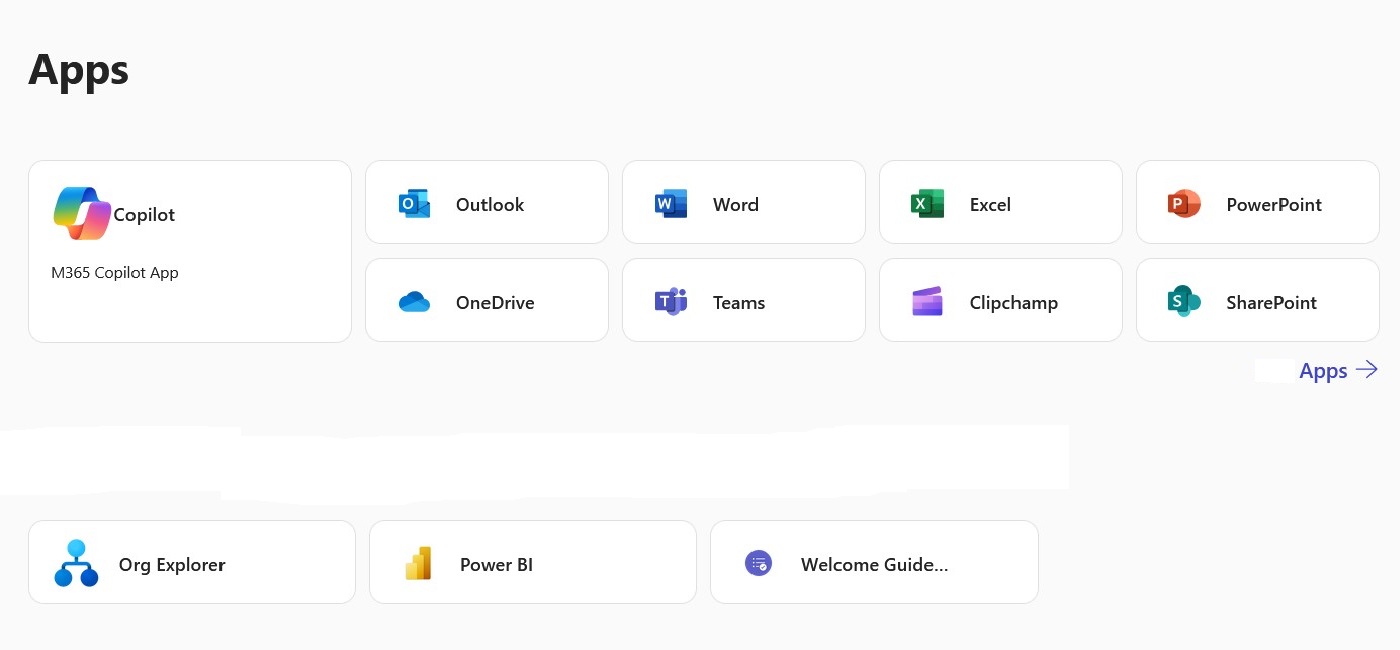
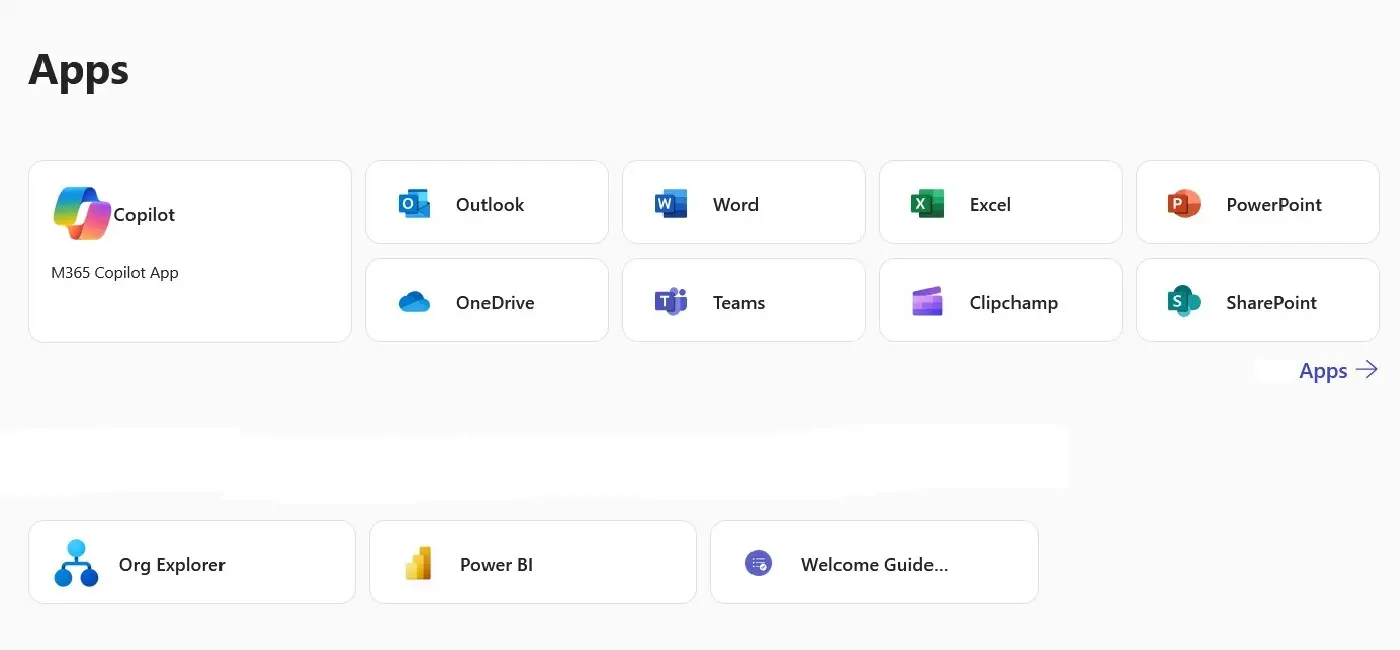
Selected versions of Microsoft 365 also include installable full versions of the well-known Office applications. However, the range of functions is expanded with additional cloud services such as online storage and internet telephony.
If a local version of the Office suite is included in the product scope, you will find a button in the web interface that allows you to start the installation on any PC or Mac and mobile devices (Windows, Android, or macOS) from the cloud.
Microsoft 365 operates on a cloud-based system. Data storage, computing processes, and software installations are primarily carried out on Microsoft data center servers. The advantage for users is that Microsoft 365 services are practically available everywhere there is an internet connection.
The downside of this cloud-based software usage is that sensitive data in the form of emails, documents, photos, or videos is stored in an external data center. Users are thus compelled to comply with Microsoft’s privacy policies. For business use of Microsoft 365, additional steps like a comprehensive data processing agreement may also be required.
Is there a difference between Microsoft 365 and Office 365?
Fundamentally, in 2020 Microsoft 365 replaced Office 365. With the rebranding, the existing differences between Microsoft 365 and Office 365 have disappeared. So now, only Microsoft 365 exists with its different plans. The tricky part is that Microsoft 365 still includes plans under the name “Office 365.” These plans are primarily aimed at educational institutions.


What is in Microsoft 365?
Depending on which plan you choose, a Microsoft 365 subscription offers you a range of professional Microsoft applications for word processing, spreadsheets, presentations, and database management. Additionally, the cloud-based productivity software provides access to email and groupware functions, centralized data storage, and a powerful tool for instant messaging, video conferencing, IP telephony, and screen sharing.
Many new updates and features are offered exclusively for the subscription model and require a Microsoft 365 account.
Word
Microsoft Word is the classic word processing program. Microsoft 365 also offers subscribers the ability to create documents in the familiar Word interface. Depending on the plan, there’s a web app with reduced features, a full desktop installation, or a version tailored for mobile devices.
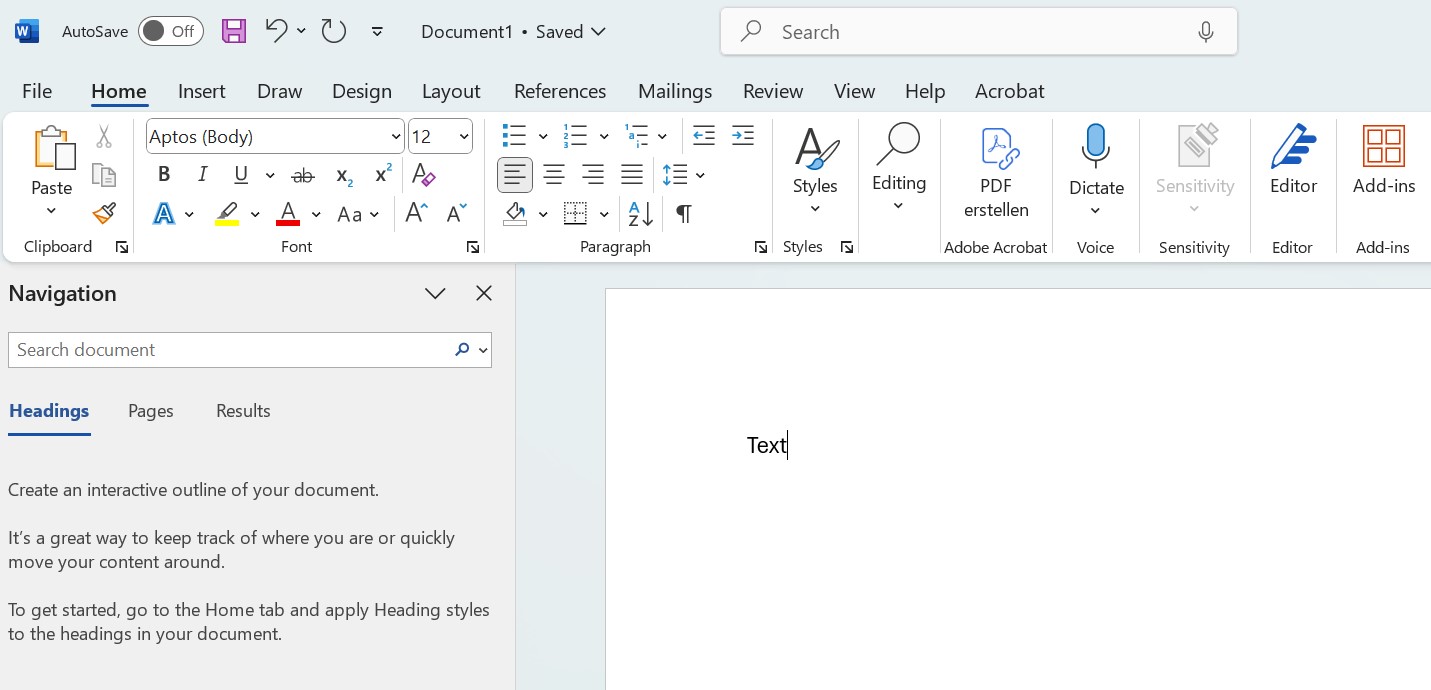
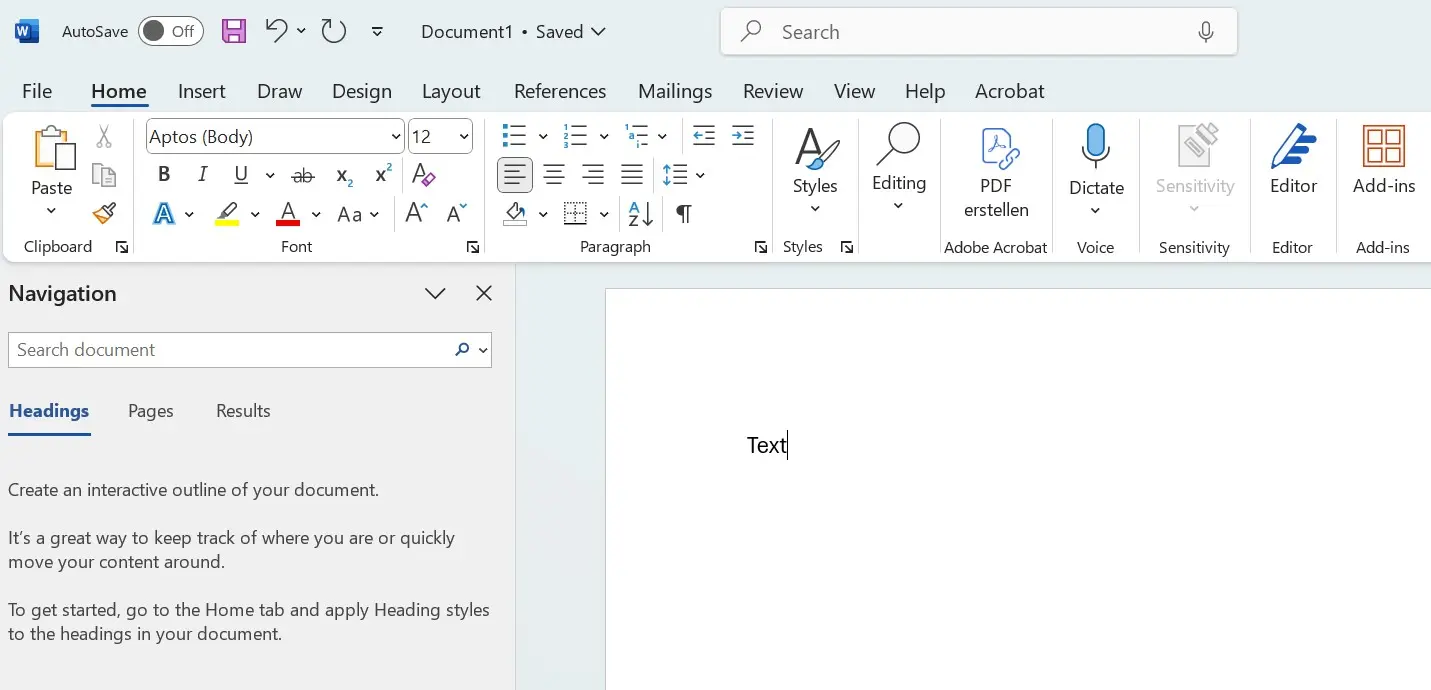
Unlike the Microsoft Office version, Word in the subscription model links professional document creation with various cloud functions. A Microsoft 365 account offers connections to the OneDrive cloud storage and the SharePoint content management system. This allows users to centrally manage documents and share them with other users. Entire teams can collaboratively edit documents in real-time and communicate directly within Word.
Excel
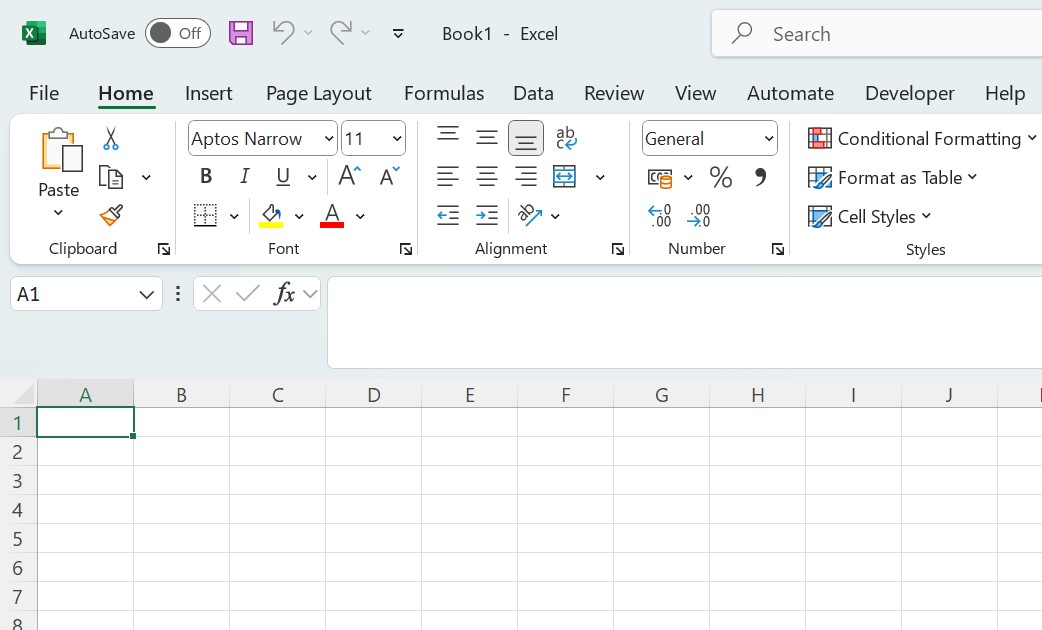
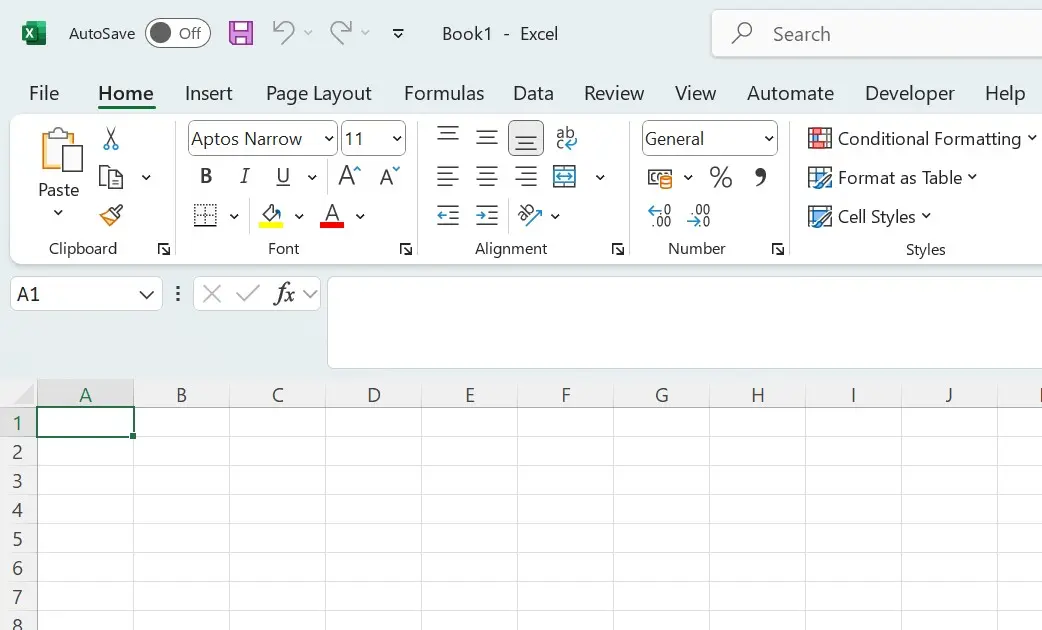
Microsoft Excel is the most widely used software for professional spreadsheets worldwide. Anyone looking to organize, filter, format, analyze, or visualize numerical or text-based datasets turns to Microsoft’s standard solution. The program includes extensive collections of formulas and mathematical functions—for example, for business or statistical calculations—and is indispensable in everyday office life.
As part of the cloud service Microsoft 365, Excel offers interfaces to OneDrive and SharePoint. Users have the ability to share Excel workbooks within a team and collaboratively edit them in real-time. This requires internet access and signing in with a Microsoft or Microsoft 365 account.
PowerPoint
Microsoft PowerPoint is an interactive presentation software. The program is based on a slide-oriented concept, where content is displayed as text blocks, graphics, charts, or multimedia elements on successive slides. Various design templates, AutoShapes, charts, and SmartArt elements can be customized individually, offering users a wide scope for creativity.
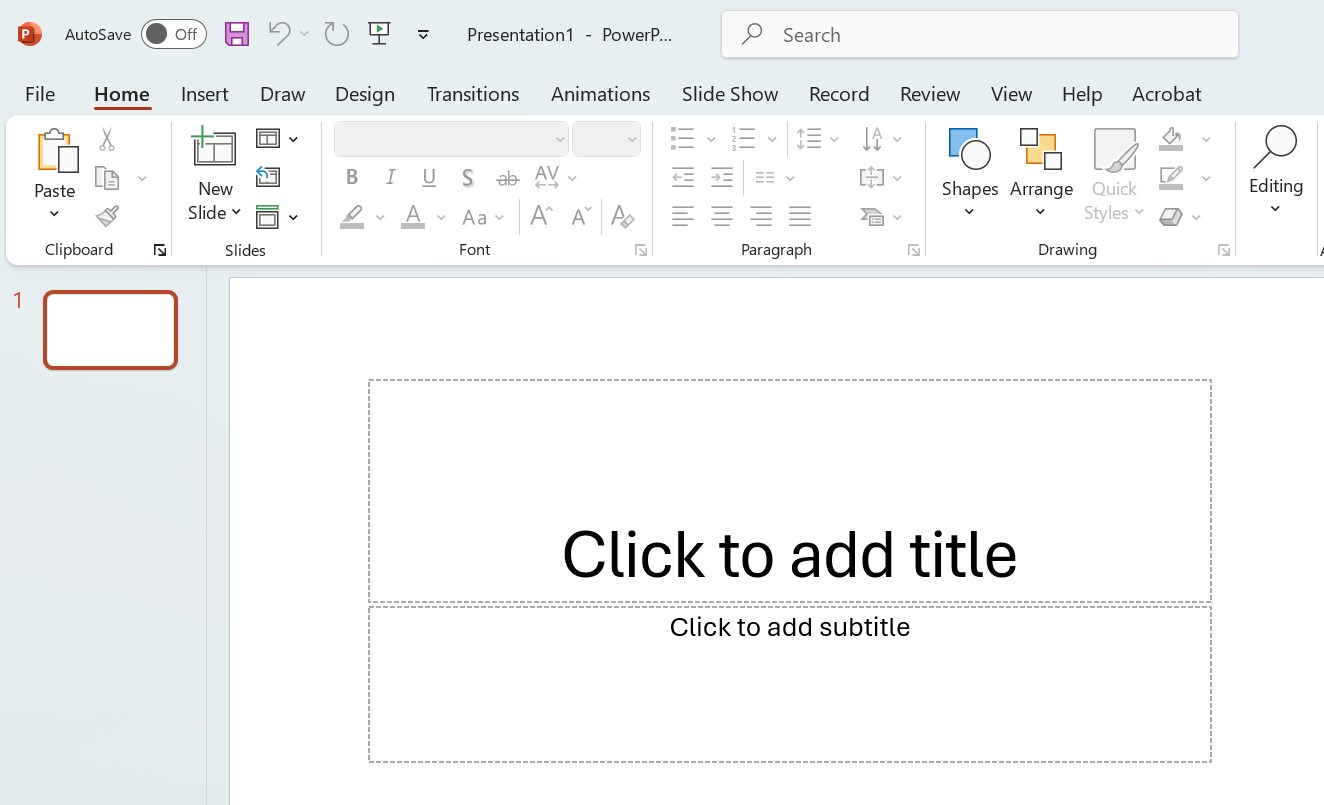
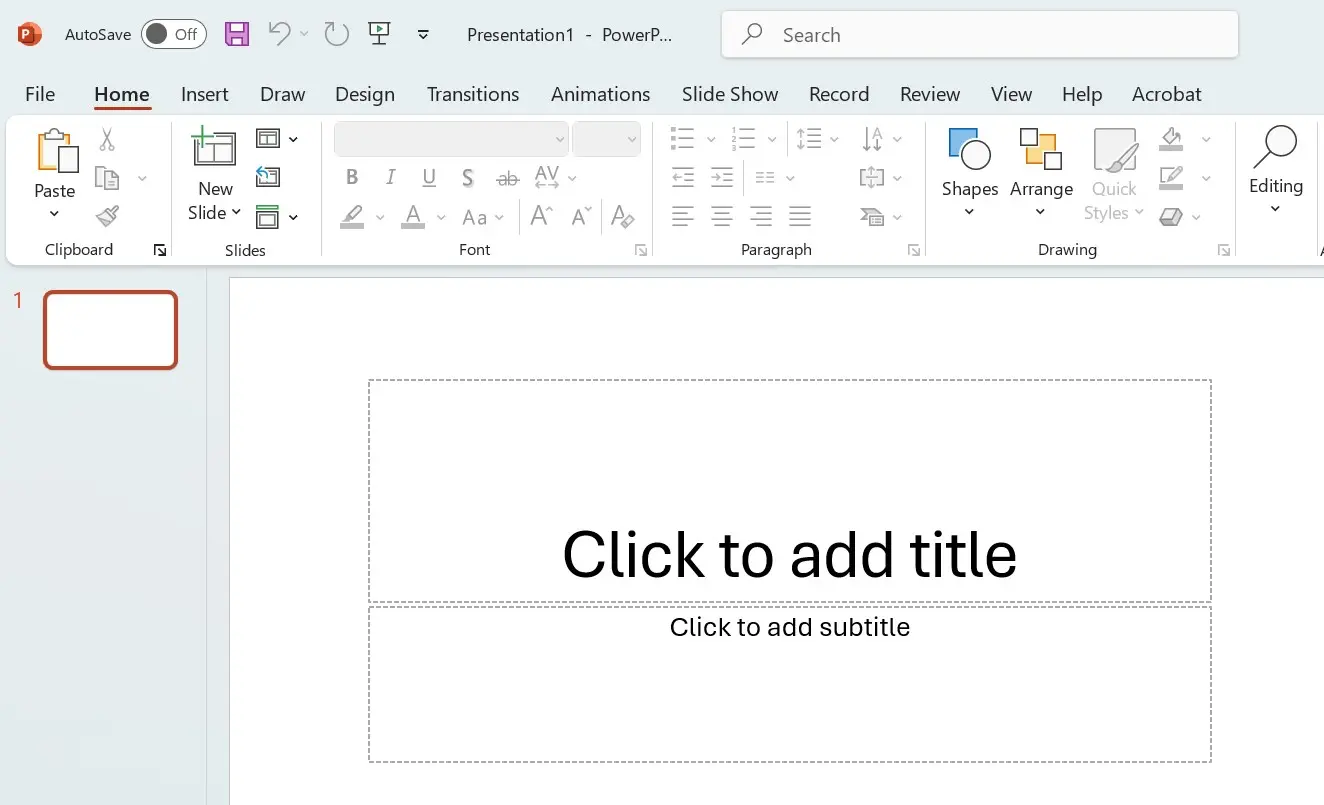
As with Word and Excel, Microsoft relies on a central file management system and team-based synchronous work with PowerPoint. Here too, the connection to OneDrive and SharePoint is linked to a Microsoft or Microsoft 365 account.
OneNote
OneNote is Microsoft’s digital notebook. Users can create, organize, and share notes with the software. Besides keyboard text input, OneNote supports images and audio and video files. On touchscreen devices, notes or drawings can be made with a tablet pen or fingertip. When content from other applications or the internet is integrated, OneNote automatically adds a link to the source.
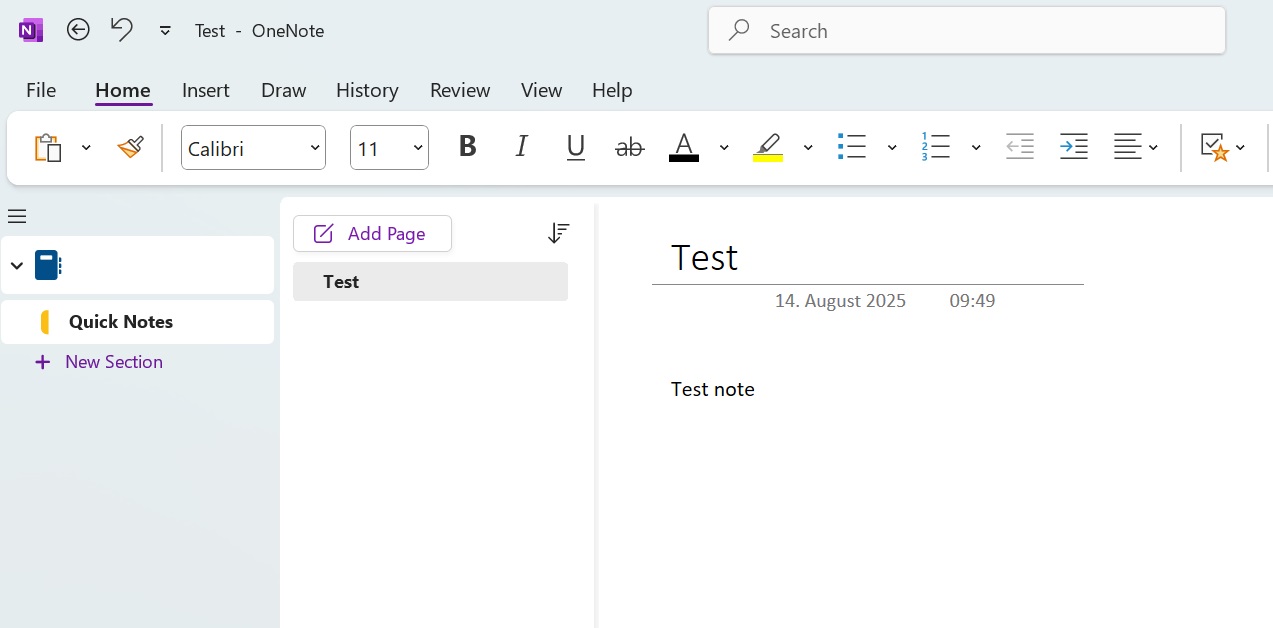
As part of Microsoft 365, OneNote can be linked with the cloud services OneDrive and SharePoint to share or collaboratively edit notes with friends, family, or colleagues. Created notes are automatically saved and synced in the cloud, ensuring you always have the latest version available on all your devices.
Outlook
Outlook is Microsoft’s email program and Personal Information Manager (PIM). The software allows users to manage emails, contacts, appointments, and tasks. In corporate environments, Outlook is typically used as a client for the Microsoft Exchange server. When combined with Microsoft’s mail server solution, users have access to enhanced software features, including the out-of-office assistant, mailbox sharing, and delegation options.
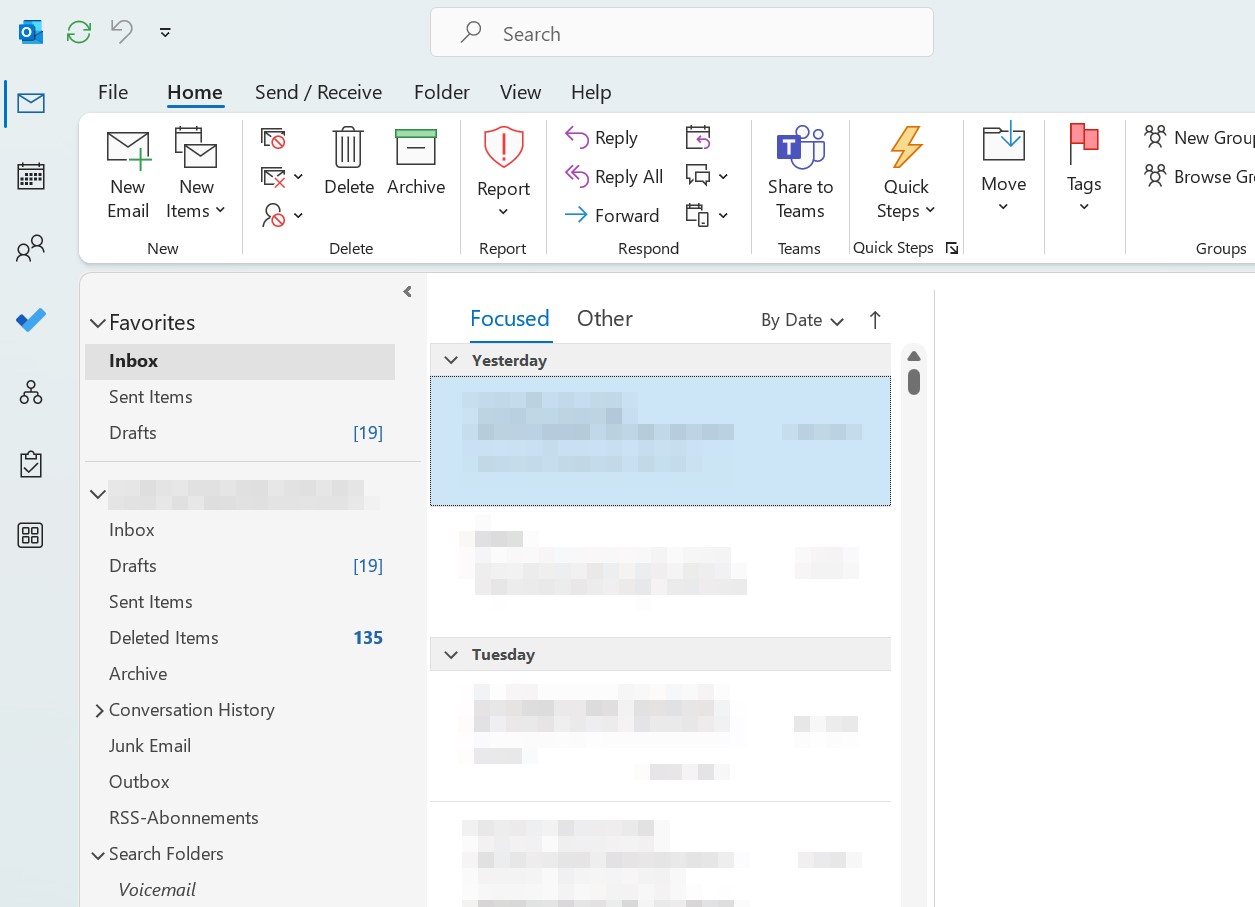
Outlook allows you to create groups for sharing files and notes. In combination with Microsoft Teams, voice and video calls can be initiated directly from Outlook. With an interface to OneDrive and OneDrive for Business, attachments can be loaded directly from the cloud and shared with friends, family, or business partners.
- Write perfect emails with optional AI features
- Add credibility to your brand
- Includes domain, spam filter and email forwarding
Access
Access is Microsoft’s database management system for end users. The software combines the Jet database engine with an Integrated Development Environment (IDE). This is available through a graphical user interface.
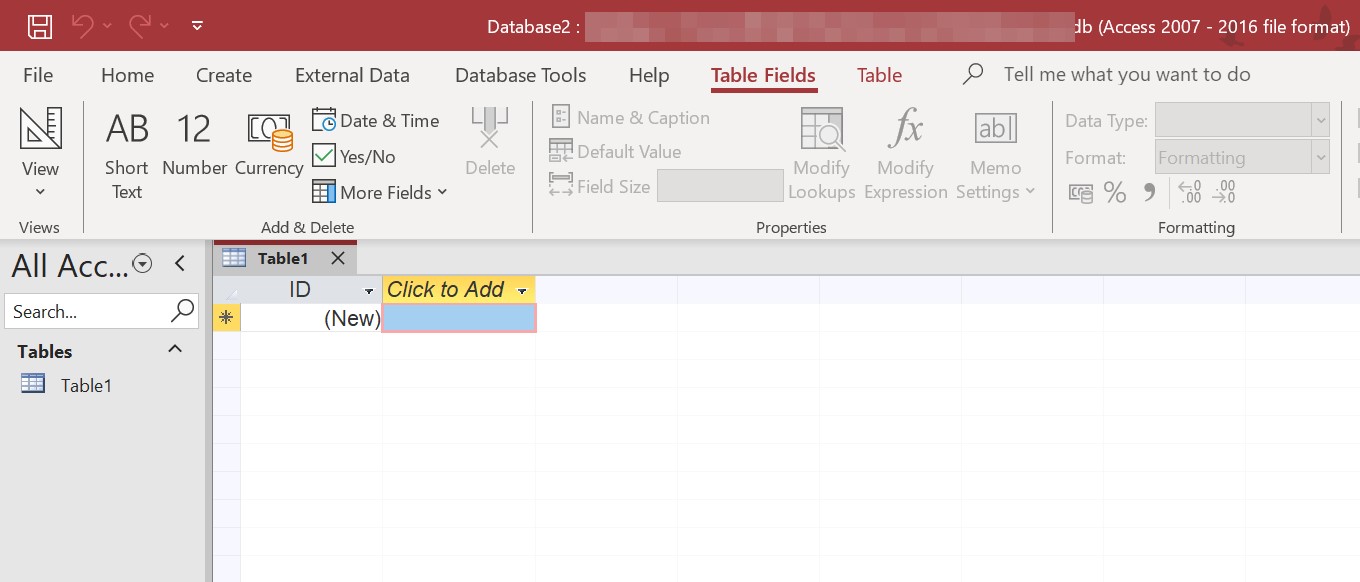
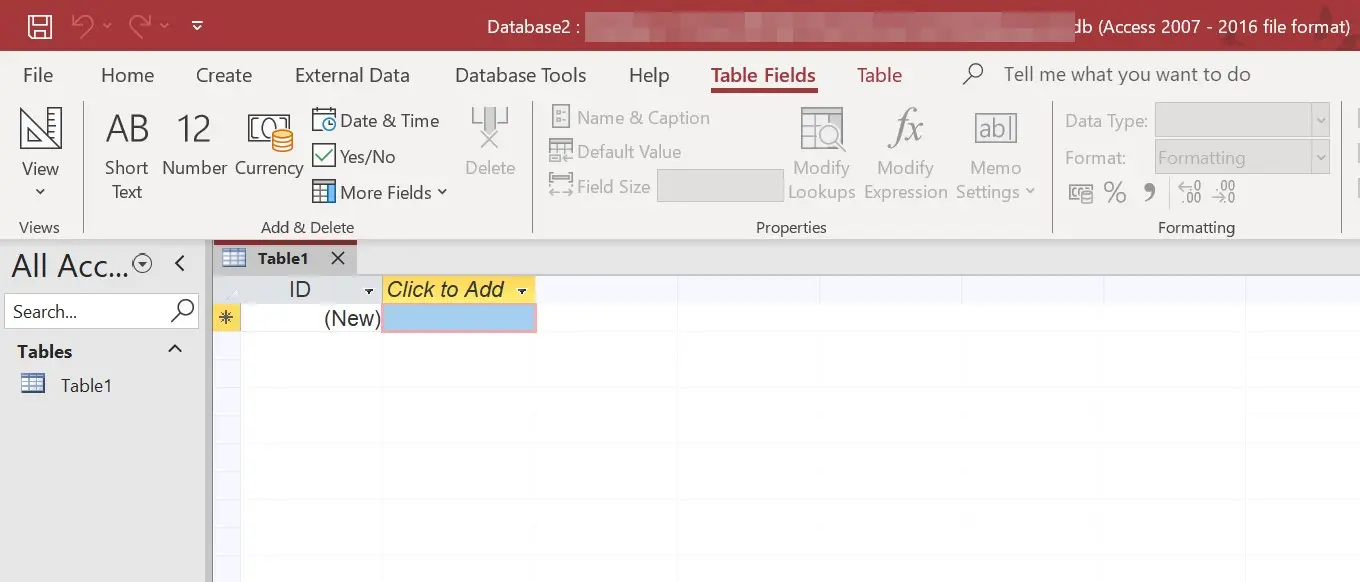
Users can create custom database apps with Access without programming knowledge, either as a desktop application or for the web browser. All data is stored in the backend on SQL servers and the Microsoft Azure SQL database, ensuring high reliability, data security, and scalability. With professionally designed app templates featuring a user-friendly interface, Access offers newcomers a quick start in database management. Experienced users can also create custom apps with the program in just a few steps.
Publisher
Publisher is the desktop publishing software within the Microsoft ecosystem. The program offers features to create professional print publications, online presentations, or websites but does not reach the complexities of industry software like Adobe InDesign or QuarkXPress. However, this beginner-friendly program impresses with its easy handling and various templates.
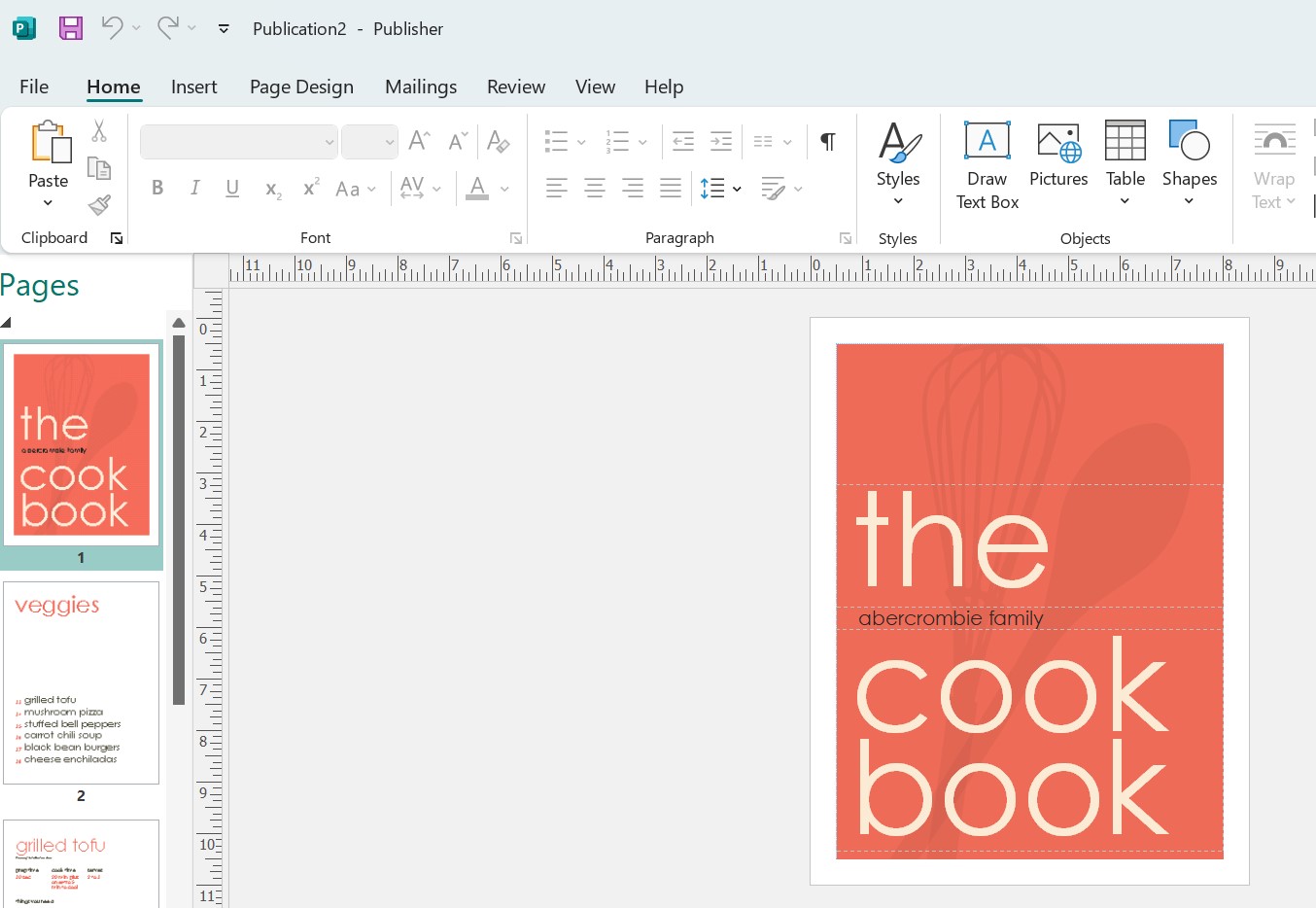
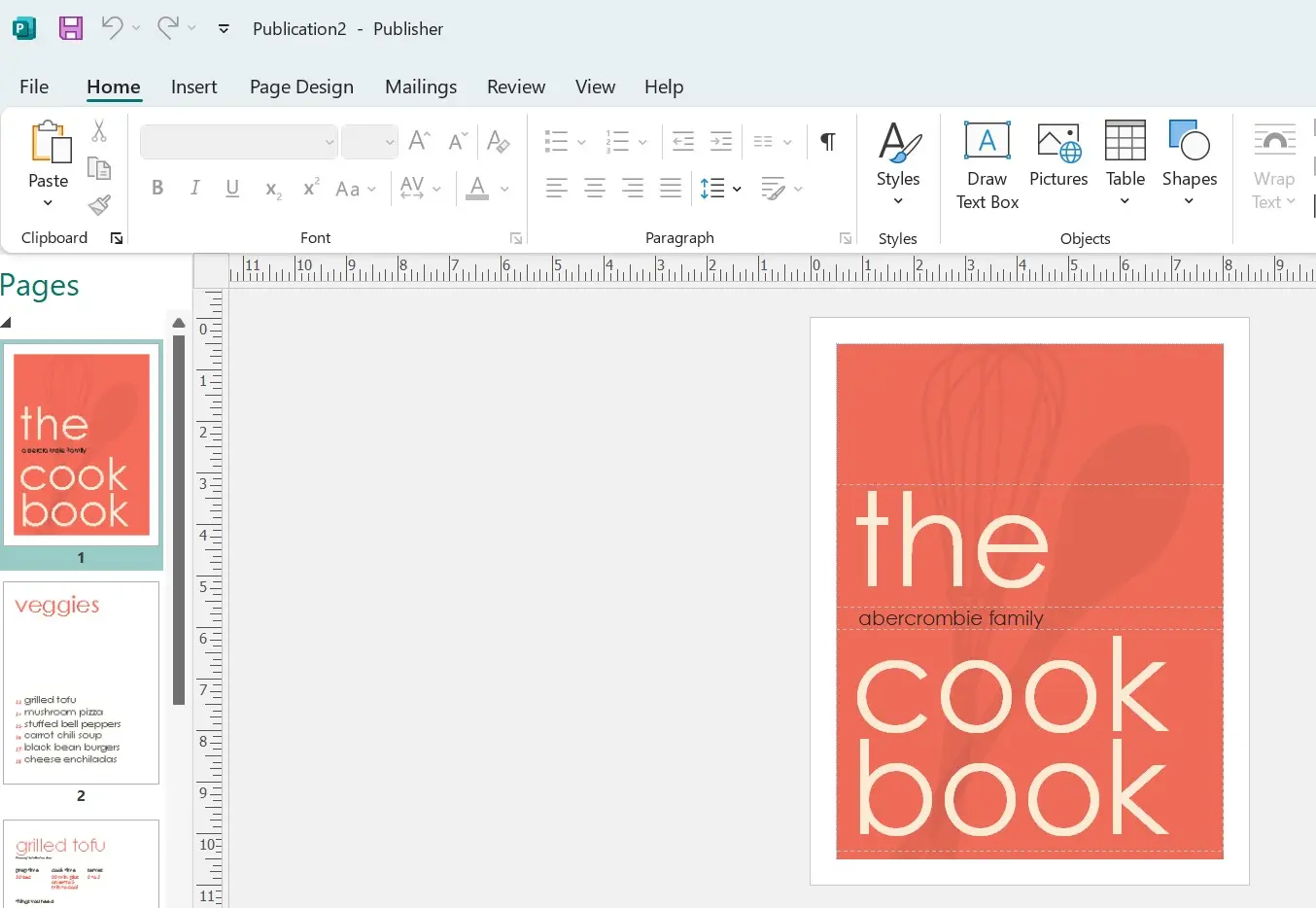
If users are signed in with a Microsoft or Microsoft 365 account, all presentations created with Publisher are automatically saved in the cloud, allowing them to be shared and collaboratively edited via a sharing link. Publisher is only available for Windows PCs.
Planner
Planner is a project management tool developed for Microsoft 365 to manage tasks and is especially suitable for businesses. The software connects teams in the cloud and enables them to organize collaborative work. Users create project plans and tasks with Planner, assign them to collaborators, and set deadlines. Statistics and graphical visualizations provide everyone involved with an overview of the project’s progress.
Team communication takes place directly in Planner. Additionally, the software offers integrations with other Microsoft 365 applications. Users have access to emails, documents, and files in the cloud storage directly from the program. With these features, Planner establishes itself as an alternative to comparable products like Trello or Asana.
Sway
With Sway, Microsoft enhances the Office suite with a web application for digital storytelling. The software allows text and multimedia elements from various sources like your computer, the Bing search engine, OneDrive cloud storage, YouTube, or Facebook to be integrated into interactive presentations.
Sway projects, simply called “Sways,” can be edited, played, and shared online with friends or colleagues via the web browser. They only need a sharing link to access the presentation from the Microsoft server; no login or registration is required.
Exchange Online
Exchange Online is Microsoft’s cloud-based alternative to the popular groupware and mail server software Exchange Server. While the traditional Exchange Server is operated as On-Premises software, Microsoft offers Exchange Online as a subscription model where the server software is hosted in Microsoft’s data center, rather than on company premises. This model particularly targets small and medium-sized businesses without their own IT infrastructure. Exchange Online is part of the Microsoft 365 Business plans as well as the Enterprise plans E1, E3, and E5.
OneDrive and OneDrive for Business
OneDrive is the name of Microsoft’s cloud storage platform. As part of the Microsoft 365 plans Home, Personal, and Education, Microsoft offers users 1 terabyte of cloud storage in Microsoft’s data center. Subscribers of Microsoft 365 thus have the ability to centrally store, share, or collaborate on documents, photos, or other files. With integrated synchronization options, selected OneDrive folders can also be made available offline.
OneDrive for Business is an enhanced version of the online storage designed for business use. User accounts for OneDrive for Business are included in the Microsoft 365 Business and Enterprise plans and are provided to employees by their employers.
Unlike OneDrive, these are employee accounts managed by the system administrator of the respective company or organization, not privately. Companies can grant employees different access rights to data in the cloud. Microsoft ensures the security of business data in OneDrive for Business through advanced encryption and compliance features. The storage quota also includes 1 TB per user.
Both versions of Microsoft’s online storage can be integrated into other Office applications such as Word, Excel, PowerPoint, or OneNote, allowing users to access data in the cloud in real-time from these programs.
- Store, share, and edit data easily
- Backed up and highly secure
- Sync with all devices
Teams
Microsoft Teams is a central communication platform specifically designed for businesses to optimize collaboration. Teams offers instant messaging, video and audio transmissions, file transfers, screen sharing, and many other features that can be accessed via the browser or as a standalone application.


One of the most outstanding features of Microsoft Teams is the ability to include a large number of participants in online conferences. Additionally, Teams provides advanced security features that meet modern business requirements for data protection and compliance. The centralized management of user accounts makes it easier for IT administrators to efficiently manage user rights and enforce security standards.
Another major advantage of Teams is its integration with other Office applications like Outlook, which enables seamless collaboration across various Microsoft products. Microsoft Teams is included in different Microsoft 365 Business and Enterprise plans, providing a comprehensive solution for companies relying on efficient and secure communication.
SharePoint Online
SharePoint Online is a cloud-based alternative to SharePoint Server, software that allows for the creation and management of team and project-oriented websites for internal collaboration. SharePoint Online functions as a content and document management system and provides an intranet portal for the internal publication of information and news within an organization.
Unlike SharePoint Server, the online version with reduced core functions is not installed and deployed locally, but is hosted in the Microsoft data center. This offers small and medium-sized businesses the advantage of not having to purchase and manage the infrastructure required for the service themselves.
To meet the security and compliance requirements of a business application, SharePoint offers flexible management options that allow for the definition of uniform policies for all processes and involved employee devices. SharePoint Online is included in all Microsoft 365 subscriptions, although the individual plans differ in the scope of available SharePoint features.
Microsoft Copilot
Microsoft Copilot is a powerful AI-driven feature integrated into various Microsoft 365 applications. It uses artificial intelligence to assist users with content creation, data analysis, and task automation. This AI feature helps enhance productivity and create more efficient workflows.
Microsoft Copilot is currently available as an add-on for the Microsoft 365 Business and Enterprise plans—but not for all markets and languages.
How much does Microsoft 365 cost?
For individuals, Microsoft 365 is available starting at $99.99 per year or $9.99 per month. Businesses can choose from different plans based on desired features, which of course vary in price. The most affordable Business Plan starts at $6.00 per user per month. For large enterprises, Microsoft 365 pricing begins at $8.25 per user per month (“E1” without Teams).
Powerful Exchange email and the latest versions of your favorite Office apps on any device — get started with our free setup assistance.