
How to manage WordPress user roles with plugins

Websites with larger content teams often do not have enough WordPress functionality. Extended functions are needed to adjust rights and roles exactly and to flexibly control the presentation of authors.
Specialized plugins help you to set customized author rights and access rights and to optimize and restrict the admin area, editor and available functions for the role of the author.
We have compiled for you the best free plugins for managing author rights and presenting author profiles.
- Stress-free, no matter your skill level with easy AI tools
- Fully customizable with themes and plugins
- Hassle-free updating and less admin
Assign contributions to multiple authors
Co-Authors Plus
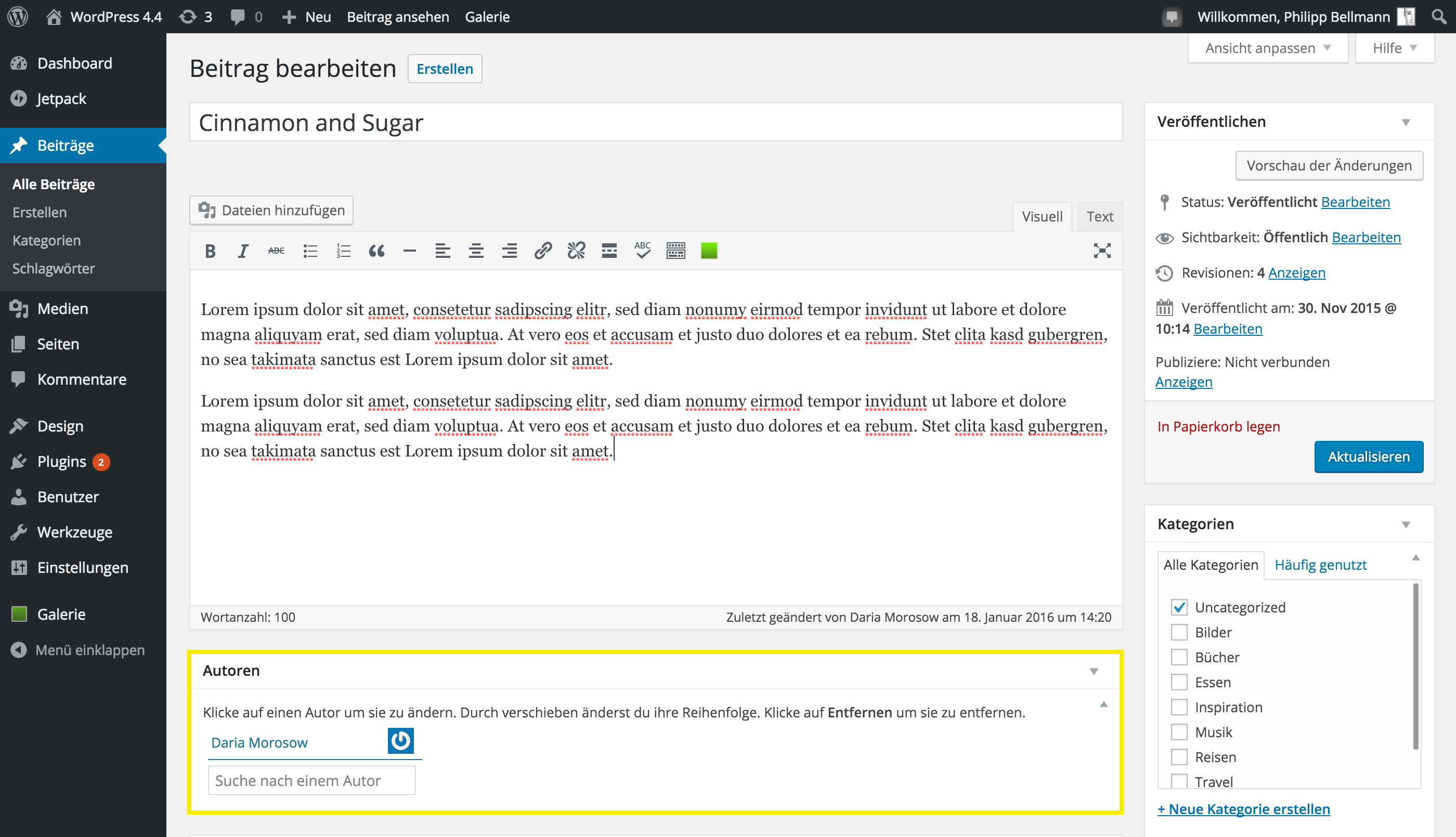
With Co-Authors Plus you assign several authors to a text. Especially longer texts, which have to be published within a short time, often require the cooperation of several authors. After installation, a window appears under each text field in which you can specify all authors.
Manage and customize author rights
User Role Editor
With the easy-to-understand User Role Editor plugin, you can customize the rights of individual user roles in great detail.
You can assign or deny a total of 62 different rights in areas such as pages, media, plug-ins, articles, etc. This could be deleting images, posts, comments or installing new plugins.
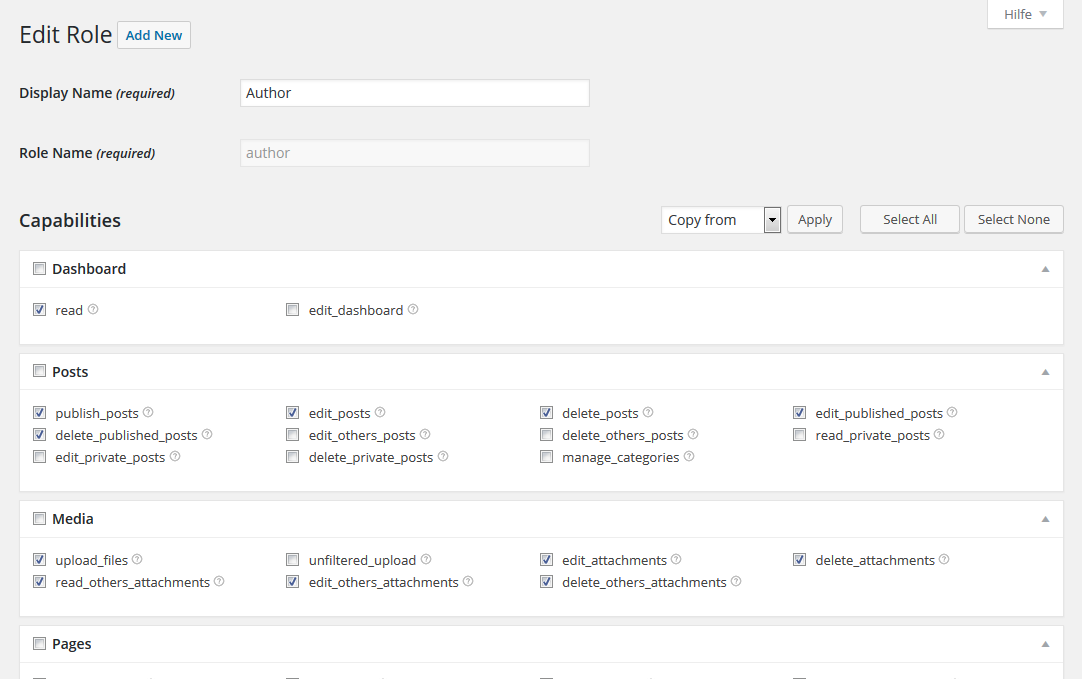
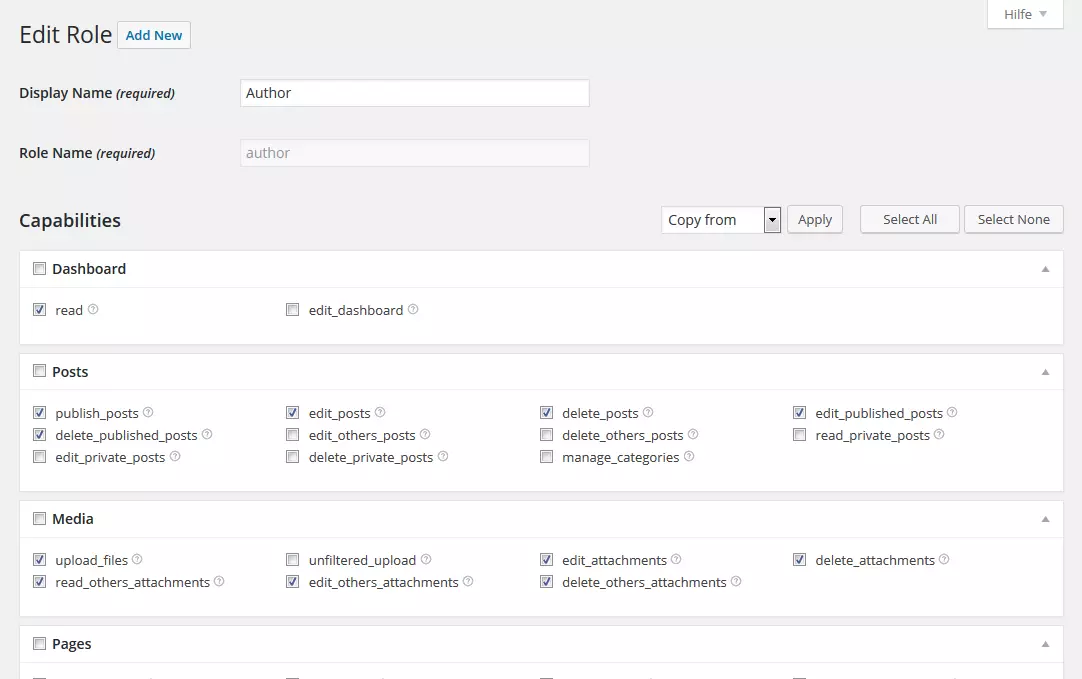
members
You can also use members to determine author rights in thematically subdivided areas. You can create as many user roles as you want and define valid rights for each user role. You can also assign two or more roles to users.
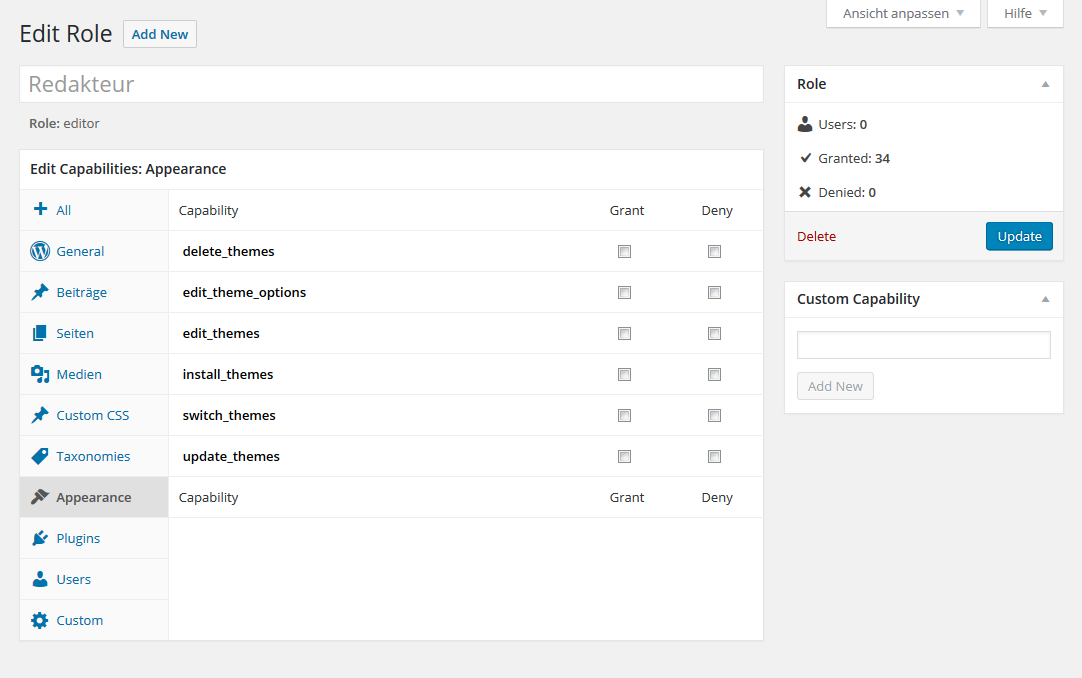
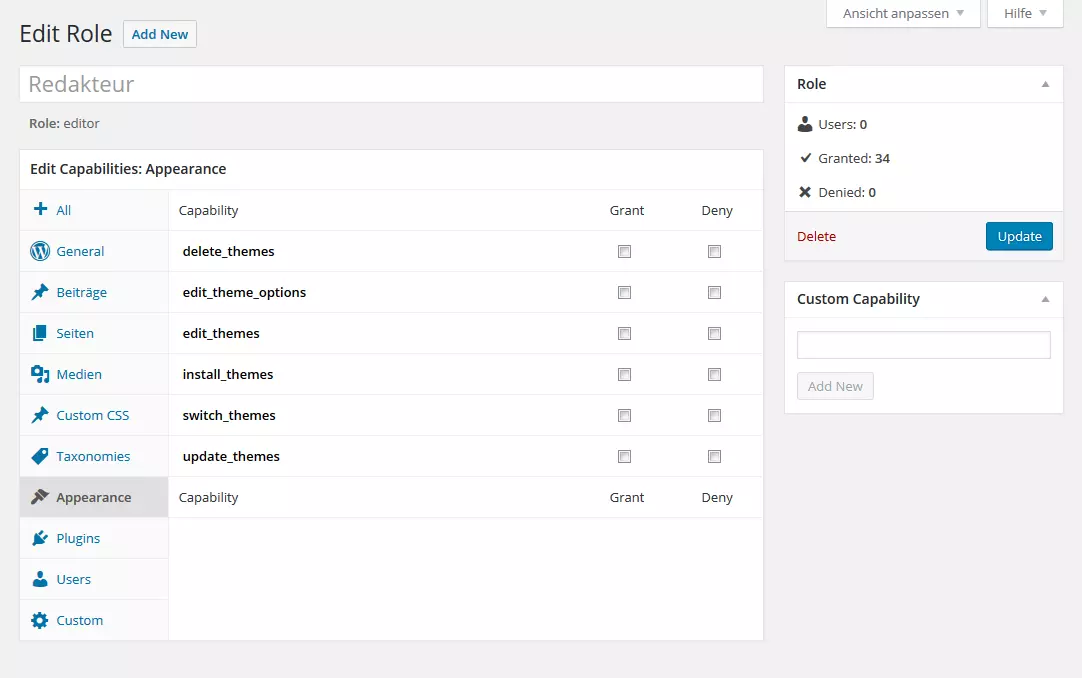
Role Scoper
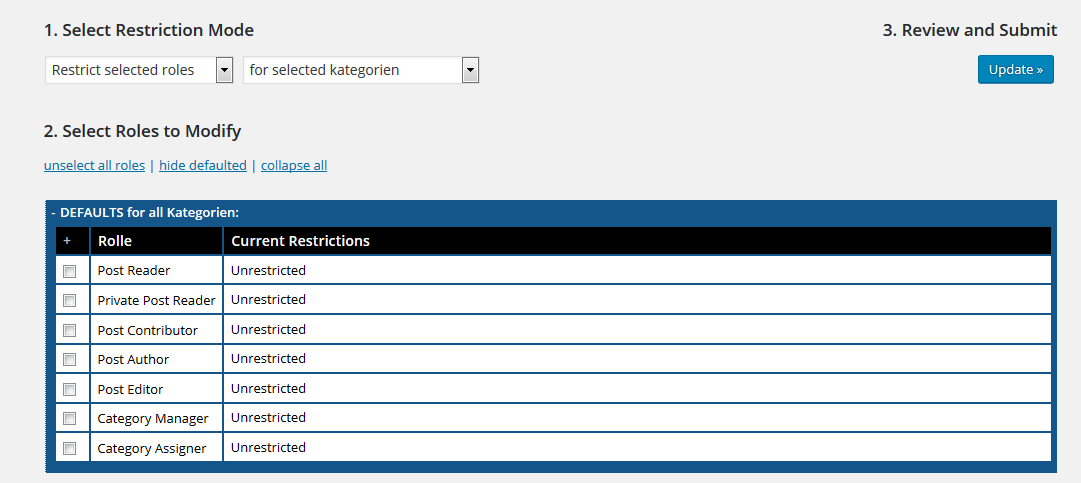
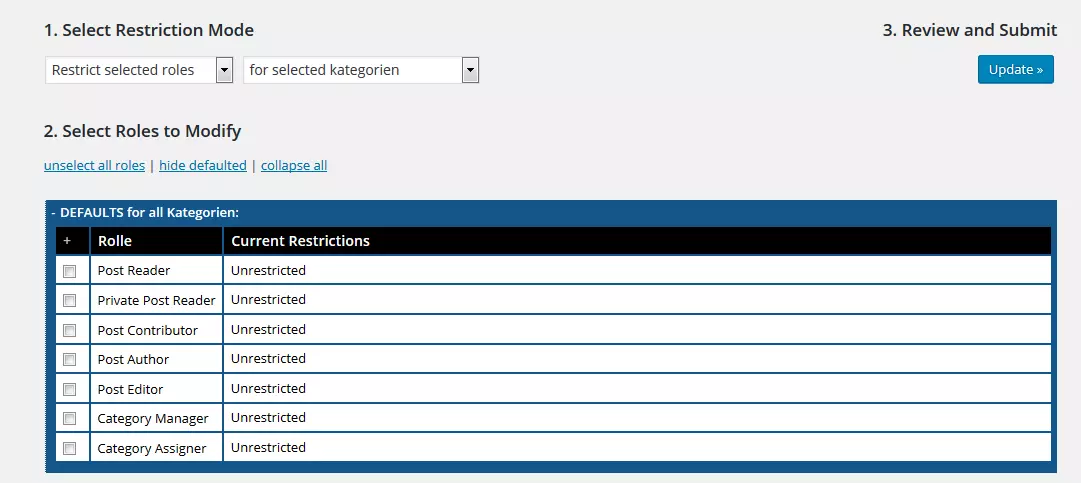
You can use Role Scoper to create and customize roles and customize restrictions in detail. You can provide your users with various parts of the website and deny them access to certain pages or categories. This allows you to control exactly which content is visible for certain roles in the frontend and backend of your website.
Authors present
User Photo
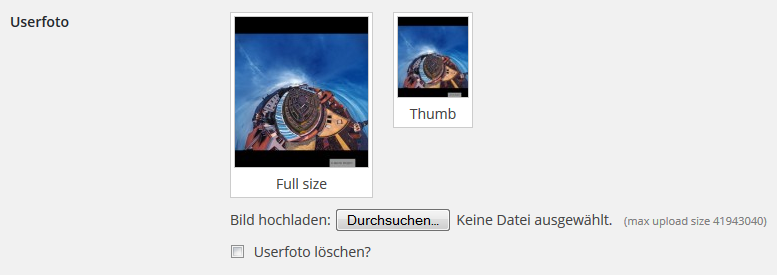
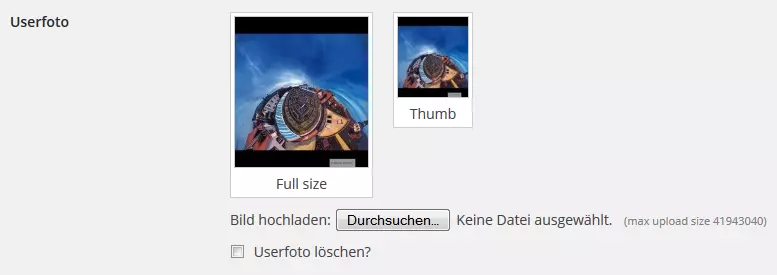
With the User Photo plugin you can assign photos to your authors. These photos are displayed next to the author's name in comments. A good alternative if you don't want to rely on a service like Gravatar.
Latest Posts by Author with Content
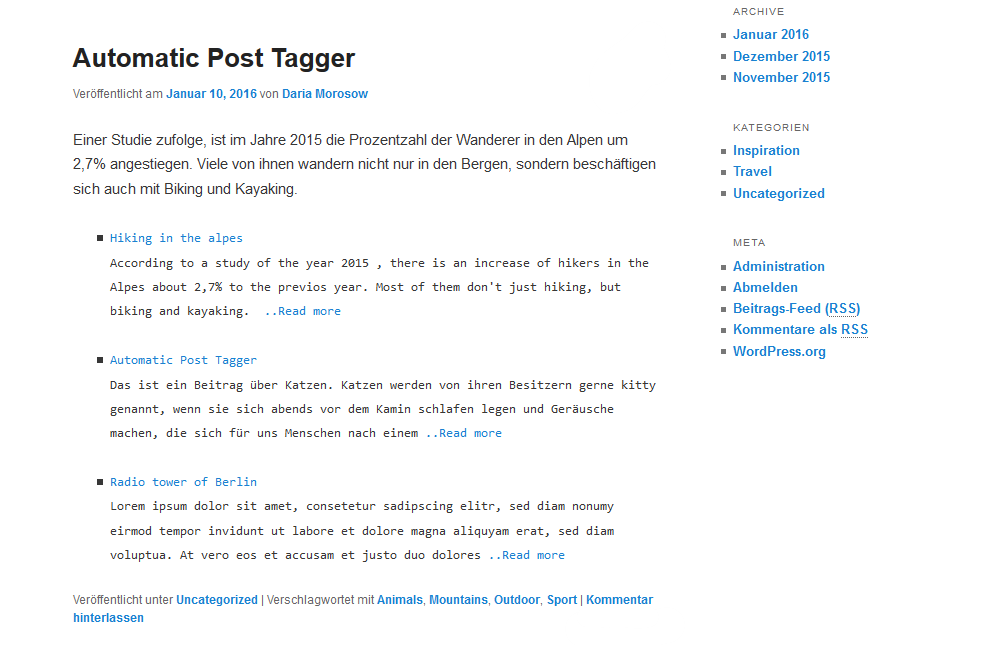
With Latest Posts by Author with Content you can include the last contributions of an author on the page of his contribution. You can set how many posts are displayed by inserting a code below the posts:
latestbyauthor author="username" show="3" excerpt="true"- Author="username": Logon name of the user (separate several authors by comma: author="username1, username2")
- show="x": x determines the number of displayed posts.
- excerpt="true": Only excerpts that you entered manually are displayed. (If available)