

What are the best WordPress page builders?

Thanks to WordPress, it’s now possible to create your own fully functional website without in-depth programming skills. However, if you want to build a website that’s fully tailored to your needs, using a WP page builder is practically essential. The range of tools is huge, but not every WordPress builder is a good option. In this article, we explain what WordPress page builders are, their pros and cons, and which WP page builders currently rank among the best.
- Stress-free, no matter your skill level with easy AI tools
- Fully customizable with themes and plugins
- Hassle-free updating and less admin
The five best WordPress page builders
| Free version | Pro version | |
|---|---|---|
| Elementor | Yes | From $39/year |
| WPBakery Page Builder | No | From $69 one-time fee |
| Beaver Builder | Yes | From $89/year |
| Divi | No | From $89/year |
| GeneratePress | Yes | From $59/year |
Information correct as of February 2025.
How do WordPress builders work?
Popular WordPress page builders follow a modular concept. Layout, features, and scope can be freely defined and customized according to your needs—no special expertise required. In the past, websites could only be built by experts at high cost. Today, anyone can use a WordPress builder to create a visually appealing, fully functional site. Most WP page builders come with numerous ready-made elements that can be added using drag and drop.
Register your perfect domain with IONOS today! Secure your desired domain now and benefit from wildcard SSL and lots of inbox space!
Pros and cons of a WordPress page builder
The benefits of a good WordPress page builder clearly outweigh the drawbacks, which explains the popularity of these tools. Benefits include:
- Time savings: A basic website can now be created in no time. That’s great for individuals setting up an online presence and for developers who can take on more projects without compromising quality.
- Lower costs: A good WordPress page builder not only saves time but also reduces WordPress-related costs. That’s important for new shops or blogs trying to keep initial expenses low.
- More professional websites: In the past, additional features or custom layouts were either expensive or error-prone. With a WP page builder and drag & drop functionality, errors are minimized, and websites still look polished and professional.
- Greater flexibility: Websites often need updates and changes. A WordPress builder makes such updates quick and easy, without causing issues. You can easily implement new features, expanded offerings or website ideas.
However, there are a few possible drawbacks to consider if you choose a WordPress page builder over WordPress Gutenberg or another editor:
- Many WP page builders are less flexible when switching. Once applied, the theme is tied to the builder—especially if shortcodes are used.
- A WordPress page builder may increase loading times due to the additional WordPress plugin. Gutenberg generally performs better in this regard.
With IONOS, you have multiple options beyond WordPress to create your website. Let our experts help you find the right tool for your next project.
How Gutenberg compares to WordPress page builders
With the release of the Gutenberg editor (also called the WordPress block editor), WordPress introduced its own alternative to traditional page builders. Gutenberg lets you build pages using blocks—no extra plugins required. It’s built into WordPress, which means faster loading times and seamless compatibility with themes and plugins.
While Gutenberg doesn’t yet offer as many design options as dedicated WordPress page builders, it’s continuously being improved and can be a solid option for simpler websites.
Are external page builders a threat to your workflow?
Many users rely on external page builders for maximum creative freedom. But that freedom has a downside, which is that users can get lost in the many design options, which may distract from the website’s main purpose. Some page builders also produce inefficient code that can slow your site down. Others may not be fully compatible with core WordPress updates.
To create a professional site, choose a page builder that integrates well with WordPress. Avoid bloated external tools. Gutenberg or one of the builders listed here are your best bets in most cases.
Top 5 WP page builders
There are many page builders to help you create a WordPress site. The five WordPress page builders below stand out with great features, proven reliability, and widespread popularity.
Elementor
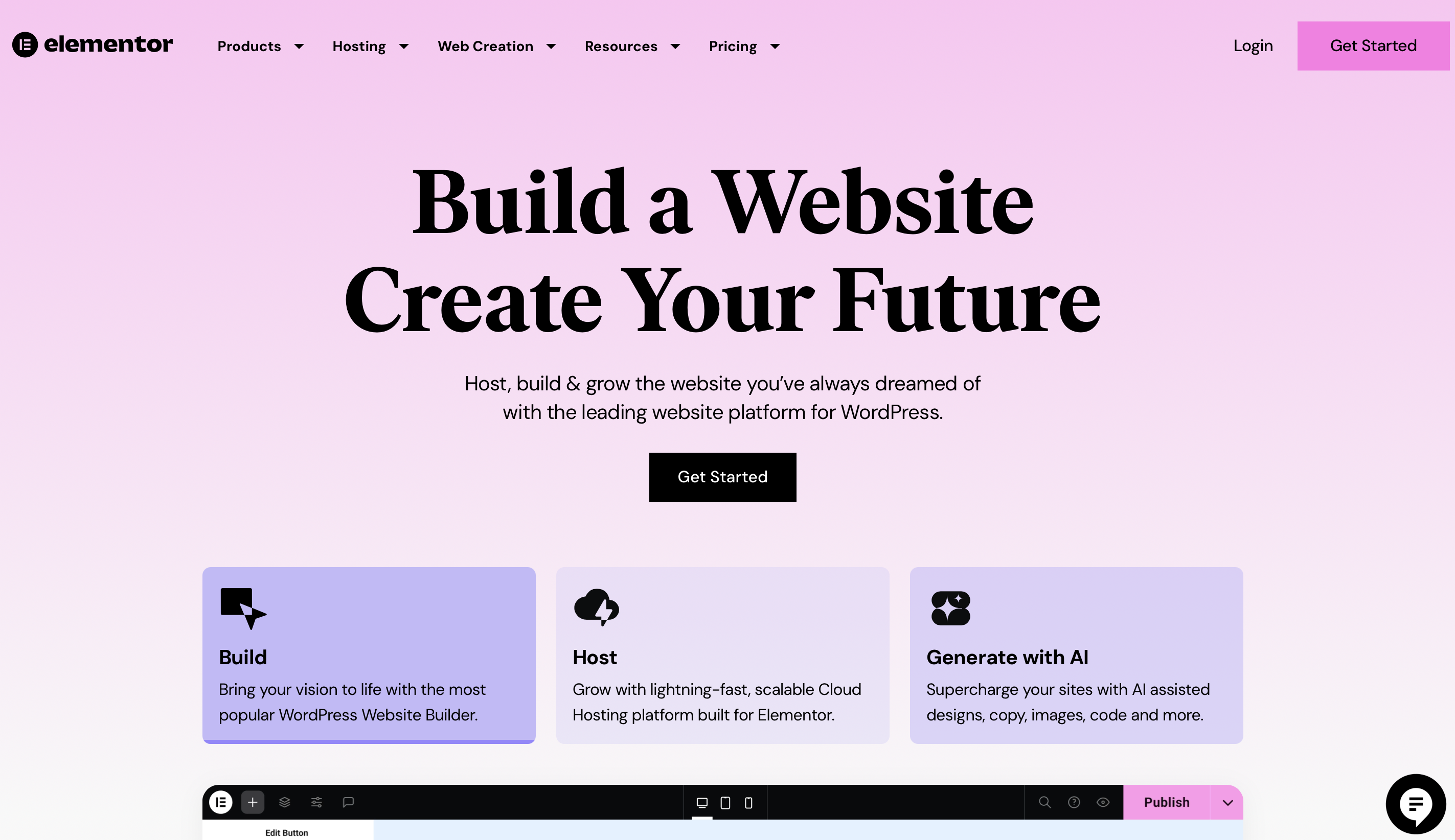
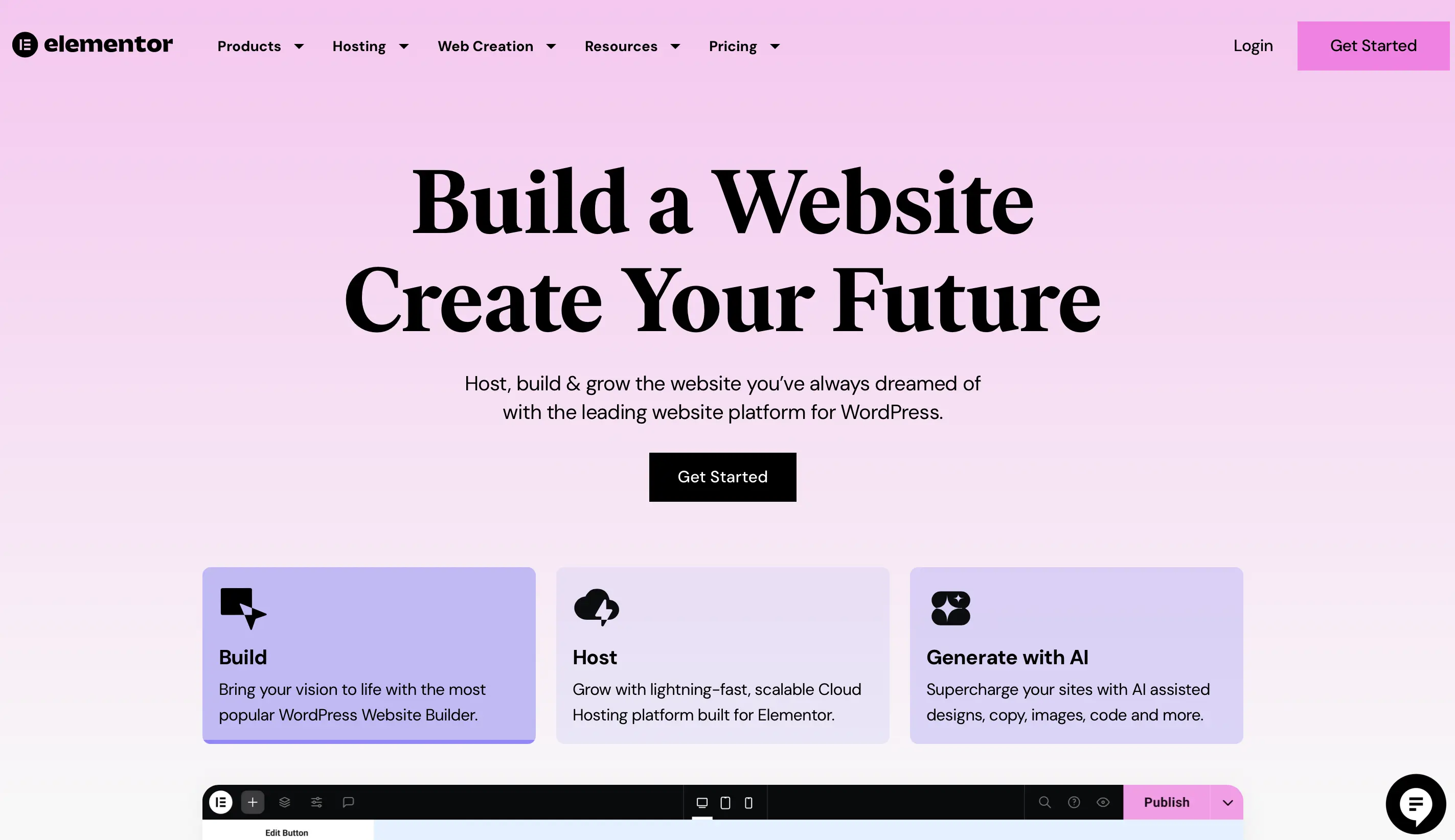
Elementor is a strong choice for both beginners and professionals. There’s a free version, plus several premium plans offering more features. For beginners, the 10 starter templates are more than enough. Even the free version supports building sleek, functional sites with handy features. The drag-and-drop interface is highly intuitive, and the template library is impressive. The Advanced plan is great for creating multiple sites. It includes advanced animations and reusable widgets. Elementor is regularly updated and compatible with the latest WordPress versions.
| Pros | Cons |
|---|---|
| ✓ Intuitive drag-and-drop interface | ✘ Multi-site use only in the highest-tier plan |
| ✓ Numerous layout options | |
| ✓ Real-time frontend editing |
WPBakery Page Builder
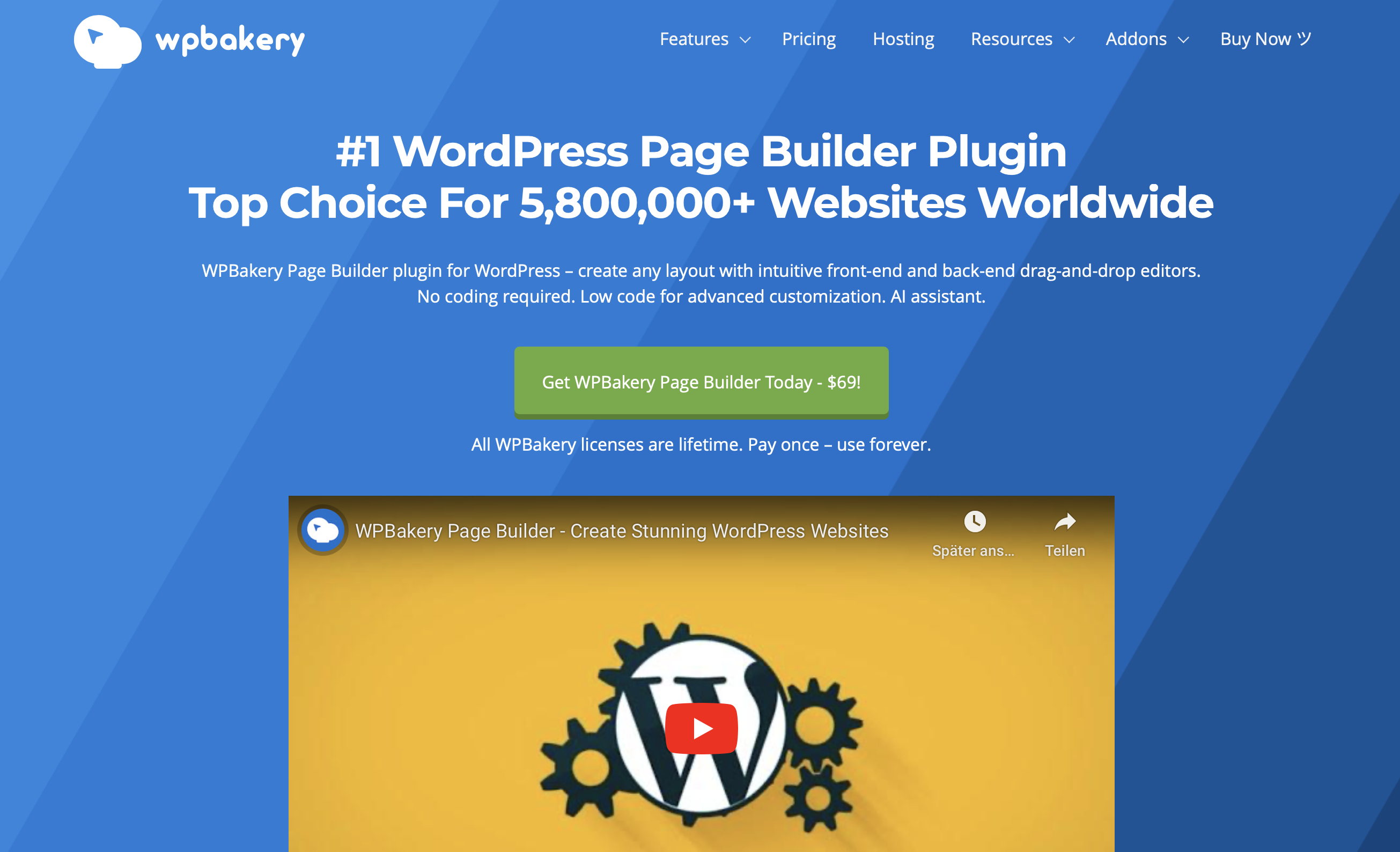
WPBakery Page Builder (formerly Visual Composer) is one of the oldest WordPress builders. The drag-and-drop editor is used on thousands of WordPress sites and often bundled with premium themes. It offers many layout and element options and supports numerous add-ons.
It works with the latest WordPress versions, though some older themes may rely on outdated WPBakery versions, which can cause compatibility issues. A one-time payment grants lifetime access.
| Pros | Cons |
|---|---|
| ✓ Backend and frontend editing supported | ✘ Less intuitive than Elementor or Divi |
| ✓ Responsive design support | ✘ No free version |
| ✓ Custom color themes |
Beaver Builder
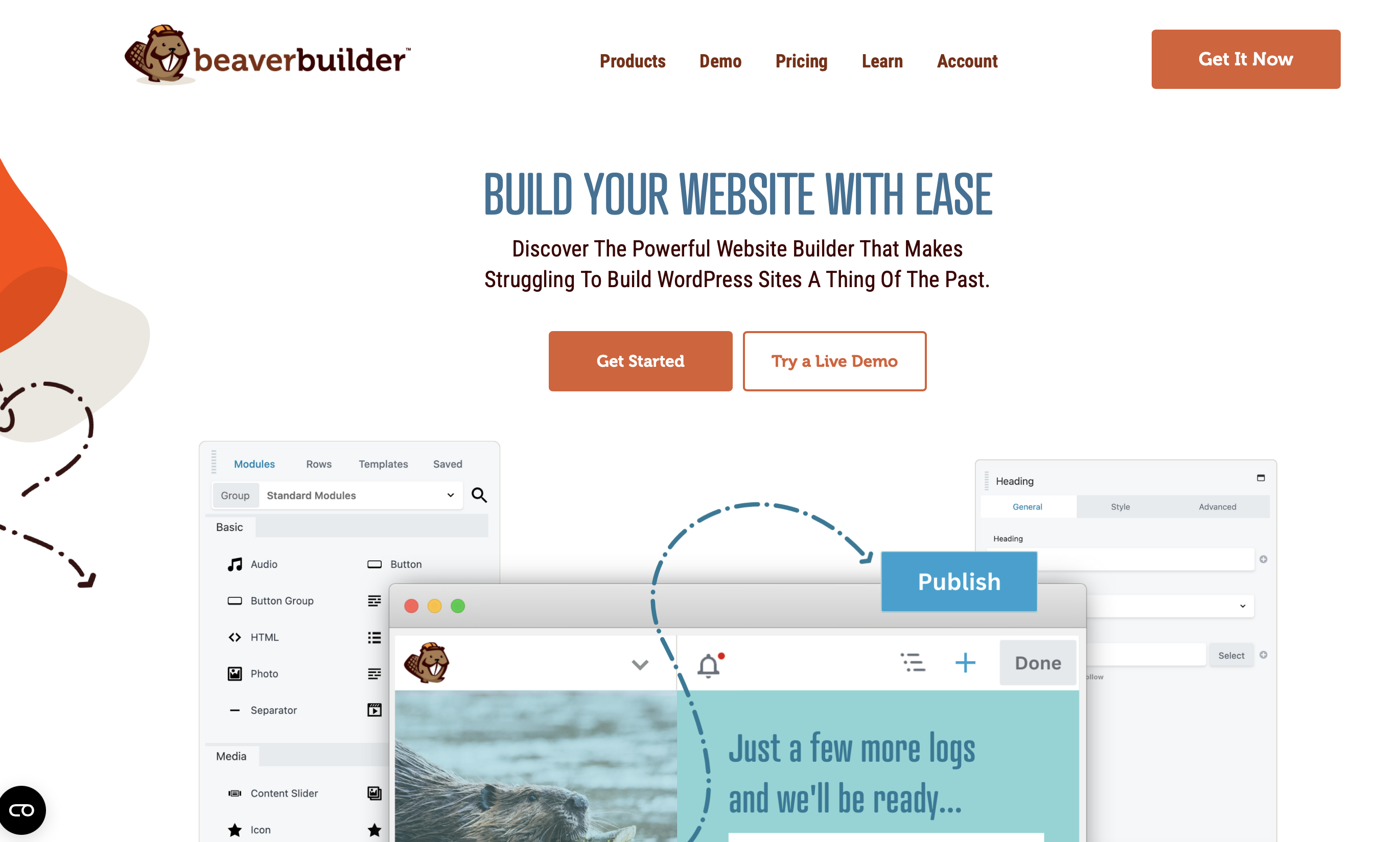
Beaver Builder is performance-focused and delivers great results. Its responsive design works flawlessly across all devices. The builder offers numerous features, making it ideal for advanced users. Frontend changes are shown live, speeding up the workflow. It also integrates well with WooCommerce. There’s a feature-rich free version, and premium plans with more tools for multi-site use.
| Pros | Cons |
|---|---|
| ✓ Excellent performance | ✘ Not ideal for beginners |
| ✓ Great responsive design | ✘ Fewer design options than some builders |
| ✓ Live frontend editing | |
| ✓ WooCommerce support |
Divi
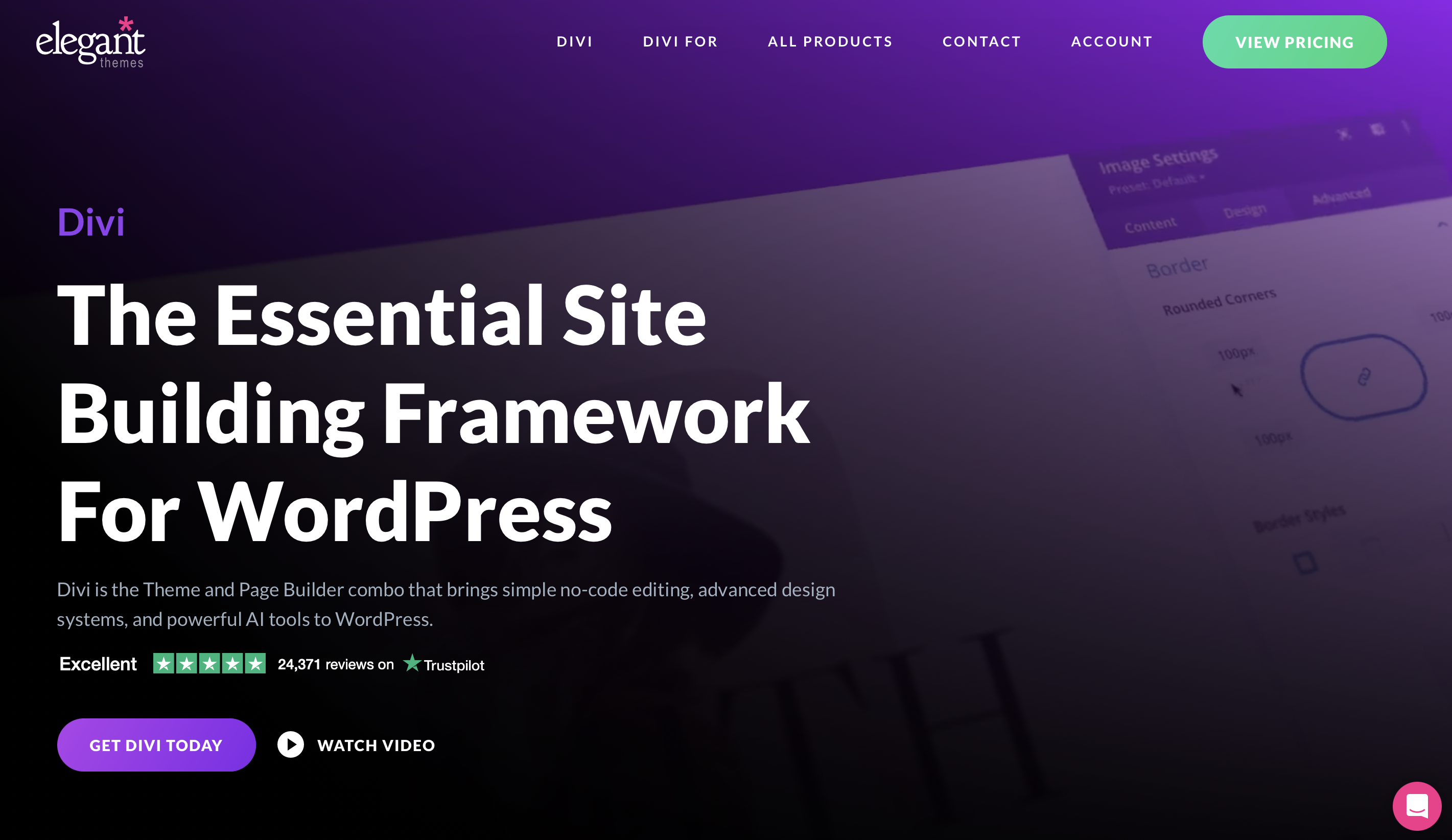
The Divi Builder from Elegant Themes is geared towards professionals. It offers over 40 design modules and a wide selection of layouts, making it easy to create a fully customized website tailored to your needs. With AI support, you can build complete websites in just a few minutes. Divi is a great choice if you like experimenting with different versions—it lets you revert to previous revisions at any time. However, with large-scale changes, this WordPress page builder can occasionally be a bit slow. You can choose between an annual license or a lifetime subscription. A free version of this WordPress builder is not available.
| Pros | Cons |
|---|---|
| ✓ Numerous layout options | ✘ Slower with large-scale changes |
| ✓ Easy rollback to previous versions | |
| ✓ Real-time editing preview | |
| ✓ AI support |
GeneratePress
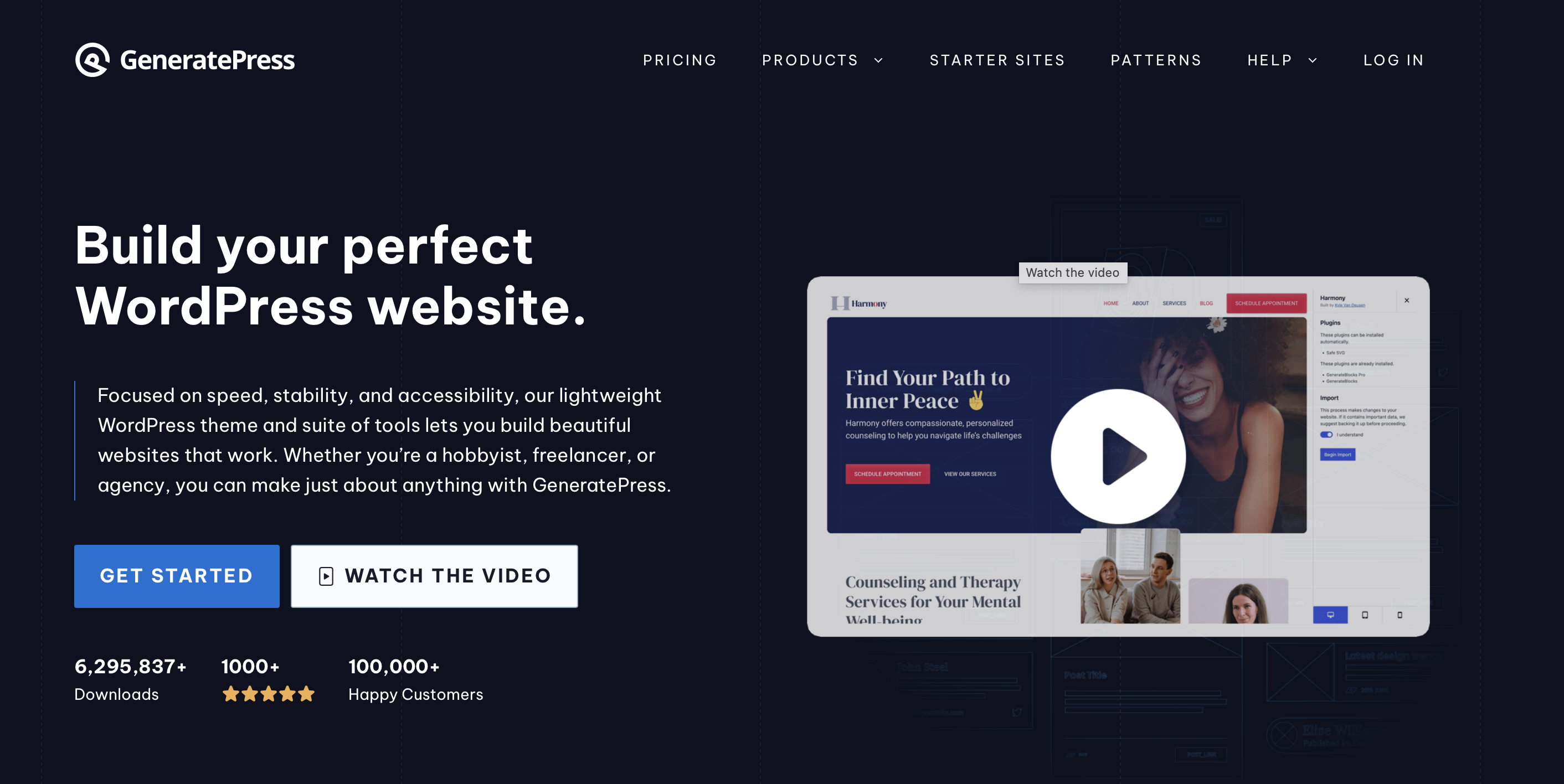
If you’re starting a small store or WordPress blog, GeneratePress is a lightweight, user-friendly choice. It’s extremely easy to use, and even beginners can create a high-quality site with its Gutenberg-focused theme. The layout is clean and modern, making this WordPress builder ideal for simple websites. If you need more functionality, the premium version allows implementation on unlimited sites, includes numerous modules, and stands out for its impressive speed.
| Pros | Cons |
|---|---|
| ✓ Extremely easy to use | ✘ Drag-and-drop only in Pro version |
| ✓ Fast and lightweight | |
| ✓ Stylish, modern design |
Conclusion for the five best WordPress page builders
With the right WordPress page builder, you can create a fast, functional, and professionally designed site in no time. The WP page builders above are perfect for frequent use and multi-site projects. Paid versions allow you to save layouts and reuse elements to speed up the process. That way, you can build multiple customized websites with minimal effort.
Want to know everything about WordPress? Check out the IONOS Digital Guide! Whether you’re looking for helpful SEO tips, want to speed up WordPress, or need advice on how to set a WordPress homepage—we’ve got you covered.
