

Google Maps alternatives: What map services are there?

People often use mobile map apps to help them get from one place to another. The Google Maps app comes already pre-installed on most mobile devices and is by far the most popular option. There’s a good reason for this: the service’s data content and range of functions are very inspiring. Wherever you are trying to go, Google Maps can usually help you get there. It even offers an offline maps function.
However, not all users are satisfied with this market-leading product. Data protection concerns play a role, as does criticism that the map material can easily be manipulated for commercial purposes. If you want to avoid using Google Maps, you can always choose another navigation app. But can the other providers compete with the industry leader? What are their advantages and disadvantages?
- Simple registration
- Premium TLDs at great prices
- 24/7 personal consultant included
- Free privacy protection for eligible domains
The best Google Maps alternatives
There are plenty of alternatives to Google Maps and many of them can be utilized offline. The big advantage of this is that you do not have to access the Internet when you are out and about, and you subsequently save on data volume or your roaming allowance. However, you then need additional storage space and regular updates. How much memory the app uses up on your phone depends largely on how many maps you download to have available offline. This can be very useful for a trip abroad if you are in areas with poor data reception, for example.
When choosing another map service, you should also take into consideration where the providers are getting their map material from. Some supposed alternatives end up also being Google subsidiaries, while many others rely on free maps like the OpenStreetMap project. The biggest differences are in the range of functions and prices, but almost all the map applications presented here can be used free of charge. More specialized navigation apps that offer additional features usually require payment.
Good map services don’t just show you the correct route, they also display addresses, transport links, shops and dining/nightlife options. Some Google Maps alternatives show nearby hostels and cinemas, or where to find the nearest care-share vehicle or gas station. Others specialize in providing drivers, cyclists or hikers with the best route from A to B with all the relevant information.
OpenStreetMap
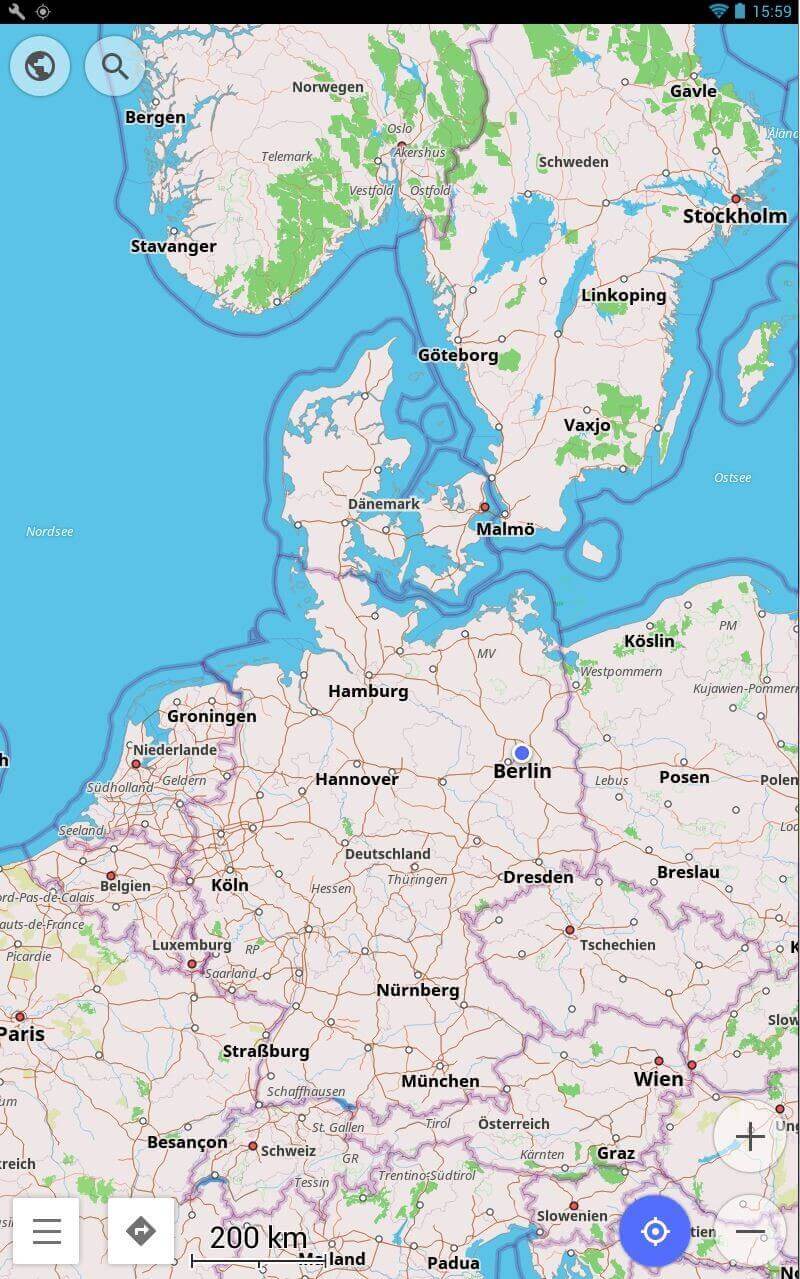
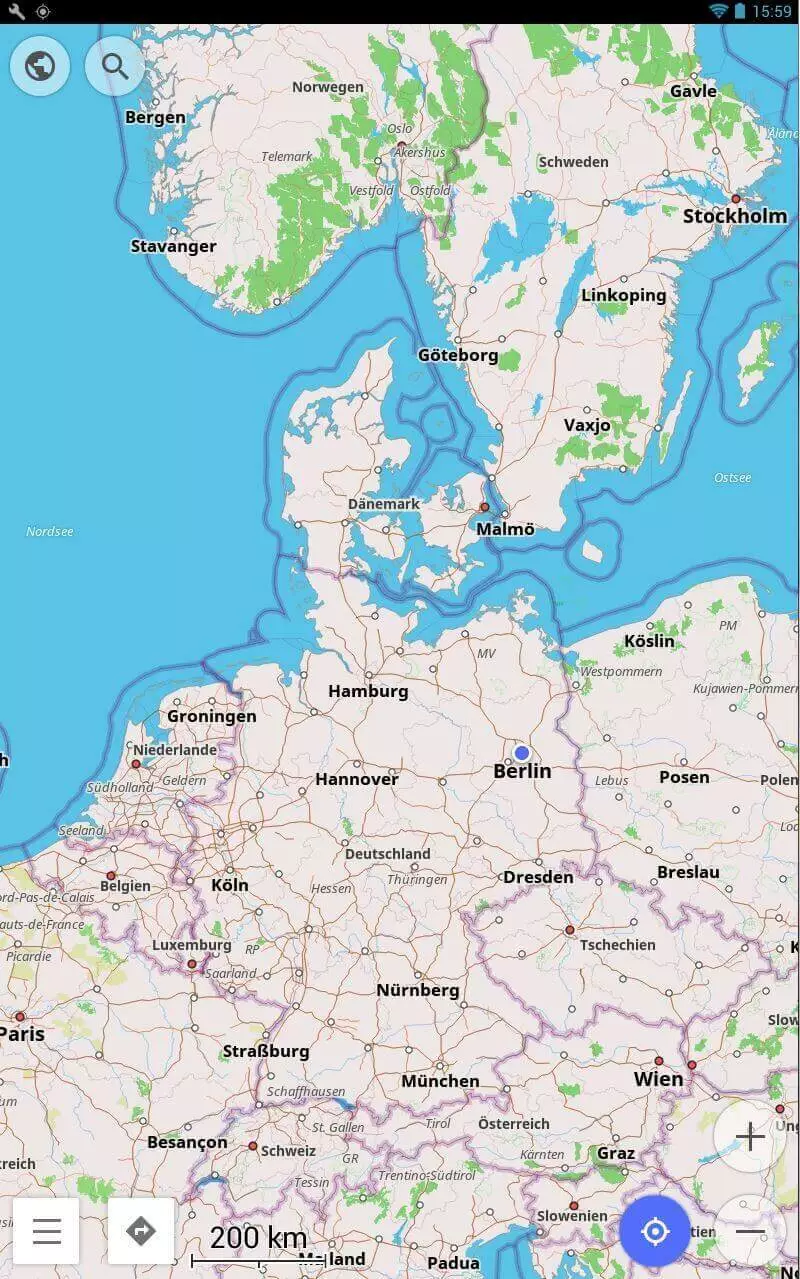
OpenStreetMap, has been around since 2004 and is probably one of the best known Google Maps alternatives. The navigation app uses an “open data” concept, whereby users enter map data themselves, collaborating to create as detailed a world map as possible. This data is free for everyone to use since it is run under the Open Database License. This means that it can be reused without restrictions – unlike Google Maps, which is governed by American Corporation licensing terms.
OpenStreetMap can be used on a browser, and also has apps for Android and iOS. You can easily print maps or share them with your friends and the app stores images and data like house numbers, or the number of floors in the building to make the map as comprehensible as possible. Private data is not part of the project framework and will not be saved. Private lands and any private pedestrian pathways, lawns or driveways that are connected to them are not visible. The route planner (provided for Europe through the related OpenRouteService project) distinguishes between different types of motorized vehicles, cyclists, pedestrians, and even wheelchair users.
The project is entirely funded through donations and does not require advertising. Donations are collected at “mapping parties” to help finance new projects and the collection of other map data. Since the maps are freely usable, numerous other map apps make use of it as a resource. To use the app offline, you need to download the maps, which requires a significant amount of storage space.
| OpenStreetMap Advantages | OpenStreetMap Disadvantages |
|---|---|
| Free app | Depends on donations |
| Free license | Lots of memory needed for offline use |
| No advertisements | |
| Entirely independent maps |
Maps.me
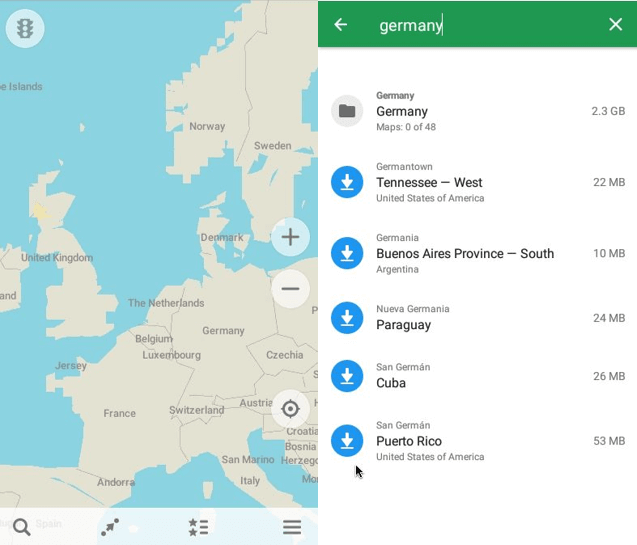
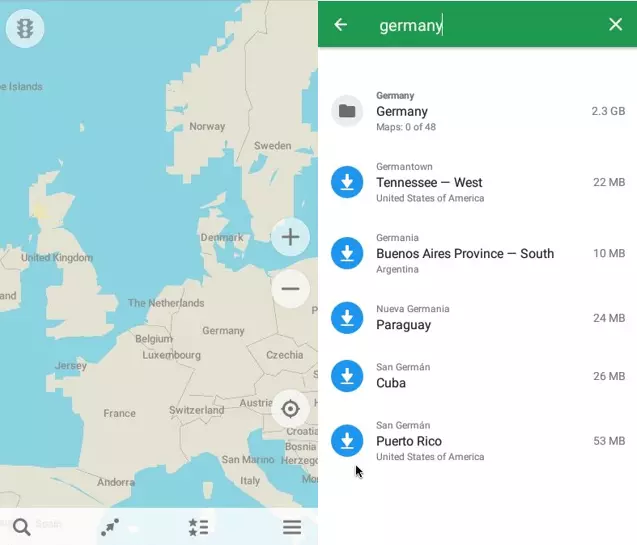
Maps.me is one of the free apps that make use of OpenStreetMap’s material. If enough space is available on the device, the app is automatically stored offline so that it can be retrieved at any time without consuming any data. In addition, the data is compressed as much as possible so that the app requires less storage space.
The Maps.me app is popular among users because it’s very detail-oriented and includes a few features missing from Google Maps. Some details include having various well-thought out categories for entertainment, hotels, restaurants, and food. If you select the category “Food” for example, along with what kind of cuisine you’re looking for, the app will bring up relevant results in your area.
A disadvantage of this navigation app is that the directions are not always necessarily accurate and sometimes it shows detours instead of the most direct route. Unlike Google, it does not always prioritize the fastest/quickest route, instead opting for the most comfortable route, which can then take longer. The app also takes up a lot of storage space on your phone. However, you can also download maps of individual cities or regions, which is extremely convenient when traveling abroad.
| Maps.me Advantages | Maps.me Disadvantages |
|---|---|
| Available offline | Recommended routes are not always the best |
| Different categories and filters | Requires lots of storage space |
| Maps for specific cities and regions are available | |
| Does not use up much data |
Navmii
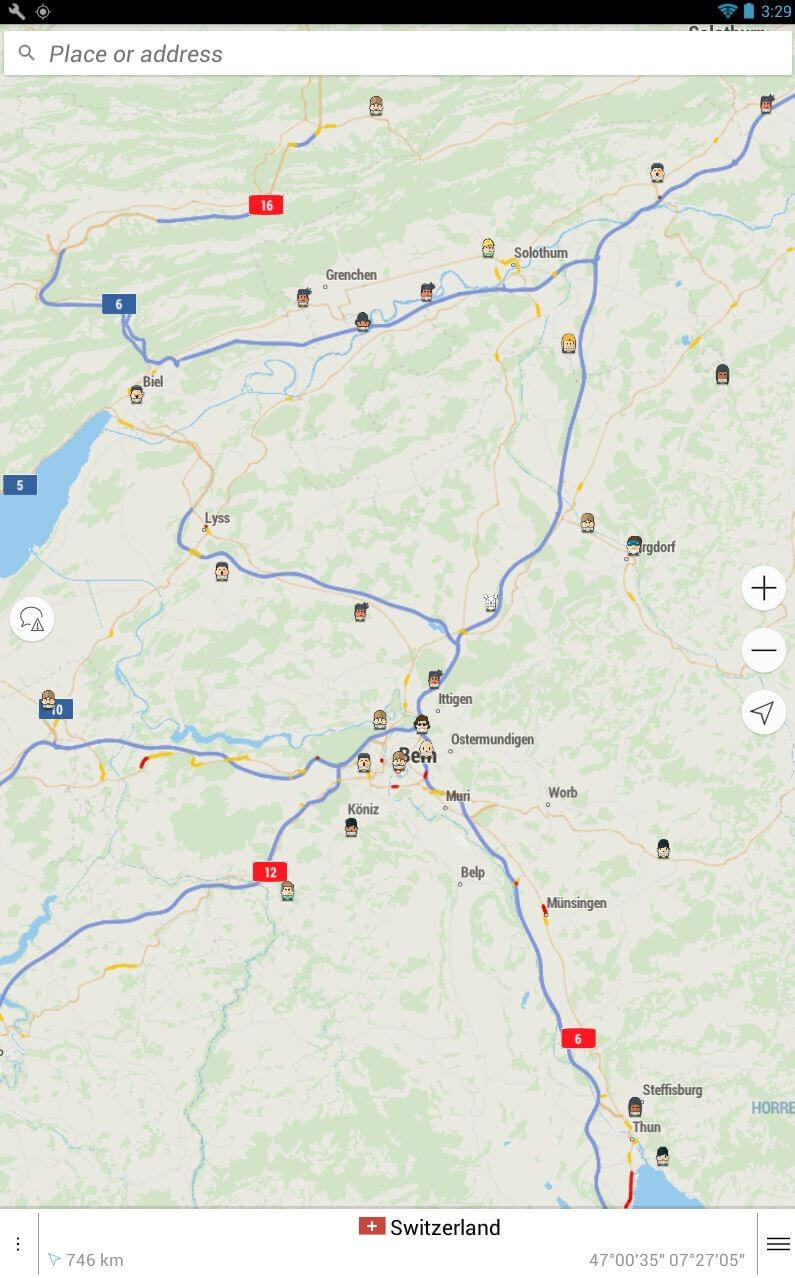
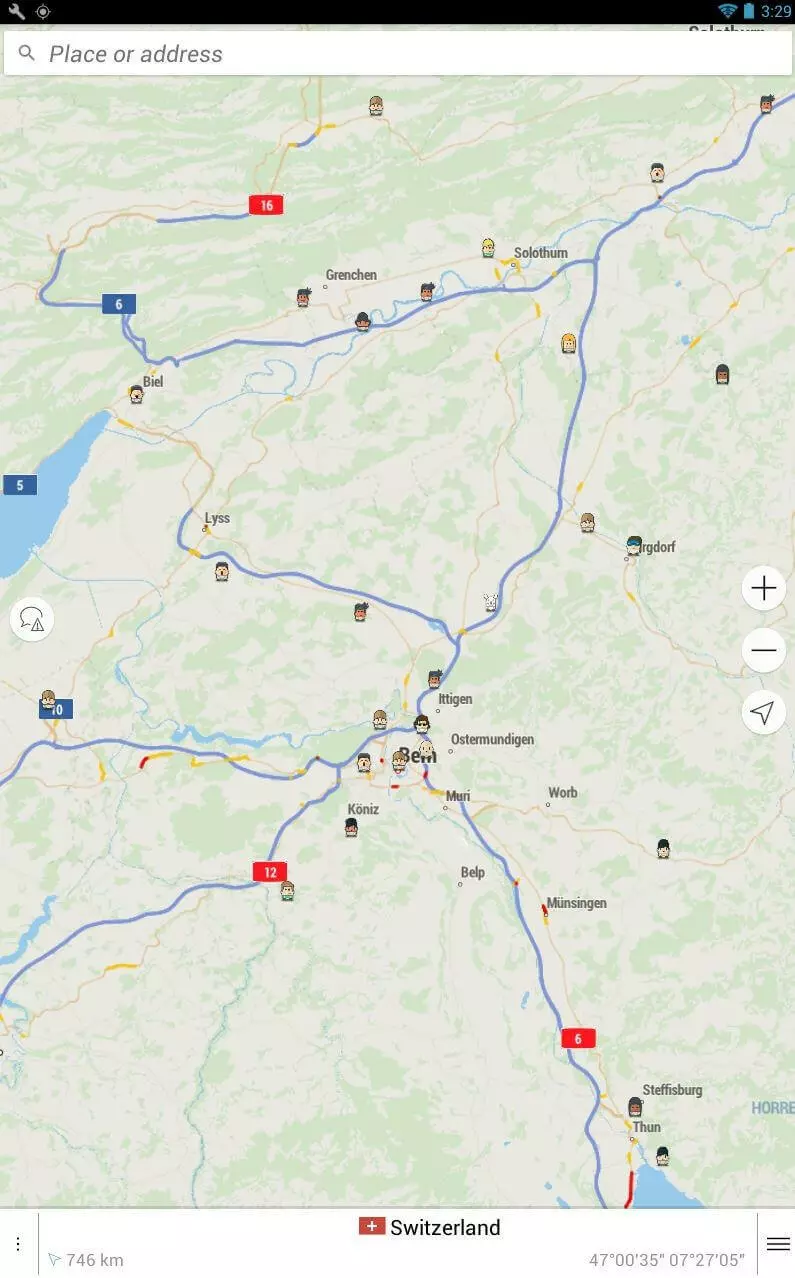
The app Navmii, created by the eponymous Navmii Publishing Ltd, is now available as free-of-charge, offline-functioning software. Navmii also uses OpenStreetMaps’s maps. In addition, the service extends the functionality of their maps with professional features like geocoding or real-time navigation. It also saves maps offline after a manual download, so that you can easily access and use them, even if network reception is low or you are running low on data. However, updates for Navmii are not as fast as Google Maps.
When used online, Navmii combines voice-based navigation, real time traffic information, local searches and driving statistics, making it an above standard navigation system. The navigation app displays up-to-date reports of accidents and construction sites, as well as providing additional integrated information on TripAdvisor and other similar sites. The app is free of charge for Android users, and free for iOS users in their first country since 2017. While the company’s previous country apps required a separate app for each national map, Navmii GPS World now provides access to maps for 197 countries within a single app. The new app saves you having to install multiple apps, but also requires more storage space. The amount required will vary depending on what type of device you have.
| Navmii Advantages | Navmii Disadvantages |
|---|---|
| Maps can be downloaded manually for offline use | Requires more storage space |
| Intelligent Navigation | Slower updates than Google |
| Extra information from TripAdvisor | |
| Navmii GPS World gives you access to map data for 197 countries worldwide |
Waze
Waze is also often cited as a good alternative to Google Maps. However, Google bought Waze in 2013 so it doesn’t really count as a genuine alternative, instead, it’s more of a supplement to Google Maps. Google did not integrate the app into their products but they use Waze’s information to help develop their own programs. Maps on Waze are not freely available, coming under a proprietary license (like other Google apps) instead.
The map app is available for Android, iOS and Windows phones. Its basic function is to provide data on current traffic situations. It is based on the simple principle that users automatically share information with Waze as they use the app. This can be both an advantage and a disadvantage: without consent to use this data, the principle doesn’t work. Users joining the data-sharing community is the only way that everyone can benefit from the information available.
Another special feature is that you can network in smaller groups and share information with them, like cheap gas stations or current speed camera locations. In addition, when members of a group connect the service to Facebook, they can see who is located where, and how long everyone will need to get to the meeting point. Privacy-sensitive users, however, have rightly shown skepticism: since all data is connected to individual Waze accounts, they are individually personalized. If you prefer anonymity online, using this app is not an option.


| Waze Advantages | Waze Disadvantages |
|---|---|
| Free of charge | Proprietary license means that maps are not freely available |
| Real-time information about traffic situations | Data is automatically shared with the app, users have no option |
| Community opinions and ideas through information sharing | Data is connected to the individual Waze account |
| Possible to network with friends | Purchased by Google, so also sharing data with Google is a possibility |
| Manually sending information is possible |
HERE WeGo
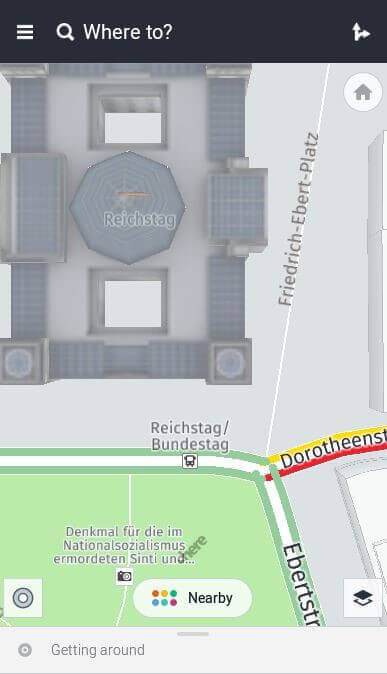
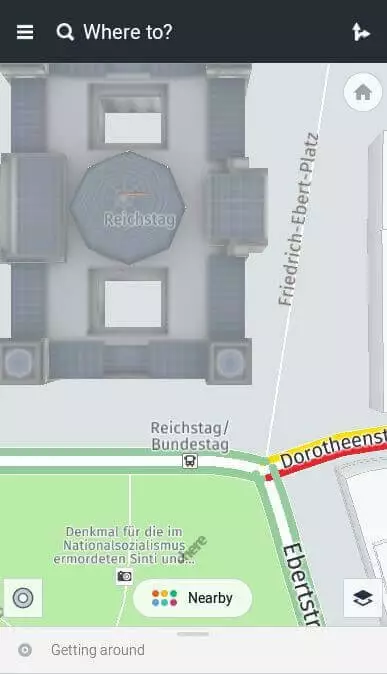
HERE WeGo is the successor of Here, a navigation app founded in Berlin that belonged to Nokia Maps. Car manufacturers Audi, BMW, and Daimler are the main shareholders in the company. HERE WeGo has its own map material sourced from Navteq, a geodata provider that merged with the Nokia group in 2011. The main feature of this app is that offline maps are available free of charge for around 100 countries for Windows, macOS, Android and iOS users. After Google Maps, HERE WeGo offers the most comprehensive maps. However, satellite images are only available in online mode. A user-friendly route planner is also integrated. HERE WeGo is considered a great alternative to Google Maps.
The map app provides directions, traffic and public transport information, including subways, suburban trains, buses, etc. They also have detailed city maps of more than 1,300 cities around the world. Whether on foot, by bicycle, car, bus or train: the Google Maps alternative HERE WeGo provides precise information on all routes and does not omit car sharing options or taxi rides. It is also very practical to compare different routes and means of transport directly with other users.
Offline maps for individual companies or cities can be downloaded manually with the app and can then be used for address searches, navigation, and route planning. HERE WeGo also provides a voice output for up to 46 languages. In online mode, users have access to real-time traffic data and information on individual locations as with many other comparable map services. However, the app is missing a feature like Google Street View, allowing you to view public places online from a more natural perspective.
One downside is that some information is out of date and does not get updated as quickly as Google Maps. This includes information about restaurants and ATMs for example. In order to seriously compete with the leader, these little details would need to be included and/or improved on. It is unclear, however, if this will be pursued, considering the owners of this app – car manufacturers may be more interested in further developing the service into an automated driving app.
| HERE WeGo Advantages | HERE WeGo Disadvantages |
|---|---|
| Free | Requires more storage space (depending on the size of the offline maps) |
| Extensive range of offline maps | Information on (restaurants, ATMs, etc) are often out-of-date |
| Maps of more than 1,300 cities worldwide | Missing compass function for pedestrians |
| Extensive and easy-to-use route planner |
Maps 3D Pro
Maps 3D Pro was developed with outdoor navigation in mind. The app by movingworld’s providers costs $5.99 in the App Store and only runs on Apple devices. One special feature is the GPS navigation function for pedestrians and cyclists. You can use this after planning the route in offline or flight move, saving yourself battery and data volume charges.
Further key aspects of the app are the detailed directions function and the eleven different types of maps, such as the 3D view or world view. While hiking, the map can show elevation, pace and distance traveled. The app is also highly suitable for geocaching fans. Buying this app gives you maps for hiking regions all over the world and is great for travelers. The app is based on information from OpenStreetMap. You can also connect to the Cloud with Maps 3D pro, allowing you to easily share photos with others while you travel.
Maps 3D Pro is currently one of the most popular paid apps for outdoor activities on the market and is available in English, French, German, Italian and Dutch. This GPS app requires about 26 MB of storage space and is compatible with the iPhone, iPad and iPod touch from iOS 8.0 onwards.
| Maps 3D Pro Advantages | Maps 3D Pro Disadvantages |
|---|---|
| 3D map view | Requires a fee |
| Landscape representation | |
| Use of Graphhopper tour planner | |
| Topographic outdoor maps | |
| Integrated bicycle speedometer | |
| 26 MB space |
- Improve your Google ranking without paying an agency
- Reply to reviews and generate social media posts faster
- No SEO or online marketing skills needed
Overview of the best Google Maps alternatives
Since Google Maps is already preinstalled on Android smartphones, there are few people actively searching for an alternative. A disadvantage of Google Maps is that the offline functions of the app are very limited. Offline maps provided by the alternatives often include more features (for example, Google’s offline maps can only plan driving routes). Google Maps can cause considerable problems when you are abroad, or in a location with poor connection signal. Some alternative navigation apps also include extra features that Google Maps does not have, like driving statistics (Navmii) or a maps category selection (Maps.me).
OpenStreetMap and HERE WeGo are alternatives that can easily compete with Google Maps, thanks to their own exclusive map material and offline function range. Numerous apps access their maps and supplement them with special information like real-time navigation (Navmii) or hiking maps (Maps 3D Pro). Waze makes use of a community concept to gather geodata and traffic information while providing Google with traffic updates. Here are the main advantages and disadvantages of our chosen Google Maps alternatives in tabular form:
| Advantage | Disadvantage | |
|---|---|---|
| OpenStreetMap | ✓ Maps created by users | ✗ Financed by donations, so new projects take longer to get off the ground |
| ✓ Free license | ||
| ✓ No advertising | ||
| Maps.me | ✓ Maps categories | ✗ Route guidance less accurate than other map apps |
| ✓ Data compression | ||
| Navmii | ✓ 3D view | ✗ iOS needs to download a separate app for each country |
| ✓ Integrated information from TripAdvisor | ✗ relatively slow with updates | |
| ✓ Traffic statistics | ||
| Waze | ✓ Indicates current traffic updates | ✗ No free license |
| ✓ Community concept | ✗ Automatic data transfer to the app | |
| ✓ Network with friends easily through Facebook | ✗ Automatic data transfer to the app | |
| ✗ Owned by Google | ||
| HERE WeGo | ✓ Maps can be individually downloaded | ✗ Information about restaurants, ATMs and other extras sometimes outdated |
| ✓ Uses their own extensive database of maps | ✗ Missing compass function for pedestrians | |
| ✓ Good route planner | ||
| Maps 3D Pro | ✓ 11 different map types | ✗ Requires a fee |
| ✓ Map details like altitude and tempo are displayed |