

Netflix alternatives: the best online streaming portals

Netflix has now become synonymous with online streaming in many languages. The company has long-since turned their hand to in-house productions across many genres, helping to solidify their position as the number one streaming format – strides ahead of other services in pursuit. But these alternatives to Netflix are making efforts to close the gap through their own quality programming and unique payment models. And with some big players like Amazon entering the market, things have become a little confusing for the consumer. So which streaming services are viable alternatives to Netflix? Which is the most expensive and which is the best value for money? We’ll assess all the options for you in our guide to Netflix alternatives.
Streaming online: where to start?
The streaming market is sometimes very confusing and the number of different services out there is really incomplete thanks to differing broadcasting rights and a growing trend towards original programming. This is further complicated by the fact that new platforms are constantly joining the competitive market, often just to disappear again a few months later. The abundance of different providers means that it’s important to look into the differences between them. We’ll compare the big platforms Amazon Prime, Netflix, Google Play Movies & TV, and iTunes. But we’ve decided not to include any free portals like YouTube – even though it offers a number of legally uploaded movies and series. In fact, we’ve dedicated an entire article to discussing the best alternative video platforms to YouTube. Our comparison of Netflix alternatives will of course look at the movies and series that each platform has to offer, but will also include other aspects like the availability of a mobile app, added features, and the terms and conditions of a subscription package. We’ll also make the distinction between original content and general content.
Netflix: what does the market leader really offer?
One look at the market share demonstrates the strong position that Netflix holds. In 2014, it represented almost an 85% share of the US streaming market (although the increased competition means experts predict that this will drop to around 50% by 2018).
Although Netflix might have quite a limited movie collection, missing many classics, cult films, and independents, but the platform more than makes up for this with its many high quality series and exciting original programming. Some of the most notable ‘Netflix Originals’ include high-budget smash hits like ‘Stranger Things’, ‘Orange is the New Black’, ‘Narcos’, ‘House of Cards’, and when you throw the Marvel series ‘Jessica Jones’, ‘Luke Cage’, and ‘Daredevil’ into the mix, there’s hundreds of hours of top draw entertainment to enjoy. Such is the success of Netflix’s original content that the label ‘Netflix Original’ has almost come to be considered as a guarantee of quality. But there’s more to Netflix than just its original programming. Popular series like ‘The Walking Dead’, ‘Modern Family’, ‘The Big Bang Theory’, and ‘Breaking Bad’ are also available for viewing. But the wait can often be a few months after their original airing on TV that the latest season of shows like this are available on the online streaming service. The same is true for the latest blockbusters. And some big-hitting series like ‘True Detective’ or ‘Game of Thrones’ are nowhere to be found. But new content is added regularly: Netflix updates its back catalog with both classic series and Netflix Originals several times every month. Lastly, there are plenty of other types of show available, including numerous documentaries and anime series. One of the best things about Netflix is its flexible customer subscription model and many extra bonus features: the initial trial month is free and an online subscription package can be cancelled at any time, meaning signing up is basically risk-free. And if you decide you’re not enjoying Netflix during your trial month, you can just switch to another provider once it’s over – meaning it doesn’t cost you a dime! Netflix is also popular among many commuters: along with its native apps for smart TVs, computer consoles, Apple TV, Chromecast, Netflix offers mobile apps for iOS, Android, and Windows Phone. And better yet, the iOS and Android versions of the app feature a practical download function that allows you to store your favorite programs for offline viewing, meaning it won’t cost you your whole data package in streaming. The volume and subtitle controls are also easy to operate. Netflix offers HD and ultra-HD content, but only at the expensive Standard and Premium subscription packages. This wouldn’t be such a disadvantage but for the fact that there’s quite a large gap between price and extra features with the more expensive tariffs. The additions offered for the extra dollars are often not worth it for many users. HD is a bonus that many users get to enjoy with the Standard tariff, meaning that the extra price per month only offers the added advantage of being able to stream Netflix on two different devices at the same time. The Premium package offers ultra HD on 4 devices, but this is only worth it for families who have the appropriate 4K/UHD devices and superfast internet speeds.
| Advantages | Disadvantages |
|---|---|
| Superb original programming | Missing several key movies and series |
| Very flexible subscription model… | … but with precious little incentive to upgrade to the Standard and Premium packages |
| Apps for many devices and operating systems | No single download option for additional films or series |
| Download function for mobile devices | HD only available with expensive subscription upgrade |
| Original versions and subtitles for foreign language programming |
The best Netflix alternatives: what of the competition?
Amazon Prime Video
The Netflix alternative with the next biggest market share by a distance is Amazon Prime Video.
The movies and series platform Amazon Prime Video can do everything that the market leader, Netflix, can: along with high-quality original programming like ‘The Man in the High Castle’, ‘Goliath’, ‘Transparent’, and ‘Red Oaks’, it also offers new and often exclusive third party content regularly too. In fact, Amazon Prime Video actually has a broader selection on offer: It’s diverse range includes exclusive blockbusters like the ‘Hunger Games’ movies with Jennifer Lawrence, successful series like ‘Downton Abbey’, and beloved children’s programs like the popular ‘Bibi & Tina’ films. Amazon Prime Video also generally keeps up with Netflix when it comes to broadcasting new seasons of series like ‘The Big Bang Theory’ or ‘The Walking Dead’. And it’s also possible to buy or rent content as you please with ‘Amazon Video’, a slightly different service that doesn’t require a subscription.
The subscription model for Amazon Prime Video differs slightly from Netflix: there’s still a regular trial month, but along with the monthly access through the regular monthly subscription, there’s the option to purchase the full Prime package for an entire year. This annual package may be a more considerable outlay to make, but over the course of the year it means that Amazon Prime Video is a more financially viable Netflix alternative: When you calculate the cost of a yearly subscription to Netflix, Amazon Prime Video works out as about two-thirds of the price.
There are no noticeable differences in quality and range of features between the two platforms, with both offering programs in SD, HD, and 4K, with subtitles and good sound quality. Apps are available for iOS and Android as well as for all current gaming consoles and the in-house set-top boxes Amazon Fire TV and Amazon Fire TV Stick. Another advantage is the download function for many mobile devices that enables viewing playback without a direct internet connection. Unfortunately, Amazon Prime Video is less common on Smart TVs, Blu-ray players, and home cinema systems, while parallel viewing is only available on a maximum of two devices at present. The Premium package from Netflix, by comparison, offers simultaneous playback on up to four devices – but it’s significantly more expensive.
| Advantages | Disadvantages |
|---|---|
| High-quality original programming and a wide range of classics | Occasionally confusing distinction between Amazon Video (loan and purchase of content) and Amazon Prime Video (flatrate content) |
| Multiple options for subscribing, renting, and purchasing | Comparatively fewer original language versions of movies and series in foreign languages |
| Apps for iOS, Android, consoles, Amazon’s in-house set-top-boxes, and more … | … but less common to find on Smart TVs, Blu-ray players, and home cinema systems |
| HD available for subscribers | |
| Download function for mobile devices | |
| Subtitles |
Google Play Movies & TV
Google Play also offers movies and series to download – but not via a subscription model. Instead, this alternative to Netflix focuses on one-time visitors, meaning it’s particularly useful for beginners. Movies, seasons, and individual episodes can be rented or bought – meaning that you can keep your monthly expenses in your own hands, just like with Amazon Video. The downside to this is that people often end up spending considerably more.
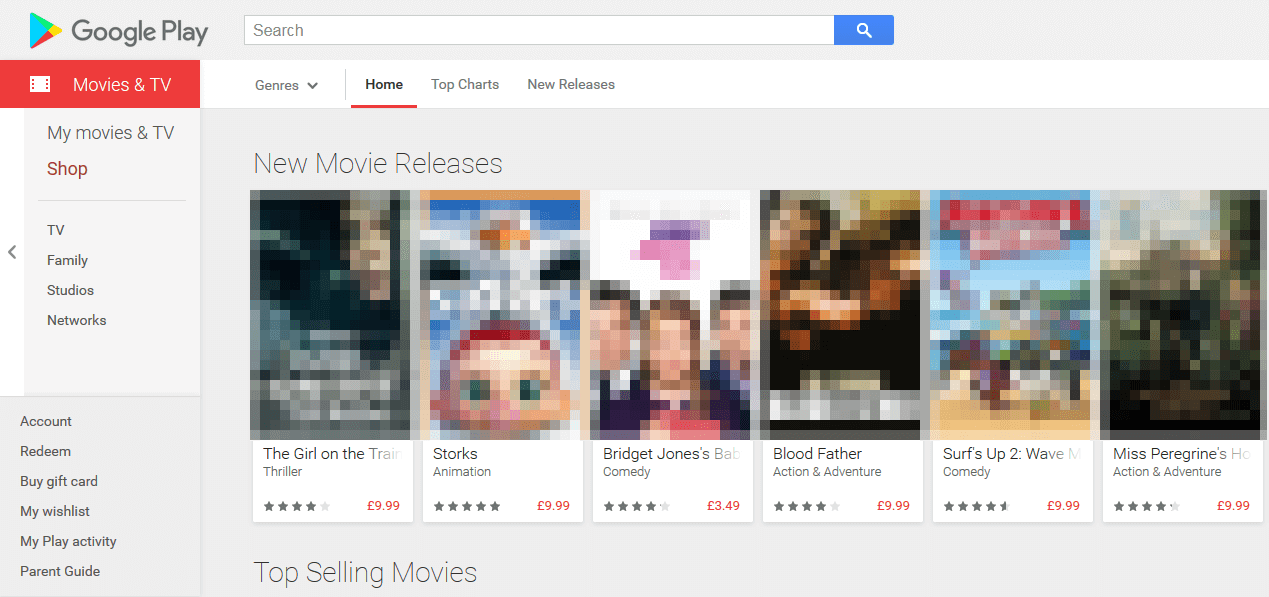
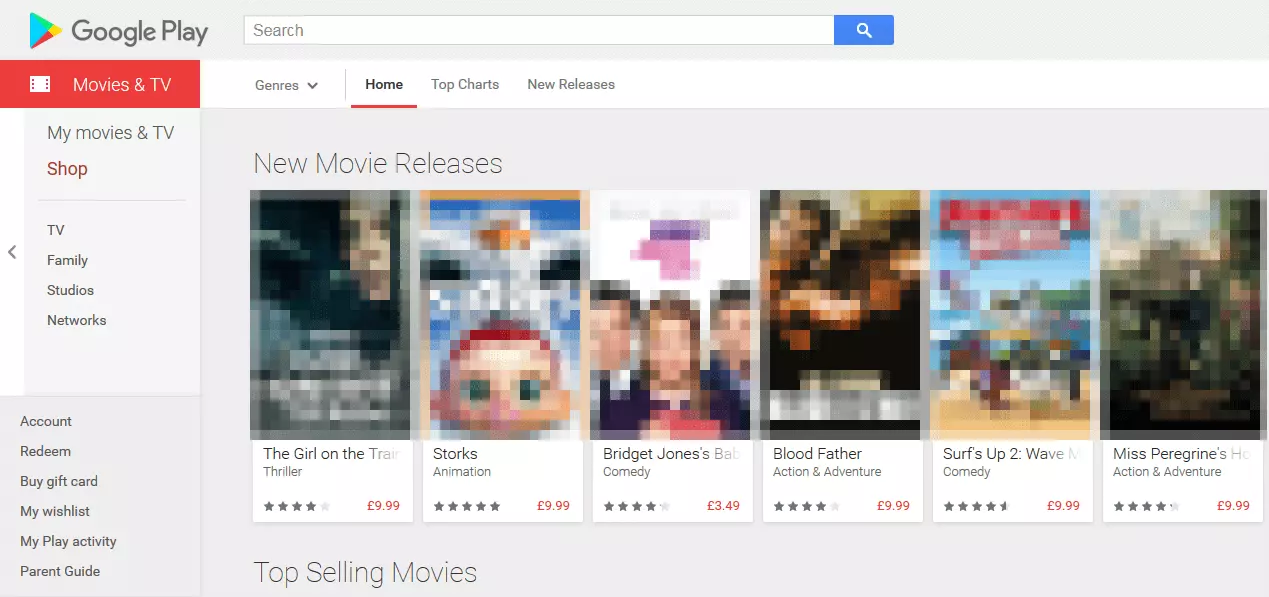
The pricing model for Google Play means it doesn’t compete directly with Netflix in many ways. But one field where it can compete is for selected blockbuster highlights. While the film selection is remarkable, offering almost all new releases and many selected classics, the selection of TV series lags a little behind. Admittedly, big-name series like ‘Game of Thrones’, ‘The Walking Dead’, ‘Sherlock’, and ‘The Big Bang Theory’ are available, but there’s nothing in the way of exciting original programming or exclusive content. And when you factor in the pricing structure, series junkies who regularly watch the latest shows all weekend and sit down on the couch throughout the week probably don’t want to have to pay individually for every season or episode they want to watch. Series marathons are a no-go with Google Play Movies & TV.
When it comes to extras, user comfort and technology with Google Play are just as good as you’d expect from such a big name. If you have a Google environment at home, then you can take advantage of the offline mode and download your purchases or rentals to your Android and Chromebook apps. Google Play Movies & TV does also offer an app with a download function for Apple iOS devices too.
Additionally, the app is rare to find in other places too: the technology is only supported by the in-house streaming stick ‘Chromecast’, Android TV, Roku, and a handful of selected Smart TVs from LG and Samsung (though it’s always possible to connect the browser version on your laptop to a TV screen using an HDMI cable). Users of other Smart TVs, consoles, and Blu-ray players have to settle for this option.
If your device and content is compatible, you can enjoy the huge 5.1 sound offered by Google Play. And when it comes to image quality, there’s both standard definition and high definition versions of many movies and series – plus the recent addition of 4K/UHD as well. To take advantage of the 4K/UHD, you’ll need a bandwidth upwards of 15Mbit/s, Chromecast Ultra and a corresponding 4K screen.
| Advantages | Disadvantages |
|---|---|
| Huge selection of movies | No flatrate content available … |
| All the latest blockbusters | … and no original programming or exclusive content … |
| Mobile Apps for Android, iOS, Chromebooks | … which makes Google Play Movies & TV an unattractive prospect for series junkies |
| Downloads possible with offline mode for mobile apps | Very few consoles or devices with a native Google Play Movies & TV app |
| HD- and 4K/UHD content |
iTunes Video
The Apple equivalent to Google Play Movies & TV is known as iTunes Video. Like the other platforms we’ve already discussed, iTunes Video offers movies and series in abundance for one-time viewing – but there’s no option for a flat-rate subscription. This structural similarity to Google Play Movies & TV suggests similar strengths and weaknesses to the service, but this isn’t entirely true.
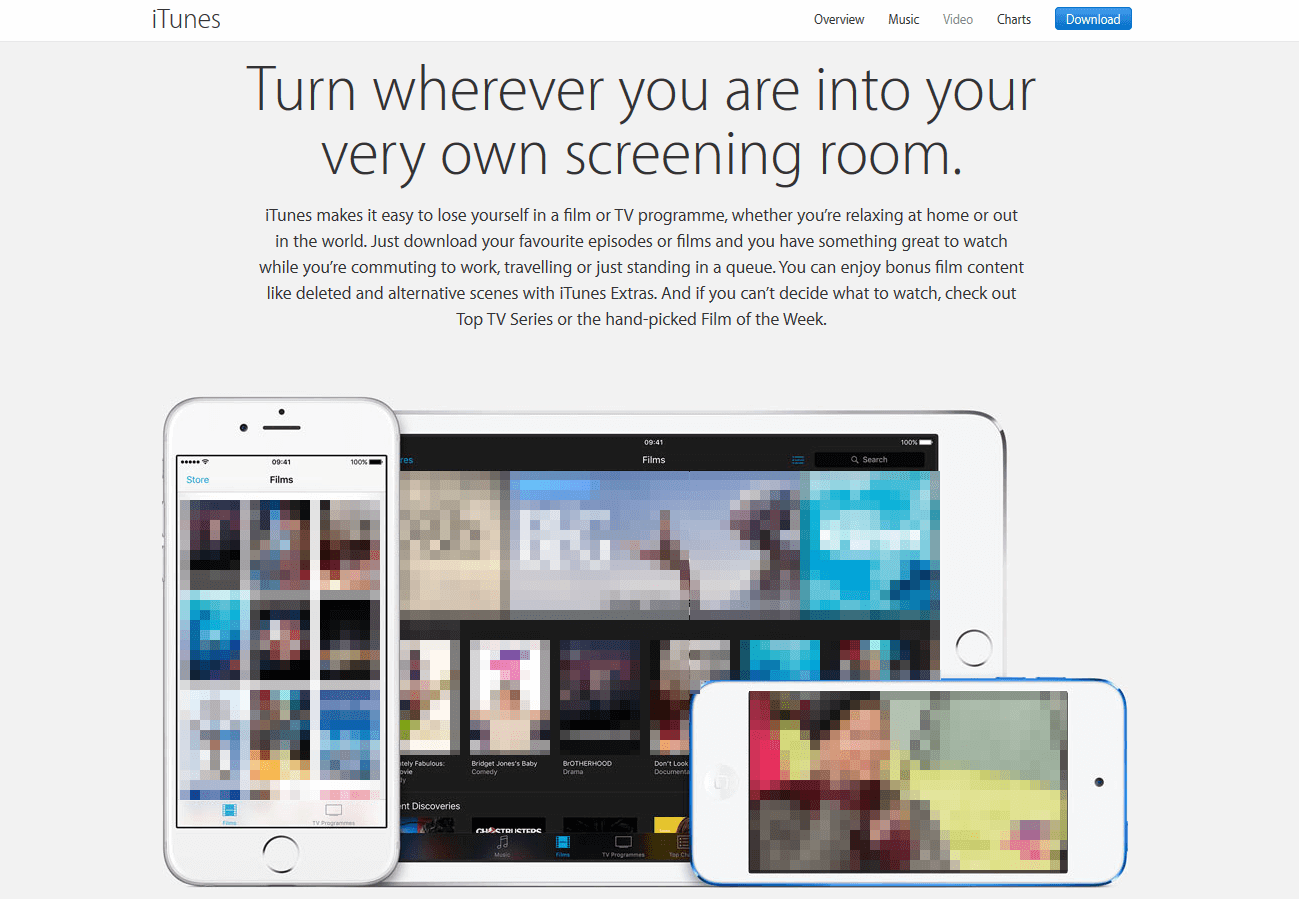
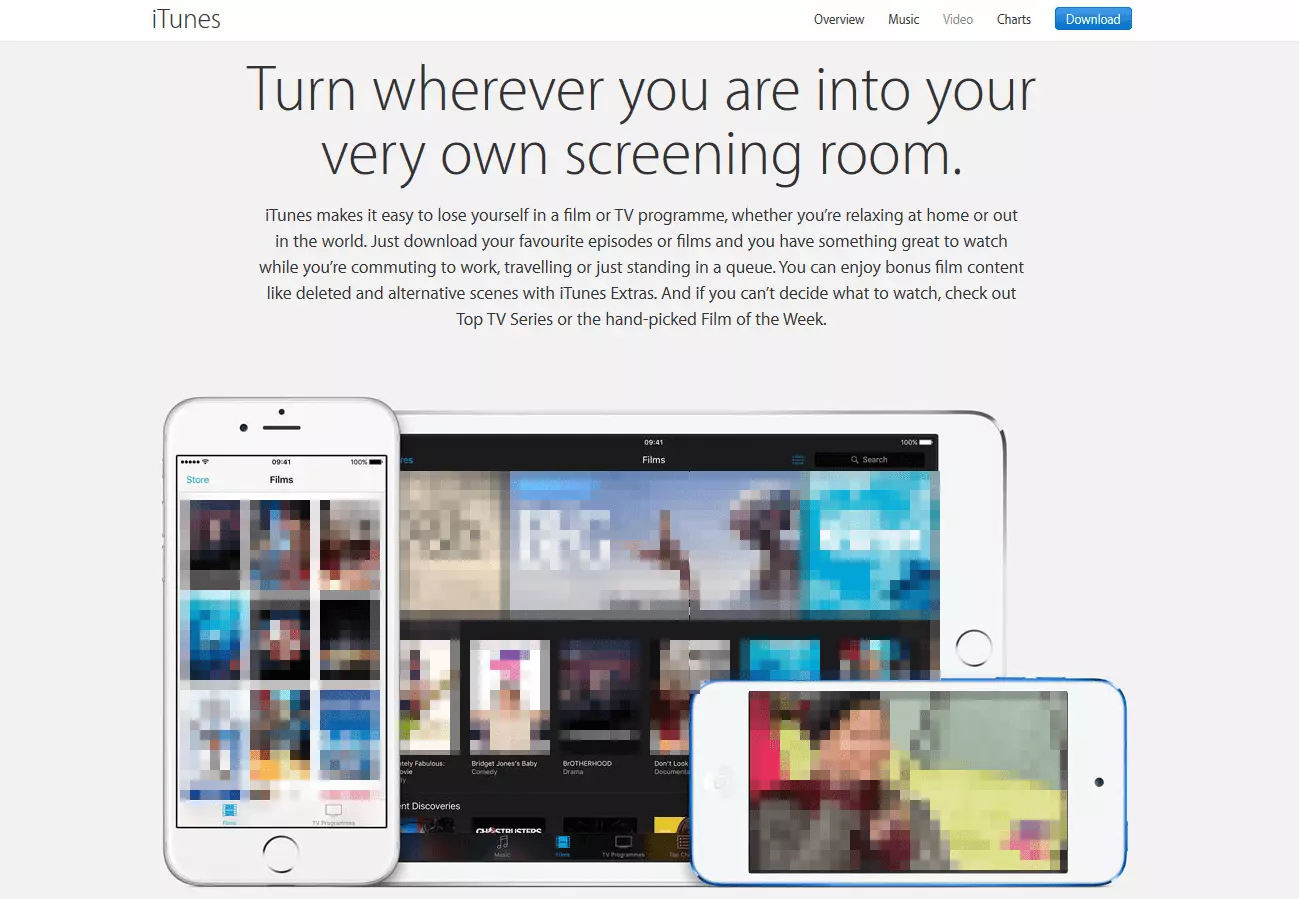
Those who have tried iTunes Video will all agree that there’s one big difference between the Apple service and the other Netflix alternatives we’ve introduced: There’s currently no web player for viewing programs in your browser with iTunes Video. Instead, you’ll need to download and install the iTunes client on your device of choice. But your efforts will be immediately rewarded with a huge collection of movies that’s second to none – from classics to blockbusters, Apple has every genre fully stocked with content. iTunes Video also offers big-hitting series too: ‘Game of Thrones’, ‘House of Cards’, ‘The Big Bang Theory’, and many more popular series can be downloaded season by season or as individual episodes.
One-time viewing of course will always offer the same pros and cons: users who want the latest releases or a number of different things to watch will usually end up paying a higher price for less content than they would with a subscription package deal for another provider. The Apple service does offer a great selection of bonus material for movies and series though, in a similar way to DVDs or Blu-rays – perfect for anyone who’s interested in interviews, ‘making-of’s, and other background details for programs. The image and sound quality of the movies on iTunes Video are also very respectable: HD is available and some films come with 5.1 sound – provided that you can meet the necessary speaker requirements for your home cinema system. Unfortunately, 4K movies are not presently available.
Similarly to Google, iTunes Video makes a great Netflix alternative for users who already have an Apple environment at home. This is because iTunes is only available on a limited number of apps and supported platforms: At present, you can use iTunes Video on the iPhone, iPad, and iPod Touch as well as on Mac, PC, and the in-house set-top box ‘Apple TV’. So as long as you’re not planning to watch your shows on a Smart TV, a Blu-ray player, a games console, or any other of the devices that aren’t currently supported, then you can also enjoy the benefits of offline viewing with Apple’s alternative to Netflix. This works intuitively: You can simply download your chosen movie, or wait until its fully streamed and then enjoy it offline on the iTunes media library. The user interface is also intuitive and practical, making iTunes Video easy to use. Lastly, the service offers numerous different language and subtitle options, allowing you to enjoy content from around the world.
| Advantages | Disadvantages |
|---|---|
| Huge selection of movies and series | Download and installation of software required (no in-browser player) |
| The latest blockbusters and thousands of classics | No flatrate subscription package |
| Bonus material for many movies | No original programming |
| HD content available for many movies | No app outside of Apple devices, except for on laptops |
| 5.1 sound for some movies | Currently no 4K/UHD available |
| Offline mode |
Hulu
Like Netflix, Hulu is a subscription-based streaming platform, based in Californiain the USA. The platform, founded in 2007, began offering paid and free streaming options, but since 2016 has operated as a paid-only service. Hulu offers a wide range of movies, TV shows, and documentaries to stream on demand, including shows from well-known networks like HBO, Cinemax, and Showtime. Since 2011, Hulu has produced its own original content like the award-winning series “The Handmaid’s Tale,” available only to Hulu subscribers – although it must be said that by comparison it as an alternative to Netflix, they have a much broader range of in-house produced content.

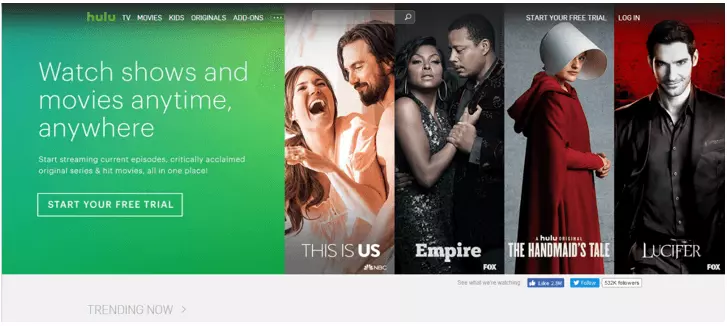
Hulu has different subscription options to suit different user’s needs, as well as a range of pricing options for their different packages. The more affordable option is “Hulu Streaming Library,” which offers access to Hulu’s catalogue of movies and TV shows to stream, starting at $7.99 per month. Users who opt for this model can have up to six personal profiles, but no simultaneous screens, and viewers may be subjected to infrequent advertisements. If the advertisements are a deal breaker for you, you can choose to add a “No Commercials” extra, for an additional $4 per month. Hulu’s other primary streaming option is to integrate Hulu into a live TV package. This makes it quite an attractive alternative to Netflix, as it provides users with access to Hulu’s regular catalogue, as well as live and on-demand TV channels, local live channels, and regional sports networks. You also have the ability to record up to 50 hours of live TV and watch Hulu on two separate screens. The Hulu with Live TV package will set users back $39.99 per month. Additional add-on packages are available to increase TV recording times and add further devices and simultaneous screens. No matter what kind of streaming services you are looking for, Hulu is likely to have an option to suit your needs and your budget. Hulu can be streamed on a wide range of PCs, laptops, mobile devices, tablets, and on your television by using a TV streaming stick.
Hulu also has apps for both Android and iOS that can be downloaded for free on Google Play or the iTunes store. At the moment, Hulu does not offer a download option or an offline mode for offline viewing. Hulu can be streamed in HD and 4K/UHD, provided that you are streaming on a device that supports these formats. There is no additional cost to stream in 4K/U HD, but not all shows in the catalogue have the function available. In terms of international availability, Hulu is only accessible in the US and Japan right now, and is subsequently only available in English and Japanese. Hulu also only offers subtitle options in English and Japanese.
Due to its growing popularity, Hulu has increased its new release speed quite a bit. Each month, subscribers can look forward to dozens of new releases available on Hulu.
| Advantages | Disadvantages |
|---|---|
| Wide range of movies and tv shows | Limited selection of original programming |
| Recent releases avilable | Only available as a paid service since 2016 |
| Apps available for Android and iOS | Commercials included in the standard package |
| Range of different packages to suit viewers needs | Very limited international options and foreign language options |
| HD- and 4K/UHD content |
HBO GO
HBO GO is an alternative to Netflix offered by the premium cable network HBO. Launched in 2010, the New York-based streaming service allows users to stream HBO content through their website and app on numerous devices. HBO GO offers users access to a broad selection of TV shows, movies, and documentaries. It is a particularly appealing service for TV fans, since HBO is already a household name for high-quality, original TV shows. HBO GO also offers users access to live premieres on the HBO TV channel through their app, including sports events. Since HBO GO allows users to access all of the HBO channels’ programming, they are guaranteed access to the new, original content that fans of the TV channel have come to enjoy, updated on a daily, weekly, and monthly basis depending on the program. There are no additional rental or purchase fees with the service.

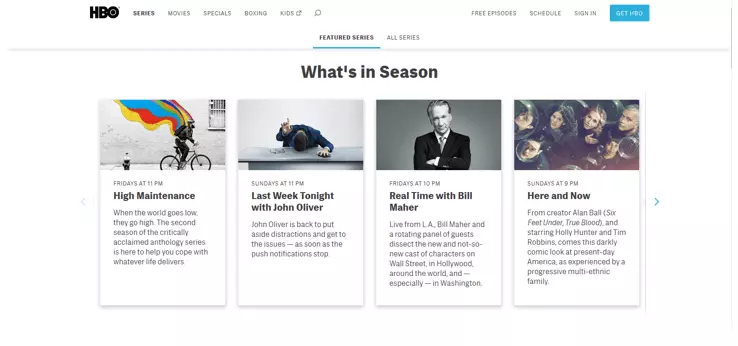
The HBO GO service is only available to people who already have a paid subscription to the HBO cable subscription. There is no additional cost for an existing customer to access HBO GO on their computer, or via an app. There are a variety of different prices for purchasing a HBO TV package, depending on who your provider is. Please visit the HBO price page for more information on pricing options.
As previously mentioned, users can download apps for Android or iOS through Google Play or iTunes to stream HBO GO through their mobile, console, or tablet devices. HBO Go users can download TV show episodes to the app for offline viewing. HBO GO content can be viewed in HD if the user’s broadband connection is strong enough to support it, but it currently does not offer UHD viewing options. HBO GO is currently only available within the US, and is only available in English (with some limited programming available in Spanish). Subtitles for Spanish content are available, as well as closed captions for the hard of hearing. For more information on alternative HBO apps that allow international users to access HBO content, please visit the HBO Help Center.
| Advantages | Disadvantages |
|---|---|
| Broad selection of movies and tv shows | Only available to HBO cable TV customers |
| Access to exclusive HBO live and catalogue content | Currently only available in the US |
| Apps available for Android and iOS | Very limited language options |
| Free of charge for HBO customers | No UHD streaming options |
| Available in HD |
Crackle
Since 2007, Sony have been offering their streaming network Sony Crackle free of charge to users in the US, Canada, Australia, and some Latin American countries. Crackle does not boast as impressive a selection catalogue as some of the other alternatives to Netflix mentioned in this article, but considering that the service is 100% free of charge, with no hidden frees or options to rent/purchase extra content, it is still definitely worth a try. Their catalogue includes a variety of TV shows, including classics like “Seinfeld” and “Happy Endings,” as well as films such as “Shaun of the Dead” and “Inception.” Their selection of original content is again, not as impressive as some of the other streaming services mentioned, but does include shows such as “StartUp,” “Snatch,” and “The Oath.” Content is added and removed on a monthly basis. In order to facilitate keeping their service free of charge, Crackle content does contain advertisements.

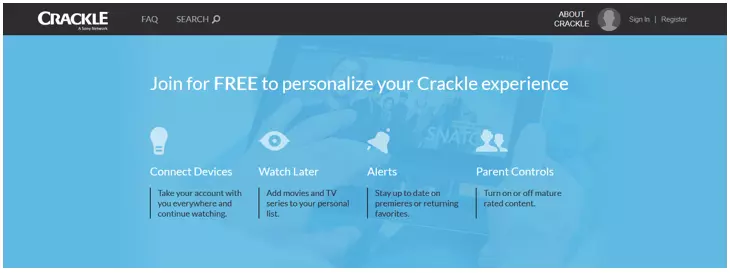
This Netflix alternative has apps available for iOS and Android that are available to download through iTunes and Google Play. These apps are supported on a wide range of mobile, tablet, PC and console devices, including a number of smart TV options. For a full range of the devices that support Crackle, please check their App FAQ page. Crackle is unfortunately not available for download or offline use at this time, although this may change in the future. Another downside of this Netflix alternative, is that the highest resolution they offer is 480p – there are no HD or UHD viewing options. Unfortunately, it may seem that you are getting what you pay for with certain aspects of this service. Crackle is available in Spanish and Portugese for their Latin American customers, providing dubbing and subtitles where possible. Viewers also have a closed caption option in English, Spanish and Portuguese.
| Advantages | Disadvantages |
|---|---|
| Completely free of charge | Includes advertisements |
| Access to regularly updated popular content | Catalogue is small compared to other streaming services |
| Sony Crackle original content | Very limited language options |
| Supported by a wide range of devices | No HD or UHD streaming options |
| Only available in North America, Latin America and Australia |
The most popular streaming services compared
| Netflix | Amazon Prime Video | Google Play Movies & TV | iTunes Video | Hulu | HBO GO | Crackle | |
| Selection of movies | + | ++ | +++ | +++ | + | + | + |
| Selection of series | ++ | +++ | ++ | +++ | ++ | ++ | + |
| Original programming | Lots | Lots | None | None | Limited | Lots | Limited |
| Speed of latest releases | Average | Average | High | High | Average | High | Average |
| Flatrate subscription | ✓ | ✓ | ✗ | ✗ | ✓ | ✗ | |
| Rentals & purchases | ✗ | ✓ | ✓ | ✓ | ✗ | ✗ | ✗ |
| Apps and availability | High | High | Low | Low | Low | Low | Low |
| Downloads or offline mode for mobile apps | ✓ | ✓ | ✓ | ✓ | ✗ | ✓ | ✗ |
| Maximum image quality | HD/UHD with upgrade | HD UHD | HD UHD | HD | HD UHD | HD | 4080p |
| Multiple languages | ✓ | ✓ | ✓ | ✓ | ✓ | Very limited | ✓ |
| Subtitles | ✓ | ✓ | Sometimes | ✓ | Sometimes | Limited | ✓ |
Conclusion
Each of the different Netflix alternatives that we’ve looked at have their own separate advantages. They’re aimed at different user groups and have different strengths and weaknesses: series junkies will be able to keep themselves entertained all whole month long with with Amazon Prime Video, thanks to the fabulous original programming and well-organized subscription model. But if you’re more of a film buff and care most of all about seeing the latest releases in the best quality possible rather than settling for what the subscription platforms have to offer, then Google Play Movies & TV or iTunes Video will be perfect for your needs. And for those who are really into the extra bonus features that come with DVDs and Blu-rays, iTunes Video also offers a full range of additional delights.
So while Netflix remains the undisputed king of the online streaming market at present, some of these alternatives to Netflix match or even exceed the standards set by the market leader. Which streaming service is the right one for you? This decision will ultimately come down to your personal preferences and what you want out of your streaming portal, whether it’s Netflix or an alternative.