

Alternatives to Plex: an overview of the best media centers

Media centers are the perfect place to store collections of images, music, and videos that people create on their computers, smartphones, or other devices. Their primary function is to store this media, such as your latest vacation photos or your favorite film. However, you may find your patience being tested if you start searching for a particular file, only to realize that nothing is organized properly.
- Simple registration
- Premium TLDs at great prices
- 24/7 personal consultant included
- Free privacy protection for eligible domains
If you’re looking for a suitable management platform for your media files, you will no doubt come across Plex eventually. Launched as a freeware project in 2007, Plex has an impressive range of features and is undoubtedly one of the best media centers of all time. Thanks to various streaming portals and services like Netflix, YouTube, Hulu, or Vevo, Plex users can play online content directly through their media center interface. However, Plex does have some formidable alternatives.
What should a good alternative to Plex be able to do?
The primary function of a media center is to organize all media files (audio, video, and image) on the selected computer system in a clearly arranged format. The user interface should make it easy for you to find and play back the content you want.
Plex alternatives (as well as Plex itself) should not just allow playback on the original device, but should also be able to play through external devices. Streaming your own media content on a TV should be a standard feature, which is why most media center interfaces are also designed to be used with smart TVs.
The best Plex alternatives should also be able to stream video and information services. Of course, your personal interests are most important here: Netflix and YouTube are more widely supported than other services because of their popularity. However, if you are not interested in these mainstream platforms, streaming links will be irrelevant to you as a user. It is therefore advisable to check the additional features in advance (often available as optional add-ons) that can be used as a respectable alternative to Plex. It is also important that the selected media management option allows multiple devices to access the library at the same time. If you want to enjoy a film while a roommate or a family member is streaming music, your chosen Plex alternative must always be usable by several people at the same time.
What are the best alternatives to Plex?
In addition to the range of functions, cost and compatibility play an important role when it comes to choosing the best media center. The latter does not just deal with which systems the media center should be created on, it is also about what platforms you can access the media center from. You should also consider how up to date the Plex alternative is when making your decision: since many media centers are interconnected with web services, timely updates to close security holes are particularly important.
To make finding a suitable Plex alternative easier, here are some interesting examples of the best media centers and a guide to their advantages and disadvantages.
- Store, share, and edit data easily
- Backed up and highly secure
- Sync with all devices
Mezzmo
On December 20th 2007, the Australian-based software company Conceiva released their home entertainment product Mezzmo. The software was initially available as a paid program for Windows, but Conceiva now relies on a freemium model: you can download and use the basic model for free, while the pro edition (which includes a web interface so that you can access using standard browsers) has lots of extra features and requires a subscription fee. There is also a paid Android app which was released in 2014. The app is mainly used as a remote application to retrieve content stored on the local Mezzmo media server on Android devices. Thanks to an integrated digital media server (DMS), you can also stream files stored on the device itself with the app.
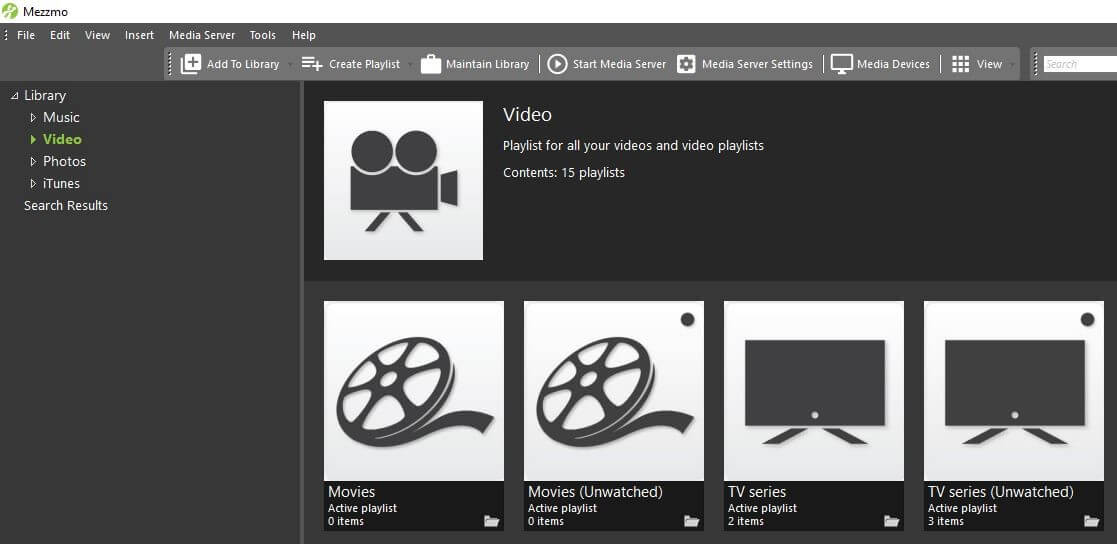
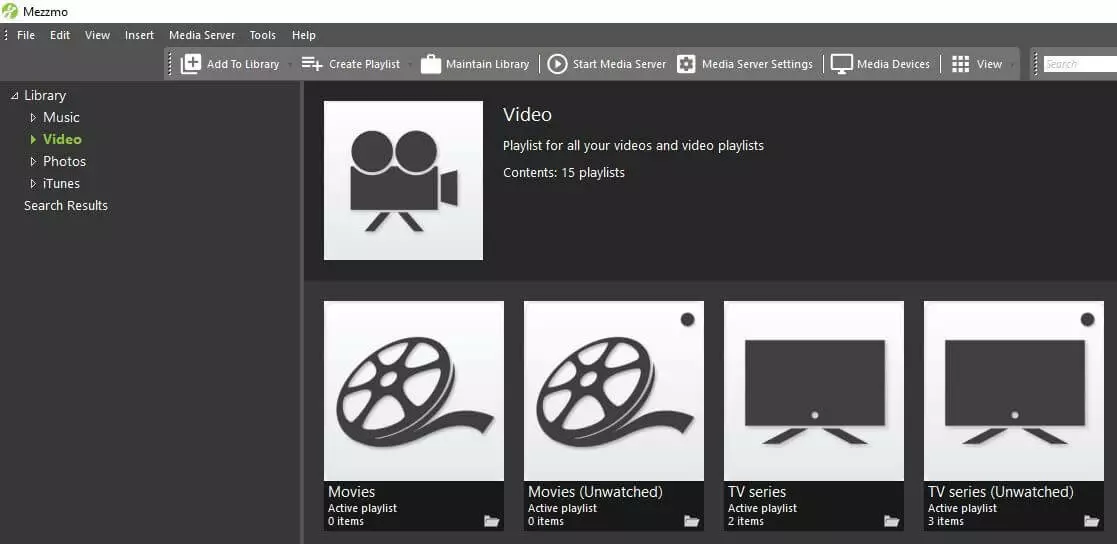
Mezzmo is very easy to set up: after installing the program, it automatically searches and organizes all the movies, video clips, music, photos, and stored subtitles saved on the system being used. These files can subsequently be played back on all devices in the network that support UPnP or DNLA, or that have the app installed (Android only) – Mezzmo transcodes the media content in real time to ensure optimal streaming quality. You can access the media collection simultaneously with multiple devices at any time, so that sharing the media center is no problem. If you are having technical problems with Mezzmo, you can contact Conceiva with a ticket or through the user forum.
| Advantages | Disadvantages |
| Multi-user capability | Media center cannot be used on macOS/Linux systems |
| Android app with its own media server | Web interface is only available in the paid pro edition |
MediaPortal
In February 2014, Erwin Becker launched the GPL-licensed open source program MediaPortal, which is now managed by the MediaPortal team. A core feature of MediaPortal is that it supports TV cards so that you can watch TV through your media center. Additionally, the free-of-charge Plex alternative combines FM and internet radio with TV stations, information services (weather, news, etc.), and all media files stored on the computer in a single user interface. It’s up to you to decide how content should be categorized: you can sort songs by artist, album, or genre, and video clips and movies by cover, actor, or genre.
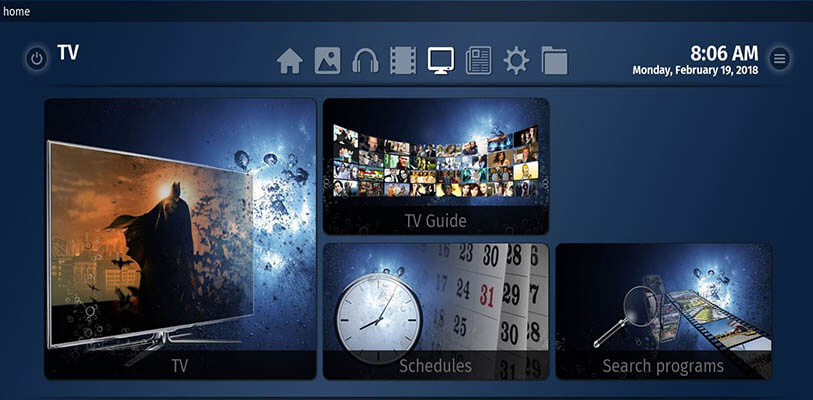
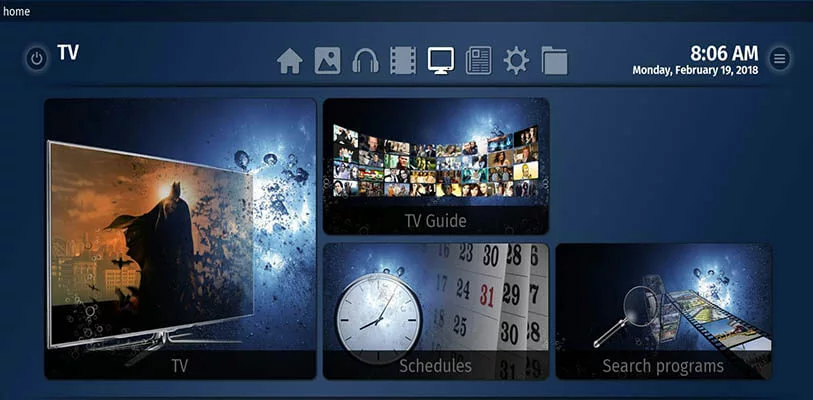
MediaPortal is an open source application and therefore benefits enormously from collaborating with the community: plugins developed as a supplement that provide additional functions that can be installed and integrated just as easily as skins to give the user interface a new appearance. This Plex alternative is only available for Windows and there are no separate apps for smartphones, tablets, or smart TVs – but there are extensions that allow remote access to your MediaPortal library from these same devices. All skins and plugins are available at any time from the official download page.
| Advantages | Disadvantages |
| Supports standard TV cards | Media center can only be used with Windows |
| Customizable user interface with skins | Complex installation and setup |
Kodi
One Plex alternative, originally designed primarily as a media player solution for the Microsoft console Xbox, is Kodi. Published as ‘Xbox Media Center’ (XBMC) in 2004, the media center kept this name even when it became available for other platforms. In 2014, it decided to rename the open source application, distributed under the GNU-GPL license, to Kodi. This made it clear that it was no longer primarily aimed at consoles. However, the media software is not really an alternative to Plex: the Kodi project – or it’s Linux version, to be more precise – formed the basis for Plex. Strictly speaking, Plex is an XBMC separation code.
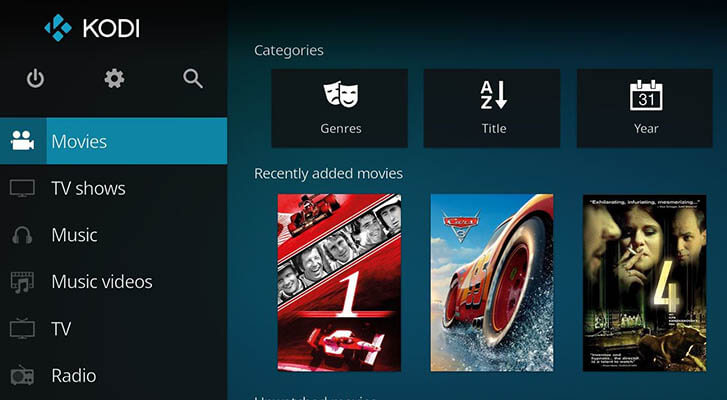
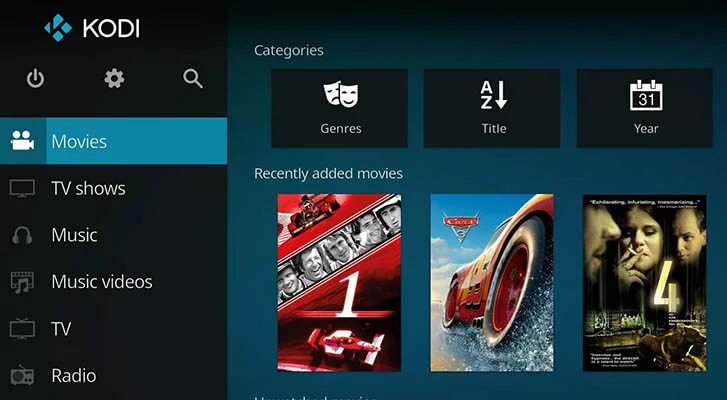
Kodi delivers all the central features of a good media center: you can organize all your media content easily and play it back through the user interface, which supports a variety of audio, video, and image formats. Implementing new formats and technologies (like video acceleration) is handled by the Kodi team in real time. The Plex alternative automatically retrieves metadata from the web to provide additional information about archived content. Kodi’s greatest strength, however, is that the software is platform independent. There are not only installation packages for Windows, Linux, and macOS, but also for Android, iOS, and Raspberry-Pi. Remote control apps for iOS and Android complete the range of options.
| Advantages | Disadvantages |
| Platform independent | Complicated multi-user setup (focused on one device by default) |
| Can also be used with alternative hardware like the Raspberry Pi | |
| Experienced developer team |
Stremio
The Bulgarian startup Stremio launched an exciting alternative to Plex in 2015 with their application of the same name, which was quickly met with enthusiasm from film and TV fans. The open source media center, which is easy to use, focuses entirely on organizing video content, and integrates video-on-demand services like Netflix, Amazon Prime, etc. in an interesting way: add-ons allow content from different providers to be combined with the Stremio interface. Video clips, shows and movies on your own device are also taken into account when creating the library. Thanks to the integrated calendar function, you can also always keep track of new episode releases or highly anticipated films.
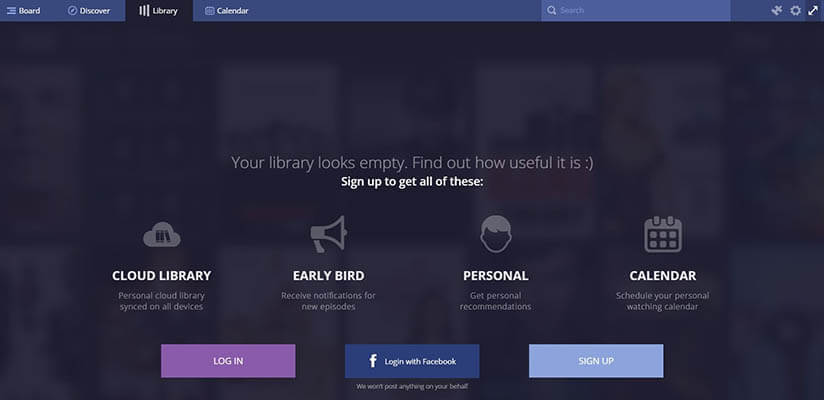
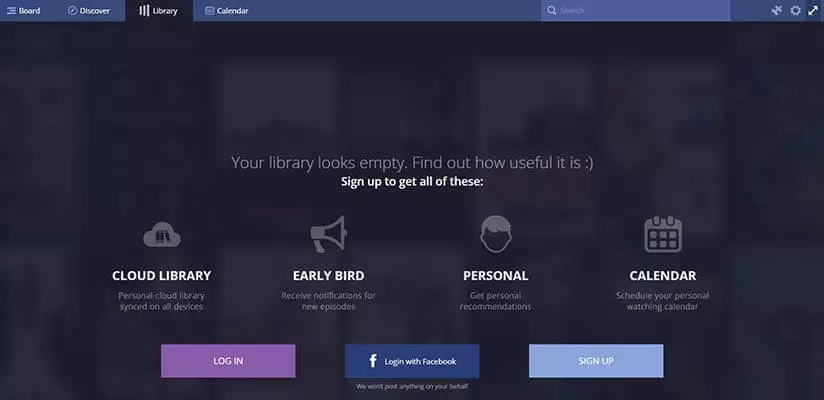
By integrating various streaming providers, Stremio not only provides an excellent overview of when and where content is available, but also offers a good price comparison. In terms of compatibility, the open source platform is just as well set up as Kodi: desktop versions for Windows, macOS, and Linux are available, as well as free apps for Android and iOS. Additionally, the developer plans to release a web application for the Plex alternative, which will then allow them to manage and access their own library as well as the existing clients for desktop PCs and mobile devices.
Third-party add-ons that allow free streaming of paid video content are illegal and should not be used or installed.
| Advantages | Disadvantages |
| Very easy to set up and use | No function for organizing music and image files available |
| Calendar features help to keep track of new movie releases, series, or episodes | Number of official developer add-ons is very manageable |
Universal Media Server
The Universal Media Server is also an example of an open source program, written in Java. The spin-off program from PS3 Media Server was developed in May 2012 by the developer SubJunk, who had previously played a decisive role in the media server for Sony’s game console. As an alternative to Plex, the software is particularly impressive because of its broad device compatibility: both DNLA (Digital Living Network Alliance) and UPnP (Universal Plug & Play) are supported, so that music, videos, and images can be streamed easily on all devices that work to these standards (this includes PS4, Xbox 360, iPhone, Android devices, and various smart TVs). Universal Media Server runs on Windows, Linux, and macOS, thanks to its multiple versions.
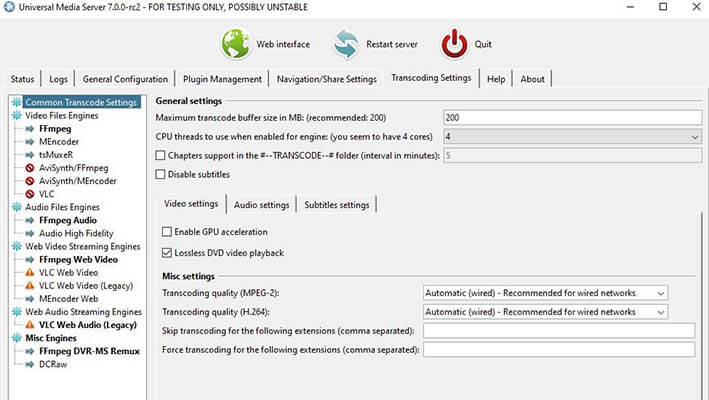
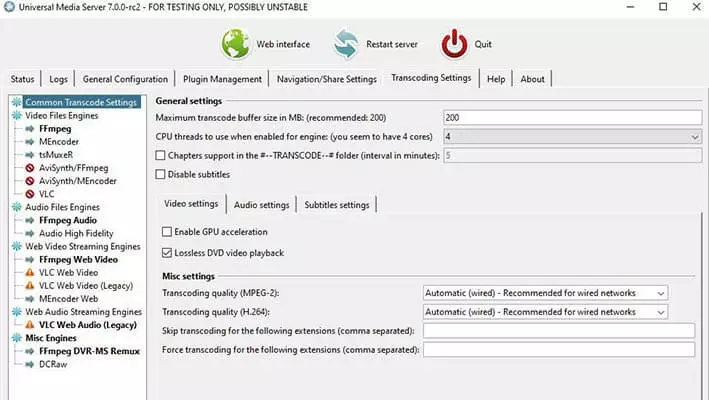
The media center is regularly updated by the developer team. Recent updates are often available as a beta version for download – however, users must expect that the software may not always work properly in these pre-releases. The Plex alternative has an optional web browser interface and is expandable with plugins. This can be used, for example, to integrate a link to SoundCloud. Further information on the development status and useful links to interesting Universal Media Server websites can be found in the official directory for the project on Github Github.
| Advantages | Disadvantages |
| Platform independent thanks to broad device support and an optional web interface | No separate client applications/apps for accessing the media server |
| Time consuming, uncomfortable to start with, and not easy to connect devices |
Emby
If you’re looking for a good alternative to Plex, you will no doubt come across the Emby. The largely royalty-free application (GNU-GPL), which has been maintained by Emby LLC since 2015, provides all the features you might need for the multi-device organization of your media files, starting with a free-of-charge media server available for Windows, macOS, and Linux, as well as NAS and docker platforms. Configuration for the Emby server takes place independently of the chosen system through the very complex web interface. The server is automatically recognized by all DNLA-capable devices – but the developers also offer various proprietary (and partly chargeable) apps for mobile devices (iOS, Android, Windows) as well as for smart TVs and consoles (Samsung, LG, PS4, Xbox One).
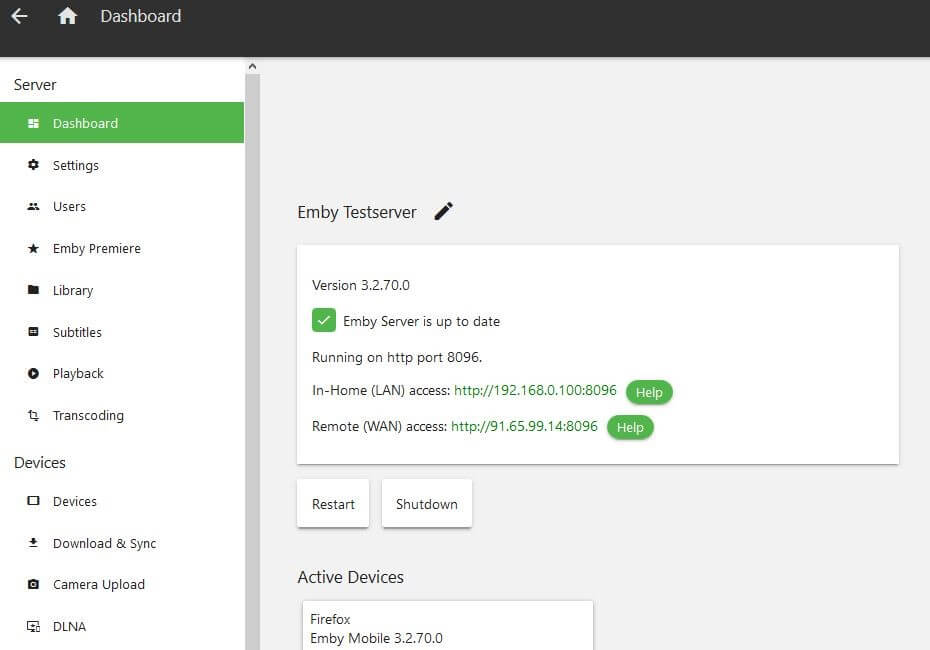
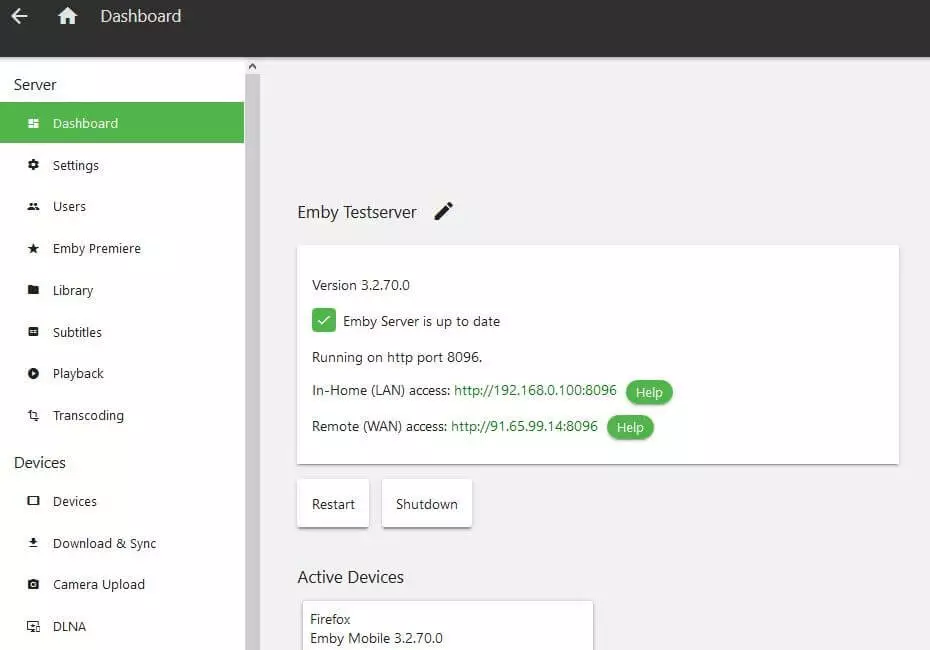
If you start the Emby server after installation, the web dashboard will automatically open, allowing you to configure all the necessary settings for your personal media server. This is not just about filling the library, but also about finding the perfect setup for transcoding the content. It is also possible to create different user profiles, including access authorizations. This way you can ensure that adult content is not accessible to children, for example. If you subscribe to the monthly Emby Premiere package, you can use numerous additional features like cloud and folder synchronization, a cover configurator, and a backup function. In addition, you can stream videos and music to individual devices, as well as save them when you take out a subscription so that they can be played without a network connection.
| Advantages | Disadvantages |
| Excellent user account management | Limited extensions available |
| Apps for various platforms/devices available | Some features are only available in the paid premiere subscription |
TVersity
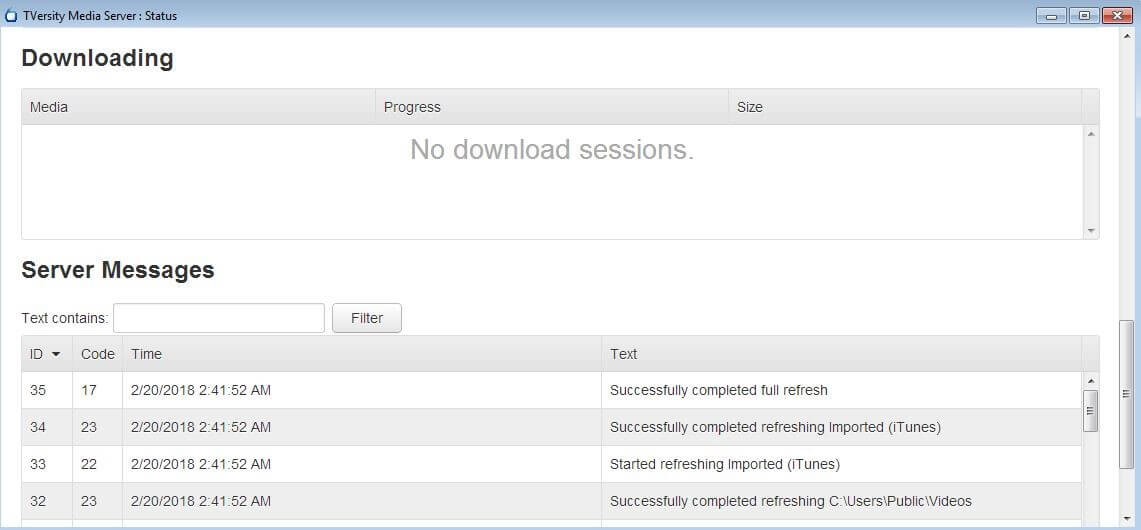
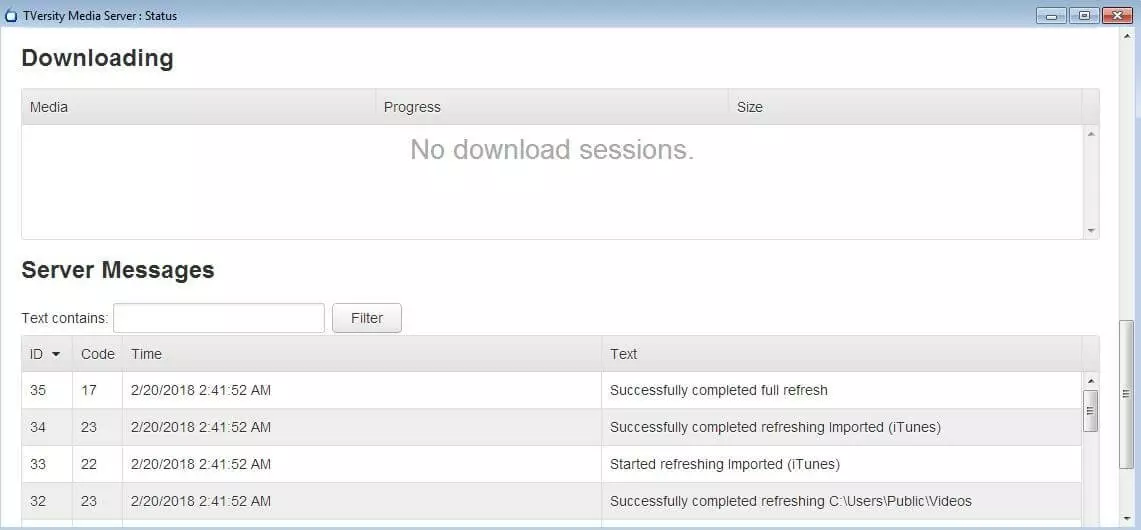
TVersity is a proprietary Plex alternative from TVersity Inc. Their paid media server package uses DNLA/UPnP technology to enable users to stream content from their own PCs to a wide variety of devices (content can also be accessed through standard web browsers). If the format/codec on the target devices is not supported, the TVersity server will transcode the corresponding files in real time. Indexing photos, songs, and videos happens automatically in the background, ensuring that your collection is always up to date. When it comes to server operation, unfortunately this Plex alternative only runs on Windows.
There is a free version of TVersity, but it only supports a small portion of the formats and codecs. In addition, there is no real-time transcoding in the free output, which then limits streaming capabilities considerably.
TVersity combines your personal media collection with useful web content like free video streams, RSS feeds, or podcasts that can be retrieved from the client on the chosen device. If you’re looking for a specific file, you’ll benefit from the media center’s outstanding performance, which is sure to impress even large libraries with more than 100.000 entries. A large part of their fast, uncomplicated file retrieval system is the powerful search mask and integrated cache function, which caches transcoded content. The Plex alternative has a REST API that allows you to integrate the media center into other tools easily.
| Advantages | Disadvantages |
| Platform independent web app available | Server application is only available for Windows |
A tabular comparison of the best Plex alternatives
| Media center | Release year | Developer | License | Media library platform | Payment model |
| Emby | 2015 | Emby LLC | GNU GPL, proprietary (Apps) | Windows, macOS, Linux, Docker, NAS | Freemium |
| MediaPortal | 2014 | Team MediaPortal | GNU GPL | Windows | Free |
| Mezzmo | 2007 | Conceiva | GNU GPL, LGPL | Windows, Android | Freemium |
| Kodi | 2004 | Kodi Team | GNU GPL | Windows, macOS, Linux, Android, iOS, Raspberry Pi | Free |
| Stremio | 2015 | Stremio | GNU GPL | Windows, macOS, Linux, Android, iOS | Free |
| TVersity | 2005 | TVersity Inc. | proprietary | Windows | Paid Pro edition, free basic edition |
| Universal Media Server | 2012 | SubJunk and others | GNU GPL | Windows, macOS, Linux | Free |
Plex is one of the most popular applications for organizing your own multimedia collection on PCs, smartphones, and other devices, but there are a number of good alternatives that don’t have to hide behind the mainstream media centers when it comes to functionality and streaming quality. This article explains exactly what characterizes software that manages and plays back audio, video, and image files, and what Plex alternatives are available.