

What Slack alternatives are there? 5 alternatives to Slack

Slack is a cloud-based software with U.S.-based servers. It’s not possible to self-host sensitive company data, which some companies consider a significant disadvantage. It’s also a major reason why companies search for Slack alternatives.
What can Slack do?
Before researching Slack alternatives, it’s a good idea to look into what makes Slack so popular and which features its competitors have to compete with. The communication tool is primarily a streamlined solution for companies that don’t want to host project collaboration and document sharing themselves. All you need to provide is information about your industry, the number of employees and your role at your company. Slack then uses this information to optimize its user interface. Once that’s complete, you need to select your domain based on your company name.
The core of Slack is the channel. Chatrooms can be created for any important projects or teams. Team leaders can simply add people to a specific channel and edit the access permissions accordingly. The simple and intuitive user experience makes Slack a very popular choice.
An overview of alternatives to Slack
| Type | Cost | Suitable for | Features | |
|---|---|---|---|---|
| Spike | Email tool and communication platform | Free, subscription for professional users | Startups to large companies | Innovative email presentation |
| Fleep | Cloud-based communication platform | Subscription with free trial period | Self-employed, startups, SMEs | Chat with email contacts in the tool |
| Rocket.Chat | Open-source communication software | Freeware, subscription with premium features | SMEs, large companies | Link preview, B2C live chat for your website |
| Mattermost | Self-hosted, open-source team communication software | Freeware, subscription with premium features | Teams, large enterprises with strict security standards | Multi-platform support |
| Microsoft Teams | Cloud-based team communication software | Free, subscription with premium features | Medium to large organizations | Full Microsoft Office 365 integration |
What are the best Slack alternatives and what can they do?
Despite the positive aspects of the popular chat program, data protection and security remain important arguments against using it. In this section, we’ll introduce you to the best Slack alternatives, some of which are free of charge, while others come at a cost. Which alternative will appeal the most to you depends on what’s most important for your company’s internal communication.
Spike, the innovative Slack alternative
Spike is redefining the way teams communicate and collaborate. Spike is a team chat solution that provides unified communication and collaboration for businesses of all sizes. With Spike, you get access to fully hosted messaging, chat, and email capabilities that enable seamless communication within internal teams and with external stakeholders, even if they aren’t Spike users. In contrast to Slack, there are no additional add-ons or plugins required for communication.
Another notable feature Spike provides is Super Search, which helps you locate any keyword, phrase, note, document or file that you have sent from or received in your inbox. You can easily see all files in every thread at a glance (even in group chats), making it super simple to find anything and everything you’re searching for. Spike’s latest addition, Magic AI, introduces an innovative AI-driven communication assistant that redefines business messaging. By combining human creativity with artificial intelligence, Magic AI boosts productivity, streamlines daily workflows and saves valuable time.
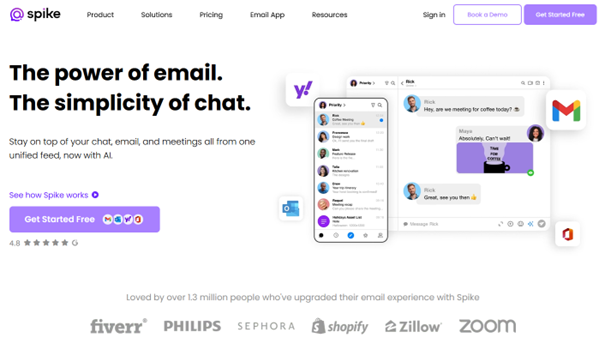
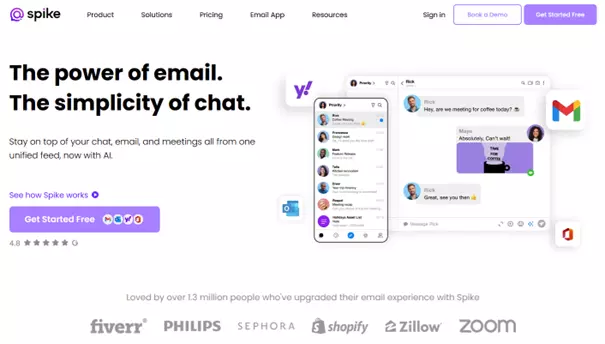
Notably, Spike stands out as an alternative to popular communication tools like Slack. It seamlessly integrates work team chat, email, video and audio meetings, advanced AI tools, and collaborative documents, promoting an efficient and productive working environment. You have the flexibility to use your own email domain or purchase a custom domain from Spike, ensuring secure, reliable and archivable email and messaging. Spike supports web-based clients, mobile apps and desktop applications for streamlined collaboration.
Spike’s pricing structure offers exceptional value, with its Team plan priced at $6 per member/month. This plan includes a custom email domain, unlimited search history, 100 GB of storage space and the ability to upload large files up to 100 MB. Additionally, it provides priority support for timely assistance. Spike’s pricing balances functionality and affordability, making it an attractive choice for businesses of all sizes.
| Pros | Cons |
|---|---|
| Video and voice calls | Integration with other apps not possible |
| Many features included in the free version | |
| Advanced search function |
Fleep, the European cloud
Fleep is a cloud-based communication platform. The startup behind the software is based in Estonia and the team of developers already have relevant experience working on the renowned Microsoft service Skype. The cloud server has an Amazon EC2 data center in Dublin. The application began in 2013 and now functions with Mac, Linux and Windows operating systems on both web browser and desktop. Users can access the messenger service on the go with the iOS and Android app.
The free version, which can be used for two weeks, is free for everyone and comes with a large feature package. The business version, on the other hand, allows you to set up an administrator account which you can use to create chat rooms and invite users. The platform allows you to conduct conversations and chats with external teams and companies, and addresses without a Fleep account can write directly in a chat window and will receive your messages as emails. In this way, Fleep tries to shorten communication channels without denying companies their familiar structures.
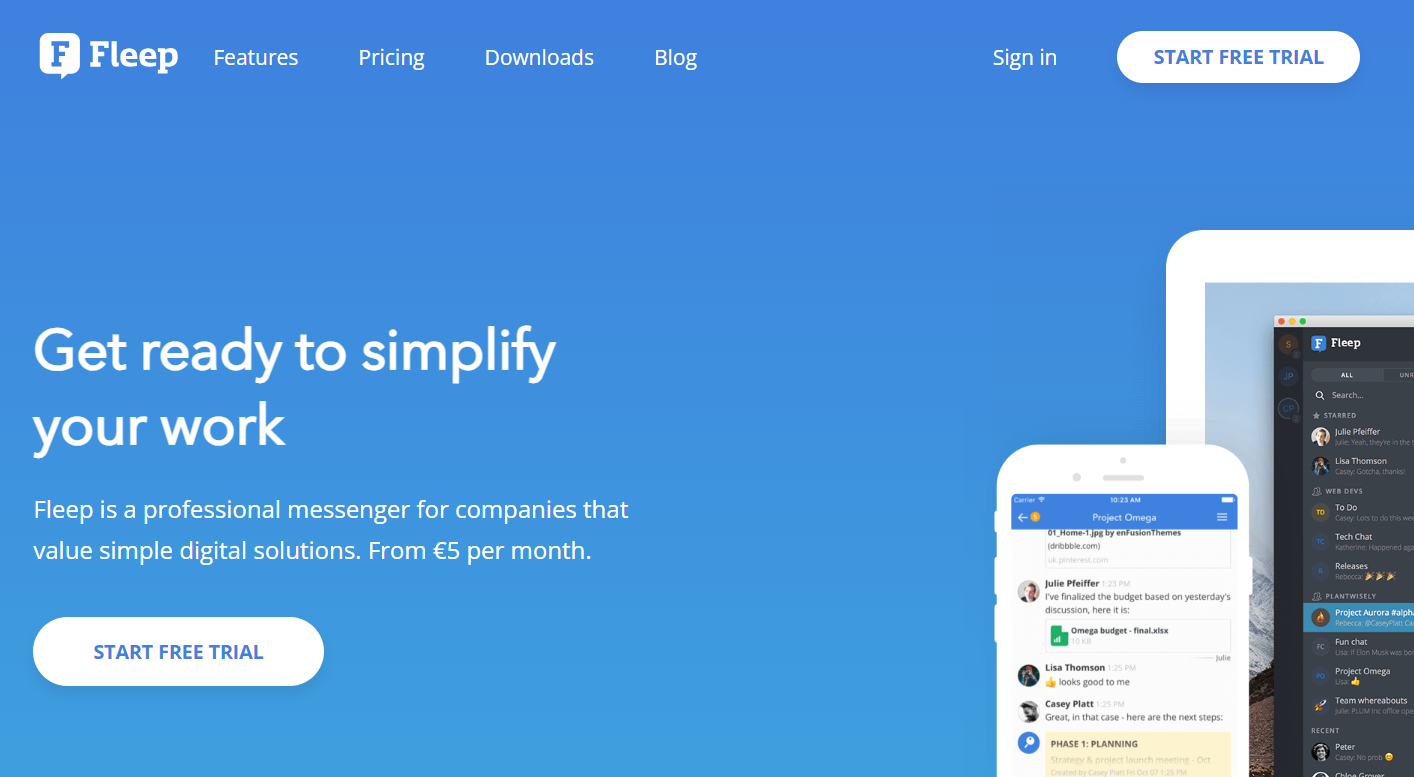
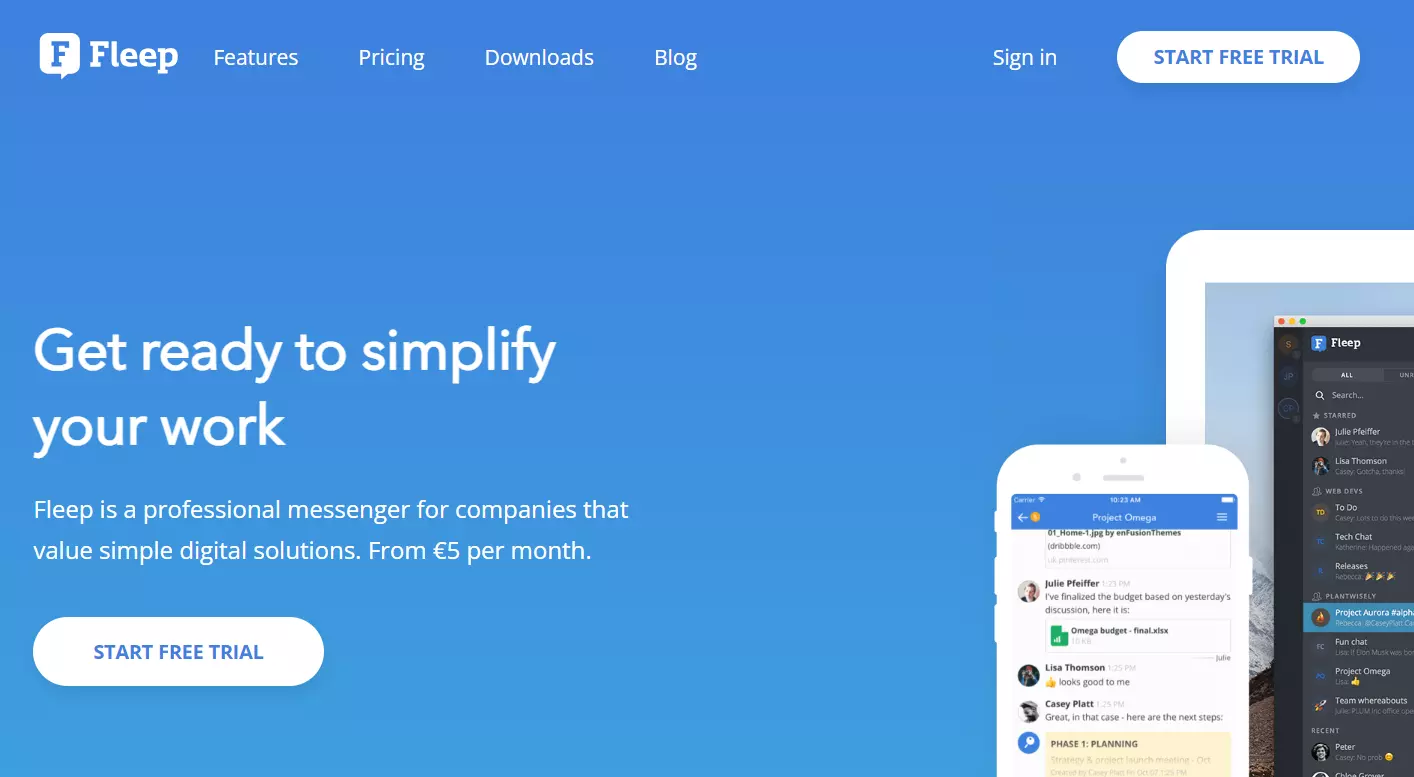
In the Business as well as the Enterprise version, you’re allowed an unlimited number of users and conversations. Users can find all archived projects or team chats using the search function. Files can be uploaded to a conversation with one simple click and tasks can be easily set and managed. Additionally, marked messages as well as file uploads can be found in the side bar.
You can integrate unlimited apps. In addition to the usual cloud services, email and project management tools, there’s also Whereby. This plugin supplements the Slack alternative’s text-based chat system with audio and video call functions. You can use the Fleep API to integrate larger applications or custom apps. Each user has 100 GB of storage space at their disposal. Further features include:
- Account, chat and team management as administrator
- Company name in profile
- Company logo for all sub-users in the tool
| Pros | Cons |
|---|---|
| Own company logo and name in tool | Limited file storage |
| Voice and video call integration | Self-hosting not possible |
Rocket.Chat, open-source software gaining on Slack’s heels
Rocket.Chat is a free open source alternative to Slack. The messenger software arrived on the market in 2016 and records some of the largest membership numbers within the GitHub developer community. In the wake of Slack’s groundbreaking success, many programmers felt the need to develop a better open-source version.
The program stands out amongst the alternatives to Slack because it’s not only free of charge, but, thanks to open-source code, it is also easily customizable for developers. For large companies that need tech support, there are also fee-based versions. In the basic version, Rocket.Chat only provides the application, with the hosting done individually by each team. Users download the server, where sensitive data can be stored. For those that do in fact want a host, Rocket.Chat offers a free, scalable cloud service.
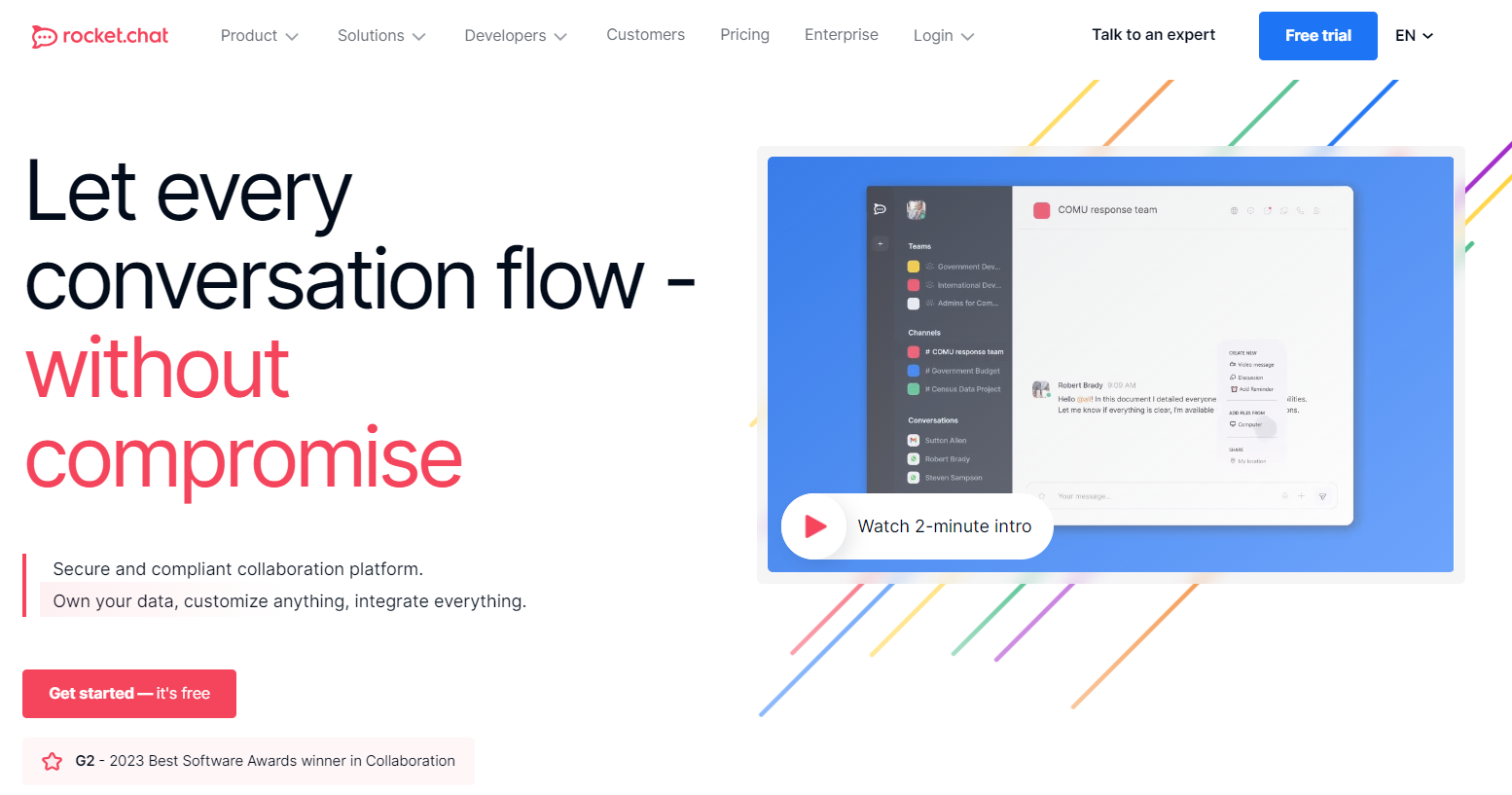
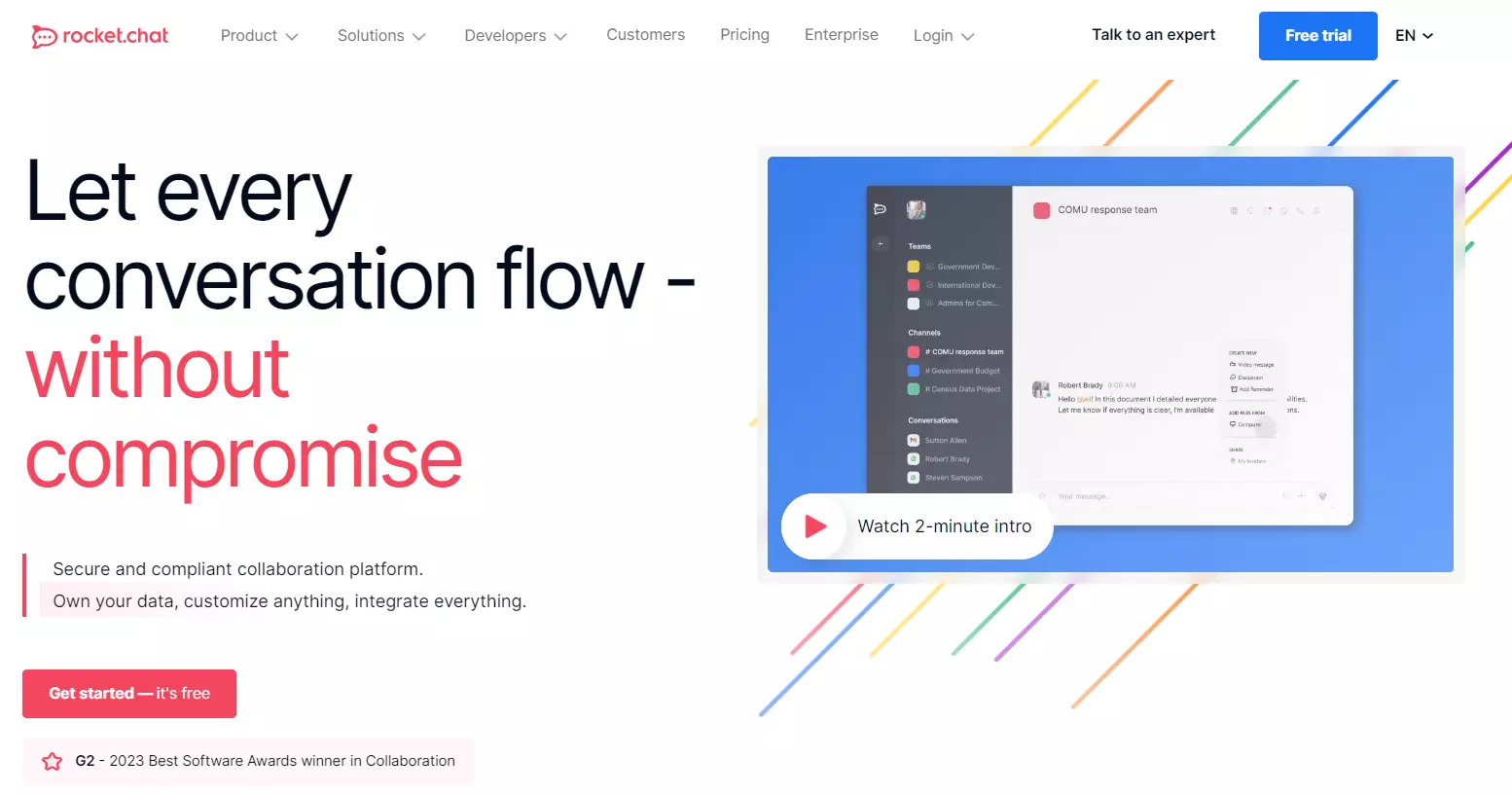
Rocket.Chat offers the normal messenger features that every good Slack alternative should provide. There are team and project-related chats as well as private messages. Private channels, as seen above, are closed channels with extra encrypted content that’s not archived. Additionally, Rocket.Chat adapts to different user types. The in-house company communication functions just as seamlessly as Rocket.Chat’s integrated B2C live chat on your website. You can add an unlimited number of users, guests and channels. All messages are end-to-end encrypted. Two-factor authentication for file sharing provides additional security.
The developer team is constantly working on the Rocket.Chat code, which enabled them to implement the API into the core software. You can use Hubot and Webhooks to integrate the existing tools and other Rocket.Chat bots. The community recommends Jitsi Video Bridge to stabilize the existing video chat and connect chat partners that are geographically dispersed. Further integrations include:
- Google Calendar
- DeadSimpleScreenSharing
- Azure Alerts
- BitBucket
- DropBox
- Jira
- Trello
- GitHub and GitLab
- Zapier
Rocket.Chat is ahead of Slack in terms of voice and video call features. During a meeting, chat participants can easily join the conversation and get access to the screen sharing option. The typical conversation chaos that comes about with long chats is organized by Threads and Hubot – though this is not as developed as the Slack model, the slackbot.
| Pros | Cons |
|---|---|
| Supports 50 languages with automatic real-time translation | Priority support with monthly costs |
| Self-hosting possible | |
| Easy to install on existing infrastructure |
Mattermost, your data remains safe on your own server
Mattermost is another open-source solution for internal communication. This platform can be hosted on your own server or in a private cloud behind your firewall. This way, you retain full control over sensitive data. The Slack alternative can be easily integrated into your existing on-site infrastructure. If you’re already hosting your processes in a public cloud, Mattermost can be easily added to your environment. Users praise the tool’s hassle-free scalability. The number of users is limited only by the server being used.
Mattermost is another open-source Slack competitor that wants to do things better. The company specializes in secure company communication. Those that need to comply with strict security and compliance standards will often find it easier to keep all data on their own server. To do this, select your server during installation and specify the domain. Then specify whether the program is allowed to send push messages, check spelling or automatically start every time it boots.
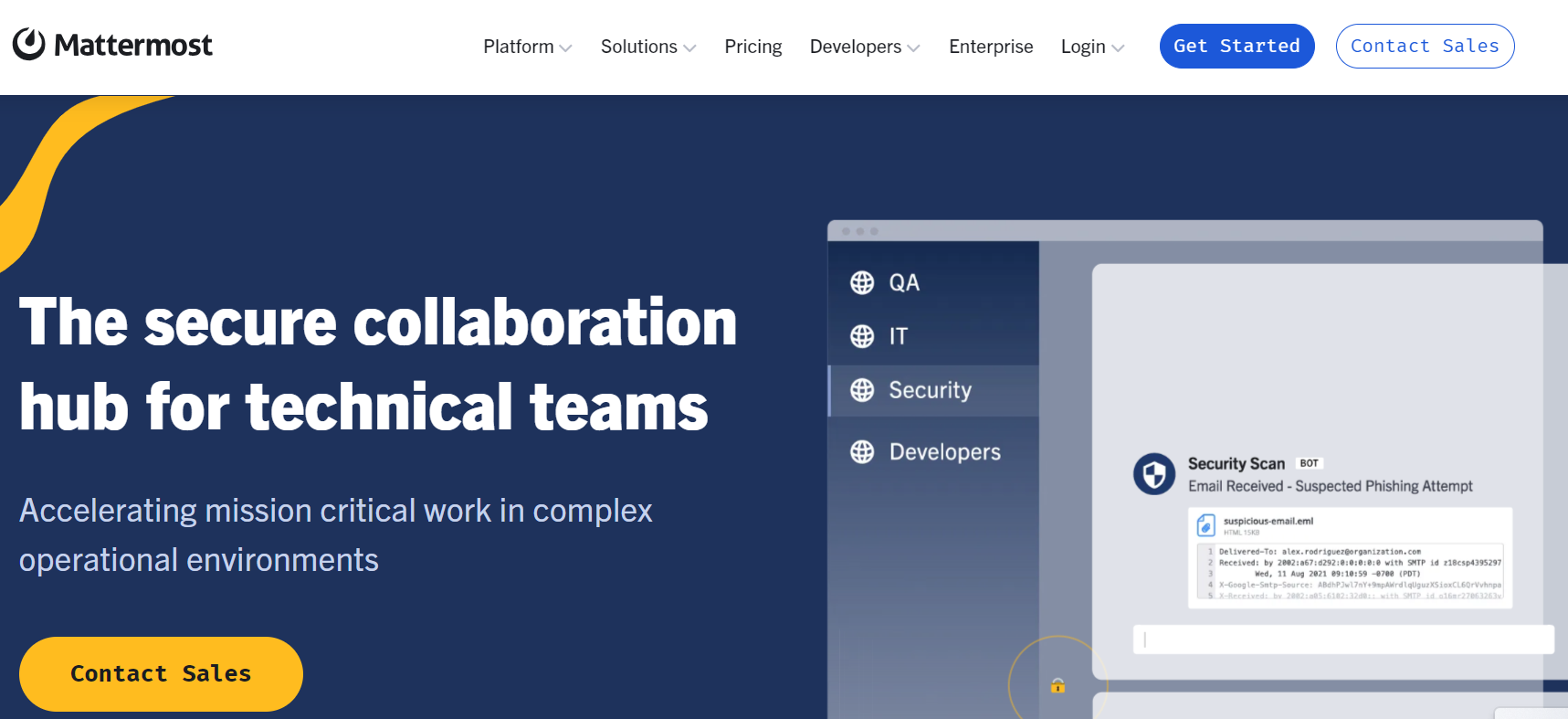
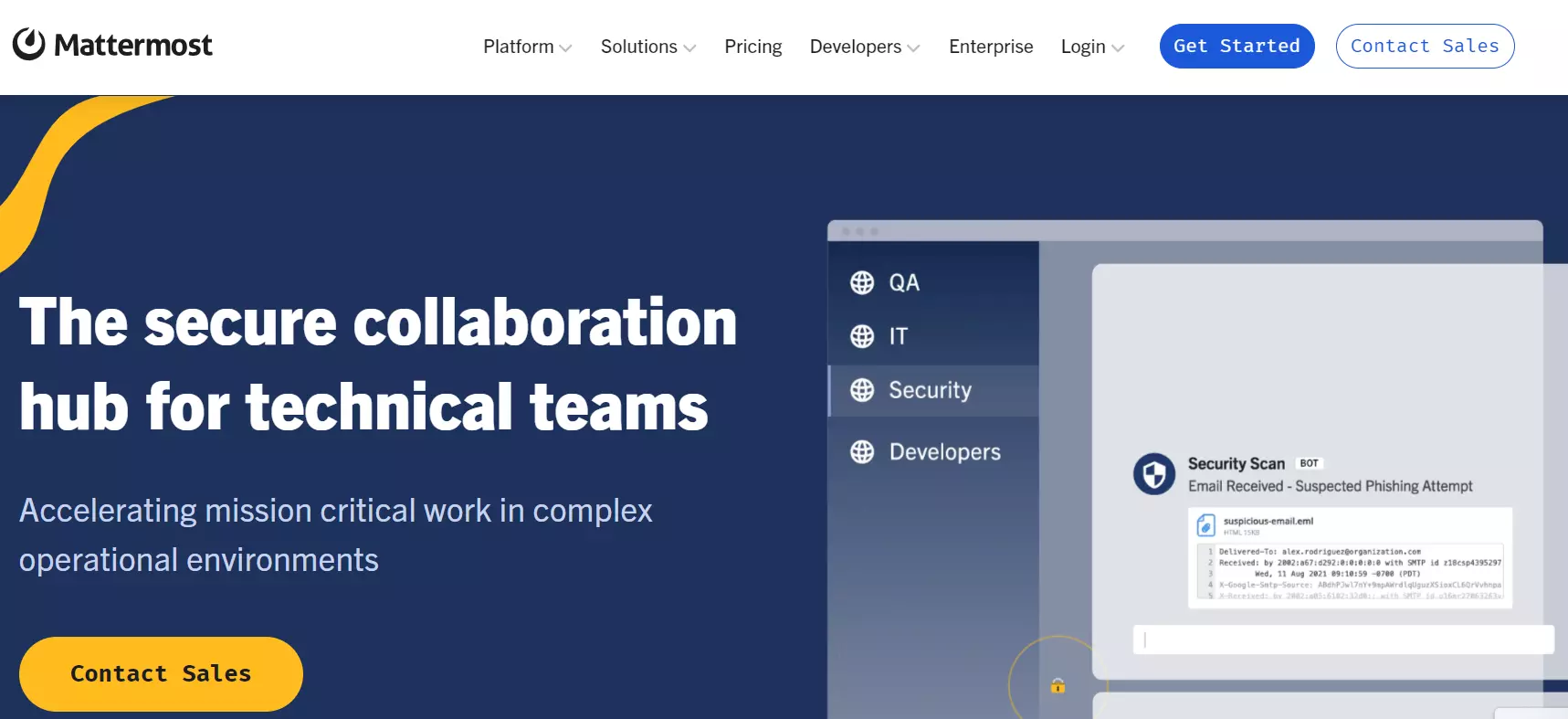
The messenger app has a free team edition and two fee-based versions. The Professional plan is optimized for teams and departments that want more control over their IT infrastructure. Encrypted push notifications and AACP ensure high security standards. There is a fixed monthly price for the service. The Enterprise version comes with extra compliance and security features and includes:
- Extended compliance support
- Additional authentication
- Extended support for your data center
- Company analysis
The basic version offers a practical messenger for private clouds and includes all basic functions that come in the Enterprise plan. Even with the free version, users can benefit from continuous improvement updates.
In the program, you can create teams for corresponding users and each channel allows you to chat about a specific topic. The thread structure clears up long conversations. In addition to displaying the message you are looking for, the search function also displays the conversation context. The taskbar allows users to upload files and search archived documents. From within the chat, users can see when a conference call is taking place and can join the call by accepting the invitation. A calendar entry will be created for this beforehand. In addition to private messages, the VoIP tool enables instant messaging calls and video conferences.
Use the community to request feature enhancements. There are plenty of developers in the community that are happy to help.
Unlimited integrations can be added if required. However, in terms of usability, Slack has the edge with a simple one-click installation process, whereas Mattermost must be installed manually. While Slack limits bots and apps to 10, Mattermost is unlimited. Also, Slack limits the number of archived messages to 10,000, whereas Mattermost places no limit on the amount of messages that can be archived. The program is available in a web version, as a desktop application and as a mobile app.
| Pros | Cons |
|---|---|
| Individual security standards with your own server | No 1-click app integration as with Slack |
| Multilingual user interface | |
| Open-source code for maximum adaptability |
Microsoft Teams, good integration for Office 365 users
Microsoft Teams is a messenger tool that is part of the Microsoft 365 Business suite. When Qi Lu, an employee in Microsoft’s applications and services department wanted to buy Slack, Microsoft founder Bill Gates had other ideas. Instead, he wanted to develop a new version of Skype for Business as an alternative to Slack. Microsoft announced the project at the end of 2016. In turn, Slack intensified its cooperation with Google.
Following offers from the likes of Yammer and Skype for Business, Microsoft developed the Slack alternative Teams that promised to challenge the competition. While Yammer is best suited to larger companies, Teams is best for medium-sized to large companies. You can choose to use Teams free of charge (with various restrictions) or with a paid subscription.
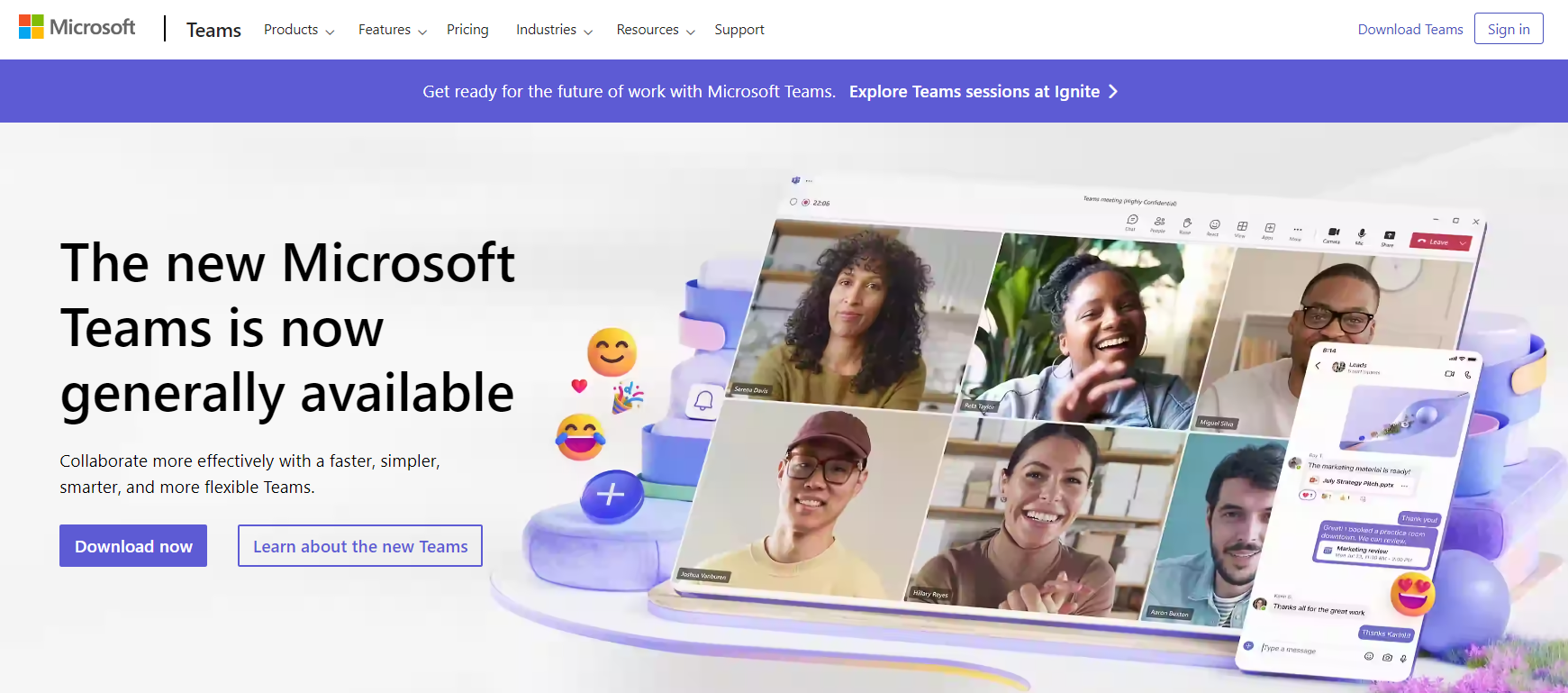
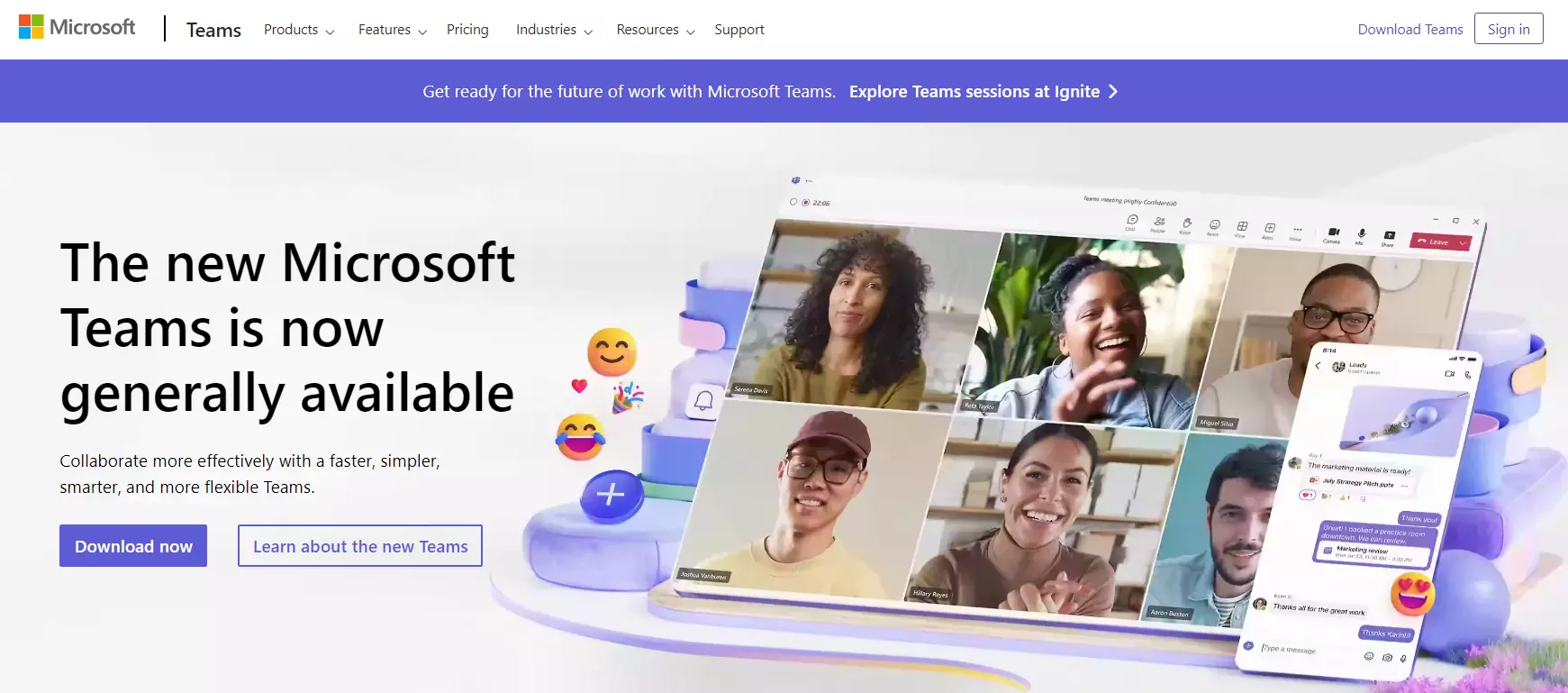
While much criticism has been voiced about Microsoft’s updates, there is little to fault with Messenger. The software has all the essential features such as chat and instant messages. The HD video calls can host up to 300 people. With guest access, you can also invite people outside of your company to work together in teams. The Outlook calendar integration was lacking during its initial phases but has since been added. Here, teams receive notifications about upcoming meetings that have been arranged via Microsoft Teams.
Files can be shared in chats or instant messages via the OneDrive cloud, and Teams encrypts the documents end to end and protects users’ identity with multi-factor authentication. When sharing files on one channel, the program places them in the shared SharePoint folder for all team members. In addition, voice call functions like meetings and VoIP are included. The software also supports calls to phones. The program also includes a task manager to improve workflow optimization.
Chatbots can be added via the app store. Simply click on the Apps button and choose the tab Bots. The bots answer questions, provide on-the-spot assistance and take care of updates.
| Pros | Cons |
|---|---|
| Stable integration with all Office programs | Lack of privacy: Microsoft scans files for OneDrive |
| Office 365 security standards and professional-level certificates | |
| Clear, customizable menu |