

The best webinar platforms compared

Webinars are a low-cost option for talks and seminars, and can be set up independent of time and location. To create a webinar, all you need is a computer and webinar software. Learn what your options are and what’s important when choosing the best webinar tool for your needs.
How do I choose the right webinar software?
If you’re just starting out with your search for the perfect webinar software, you’ll find an overwhelming assortment of webinar platforms available online. These typically differ both in price and range of functions. Before you jump at the first one, ask yourself the following questions to determine your basic requirements for a program:
- Will you be transmitting webinars live?
- How many participants do you plan on hosting?
- How long will your webinars be?
- Which functions are a requirement for you? Common examples include whiteboards, screencasts, chat functionality, or virtual backgrounds.
- Do you value branding functionalities that let you individually tailor your webinars?
- Will you need analysis and feedback tools?
- Will you be offering your webinars for free or is an integrated payment system a requirement for you?
- What’s your budget for webinar software?
Generally, you can implement webinars using video conferencing software. However, with these solutions, the number of participants is usually severely limited and important functions that make a webinar successful tend to be missing.
The term “webinar” is a registered trademark. If you want to offer an online seminar on the internet using the term as a part of your trademark, you should consider marketing it under a different name. Alternatives would be “web seminar” or “online seminar”, for example. Though there is no risk when using “webinar” as a generic term.
The most popular webinar platforms
First off, no single webinar software works for everyone. Every tool has its strengths and weaknesses. Finding the best webinar platform depends on your individual requirements and needs. Below, we introduce seven of the most popular webinar providers and compare them. The information contained in our comparison is from February 2023.
ClickMeeting: Flexible pricing plans depending on number of participants
ClickMeeting is a browser-based webinar software that doesn’t require installation. Starting from $30 a month, you can get access to a range of functions, like desktop sharing, a whiteboard, survey tools, voting, as well as a real-time chat translator. The actual price is based on the number of webinar participants. This means, you only pay for the plan that you actually use. The option for on-demand webinars is included in the Automated plan (starting at $40).


The expansive branding functions will be of interest to companies, allowing them to integrate their logo and corporate identity as part of the webinar background. You can also offer your webinar for a fee. For this purpose, the software provides links to payment service providers such as PayPal. Google Analytics and other webinar and participant statistics can also be integrated to evaluate and optimize webinars.
A disadvantage of ClickMeeting is that it strongly limits the storage space of recorded webinars. This means you can only save between 6 and 10 hours of recorded material, depending on your pricing plan.
| Pros | Cons |
|---|---|
| ✓ Flexible plans based on participant numbers | ✗ Only payable with credit card |
| ✓ Compatible with Windows, macOS, Linux | ✗ Max. 10 hours of recording |
| ✓ 30-day free test version | |
| ✓ Up to 1,000 participants possible | |
| ✓ Live and on-demand webinars | |
| ✓ Branding functions |
GoToWebinar: The webinar software for businesses
With the webinar software GoToWebinar, the makers behind GoToMeeting have directed their attention specifically at businesses. Prices start at $46 per month for up to 250 webinar participants. However, only the basic features are included in the lite version. To record or brand your session, you’ll need the standard version.
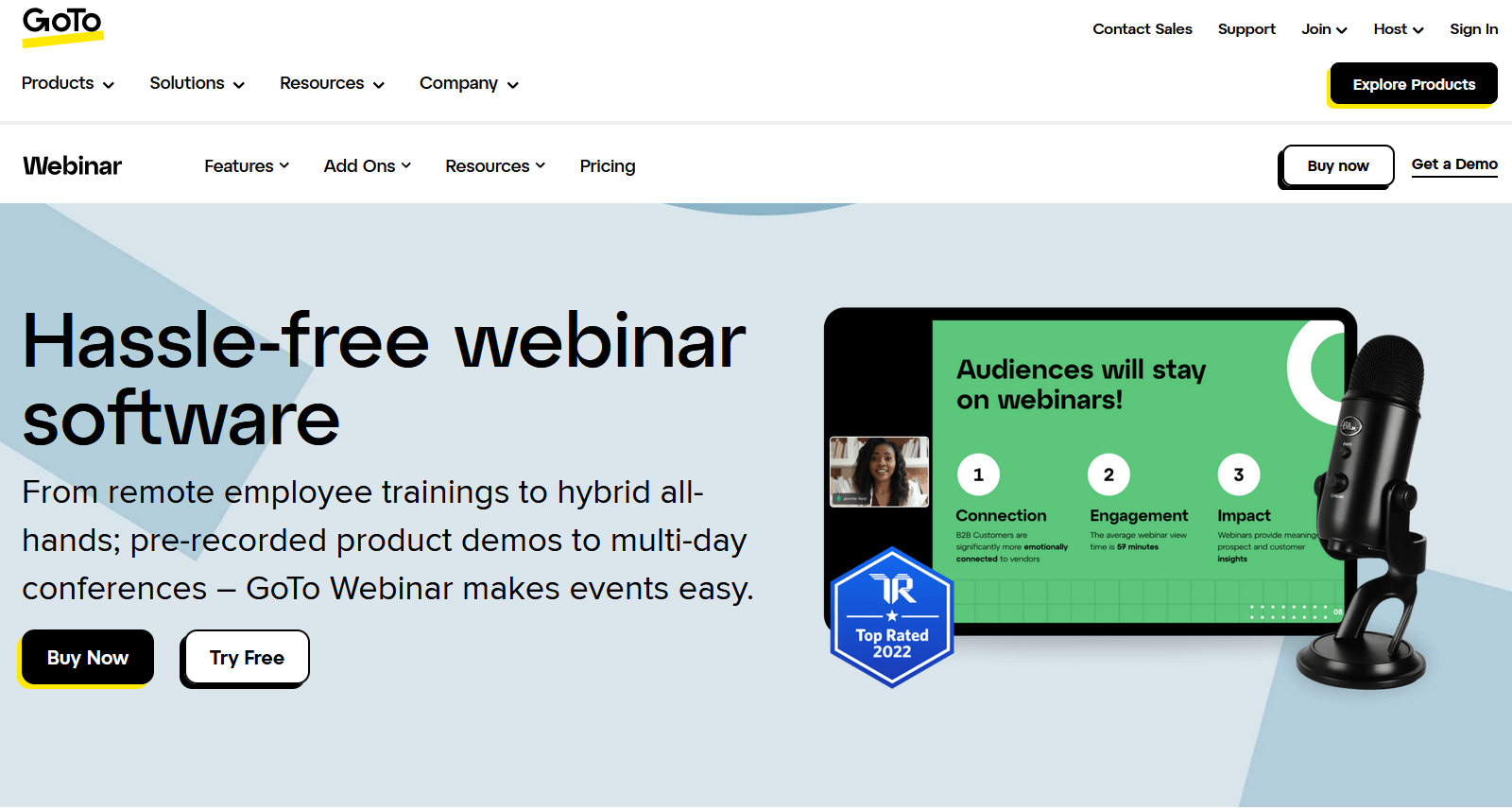
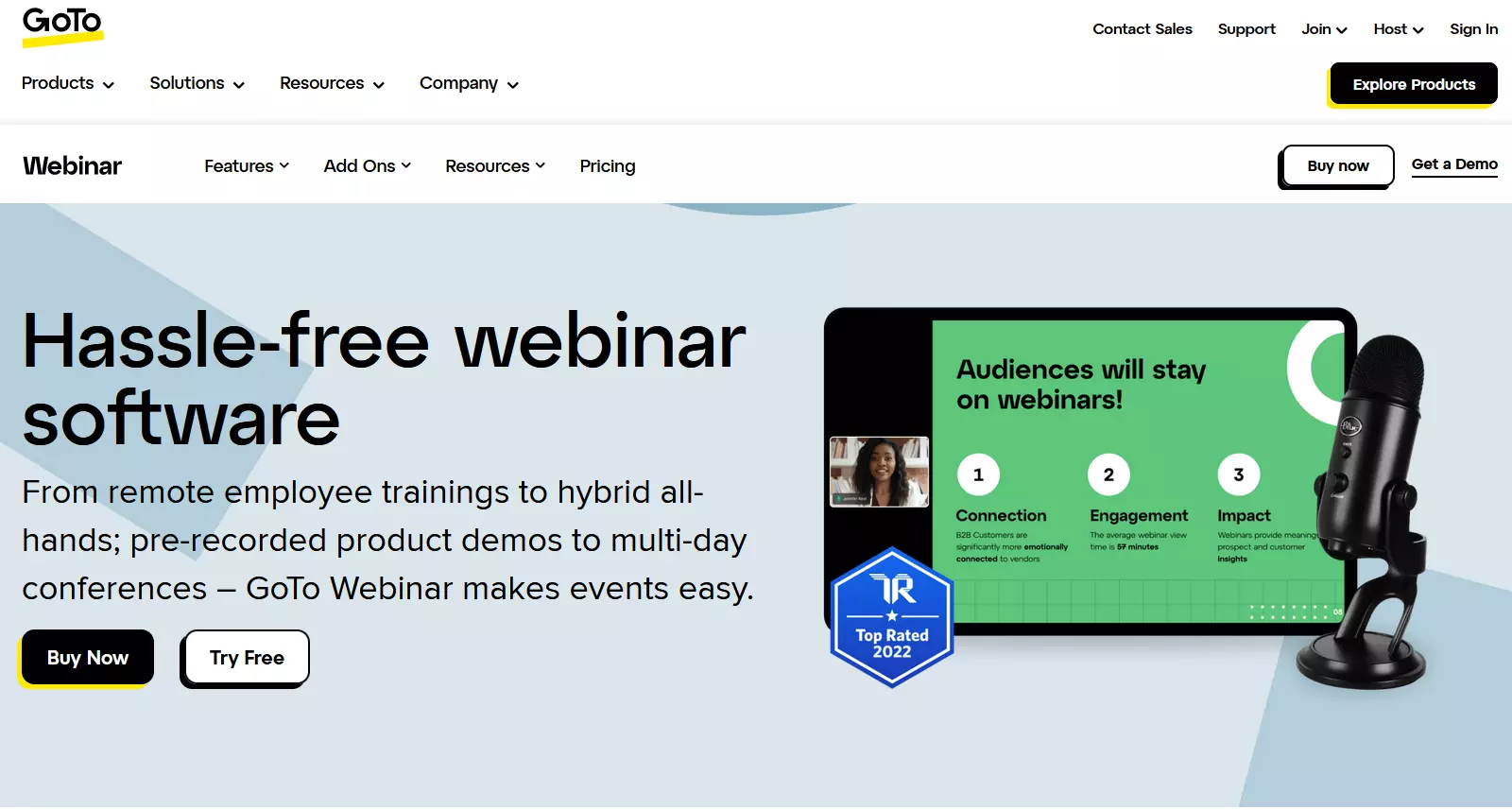
Thanks to its integrated payment system, you can conduct paid webinars without additional software. GoToStage access lets users watch on-demand webinars at any time and share their live content. The webinar software provides excellent features such as interactive quick surveys, user-defined answers to questions, and automatic playbacks to simulate live events using prerecorded video.
| Pros | Cons |
|---|---|
| ✓ Compatible with Windows, macOS, Linux | ✗ Too complex for individuals |
| ✓ 7-day free test version | ✗ Payments only in USD |
| ✓ Up to 1,000 participants possible, and up to 5,000 with the Enterprise plan | |
| ✓ Expansive analysis tools | |
| ✓ Live simulation | |
| ✓ Branding functions |
Demio: All-in-one webinar provider for businesses
Starting at $59 a month, the all-in-one webinar solution from Demio is perfect for small businesses and entrepreneurs who are just starting out with webinars. With features like live webinars, scheduled series events, and hybrids of live-streaming webinars and pre-recorded videos, Demio ticks a lot of boxes. Organizers can host events on autopilot with pre-recorded presentations and improve their lead generation. Beyond this, the browser-based webinar software is easily accessible with just one click and features a minimalist look and an intuitive user experience.
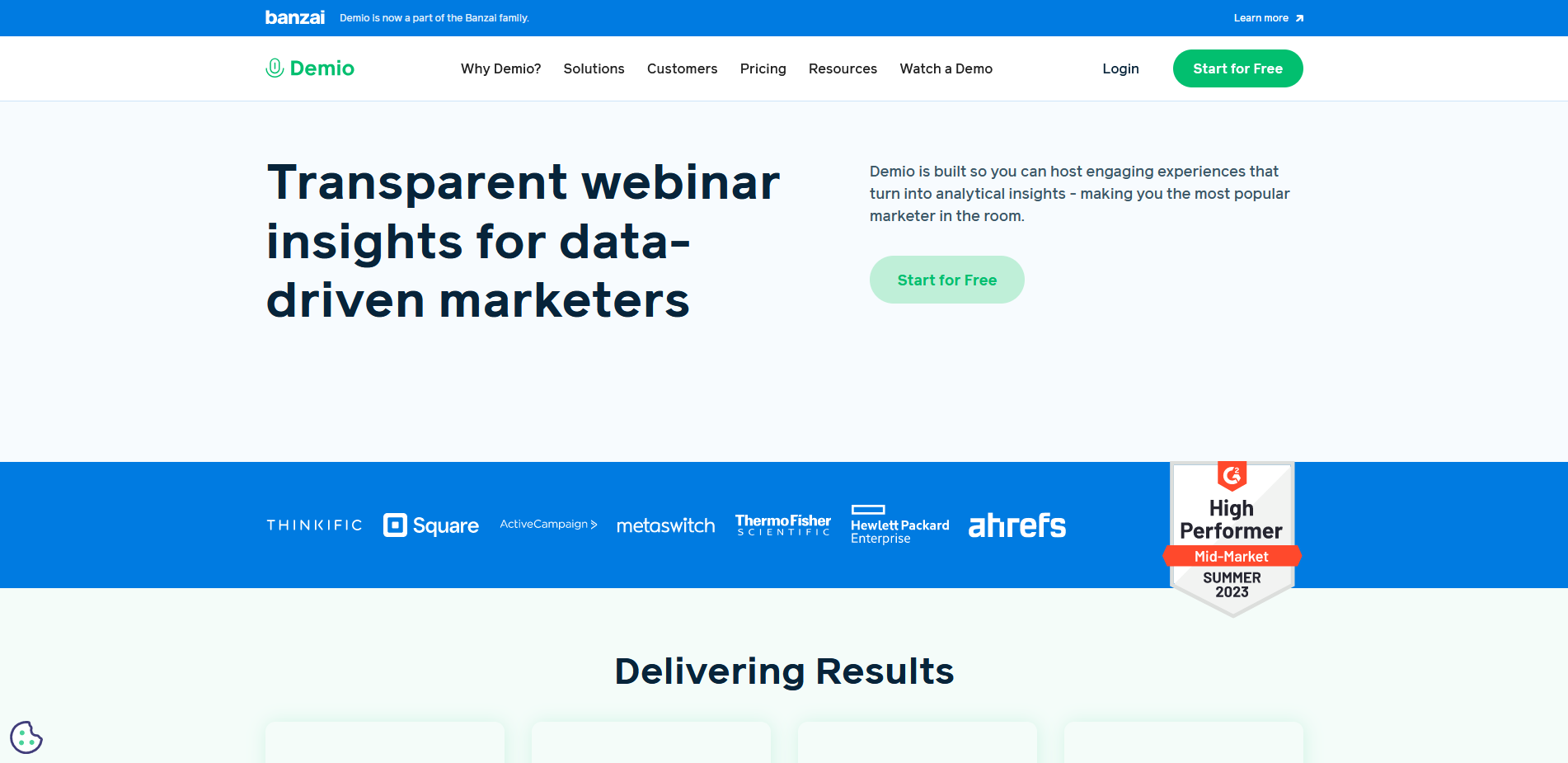
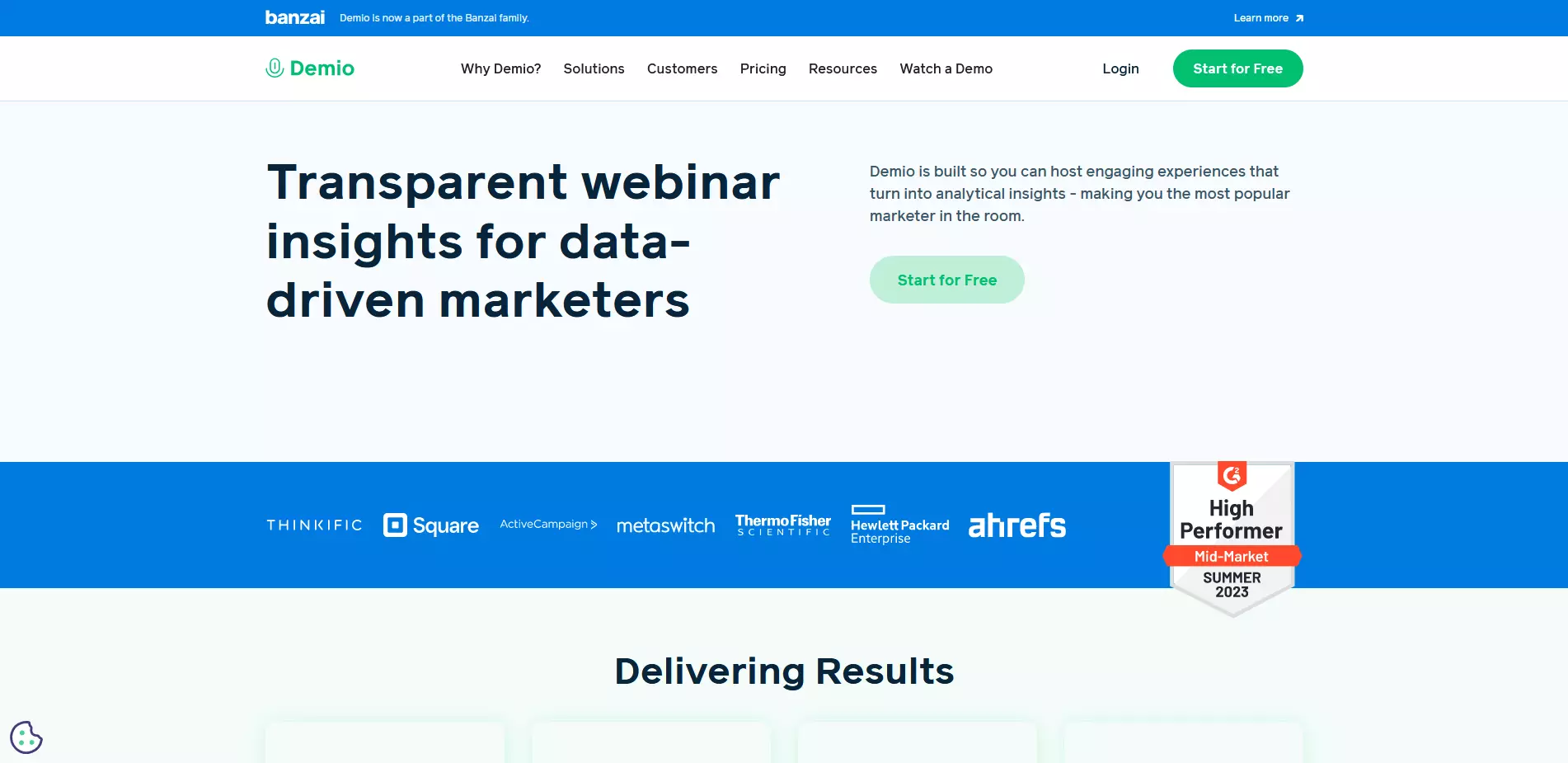
What makes Demio stand out is not only its high-definition live-streaming quality, but also its in-depth analytics, which allow you to check when attendees join or leave a webinar.
| Pros | Cons |
|---|---|
| ✓ Browser-based and attendance in just one click | ✗ Branding function available only in more expensive package |
| ✓ 14-day free trial for up to 20 attendees | ✗ Starter plan does not include automated events and custom form fields |
| ✓ Interactive polls with stats | |
| ✓ Easy download and sharing of recordings | |
| ✓ Integrated marketing apps | |
| ✓ Analytics to further improve webinars |
Webinaris: Automated webinar software
The webinar provider Webinaris specializes in automated webinars. While live webinars aren’t possible with this software, its range of extensive functions, which include automated chat and fictitious participant lists, make it possible to simulate a broadcast in real-time. This automatization means that you can offer recorded webinars on any number of dates and scale revenues.
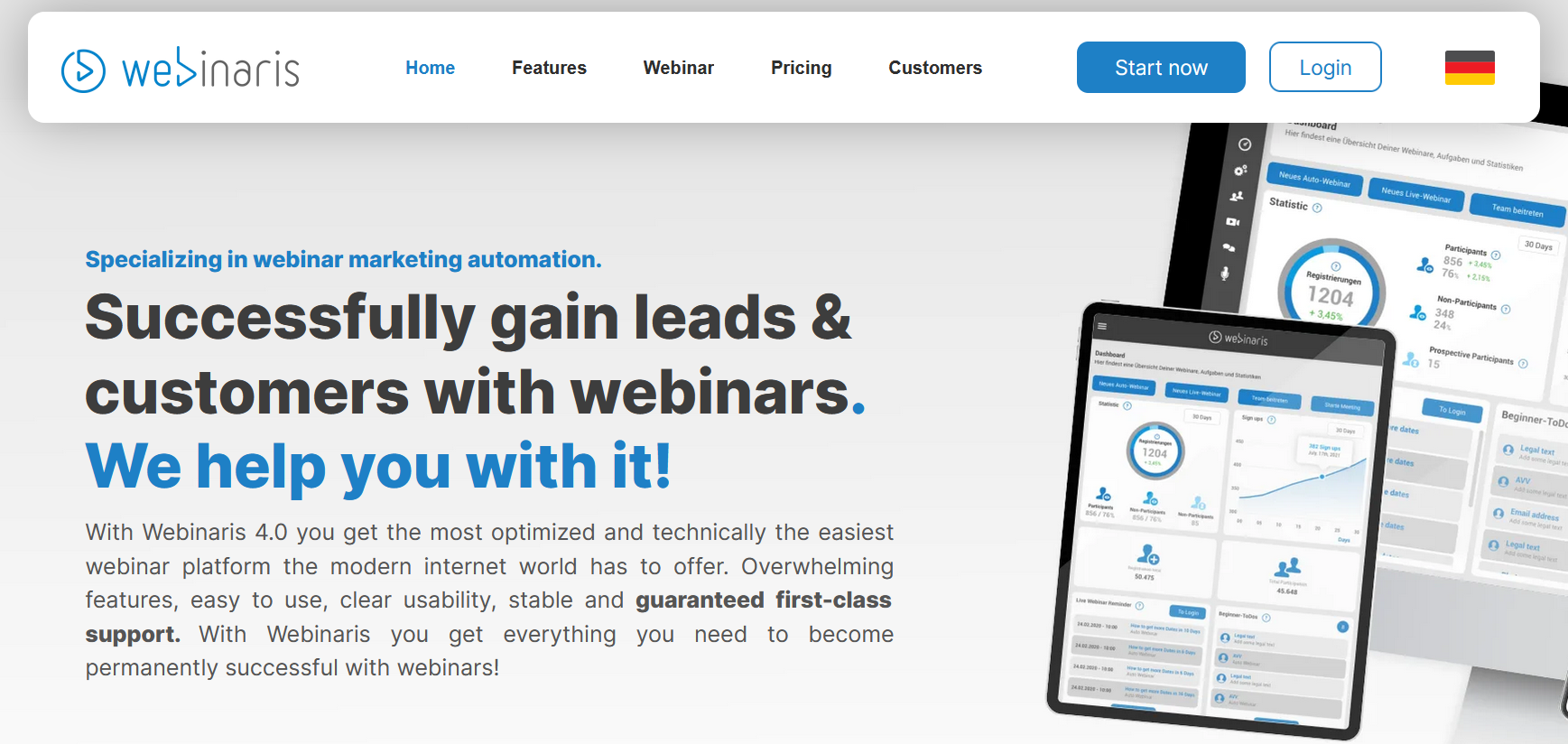
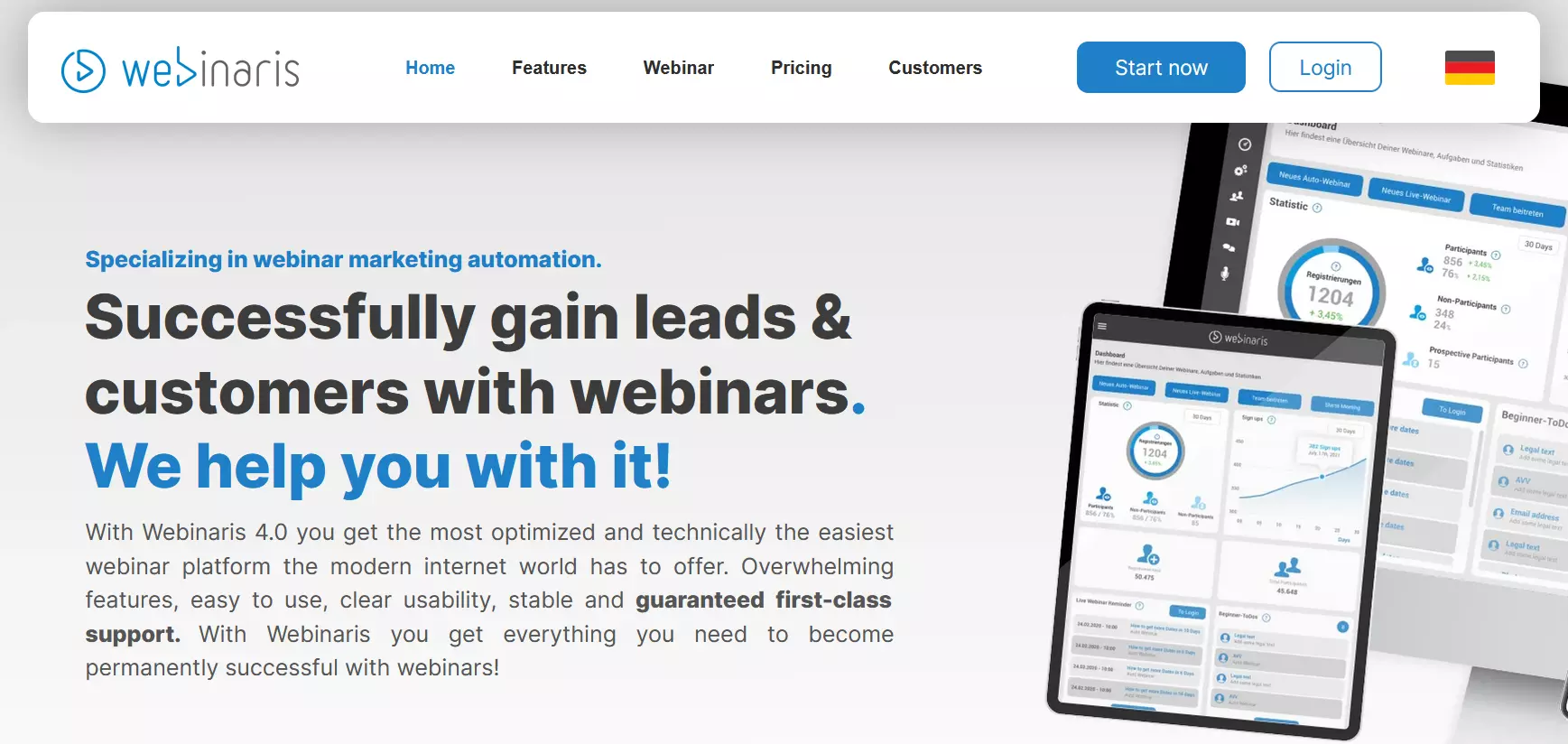
With its Rent my Webinar feature, you can make your webinars available to other providers, either at a cost or for free. You also have the option to publish successful webinars on your account. The only package available, however, is the Professional package, which will set you back $99 each month. In return, you’ll have access to unlimited automated webinars and all functions included.
| Pros | Cons |
|---|---|
| ✓ No installation necessary | ✗ No live streaming |
| ✓ Extensive automation functions | |
| ✓ Live simulation | |
| ✓ Many functions designed for sales, branding, and marketing | |
| ✓ Rent my Webinar: License model |
Zoom Webinars: Highly expandable and with many functions
Zoom Webinars has established itself as one of the most popular tools for online conferences. The clear and versatile meeting solution also offers a special add-on for webinars.
Since this is an additional service to the actual software, you need a Zoom One license. This costs $149.90 per year and user. The monthly licensing fee for the webinar extension is $79. But then you also have access to extensive functions such as chats, surveys or quizzes. At the same time, 100 people can interactively participate in a webinar via Zoom. 49 of them are even displayed on a single screen.
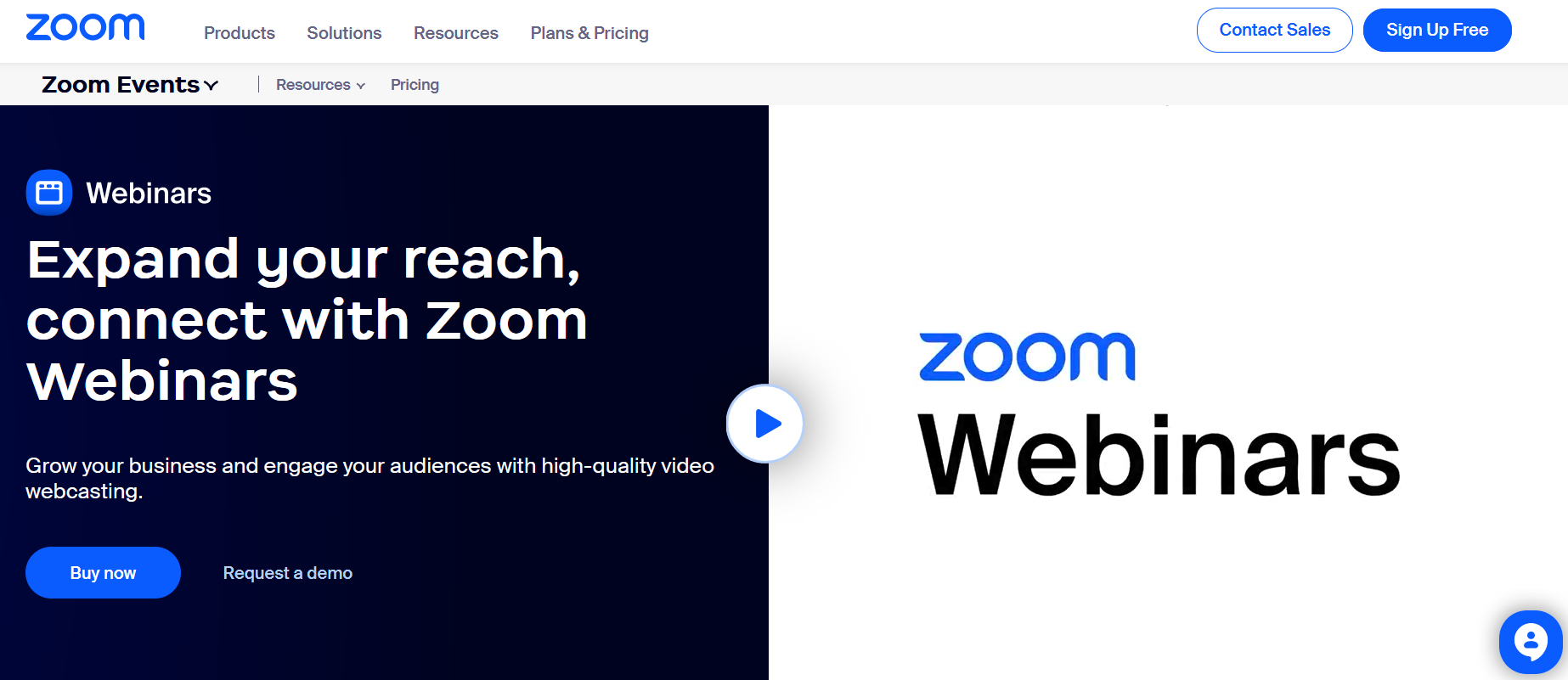
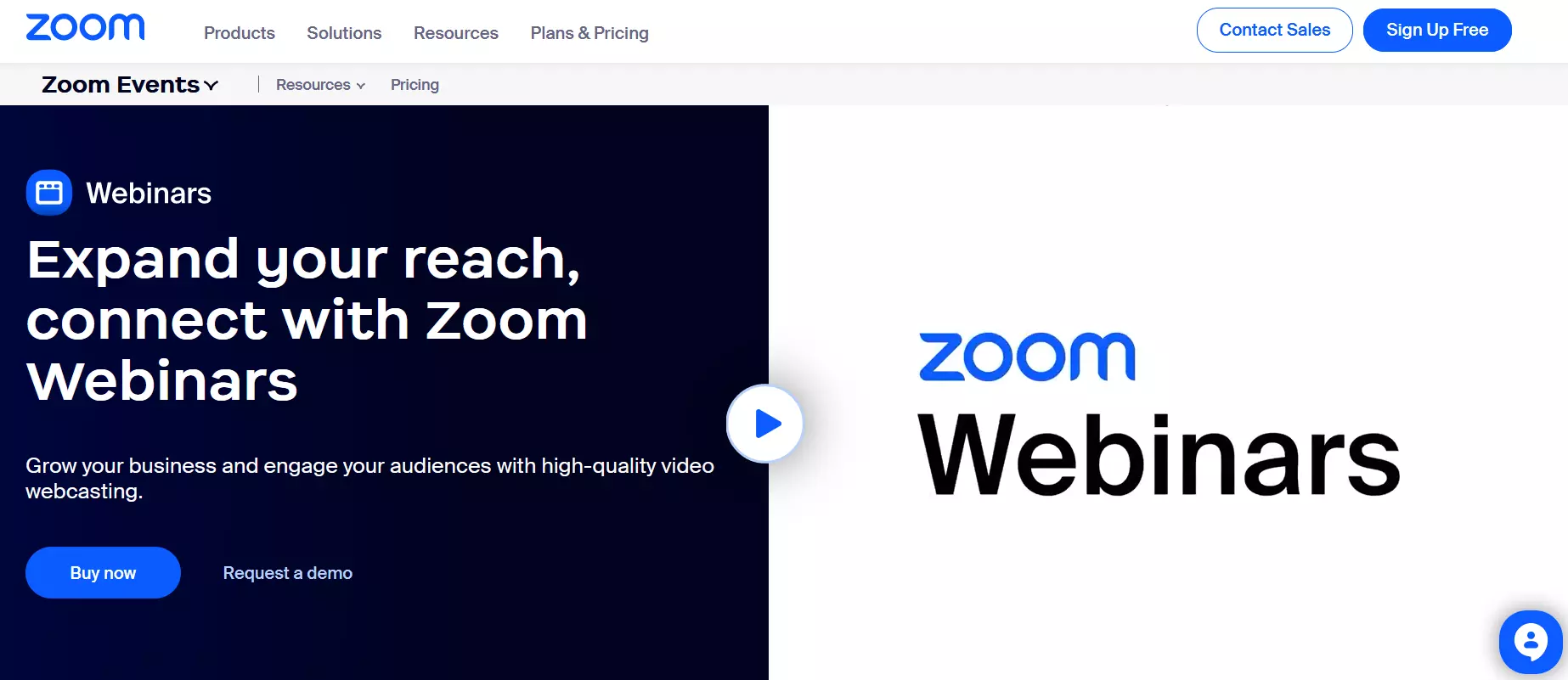
Branding options and analytics are available with Zoom. Additionally, you can integrate the webinars with other software such as a CRM Tool. Monetization options are also available, making it easy to offer fee-based online courses and professional training programs.
| Pros | Cons |
|---|---|
| ✓ Branding functions | ✗ Recurring data security issues |
| ✓ Integrated analysis tools | |
| ✓ Monetization via PayPal or credit card | |
| ✓ Add-ons to boost performance |
WebinarJam: Create custom and interactive webinars
With the webinar software WebinarJam, you can create individualized and branded invitations and webinars thanks to an integrated page builder. Countless templates make building professional and mobile-friendly pages a breeze.
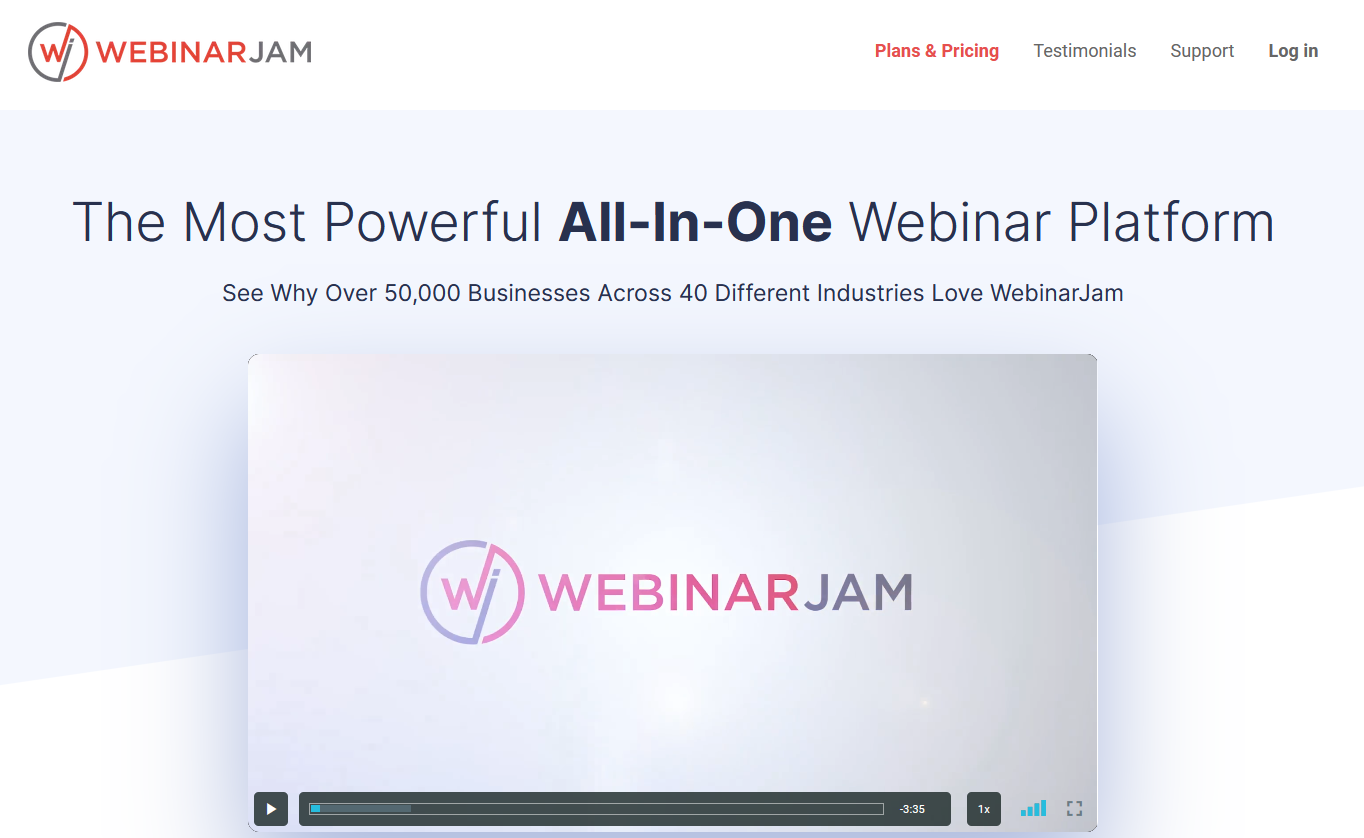
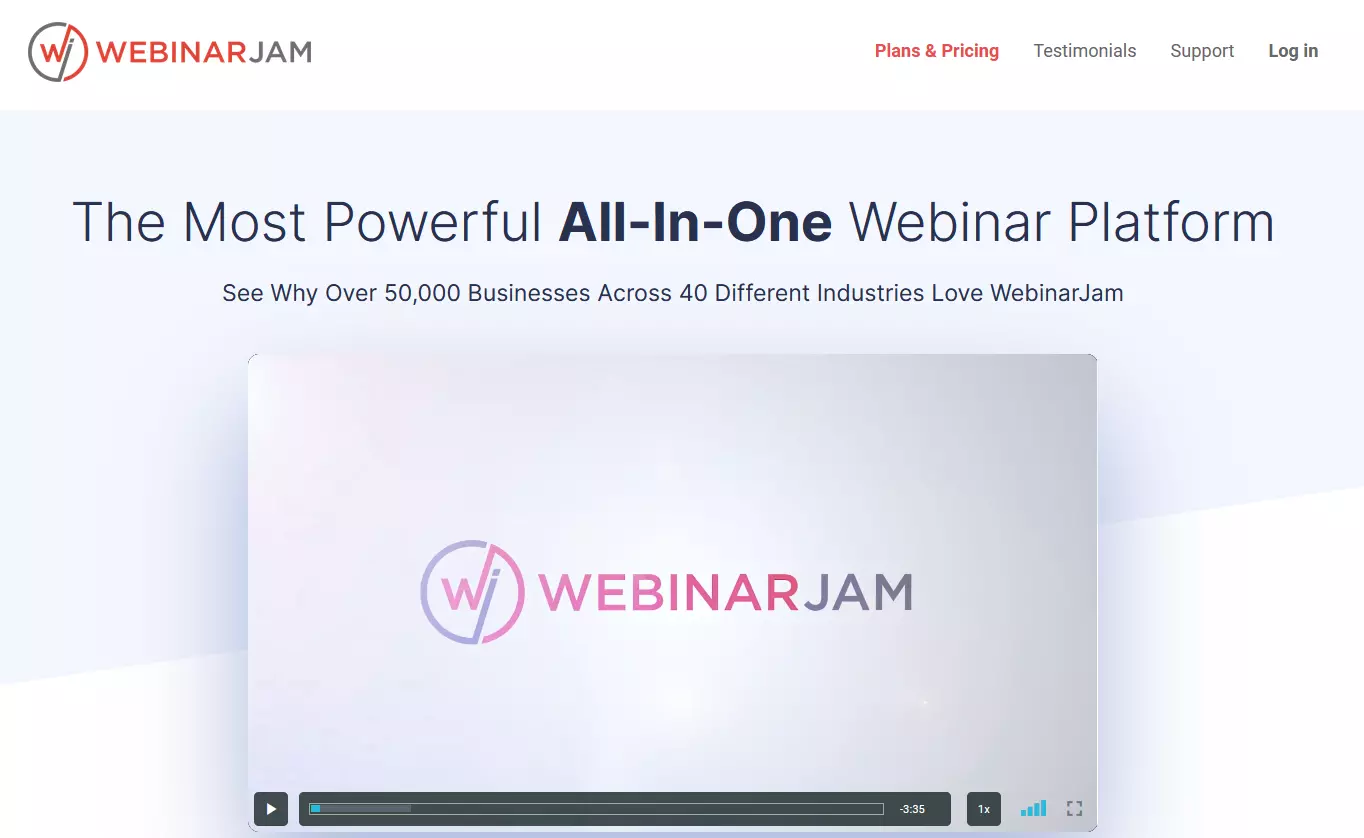
This webinar provider is the right choice for you if you want to involve many participants in an interactive way. Up to 5,000 active participants can be added—five times as many as with similar webinar software tools. To keep this many participants engaged, the software lets you add up to six moderators. Depending on which plan you select, every webinar is limited to either two, three or four hours.
| Pros | Cons |
|---|---|
| ✓ Integrated page builder | ✗ Time-restricted |
| ✓ Up to 6 moderators and 5,000 interactive participants | |
| ✓ Analysis tools | |
| ✓ Email automatization |
LiveWebinar: Online courses on your website
LiveWebinar convinces due to the numerous customization options. Simply adapt your webinars to your design. What’s particularly interesting is that the tool is designed to offer webinars using your own domain, which boosts your brand presence. However, this option is only included with the Enterprise plan.
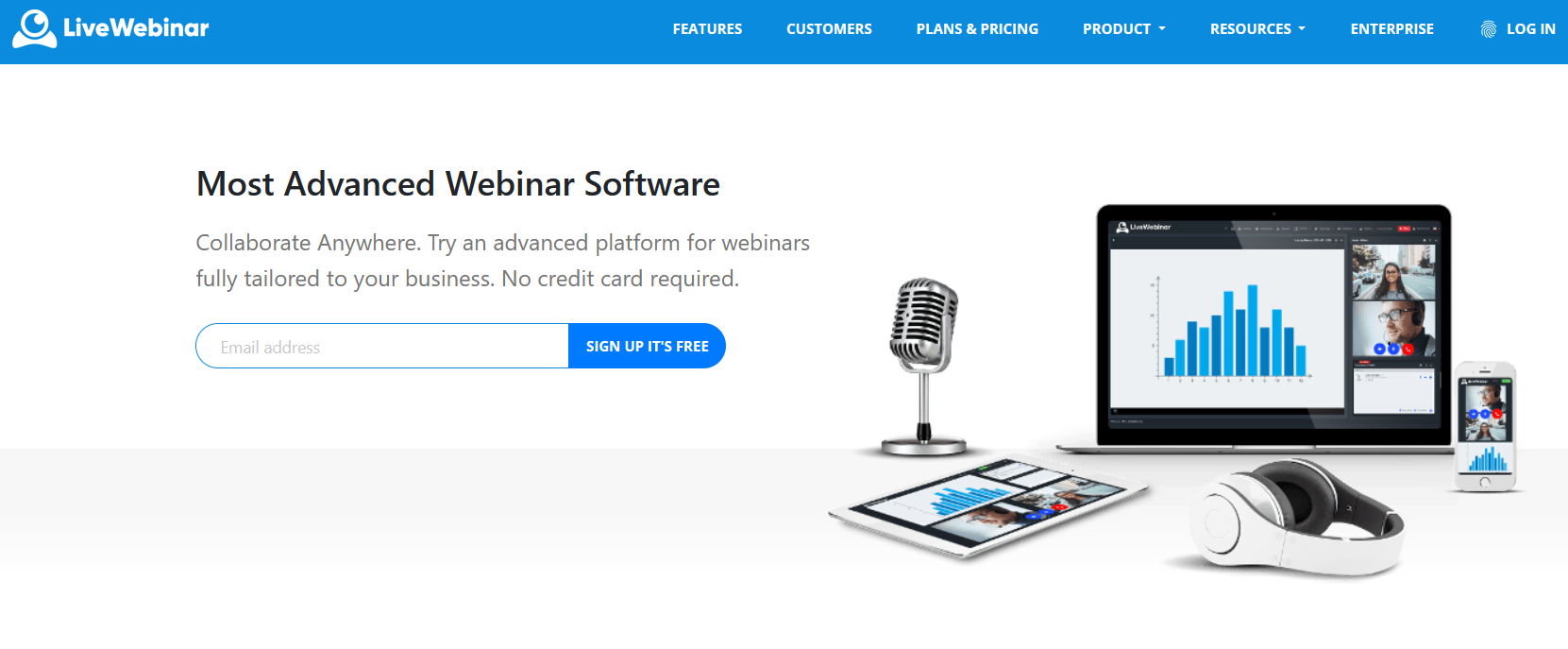
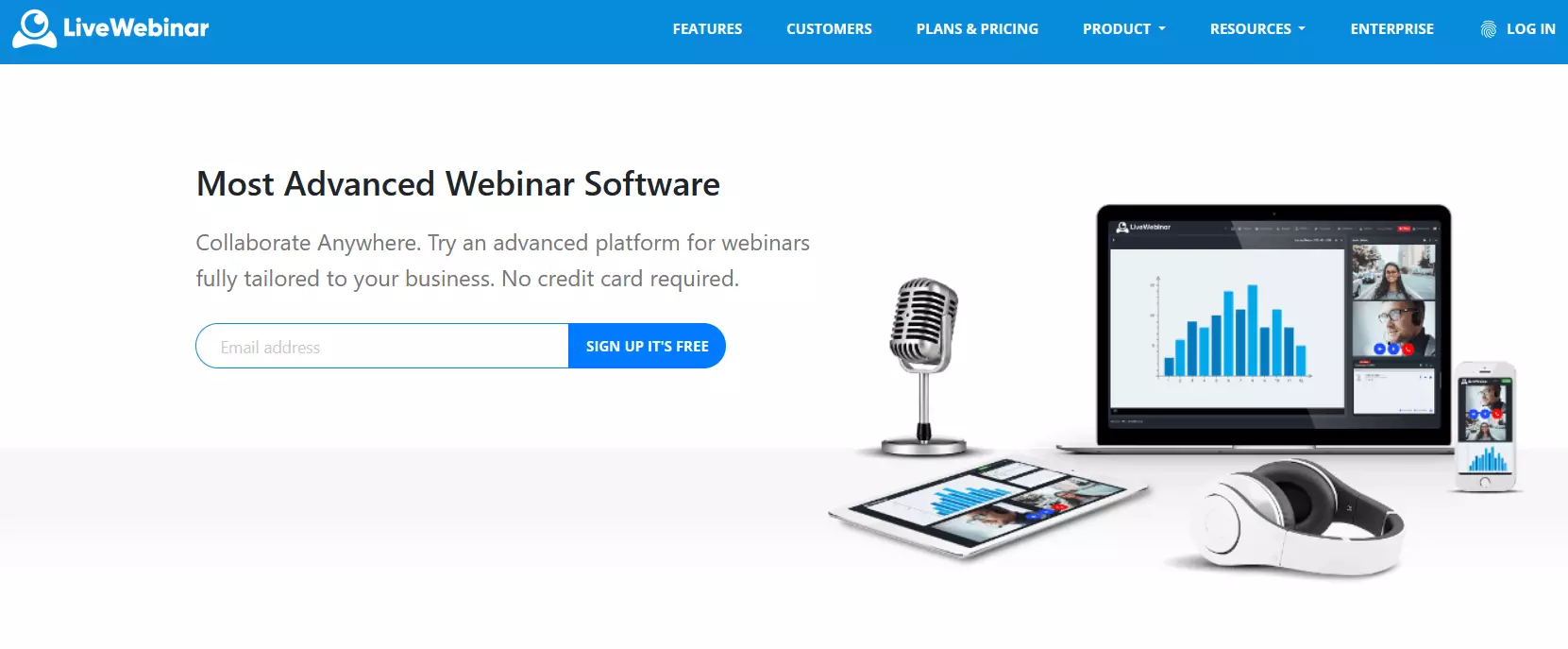
In addition to branding options, the software includes most of the features other webinar tools offer, such as breakout rooms, a whiteboard and screen sharing. In addition to streaming via your own domain, you can also stream on social media. LiveWebinar also gives you the option to monetize online trainings.
Depending on the plan you choose, between 5 and 1,000 people can participate in your webinars simultaneously. With a paid add-on, the size of your audience can be expanded.
| Pros | Cons |
|---|---|
| ✓ Branding features | ✗ Many features only through paid extensions |
| ✓ Transfer to social media | |
| ✓ Free basic version | |
| ✓ Monetization | |
| ✓ Streaming via your own domain |
Do you use webinar software to collaborate with colleagues or for internal staff training sessions? If so, choosing a Google Workspace solution from IONOS makes an excellent alternative to common webinar solutions. With our plans, you can optimize communication and collaborate on documents at the same time, no matter where you’re based.
All webinar software in comparison
To make your decision a little easier, we’ve prepared the table below to provide an overview of the top webinar platforms.
| App available | Price per month | Number of participants | Live function | Payment system possible | Special features | |
|---|---|---|---|---|---|---|
| ClickMeeting | Yes | $30-309 | 10-1,000 | Yes | Yes | Flexible plan, depending on number of participants |
| GoToWebinar | Yes | $49-399 | 100-3,000 | Yes | Yes | Made for businesses |
| Demio | Yes | $59-163 | 50-500 | Yes | Yes | Made for small businesses and entrepreneurs |
| Webinaris | No | $99 | 250 | No | Yes | Ability to rent out webinars for marketing purposes with Rent my Webinar |
| Zoom Webinars | Yes | $79 (Plus Zoom One license) | 100 | Yes | Yes | Modular system |
| WebinarJam | Yes | $39-379 | 100-5,000 | Yes | Yes | Many active participants possible |
| LiveWebinar | No | $0-237 | 5–1,000 (+ per add-on) | Yes | Yes | Streaming via your own domain |
Updated: February 2023