

XLSB: just what is an XLSB file in Excel?

Spreadsheets made with Microsoft Excel are usually saved as XLSX files. An alternative to this is XLSB format. Perhaps you’ve never heard of this one – no worries because here we explain what it is and what it is used for. You will also learn about how to convert Excel files into XLSB format and how you can work with XLSB files.
- Simple registration
- Premium TLDs at great prices
- 24/7 personal consultant included
- Free privacy protection for eligible domains
What is XLSB?
Files made in the spreadsheet program Excel can be saved in XLSB format. These files are completely normal Excel tables in which data can be stored and calculations performed.
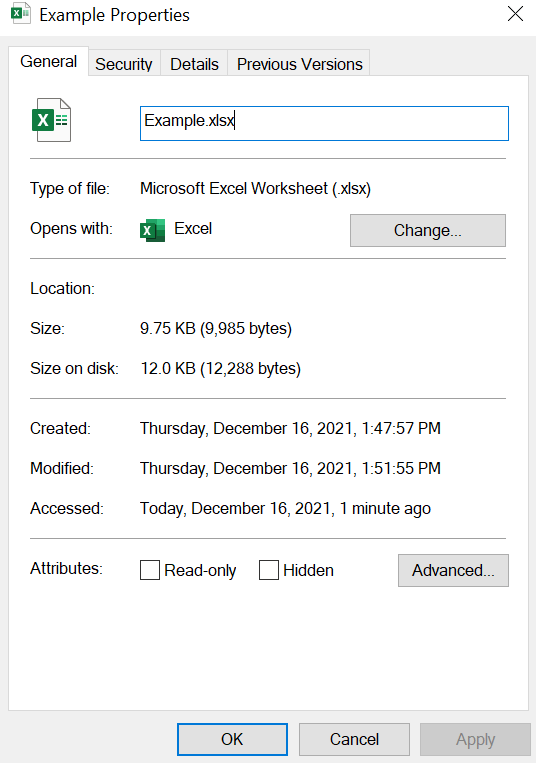
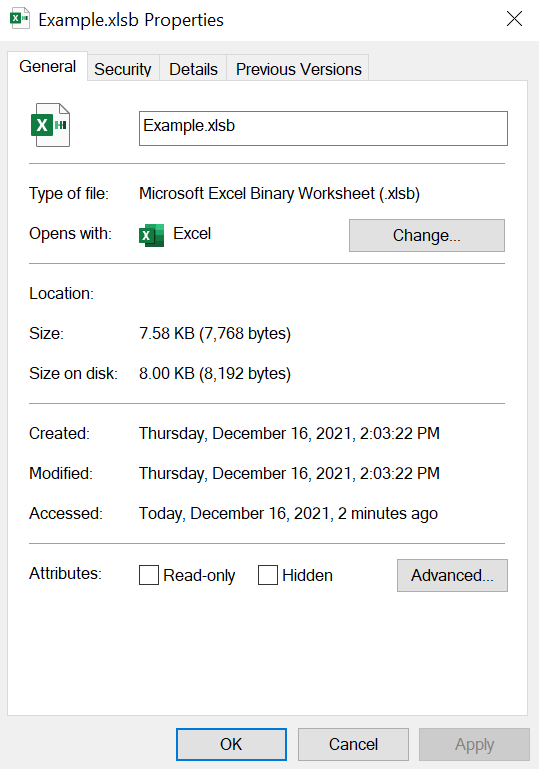
Unlike the usual XLSX files, however, individual spreadsheets in XLSB files are saved in BIFF12 binary file format. This is what the “B” in the extension means – Excel binary workbook. A binary worksheet is a file in which all data is directly saved in binary format, i.e. as a series of ones and zeros. This means that XLSB files open more quickly and take up less memory space.
Do you want to set up your own Excel tables? You can get Microsoft 365 through IONOS, which includes other practical Office programs such as Word and PowerPoint.
Advantages of XLSB files
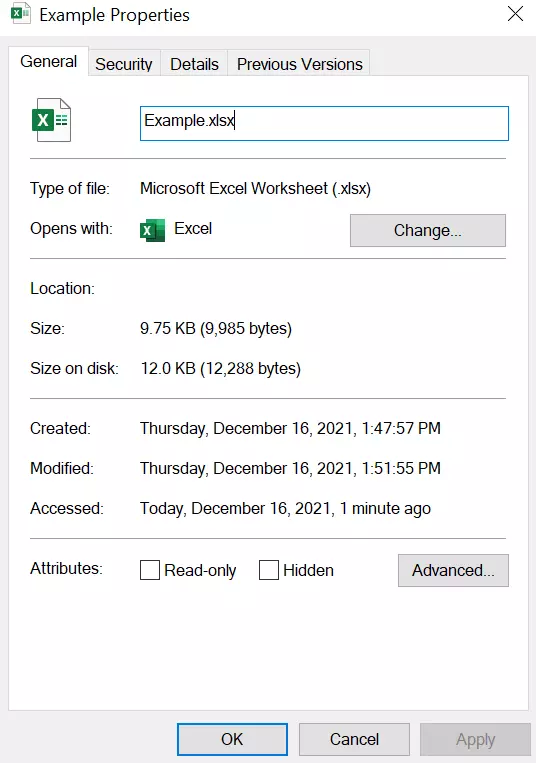
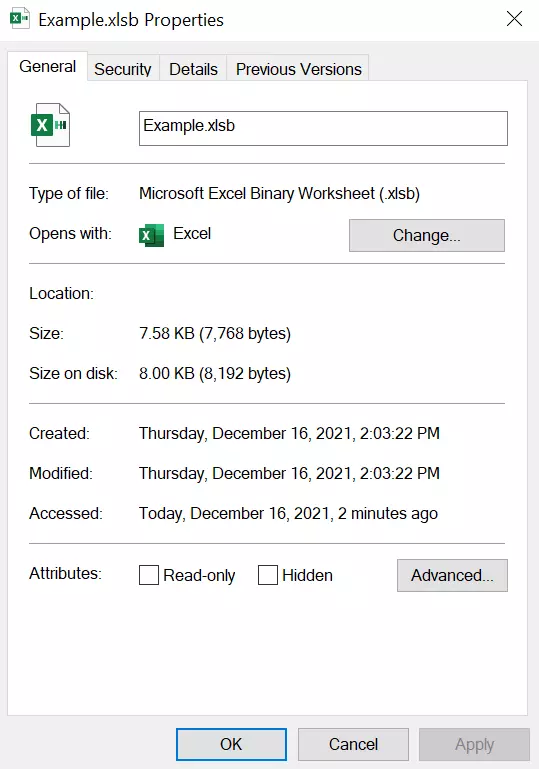
Although this file type was introduced as early as Office 2007, it’s still rather unknown today. However, using it brings a lot of advantages. By saving all the spreadsheets in binary format, a significant amount of memory space can be saved. The amount saved depends on the size of the original file. The bigger it is, the more space can be saved. For very complex files upwards of 100 MB, these savings can get to up to 90%. Furthermore, XLSB files can be used to perform calculations more quickly, thereby reducing loading times. This is because computers already process files using binary code.
As a result, it is advisable to save complex and generally very large files in XLSB format. This includes in particular spreadsheets with a ton of complex formulas that have to process a lot of heavy calculation operations. The XLSB format can therefore be helpful for large Excel files used for statistical or accounting purposes.
Despite their many advantages, you should be careful if you receive XLSB files attached to e-mails from unknown senders. In rare cases, malware can be hidden in the files. These contain special XML macros which, when run, can install malware on your computer. As both XLSB files and XML macros are quite rare, common antivirus software doesn’t always recognize the threat.
Converting XLSX to XLSB
So just what do you do if you want to save space and convert your document from a standard XLSX file into an XLSB file? It just takes a few simple steps. If you already have Excel installed on your computer, the process is as follows:
- Open the XLSX file that you want to convert into XLSB format.
- Click on “File” in the top left of Microsoft Excel.
- Select the option “Save As”.
- Click on “Excel Workbook (.xlsx)”. This should open a drop-down menu. Now, click on “Excel Binary Workbook (.XLSB)”.
- Save your new XLSB file by clicking on the “Save” button. The new file will now be shown in the same save location as the original file.
For other spreadsheet programs, such as Calc or PlanMaker, the process is the same. If you don't have a spreadsheet program or you can’t open the file you need, you can use a free online tool to convert the file into XLSB format. In this case, you can convert the file directly on the website. To do this, choose XLSX as the starting file format and XLSB as the target file format. You can then upload your file to the website. Once the conversion has finished, you can download the XLSB file and save it on your hard drive.
There is a whole range of online conversion tools to do this that you can easily find using a search engine. One such example is file-converter-online.com, which can handle conversions from XLSX to XLSB as well as a number of other different conversions such as XLSX to XLS files.
Opening and working with XLSB files
You can use a lot of different programs to work with XLSB files. You don’t necessarily need a version of Excel to do this. Below, we will show you an overview of common alternative programs that support XLSB files (status: October 2021).
| Program name | Operating system | Short description | Price |
|---|---|---|---|
| Apache OpenOffice Calc | Windows, Linux, macOS | Apache OpenOffice is an office suite which includes the spreadsheet program Calc as well as programs to make text documents and slideshows. | Free |
| LibreOffice Calc | Windows, Linux, macOS | LibreOffice is an office suite with programs for all common office applications. Calc can open XLSB files. | Free |
| PlanMaker from SoftMaker Office | Windows, Linux, macOS | SoftMaker Office is a reasonably priced office suite with programs to make spreadsheets (PlanMaker), slideshows and text documents. | 29.90 EUR (around 34 USD) to 49.90 EUR (around 56 USD) per year.79.95 EUR around 90 USD) to 99.95 EUR (around 113 USD) as a one-time purchase |
- Store, share, and edit data easily
- Backed up and highly secure
- Sync with all devices