

The best translation apps: which is the right one for you?

A translator app makes it easy to translate individual words or entire sentences using your smartphone. The apps are available for download from the respective app store and support different features such as speech recognition.
- Simple registration
- Premium TLDs at great prices
- 24/7 personal consultant included
- Free privacy protection for eligible domains
Overview of the best translator app
Updated: April 2022
| Languages available | Offline mode | Speech recognition | Free | iOS | Android | ||
|---|---|---|---|---|---|---|---|
| Google Translate | 109 | ✓ | ✓ | ✓ | ✓ | ✓ | |
| iTranslate | 91 | ✓ | ✓ | Yes, but paid extensions | ✓ | ✓ | |
| Linguee | 24 | ✓ | ✓ | ✓ | ✓ | ✓ | |
| Microsoft Translator | 58 | ✓ | ✓ | ✓ | ✓ | ✓ | |
| PONS | 24 | ✓ | ✓ | Yes, but paid extensions | ✓ | ✓ | |
| SayHi Translate | 55 | ✗ | ✓ | ✓ | ✓ | ✓ | |
| DeepL | 26 | ✗ | ✓ | ✓ | ✓ | ✓ |
Google Translate: the search giant’s translation app
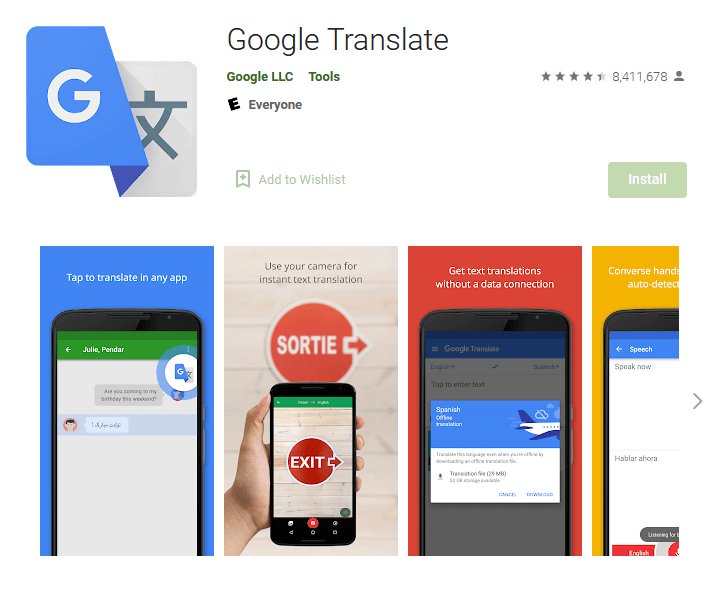
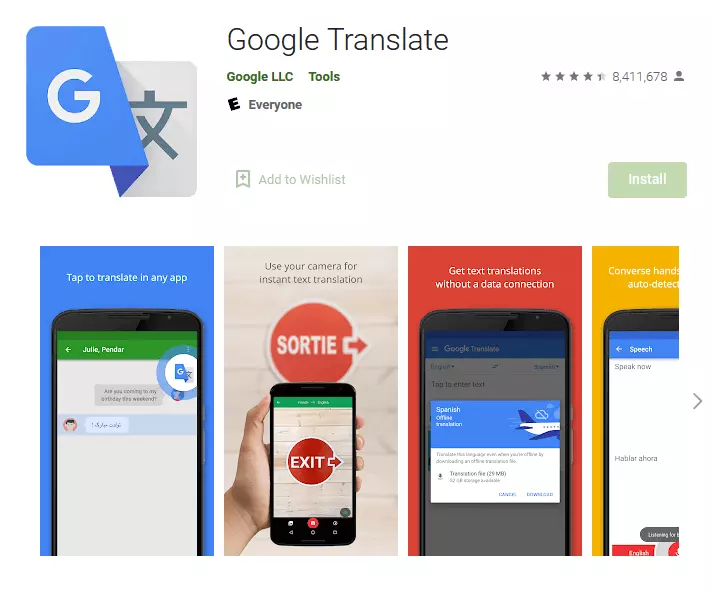
Millions of people are already using the free Google Translate app via their mobile browser or as an app on their smartphone. The app can translate 59 different languages without an Internet connection and supports various functionalities. For example, users can upload photos with foreign-language text which are auto-recognized and translated into the target language. Instead of using the keyboard, the text that needs to be translated can also be handwritten.
| Advantages | Disadvantages | |
|---|---|---|
| ✓ Translate photos or recordings | ✗ Not all languages supported offline | |
| ✓ Handwritten input of words possible | ✗ Translations of sentences partially incorrect | |
| ✓ Storage of requested translations | ✗ Quality of translation is not the same for all languages | |
| ✓ Translate bilingual conversations | ||
| ✓ Transcription |
iTranslate: a comprehensive and modern translation app
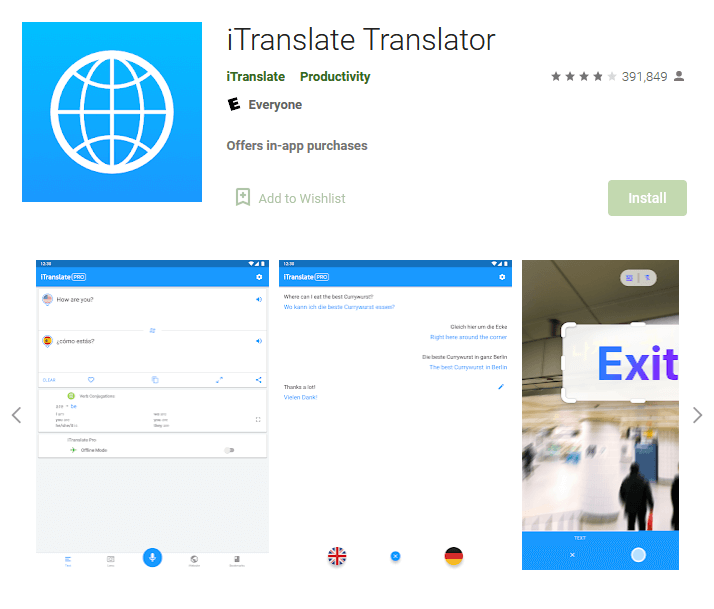
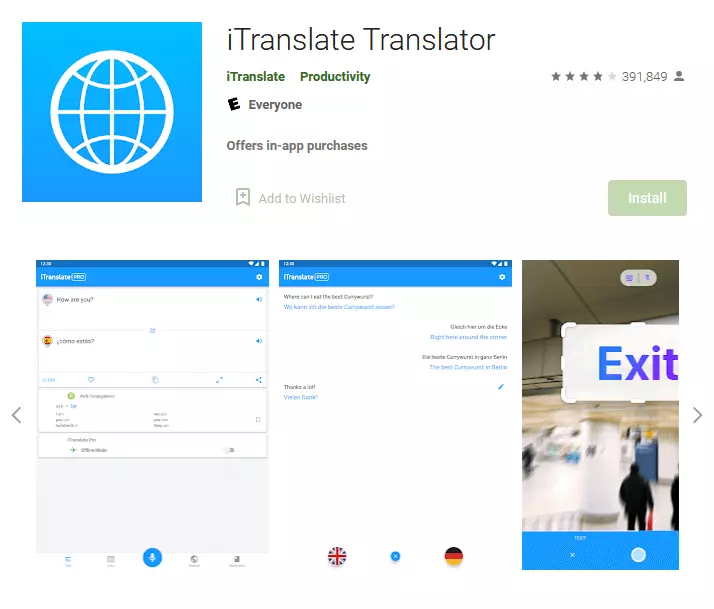
iTranslate is an award-winning app for translation that supports over 90 languages. The basic app is free, while the Pro version is available with a monthly subscription. In addition to translations, the free app boasts dictionaries with synonyms and can detect dialects. In addition to the offline mode, the paid pro version of the app supports features such as instant translation of signs or menu cards. Conversations can also be translated.
| Advantages | Disadvantages | |
|---|---|---|
| ✓ Award-winning design | ✗ Some features incur charges | |
| ✓ Supports Apple Watch | ✗ Voice output requires Internet connection | |
| ✓ Dictionaries with synonyms |
Linguee dictionary: a classic in app form
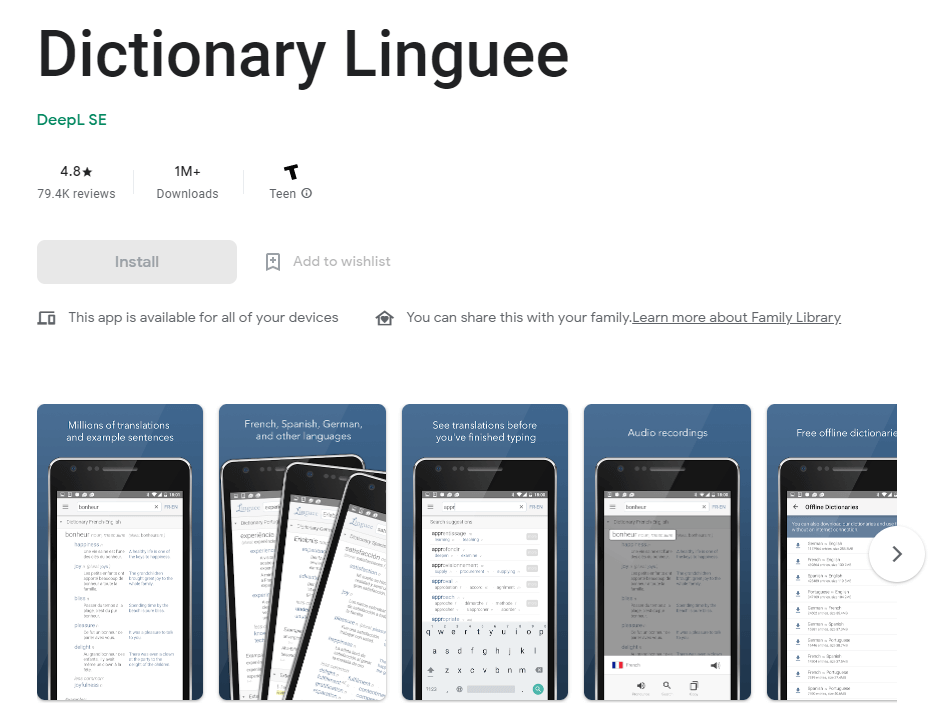
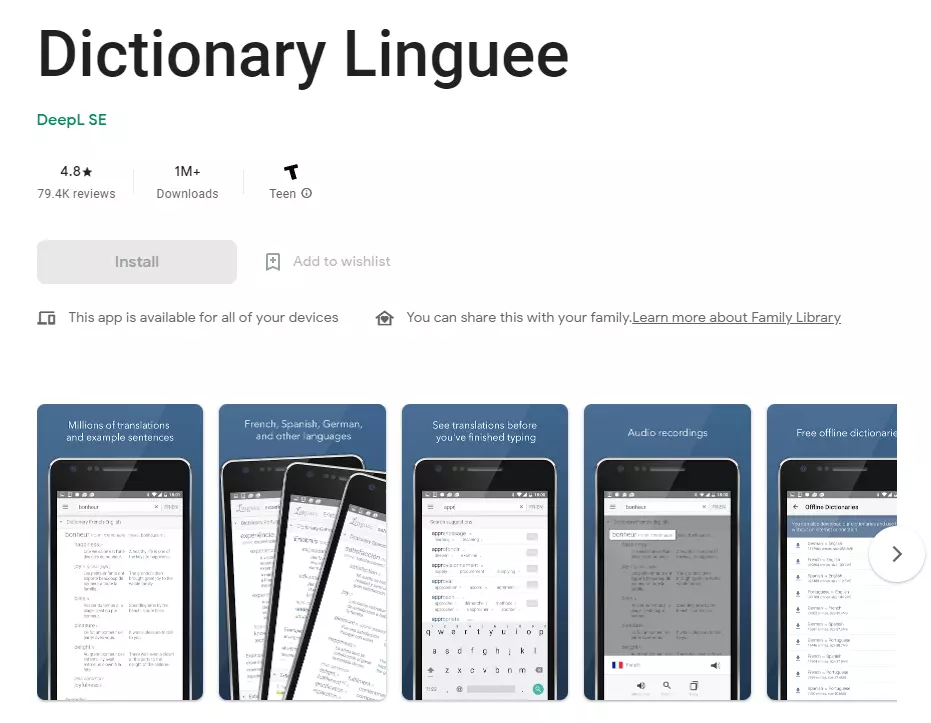
The language translator app Linguee is free, available offline and is already used by millions of people. There’s an integrated translation search engine, which means you have access to over one billion translations from the internet so you can find the best one that fits your situation. The app does not use machine-translation to provide examples of words in context, but rather it sources words from articles in the original language. Simply start typing a word and autofill will help you fill it in, saving you precious time.
| Advantages | Disadvantages | |
|---|---|---|
| ✓ Excellent app for finding translations for specialized terminology | ✗ Often difficult to find exact translation in the source text | |
| ✓ Offline use | ✗ Minor UI bugs | |
| ✓ Autofill saves you time |
Microsoft Translator: on the heels of Google
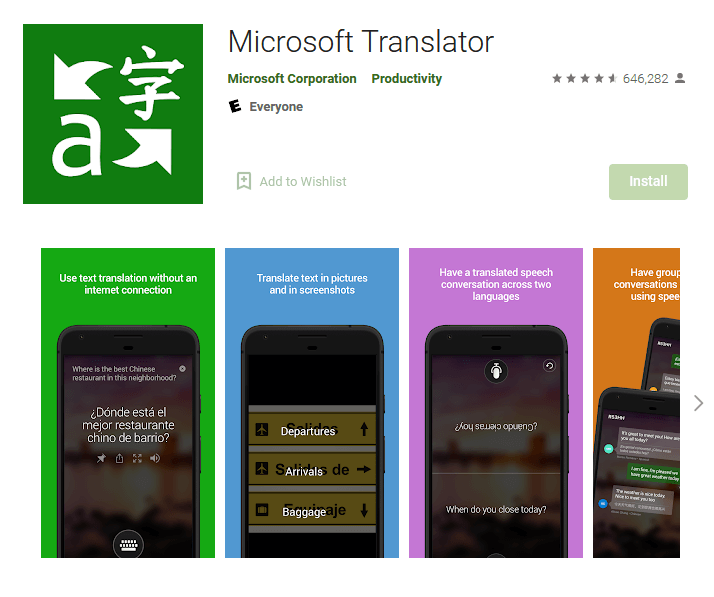
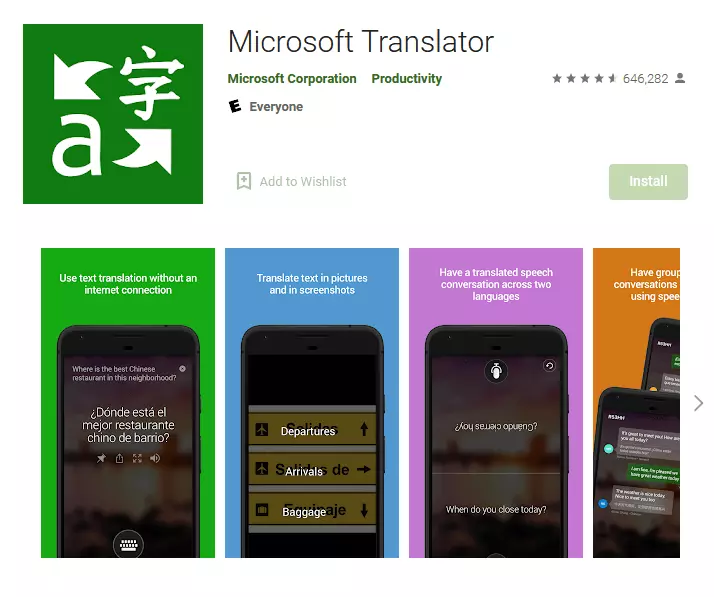
Microsoft tried to compete with Google’s translator app in the past, but it took until the launch of the free Microsoft Translator app to succeed. More than 70 languages are supported via text or image or audio input. Translating entire conversations is no big challenge for Microsoft’s application. The most frequent or most important search entries can be saved for faster access.
| Advantages | Disadvantages | |
|---|---|---|
| ✓ Plenty of functions | ✗ Weaknesses in translating complex sentences | |
| ✓ Smartwatch support | ✗ Quality of the translation varies depending on the language | |
| ✓ Idiomatic translation of short sentences | ||
| ✓ Offline mode |
PONS Translate: the best translation app for people interested in linguistics
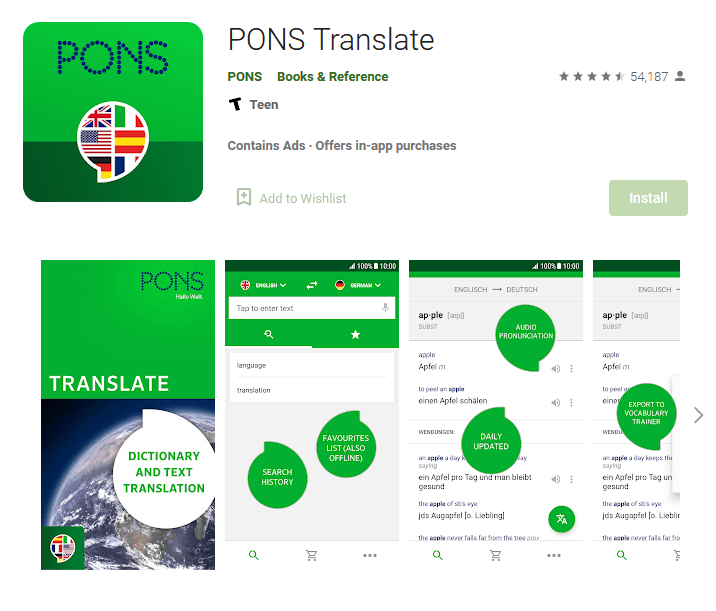
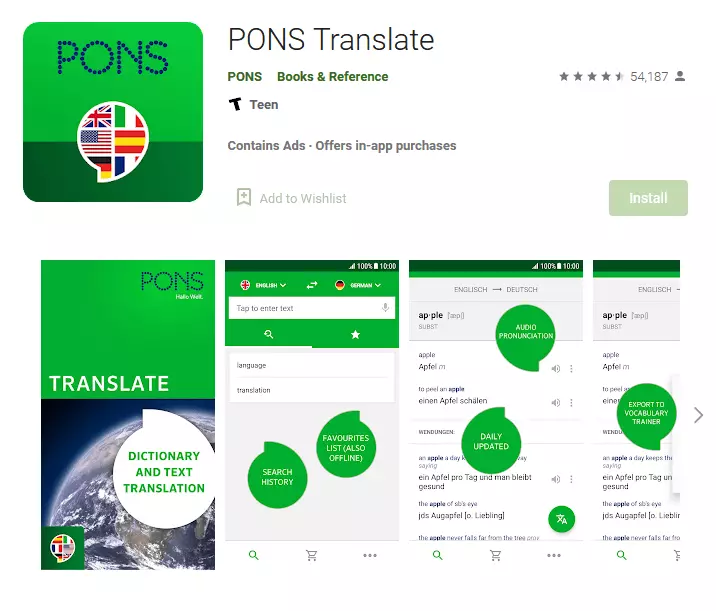
PONS dictionaries are popular. The publisher’s repertoire includes a free app. However, to use all of its features, an annual subscription is necessary to support the desired language. In addition to translating individual words, the translator app displays example sentences to aid translation. Offline usage is also supported.
| Advantages | Disadvantages | |
|---|---|---|
| ✓ Detailed information about translations | ✗ Translation of complex sentences not always precise | |
| ✓ Supports languages like Latin | ✗ Language packages are rather expensive | |
| ✓ Sentence examples for translations |
SayHi Translate: the transportable interpreter
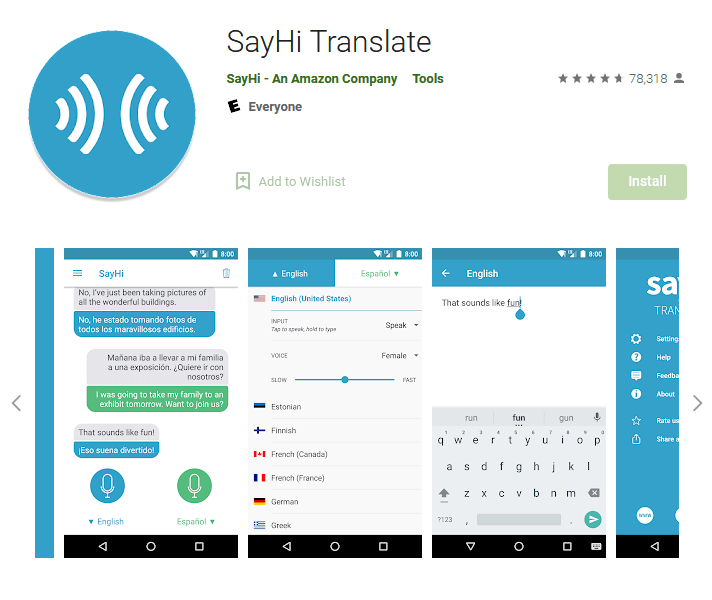
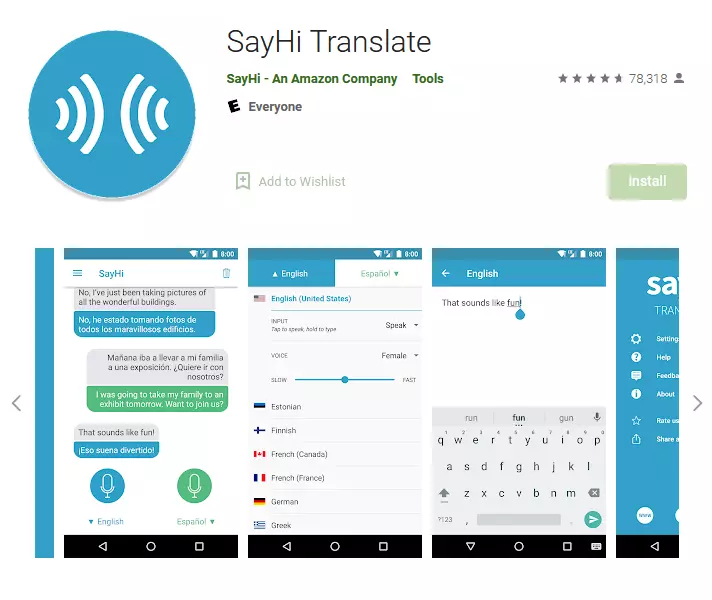
SayHi is a subsidiary of Amazon. The translation app SayHi Translate is a portable interpreter that is free to download and use. The easy-to-use app translates over 50 different languages using speech recognition and even recognizes dialects. However, keyboard input is also supported and can be adapted for different languages. Different voice patterns (male/female) are available for voice output, depending on the language. The output speed can also be adjusted. However, an Internet connection is required to use the app.
| Advantages | Disadvantages | |
|---|---|---|
| ✓ Broad range of languages | ✗ No offline use | |
| ✓ Well-functioning voice recognition and voice output | ✗ Voice output sounds unnatural | |
| ✓ Ease of use |
DeepL: translation with the help of artificial intelligence
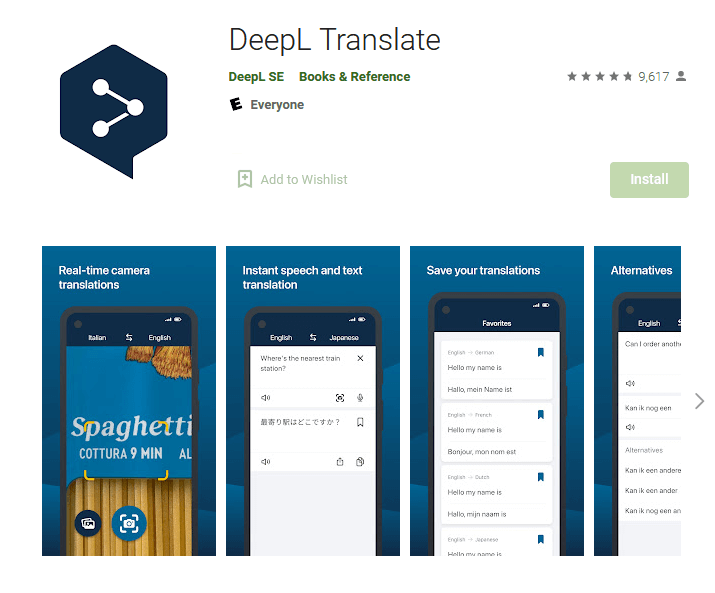
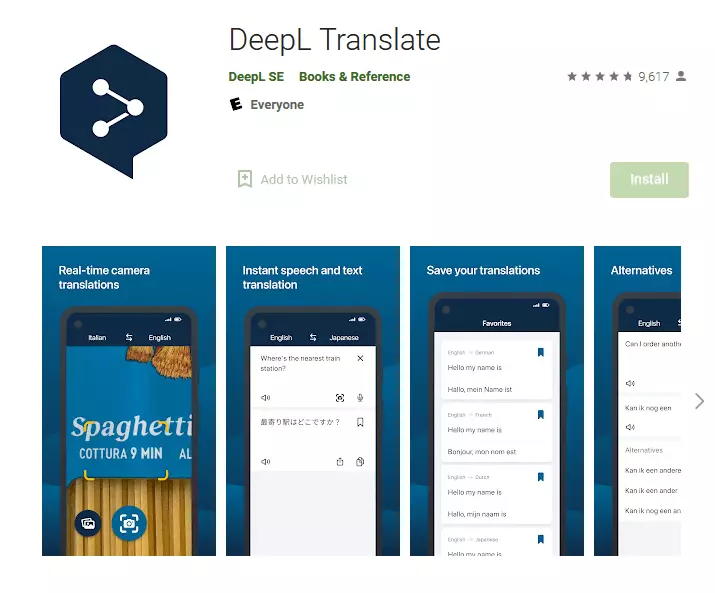
DeepL launched its online translator in 2017 that claims to achieve some of the best translation results in blind testing. DeepL is a free translator app that supports 26 languages. Results are natural-sounding and grammatically correct for the most part. Text that needs to be translated can be entered using the keyboard, copy-and-paste, a device’s microphone or using a photo.
DeepL automatically recognizes the source language, but it can be set manually to. Text output is fast and happens while typing. Audio voice output is possible for both source and target languages. The free app version supports texts up to a character length of 5,000 characters. By adding a DeepL Pro account, available from $5.99 per month, you can use the translation function without character limitation.
| Advantages | Disadvantages | |
|---|---|---|
| ✓ Very precise translations | ✗ Supports fewer languages | |
| ✓ In-app dark mode | ✗ No offline mode | |
| ✓ Speedy voice recognition | ✗ Limited to 5,000 characters per request |
Summary
Finding the translator app that suits you best is not easy. What makes for the best translation app ultimately depends on your needs.
If you value speech recognition and voice output, take a look at SayHi Translate. If you just want a single word or phrase translated from English into another language then Linguee and PONS are highly recommended due to their huge vocabulary.
Smartwatch owners should take a look at Microsoft Translator or Google Translator because both apps are based on modern hardware. For a good all-rounder, either one would be a good choice. Due to the large number of supported languages, the apps are particularly versatile and ideally suited for everyday use.
DeepL is more of an insider tip. Although it supports fewer languages than some of its competitors, the quality of translations is outstanding.
- Write perfect emails with optional AI features
- Add credibility to your brand
- Includes domain, spam filter and email forwarding