
Which U.S. cloud is best? 5 providers compared

If you’re looking for a reliable cloud storage solution, the U.S. market offers a wide range of established, secure providers. Our comparison covers five U.S.-based cloud providers and one European alternative available to U.S. customers.
What are the benefits of cloud storage?
Cloud storage lets you store files on remote servers and access them over the internet instead of relying solely on the storage available on your computer, smartphone or external drives. Many services also integrate closely with widely used operating systems and productivity platforms. For example, Google Drive connects with Android and Google Workspace, while OneDrive is integrated with Windows and Microsoft 365.
One of the main benefits of using a cloud for file storage is convenient access across multiple devices. Depending on the service, users can synchronize files, share documents, manage access permissions and collaborate in real time. Storage capacity can also be expanded without purchasing or maintaining additional local hardware.
Cloud storage can help users retain access to important files if a device is lost, damaged or replaced. Depending on the provider and plan, features may include automatic folder backups, file version history, recovery tools, encryption and access controls. However, file synchronization should not be treated as a complete backup strategy because unwanted changes or deletions may also be synchronized across devices.
To improve cloud security, users should enable multi-factor authentication, use strong passwords and carefully manage file-sharing permissions. Businesses can also benefit from centralized file management, easier collaboration and storage that can be adjusted as their requirements change.
Security, privacy and data-handling practices vary between providers. Users who value greater data sovereignty should therefore check where their files are stored, which laws and contractual terms apply and what control they retain over access, deletion and data transfers.
Overview of cloud storage providers available in the U.S.
| Provider | Advantages |
|---|---|
| Egnyte | ✓ Secure file storage, synchronization and sharing for businesses ✓ Granular permissions, data governance and administrative controls ✓ Integrations with productivity platforms such as Microsoft 365 ✓ Designed for teams that need advanced security and content management |
| Dropbox | ✓ Simple file synchronization across computers and mobile devices ✓ Easy file and folder sharing through links ✓ Computer and external drive backup options ✓ Integrations with tools such as Microsoft 365, Microsoft Teams and Zoom |
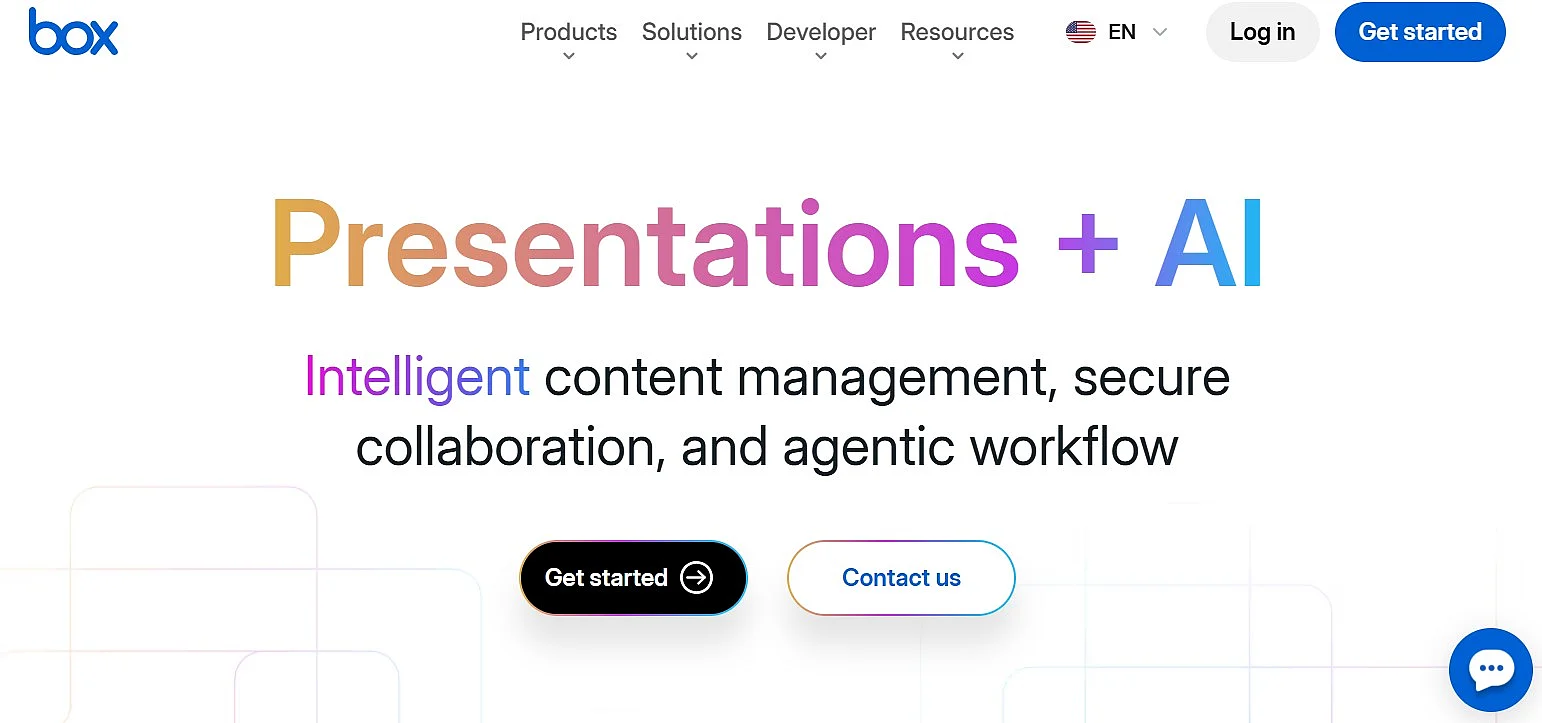
| Box | ✓ Business-focused cloud storage and content management ✓ Secure sharing with passwords and configurable access permissions ✓ Built-in commenting, task assignment and workflow automation ✓ Integrations with a wide range of business applications |
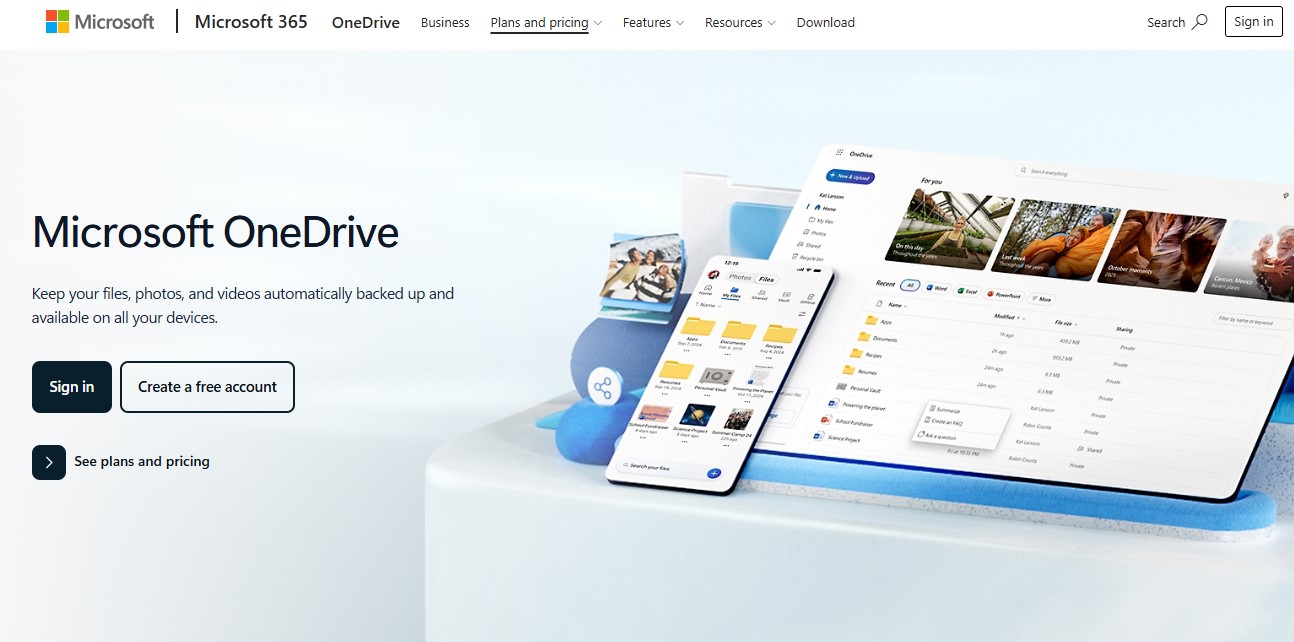
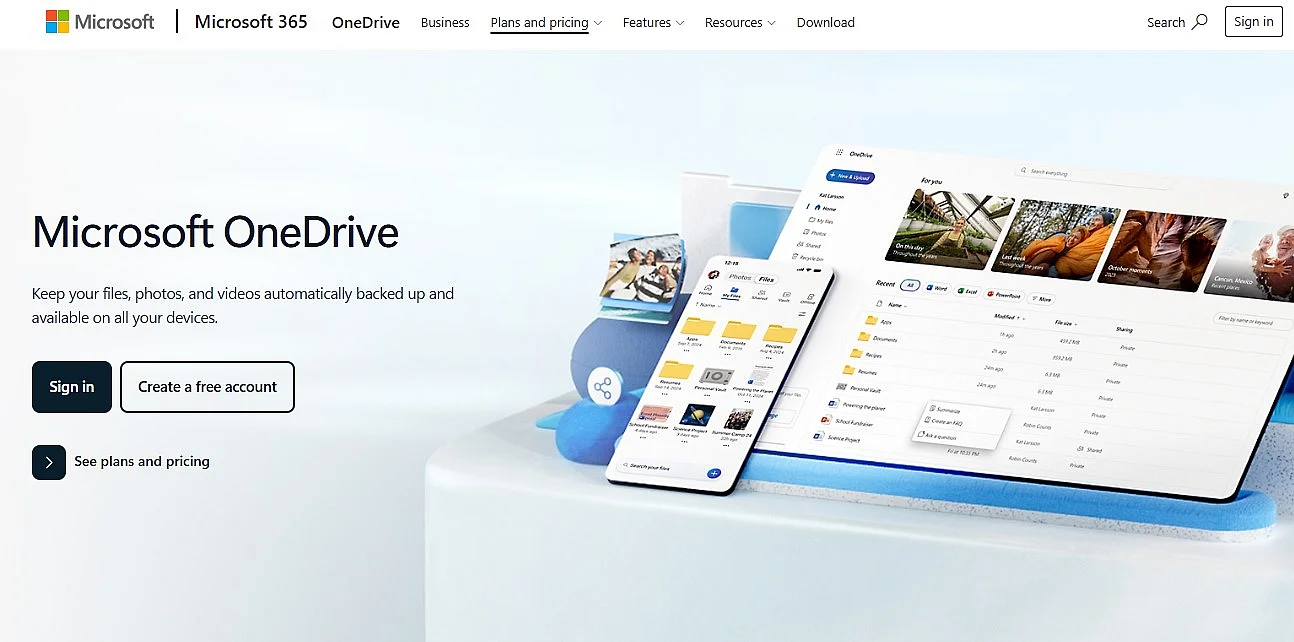
| Microsoft OneDrive | ✓ Close integration with Windows and Microsoft 365 ✓ File synchronization, sharing, backup and version history ✓ Real-time collaboration in Word, Excel and PowerPoint ✓ Available for personal users, businesses and organizations |
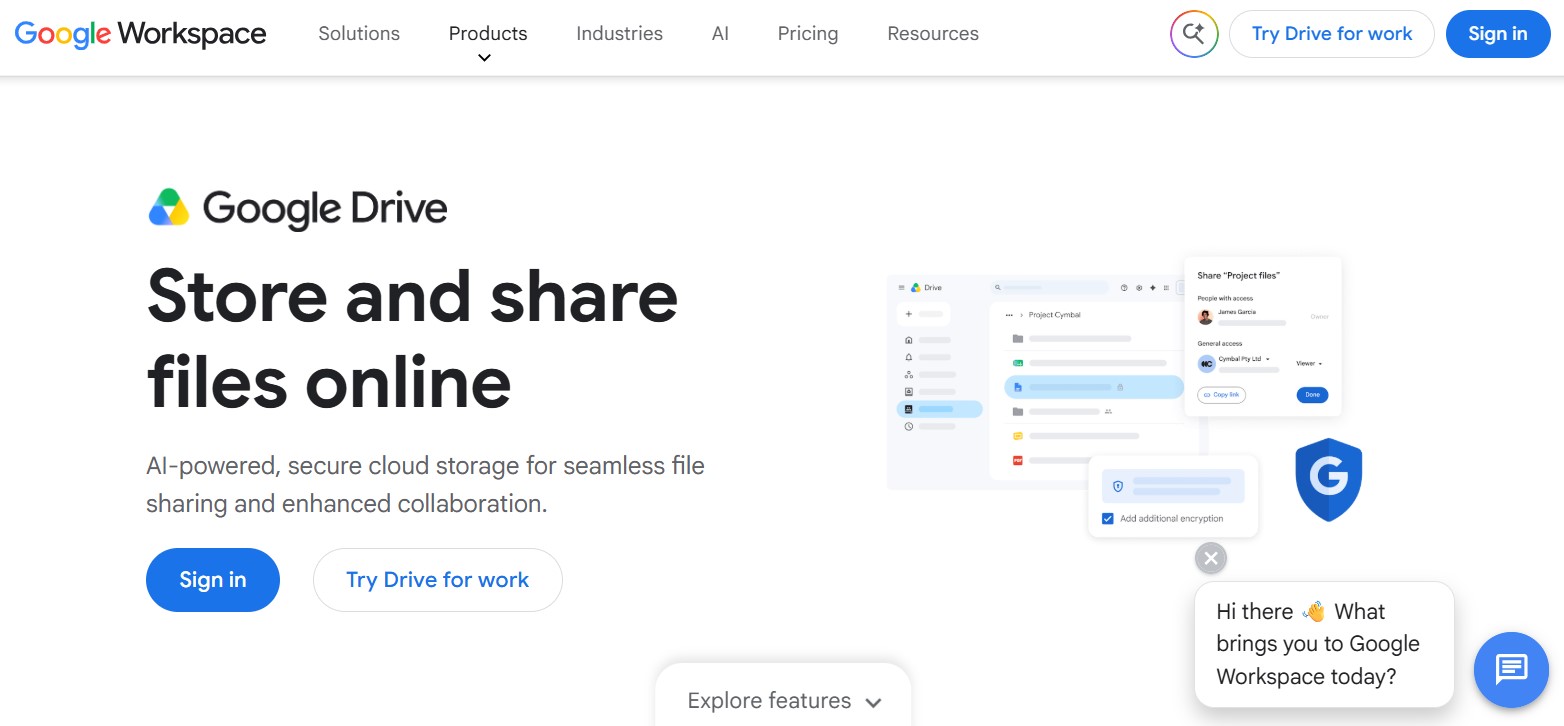
| Google Drive | ✓ Close integration with Google Workspace and Android ✓ Real-time collaboration in Docs, Sheets and Slides ✓ Sharing permissions for viewing, commenting and editing ✓ Accessible through web, desktop and mobile applications |
Information correct as of August 2026.
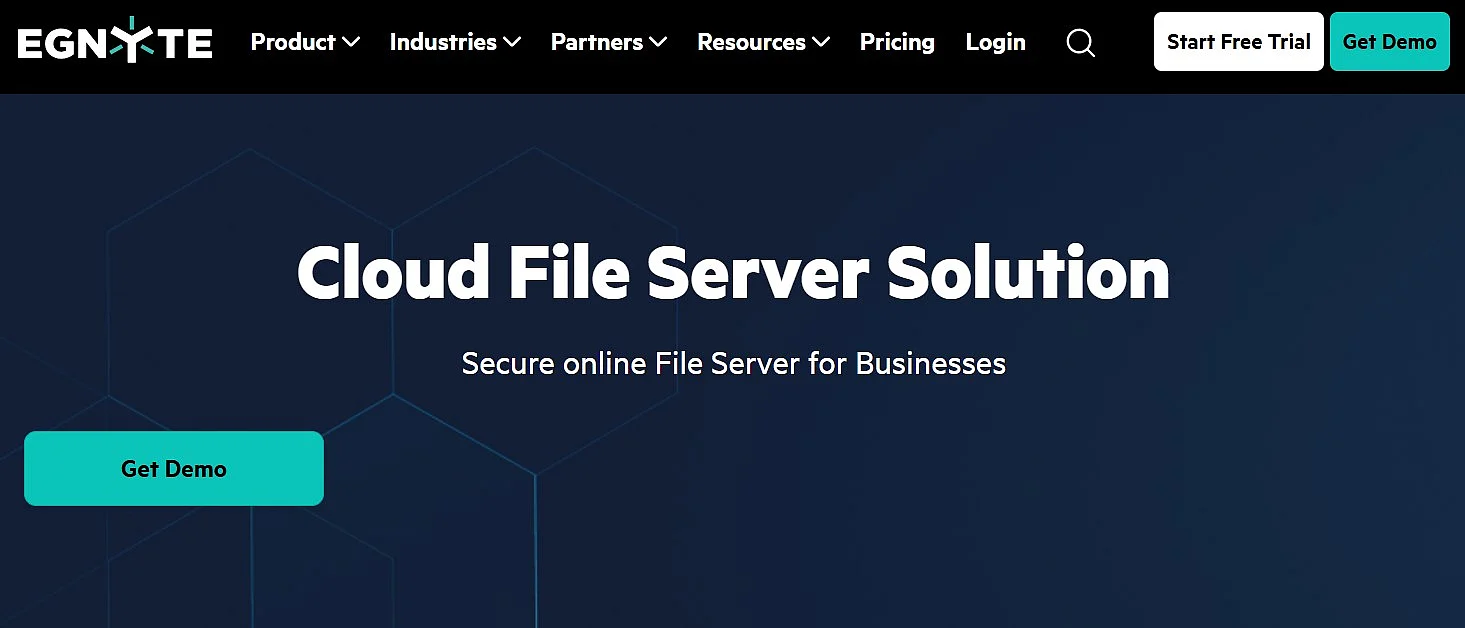
Egnyte
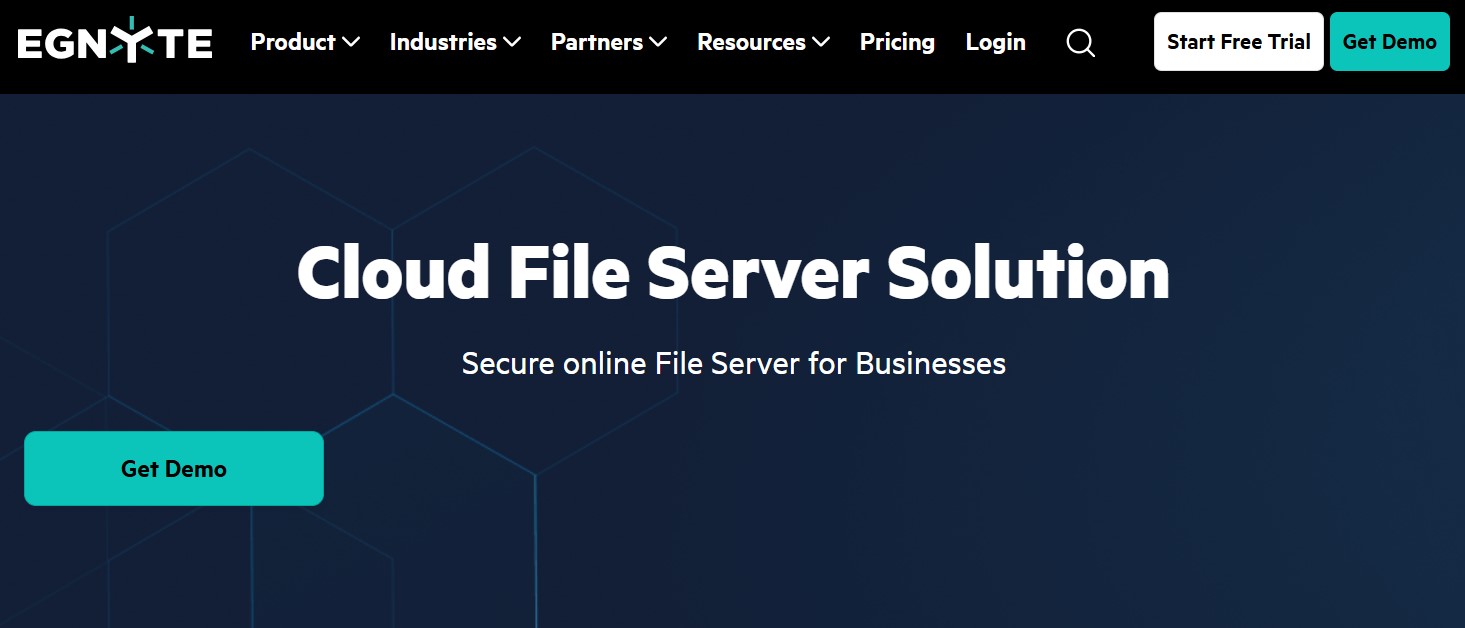
Egnyte is a business-focused U.S. cloud storage and content management platform. It combines centralized file storage with secure sharing, collaboration, administrative controls and data governance tools.
Egnyte offers a wide range of features designed to help businesses securely store, manage and share their files:
- Access through web browsers, desktop clients and mobile apps
- File synchronization and offline access on supported devices
- Secure file and folder sharing with configurable permissions
- Centralized user management and administrative controls
- Collaboration with employees, customers and external partners
- Co-editing and integrations with Microsoft 365 and Google Workspace
- Advanced security and governance features, depending on the selected plan
Costs: Egnyte offers several subscription plans with different collaboration, security, governance and AI features. Costs depend on the selected plan, number of users and any additional services. Custom pricing is available for the highest-tier plan.
- Store, share, and edit data easily
- Backed up and highly secure
- Sync with all devices
Dropbox
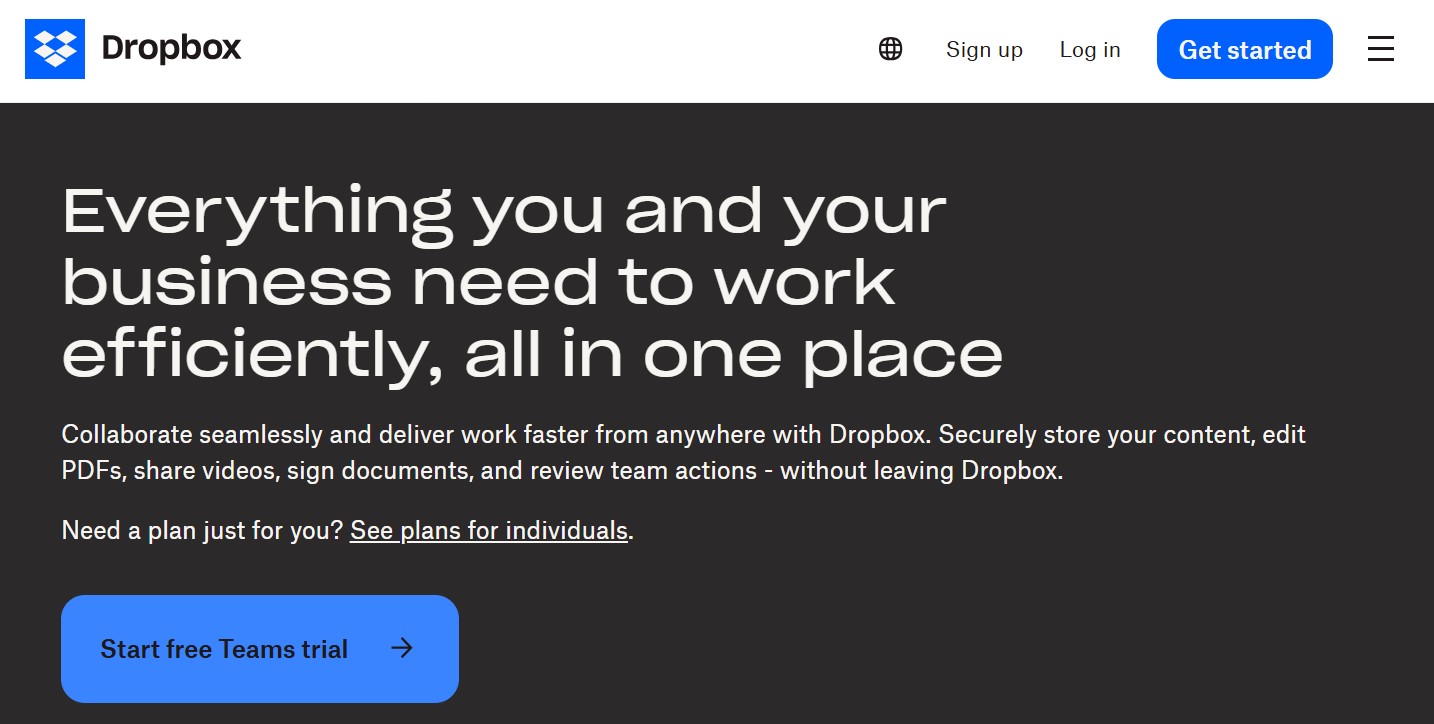
Dropbox is a widely used cloud storage service for individuals, professionals and businesses. It provides a central place to store, synchronize and share files, with apps available for major desktop and mobile operating systems. Dropbox is particularly well suited to users who want straightforward cross-device access and simple collaboration.
In addition to cloud storage, Dropbox offers backup, file recovery and sharing tools for both personal and professional use. The most important features include:
- Synchronization across computers, smartphones and tablets
- Access through web browsers, desktop applications and mobile apps
- File and folder sharing through links
- Configurable sharing options, including passwords, expiration dates and download permissions on eligible plans
- Backup for computer folders and supported external drives
- File recovery and version history
- Integrations with tools such as Microsoft 365, Microsoft Teams and Zoom
- Team management and collaboration features on business plans
Costs: Dropbox offers free and paid plans for individuals, professionals and teams. Available storage, version history, security controls and collaboration features depend on the selected plan.
Box
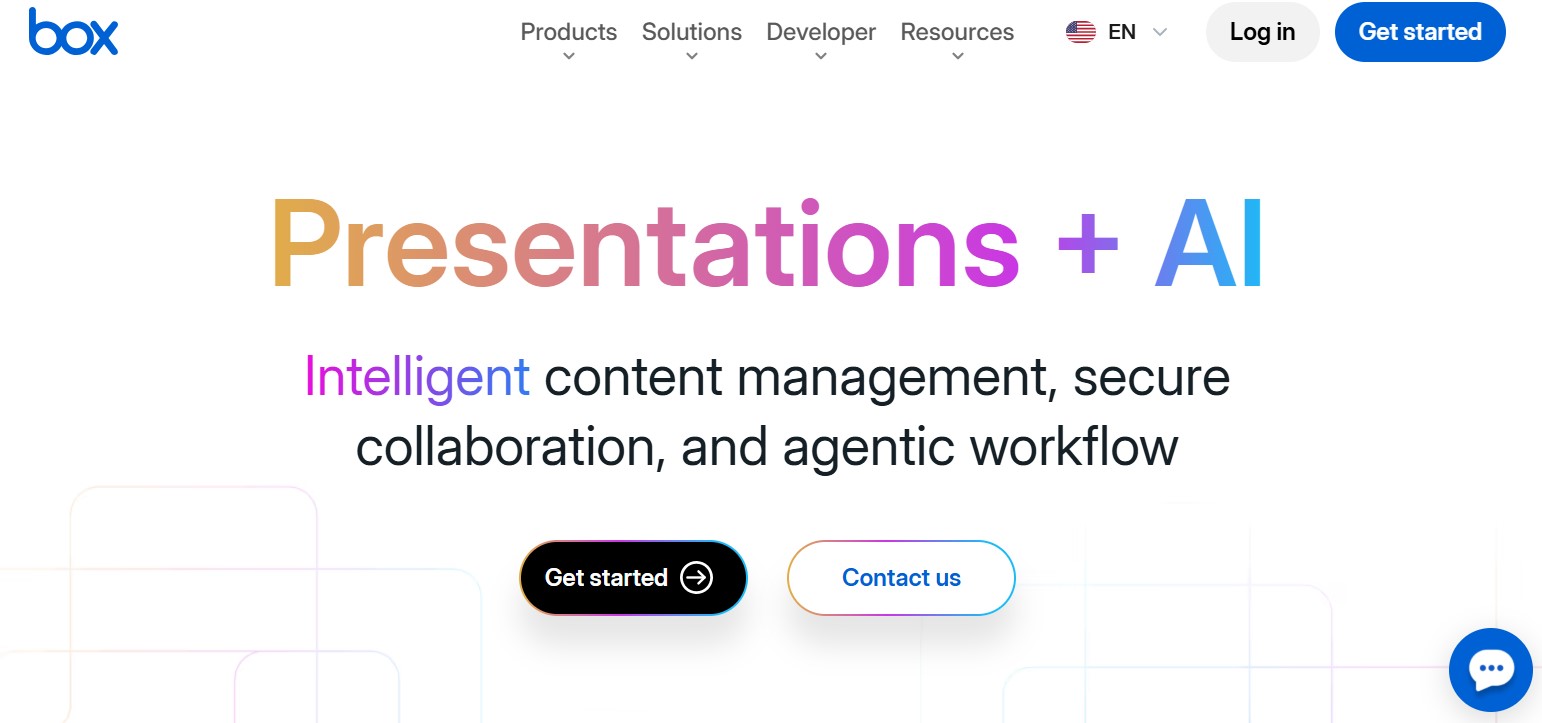
Box is a U.S.-based cloud content management platform designed primarily for businesses and organizations. It combines centralized cloud storage with secure file sharing, collaboration, workflow automation and content governance features.
Unlike simpler consumer-focused cloud storage services, Box is particularly well suited to companies that need to manage sensitive content, collaborate with internal and external users and maintain detailed control over access and retention. Its key features include:
- Centralized storage and access through web, desktop and mobile applications
- Secure file and folder sharing with granular permissions
- Real-time collaboration and co-editing through integrated productivity tools
- Workflow automation for document reviews, approvals and other recurring processes
- Content governance features such as retention schedules and lifecycle management
- Version control, metadata, search and activity tracking
- Integrations with more than 1,500 business applications
- Enterprise security and compliance controls for protecting sensitive content
Costs: Box offers several plans for individuals, teams and businesses. Available storage, security, governance, workflow and AI features depend on the selected plan.
Microsoft OneDrive
Microsoft OneDrive is a cloud storage service for individual users, families and businesses. It is closely integrated with Windows and Microsoft 365, making it particularly convenient for users who regularly work with applications such as Word, Excel, PowerPoint and Outlook. OneDrive lets users store, synchronize, access and share files across different devices.
Depending on the selected plan, its features include:
- Access and synchronization through web browsers, Windows, macOS and mobile apps
- Automatic backup of important PC folders such as Desktop, Documents and Pictures
- File and folder sharing with configurable access permissions
- Real-time collaboration in Word, Excel and PowerPoint
- File version history and recovery options
- Offline access to selected files - Personal Vault for additional protection of sensitive files on eligible accounts
- Team collaboration and administrative controls through Microsoft 365 business plans
Costs: OneDrive offers free and paid plans for individuals, families and businesses. Storage capacity, Microsoft 365 applications, security features and collaboration tools depend on the selected plan.
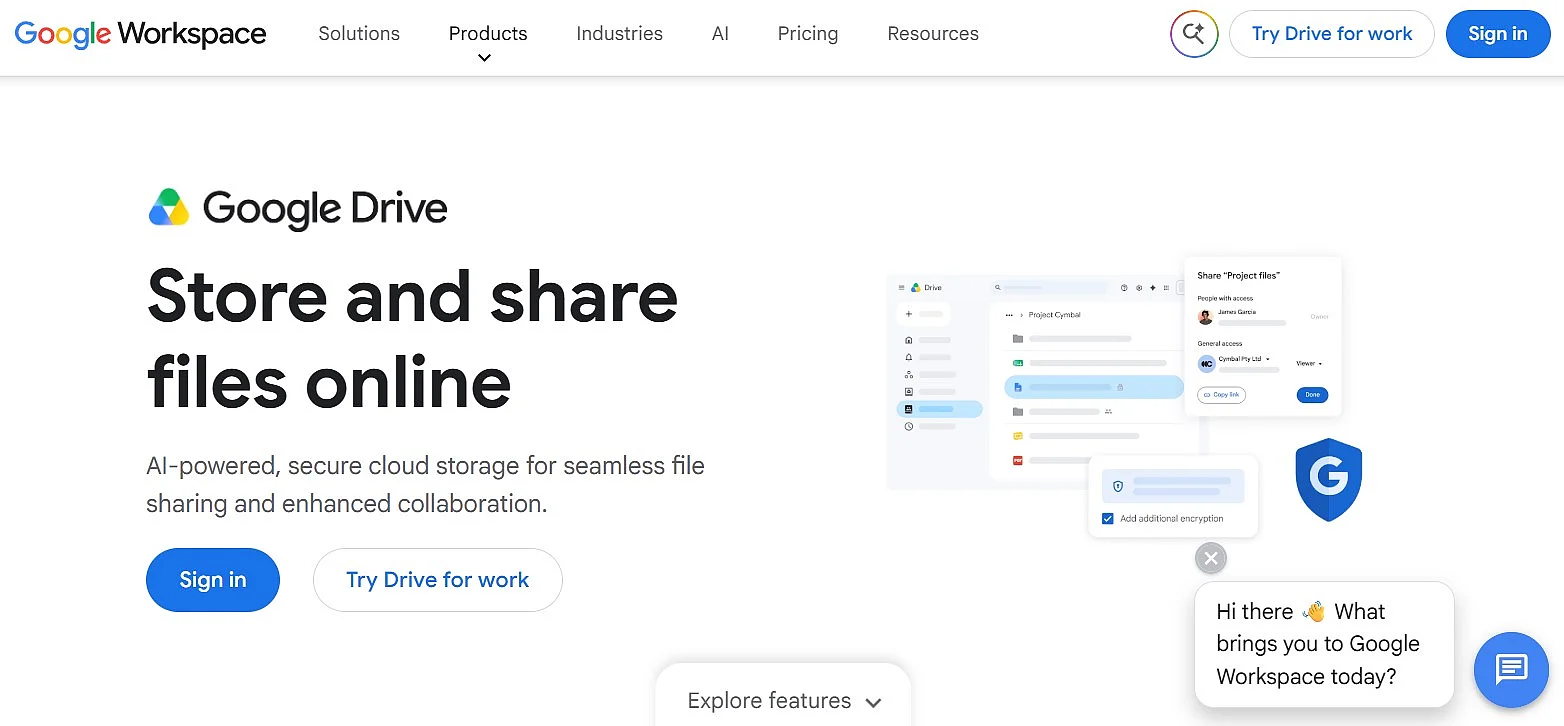
Google Drive
Google Drive is a U.S. cloud storage and collaboration service designed for individual users, families, teams and businesses. It is closely connected to Google Workspace and Android, making it especially practical for users who work with Gmail, Google Docs, Sheets, Slides and other Google services.
Google Drive provides a broad range of storage, synchronization and collaboration features, including:
- Access through web browsers, desktop software and mobile apps
- Automatic synchronization between computers and the cloud
- File streaming or mirroring through Google Drive for desktop
- Offline access to selected files and folders
- File and folder sharing with viewer, commenter and editor permissions
- Real-time collaboration in Google Docs, Sheets and Slides - Shared drives for centrally managing team files on eligible business plans
- Integration with Microsoft Office files and other third-party applications
- Encryption of data during transfer and while stored in Google data centers
Costs: Google Drive includes free storage with a Google Account, while additional storage is available through paid plans. Businesses can obtain additional storage, shared drives and administrative features through Google Workspace subscriptions.
Bonus solution
The providers above are headquartered in the United States. However, U.S. users are not limited to U.S.-based services. IONOS HiDrive is included as a bonus option because it is available to customers in the United States while offering a Germany-based alternative with ISO 27001-certified data centers, encrypted data transfer and optional end-to-end encryption.
IONOS HiDrive
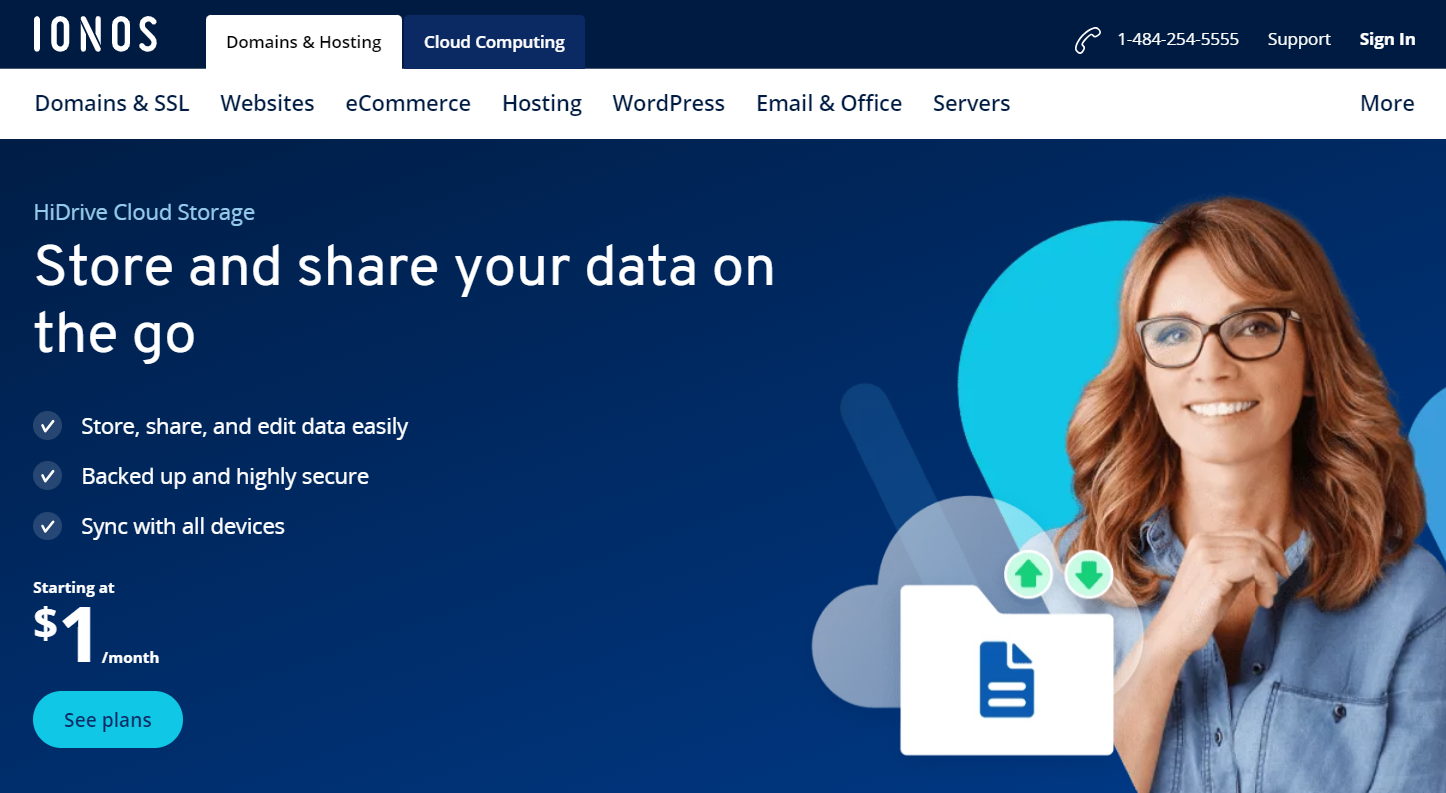
IONOS HiDrive cloud storage offers a privacy-focused solution for cloud storage. Your data is stored in ISO 27001–certified data centers and fully complies with data protection requirements to ensure the highest level of data protection for your cloud.
HiDrive cloud storage from IONOS offers a wide range of features that make using and protecting your data as convenient as it is secure:
- Flexible access from all devices (web browser, desktop clients, mobile apps)
- Automatic backups and synchronization of data
- Sharing features for easy collaboration in teams
- TLS/SSL-secured transfer (AES-256)
- Optional end-to-end encryption for additional security (included in the Pro plan)
Costs: Prices vary depending on the selected plan and the storage space included
Cloud storage plus online backups for optimal security
Whichever cloud storage service you choose, storing your files in the cloud alone is not enough to provide complete protection. Regular backups are also essential because they allow you to restore data after hardware failures, malware attacks, accidental deletion or other unexpected problems.
For greater reliability, your cloud service should include an automatic backup feature. This ensures that copies of your data are created regularly without requiring manual action, making recovery easier when something goes wrong.
A strong backup strategy should also follow the 3-2-1 backup rule, a widely recognized approach to protecting data:
- Keep 3 copies of your data: the original and two separate backups.
- Store them on 2 different types of storage media, such as a local hard drive and cloud storage, to reduce the risk of a single failure affecting every copy.
- Keep 1 copy off-site, for example in the cloud or at another physical location, so your data remains protected if a local incident occurs.
The 3-2-1 rule provides multiple copies across different storage systems and locations, helping protect your data against hardware failures, cyberattacks, accidental loss and natural disasters.
- Regular virus and malware scans
- Automatic backups and simple file recovery
Reviewer

Jeanna Raffa
With over 18 years of experience in online marketing, Jeanna Raffa possesses extensive expertise in digital marketing. Since 2020, her focus has been on providing practical information regarding email, office, and cloud storage solutions.