

What are the best online backup services? A comparison

Backing up data in the cloud has various advantages, such as worldwide availability across all devices. However, it’s the integration with online backups that truly ensures the safety of your data. Find out what the best online backup services are and what they have to offer.
A comparison of the best online backup services
Each online backup service listed here has its pros and cons. To help you get an overview, we’ve summarized the most important information.
| Storage | Price | Encryption | Location | Backup operating system | |
|---|---|---|---|---|---|
| IONOS Cloud Backup | 100 GB–2 TB / unlimited | $$ | 256-bit AES | U.S. and Europe | Win, macOS, Linux, iOS, Android |
| IONOS MyDefender | 100 GB, 200 GB, 500 GB, 1TB | $ | 256-bit AES | U.S. and Europe | Win, macOS, Linux, iOS, Android |
| Carbonite | Unlimited | $ | 128/256-bit AES | Europe, Canada, USA | Win, macOS, Linux, iOS, Android |
| Backblaze | Unlimited | $ | 128-bit AES | Netherlands, USA | Win, macOS |
| IDrive | 10 GB–500 TB | $$ | 256-bit AES | USA | Win, macOS, Linux, iOS, Android |
| Acronis | 500 GB - 5 TB | $ | 256-bit AES | Germany | Win, macOS, Linux, iOS, Android |
| SugarSync | 100 GB–1 TB | $$ | 256-bit AES | USA | Win, macOS, iOS, Android, |
Updated: February 2025
IONOS Cloud Backup
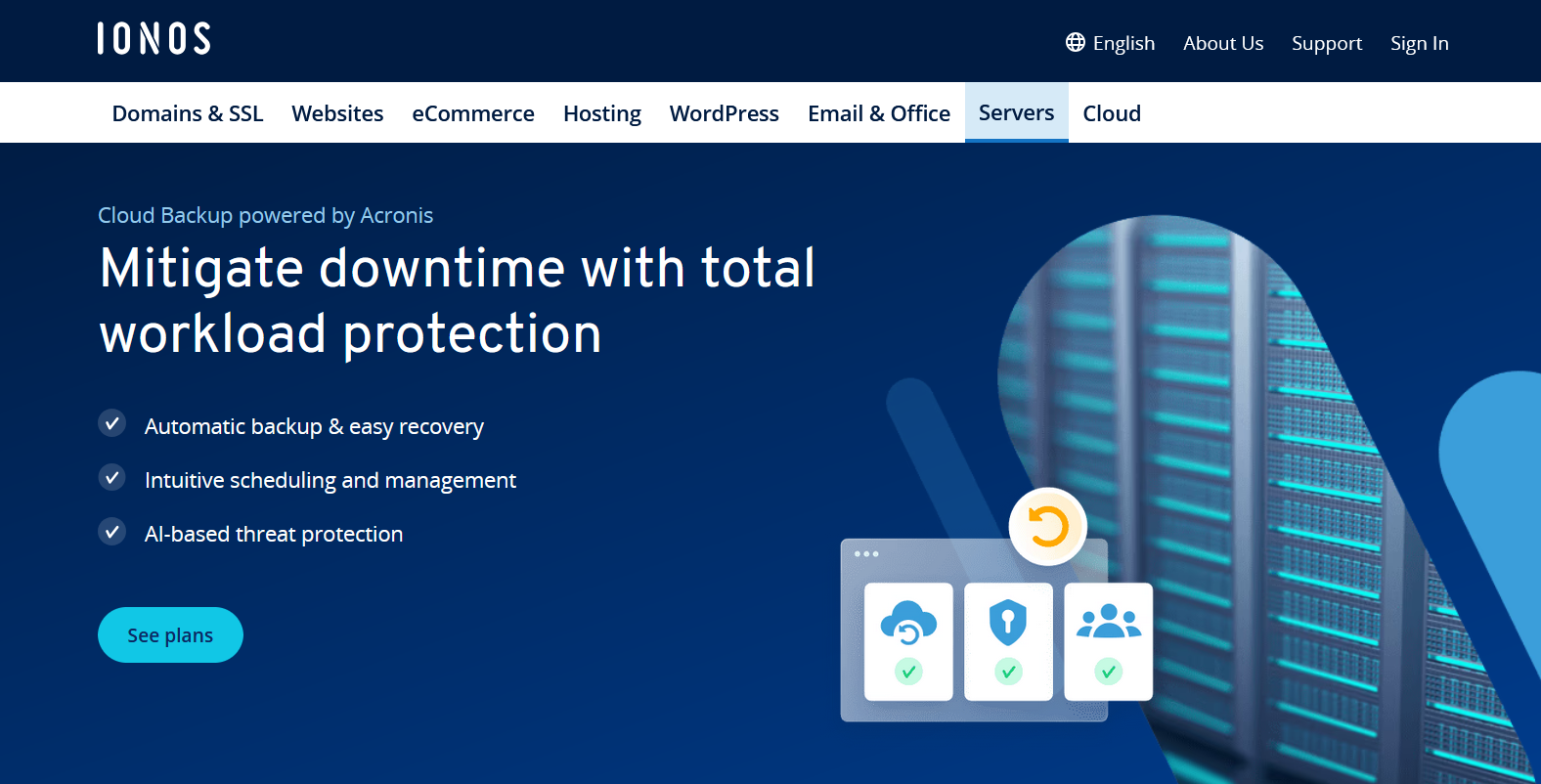
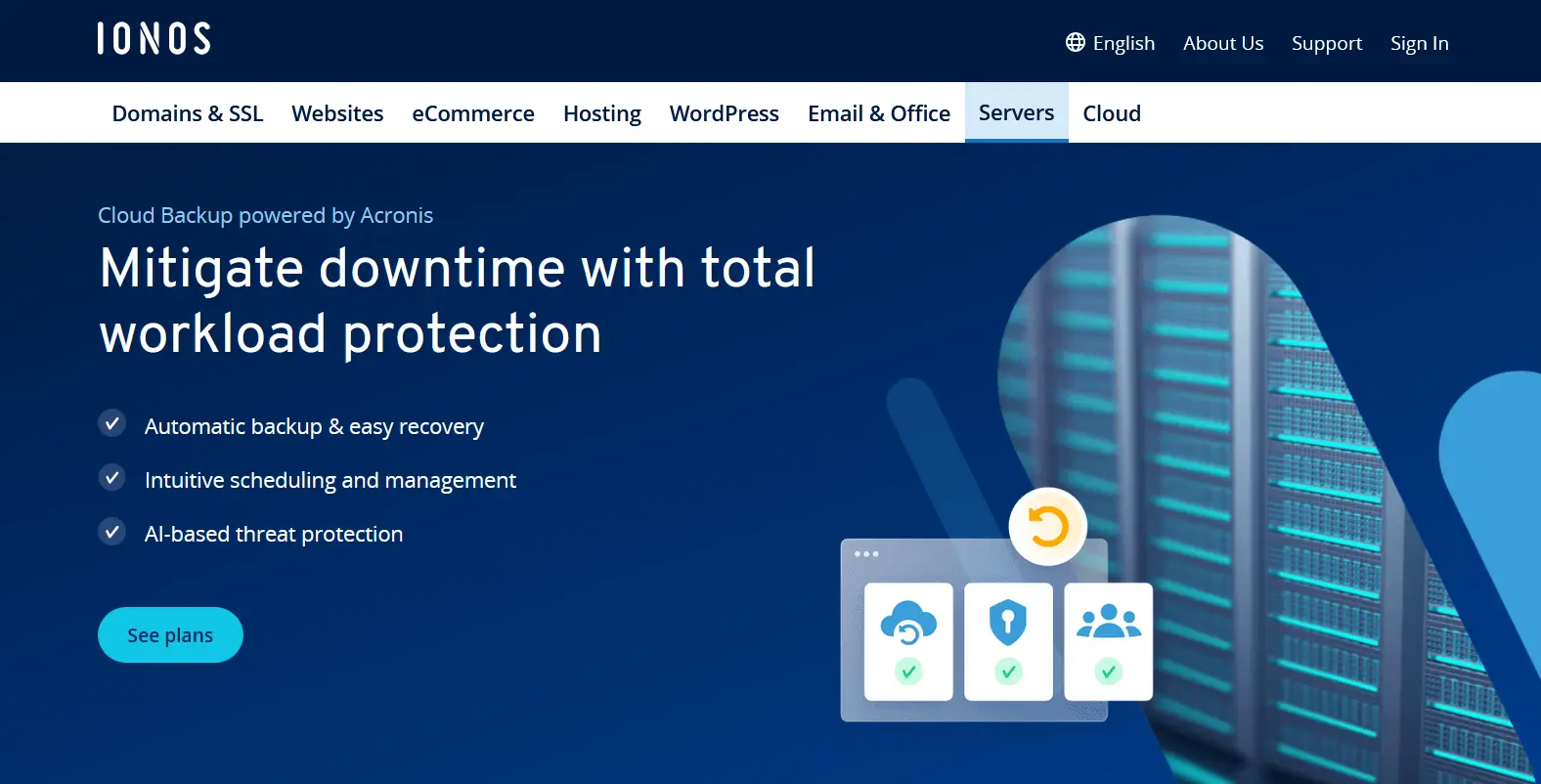
With Cloud Backup from IONOS, you can back up all your data to just one provider, whether it’s from a PC or a server, tablet or laptop, or even cloud infrastructure. With preconfigured backup agents, you can easily set up various online backup measures, deciding when and how often caching takes place, and how long backups should be stored on IONOS servers. The incremental approach ensures that the online backup service backs up only data that is new or has changed since the last backup. If necessary, you can also access complete backups and compress the backup copies to make optimum use of the available memory.
IONOS ranks among the top online backup providers thanks to its high-performance data centers, which are considered some of the most secure in the world. They feature ISO certification, advanced firewalls, and state-of-the-art SIEM and IDS/IPS technologies. All data is fully encrypted—both during transmission to the backup servers (SSL/TLS) and while stored (256-bit AES encryption). Users can choose from fixed storage plans of 100 GB, 250 GB, 500 GB, 1 TB, or 2 TB. Alternatively, the Flex Plan allows you to pay monthly only for the storage space you actually use, billed per gigabyte.
| Advantages | Disadvantages |
|---|---|
| ✓ Software for many computers and mobile devices | ✗ Storage space is limited in the standard plan |
| ✓ 256-bit AES encryption | |
| ✓ Flex plan (billed according to use) |
- Automatic backup & easy recovery
- Intuitive scheduling and management
- AI-based threat protection
IONOS MyDefender
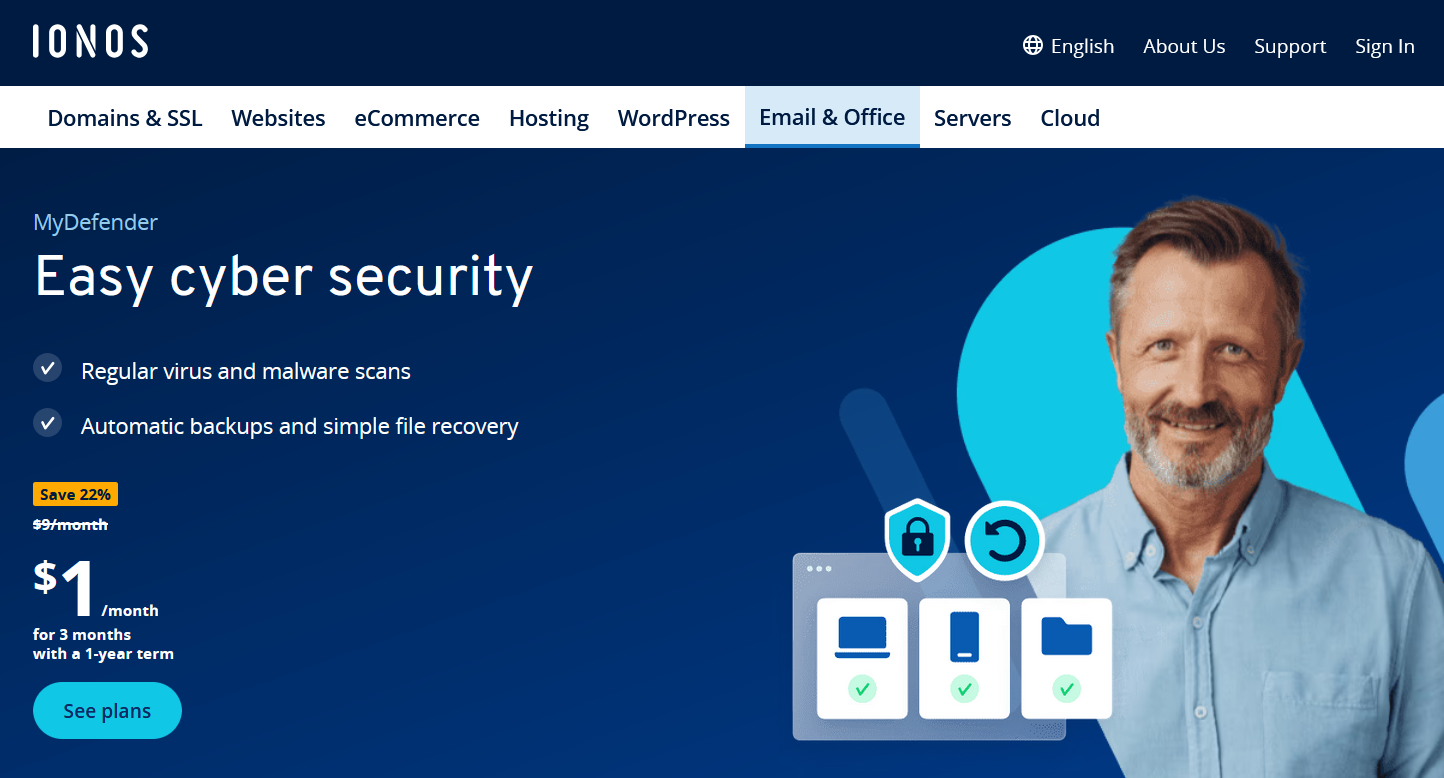
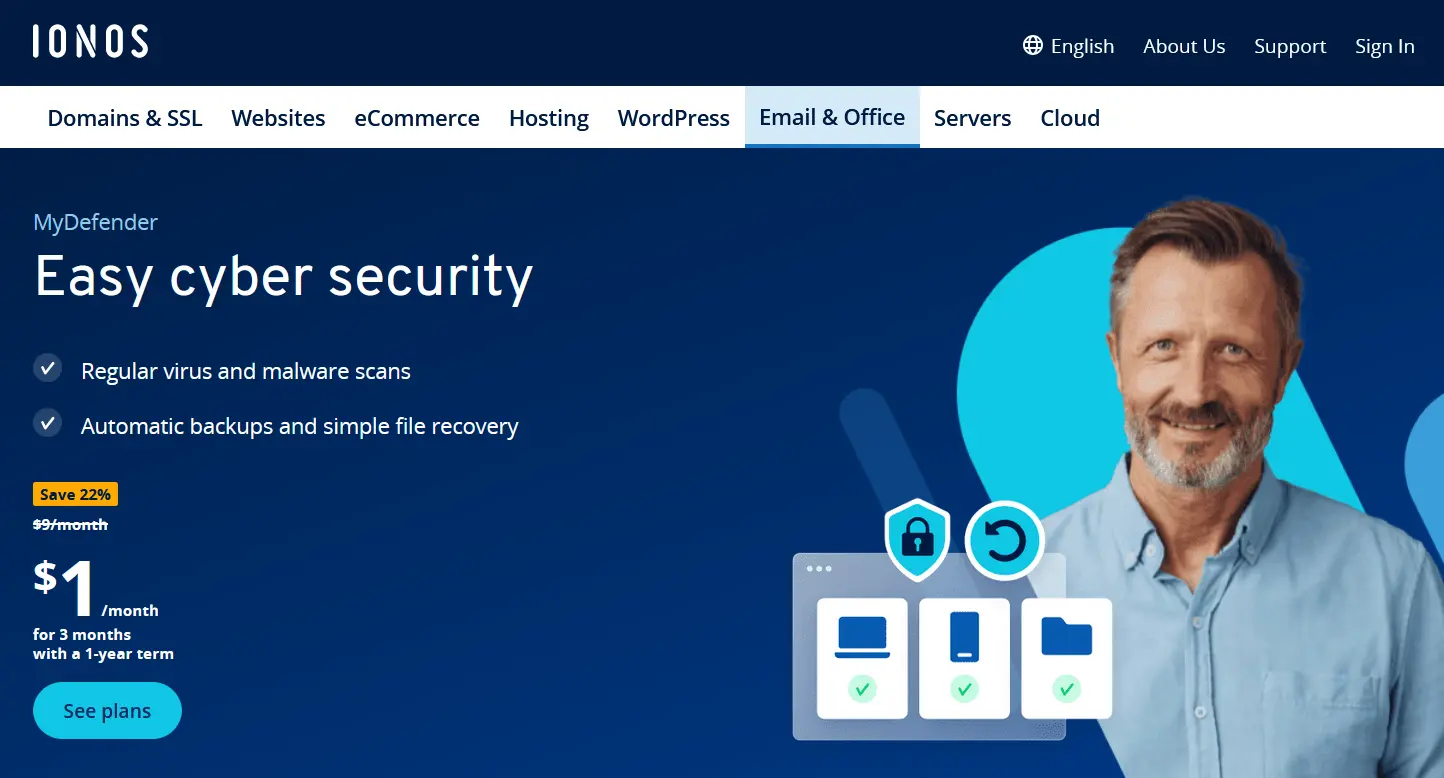
While IONOS Cloud Backup is primarily designed for larger business clients, MyDefender offers an excellent solution for individuals and small to mid-sized businesses (SMBs). Its simple management and setup make it a particularly user-friendly solution. Thanks to the web user interface, everything is easy to navigate and use. Once set up, there isn’t any complicated management. Online backups can be carried out automatically according to guidelines that have been previously defined.
There are four storage options available: 100 GB, 250 GB, 500 GB, or 1 TB. If you exceed your selected storage limit, an additional fee of $0.12 per GB will be charged. All plans can be canceled on a monthly basis, giving you the flexibility to adjust your storage needs as they change.
MyDefender is compatible with Windows, macOS, Linux, iOS, and Android. In addition to backup functionality, the service offers proactive ransomware protection through AI-based real-time analysis that continuously monitors your system for threats.
Similar to competitor products, IONOS MyDefender scores points with its high security standards. Servers are ISO-certified and operate according to European data protection regulations. In general, data is encrypted via 256-bit AES.
| Advantages | Disadvantages |
|---|---|
| ✓ Software for multiple computers and mobile devices | ✗ Extra charges if storage limit is exceeded |
| ✓ 256-bit AES encryption | |
| ✓ Easy-to-use web interface |
- Regular virus and malware scans
- Automatic backups and simple file recovery
Carbonite
When you choose to back up your data online with Carbonite, you won’t have to think about how much storage space you need. Instead, you select the different plans according to the number of devices and type of devices you want to back up. This means that the offer starts with one computer, then several computers and goes all the way up to servers. Carbonite also offers greater safety for major customers.
The service provider offers various extra plans. For SMEs, the option to back up Microsoft 365 data may be of particular interest. All data generated by programs in the suite are stored in the cloud. This makes it a useful backup, but also allows you to work from a wide variety of devices.
Carbonite provides software for macOS and Windows so that online backups can be created automatically and smoothly. The program automatically looks for newly created files within folders that have been added to the monitoring list. There are also apps for iOS and Android that you can use to perform your data backup on the internet.
Data is secured with 128-bit encryption both during transmission and at rest. For additional security, Windows users can enable private key encryption, although this feature is not available for macOS users.
| Advantages | Disadvantages |
|---|---|
| ✓ Regular backup scheduling | ✗ No backups from mobile devices |
| ✓ Unlimited storage space | ✗ Private key encryption only possible with Windows |
| ✗ No backup of applications or operating system files |
Backblaze
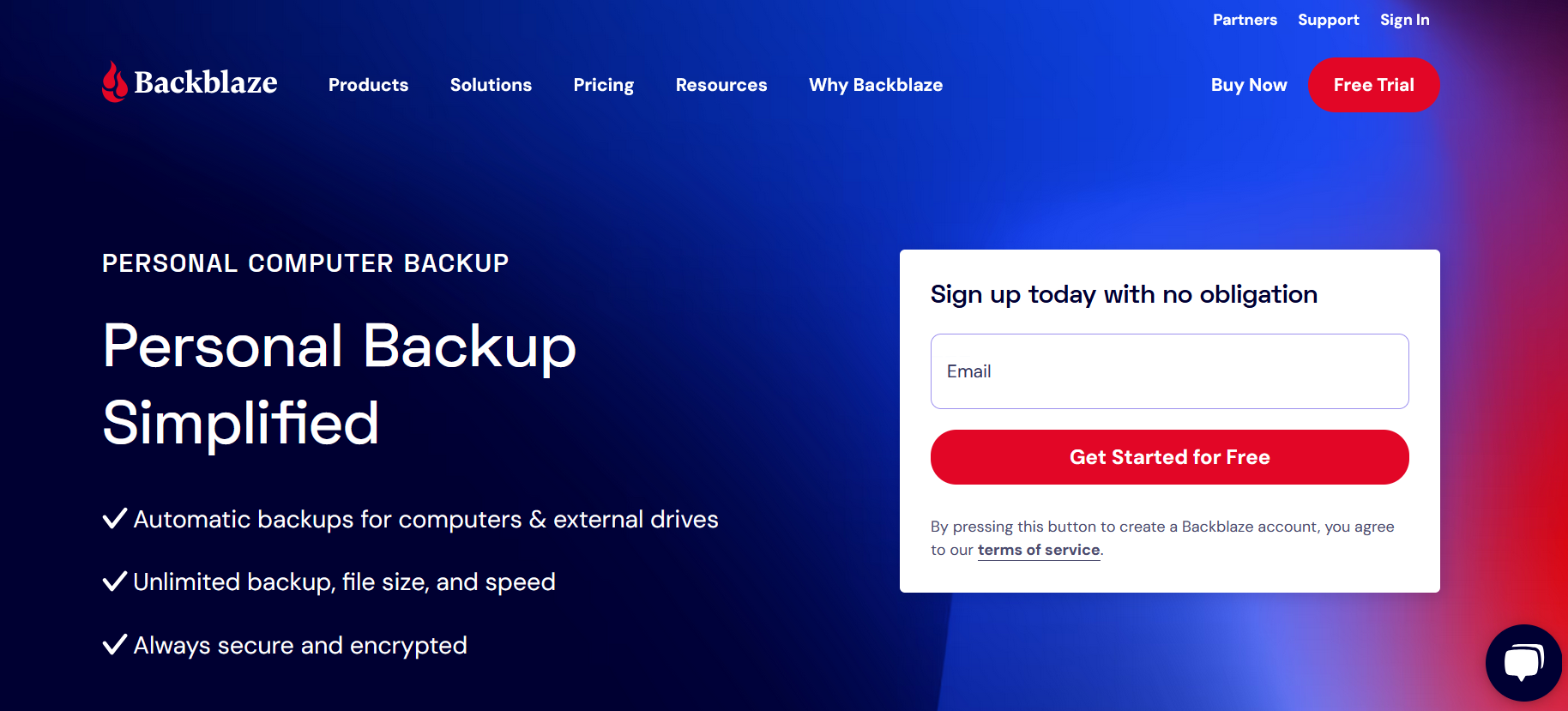
Backblaze also places no limits on storage or file size for it uses. The provider has software that either constantly monitors your computer and takes note of all changes directly or works according to a schedule that you set yourself. This automatically includes all files in the system, so you don’t need to specify what you want to back up beforehand. You can also choose the upload speed yourself, or have it adjusted automatically if you don’t want to sacrifice your entire bandwidth for online backups. Backblaze uses SSL and AES encryption. A two-factor authentication system is also built in.
Two special features make Backblaze stand out. The first is that there are self-built memory modules called Storage Pods, which enable companies to create their own hardware. The blueprints are open source and are freely available in the Backblaze blog. Netflix, for example, has also started to build its memory storage units along the lines of Backblaze. The second feature that makes Backblaze stand out is its method of data recovery. Of course, you can download your data again as usual, but Backblaze also offers to send you the data in a USB data carrier with up to 8 TB storage capacity.
| Advantages | Disadvantages |
|---|---|
| ✓ Own open-source hardware | ✗ No backups from mobile devices |
| ✓ Unlimited storage with no file size restrictions | ✗ Only AES 128-bit encryption |
| ✓ Option to ship data on physical drives | ✗ Additional costs for shipping physical media |
IDrive
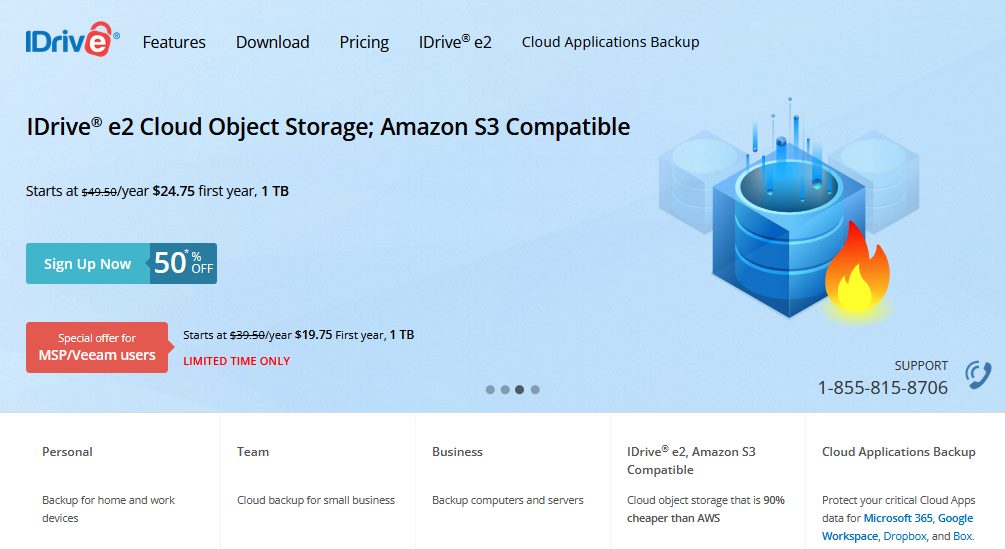
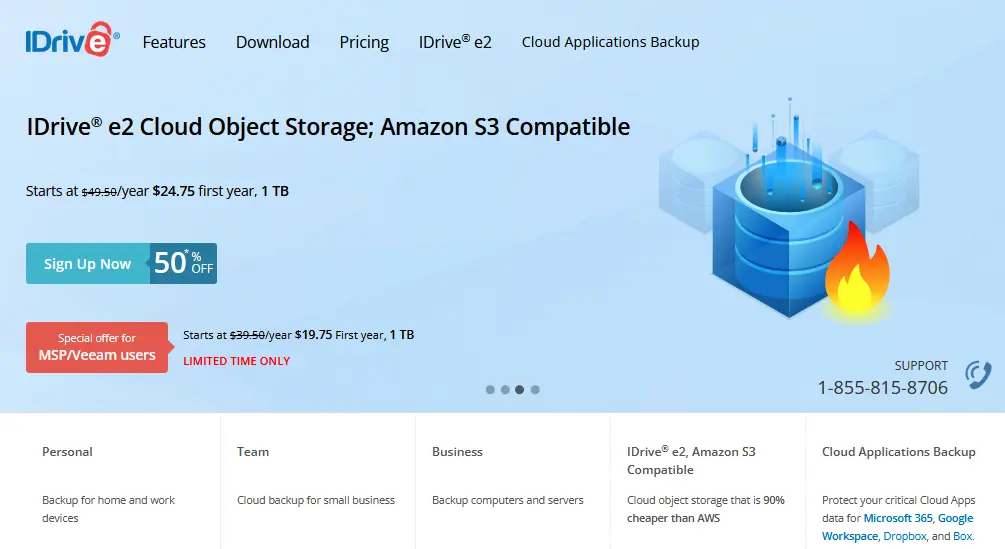
Despite what the name might suggest, IDrive has no affiliation with Apple or BMW products. The U.S.-based company offers users a backup option that can cover all devices with just one plan. However, you need to select the required storage capacity in advance. Storage options range from 5 TB to 500 TB and are available for individuals, teams, and businesses.
IDrive provides software for Windows, macOS, Linux (in the business segment), iOS and Android. What’s more, the company offers an offline storage option with IDrive Express. Large amounts of data can be stored on an external device that IDrive sends you without burdening your internet connection. When you have completed the backup, return the device and the company will add the data to the backup online storage. This is particularly suitable for initial backups where the entire system must be stored.
| Advantages | Disadvantages |
|---|---|
| ✓ Software for many computers and mobile devices | ✗ Data centers exclusively in the U.S., so data security not as good |
| ✓ Offline storage | ✗ Storage space limitation |
| ✓ Files can be made available to others | ✗ Additional fees if storage limit is exceeded |
Acronis
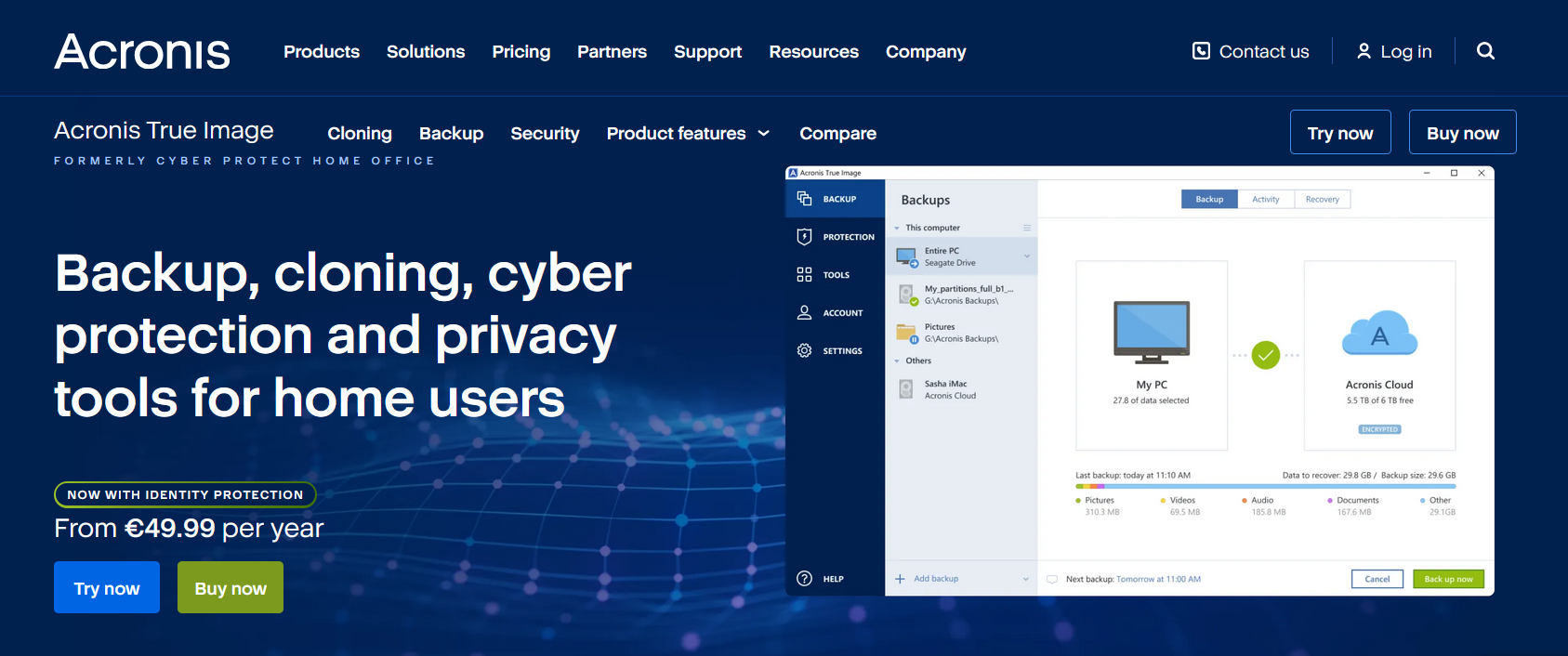
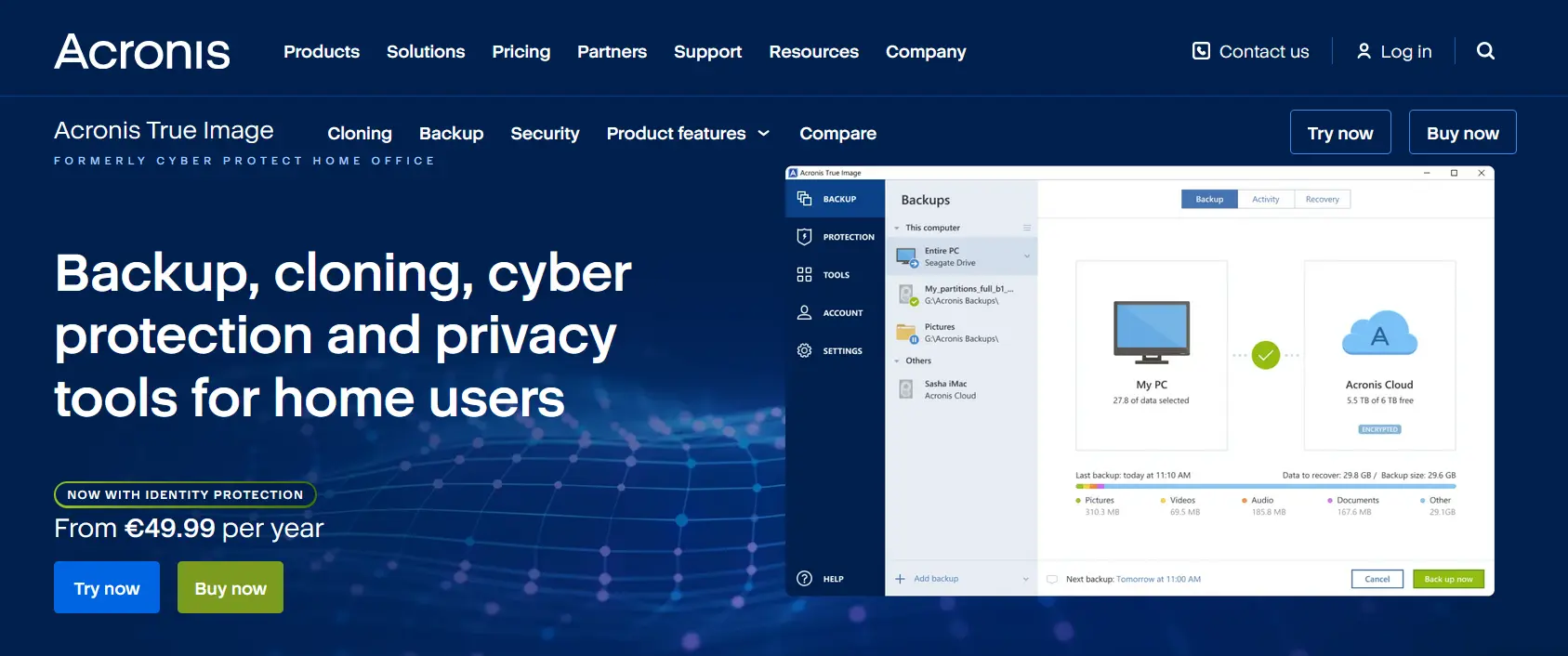
Acronis provides backup solutions for individual users, enabling them to manage their online backups in the cloud as well as on local storage devices. Subscription plans offer storage capacities ranging from 50 GB to 5 TB. The company advocates for a 3-2-1 backup strategy: three copies of all data using two distinct technologies, with at least one stored externally. For business clients, Acronis offers on-site solutions that can be integrated with hybrid disaster recovery services, among other options.
The software for private individuals (Acronis Cyber Protect Home Office) also includes active protection against ransomware. Built-in artificial intelligence constantly monitors the system for suspicious activity and can warn you about different blackmail programs. The software also gives you the option of converting a complete backup to a virtual drive, subsequently creating a test environment where you can try out new software. Acronis relies on end-to-end encryption and offers electronic signatures and its own blockchain in the premium version to authenticate data.
| Advantages | Disadvantages |
|---|---|
| ✓ Software for multiple computers and mobile devices | ✗ Storage limitation depending on plan |
| ✓ Combines backup and cybersecurity in a single solution | ✗ Some advanced features only available in higher-tier plans |
| ✓ Location of the data center can be freely chosen |
SugarSync
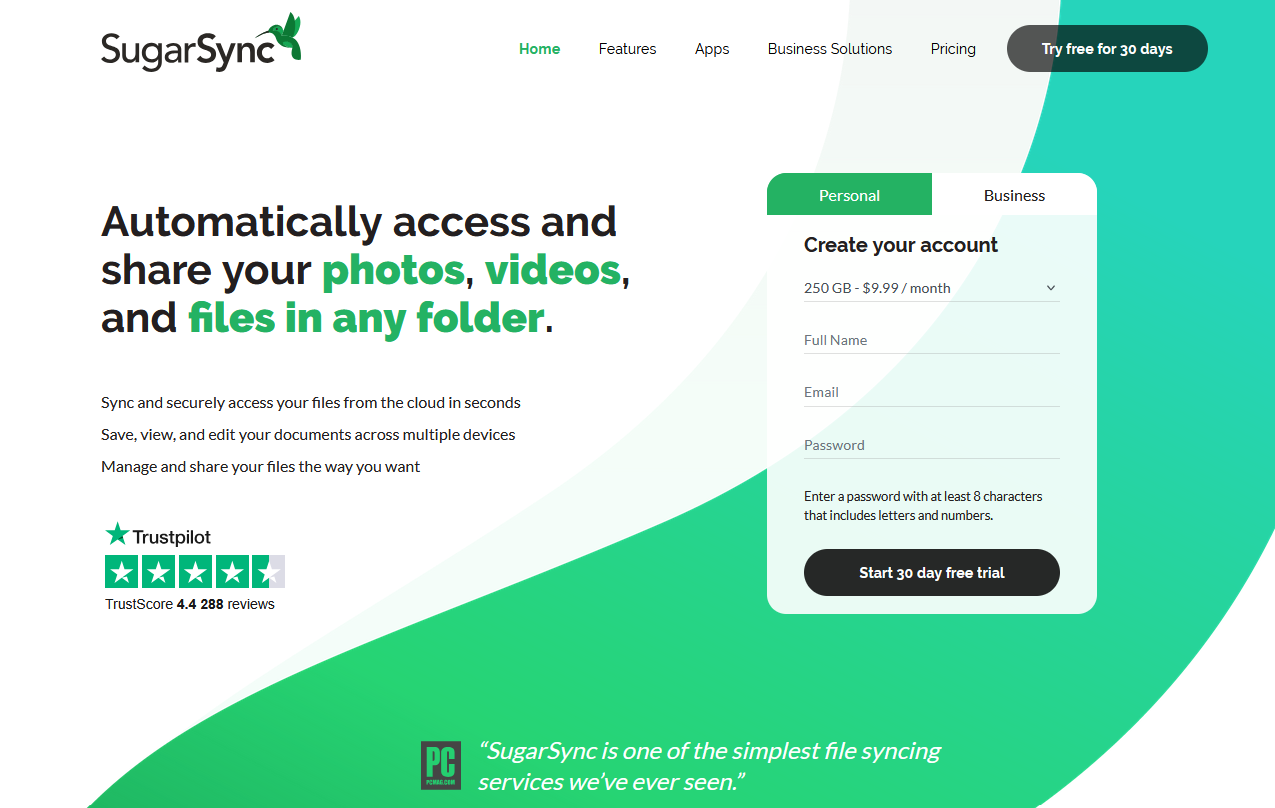
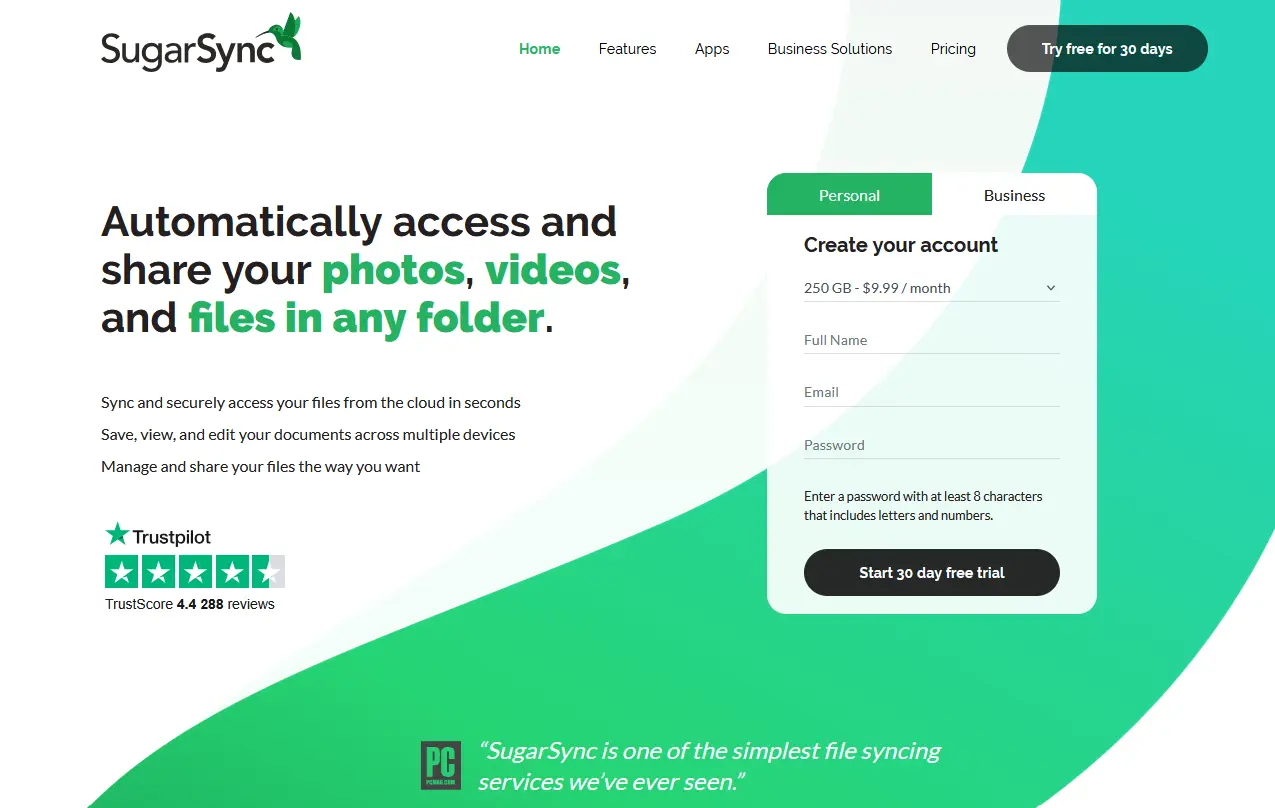
SugarSync goes beyond a standard online backup service. Aside from online backup, the service helps you synchronize files on all your devices. You select specific folders or have all folders monitored directly and backed up online. Any changes you make locally are also made in the cloud. This makes it possible to start a document on one device and finish it on another. This works with PC, Mac, iOS and Android. Since all files are in the cloud, you can easily share them with friends or colleagues.
Private users can choose between 100 GB, 250 GB and 500 GB. Business customers can also register multiple users. Here, the storage capacity stands at 1 TB (minimum 3 people). All data is stored in the cloud with 256-bit AES and is transmitted exclusively through TLS, as is the case with most providers.
| Advantages | Disadvantages |
|---|---|
| ✓ Software for multiple computers and mobile devices | ✗ Memory limitation |
| ✓ Multi-device synchronization | |
| ✓ Exchange of files through shared folders |
- Automatic backup & easy recovery
- Intuitive scheduling and management
- AI-based threat protection