

Which Google Workspace alternative is right for your business?

Google Workspace is popular for good reason. It’s efficient, reliable, and built for real-time collaboration directly in the browser, making it well suited for modern work environments. However, the suite isn’t the most affordable option, and many businesses choose to avoid it due to Google’s extensive data collection and storage practices. Here are some interesting alternatives to Google Workspace.
| Google Workspace alternative | Advantages | Disadvantages |
|---|---|---|
| Microsoft 365 | Fully cloud-based and collaborative; includes familiar applications like Word, Excel, Teams, and Outlook for a modern, mobile office | Some plans can be expensive |
| monday.com | Well suited for task management, automation, and teamwork; integrates with Slack, Google Drive, and Zoom; free version available | Primarily focused on project and workflow management – not a full office suite with its own email domain or comprehensive spreadsheet/presentation tools. |
| Hosted Microsoft Exchange | Delivers the power of Microsoft’s professional email, calendar, and contact system without requiring your own servers | Primarily focused on email and scheduling – no integrated collaboration tools like chat or document editing |
| Proton Mail | Offers strong privacy under Swiss law and a modern, clean user interface | Lacks comprehensive collaboration features like those offered by larger office platforms |
| Zoho | Affordable and feature-rich – offers all the essentials, including email, file sharing, and collaboration tools | The large number of apps and features can feel overwhelming for some users |
| Neo Mail | Offers affordable business email with a 15-day free trial, a free custom domain, a free AI website builder, calendar, email templates, and productivity tools for small businesses | Does not include advanced document, spreadsheet, and presentation tools like Google Workspace or Microsoft 365 |
Microsoft 365
Part of Google Docs’ success is based on how easily accessible the platform is. In the meantime, other providers have caught up – especially Microsoft. With Microsoft 365, the company offers the familiar features of Microsoft Office in a modern format that is optimized for a mobile way of working. The solution is more affordable than Google Workspace and includes all the key tools for day-to-day business.
Not all features are available in every plan – the higher the price, the more features you get. The Microsoft 365 Business Basic plan includes, among other things:
- Plenty of storage: 1 TB of Microsoft OneDrive storage and a 50 GB mailbox
- Collaboration tools: Microsoft SharePoint for teamwork and project planning, plus access to Microsoft Teams
- A Microsoft Exchange mail server
- An AI-powered chat platform with web integration, writing assistance, data analysis, and agent access
- First-class support with 24/7 phone and web assistance
Opting for more expensive plans gives you access to additional Microsoft Office applications.
What makes Microsoft 365 a good alternative to Google Workspace? It provides exactly what Google Docs is known for – the ability to work together on projects. Creating and sharing Word documents, Excel spreadsheets, or PowerPoint presentations is especially easy with Microsoft 365. If you’re concerned about giving up Gmail, Chat, and Meet, Microsoft 365 provides the established tools Outlook and Teams. Both are widely used in the business world and support many of the same communication and collaboration tasks as Google’s services.
Another advantage is that no local installation is required. Of course, the software can be installed if needed, but working directly in the browser provides more flexibility.
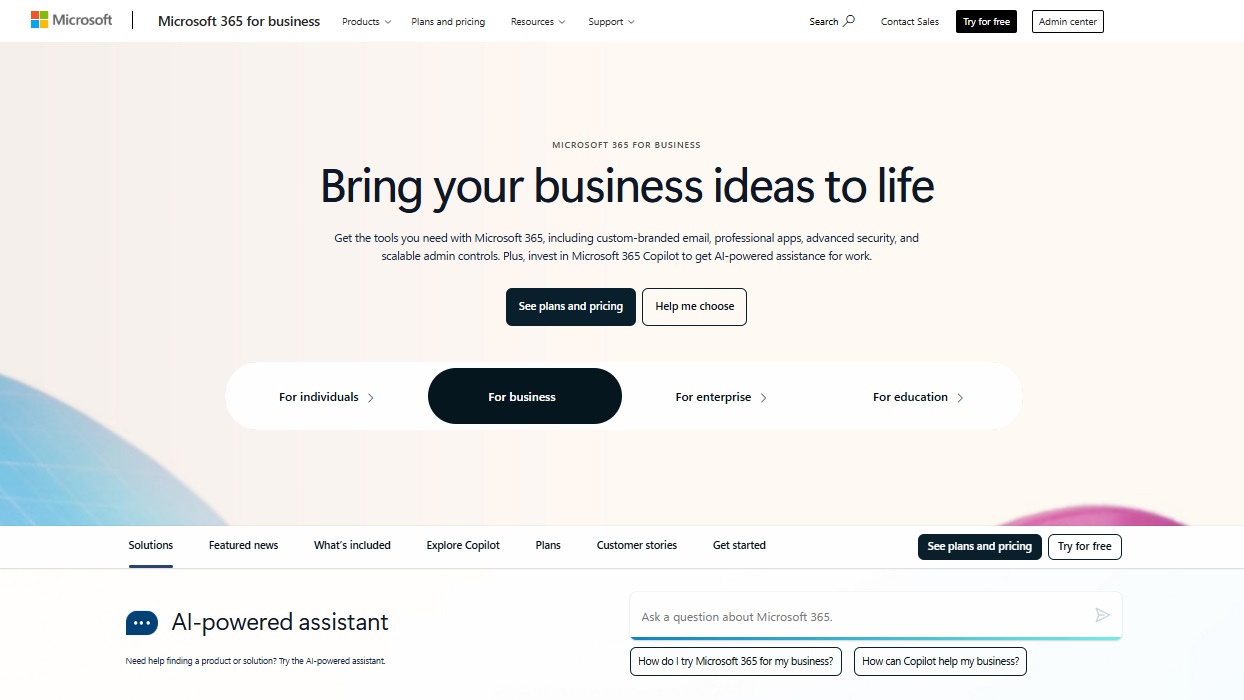
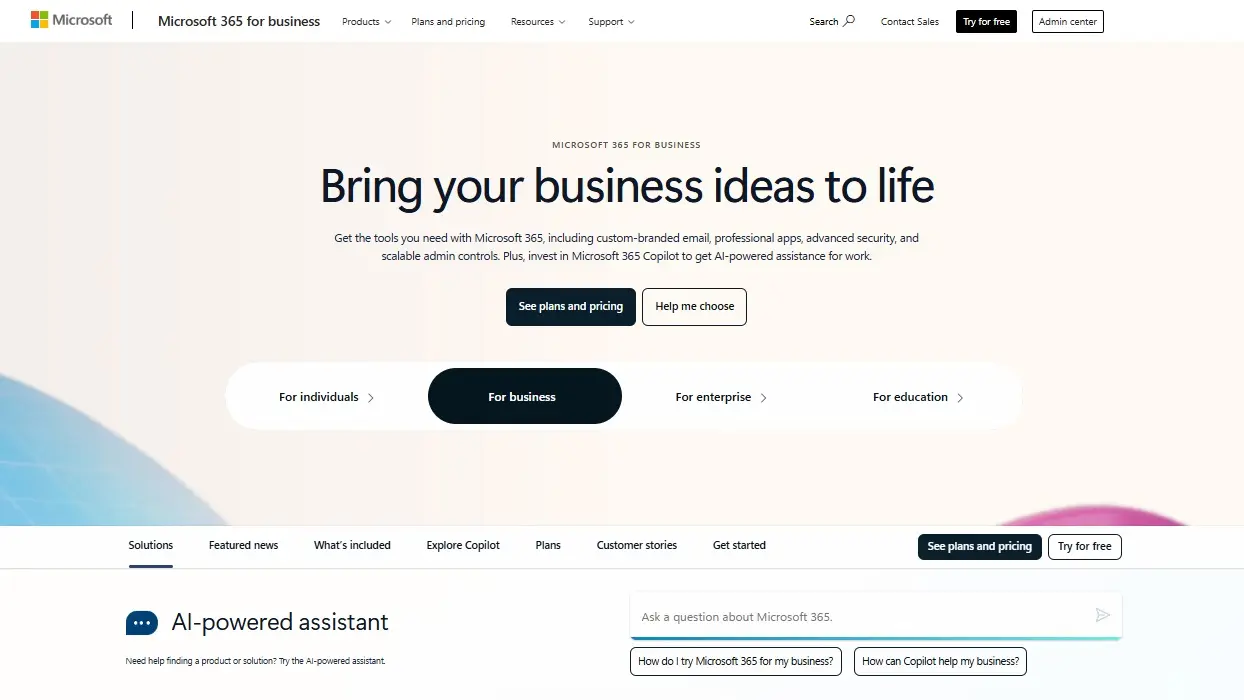
Who is Microsoft 365 especially recommended for? If your company relies heavily on Microsoft Office or you’ve been using it for years, this Google Workspace alternative is likely the best choice. The powerful programs are available in the browser when needed and offer the same collaboration and cloud flexibility features as Google Workspace – so you won’t be missing out.
Powerful Exchange email and the latest versions of your favorite Office apps on any device — get started with our free setup assistance.
monday.com
monday.com is not just another collaboration tool – it’s a work operating system (Work OS) that brings together all of a team’s projects, files, and communication channels in one place. With color-coded boards, automations, and intuitive dashboards, it helps teams visualize tasks and stay on top of deadlines – no matter where they work from.
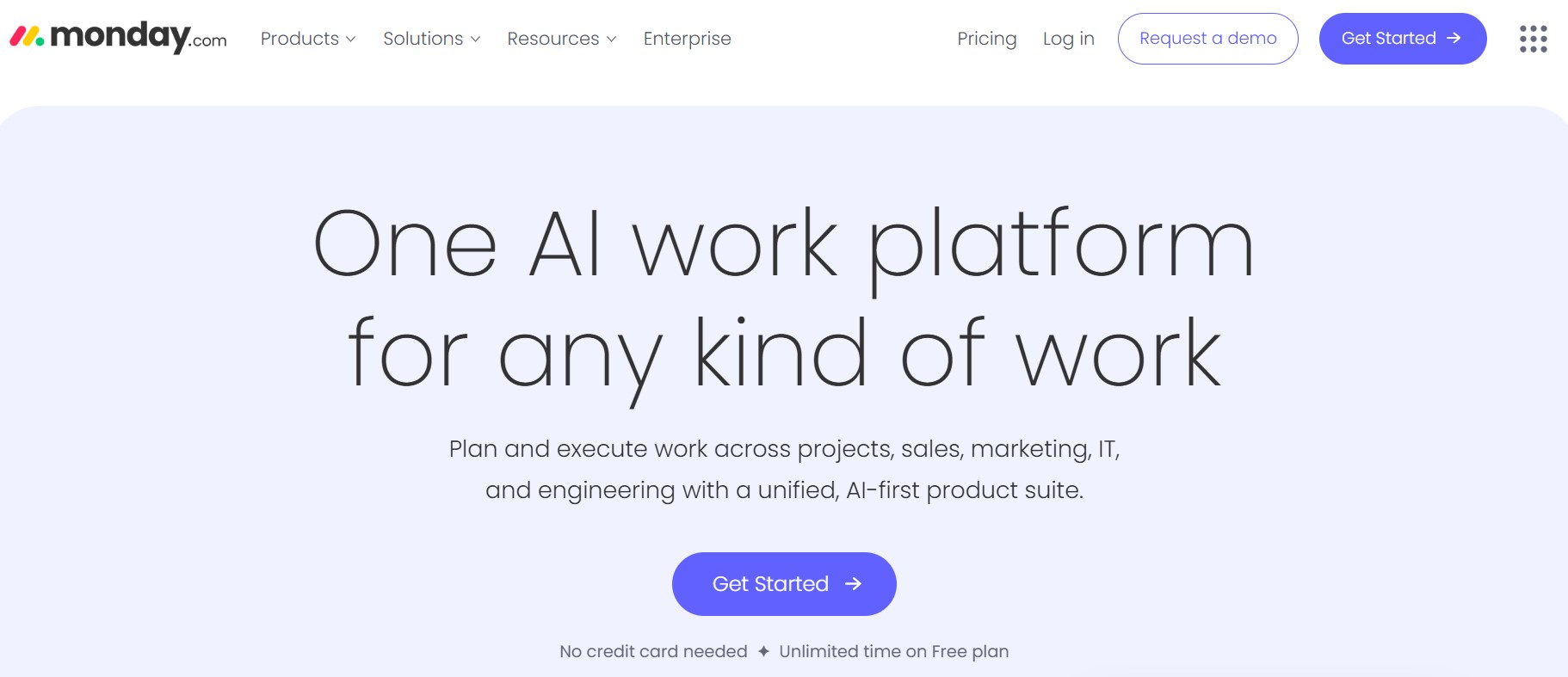
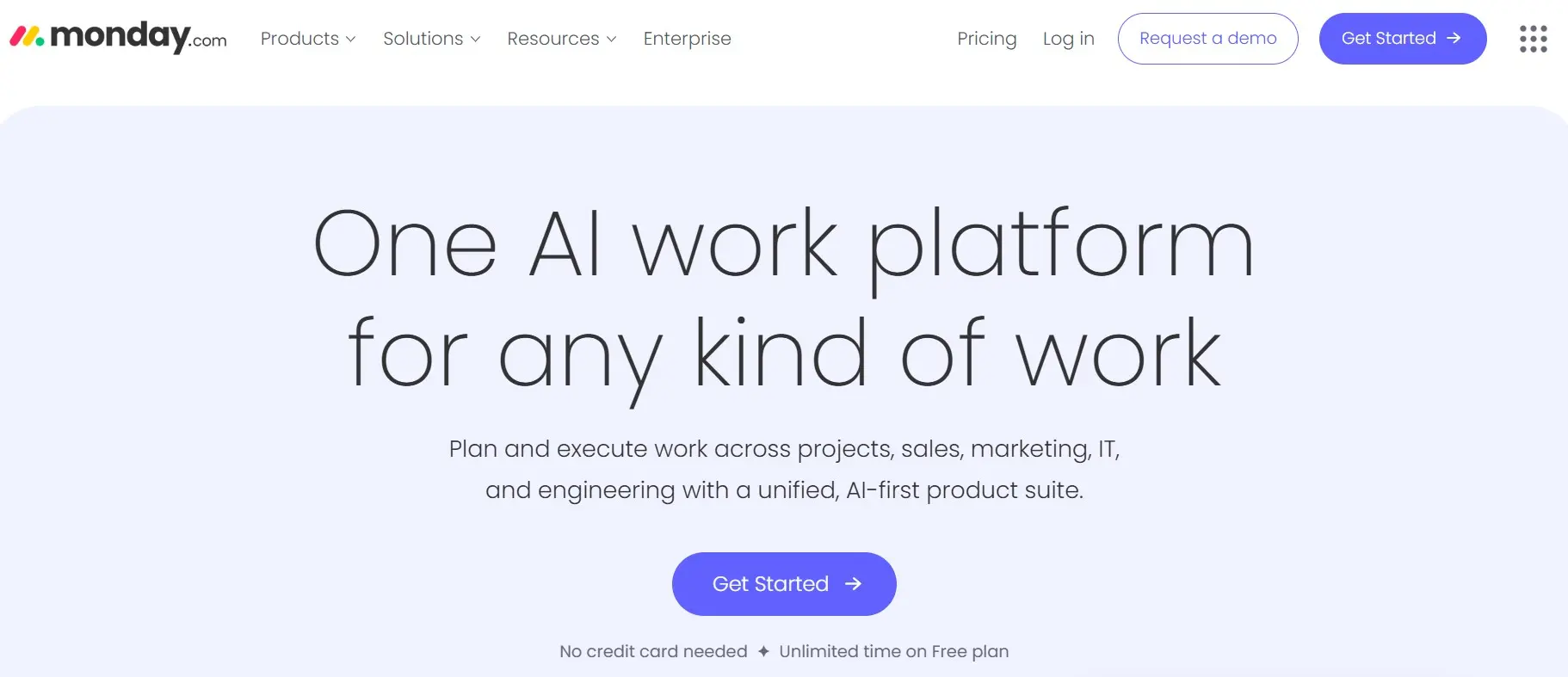
While Google Workspace mainly centers on email and document editing, monday.com focuses on the organization and management of work. Tasks can be assigned, progress tracked, recurring workflows automated, and tools like Slack, Google Drive, or Zoom connected within one central platform. This reduces scattered emails and provides a clearer overview of what the team is currently working on.
The available plans are billed per user and per month, and there is even a free version for individuals or small teams that want to try the platform first. For larger teams, advanced automations, time tracking, and reporting features are available, making monday.com a powerful hub for collaboration.
For companies that need more structure, transparency, and flexibility than a classic office suite, monday.com is an excellent alternative to Google Workspace. The platform is ideal for project-oriented teams that want to simplify workflows and focus on results instead of managing numerous standalone tools.
Hosted Microsoft Exchange
Microsoft Exchange is a popular email and groupware solution suitable for businesses of all sizes. It offers powerful tools for email, calendars, and shared contacts, helping teams structure their communication and make workflows more efficient. For companies that rely on professional email management and collaboration, Exchange is a reliable and scalable choice – and a focused Google Workspace alternative for email and scheduling.
Microsoft Outlook is also available as client-side software and gives employees full control over emails, appointments, and contacts. With Exchange, colleagues can easily see whether someone is in a meeting or on vacation – making shared scheduling and collaboration significantly easier.
A hosted Exchange service combines familiar Microsoft software with secure, managed hosting by a third-party provider. This eliminates the need for companies to run their own servers while still ensuring enterprise-level reliability and comprehensive support. Providers like IONOS offer Hosted Microsoft Exchange plans that include, among other things, the following:
- Maximum data security and protection: At IONOS, your data is stored in ISO-certified, high-availability data centers.
- GDPR-compliant data protection with hosting options in Europe or the United States – depending on business needs.
- Monthly billing instead of high one-time investments in new software.
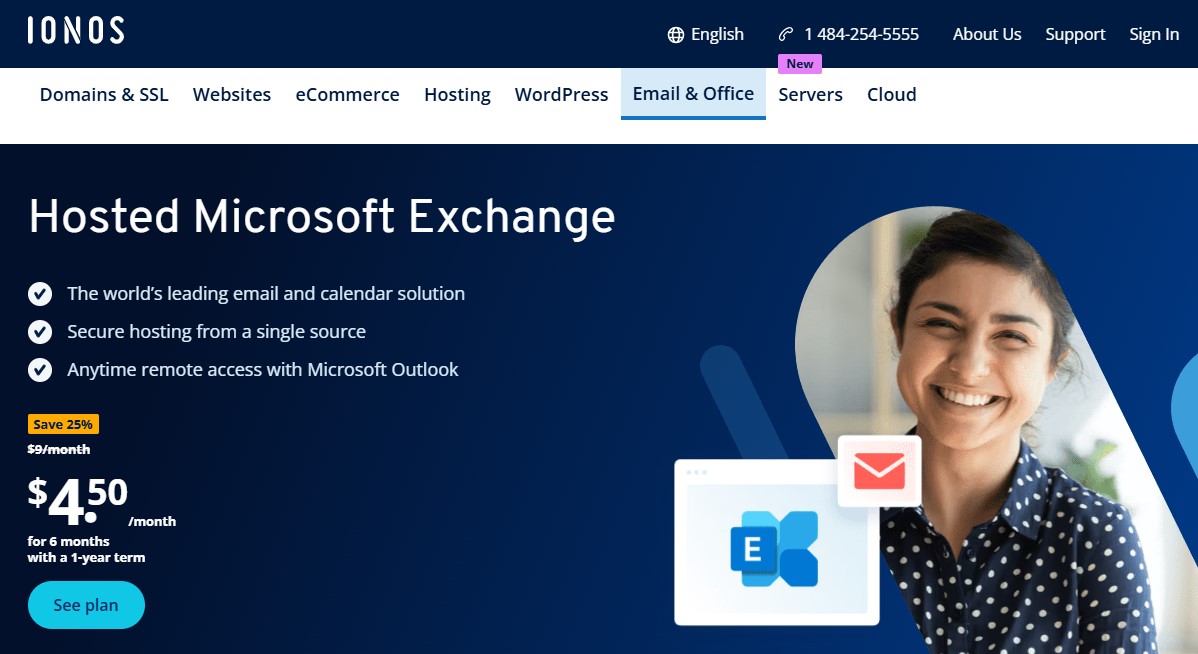
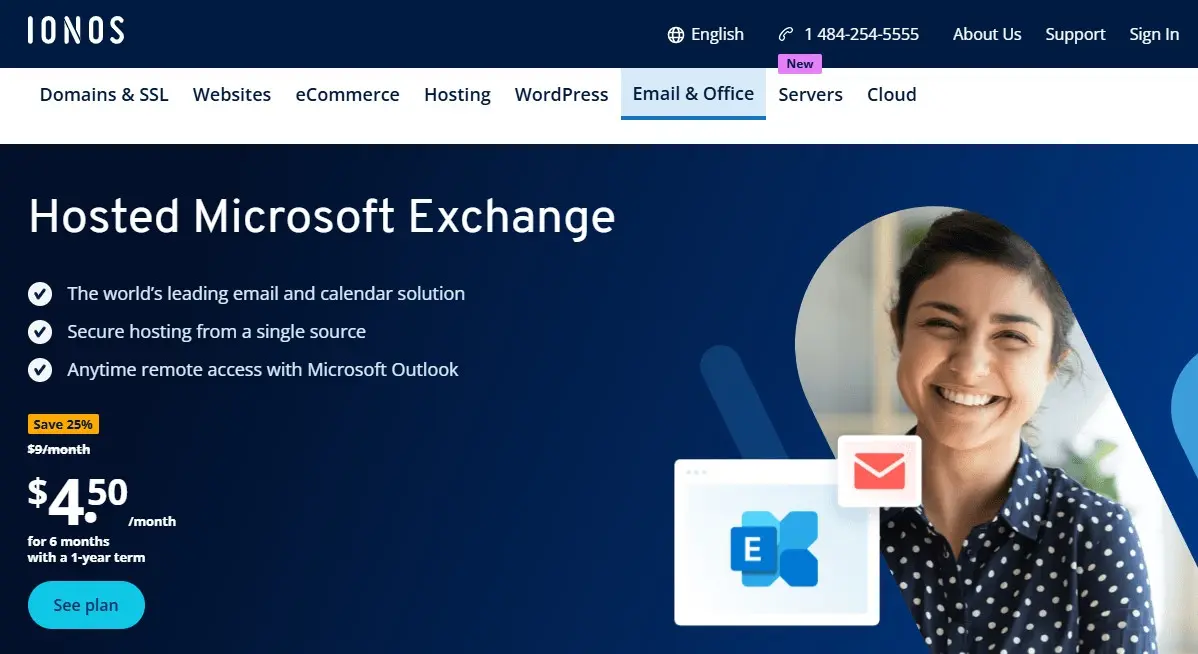
A good Microsoft Exchange host should always offer the latest technology and the highest security standards. This way, you benefit from a comprehensive office solution without having to worry about technical details.
- Proven across businesses of every size
- Accessible on any device, from anywhere
- Fully managed and secure — no server admin needed
Proton Mail
Proton Mail is based in Switzerland, a country known for its strict data protection laws. But Proton Mail goes the extra mile, even by Swiss standards. Not only is your mail all end-to-end encrypted, but the data centers themselves are encrypted too. The data center is located underground, protected by over 3,000 ft of solid granite.
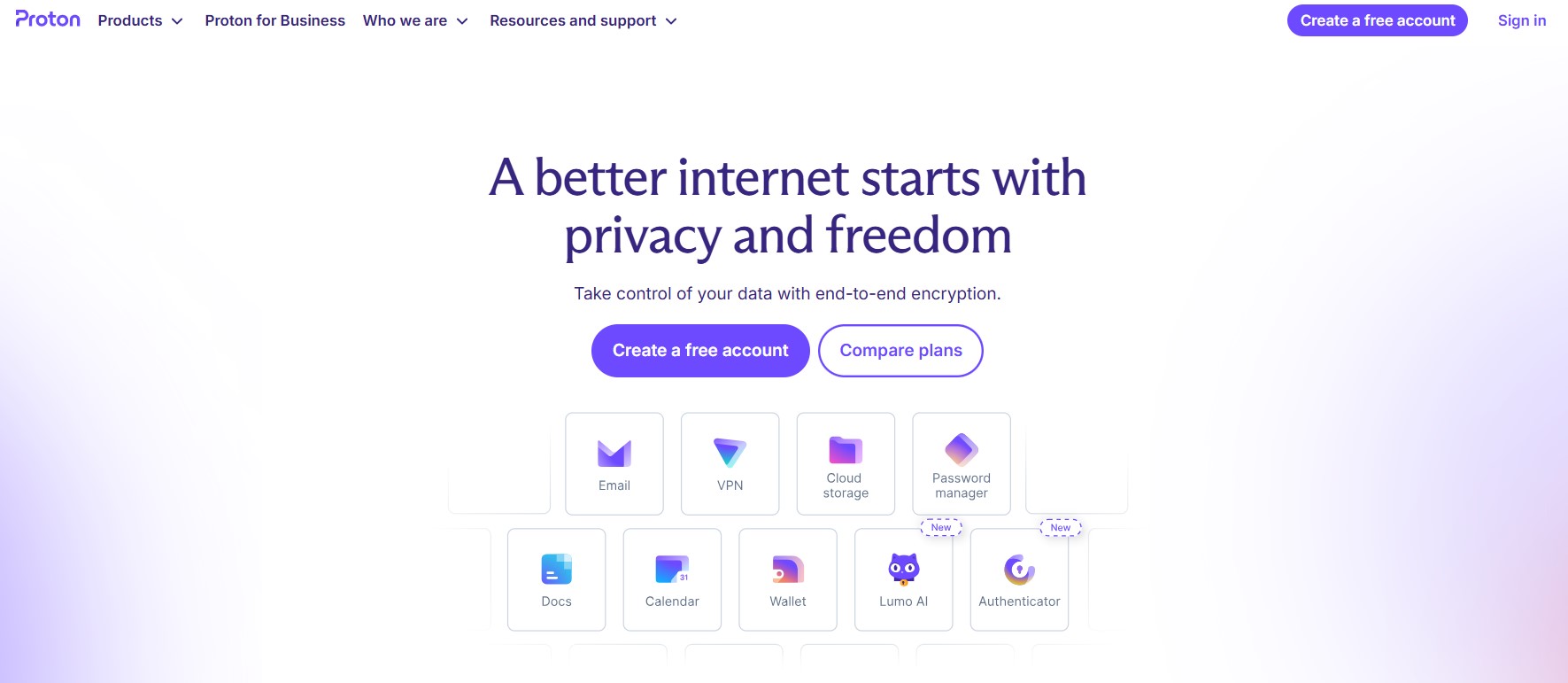
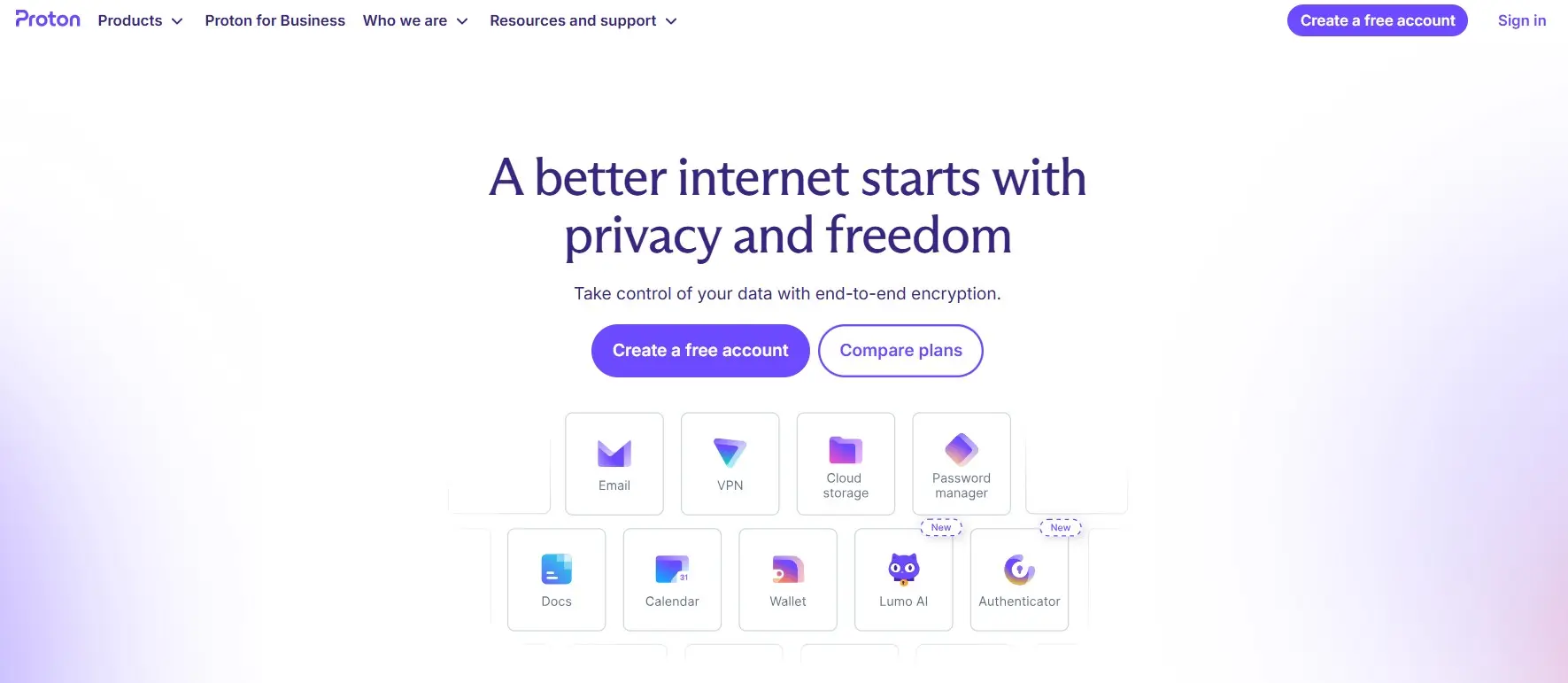
The consistent focus on security is where Proton Mail clearly outperforms Google Workspace. In addition to offering one of the most stylish and secure email services, Proton also provides additional services such as Proton Drive and Proton Docs – and the suite continues to grow. Proton Mail is ideal for anyone who wants to protect their business email data from third parties. There is a free version as well as extended, paid plans.
The free version offers up to 1 GB of storage. With the paid plans, you get up to 1 TB of storage (2 users). A custom domain is also included – giving your company a professional email address for the price of the Proton Mail plan. This Google Workspace alternative is generally a bit cheaper than Google’s paid plans but focuses mainly on secure email rather than a full office suite.
For professionals and companies that prioritize privacy, encryption, and data protection over collaborative tools, Proton Mail is an excellent choice – a secure inbox that keeps your data entirely in your own hands.
Zoho
Unlike Proton Mail or Google Workspace, Zoho is an excellent option for anyone on a smaller budget. Even the low-cost “Zoho Mail Lite” plan offers professional email hosting with integrated collaboration tools that help teams communicate efficiently and stay organized. Don’t be fooled by the low price – Zoho’s lean productivity features enable your business to get more done in less time.
The “Zoho Mail Lite” plan includes mailboxes with 5 GB of storage per user and email attachments up to 25 MB. Zoho links your own domain to this mailbox, boosting professionalism and efficiency. For users with higher email volumes, the “Zoho Mail Premium” or “Zoho Workplace Standard” plans are ideal – they offer more storage, advanced collaboration tools, and additional support.
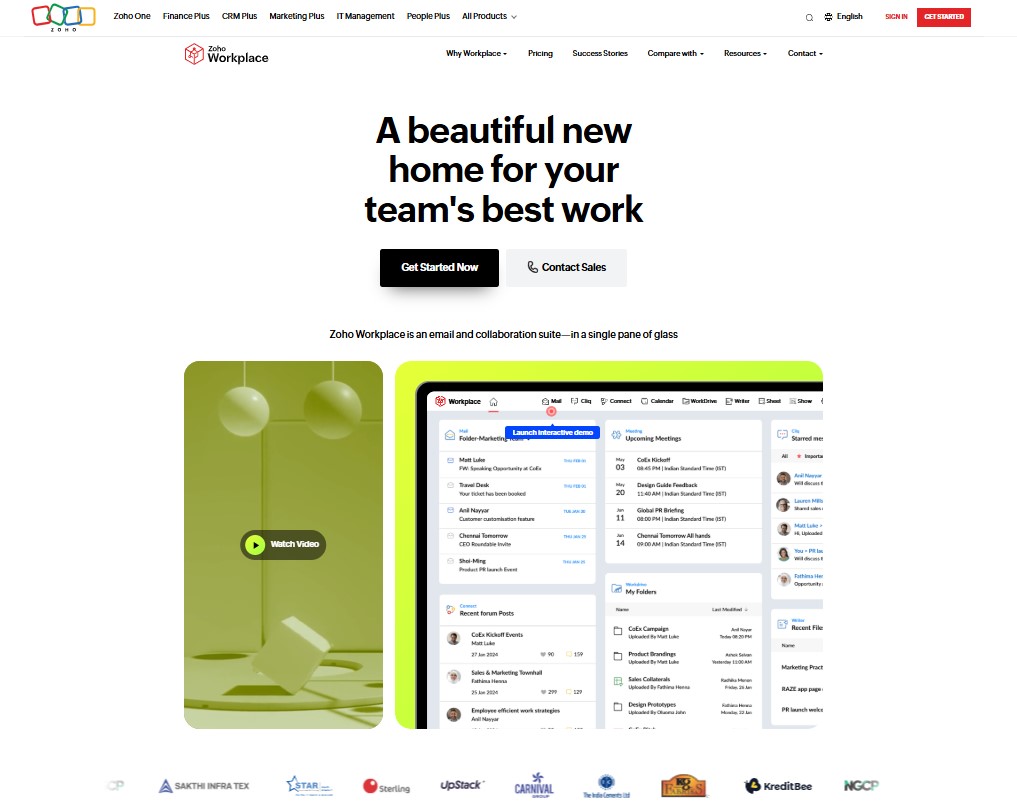
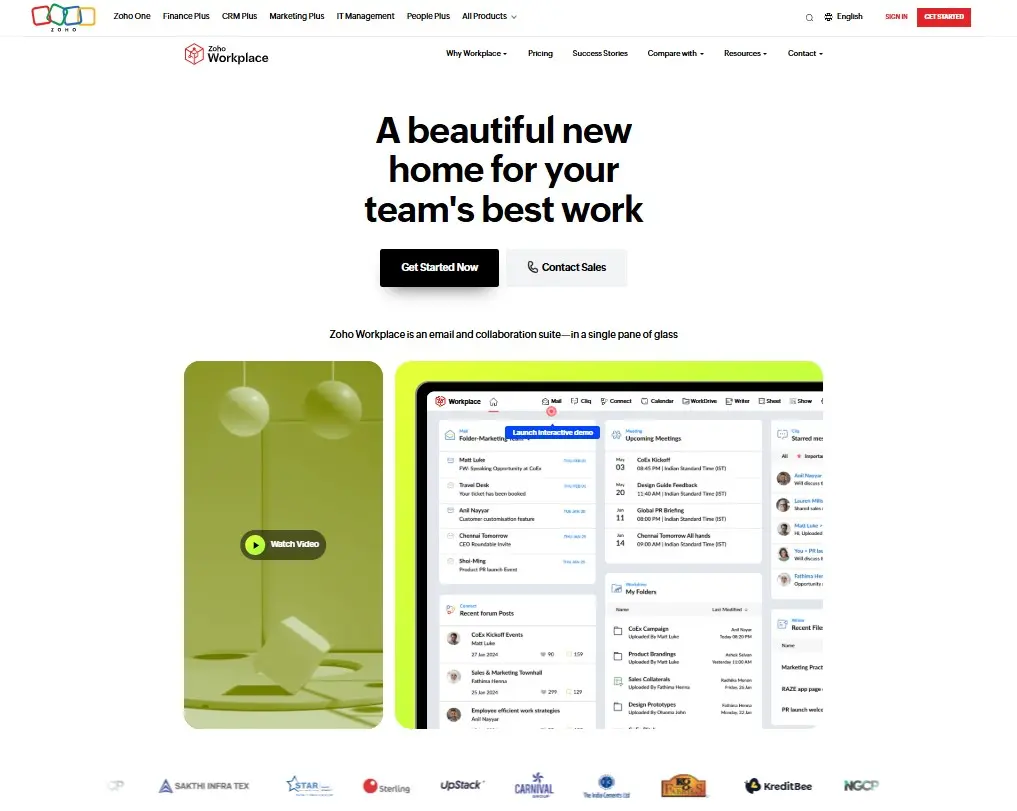
Anyone working in a team usually also needs word processing and spreadsheets. For those who want to avoid the market leaders Microsoft, Apple, or Google, Zoho offers an impressive selection of its own apps – including Zoho Writer, Zoho Sheet, and Zoho Show. These are designed for seamless online collaboration and make Zoho a complete workplace solution and Google Workspace alternative that combines chat, calendar, file sharing, and email with a custom domain on a single platform.
Neo Mail
Neo Mail is designed specifically for small businesses that want to establish a professional online presence without the complexity of a large productivity suite. It is easy to set up and lets businesses create a custom email address using an existing domain or a free domain included with their plan. Compared with Zoho’s extensive suite of business apps and Proton Mail’s privacy-focused service, Neo Mail focuses on affordable business email and offers a simpler setup.
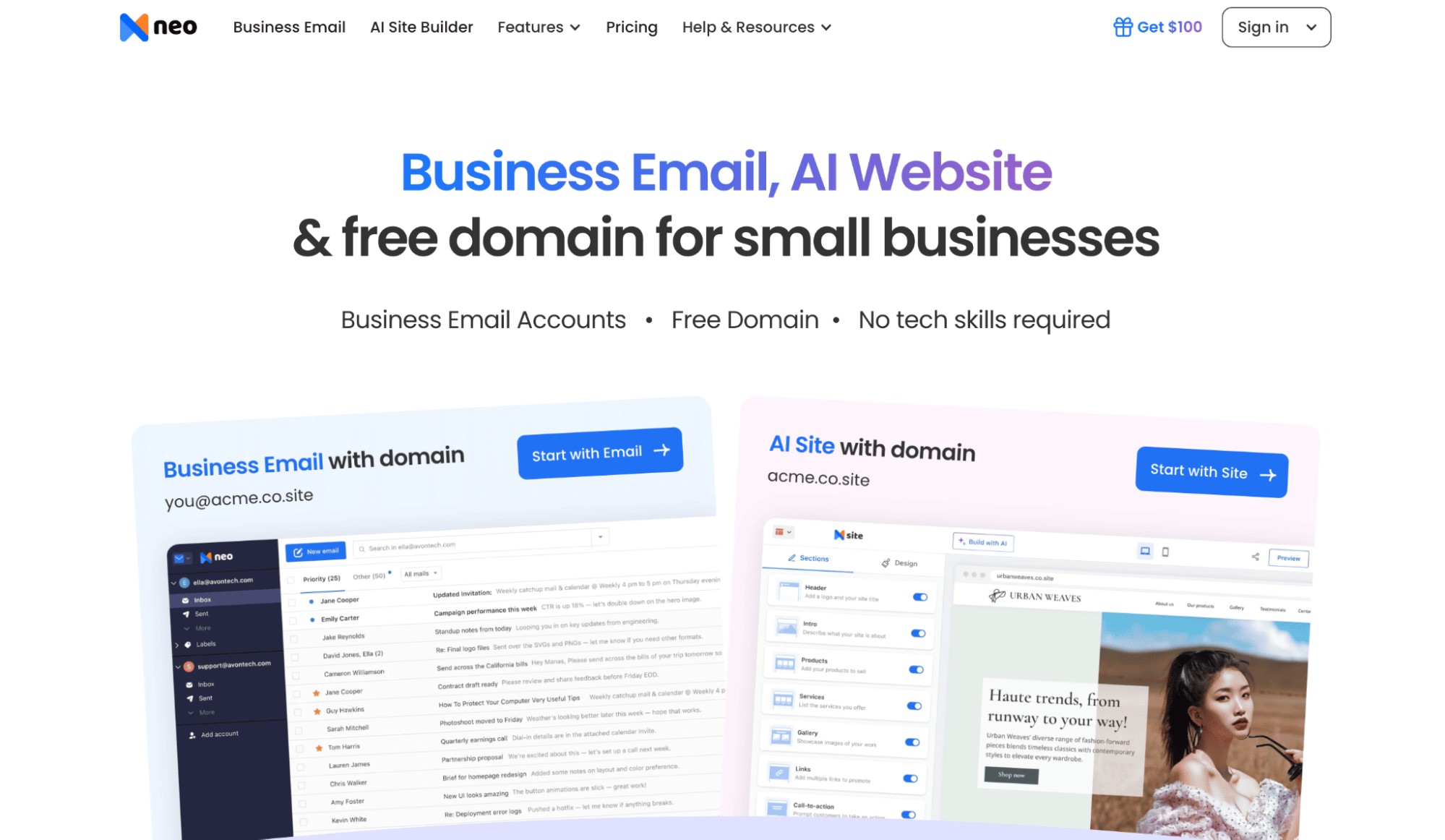
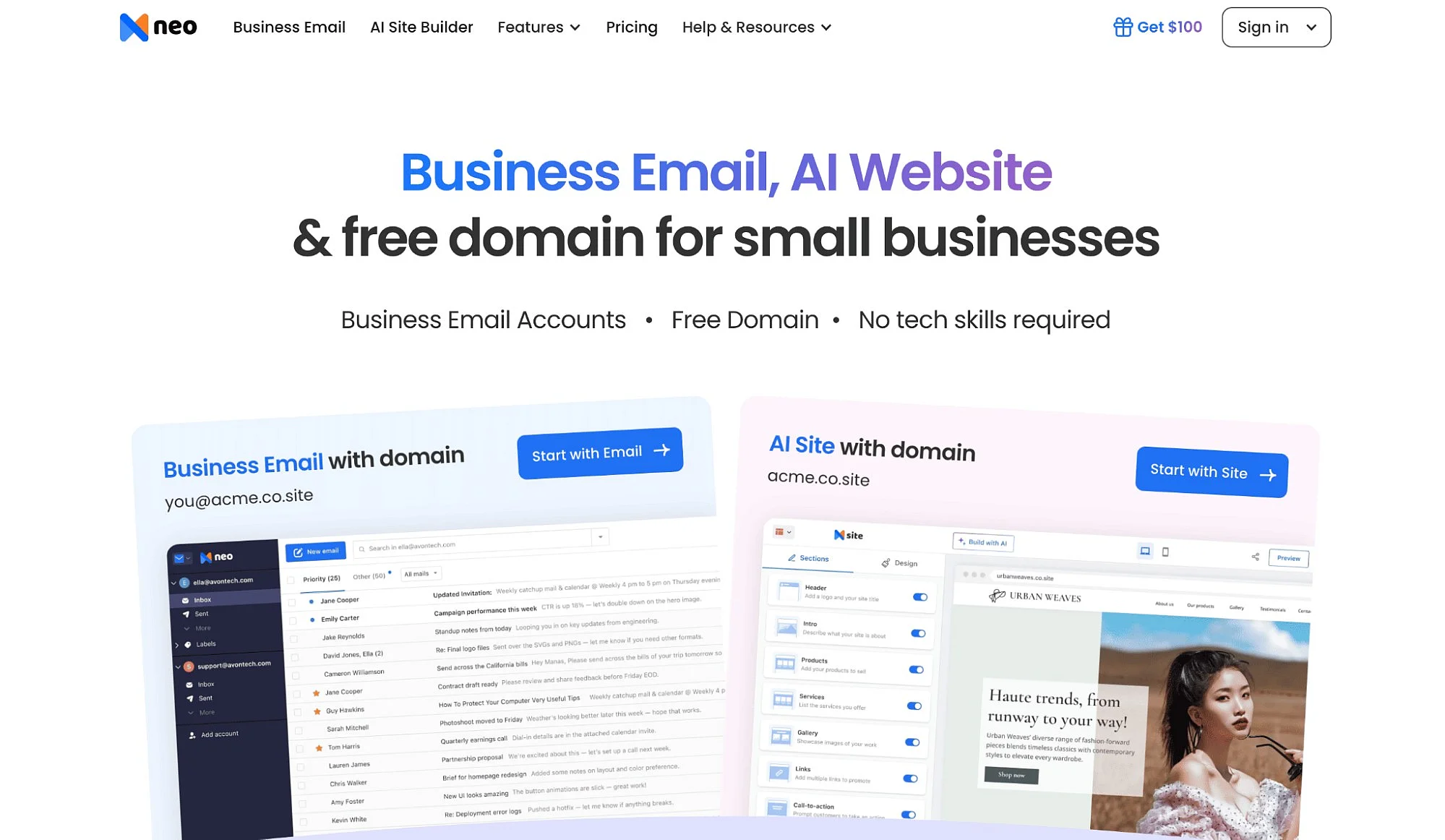
Where Neo Mail stands out from Google Workspace is its focus on helping small businesses launch and grow online. Its business email includes tools such as read receipts, follow-up reminders, email templates, Priority Inbox, Smart Write, Signature Designer, and appointment bookings. Users also receive a free website builder that matches their domain, making it easier to build a professional brand without purchasing multiple separate tools.
Neo Mail offers a 15-day free trial followed by three paid plans. Depending on the selected plan, each mailbox includes between 15 GB and 100 GB of storage. Businesses without a domain can get a free domain, while those with an existing domain can connect it to create addresses such as you@yourbusiness.com. Neo Mail pricing plans are generally more affordable than Google Workspace, although Neo Mail does not include advanced document, spreadsheet, or presentation applications.
For freelancers, entrepreneurs, and small businesses that prioritize affordable business email, simple setup, and built-in tools to grow their online presence, Neo Mail is a strong choice because it provides the essential tools needed to communicate professionally and build a business online without the cost or complexity of a complete office suite.
Reviewers

Anne-Laure Wolber
Anne-Laure has been part of the IONOS Digital Guide since its inception in 2016. As an expert in the startup category, she focuses primarily on the strategic integration of SEO, GEO, and conversion rate optimization. Over the years, she has also gained extensive experience in related performance disciplines such as lead generation and native advertising. As a polyglot, she leverages her multilingual background to develop content strategies with precision and impact for international audiences.

Jeanna Raffa
With over 18 years of experience in online marketing, Jeanna Raffa possesses extensive expertise in digital marketing. Since 2020, her focus has been on providing practical information regarding email, office, and cloud storage solutions.