

What are the best AI assistants available right now?

AI assistants help users with everyday tasks, finding use in areas like writing assistance or image generation. These handy tools are valuable in both personal and professional settings.
What is an AI assistant and what can it do?
An AI assistant is a program designed to process and execute commands based on voice or text input. Many popular options integrate with smart devices, broadening their range of use. Cloud-based AI assistants can be accessed from anywhere with an internet connection. To enhance and personalize their services, modern AI solutions leverage advanced algorithms, allowing users to get even more out of their features.
Thanks to ongoing developments in the field of artificial intelligence, the range of tasks performed by AI assistants continues to grow. They’re used in both private and professional environments.
- One platform for the most powerful AI models
- Fair and transparent token-based pricing
- No vendor lock-in with open source
What types of AI assistants are available?
There are many types of AI assistants, and the market is set to grow significantly in the coming years. In certain industries and areas – like education, software development, government agencies, or specialized businesses – highly specific AI assistants are used, tailored to tasks unique to those environments. At the same time, there are solutions with broader capabilities that prove useful across a variety of contexts. The most common types include:
- Writing assistant: An AI tool designed to assist with tasks like drafting, translating, or refining text. Many also provide features such as code generation, summarization, plagiarism detection, easy-language translation, or image recognition.
- Work assistants: AI designed to streamline and optimize workplace processes. These tools automate tasks, enhance productivity, manage calendars, create daily schedules, and prioritize tasks effectively.
- Image generators: AI image generators have evolved far beyond simple novelties. These tools create images based on text input, often allowing users to choose the style. In particular, the technology for photorealistic image creation has made significant advances in recent months, producing images that are often indistinguishable from “real” photographs.
- Support for meetings: The right AI assistant can handle meeting transcriptions and summaries for you. It can also manage slides, recordings, and seamlessly integrate shared data without hassle.
- Personal AI assistants: Often included with smartphones, personal AI assistants create to-do lists, play music, control smart home devices, and provide information via voice commands.
- Educational assistants: These AI tools range from specialized applications to more general support. They assist with tasks like language learning through interactive feedback or help students complete homework efficiently.
- Get online faster with AI tools
- Fast-track growth with AI marketing
- Save time, maximize results
An overview of the best AI assistants
The field of AI assistants is constantly growing. Below you’ll find five representatives that are among the best solutions in the industry.
| AI assistant | Type | Price per month |
|---|---|---|
| ChatGPT | Writing assistant | free basic version |
| Midjourney | Image creation | from $10 |
| Fireflies | Meeting support | from $10 |
| Amazon Alexa | Personal AI assistant | $10 (for Amazon Prime) |
| Motion | Work assistant | from $12 |
ChatGPT
Perhaps the best-known AI assistant for text creation and research is ChatGPT. The chatbot excels at creating new content, can easily summarize long texts, corrects errors, answers questions and helps to narrow down possible work approaches. The bot from Open AI offers a free trial version. Further plans depend on the scope and purpose of the AI assistant.
Potential downsides are particularly found in the area of data privacy. Therefore, users should exercise caution when sharing content while using the program. Although the communication capabilities of the solution are already impressive, it struggles with processing and interpreting subtle language nuances, as well as irony or misinformation.
| Advantages | Disadvantages |
|---|---|
| ✓ Free basic version | ✗ Privacy concerns |
| ✓ Huge range of functions |
Midjourney
Midjourney is an advanced generator that creates photorealistic images. The results are often exceptionally good and, at first glance, are indistinguishable from real photos. This allows for quick visualization of ideas and cost-effective execution of complex image projects. The creation process is based on text input, and the more precise the input, the better the resulting images.


The fine-tuning process can be somewhat time-consuming and frustrating, especially at the beginning. Additionally, the platform’s services are only available through a subscription model. The different plans are based not on the actual images generated, but on GPU time. This can be confusing at times and may lead to significant wait times and additional costs.
| Advantages | Disadvantages |
|---|---|
| ✓ High image quality | ✗ Steep learning curve |
| ✓ Very active community | ✗ No free mode |
Fireflies
Fireflies is a useful tool for transcription and management of online meetings. The AI assistant uses intelligent speech recognition and can also highlight key points or summarize topics. Additionally, comments, highlights, and notes can easily be added. There are also useful integration options with other programs like Slack or Hubspot, as well as the ability to automatically assign tasks.
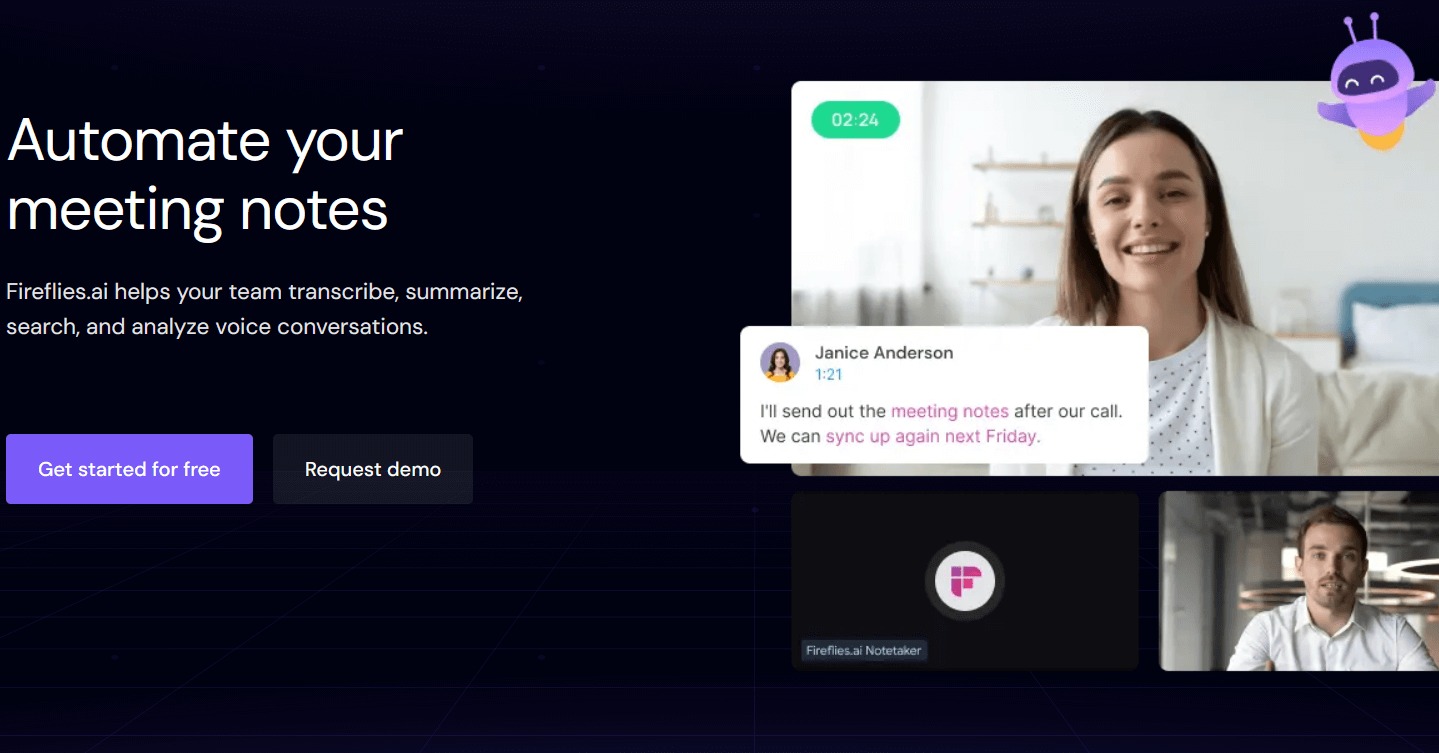
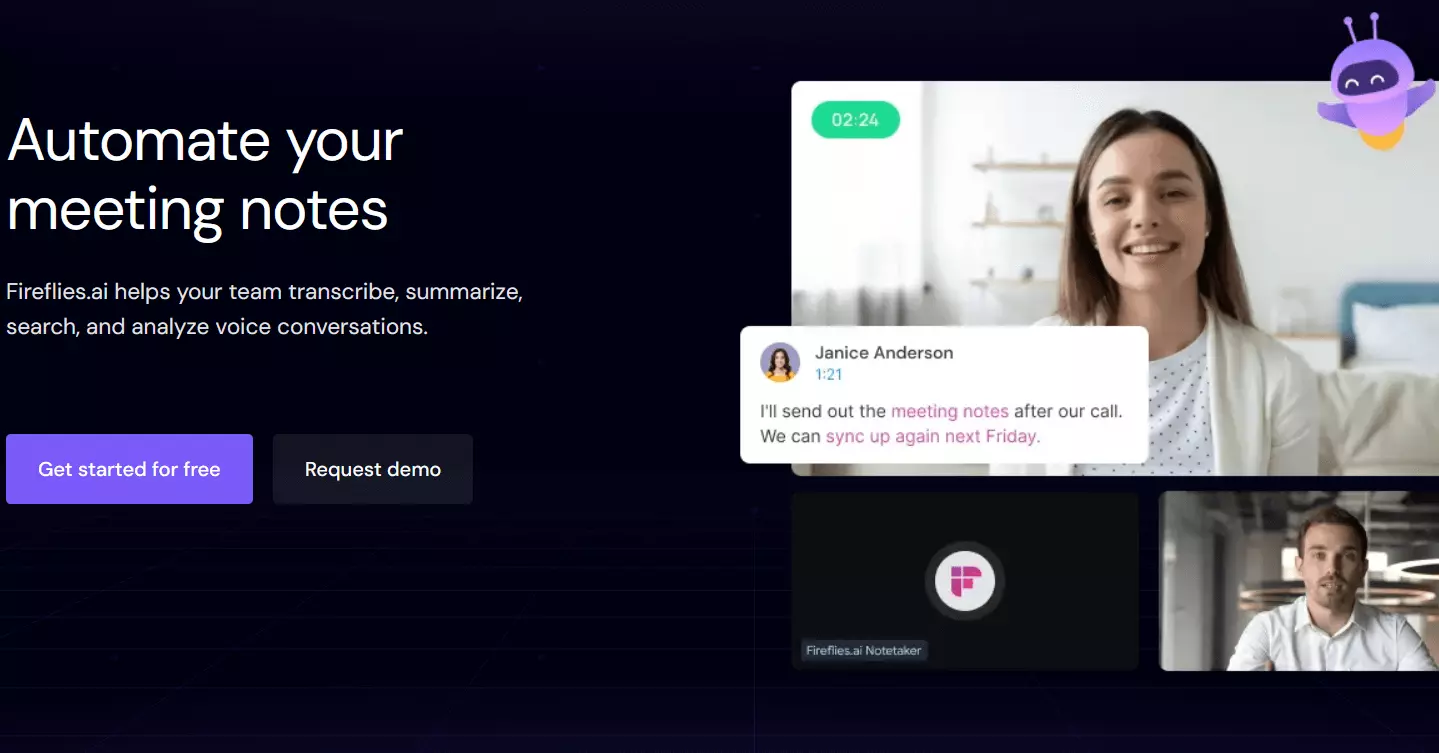
Although the AI assistant works very accurately, there can be inaccuracies in transcription, especially in large meetings with many participants. The program also struggles when speakers are unclear. While there is a free plan, it offers limited features. Paid plans start at $10 per month.
| Advantages | Disadvantages |
|---|---|
| ✓ Very accurate transcriptions | ✗ Inaccurate for meetings with many people |
| ✓ Numerous integration options | ✗ Free basic version severely limited |
Amazon Alexa
Amazon Alexa is arguably one of the most well-known virtual assistants in the world. The versatile program is primarily used in the private sector and handles a variety of simple tasks. Its range includes music playback, to-do lists, voice queries, and real-time information.
 To display this video, third-party cookies are required. You can access and change your cookie settings here.
 Although the AI assistant is available for numerous devices, the program is clearly integrated into the Amazon ecosystem. Privacy advocates have also raised concerns in the past, fearing that the program could record conversations or be used for targeted advertising.
| Advantages | Disadvantages |
|---|---|
| ✓ Compatible with many Amazon devices | ✗ Strong product promotion |
| ✓ Ideal for online shopping |
Motion
Motion is a useful tool for project planning, scheduling, and other tasks that arise in daily work. It is especially recommended for team collaboration but also functions as a personal AI assistant in professional life. The program is highly intuitive and integrates seamlessly, allowing for the consolidation of various apps.
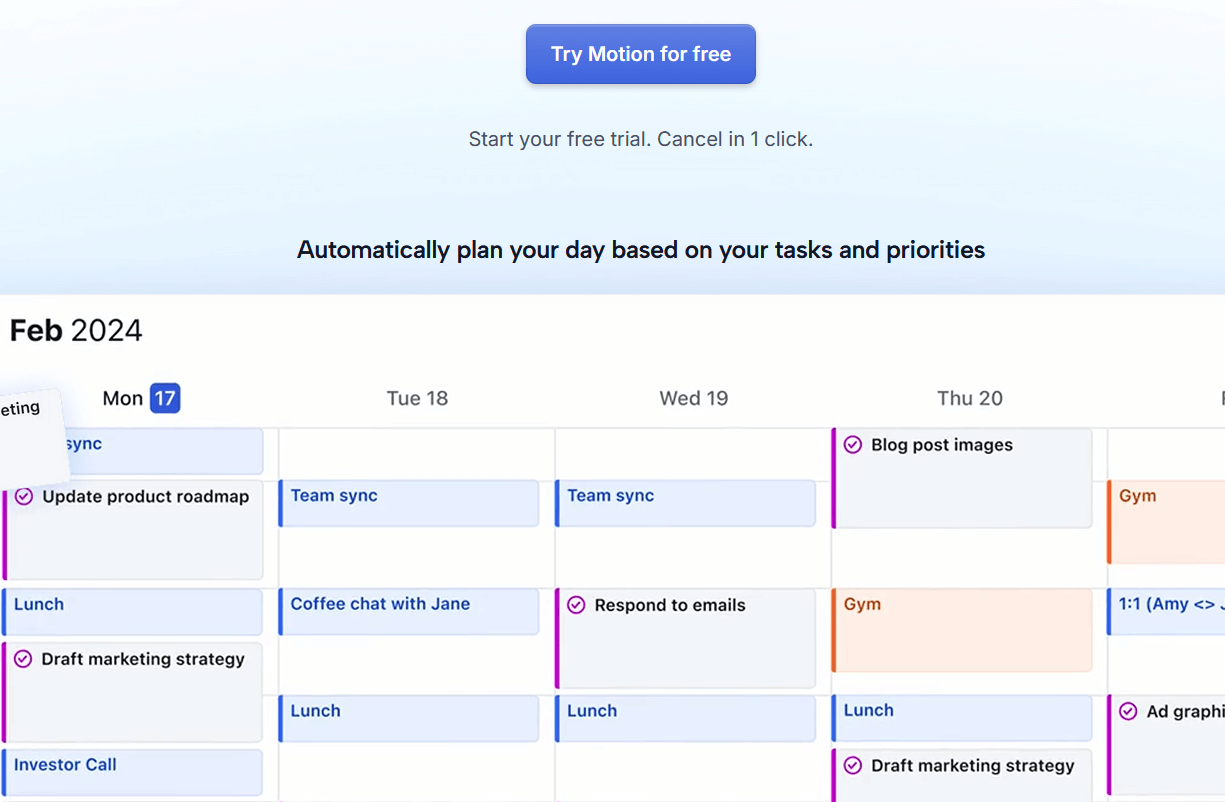
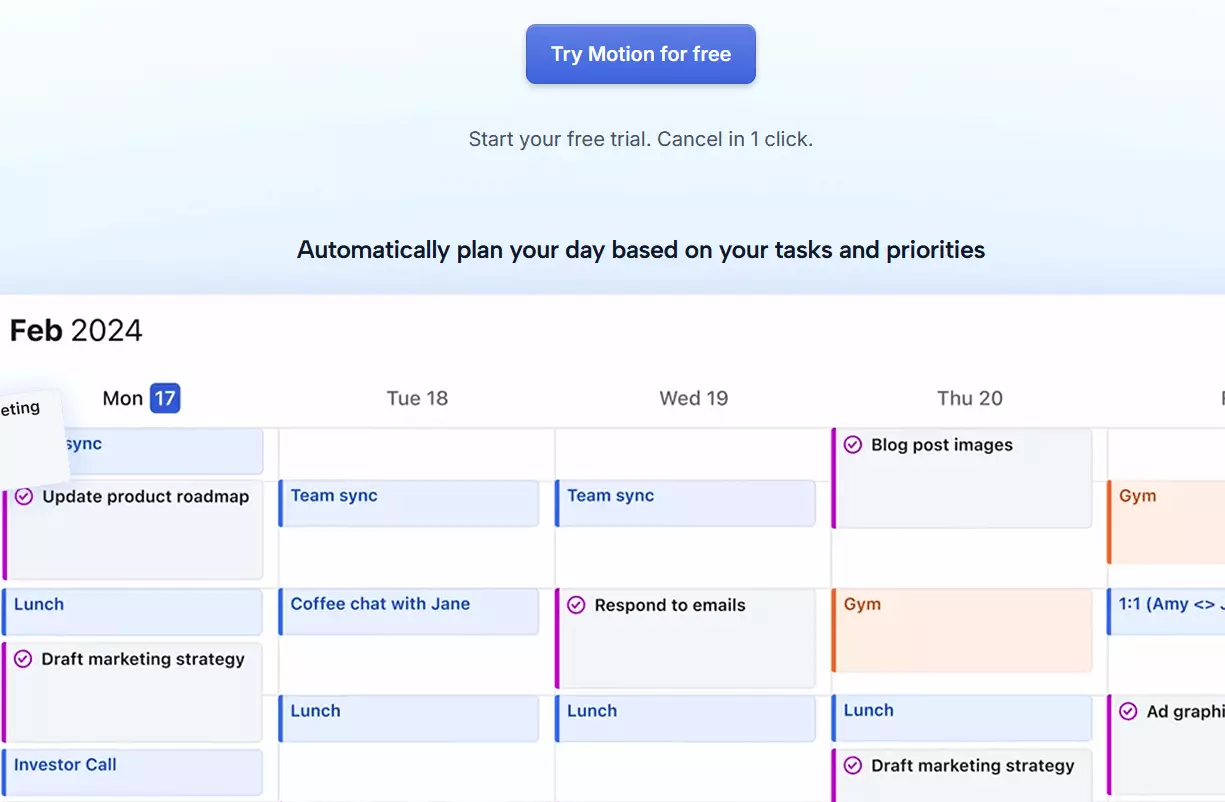
After a trial period of just seven days, there are various plans starting at $12 per month. In addition, the mobile app only has limited functionality.
| Advantages | Disadvantages |
|---|---|
| ✓ For individuals and teams | ✗ Not very beginner-friendly |
| ✓ Increases productivity | ✗ No free edition |