

What are the top free Dreamweaver alternatives? 5 solutions compared

Adobe Dreamweaver is a professional web development tool that allows websites to be designed visually or in the code editor. It supports HTML, CSS, JavaScript, and other web technologies and offers features like live preview and syntax highlighting. It is especially popular among designers and developers who want to combine visual design with direct code control.
- Intuitive website builder with AI assistance
- Create captivating images and texts in seconds
- Domain, SSL and email included
What is Adobe Dreamweaver?
In 1997, Macromedia released the first version of Dreamweaver exclusively for the Apple operating system Mac OS 8. It wasn’t until nearly three months later — with version 1.2 — that support for Microsoft Windows systems was implemented. Ten years later, software company Adobe took over the web development software and added it to its Creative Suite (which has since been replaced by the Creative Cloud) as a replacement for the previously included GoLive editor. Anyone who wants to use the extensive application for creating and designing responsive web applications must either purchase the standalone subscription or rent the complete Creative Cloud package, which is why the software is primarily used by professional users.
What makes Adobe Dreamweaver stand out?
With its typical Adobe interface, familiar to Photoshop, InDesign, and Illustrator users, Dreamweaver impresses right away. The HTML editor, seen as a leading WYSIWYG solution, has evolved significantly since the Creative Cloud release, making coding much easier.
For instance, it’s possible to review all changes in real-time without needing to reload the page or edit CSS code directly within the HTML file using an inline editor. Moreover, the integrated coding engine aids in writing clean code by automatically completing snippets with Emmet support, generating automatic indents, and highlighting matching elements with color. Additionally, Dreamweaver offers the following features:
- Code validation
- Support for CSS preprocessors (SASS, Less)
- Support for PHP (Version 5.6 and 7.1)
- Multiple cursors for simultaneously writing and editing different lines of code
- Integrated CSS framework Bootstrap for responsive web design
- Access to royalty-free images and vector graphics from Adobe Stock
- Easy access to your own graphics, designs, and other assets through the Creative Cloud
What free Dreamweaver alternatives are there?
Experienced Dreamweaver users with access to Creative Cloud products will find Adobe’s software a dependable choice. Still, developers working with limited budgets can turn to several free Dreamweaver alternatives. Below, we introduce five options, detailing their main features, unique traits, and how they compare to Adobe’s software in terms of ease of use and functionality.
Visual Studio Code
Visual Studio Code, often called VS Code for short, is an open-source code editor from Microsoft that has rapidly become the most popular development environment worldwide since its release in 2015. As a free and cross-platform Dreamweaver alternative, the editor stands out for its high flexibility, modular structure, and active community. VS Code runs on Windows, macOS, and Linux, and the basic version already includes many features that meet the needs of modern web developers. These include integrated Git-support, syntax highlighting, intelligent code completion (based on IntelliSense), an integrated terminal, and a live preview via appropriate extensions.
Despite focusing on pure coding instead of visual design elements like Dreamweaver, Visual Studio Code can be expanded into a powerful WYSIWYG-like environment with a few plugins. Extensions such as Live Server provide a workflow that makes HTML, CSS, and JavaScript development just as comfortable as with Dreamweaver. Those using server-side languages like PHP or frameworks like React, Angular, or Vue will find in VS Code a seamless development environment with debugging, linting, and build tools either directly integrated or easily added with a click.
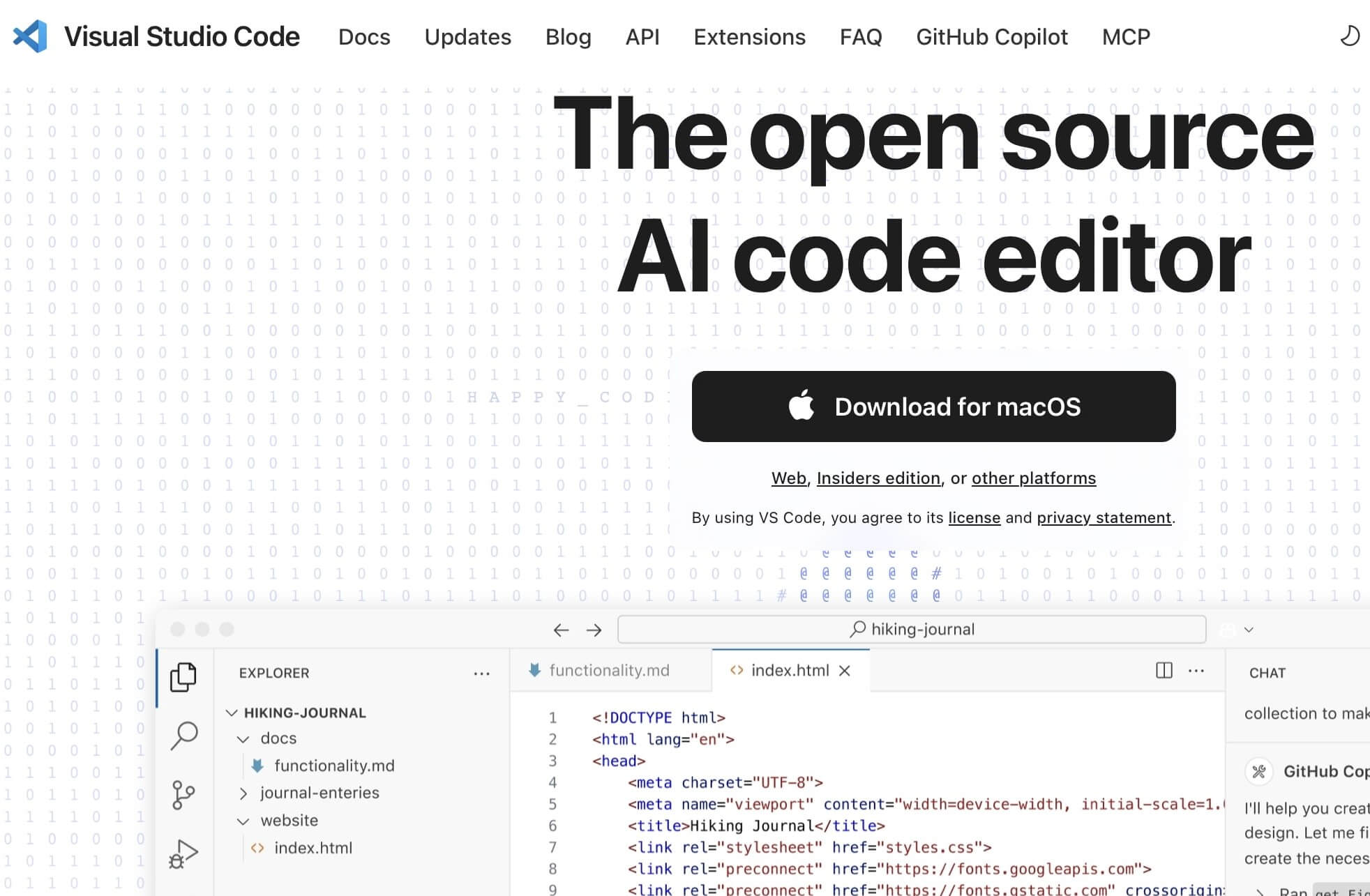
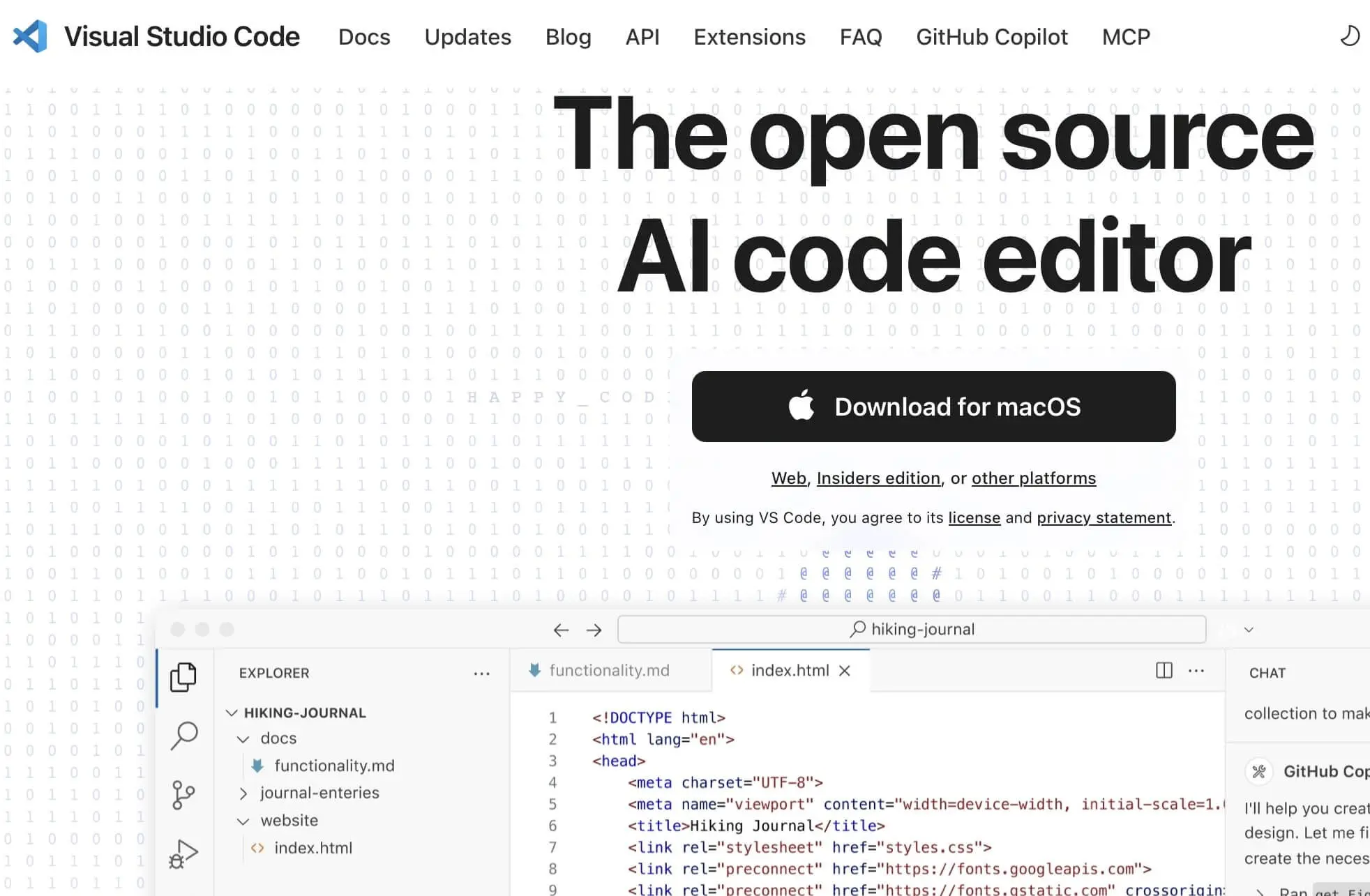
Thanks to the multitude of available themes, keyboard shortcuts, snippet libraries, and UI customizations, the editor is highly customizable. Developers who started with Dreamweaver’s graphical interface and now want to move into coding will find in VS Code a modern, future-proof alternative that grows with increasing demands without needing a commercial license.
| Advantages | Disadvantages |
|---|---|
| ✓ Flexible thanks to a huge selection of extensions and themes | ✗ No WYSIWYG support without an extension |
| ✓ Supports all modern web technologies | ✗ Learning curve for beginners |
| ✓ Integrated terminal, Git, and debugger | ✗ Memory-intensive with many extensions |
KompoZer
The web development software KompoZer originated from Mozilla’s Nvu project and is also based on the Gecko engine. Initially, KompoZer involved minor optimizations of the Nvu software until the program was eventually released as an independent web editor under the free licenses GNU GPL (GNU General Public License), GNU LGPL (GNU Lesser General Public License), and MPL (Mozilla Public License). The team from the Mozilla environment stopped development in 2010, yet the software is still usable on most common Windows and macOS systems as well as Ubuntu. As KompoZer is a 32-bit program, it is no longer compatible with newer macOS versions. Over 20 different language packs are available for KompoZer – including English, German, French, Italian, and Spanish.
Even though KompoZer is not among the Dreamweaver alternatives that can match Adobe’s program in terms of functionality and complexity, the open-source application still offers its users some features to help design professionally crafted websites:
- Powerful WYSIWYG editor that allows an easy switch between code and preview
- Integrated CSS editor including an import function for existing stylesheets
- Customizable menu bars
- Spell check and syntax highlighting
- Tabs for simultaneous editing of multiple pages
- Form wizard
- Integrated markup cleaner that checks your projects for W3C compliance
- FTP site manager including drag-and-drop functionality for media files like images
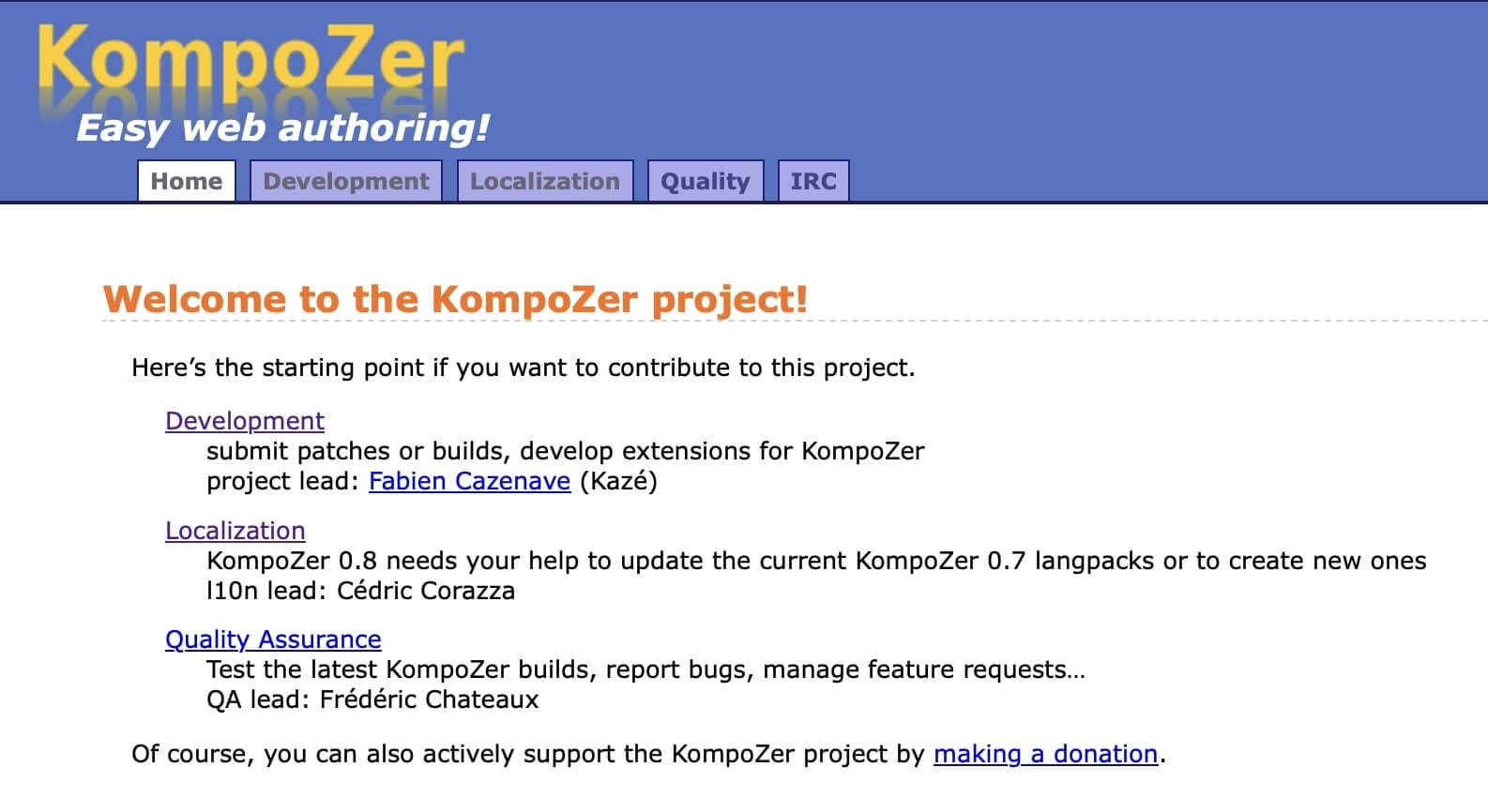
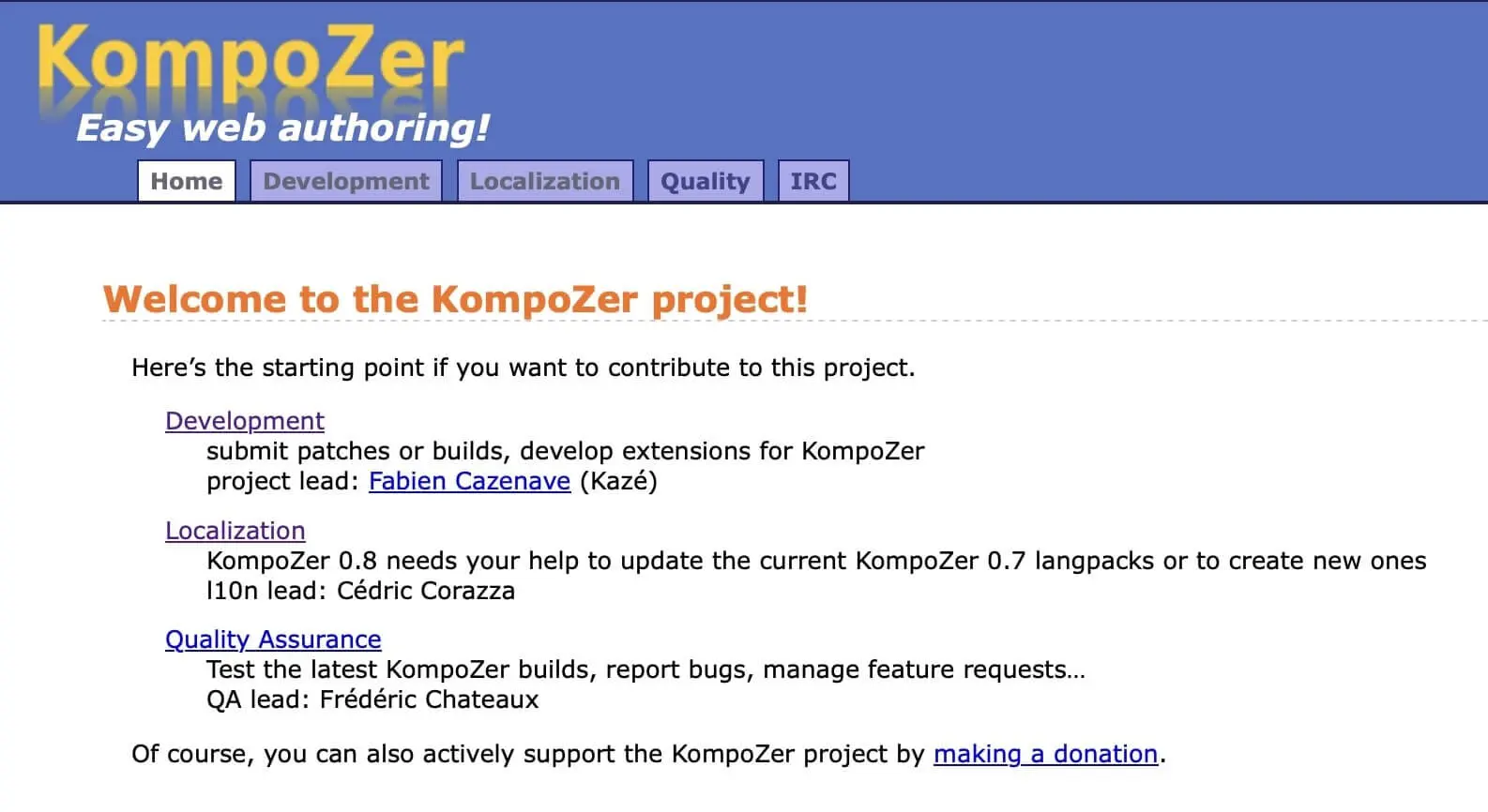
Additionally, the program offers a handful of useful extensions—such as a link checker to verify the validity of embedded links. As a potential Adobe Dreamweaver alternative, KompoZer still lacks support for PHP and newer web standards such as CSS3 and HTML5. You can find all download versions for different platforms as well as detailed documentation on the KompoZer website. There, you also have the option to report discovered bugs or submit suggestions for new features.
| Advantages | Disadvantages |
|---|---|
| ✓ Fast working WYSIWYG editor with preview function | ✗ Lack of support for PHP |
| ✓ Available in over 20 languages | ✗ Development halted |
| ✓ Program files are only a few MB | ✗ Does not support modern standards like HTML5 or CSS3 |
Phoenix
Phoenix is a modern, community-driven code editor that can be seen as a direct successor to the now discontinued Dreamweaver alternative Brackets. After Adobe officially discontinued Brackets in 2021, Phoenix was created by dedicated developers to preserve the potential of the popular editor while intentionally improving it. The software is under the MIT license and is actively developed. It is available cross-platform for Windows, macOS, and Linux and utilizes modern web technologies like HTML, CSS, or JavaScript, just like its predecessor. Phoenix features a modern UI that clearly takes cues from the original, but with a revamped architecture, performance optimizations, and updated libraries.
The editor is specifically aimed at front-end developers, but its open architecture and extensibility also allow for use in other areas. A highlight is the built-in live preview that automatically shows HTML and CSS code changes in real-time in the browser (e.g., Google Chrome) without manual reloading. This feature is supported by seamless integration with Node.js, enabling fast communication between the editor and the browser.
In addition, Phoenix can score with further features:
- Inline editors: CSS and JavaScript rules can be edited directly in the HTML document without switching files.
- Modern extension management: Additional features and themes can be easily installed through an integrated plugin interface. The community is actively working on new extensions, including syntax highlighting, formatting tools, or linters for HTML, CSS, and JavaScript.
- Cross-platform project management: Projects can be organized via tabs, and an integrated file manager allows for quick browsing and editing of directories.
Through its consistent development, familiar user experience, and focus on modern frontend workflows, Phoenix is currently one of the most attractive open-source Dreamweaver alternatives to Adobe Dreamweaver. It’s a worthwhile option especially for developers who value ease of use, live preview, and an active community.
| Advantages | Disadvantages |
|---|---|
| ✓ Continuous development by the community | ✗ Documentation is still incomplete in some areas |
| ✓ Focus on modern standards and performance | ✗ Limited support for server-side languages like PHP |
| ✓ Inline editors for CSS and JavaScript |
Aptana Studio
Aptana Studio is a free, integrated development environment from the company Axway. While official support has now been discontinued, the editor can still be downloaded from the official Aptana GitHub repository. The platform is based on the Java tool Eclipse and supports various programming languages in addition to JavaScript, HTML5, and CSS3, such as PHP, Python, and Ruby. Furthermore, Ajax libraries like jQuery, Prototype, or script.aculo.us can be directly integrated into the application and used in the development process.
In addition to broad support for programming languages and platforms, the web editor is distinguished by the following core features:
- Code assistant: The code assistant provides suggestions for possible arguments, properties, or methods and also shows the support of any HTML, CSS, and JavaScript elements of your web project in common web browsers.
- Integrated debuggers: JavaScript and Ruby on Rails debuggers are already implemented, helping to identify and fix errors in your web application.
- Deployment assistant: Aptana Studio offers a deployment assistant tool that supports you in uploading, downloading, and synchronizing your web project files via FTP, SFTP, and FTPS.
- Version control: You can easily link your web project with Git to ensure secure, collaborative work on the source code, as is possible online with GitHub.
- Integrated command line tool: With the built-in terminal, you can execute system commands directly in Aptana Studio.
- Flexible development environment: You can configure Aptana Studio according to your preferences and enhance the basic functionalities with scripts for standard commands, adding shortcuts to achieve optimal usability.
Thanks to its close integration with Eclipse, this free Dreamweaver alternative also offers basic features such as visual syntax highlighting, smart code completion, or the automatic closing of open tags. Additionally, Aptana Studio supports the latest web standards like HTML5.
| Advantages | Disadvantages |
|---|---|
| ✓ Support for various programming languages like Perl, Python, PHP, and Ruby | ✗ Numerous dependencies, including Java, Git, and Eclipse (in the plugin version) |
| ✓ Version control with the help of Git | ✗ User interface is very complex |
| ✓ Support for the latest web technologies | ✗ Installation only works with Node.js installed, which Aptana does not mention |
Pulsar
Pulsar is a community-developed fork of the editor Atom, originally developed by GitHub, whose official support ended in December 2022. Pulsar aims to retain the familiar elements of Atom while modernizing outdated dependencies and providing security updates and new features. The project is actively maintained and is available under the MIT License like its predecessor. Also, apm, the Atom Package Manager, is being further developed under the name ppm (Pulsar Packet Manager) to allow seamless management of packages. Pulsar is available for Windows, macOS, and Linux and supports numerous programming languages like HTML, CSS, JavaScript, PHP, Python, and more, following Atom’s original philosophy.
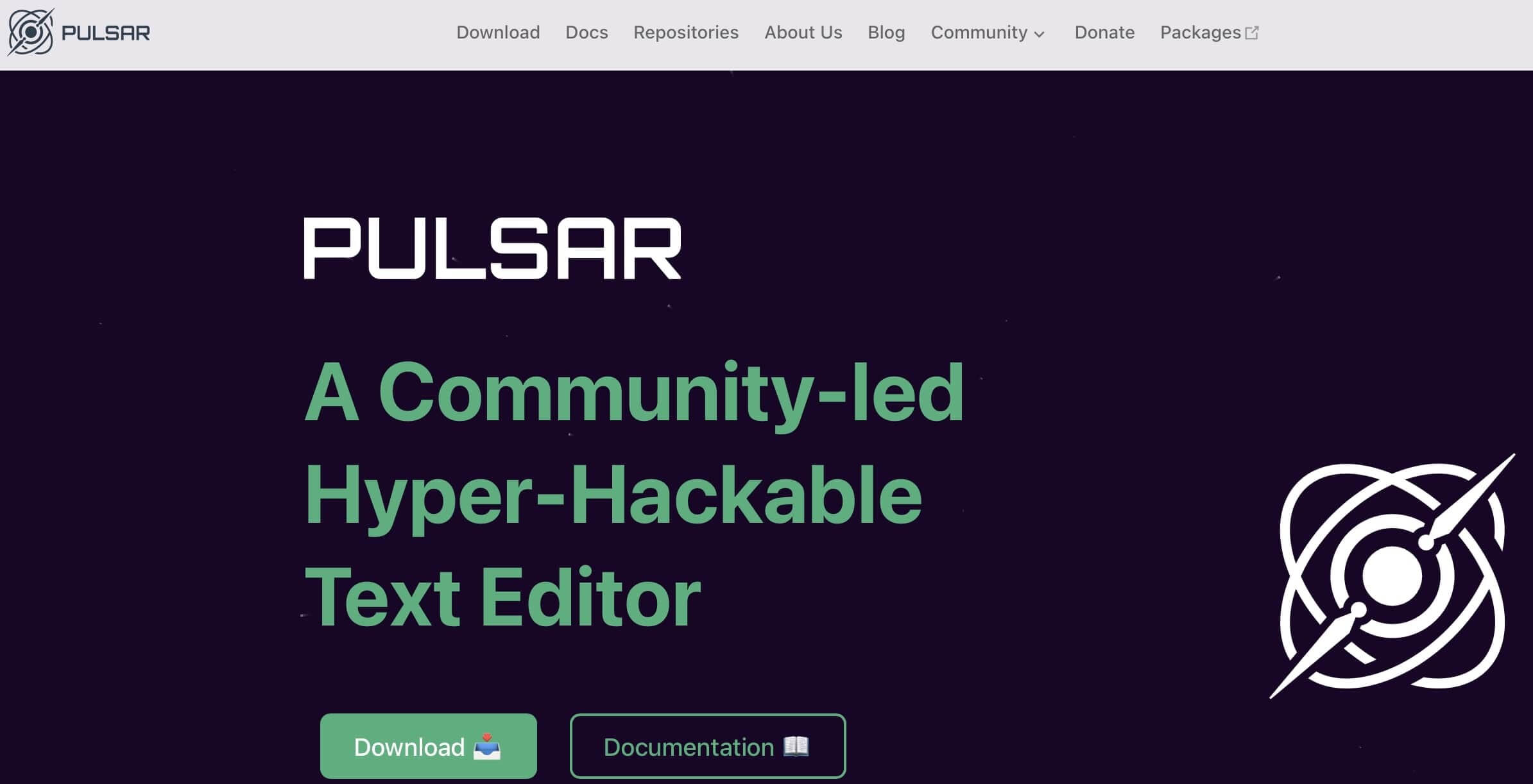
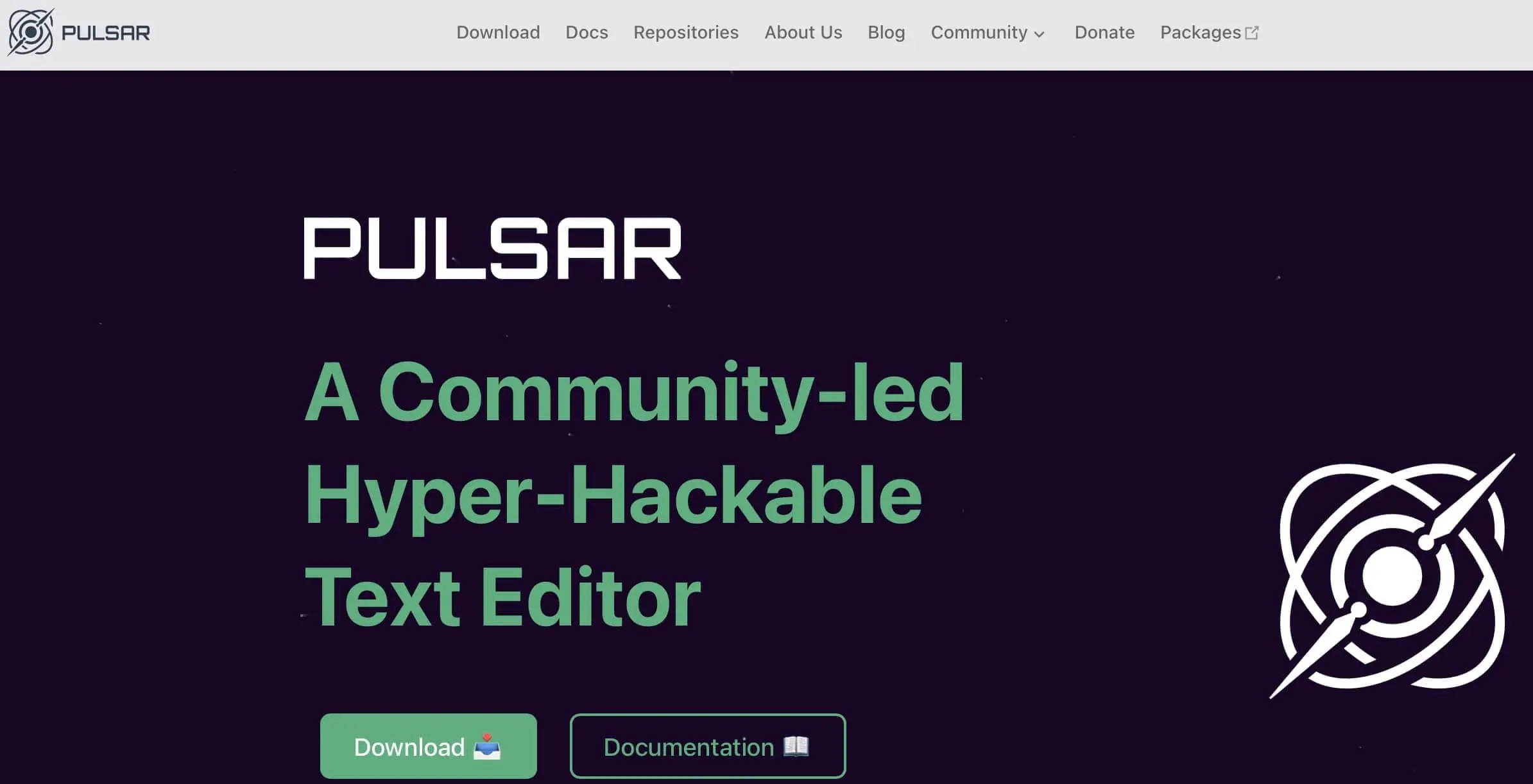
Pulsar’s greatest strength lies in the consistent continuation of its modular architecture: Existing Atom packages mostly continue to work and the community is constantly working on migrating important extensions. Well-known features include, among others:
- Intelligent auto-completion: The editor suggests suitable code snippets and functions while typing, which can be easily incorporated.
- Package management with ppm: Similar to apm, ppm allows installing, removing, and updating extensions directly in the editor or via the terminal.
- Git integration: Pulsar offers visual Git support for tracking and managing source code changes.
- Themes and UI customizations: The editor can be extensively customized both visually and functionally to suit individual needs and supports various color schemes and keyboard shortcuts.
Thanks to the active participation of former Atom users, the project continues to grow steadily. Comprehensive documentation can also be found on the website.
| Advantages | Disadvantages |
|---|---|
| ✓ Highly extensible | ✗ Incompatibility with older Atom packages |
| ✓ Integrated solutions for package management and version control | |
| ✓ Great programming language support |
Summary of the best open-source Dreamweaver alternatives
Adobe Dreamweaver offers programming beginners a comprehensive package for website development, featuring numerous tools and direct connections to the Creative Cloud, providing everything needed for the creation of a successful and artistically designed web presence. However, this comes with high complexity and ongoing costs. Additionally, Adobe software is not known as a resource-efficient solution. Experienced developers typically rely on editors that offer more flexibility.
The open-source Dreamweaver alternatives presented in this guide provide a middle ground between the modular approach of Adobe’s program and basic coding using a standard text editor. This is mainly due to the freely available source code, which grants open-source web editors their high flexibility. You can use a program like Pulsar either as a minimalist editor with syntax highlighting and code completion or as a comprehensive development environment, falling short of the commercial Dreamweaver in only a few areas.
On the other hand, you cannot expect the same level of stability with free solutions as promised by Adobe products. Professional software like Dreamweaver is continuously developed, ensuring the latest web standards and often offering—as with Dreamweaver—a comprehensive package refined over decades. If you encounter software issues or need assistance with your project, competent support is available. With free solutions, you rely on community help—whether it’s technical difficulties with the program or general development.
| HTML5 and CSS3 | PHP | Features | |
|---|---|---|---|
| VS Code | ✓ | ✓ | comprehensive development environment |
| Aptana Studio | ✓ | ✓ | JavaScript and Ruby-on-Rails debugger, based on Eclipse |
| Pulsar | ✓ | ✗ | Many additional packages |
| Phoenix | ✓ | ✓ | Inline editors for CSS and JavaScript |
| KompoZer | ✗ | ✗ | small file size |