

The best alternatives to MailChimp

Newsletters have been a tried and tested marketing tool for a long time and are usually sent by e-mail. With easy-to-use tools such as MailChimp, even beginners can organize large campaigns spanning a wide range of purposes in just a few clicks. In addition to the industry leader, recognizable by its winking monkey mascot, there are many other great MailChimp alternatives on the market.
It doesn’t matter whether you want to distribute your newsletters for e-mail marketing purposes or simply for providing information, there’s no getting around using special tools or online providers if you want to save time when creating and dispatching your newsletters. They facilitate the distribution and offer features that enable you to analyze a campaign’s success and design your newsletter. These online services are useful aids for marketers, freelancers, and bloggers.
What constitutes a good e-mail marketing tool?
Depending on whether you are launching a marketing campaign for a new product, keeping your club up to date with regular e-mails, or informing your blog’s readers about new articles, the requirements for the ideal newsletter platform will differ. However, you should always be on the lookout for certain basic features when looking for alternatives to MailChimp. E-mail marketing tools typically enable you to:
- Easily manage recipient lists by grouping them
- Individualize the way you address the recipient
- Plan delivery more accurately
- Design individual e-mails in HTML and CSS
- Use responsive design for sending to mobile devices
- Check readers‘ behavior using open rate and click rate
- Receive output analysis results
- Have data and legal security
- Make use of interfaces with connections to WordPress, Zapier, or Salesforce.
Combining these options makes it very easy to create successful e-mail campaigns. Good MailChimp alternatives enable you to create content that is tailored to your target audience, resulting in high opening rates.
- Intuitive drag and drop editing
- AI-powered text generation
- Multiple templates to choose from
What are the alternatives to MailChimp?
There are numerous programs on the market for newsletter tools. It’s not just the features that differ from program to program, but also user-friendliness and costs. MailChimp offers a good compromise when it comes to these three points: in particular, the clear structure, coupled with a flexible cost system (including Freemium system) appeals to many users. However, the following online companies also offer useful tools that help companies get to grips with their newsletter marketing.
GetResponse
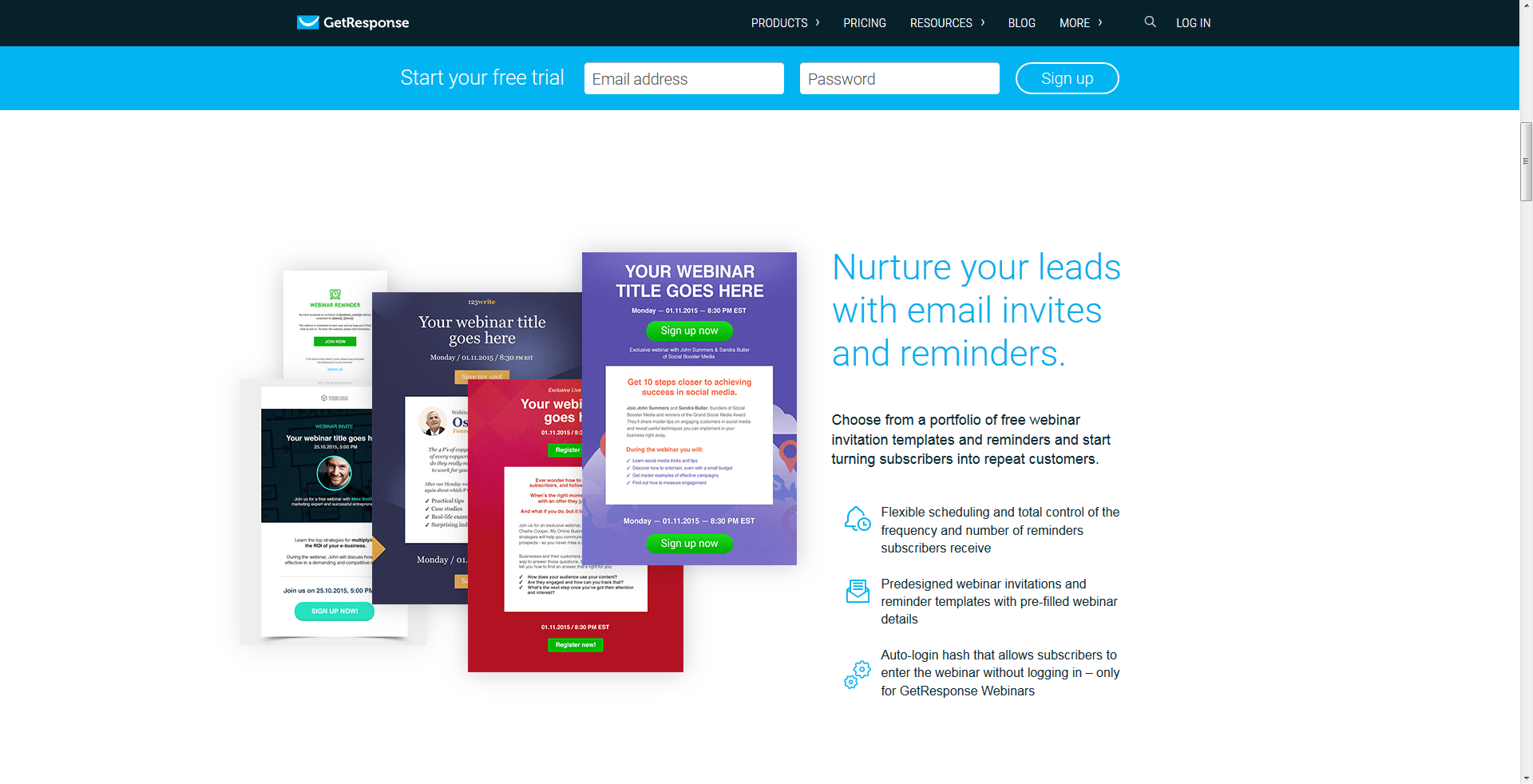
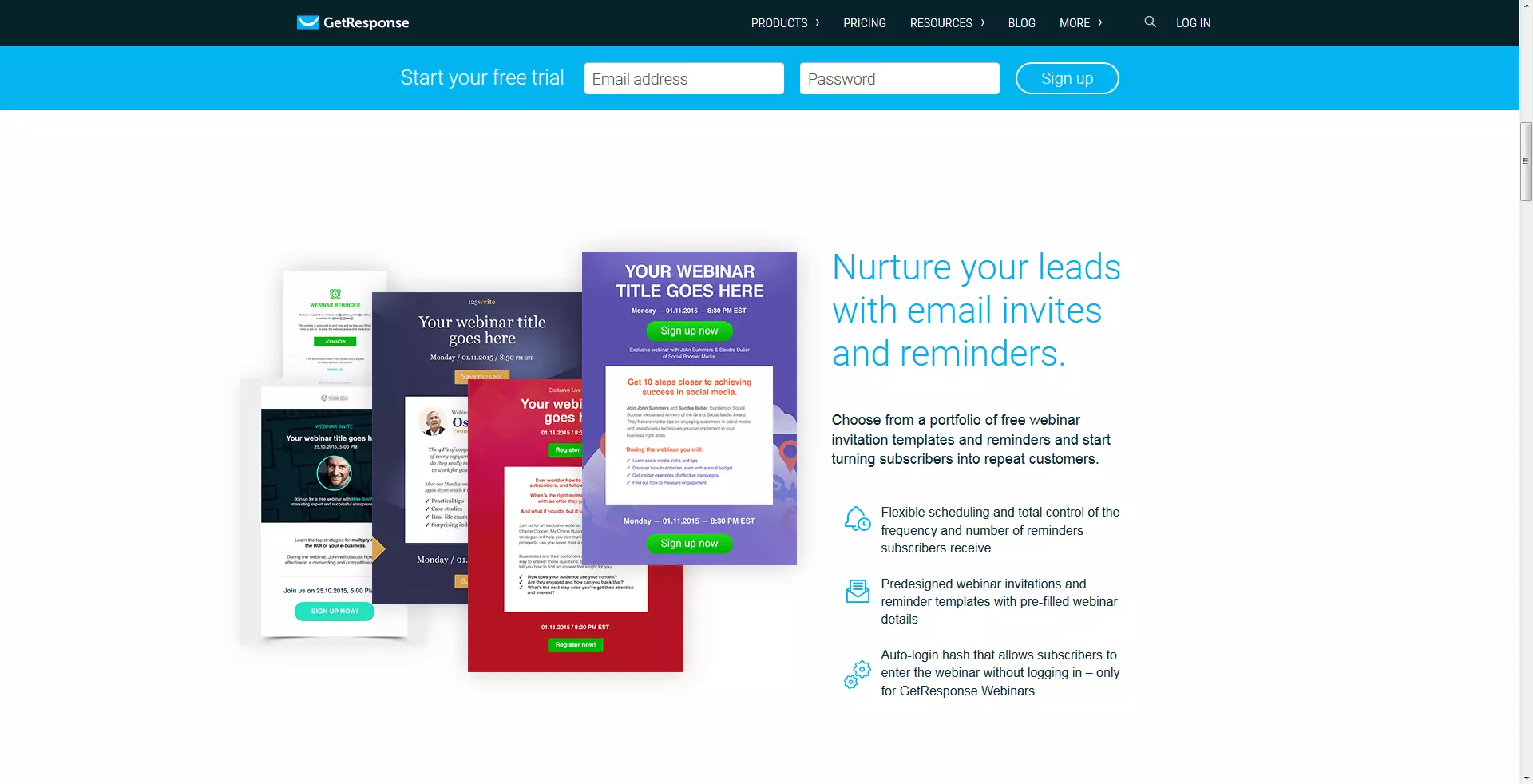
Founded in 1998 in Poland, this company has around 350,000 customers in over 182 countries. Originally launched as an auto response system, GetResponse offers companies numerous opportunities to optimize their online marketing. With this alternative to MailChimp, you can send newsletters, design a matching landing page, and even create your own web seminars. There are over 500 templates to choose from when designing your newsletter as well as 1,000 stock photos you can use to individualize your e-mails. To do this, you can use the drag-and-drop feature or HTML codes. It doesn’t take long to familiarize yourself with the interface. Since you can use it to create A/B tests and dynamic content, the tool is also an interesting MailChimp alternative for marketing specialists.
Dynamic content describes content that is displayed depending on the user. The user receives individualized texts and offers depending on the time of day, location, or their behavior regarding recent purchases. This makes the content better suited to the recipient, which in turn increases the chance of conversions.
When it comes to the price, GetResponse is slightly more expensive than its competitors. In addition, the company doesn’t offer a free starter trial. There is a one-month trial version, but customers are lead straight to the checkout where packages cost between $15 and $1,199 per month.
| Advantages | Disadvantages |
|---|---|
| Landing page generator | Even the least comprehensive model comes at a price |
| Photo archive | |
| Creation and distribution of webinars | |
| Perfect timing and dynamic content |
GetResponse offers a range of functions that aren’t necessary for beginners and small businesses who would fare better with more cost-effective tools offering fewer functions. Experts and large marketing departments, on the other hand, are more likely to be able to create landing pages without the help of the generator. GetResponse is, therefore, an especially good alternative to MailChimp for medium-sized businesses.
Emma
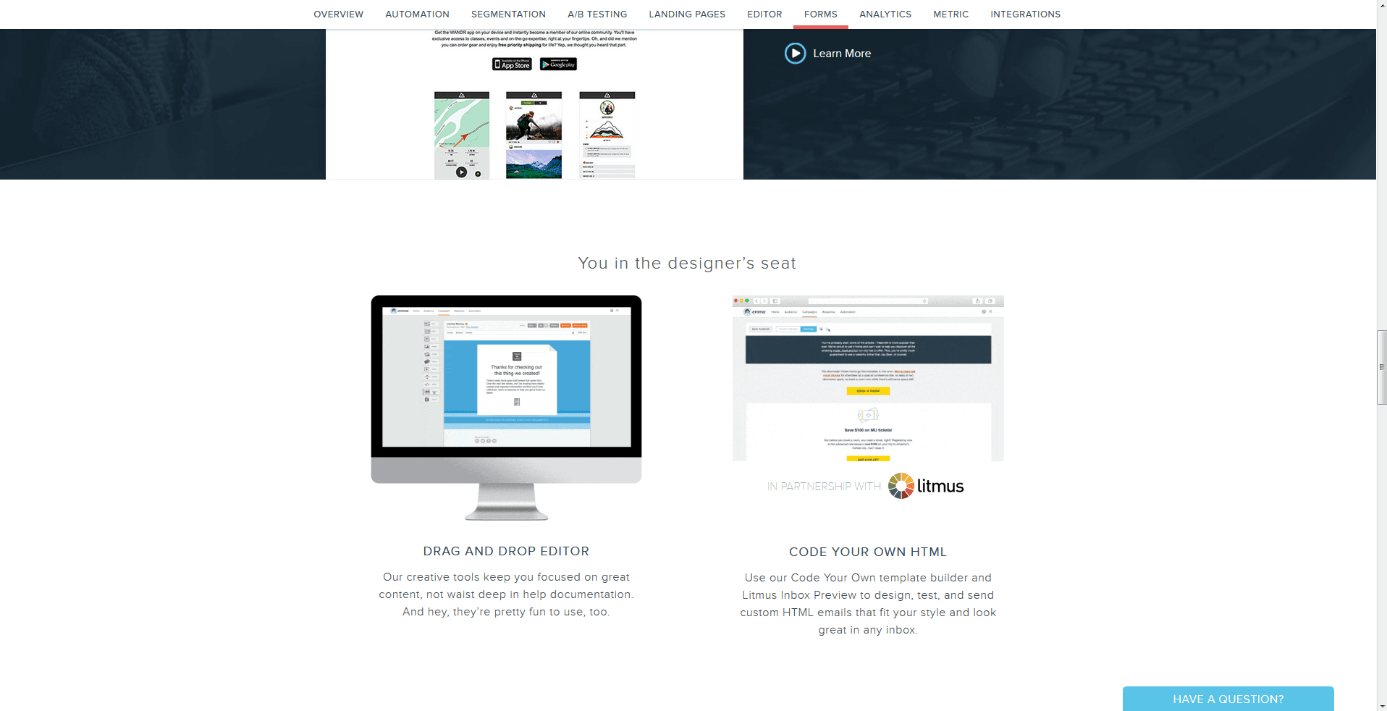
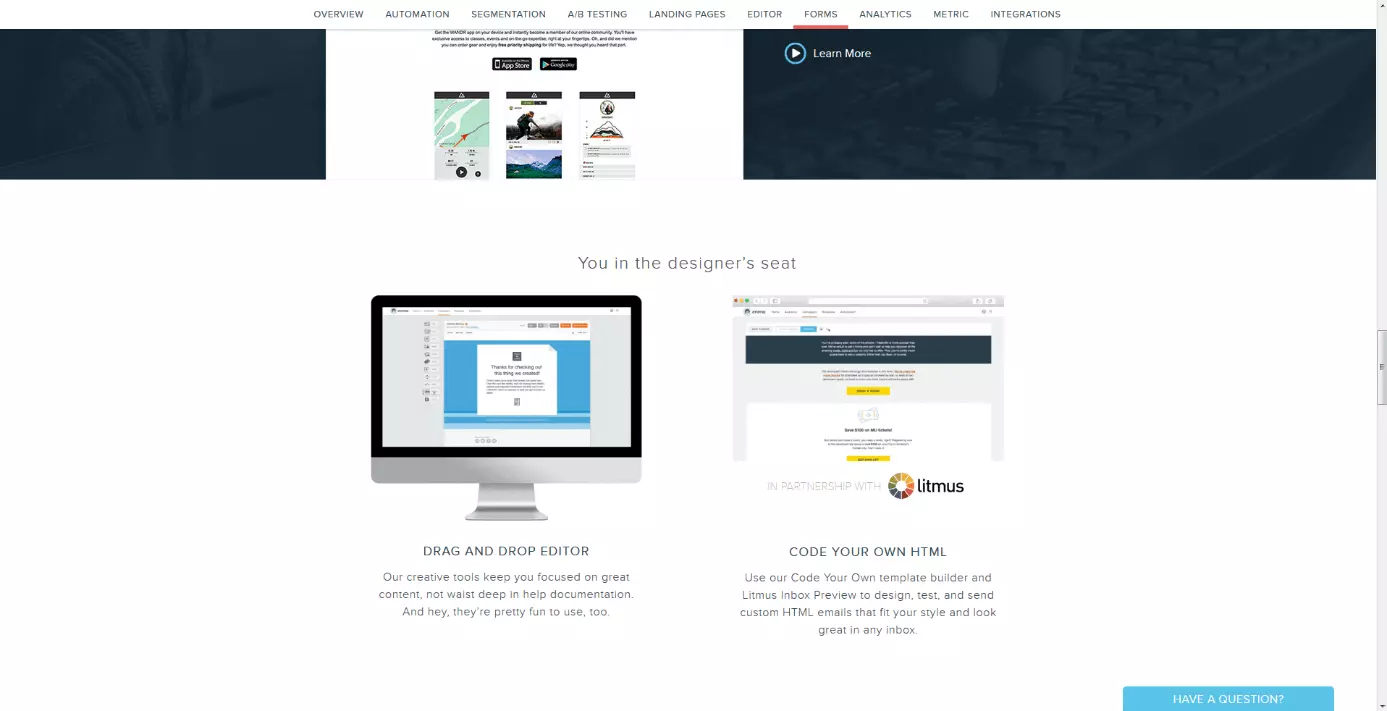
Emma was founded in 2003 and offers, for example, special deals for non-profit organizations or universities. Emma is similar to the competitors, GetResponse and MailChimp, regarding the range of functions and the program’s operation. The platform focuses on automatic dispatch: the perfect time for sending out the newsletter can be determined by evaluating user behavior. Even beginners can implement professional e-mail marketing. It’s especially useful to create a lightbox form to install on your website. Visitors can enter their e-mail addresses to receive the newsletter. You should, however, take the steep price into consideration. The cheapest option starts at $89 per month and increases up to $839 per month. Individual deals can prove even more costly.
| Advantages | Disadvantages |
|---|---|
| Landing page generator | Comparatively high costs |
| Advanced Automation | |
| Creation and distribution of webinars | |
| Cheaper options for charity institutions | |
| Lightbox form |
Emma is easy to use and offers important features for e-mail marketing including the lightbox form, automation, and dynamic content. This newsletter provider may prove too costly for beginners.
Constant Contact
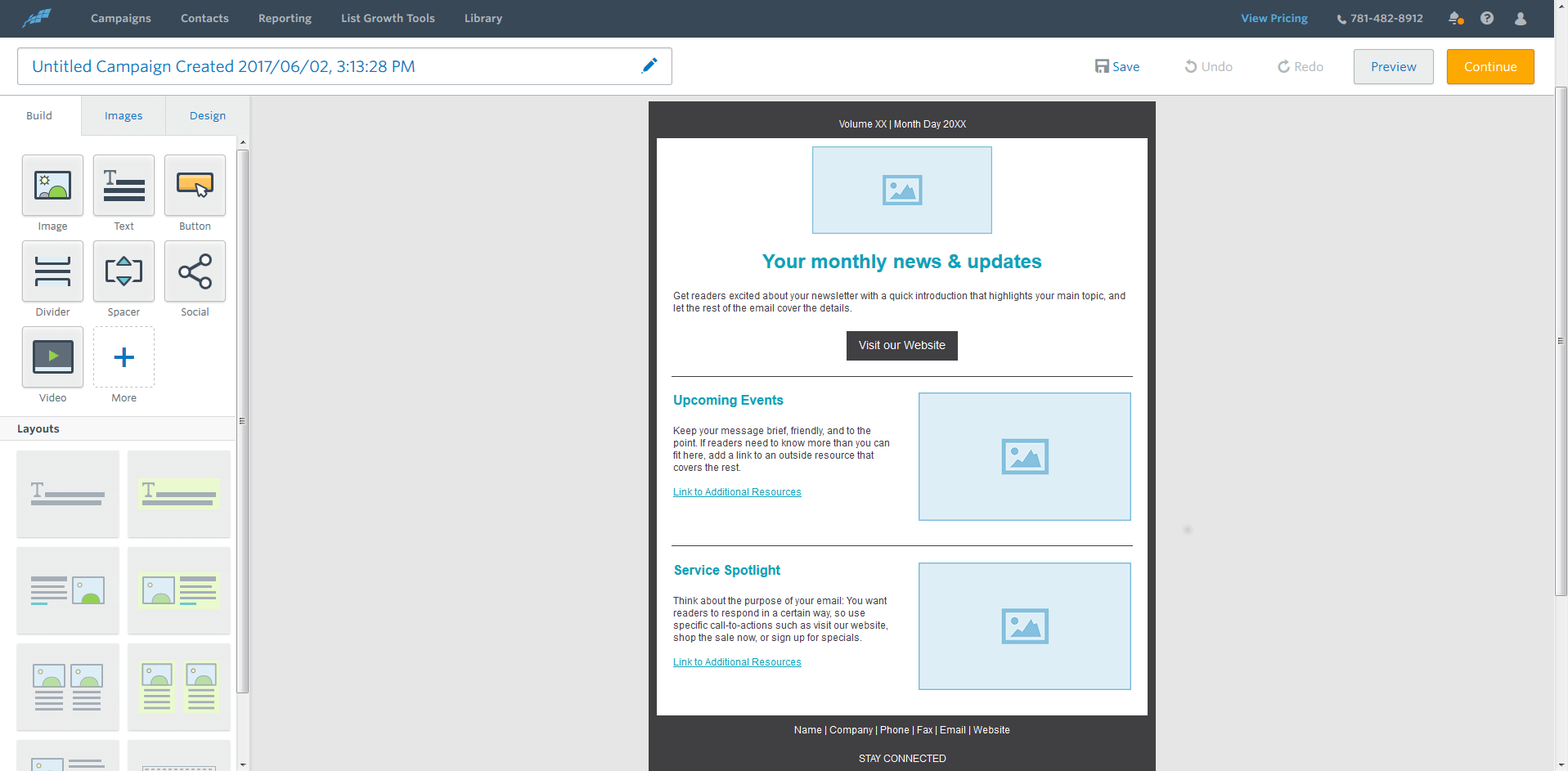
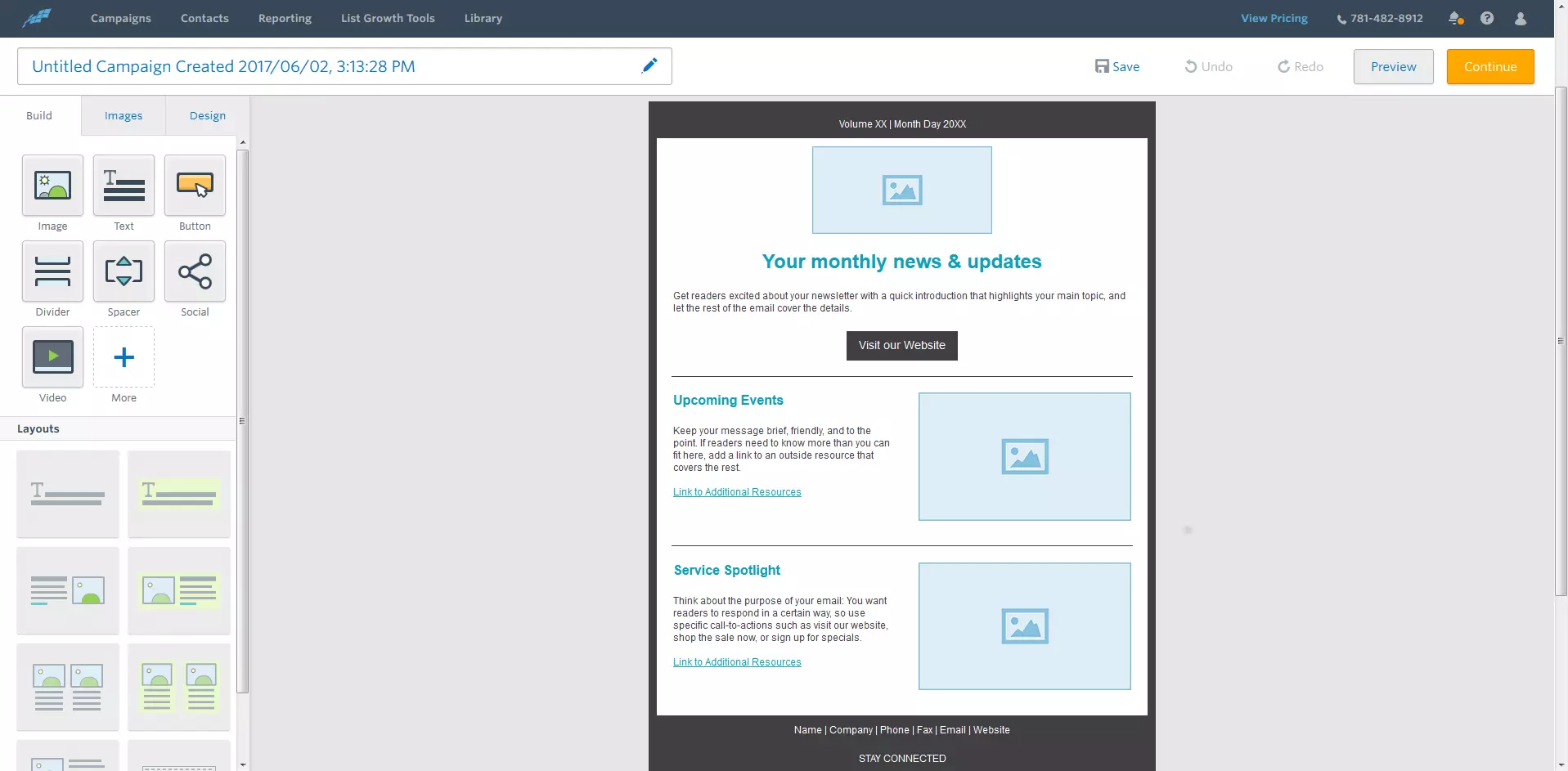
The US-based provider, Constant Contact, has been on the market for more than 20 years and is mainly aimed at smaller companies. In addition to sending newsletters, this MailChimp alternative offers a lot of learning material for prospective e-mail marketers, although much of it is well-known information. The useful features are those that you can use to create a WordPress plugin or a custom app for your Facebook page. This opens up a lot of opportunities, especially for small businesses, to receive e-mail addresses from potential customers.
Constant Contact does not offer anything exceptional, but nevertheless, it doesn’t come cheap: for $20 a month you can write to 500 recipients. Other providers have a better price-performance ratio.
| Advantages | Disadvantages |
|---|---|
| Easy operation | Comparatively high costs for beginners |
| Many additional marketing tips for companies | No modern features like dynamic content |
| Very flexible price model |
If you don’t need many additional features, Constant Contact is the right choice. The tool allows you to quickly create newsletters and develop your own e-mail designs. You can profit from the large knowledge database and webinars on the topic of e-mail marketing. The price is quite high, however, for the limited range of functions.
CleverReach
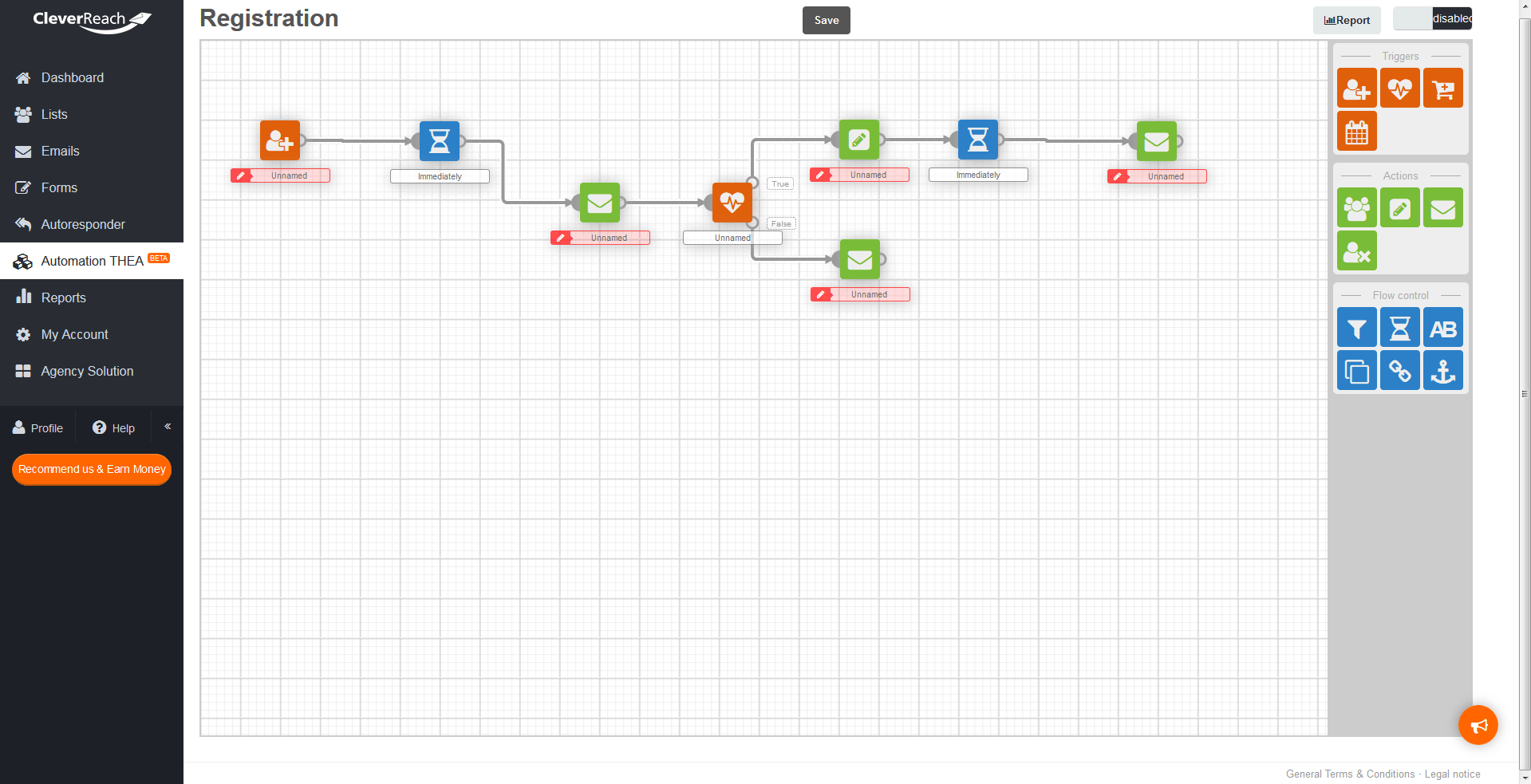
Already more than 200,000 customers use this German alternative to MailChimp. The operation is very intuitive and offers similar features to the competition. What’s quite special about CleverReach is THEA: behind the acronym you’ll find a planning tool for automating newsletter dispatch. Like on a drawing board, actions, waiting times, and events can be aligned to create the perfect sequence. Being a member of the CSA (Certified Senders Alliance) means that a global whitelist is guaranteed: e-mail providers won’t classify newsletters as spam. Just like with MailChimp, the introduction part is free with CleverReach. Each user can send 1,000 e-mails to 250 recipients. If you need more, you can upgrade bit by bit. The deluxe packet costs around $5500 and enables you to send 5 million e-mails to more than 75,000 recipients.
 nmediashutterstock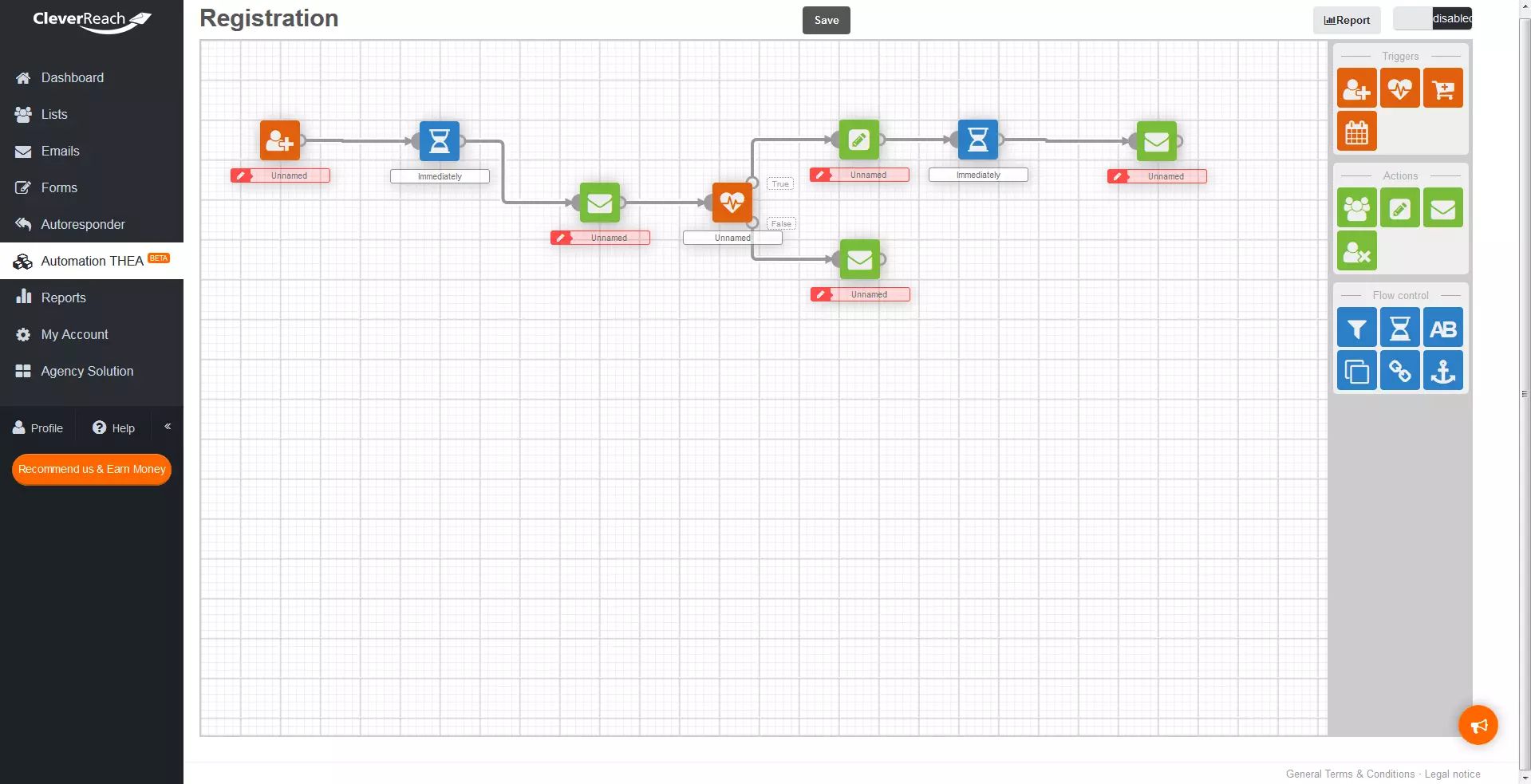
| Advantages | Disadvantages |
|---|---|
| Online seminars | No dynamic content |
| Automated sequences with THEA | |
| CSA certificate |
CleverReach is the right choice for all budget classes. Thanks to the THEA principle, inexperienced users can also create automation sequences. These sequences must, however, be prepared beforehand to determine when the newsletter should be sent out and under which conditions. On the one hand, this means you have more control and enables more accurate coordination, but, on the other hand, also requires more effort. Dynamic content is not available at CleverReach.
SendInBlue
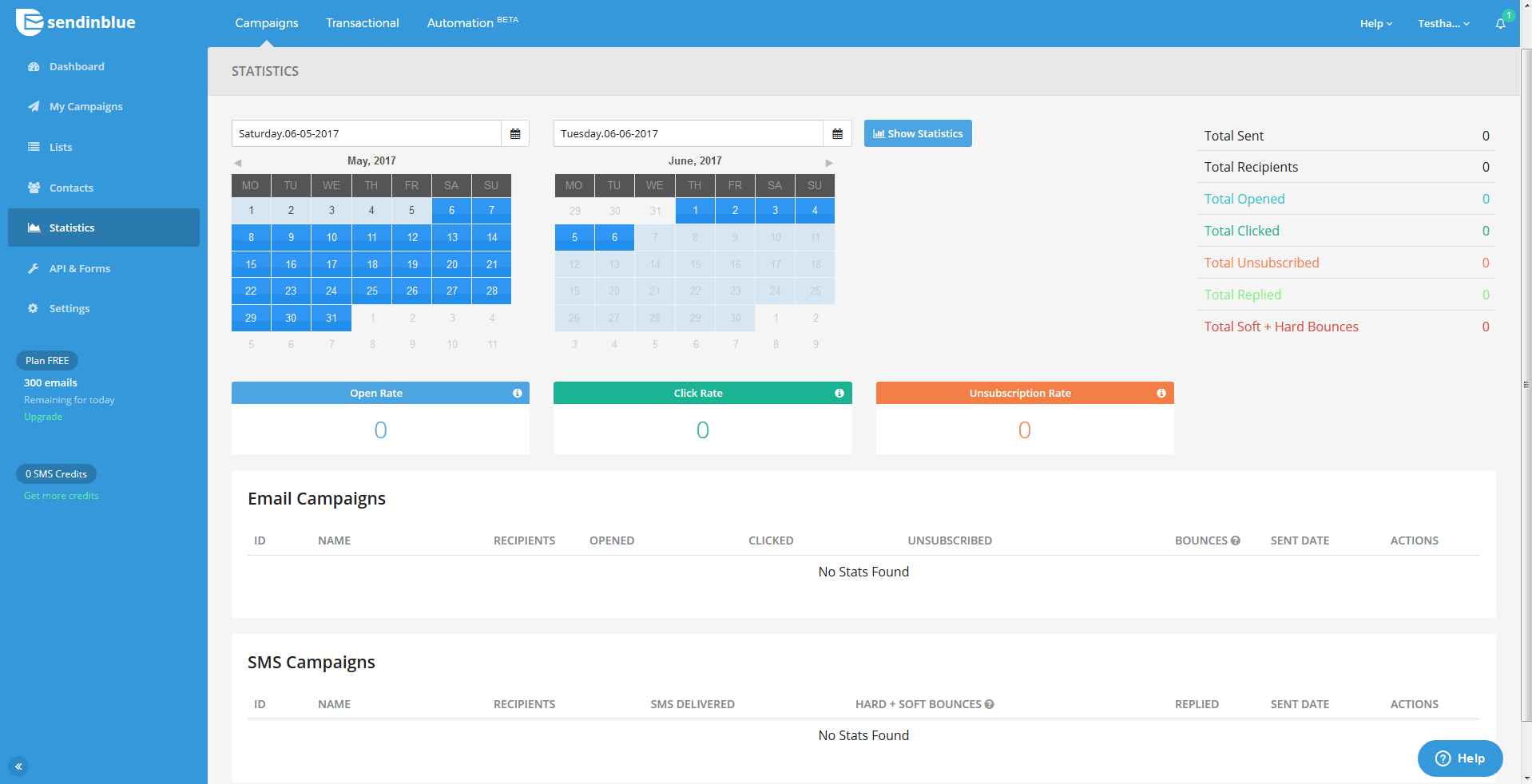
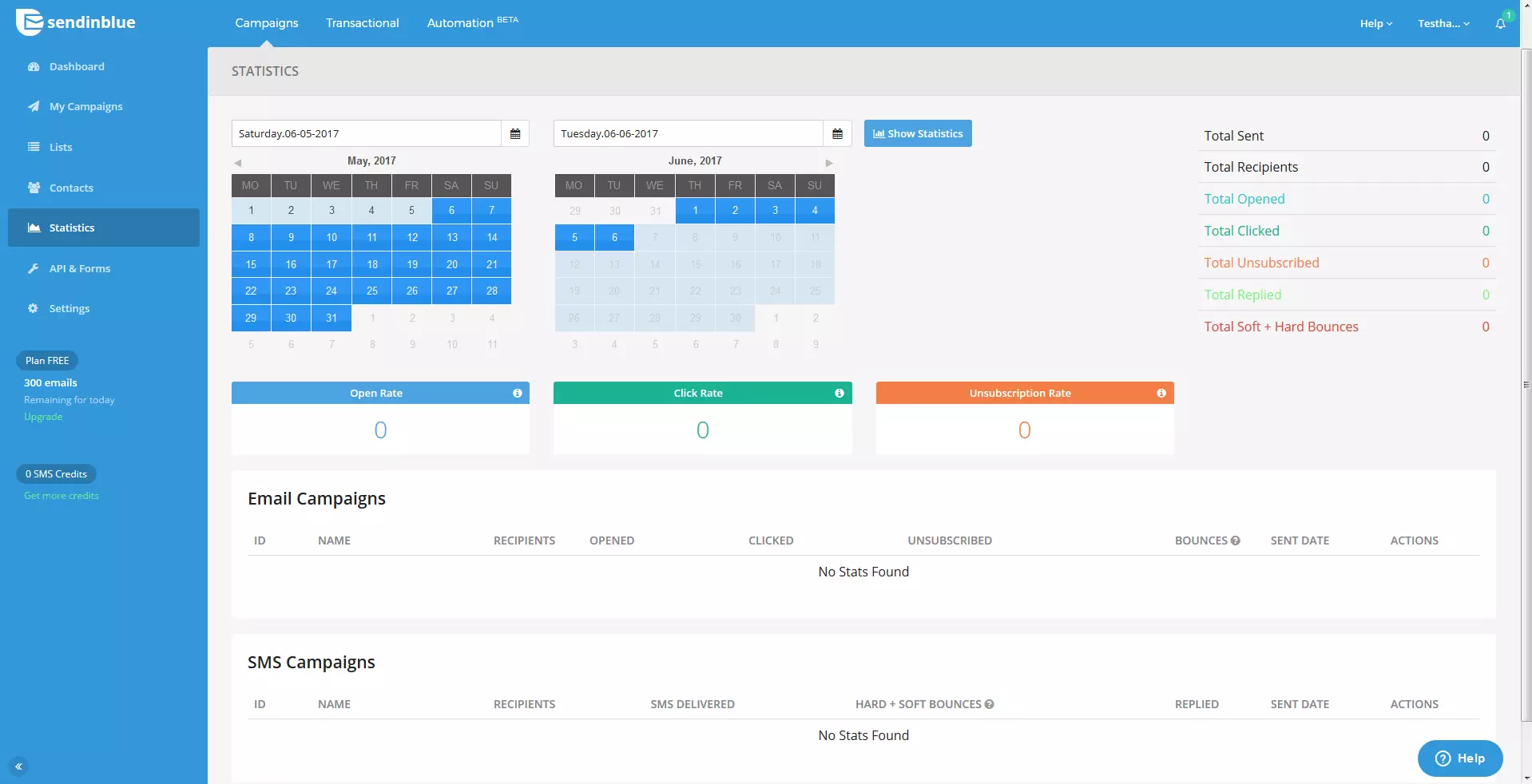
The newsletter service, SendInBlue has been impressing customers with its extremely low prices since it was founded in 2012. The free model allows you to send 9,000 e-mails (with a daily limit of 300) to an unlimited number of recipients – this much isn’t offered by any other provider. The feature for creating SMS newsletters is also not found in many MailChimp alternatives. This option costs extra, but rather than having a flat rate, the cost depends on the number of SMS you want to send. SendInBlue has no other extras, but that’s to be expected at such a low price. SendInBlue (just like CleverReach) also possesses the CSA certificate, which ensures that the carefully prepared newsletters are actually sent to the recipient’s inbox.
| Advantages | Disadvantages |
|---|---|
| Very cheap | No dynamic content |
| SMS newsletter | Little automation |
| CSA certificate |
SendInBlue is especially suited to beginners and small businesses as an alternative to MailChimp. Although there are few professional marketing features, it’s good for those starting out in e-mail marketing due to its low costs
A comparison of MailChimp alternatives
Many MailChimp alternatives have it all: depending on how big your budget is, you can get everything from a simple newsletter provider to a full-fledged marketing machine. CleverReach and SendInBlue fare particularly well in comparison: they offer a very reliable service at a low price, although they still have a way to go when it comes to dynamic content. Here is a final overview of the newsletter platforms mentioned above.
| MailChimp | IONOS | GetResponse | Emma | Constant Contact | CleverReach | SendInBlue | |
|---|---|---|---|---|---|---|---|
| Templates | ✓ | ✓ | 500 | >100 | >400 | ✓ | ✓ |
| HTML/CSS | ✓ | ✓ | ✓ | ✓ | ✓ | ✓ | ✓ |
| Segmentation | ✓ | ✓ | ✓ | ✓ | ✓ | ✓ | ✓ |
| Dispatch planning | Timewarp | Marketing Automation | Perfect Timing | Advanced Automation | ✓ | THEA | Marketing Automation |
| Tracking | ✓ | ✓ | ✓ | ✓ | ✓ | ✓ | ✓ |
| A/B-Test | ✓ | ✓ | ✓ | ✓ | x | ✓ | x |
| Dynamic Content | ✓ | ✓ | ✓ | ✓ | x | x | x |
| Interfaces | ✓ | ✓ | ✓ | ✓ | ✓ | ✓ | ✓ |
| CSA certificate | x | ✓ | x | x | ✓ | ✓ | ✓ |
| Price | $0 – $230 | $4 - $30 | $154 – $1199 | $89 – $839 | $20 – $125 | From $0 | $0 – $55 |
Design options, analysis possibilities, and automation can be very important for successful newsletter marketing, but you still have to write your own content. The newsletter needs to be appealing so that the recipient actually wants to read it. For tips on how to do this, read our article on the topic of newsletter creation.