
What are the best Microsoft Office alternatives? 7 solutions compared

Free and affordable alternatives to Microsoft Office offer many essential office features like word processing, spreadsheets, and presentations—often as web or cross-platform apps. Popular choices are well-suited for personal or educational use but they can also serve as a complete alternative office suite.
An overview of the Microsoft Office alternatives
| Available for | Desktop apps | Can save current Microsoft formats | |
|---|---|---|---|
| Microsoft Office Online | Browser | ✗ | ✓ |
| Google Workspace | Browser | ✗ | ✓ |
| LibreOffice | Windows, macOS, Linux, Android, iOS | ✓ | ✓ |
| WPS Office | Windows, macOS, Linux, Android, iOS | ✓ | ✓ |
| Calligra Office | Windows, macOS, Linux, FreeBSD | ✓ | ✗ |
| SoftMaker FreeOffice | Windows, macOS, Linux, Android, iOS | ✓ | ✓ |
Microsoft Office Online
Microsoft Office Online is the free web version of the well-known Microsoft 365 applications. You can work directly in the browser with Word, Excel, PowerPoint, or OneNote—no installation required. All you need is a Microsoft account.
The advantage is that you can edit your documents from anywhere as long as there is an internet connection. Office Online is especially great for real-time collaboration since multiple people can work on a document simultaneously and see changes live. No updates are necessary—the web apps are always up-to-date and therefore also have access to the latest Copilot features, which make it possible to automate various steps in Word and other Office applications.
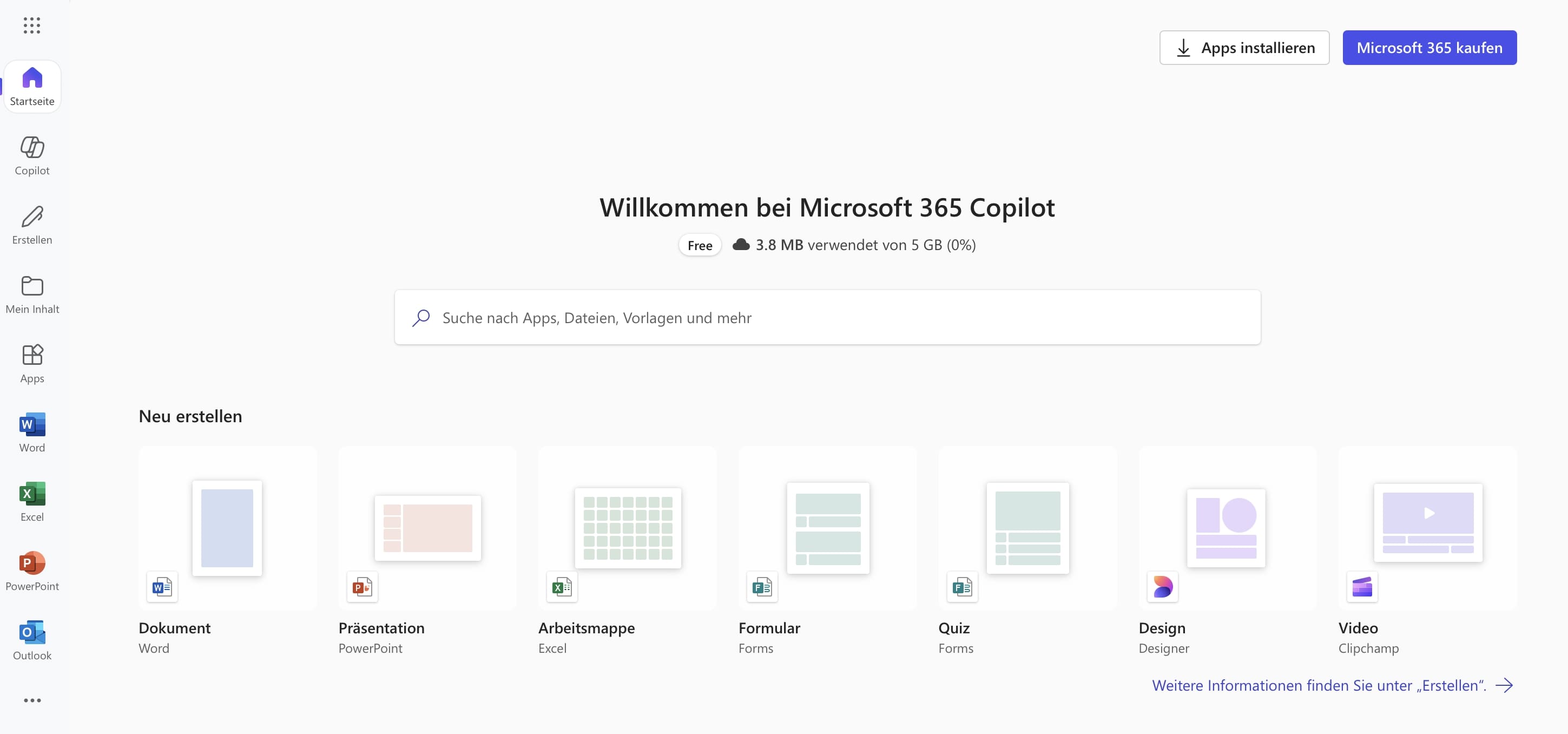
However, Microsoft Office Online also has some limitations. The features are more limited than in the desktop versions—complex formatting, macros, or add-ins are only available to a limited extent. Additionally, it relies on the internet, and documents are stored in the Microsoft Cloud (OneDrive), which might deter privacy-conscious users.
| Advantages | Disadvantages |
|---|---|
| ✓ Free and usable without installation | ✗ Limited functionality |
| ✓ Platform-independent, usable through the browser | ✗ Dependent on internet connection |
| ✓ Real-time collaboration possible | ✗ Storage on Microsoft servers |
Powerful Exchange email and the latest versions of your favorite Office apps on any device — get started with our free setup assistance.
Google Workspace
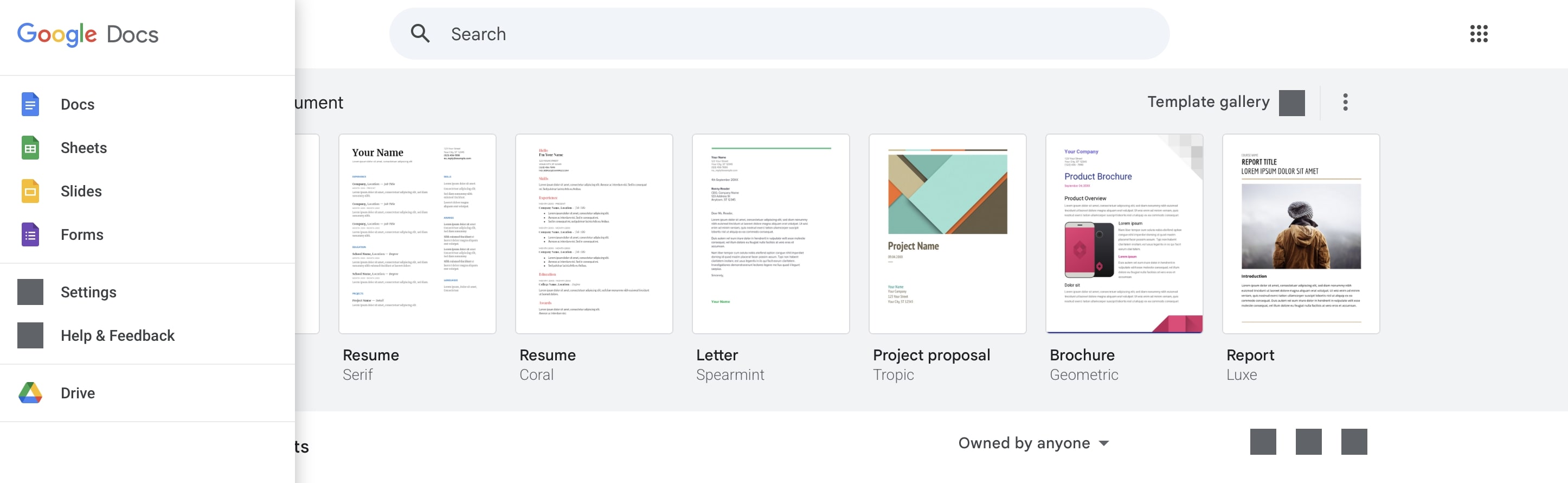
The online applications from Google Workspace are available for private users free of charge. Thus, you can generally use the suite as a free alternative to Microsoft Office. Besides the three classic office applications Docs (text), Sheets (spreadsheets), and Slides (presentations), the suite also includes the popular email program Gmail, the cloud storage Google Drive, and collaboration tools like Google Meet and Google Chat. All you need to use it is a valid Google account. A monthly subscription is only required if you need advanced functionality or want to use premium features. The integrated AI assistant, Gemini, helps you summarize content, analyze data, and generate text whenever you need it.
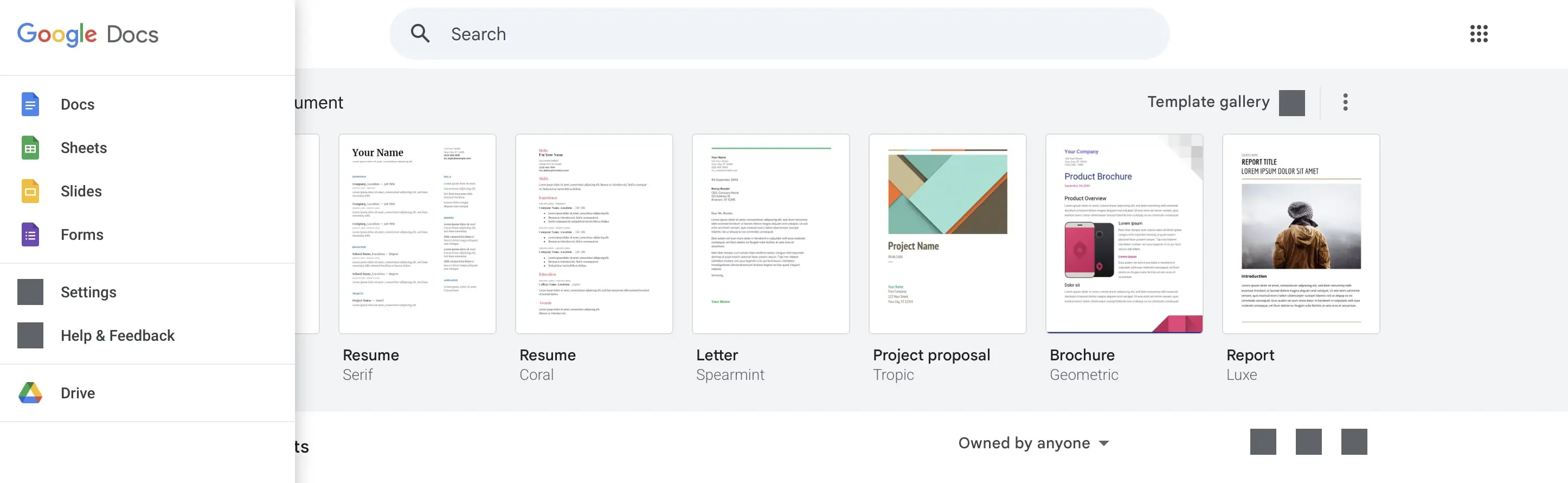
The Google Workspace apps allow you to open and save documents in current Microsoft 365 formats—though there may be occasional minor formatting or layout errors. This is mainly because Google applications have significantly less formatting flexibility and fewer features. Another slight drawback: you store and edit your files online on Google’s servers, and therefore, you have no control over security and data privacy.
| Advantages | Disadvantages |
|---|---|
| ✓ Many tools available | ✗ Fewer features |
| ✓ Easy to use | ✗ Concerns about data protection and security |
| ✓ Direct connection to Google Drive |


LibreOffice
LibreOffice is a derivative of OpenOffice, which is why it resembles the office package in many ways. Unlike OpenOffice, LibreOffice can also save files in .docx-, .xlsx-, and .pptx-format. In practice, however, there are sometimes minor shifts in the layout. There are significantly more updates for LibreOffice than for OpenOffice, making the package particularly interesting for users who like to stay up-to-date and try the latest versions.
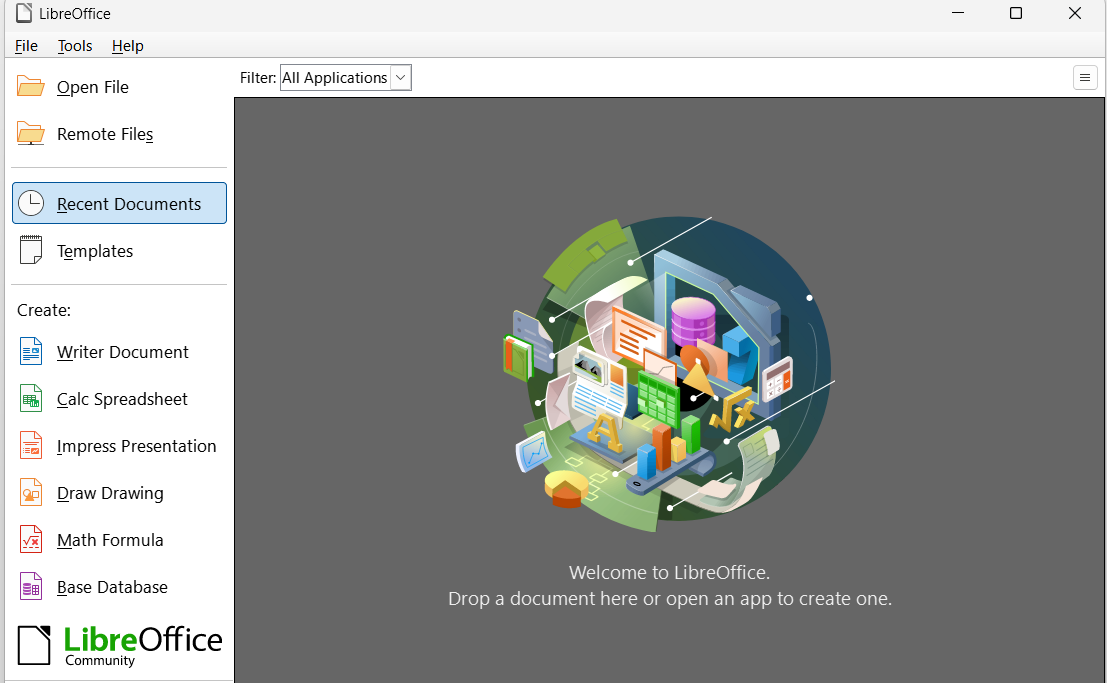
However, the LibreOffice development team has occasionally integrated undeveloped features into its software in the past, or errors occurred during the development of new features. Since these issues are usually resolved in the next version, the software still ranks among the best Microsoft Office alternatives. Like OpenOffice, LibreOffice works on Linux, Windows, and macOS. Additionally, LibreOffice offers a viewer for Android and a document editing app for iOS.
| Advantages | Disadvantages |
|---|---|
| ✓ Also saves .docx, .xlsx, .pptx | ✗ Sometimes layout shifts |
| ✓ Regular updates | ✗ Occasionally integrates undeveloped features |
| ✓ Apps for Android and iOS |
WPS Office
WPS Office is a free to use Microsoft-365 alternative, comprising a word processor, a presentation creator, and a spreadsheet program. WPS Office is compatible with Microsoft Office file formats, and the suite also utilizes the Ribbon interface instead of a traditional menu. The office suite is available for Windows, macOS, and Linux as well as for iOS and Android. Advantages of WPS also include tabs, which make switching between documents easier, and the Paragraph Layout Tool, which simplifies designing individual paragraphs.
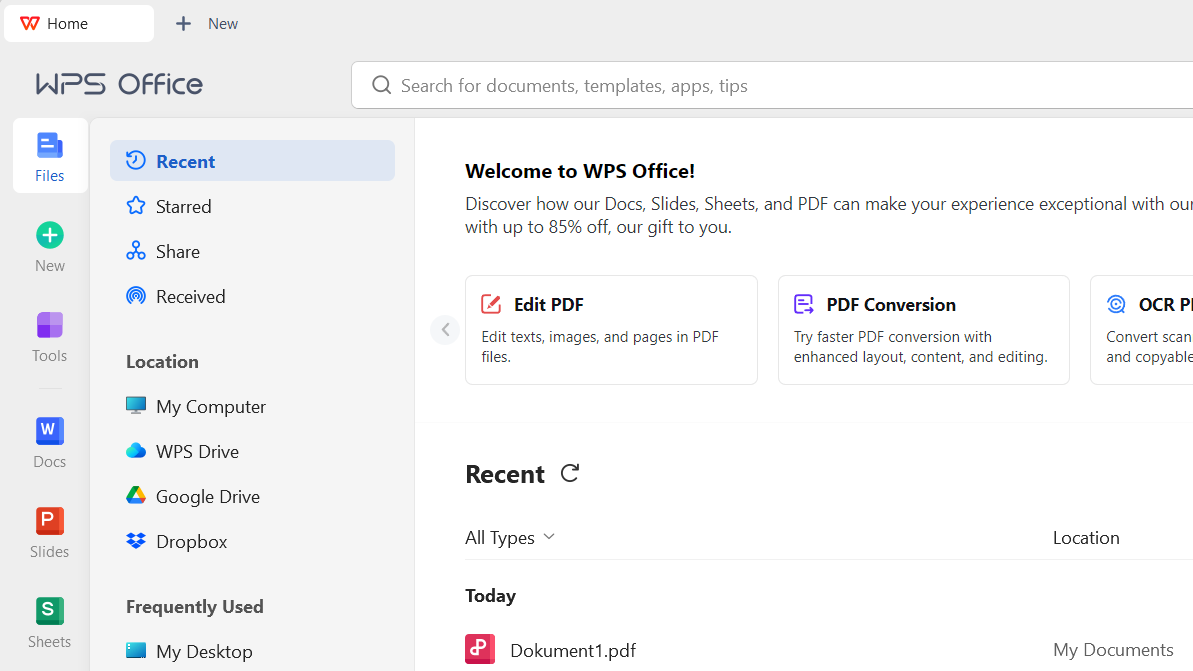
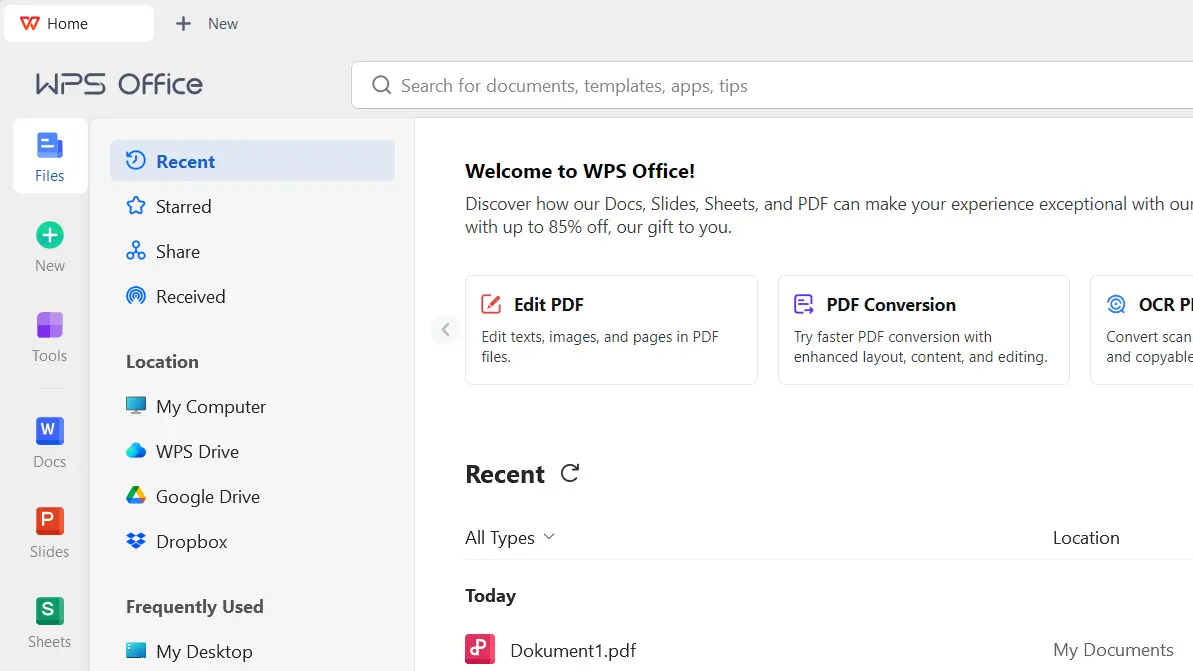
Unique features also include the eye protection mode, which turns the background a soft green, and the dark mode, which changes the background to a medium gray. WPS 365 offers an online version that allows for collaborative document editing. Some users may find it disadvantageous that certain features, like extensive PDF editing functions, cloud storage, A features, or an ad-free interface, are only available with a paid monthly subscription (WPS Pro or WPS AI).
| Advantages | Disadvantages |
|---|---|
| ✓ Can also save .docx, .xlsx, and .pptx | ✗ Ads |
| ✓ Paragraph layout tool | ✗ Advanced options only in paid version |
| ✓ Flexibly customizable interface |
Calligra Office
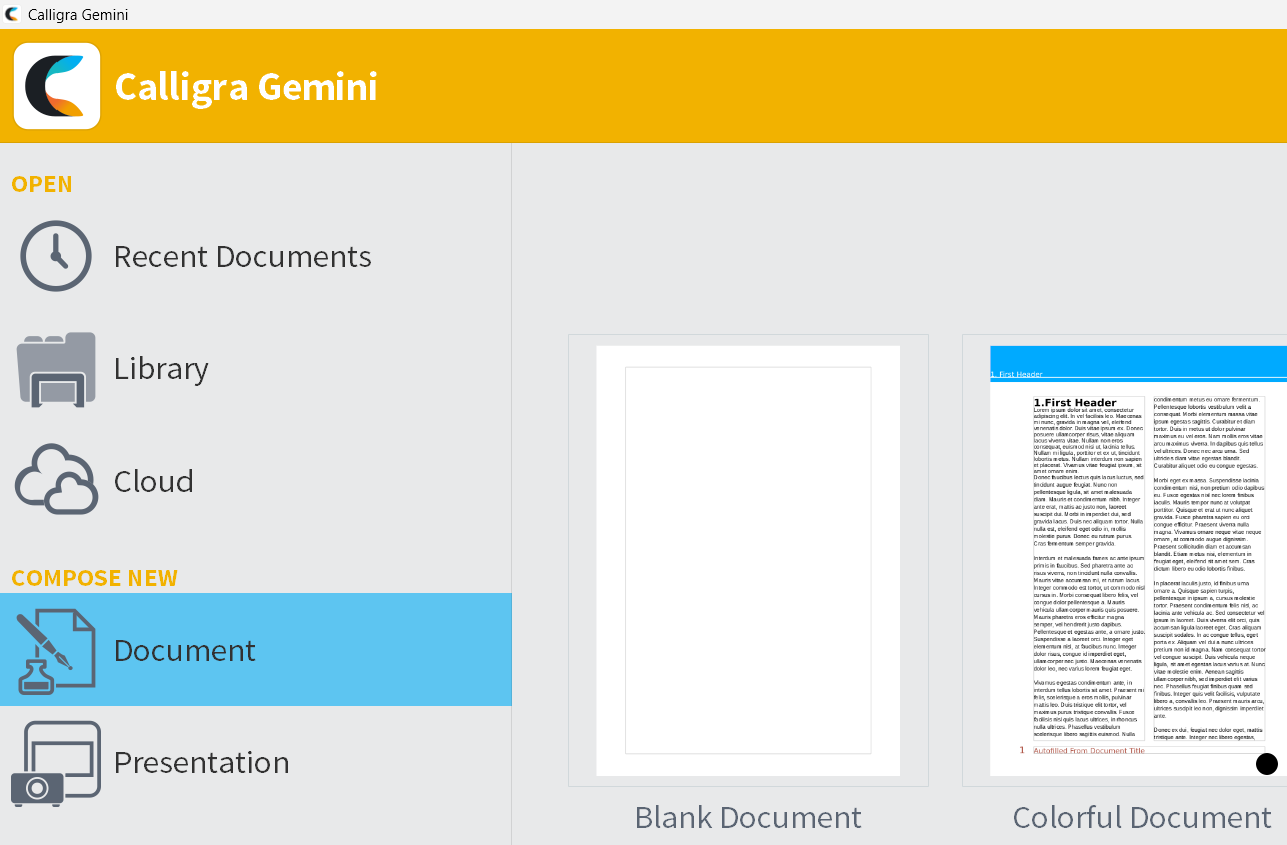
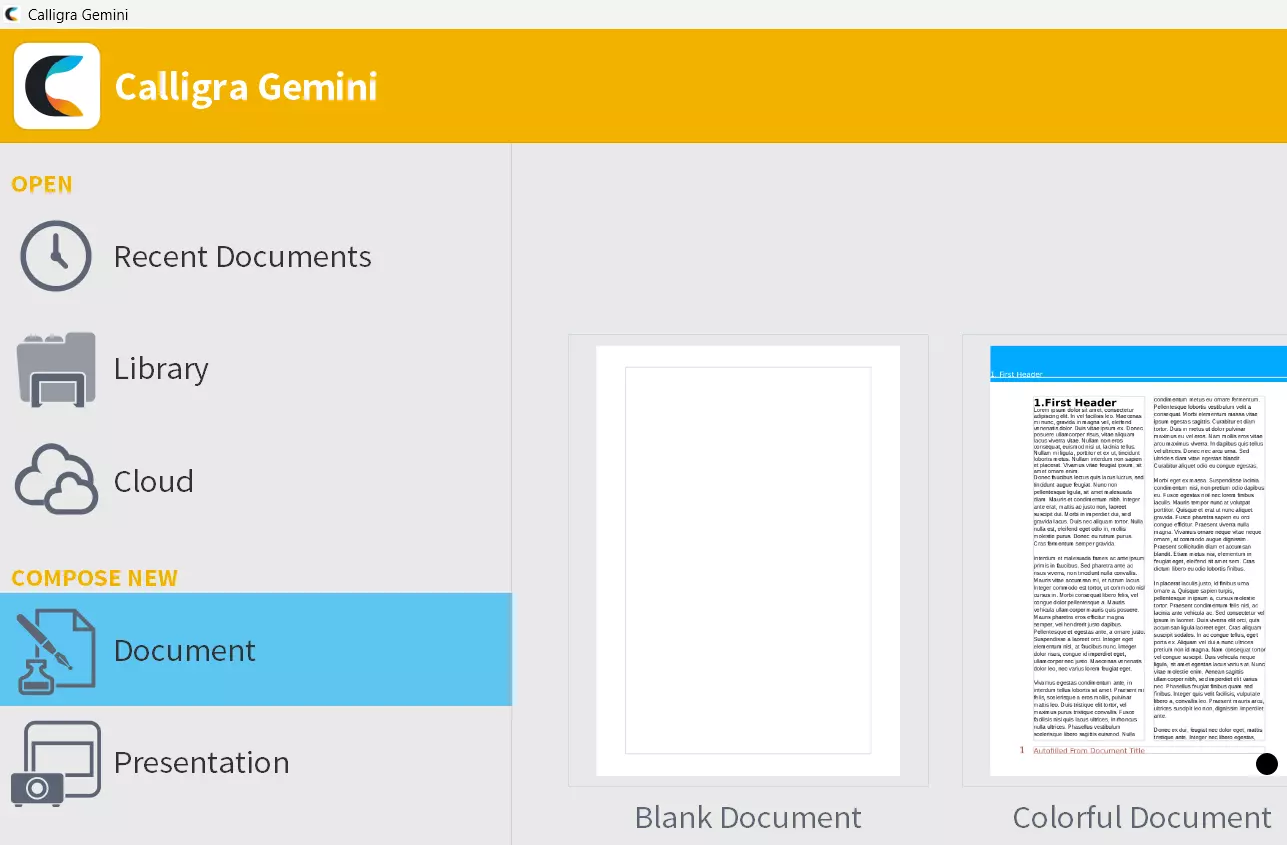
Calligra is available for Windows, macOS, FreeBSD, and Linux, with the suite designed particularly for Linux systems. The full range of programs doesn’t include the alternative to Microsoft Office in all editions. For instance, Windows users only have access to the word processing program (Words) and presentation creation (Stage). Apps like the spreadsheet (Sheets) or the project management tool (Plan) are reserved for Linux users. The programs are comparable to those from OpenOffice and LibreOffice, but they offer significantly fewer features. Calligra can open Microsoft Office file formats but cannot save them.
The drawing program Krita is now published by its own foundation, but it is still closely linked to the Calligra Office package. All Krita developers are members of the KDE Community, which also develops Calligra Office. Krita is especially known for its variety of brush options and an interface that allows for quick adjustment of the workspace to suit the current project.
| Advantages | Disadvantages |
|---|---|
| ✓ Very good drawing programs | ✗ Works well only on Linux |
| ✓ Developed by an active community | ✗ Cannot save Microsoft Office files |
SoftMaker FreeOffice
If you value software developed locally, FreeOffice by SoftMaker offers a highly interesting alternative to Microsoft Office. The three applications in this office suite, which focus on user-friendliness and efficient performance, are called TextMaker, PlanMaker, and Presentations. The package requires very little storage space and can even run from a USB stick, making it easier to use on different computers. You can choose between the modern ribbon layout or the classic menu and toolbars.
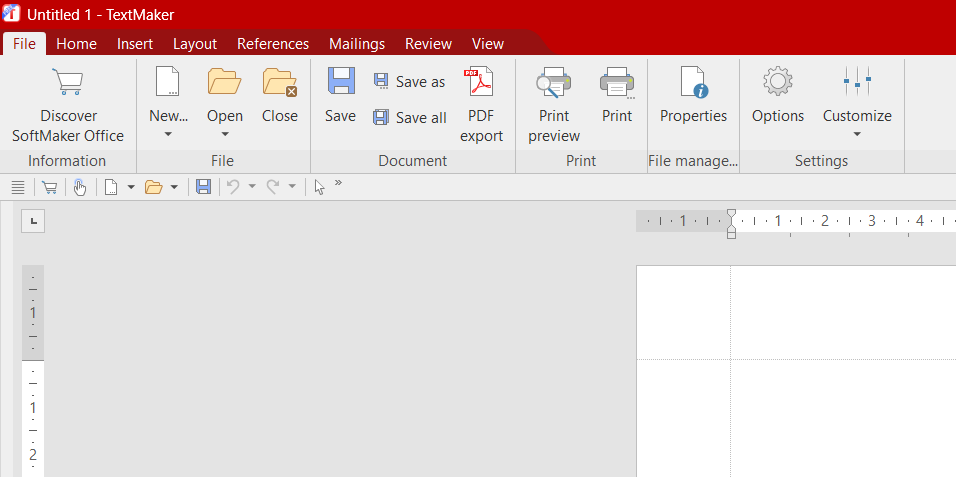
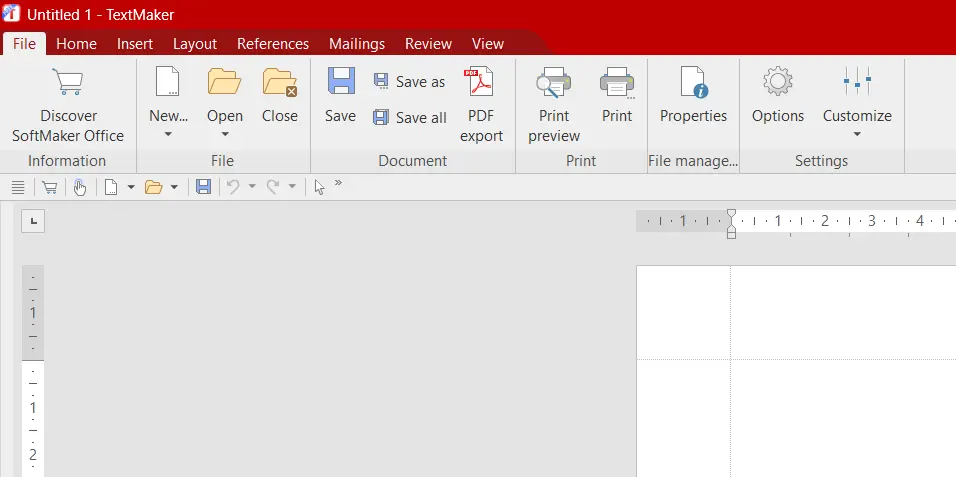
FreeOffice is available for Linux, macOS, and Windows, with versions also available for iOS and Android. This Microsoft 365 alternative can easily open and save file formats like .docx, .xlsx, and .pptx as well as older Microsoft formats. A great advantage of the local company SoftMaker is the excellent manufacturer support. Additional features such as a thesaurus, a formula editor, integrated AI, and a function for exporting .epub files are available in the paid monthly subscription SoftMaker Office NX Universal.
| Advantages | Disadvantages |
|---|---|
| ✓ Lightweight software | ✗ Basic plan with three programs |
| ✓ Intuitive menu | ✗ New features are initially only available in the paid edition |
| ✓ Good manufacturer support |