

Create a WordPress sitemap: better with plugins

Once you’ve created a WordPress website you’ll want to improve its search engine ranking. This is where a structured data overview, the WordPress sitemap, plays an important role. Using a plugin is recommended to store the data relevant for search engines.
- Stress-free, no matter your skill level with easy AI tools
- Fully customizable with themes and plugins
- Hassle-free updating and less admin
WordPress sitemap at a glance
- Log into the WordPress backend
- Select “Plugins > Install” from the dashboard
- Type “XML Sitemap Generator for Google”, for example, into the search box
- Install and activate the plugin
- Customize content types, time periods, and the robots.txt file
- Deposit WordPress sitemap in search engines
Full hosting power and elegant content management. Start your new web project with IONOS Hosting for WordPress.
HTML vs. XML sitemap in WordPress
Two types of sitemaps are important for a website:
An HTML sitemap lists all content as a clearly structured, readable directory of clickable links of all pages and posts, similar to the main menu on a website. Plugins that can be used for this purpose allow sorting, including or excluding post and/or page content according to various criteria. For a fully customizable HMTL sitemap, you usually have to purchase the paid variant of the WordPress plugin in question.
The XML sitemap is the recommended format for displaying the hierarchical structure of a website, not only under WordPress. This makes the website more searchable for search engines, its so-called crawlability increases. XML is an abbreviation for “Extensible Markup Language” and consists of a text file, which is readable by humans and machines across all known web browsers.
For a deeper insight into the structure and components of the sitemap.xml file, see our guide on “sitemap.XML”.
WordPress: internal sitemap
As of WordPress version 5.5, the content management system generates its own sitemap, which can be accessed via:
http://example.org/wp-sitemap.xmlA sitemap lists all information about a WordPress website. However, details such as lists of registered users, categories, archives or keywords or image galleries are less relevant or even disadvantageous for search engines and can lead to misinterpretations and unwanted search results when crawling a website. Therefore, only information relevant for search engines should be included in the sitemap.
But what content should be summarized in a sitemap and what is the easiest way to do that? For this purpose, various WordPress plugins exist that support different approaches. These include:
- Yoast SEO
- Rank Math
- Simple Sitemap (creates HTML sitemap)
- Better WordPress Google XML sitemaps
- XML Sitemap Generator for Google
Using the XML Sitemap Generator for Google we show you how to optimally prepare the sitemap of your WordPress website and make it available for search engines like Google or Bing.
How to install a WordPress sitemap plugin?
Log into the WordPress backend as admin and navigate to “Plugins > Install”. In the search box to the right above the plugin directory, enter the name of the extension: “XML Sitemap Generator for Google”. The plugin will appear in the results and you can immediately verify if it is compatible with your current WordPress version.
Click “Install now” and “Activate” to add the plugin to the WordPress backend and create an entry under “Settings” called “XML Sitemap”. The admin interface of the plugin will be displayed in English, irrespective of the language set in your backend.
How is content for the WordPress sitemap defined?
The plugin generates the sitemap of the WordPress website immediately. Any changes to settings are automatically updated when amends are made or following expiration of the time period set in the admin interface of the plugin.
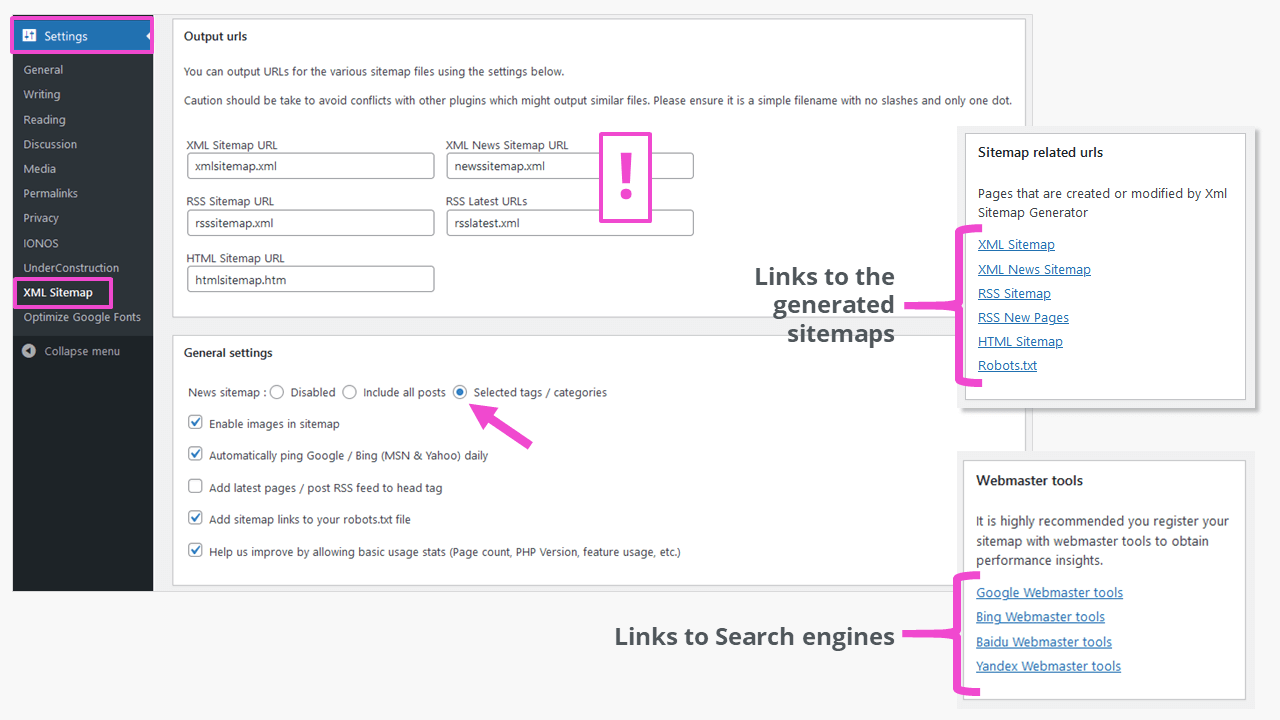
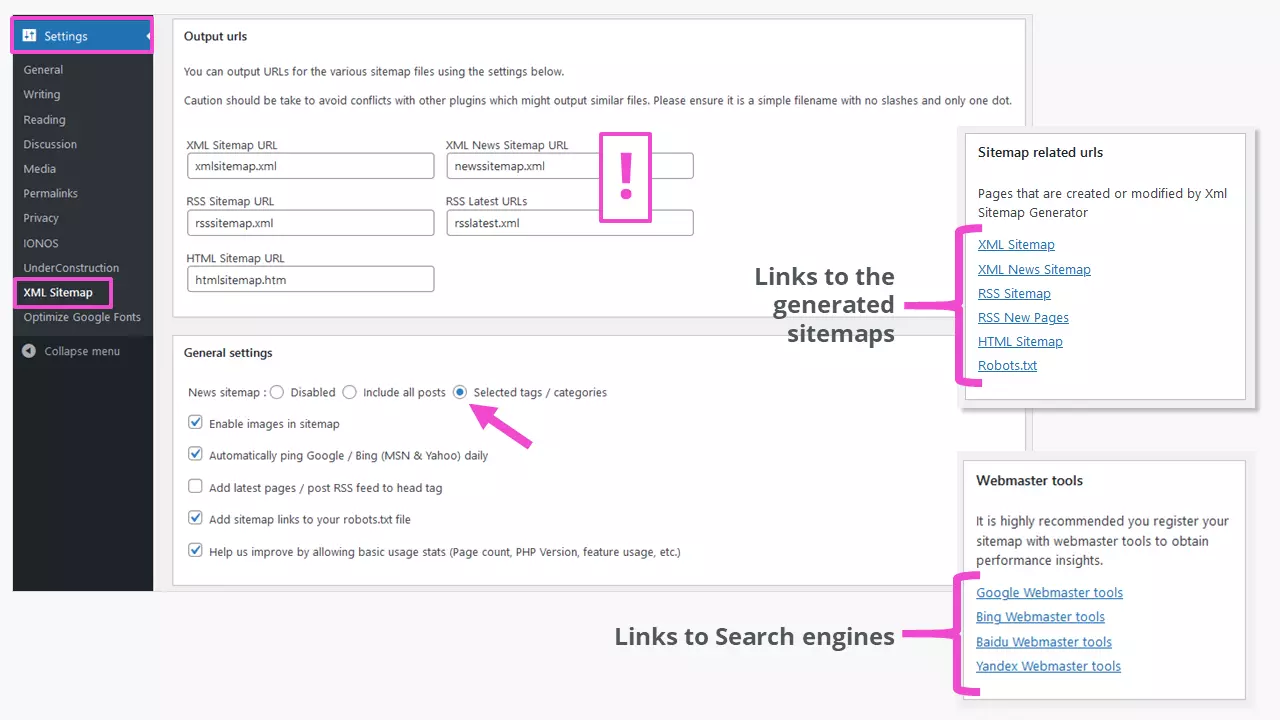
The “Output urls” (!) can cause possible conflicts with other plugins. You can change them here. All other settings are made according to the character of the website. By selecting “Automatically ping Google / Bing (MSN & Yahoo) daily” you won’t need to manually update the WordPress sitemap.
Click on “Sitemap related urls” to the right of the settings to view the results. This is helpful for optimizing settings depending on the type of website. It lists the links to search engines to which the WordPress sitemap should be submitted.
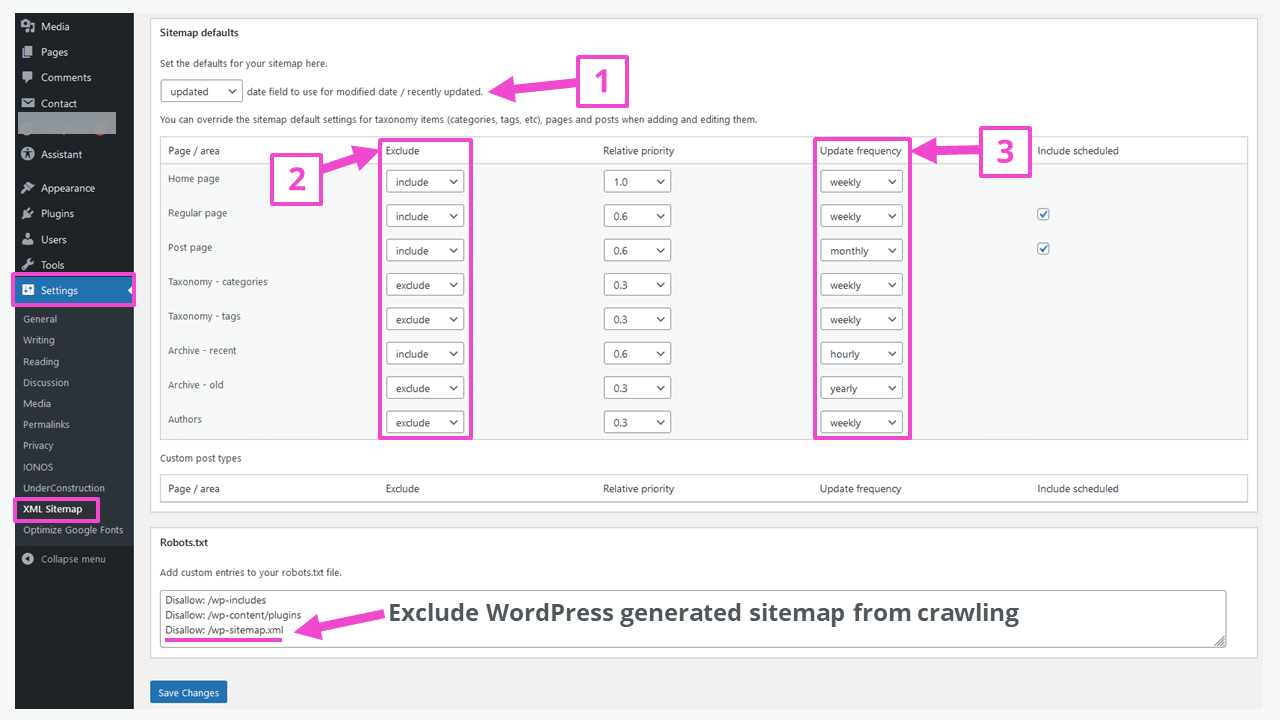
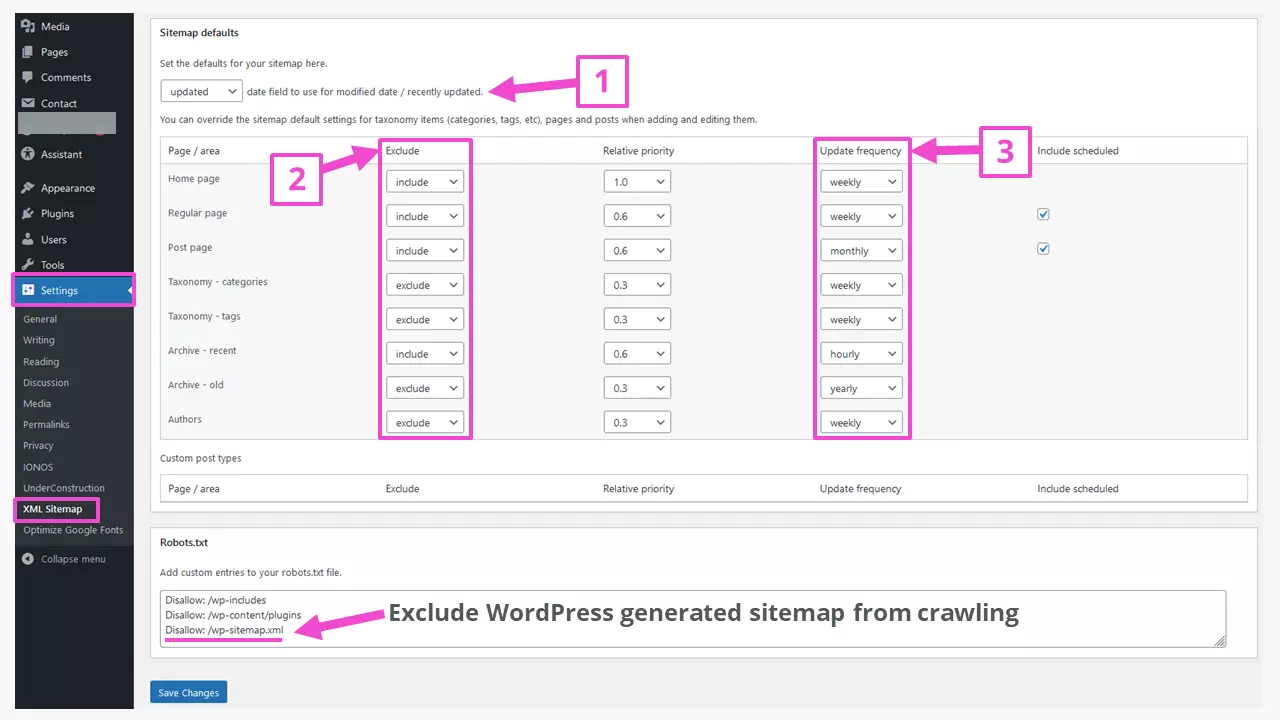
Within “Sitemap defaults” you define if the date of a file creation or modification should appear in the sitemap (1). The area “Page/area” allows the inclusion or exclusion (2) of defined components of the WordPress website in the generated sitemap. This decision depends on the content or the target audience of the website. A news website or blog will certainly include the “Post Page” and probably update (3) it more often than a simple company website that doesn’t require major content changes. For “Relative priority” follow plugin suggestions.
In “robots.txt” you can exclude certain areas of the website from search engine crawling, among other things. The example above shows that two WordPress directories and the sitemap generated by WordPress were excluded from crawling. These files and directories are not considered by search bots. For more information on WordPress robots.txt read our detailed guide on the topic.
Ready? Don’t forget to save and apply your changes by clicking “Save Changes”.
How does the WordPress sitemap get onto Google and other search engines?
The WordPress sitemap should be registered with leading search engines. A separate account is needed for each one. Check out an overview for the most important search engines in our guide on registering a website. The “XML Sitemap Generator for Google” plugin links to them directly from the admin interface.
You can view which information Google and other search engines picked up from your WordPress sitemap submission via the following entry in the search field of the respective search engine:
site:example.orgAll indexed content is listed. With this information a sitemap can be adapted (again and again) to the needs of the website.
Find more WordPress SEO tips and recommendations for suitable WordPress SEO plugins in our Digital Guide.