

URL Shorteners For Shrinking Links – The Five Best Short URL Services

Many company websites include descriptive elements in their URLs which represent content or data hierarchies, thereby revealing the structure of their website. However, this often results in website addresses containing hundreds of complicated digits and characters. These leviathan links are difficult to remember, type, and share – making them unsuitable for social media platforms, short messaging services, and print media.
However, there is a solution: URL shorteners reduce lengthy addresses to just a few characters so that they are much easier to handle – and they simply look better. We present the best providers of small URLs.
- Free Wildcard SSL for safer data transfers
- Free private registration for more privacy
- Free Domain Connect for easy DNS setup
What Are Link Shorteners And How Do They Work?
Link shorteners are online services that provide a second, alternative URL (also known as a URL alias) for the URL of any existing website. Here, the user enters the desired address into an online form on the service’s website. This instantly creates a randomly generated small URL and saves the original and alias in an internal database. The user can now use the shortened link without any restrictions and share it in a forum, for example.
As soon as someone (a client) clicks on the link, their web browser is first directed to the URL shortener’s database, where the target URL is determined and sent back to the client. This data transfer can sometimes involve a short delay – but this is negligible in view of the benefits these services provide. The browser then automatically accesses the desired website. This works as long as the provider of the short URL service remains in operation. Some services also explicitly offer time-limited links.
A shortened URL generally comprises the following:
- Domain of the service provider: Link shortener service operators normally use foreign domain endings (top-level domains) that are less widespread and also allow a more memorable name for their service (a practice known as domain hacking). For instance, the service bit.ly uses the country-specific, top-level domain for the country of Libya (.ly).
- Unique identifier: The second half of a small URL is given by a short, randomly generated sequence of ASCII letters and digits, which is only assigned once within the service and serves as a unique identifier. For example, the link 'https://bit.ly/2GXCxfW' – shortened with bit.ly – contains the identifier 2GXCxfW.
Some providers also allow users to customize short URLs, enabling them to include a brand or company name (e.g. 1and1.ionos/) or a piece of information (e.g. /digitalguide) in the generated link.
Many Link shortener providers are funded by advertising on their websites or are part of a larger service offering that is promoted by the free URL shortener, such as Ow.ly.
Why Shorten A URL?
A link compressed using a URL shortener takes up less space, is less complex and therefore easier to memorize and use. This is particularly beneficial if an address is long or contains lots of special characters, as is the case with websites that operate with database variables.
Above all, small URLs make it easier for the user to share the link – either by copying and pasting, or by manual typing. In print media like business cards and promotional materials, a lengthy link would have to be printed very small or over multiple lines; neither option is elegant or practical. By contrast, a shortened version of the same link is easy to integrate – without affecting the overall appearance – and can be accompanied by a corresponding QR code. Plus, it can be entered into the address line of a browser with just a few keyboard strokes. For the same reasons, shortened URLs have also become popular in email texts, where inserting clickable hyperlinks is unadvisable in any case due to security concerns.
What’s more, multiple variants of the same URL can be created with a link shortener. On the one hand, this lets you generate links with adapted wording for various platforms (e.g. Twitter, Facebook, YouTube). On the other, you can track each individual link to determine the effectiveness of an online or offline advertising campaign based on the click rates, for example.
Small URLs are also widespread in microblogging services like Tumblr as well as in messaging services (e.g. SMS) and social media statuses (e.g. Instagram), where space is limited to just a few characters.
What Makes A Good URL Shortener?
In everyday life, you can use a link shortener to share interesting websites with relatives, friends, and acquaintances, for example. In a professional context, short URLs are useful as an advertising and tracking tool. For this reason, it’s important that you find the perfect service provider for your campaign from the wide range of online URL shorteners. This depends on the following quality criteria:
Reliability and User-Friendliness
A good URL shortener needs to be one thing above all else: simple. Shrinking a link should not take longer than a few seconds. And it should never fail to work simply because the service provider is struggling with some server issues. If you run a business, your choice of link shortener should ideally complement your existing workflow seamlessly, allowing you to instantly exchange business-relevant resources with colleagues, for example.
User-Defined Short URLs
Another quality criterion of a link shortener is the ability to create customized short URLs. For many services, the option of user customization is limited to the identifier – i.e. the second half of the link. However, even this means the user is able to recognize where the link goes, like to a registration form (e.g. /registration). Moreover, an actual word is easier to memorize than a randomly generated string of characters.
Branded Links
Some URL shortening services offer paid company accounts based on an (often negotiable) monthly rate. These typically include the ability to brand shortened links by adding your own brand or company name. Here, the respective provider’s top-level domain is replaced by the desired name. This not only looks more professional, but the URL is also more recognizable and trustworthy, which can positively affect the click rate.
Additional Practical Features
While some URL shorteners are limited to shortening links, others operate as extensive software providers that wish to offer you support in online marketing. Most commonly, tools are offered for link tracking and data analysis which enable you to filter and evaluate the click rates of individual small links according to time, geographical location, and source.
Browser extensions are also popular, including a bookmark function that you can use to generate a shortened URL for the current website with a single keystroke, without having to copy the original link from the address line first. A number of services like YouTube also allow you to directly share shortened URLs on various platforms. You may also be able to create your own shortened link generator and use it for your own hosting activities.
SEO Performance
This point is often overlooked when comparing link shorteners: If a small URL first directs the client via an external database before the target website, there is generally the risk that your website will lose organic traffic. You can prevent this with 301 redirects. A 301 redirect sends the HTTP status code “301 Moved Permanently” to the requesting client, stating that the requested resource has been permanently relocated and can now only be reached via a new URL. This way, traffic no longer benefits the service provider but your website only.
Security
Anyone who types “URL shortener” into Google will inevitably find countless articles covering the various security risks of using link shorteners. There are a variety of reasons for these risks: One of them is that data is also stored on an external server – the provider’s server – when creating a short URL, which generates a cookie. Another reason is the danger of misuse associated with the existence and use of these kinds of services.
By nature, URL aliases hide the real link destination from the user, and this can be exploited for phishing. For instance, any cyber-criminal could essentially create a short URL and thereby conceal it as a link to an ostensibly trustworthy company, sent in a credible-looking email. However, this link could send the user to a website that attempts to comprise their computer using security vulnerabilities in the web browser. This practice is even able to circumvent provider blacklists.
Since many short URLs have already been blocked by providers due to these cases of fraud, providers have responded by taking security precautions. The minimum effort now is to support client requests redirecting via an encrypted HTTPS connection. You can see whether this is possible with your choice of link shortener if the corresponding abbreviation https:// in front of the top-level domain of the short URL.
Many services like TinyURL also offer a preview feature. This enables the user to first access a preview page before the actual target website, where they can review the actual link destination and confirm their request. These shortened URLs are typically marked by the element “preview.”. For instance, the link 'https://www.ionos.de/digitalguide/server/knowhow/links-kuerzen-mittels-url-shortener/' is turned into 'preview.tinyurl.com/y6exetx2'.
You can also view the destination of a short link by adding a “+” to the end of the URL and confirming the entry in the address bar.
The Five Best URL Shorteners
Here is a selection of the best link shorteners for professional and private use:
bit.ly
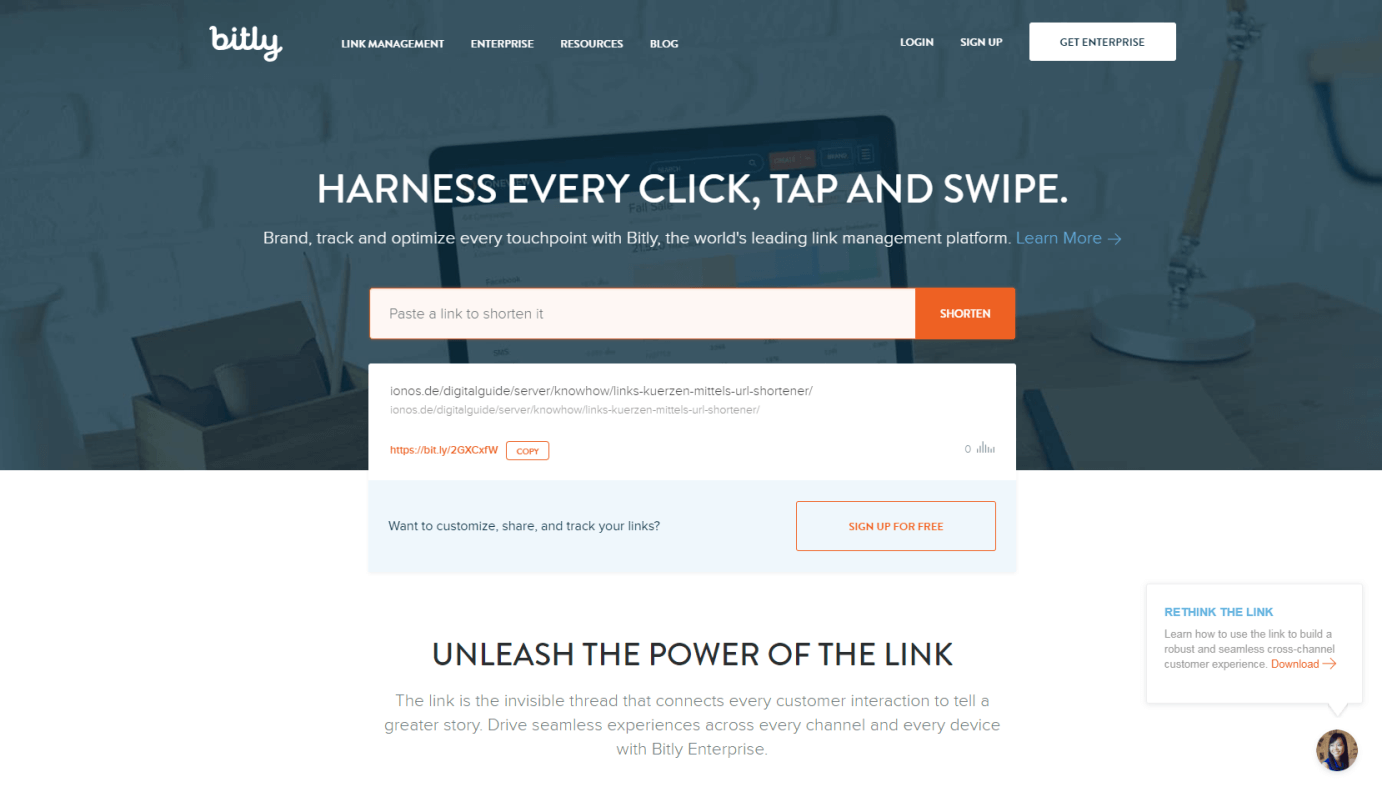
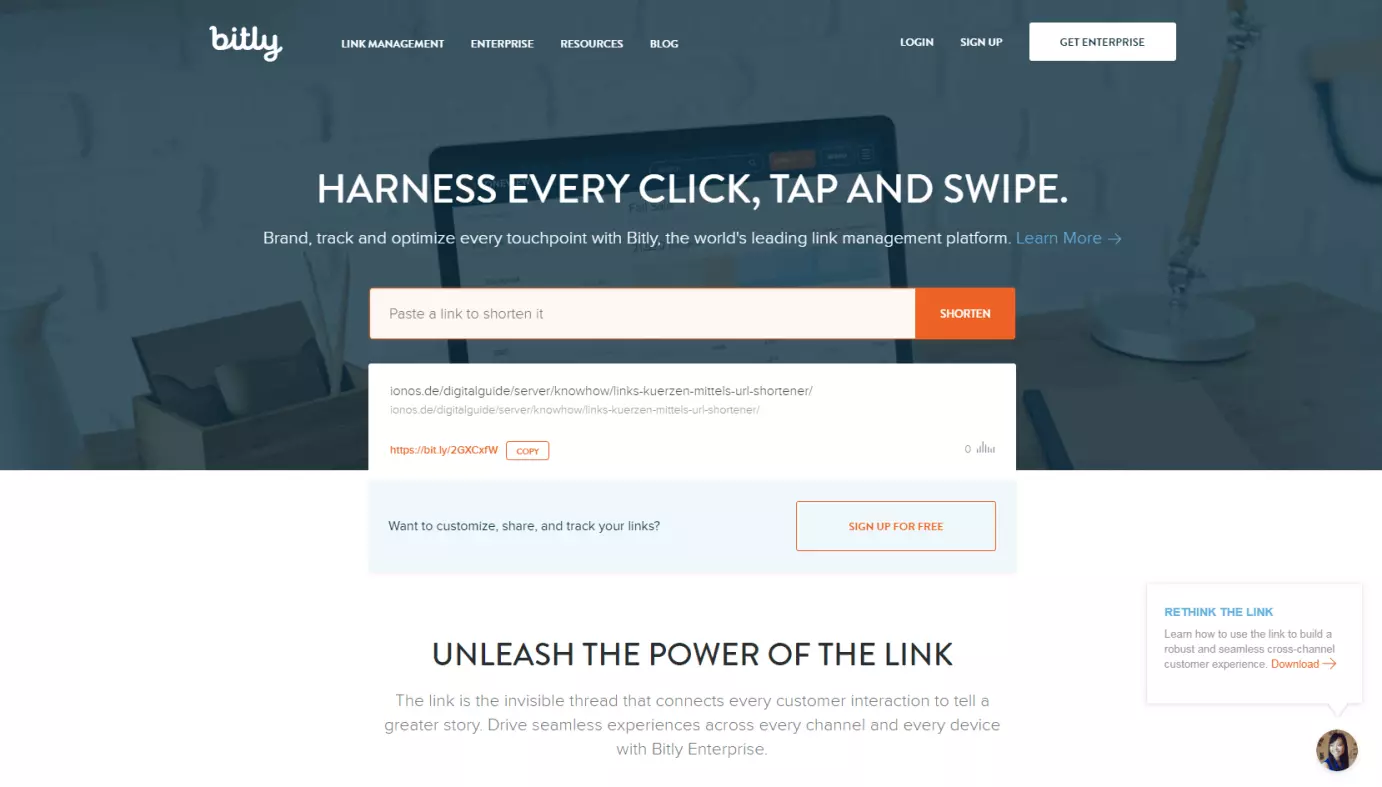
Since being founded in 2008, bit.ly has not only become the most popular small URL provider, but also a profitable business model. Today, bit.ly presents itself as a comprehensive software-as-a-service product (SaaS), which boasts all relevant features and has therefore also been integrated in many third-party apps and services.
bit.ly offers something for every user: Bloggers and social media users appreciate the reliability and user-friendliness of the free-to-use tool. Companies like eBay, Samsung, and monster.com benefit from the detailed, real-time analyses that can be accessed on an intuitive dashboard and which even work with deep links on mobile devices. However, unlimited branded links are only possible with the paid enterprise subscription.
Rebrandly
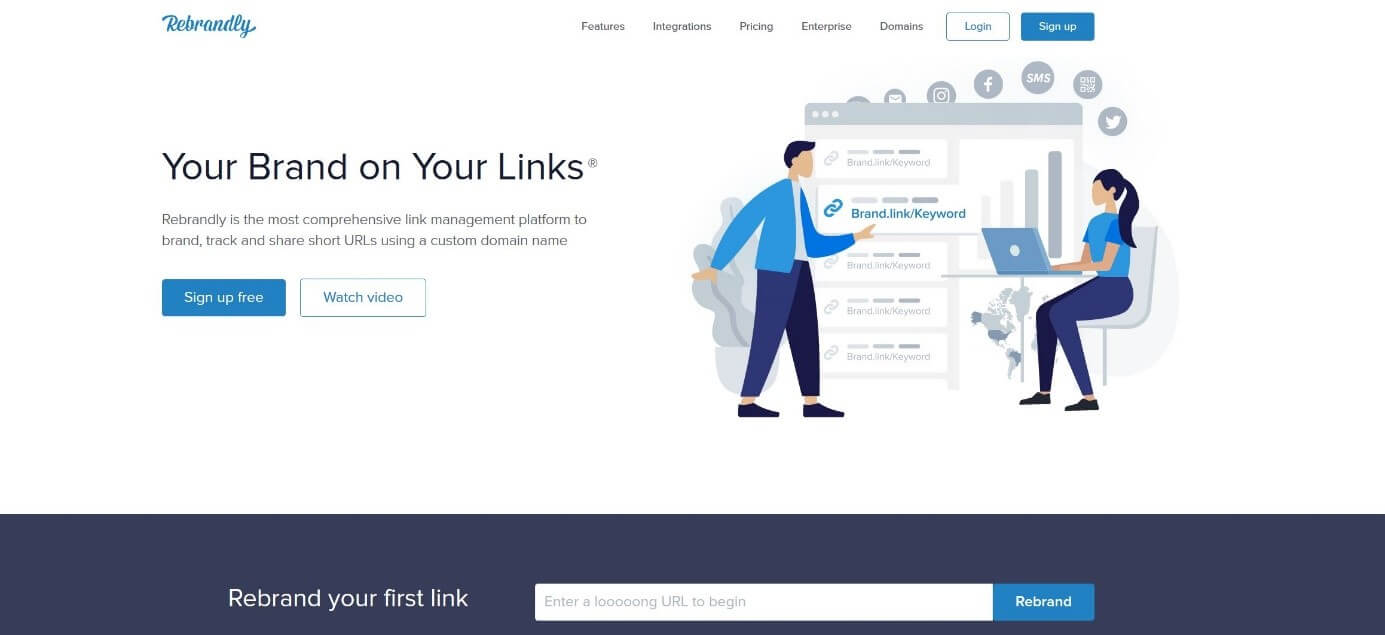
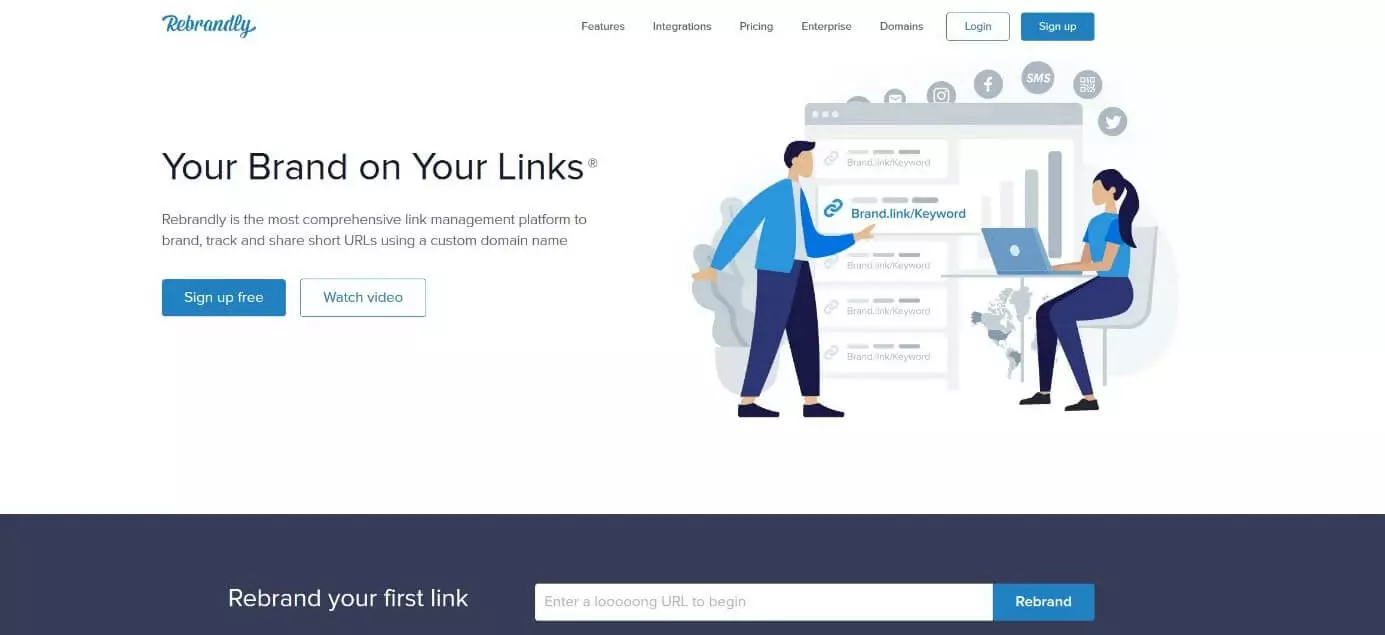
Rebrandly is considered one of the best URL shorteners for creating branded links. Since 2015, the Irish provider has seen a perfect opportunity for brands – like products or even personalities – to stand out from the crowd of competitors using customized short URLs. Rebrandly excels with a wide range of functions that not only covers link management but also analysis and collaboration features, as well as traffic routing, QR code generation, and domain name management.
However, you can only use most of these premium features once you pay for one of the service packages – starting at $29 per month for individuals or $449 per month for teams. Newcomers can also enjoy the free basic version that allows the creation of 500 branded links and the tracking of up to 5,000 clicks per month, for instance.
bl.ink
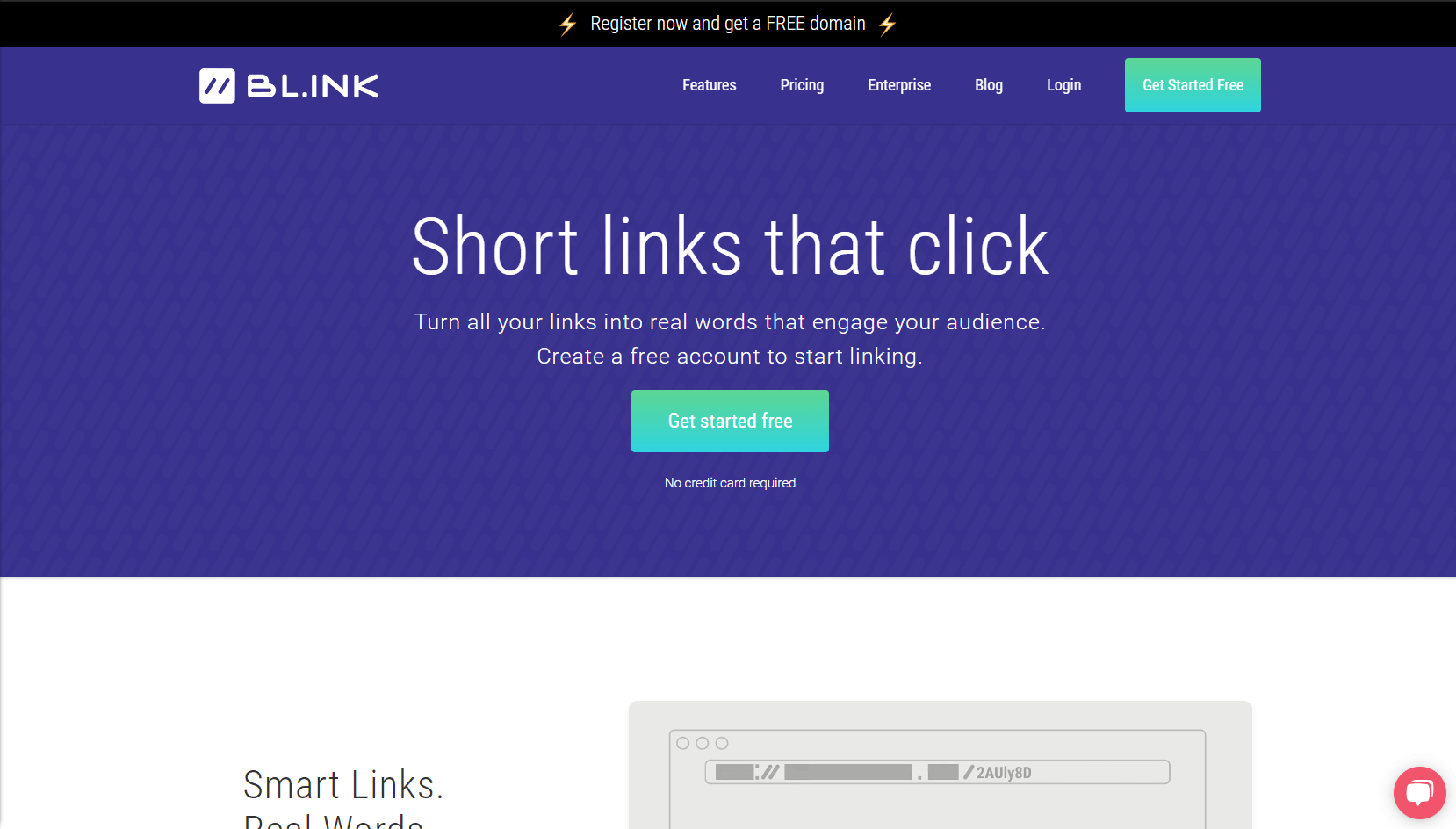
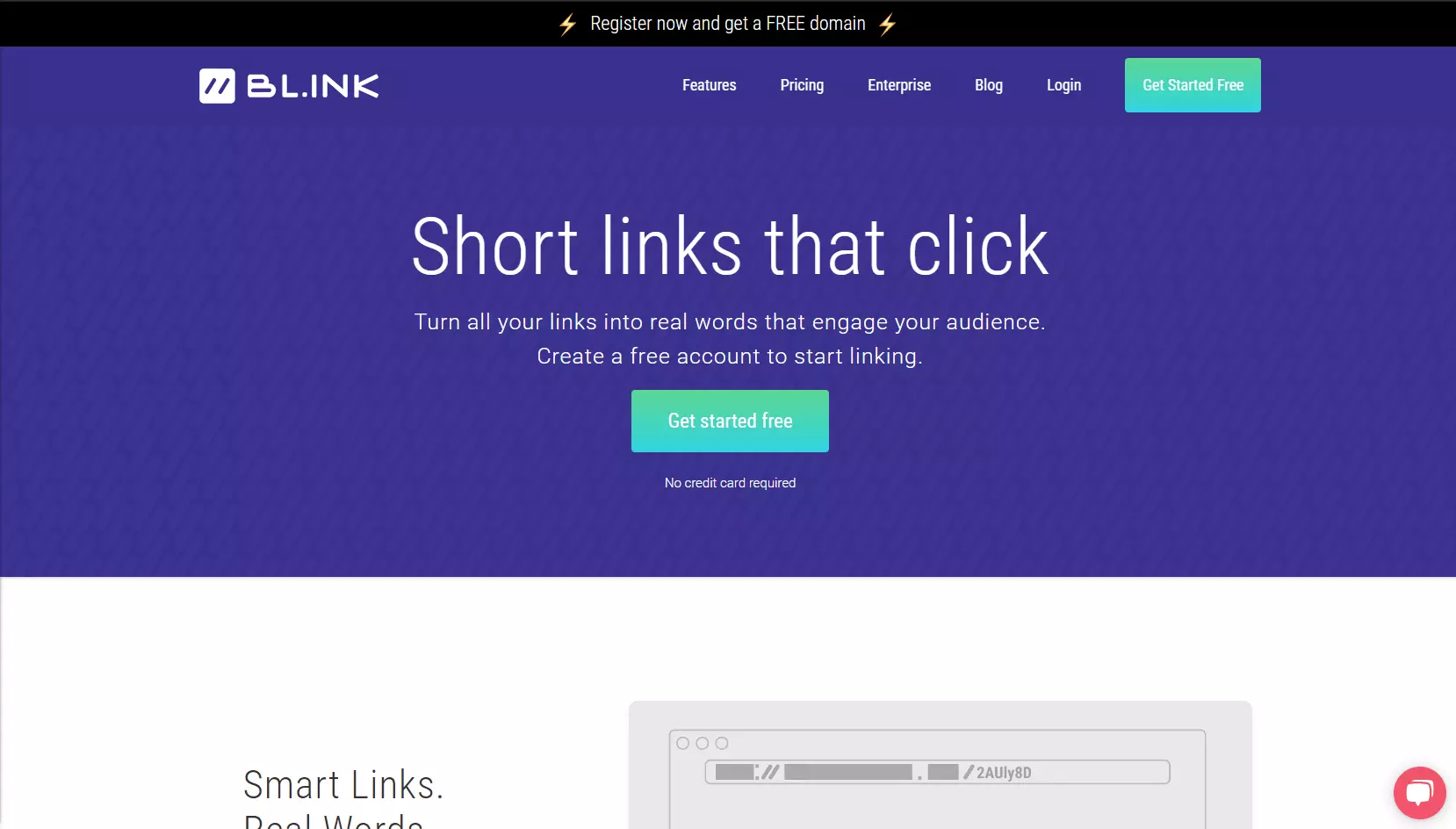
To use bl.ink, you first have to create a free account. This gives you the ability to generate 1,000 links and track up to 1,000 clicks per link. For a link shortener aimed at small companies, it’s that’s actually really good. If that weren’t enough, you can sign up for one of four paid enterprise packages and enjoy extra features as well as rare top-level domains (e.g. .news, .social, .media).
The integrated analytics dashboard offers clear information for multiple users on the most popular links as well as traffic received, combining date, time, language, device, geographic location, and source. The provider also emphasizes its “Enterprise Grade” customer support, which helps users become familiar with all the features and get the most from the tool.
Tinycc
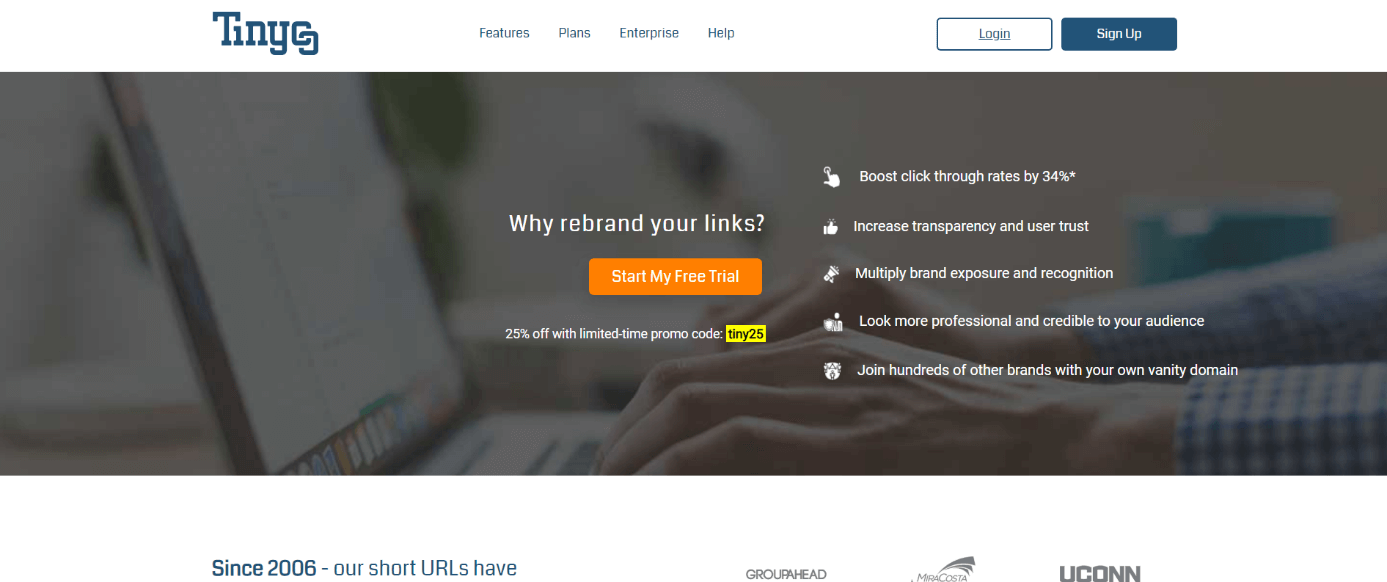
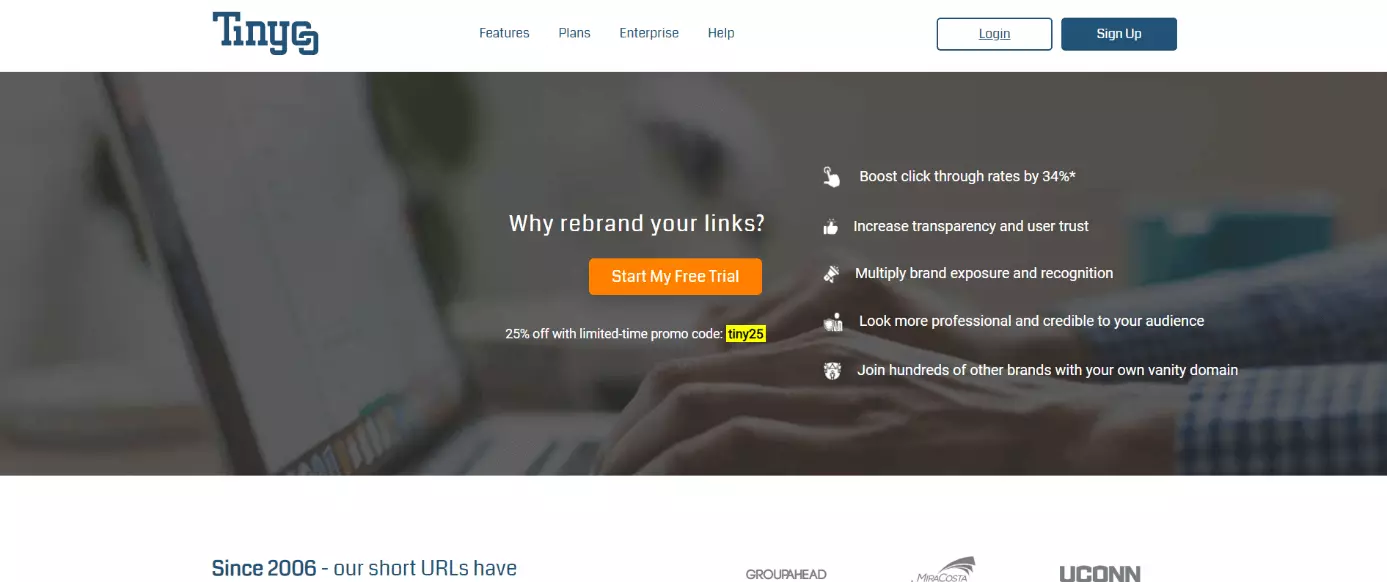
The American shortened link service Tinycc was the first free service to offer users link editing. Since its founding in 2006, Tinycc has expanded its offering to more than 100 features, including bulk operations for processing multiple URLs in one go. The service has also developed its own REST API and webhooks API which can send notifications to third-party servers whenever events occur in your Tinycc account. While all the packages are subject to a monthly charge, a free trial is also available.
These packages start from $5 per month for the “Basic” variant, containing one custom domain and 500 links, to the “Pro” version at $49 per month, which includes 50,000 links, 50 users, and a whole range of other extras like unlimited phone and email support. Tinycc also allows users to limit the validity of links, use corresponding QR codes, as well as integrate their short links with Google Analytics.
TinyURL
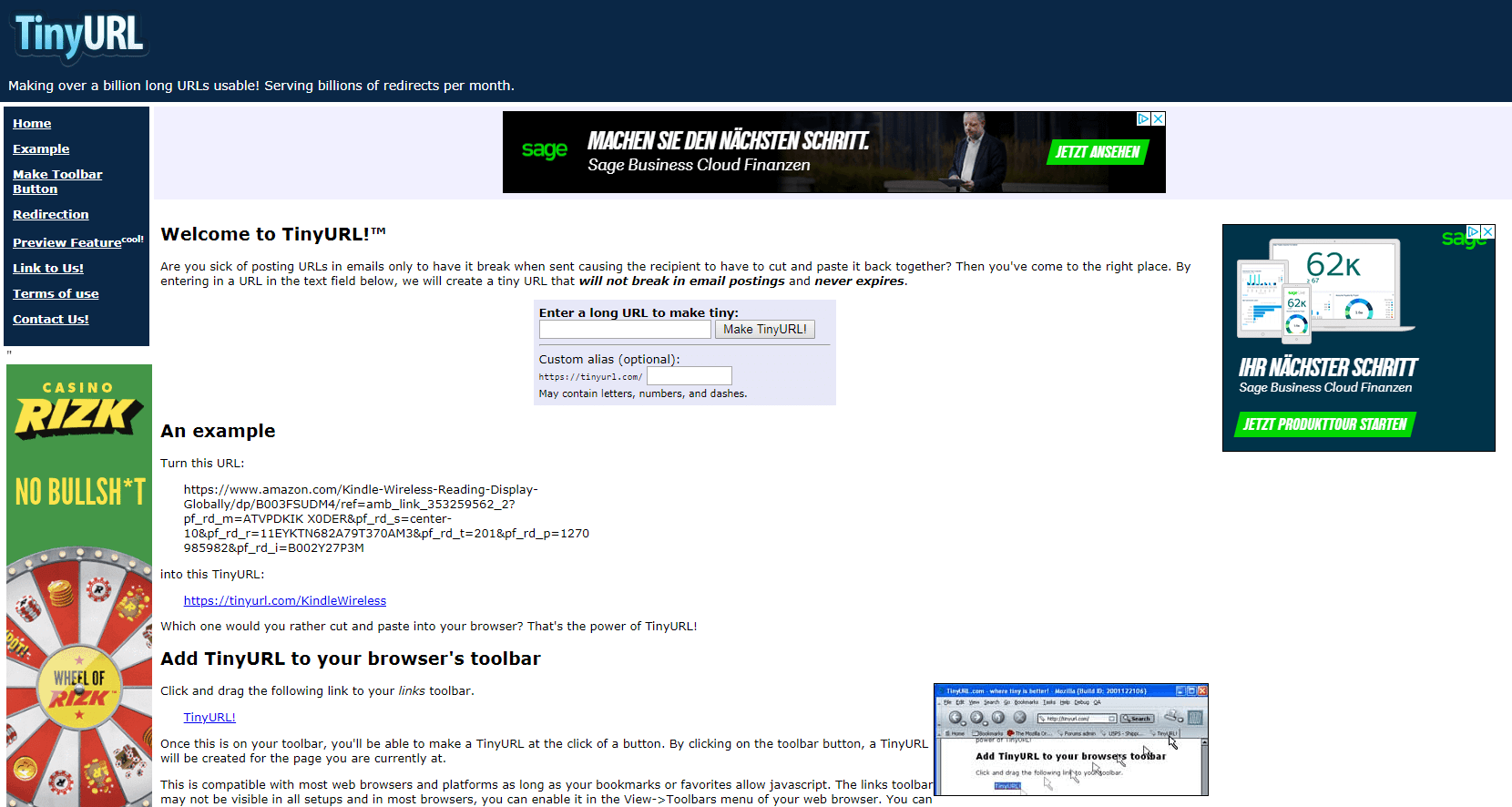
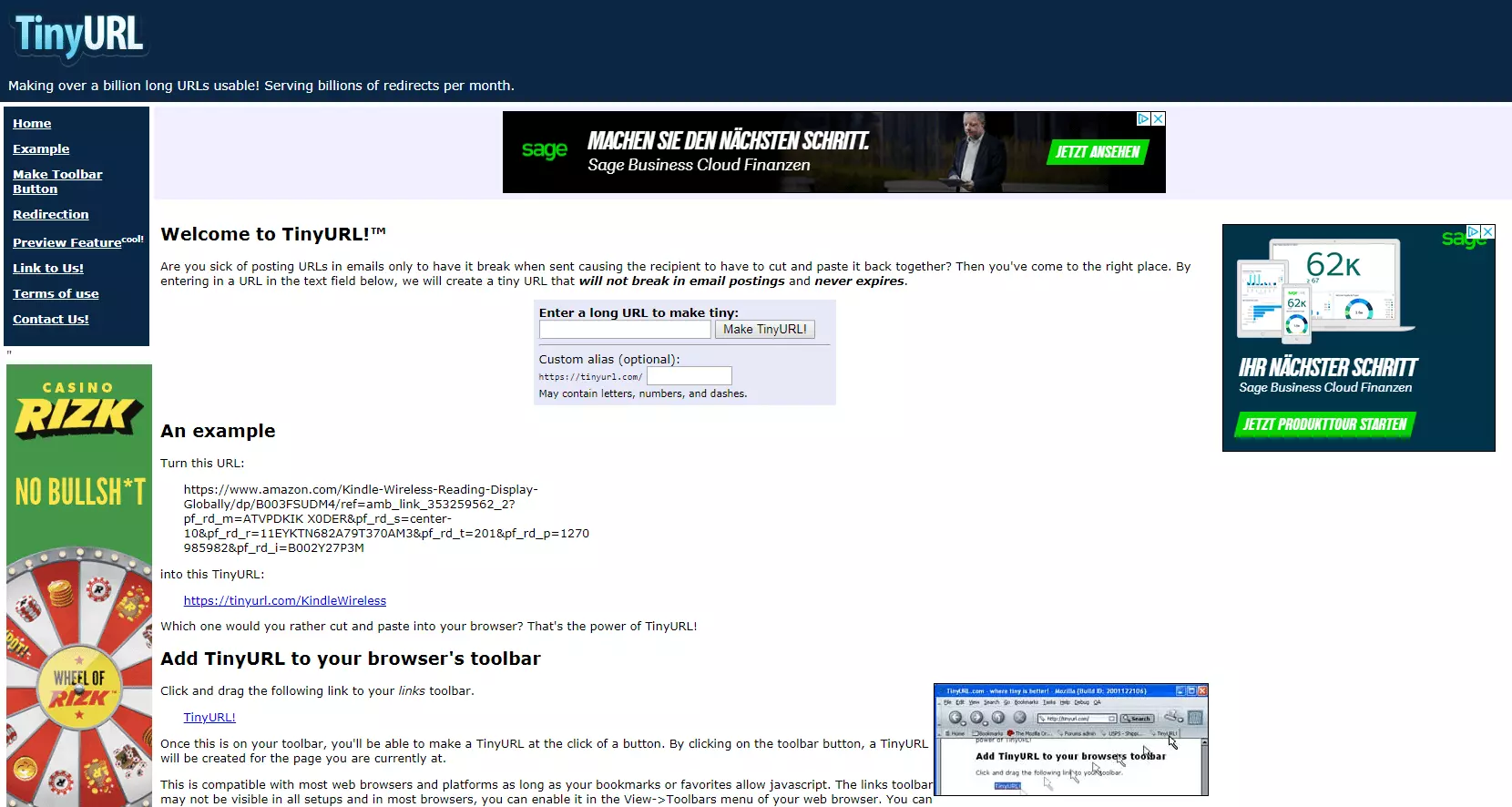
TinyURL has existed since 2002 and is still one of the most popular URL shorteners. It’s completely free to use and enables you to customize the identifier of your short links with letters, numbers, and slashes. A preview feature can be toggled on and off using the corresponding menu item. What’s more, you can integrate a button into your browser toolbar from the provider’s homepage, allowing you to create short URLs for the websites you visit at the press of a button.
Apart from that, TinyURL offers no extra features – either for tracking or data analysis. The service is therefore primarily intended for quickly and anonymously generating shortened URLs for private use. The only disadvantage is that the links generated with TinyURL comprise more characters than with other services like bit.ly as a result of the longer top-level domain.
Summary: The Five Best Short URL Services
Here’s a direct comparison of all the short URL services presented in this article:
| Bit.ly | Rebrandly | Bl.ink | Tinycc | TinyURL | |
|---|---|---|---|---|---|
| Short URL format | https://bit.ly/URL | User-defined URL | User-defined URL | User-defined URL | https://tinyurl.com/URL |
| Target group | Companies and private users | Brands (individuals and companies) | Small companies | Companies | Private users |
| Free? | ✓ | ✓ | ✓ | ✗ | ✓ |
| Company account | ✓ | ✓ | ✓ | ✓ | ✗ |
| User-definable links | ✓ (Enterprise account) | ✓ | ✓ | ✓ | ✓ |
| Branded links | ✓ (Enterprise account) | ✓ | ✓ | ✓ | ✗ |
| Tracking and analytics function | ✓ | ✓ (Premium feature) | ✓ | ✓ | ✗ |
| Bookmark function | ✓ | ✓ | ✓ | ✓ | |
| Direct link sharing | ✓ (Enterprise account) | ✓ | ✓ | ✗ | |
| Create own short link generator | ✗ | ✓ | ✗ | ✗ | ✗ |
| HTTPS support | ✓ | ✓ | ✓ | ✓ | ✓ |
| Preview feature | ✗ | ✓ | ✓ | ✗ | ✓ |
Some popular websites have their own URL shortener that automatically shrinks their links whenever users wish to share them with other users – including on other platforms – or embed them in websites and blogs. This includes the link shortener t.co from Twitter, Firebase Dynamic Links (FDL) from Google – previously known as Goo.gl – as well as the YouTu.be link shortener integrated on the most popular video-sharing platform. Since these services are largely restricted to their own software environment and typically permit neither customization nor branded links, they have been omitted from the list here.
- Free Wildcard SSL for safer data transfers
- Free private registration for more privacy
- Free Domain Connect for easy DNS setup