

YouTube to MP4 converters: The best software

YouTube to MP4 converters can be used to download videos from YouTube and save them on your computer. Many tools even offer HD and 4K quality. Keep reading to learn more about security considerations and what the various tools have to offer.
- Simple registration
- Premium TLDs at great prices
- 24/7 personal consultant included
- Free privacy protection for eligible domains
What is a YouTube to MP4 converter?
YouTube converters are a convenient way to download your favorite videos, live music, and podcasts from YouTube and save them as MP4 files. The main advantage of MP4s is that they can store media files including video, audio, images, and text files. For videos and images, the MP4 format supports HD and high quality with relatively small file sizes. Most YouTube to MP4 converters work in largely the same ways and differ only in the settings they offer. To convert a video, you simply copy the URL from YouTube, configure the MP4 format as desired, and let the software take care of the YouTube download.
If you only need the audio part of a YouTube video, a YouTube to MP3 converter will be the better choice for you.
Are YouTube to MP4 converters legal?
One frequently asked question is whether downloading YouTube videos is actually legal. YouTube is covered by US copyright law, under which it’s illegal to make copies of copyrighted material. This includes downloading videos with copyrighted material. But not everything on YouTube is copyrighted. Downloading videos that are not copyrighted is perfectly legal in the US.
Since definitions of copyright infringement differ from country to country, you might encounter problems simply due to the presence of downloaded YouTube videos on your hard drive, USB stick, or smartphone. In Japan, even streaming YouTube videos that violate copyright can be a punishable offense. It’s thus important to pay attention to which jurisdictions apply to you and the material you’re downloading.
The law is one thing and YouTube’s terms and conditions are another. YouTube’s terms and conditions clearly state that it’s prohibited to download videos, except with YouTube Premium. This is regardless of copyright status. Registered YouTube users agree to the terms and conditions when they register and are in violation of them if they download videos with YouTube to MP4 converters.
What should you look out for in a YouTube to MP4 converter?
There’s a large selection of YouTube to MP4 converters out there. You’ll have to choose between free and paid tools and installable software and online converters. The idea behind online converters is simple: You simply enter the URL of the YouTube video on the converter website, decide on the format and video quality, and then start the download. With software, you’ll first have to download and install the program. You can decide between freeware with standard features or more comprehensive paid software, which might be useful if you regularly download videos. You should only download converters from reputable sites.
Comparison of YouTube to MP4 converters
Here’s a comparison of four popular YouTube to MP4 converters.
| YouTube to MP4 Converter | MediaHuman YouTube Downloader | 4K Video Downloader | Any Video Converter | Free YouTube Download |
|---|---|---|---|---|
| Online/Offline | Installation | Installation | Installation | Installation |
| Features | Simple copy-paste format / Download video or only audio / Parallel downloads | Download and convert using copy-paste / Download video or only audio / Subtitles included in download | Conversion of 30 video source formats / Conversion into MP4 and 11 other target formats / Download videos for iPod, iPhone, Zune, PSP, Android devices | Conversion using copy-paste |
| Operating system | Windows, macOS, Linux | Windows, macOS, Linux | Windows, macOS, Linux | Windows, macOS, Linux |
| Quality | Offers 4K to 8K resolution / Quality can be reduced | 4K | HD and 4K | High quality and high definition |
| Security | Relatively secure | Relatively secure | Relatively secure / Watch out for adware when installing | Relatively secure |
| Price | Paid($20) | Free / Paid (Premium for $15-25) | Free | Free |
YouTube to MP4 converters: A closer look
We’ll now take a closer look at these four YouTube to MP4 converters.
You should always have an eye on your system’s security. You’ll also find online tools that don’t require installation, but many aren’t secure. It’s simply too easy to sneak malware into the download. In the same vein, make sure that you download installation files for the above software from a reputable source.
MediaHuman YouTube Downloader
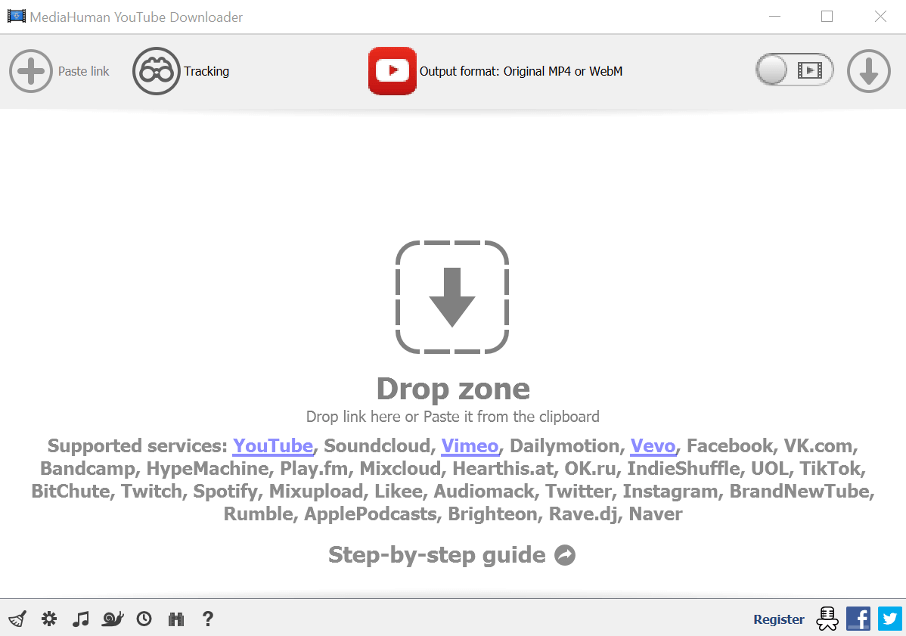
MediaHuman YouTube Downloader is a high-performing, paid software for YouTube to MP4 conversion. For $20, you can use the tool to download YouTube videos in HD and 4K. You simply copy the URL, paste it in the program, and choose the video quality, file size, and download time. The software also offers parallel downloads. Meta data are automatically transferred to the MP4 and can be edited afterwards. iTunes users can have files automatically added to their library. You can also choose whether you just want to download the audio as an MP3 or whether you want the whole video as an MP4.
4K Video Downloader
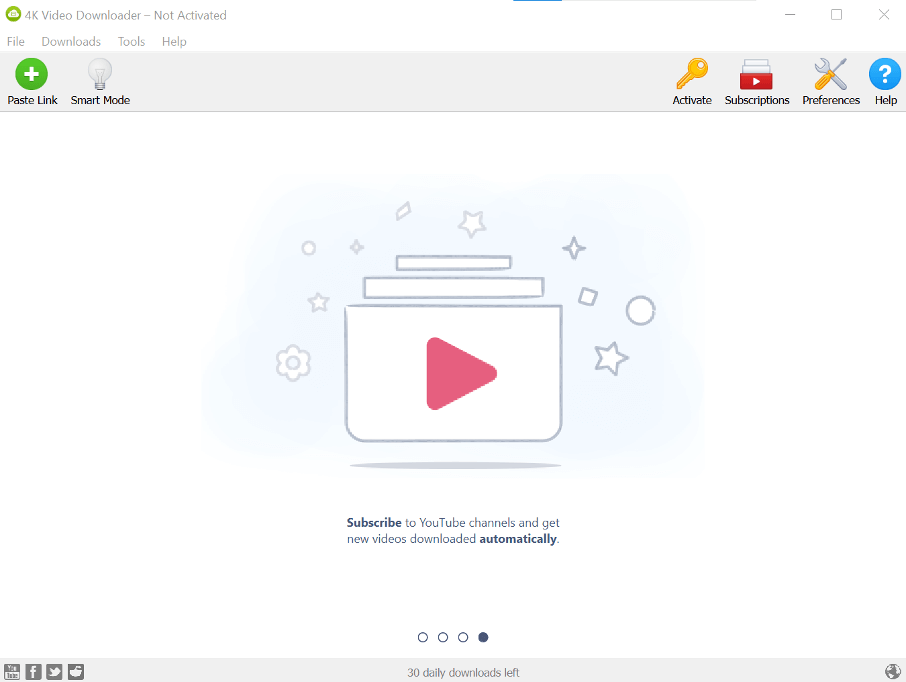
The free version of 4K Video Downloader includes the most important features for occasionally downloading videos. You simply copy the YouTube URL into the tool, choose a format, set the video quality, and indicate where the file should be saved. In “Smart Mode”, the software will save your preferred settings, speeding up the conversion process. If you’re looking for additional features like automatic downloads from certain YouTube channels or unlimited downloads, you can upgrade to a premium plan.
Any Video Converter
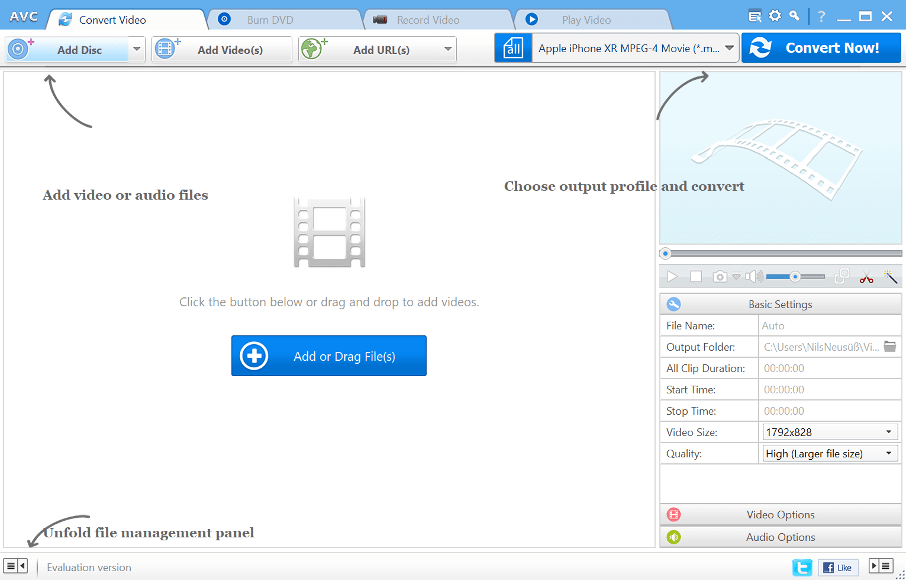
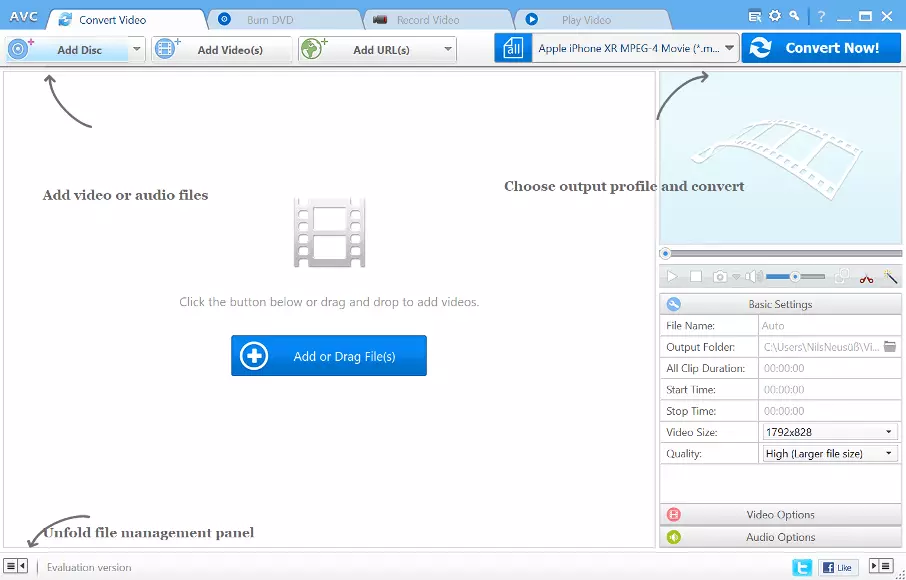
As its name indicates, Any Video Converter does more than just MP4s. The software supports 30 different source file formats and offers downloads into 12 different formats, including MP4, AVI, FLV, MP3, OGG, and AAC. If you choose the right format, you can even watch your videos on iPods, iPhones, Zune, PSP, and Android devices. Files can be downloaded in HD and 4K quality. The user interface is easy to understand and can be used in different languages. This software offers all the most important features for a YouTube to MP4 converter. Beware that the installer can install adware, meaning that you should choose user-defined installation.
Free YouTube Download
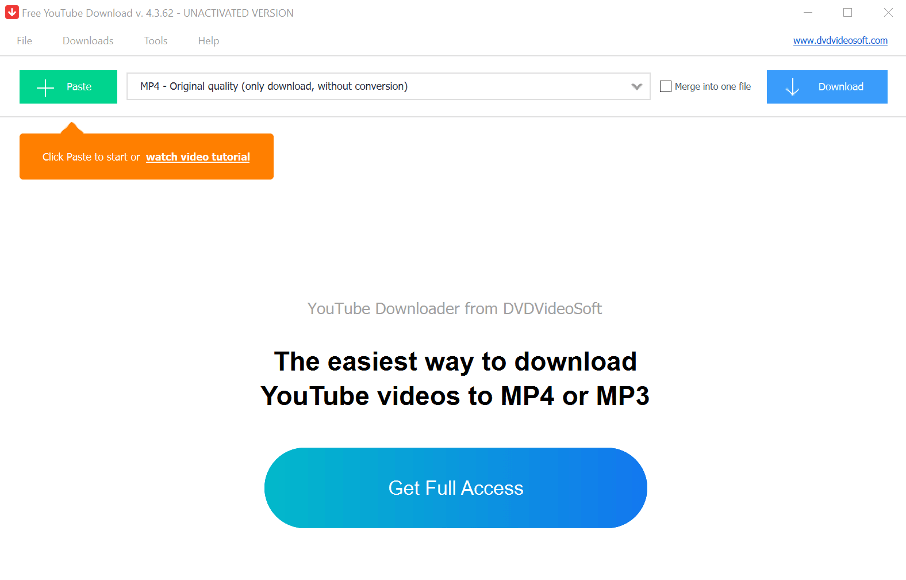
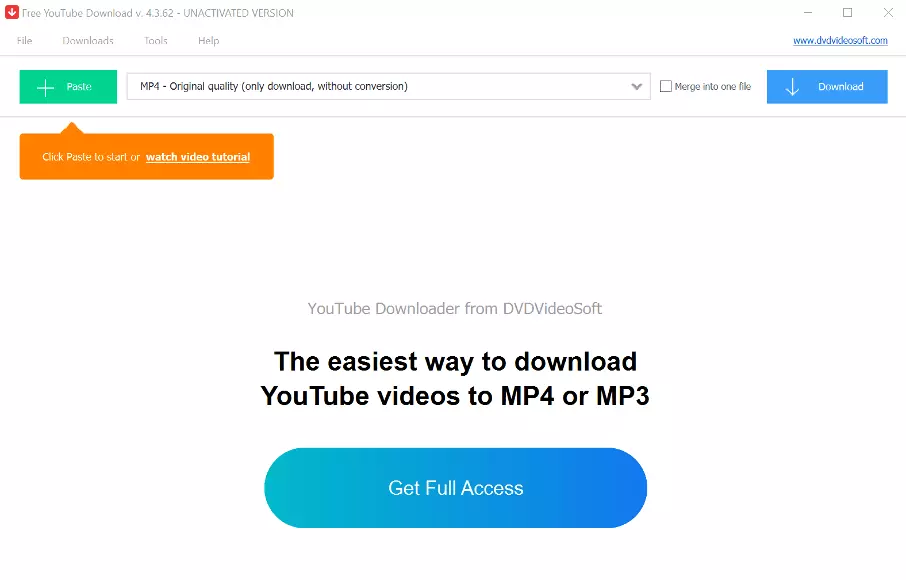
With Free YouTube Download, you can download videos from YouTube hassle free and save them as an MP4, AVI, or FLV. Before downloading, you can set parameters like video quality (high definition and high quality) and configure the file size. Simple copy the YouTube URL into the tool. Other convenient features include parallel downloads and a download history.
Click here for important legal disclaimers.