What is a voicebot?

Voicebots are AI-powered voice assistants that handle phone calls automatically. They understand what callers need, answer questions, and route calls to the right team or person. For small and mid-sized businesses, they make phone support faster and more efficient.
What are voicebots and how do they differ from chatbots and phone systems?
A voicebot is a digital assistant that communicates through speech. It works like a chatbot but uses voice instead of text. While chatbots run on websites or messaging apps, voicebots handle phone calls. Traditional phone systems can only route or record calls. Voicebots go further. They speak with callers, answer questions and complete tasks during the call. Voicebots rely on artificial intelligence to understand natural language and respond in real time. This allows them to automate routine requests, taking pressure off support teams without affecting the customer experience.
How does a voicebot work?
A voicebot combines several core components to handle conversations smoothly and intelligently. It starts with Automatic Speech Recognition (ASR). This is typically AI speech recognition, which converts spoken language into text. For example, if a user says, “I want to book an appointment,” ASR accurately recognizes the words and converts them into text for the voicebot.
Then Natural Language Processing (NLP) analyzes the text and identifies its meaning. NLP looks beyond individual words and considers the context of the conversation. This allows the bot to determine whether the user is asking a question about a product, making a complaint or requesting an appointment. NLP ensures the interaction feels natural rather than mechanical.
The next step is intent recognition, which is where the voicebot determines what the user wants to do. For example, if a caller says, “I’d like to reserve a table,” the bot identifies the intent as “appointment booking” and proceeds to make the reservation.
To respond or take action, the voicebot accesses databases, scripts or external systems. These may include an internal CRM, knowledge base or calendar system. This allows the voicebot to answer general questions and carry out specific actions, such as booking appointments or routing calls to the right person.
Many modern voicebots also use dialog management to keep conversations consistent. The system remembers key information from earlier in the conversation, such as a caller’s name or the department they want to reach. This means callers don’t have to repeat themselves and makes the interaction feel more natural.
- Live in under 5 minutes
- Works with your existing number
- Sounds natural and professional
How are voicebots set up and integrated?
Setting up a voicebot is simple thanks to advances in AI. Many solutions come ready to use and don’t require coding. In most cases, companies only need to set up call flows and the questions the bot should handle. APIs connect voicebots to existing CRM systems or scheduling tools with minimal coding. This lets companies expand the voicebot step by step without tying up developer resources. Many systems also automate phone number setup and call routing. Updates and AI improvements usually run automatically in the cloud, so companies can use the voicebot right away. More complex setups, especially those tailored to specific systems or specialized functions, require coding.
Which tasks can a voicebot handle?
Voicebots work best for recurring tasks as well as standardized processes. They take the pressure off employees while keeping the customer experience consistent.
Call handling
A voicebot can answer incoming calls automatically. It greets callers, asks why they’re calling and records key pieces of information. This means employees don’t need to pick up every call. An AI call bot can also check whether customer data already exists and use it during the conversation. This allows calls to be handled quickly and efficiently.
Call routing
After answering the call, the voicebot can route it to the right person or department. It can also collect relevant information during the transfer so employees have everything they need when they take over. This reduces routing errors and improves how calls are handled.
Appointment booking
Voicebots can also schedule appointments on their own. They can check availability in real time, suggest time slots and add the bookings to the calendar. They can also send confirmations by SMS or email. This removes the need for manual scheduling and gives customers a quick and convenient way to book.
Answering FAQs
A voicebot can answer common questions about products, services or opening hours. This means employees no longer have to answer the same questions over and over. The system pulls information from a central knowledge base that can be updated at any time.
What benefits do voicebots offer small and medium-sized businesses?
Voicebots offer clear benefits for small and medium-sized businesses. They improve efficiency and customer satisfaction. Another advantage is 24/7 availability. Customers can access information, book appointments or resolve simple requests at any time, including outside business hours. This ensures companies don’t miss potential customers when no one is available to answer the phone.
Voicebots also reduce costs. Call centers can use AI to automate routine tasks. This reduces staffing needs and lets companies shift employees to more complex tasks. Over time, this lowers operating costs. Voicebots also take the pressure off employees. Staff no longer have to handle the same standard inquiries repeatedly. Instead, they can focus on issues that require human judgment or expertise.
Because they automat calls, voicebots respond much faster. They handle inquiries immediately, so callers don’t have to wait on hold. This improves customer satisfaction. Another advantage is scalability. Even during periods of high call volume or sudden spikes in demand, service remains reliable.
What voicebot providers are available?
Many providers offer voicebot solutions. To find the right one, consider the features it offers, along with cost and data protection, and how well it fits your technical requirements. For small and medium-sized businesses, easy integration and GDPR compliance are especially important.
IONOS AI Receptionist
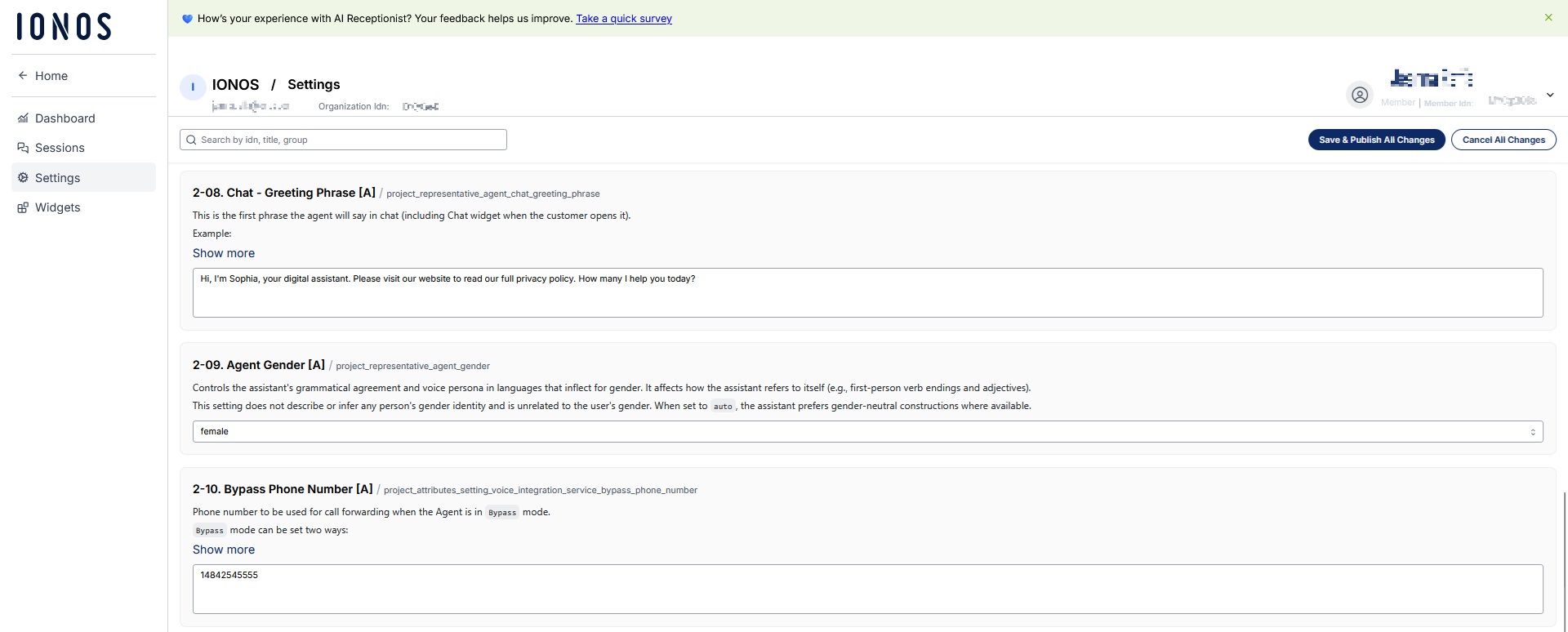
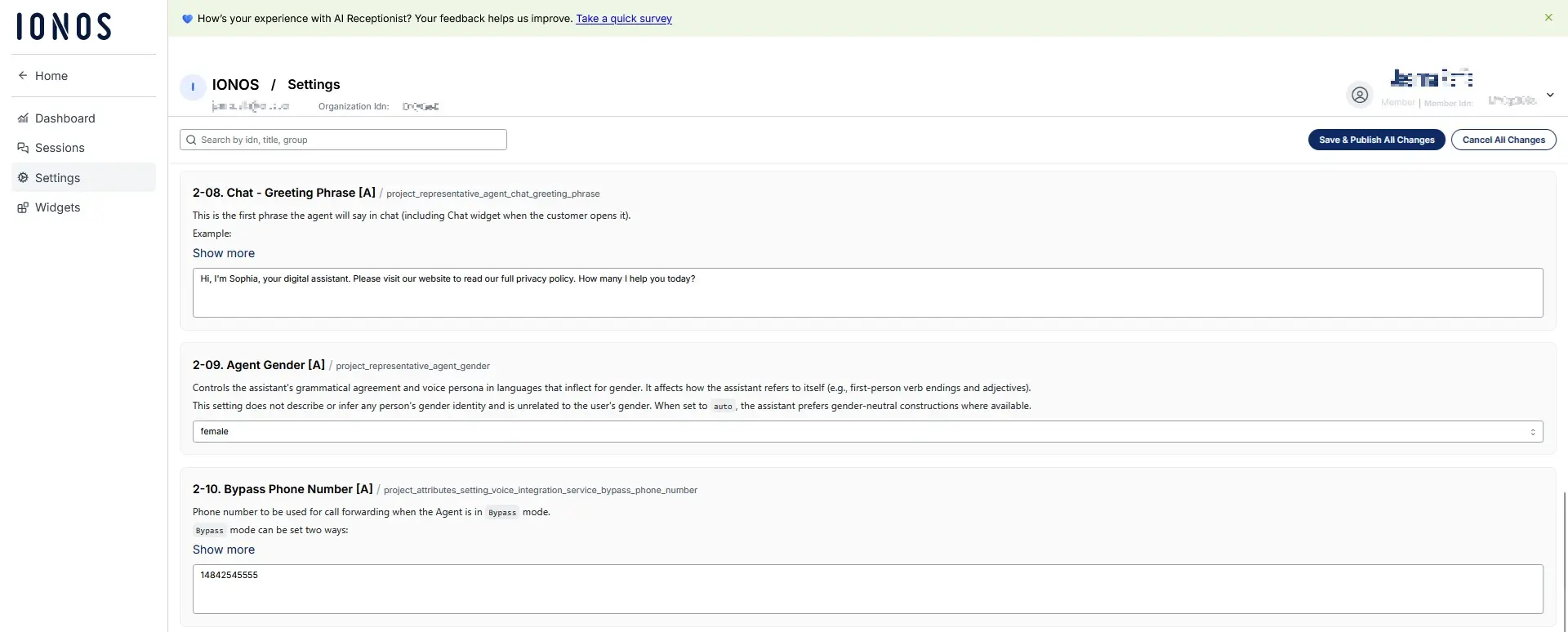
The IONOS AI Receptionist is designed for small and medium-sized businesses. The assistant answers calls automatically, handles common customer questions and is able to forward calls to the right person when needed. Setup is quick and easy. The system pulls information from the company website and uses it to respond to inquiries. Monthly plans come with a set number of calls and a fixed cost per call, making costs predictable.
| Advantages | Disadvantages |
|---|---|
| ✓ Easy setup | ✗ Best suited for standard use cases |
| ✓ Continuous AI updates | ✗ Limited customization for complex workflows |
| ✓ Works with your existing tools and workflows |
Google Dialogflow
Google Dialogflow lets you build intelligent voice assistants with advanced speech recognition. It integrates with telephony systems and chat platforms, supports multiple communication channels, and scales easily. However, setup is complex and typically requires coding, making it best suited for larger companies.
| Advantages | Disadvantages |
|---|---|
| ✓ Advanced speech recognition | ✗ Better suited for larger companies |
| ✓ Broad AI features | ✗ Complex setup |
| ✓ Scales well |
Amazon Connect and Lex
Amazon Connect combines cloud-based telephony with the AI service Lex, which analyzes and processes calls automatically. It can also integrate with existing CRM systems, so customer data is available during the call. Amazon Connect is flexible and scales well, but setup can take time when deployments are more complex. However, detailed documentation makes it manageable even for teams without prior experience. Costs can increase quickly with higher call volumes.
| Advantages | Disadvantages |
|---|---|
| ✓ Flexible configuration | ✗ Complex setup |
| ✓ Strong AWS integration | ✗ Costs increase with high call volumes |
| ✓ Scales well |
Microsoft Azure Bot Service
Microsoft’s Azure Bot Service lets you build voicebots with built-in AI, multi-channel support and analytics tools. It integrates with Microsoft products, such as Microsoft 365, so companies can use existing data and workflows. However, setup is more complex. Pricing is usage-based and additional configuration is needed to meet GDPR requirements.
| Advantages | Disadvantages |
|---|---|
| ✓ Integration with Microsoft tools | ✗ Takes more effort to set up |
| ✓ Advanced AI features | ✗ Uses usage-based pricing model |
| ✗ Requires additional setup for GDPR compliance |
Reviewer

Jeanna Raffa
With over 18 years of experience in online marketing, Jeanna Raffa possesses extensive expertise in digital marketing. Since 2020, her focus has been on providing practical information regarding email, office, and cloud storage solutions.