

The best WordPress forum plugins in comparison

Regardless of the topic, forums are a great way to exchange ideas, have conversations or get information from others. As a company, you can use a forum to build up your community and encourage user engagement among visitors to your platform. If your web presence isn’t fully dedicated to being a forum site, you can use a WordPress forum plug-in rather than a full WordPress forum theme. This way, you can set up an area for visitors to talk to each other alongside your regular content.
- Store, share, and edit data easily
- Backed up and highly secure
- Sync with all devices
WordPress forum plug-ins: an overview of the best providers
If you want to set up a forum, you have a choice of several different WordPress forum plug-ins depending on your needs. Do you want something rather slim with just the basic essential features? Or would you prefer additional features such as votes and personalized user profiles? The right plug-in for you depends heavily on your answers to these questions.
bbPress
bbPress is a very popular WordPress forum plug-in. Developed by the makers of WordPress, it wins people over with its simple structure and significant creative freedom. You can use it to quickly set up a forum divided into individual categories.
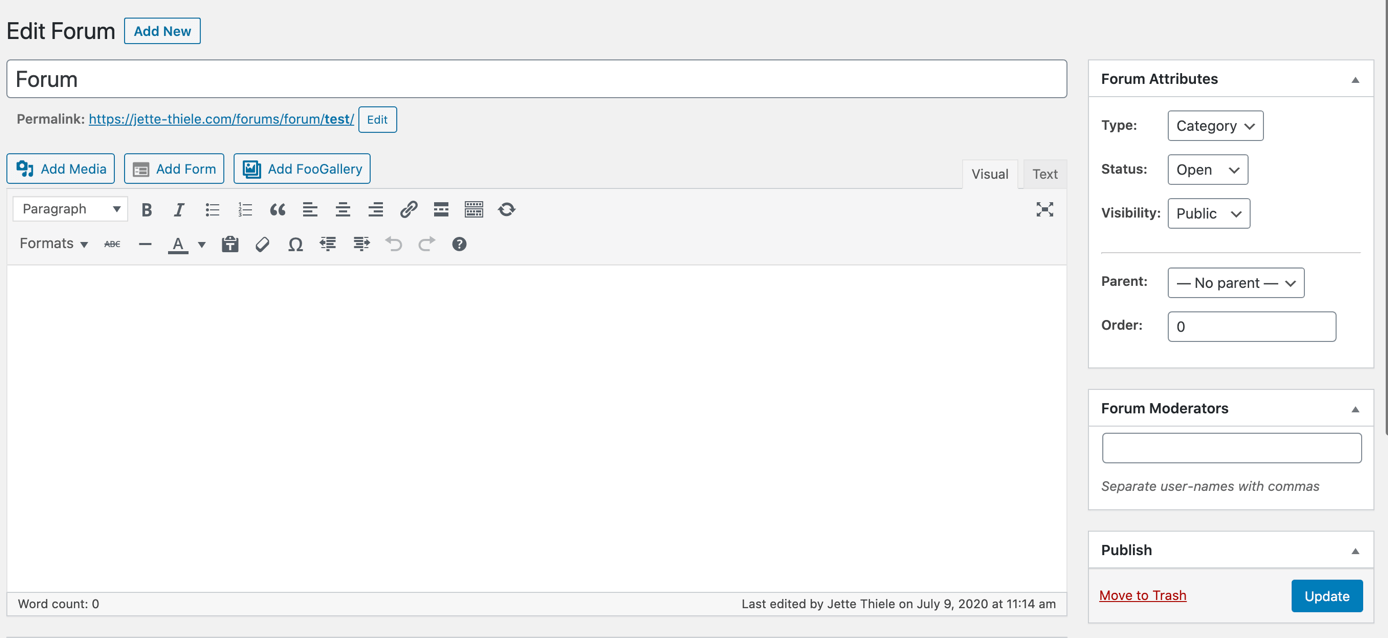
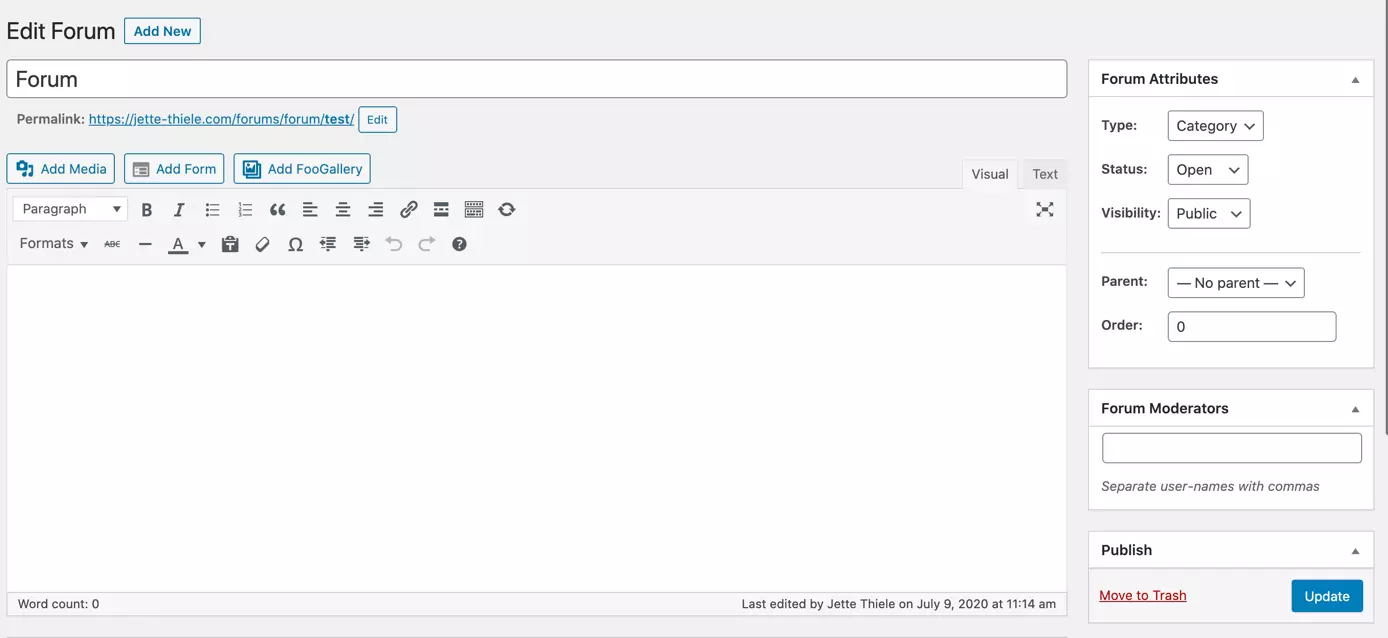
The best part is that bbPress is completely free. All standard features are available in the base version. With over 200 extensions, you have a wide choice of additional features.

WordPress forum plug-in bbPress: overview of pros and cons
| Pros | Cons |
|---|---|
| Completely free | The base version has only basic features, meaning you need to install additional extensions for additional feature options |
| Over 200 extensions are available to allow things like questionnaires or evaluations | Only one layout available |
| Slimline | |
| Compatible with multiple websites | |
| Supports user profiles | |
| Notifications for new threads | |
| Automatically adapts to the color and font of the site You can customize it further using code | |
| Akismet support | |
| Simple to use | |
| Compatible with many WordPress themes | |
| Designed for WordPress and uses the same coding standards | |
| Available in several languages | |
| Optimized for mobile devices |
BuddyPress

Buddypress doesn’t just give you a basic forum – rather, you will get a full social network that allows members of your community to make user profiles, join groups, and send private messages. Just like bbPress, BuddyPress is an official WordPress plug-in that uses the same coding standards and practices as WordPress. This makes the WordPress forum plug-in compatible with many WordPress themes and sites.
You can set up your network in just a few simple steps. It is easy to choose the settings, activate the features you want and make any display changes – you’ll have your own social network up and running in no time.
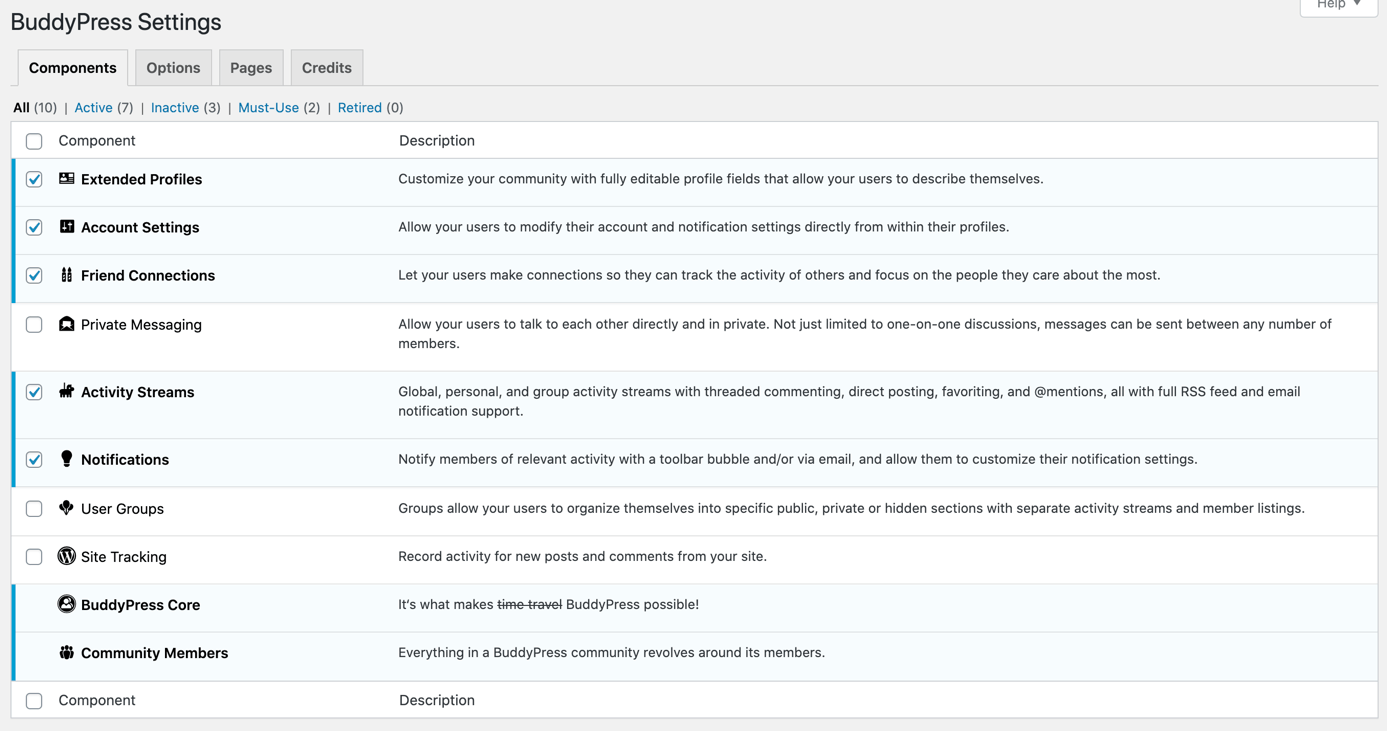
Just like the WordPress forum plug-in bbPress, BuddyPress is completely free and can be installed directly from your admin area.
To meet the needs of different user groups, you can always combine BuddyPress with bbPress or other extensions. This way, you can set up an area for a standard forum as well as a space for social interactions on your website.
WordPress forum plug-in BuddyPress: overview of pros and cons
| Pros | Cons |
|---|---|
| Completely free | You need extensions for a fully-fledged online community |
| Hundreds of extensions are available to give you things like questionnaires or evaluations | |
| Slimline | |
| Available in several languages | |
| Automatically adapts to the color and font of the site – you can customize it further using code | |
| Extensive social network with many features, including user profiles, friend requests, groups and activities | |
| Simple to use | |
| Compatible with many WordPress themes | |
| Optimized for mobile devices | |
| Designed for WordPress and uses the same coding standards |
wpForo Forum
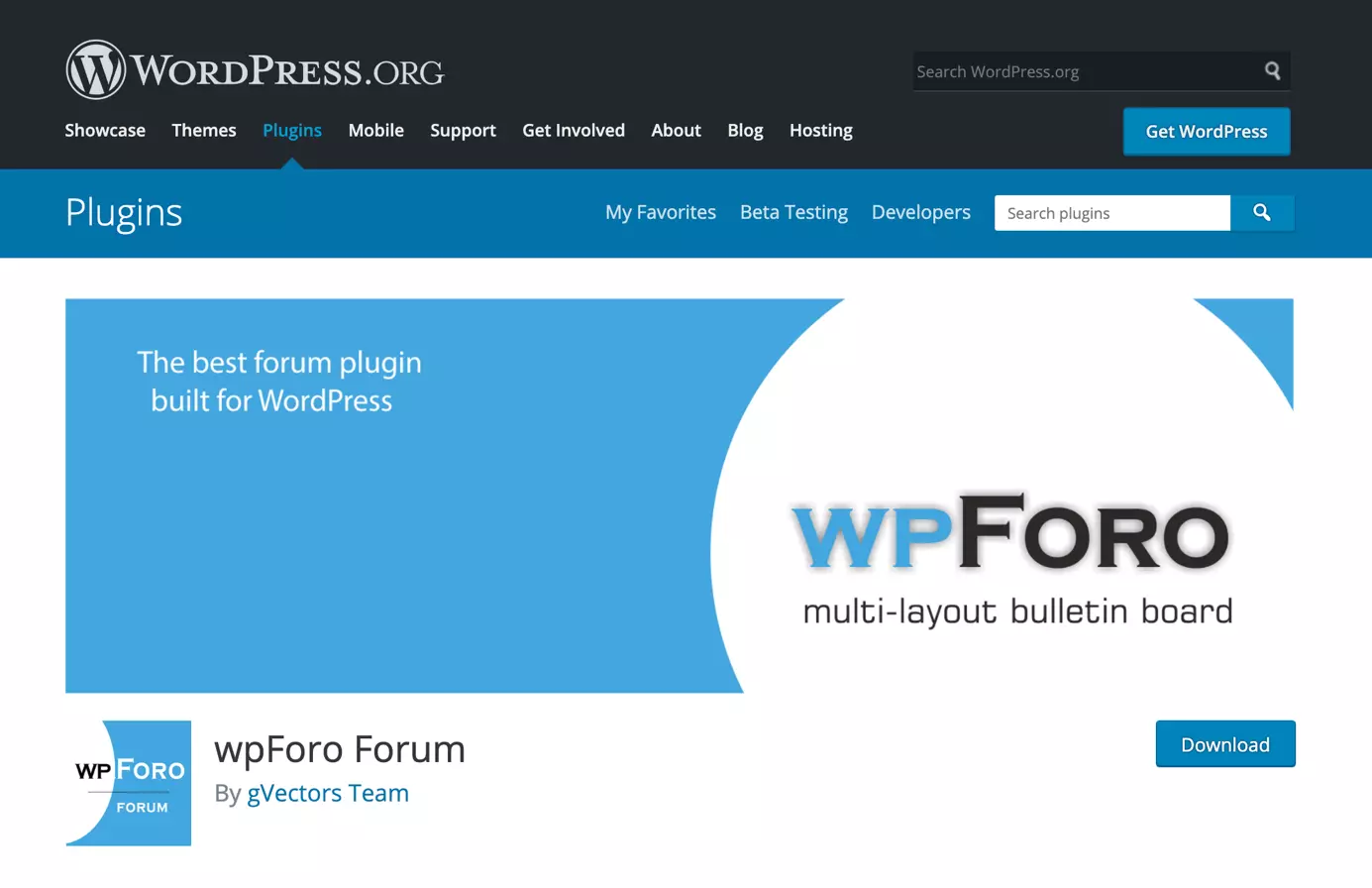
wpForo Forum is a free WordPress forum plug-in with a more modern design than that offered by many other forum plug-ins. The basic version offers a choice of four different layouts for your WordPress forum. With paid add-ons, you can integrate more extensive features such as questionnaires, file sharing, user-defined fields, and much more.
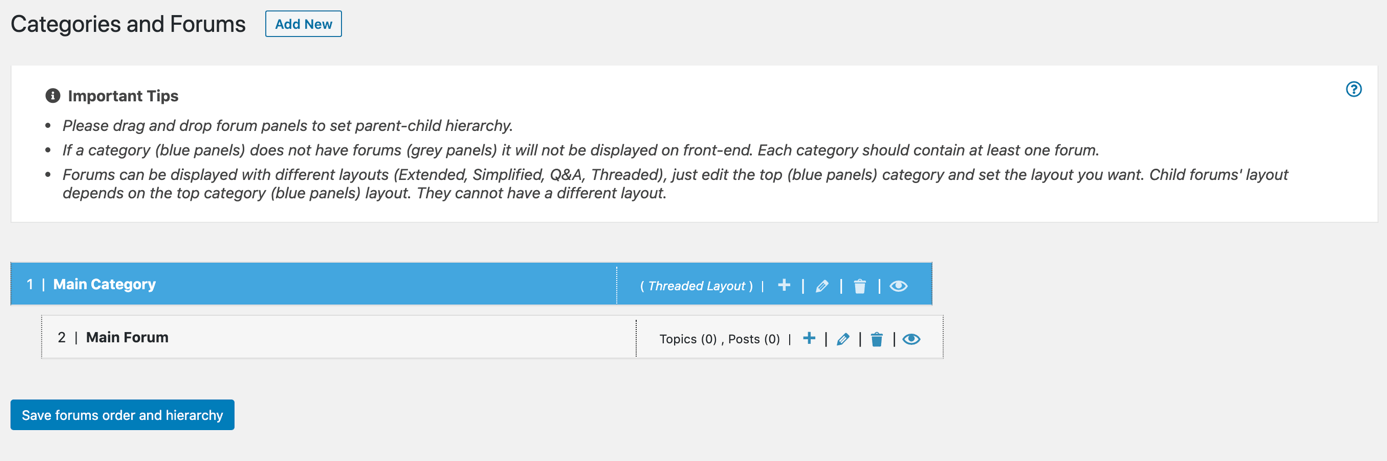
You can add a new forum or category easily in your admin area and then drag and drop it to organize the structure of your forum.
WordPress forum plug-in wpForo Forum: overview of pros and cons
| Pros | Cons |
|---|---|
| Free | Paid add-ons |
| Modern design | A little more complex to use |
| Integrated SEO, xml sitemaps and cache features | |
| Available in several languages | |
| You can adapt colors and styles to your corporate design (using code) | |
| Questionnaires, file sharing, user-defined fields and much more available with extensions | |
| Compatible with many WordPress themes |
Asgaros Forum
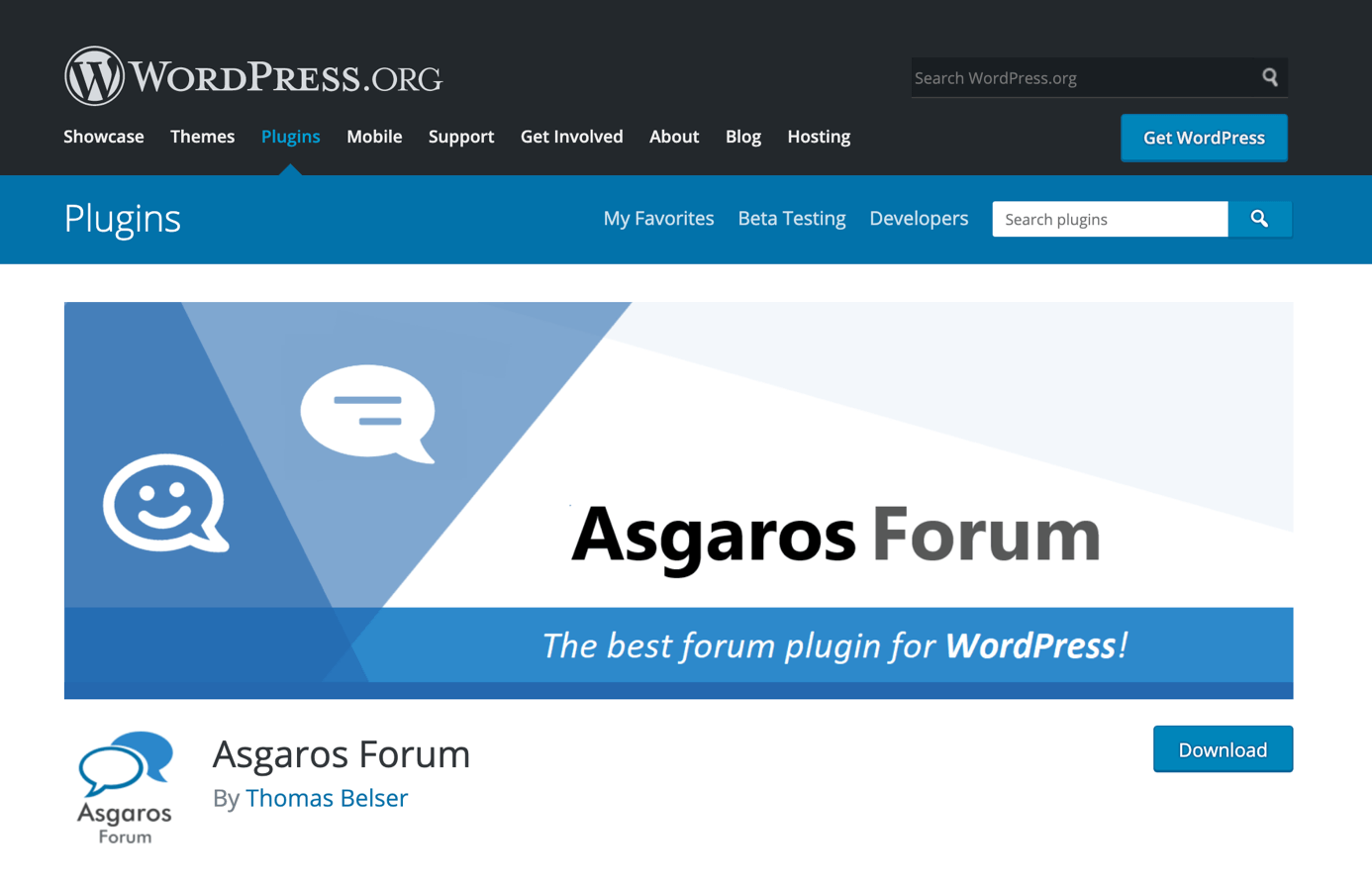
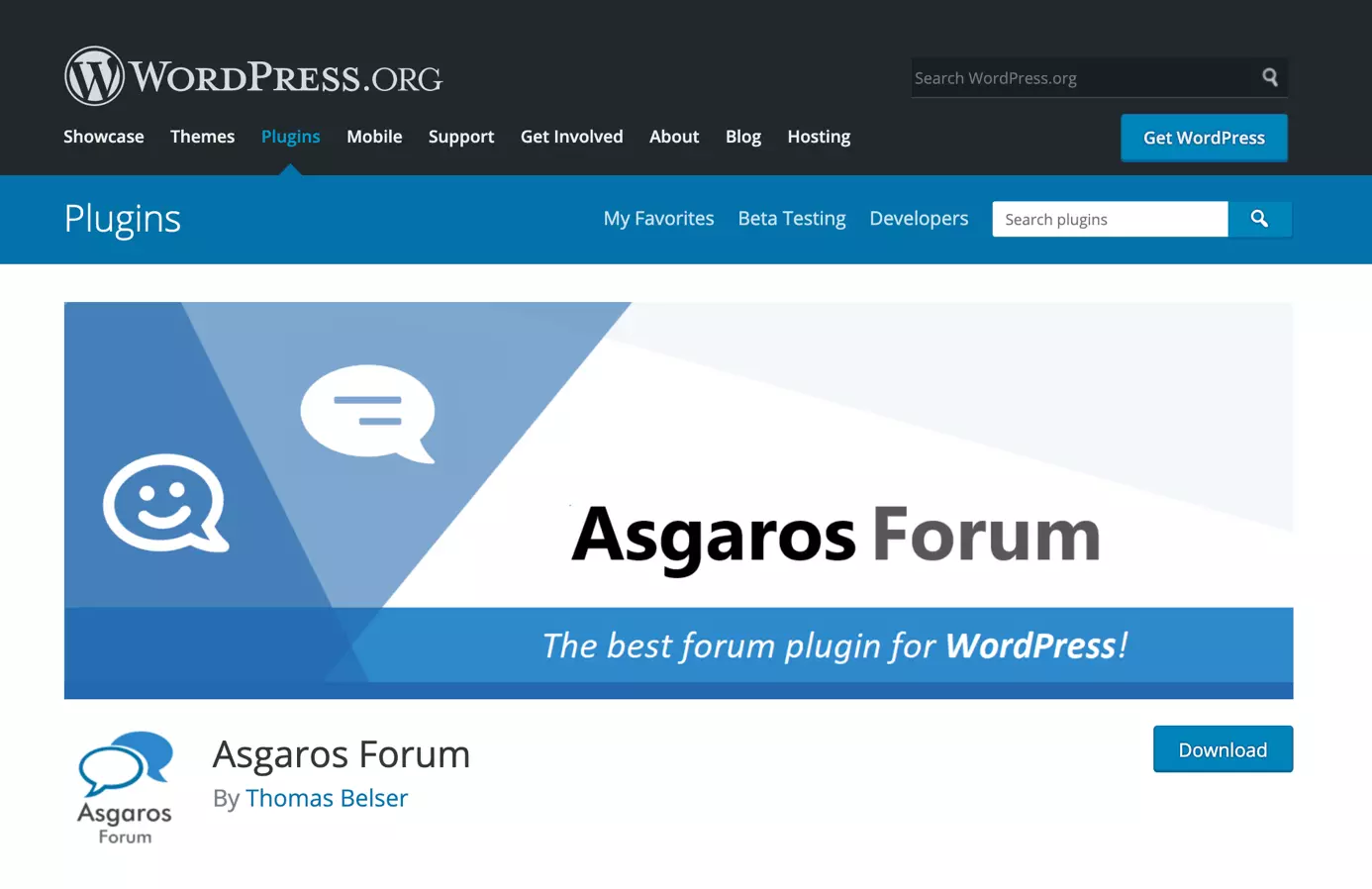
Asgaros Forum is a particularly lightweight WordPress forum plug-in. You can use the code shortcut “[forum]” to add a forum to any page. You can easily customize fonts and colors with the editor in your admin area.
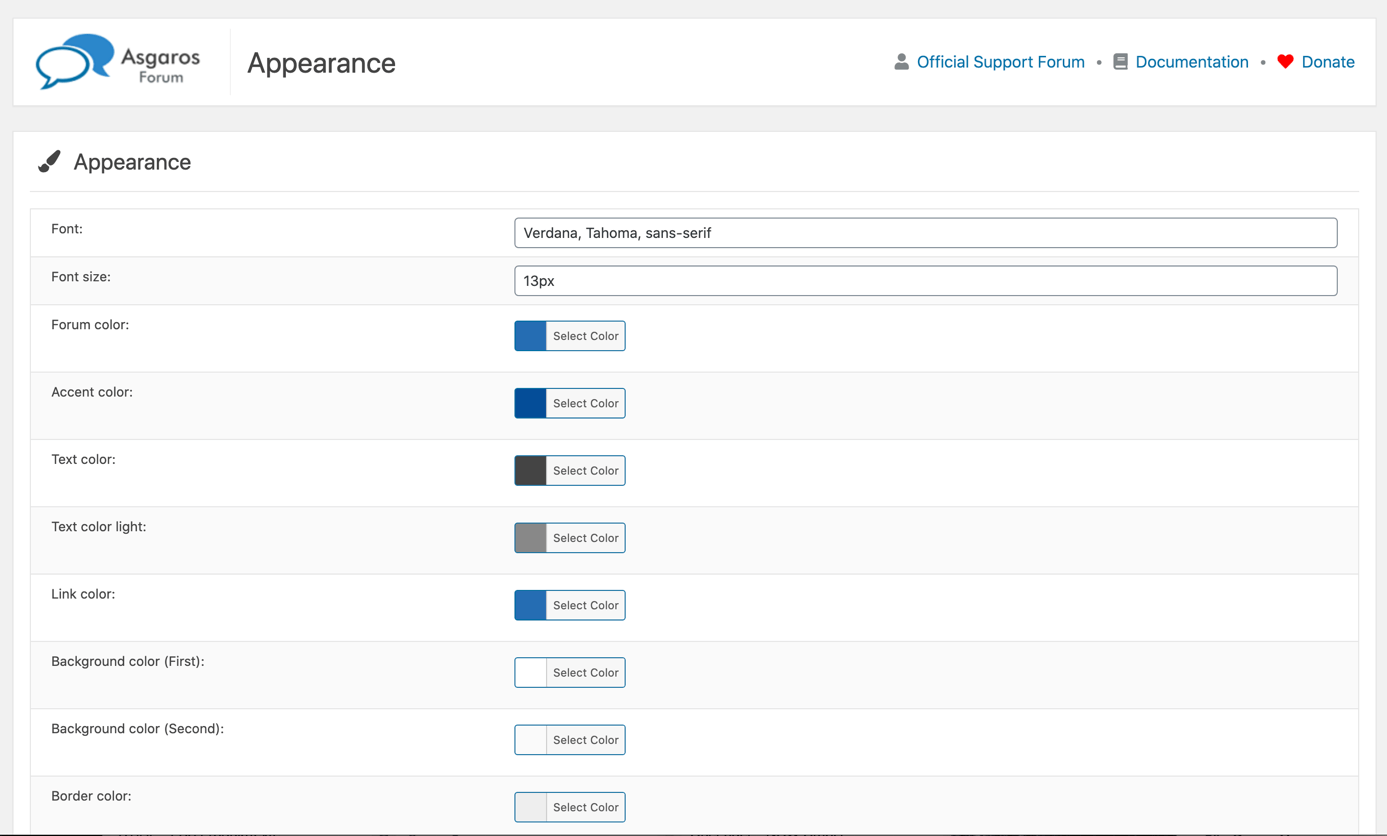
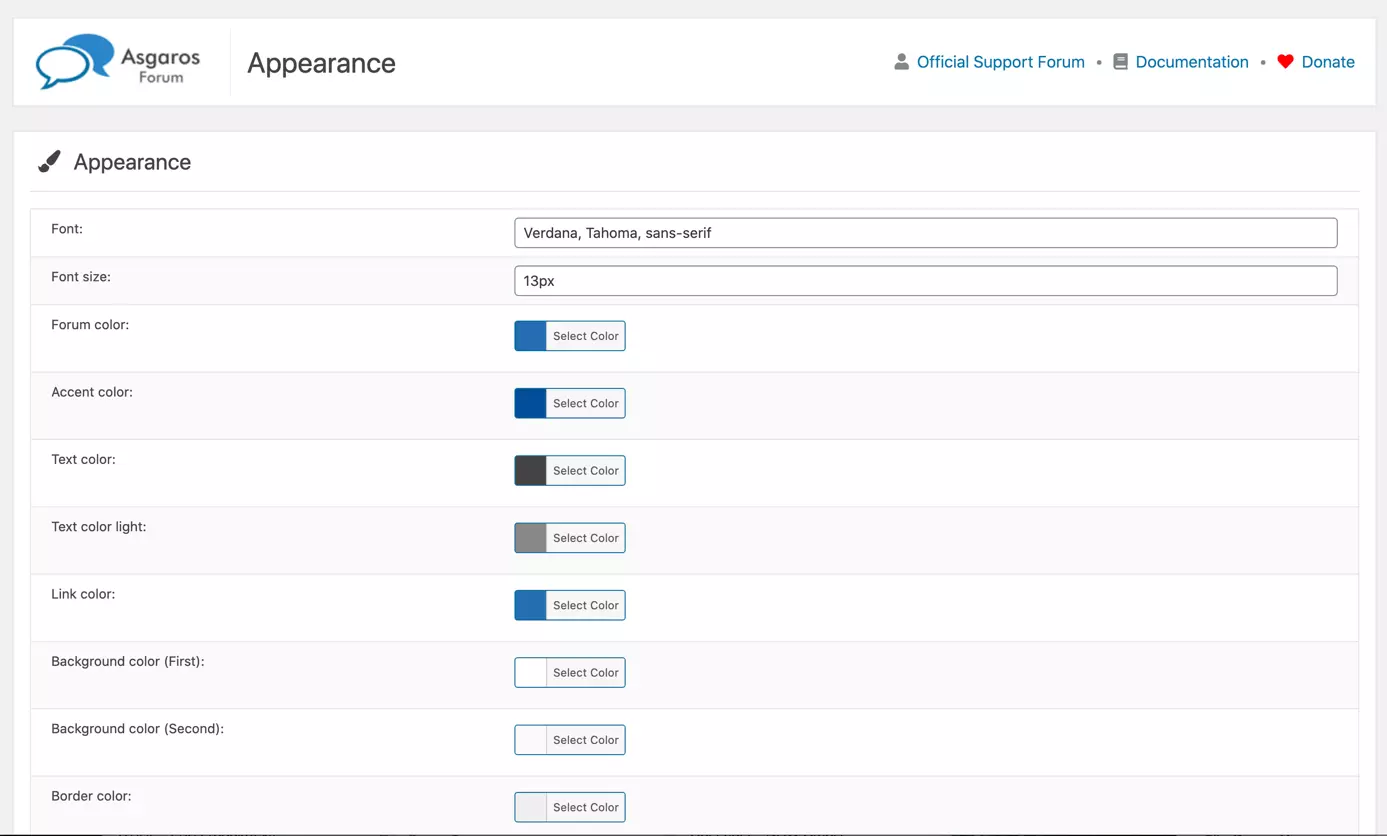
Asgaros Forum is another completely free WordPress forum plug-in which offers a manageable platform with many useful features, such as page statistics, file sharing and questionnaires.
Want to know how to disable comments in WordPress? Find out how in our how-to article!
WordPress forum plug-in Asgaros Forum: overview of pros and cons
| Pros | Cons |
|---|---|
| Completely free | Only a small number of extensions available |
| Very lightweight plug-in, good for site loading times | |
| Very simple to use | |
| Compatible with multiple websites | |
| Available in several languages | |
| You can adapt colors and styles to your corporate design | |
| Integrated statistics to measure forum performance | |
| Possibility to upload several file types | |
| SEO friendly |
WordPress forum plug-ins: a comparison overview
All of the WordPress forum plug-ins above let you set up a forum on your website. If you want to keep your website sleek, we recommend bbPress or Asgaros Forum. wpForo Forum offers a more modern solution with different layouts and visually adjustable designs. If you’d rather create a whole social network, BuddyPress is the best solution. To help you make your choice, the table below compares and contrasts all of these plug-ins:
| Feature | bbPress | BuddyPress | wpForo Forum | Asgaros Forum |
|---|---|---|---|---|
| Colors and fonts can be adapted to corporate design | Adapts automatically | Adapts automatically | Font adapts automatically, colors need coding | Yes |
| Simple to use | Yes | Yes | More complex | Yes |
| Compatible with multiple websites | Yes | Yes | Yes | Yes |
| Extensions available | Yes | Yes | Yes | Yes, but not many |
| Aksimet support | Yes | Yes | Yes | No |
| Available in several languages | Yes | Yes | Yes | Yes |
| Notification system | Yes | Yes | Yes | Yes |
| Content moderation | Yes | Yes | Yes | Yes |
| User profiles | Yes | Yes | Yes | Yes |
| Social network with friend requests, private groups and activity feed | No | Yes | No | No |
| Different layout possibilities | No | No | Yes | No |
| Modern design | No | No | Yes | More modern than bbPress |
| Compatible with many WordPress themes | Yes | Yes | Yes | Yes |
| Optimized for mobile devices | Yes | Yes | Yes | Yes |
| Member reputations | Yes (with extensions) | No | Yes | Yes |
| Free version | Yes | Yes | Yes | Yes |
| Paid version | No | No | No, but some extensions are paid | No |
IONOS Hosting for WordPress lets you set up a WordPress site quickly and easily on a dedicated, reliable hosting platform.