

What are the top WooCommerce booking plugins?

With options to flexibly book appointments and make reservations online, you and your customers will find the task of finding time in your busy schedules much easier. By using WooCommerce Bookings you can easily integrate one or more calendars into your website and configure them to your needs.
The top nine WooCommerce booking plugins
| WooCommerce booking plugin | Price |
|---|---|
| WooCommerce Bookings |
|
| WooCommerce Appointments |
|
| Bookly PRO |
|
| Amelia |
|
| Booked |
|
| Team Booking |
|
| Salon Booking System |
|
| Booking Calendar |
|
| MotoPress Hotel Booking |
|
Prices as of January 2023
Which features should a WooCommerce booking plugin offer?
Customers prefer not having to look for phone numbers, be put on hold, or send emails to ask for an appointment. A WooCommerce booking plugin is a simple feature that will allow your customers to book and reserve appointments directly through your website. The range of WooCommerce plugins offers you a large selection of booking features, all which serve to make appointment scheduling easier. Depending on your industry and business, the WooCommerce booking calendar can fill a wide variety of demands. However, there are some important basic features that every plugin should have. Among these are:
- A configurable booking calendar (depending on the industry and size of the company)
- A filter function to search for free appointments, services, tasks or contact person
- An editor for planning (e.g., ability to block off vacation days and add in buffers and preparation time)
- A separate booking calendar and appointment profile for multiple employees
- An editing feature that provides an overview of bookings and where bookings can be edited, changed
- A clean backend to manage bookings
- An ability to make bookings for multiple people at the same time
- Optional integration of common WooCommerce payment methods
- Responsive design and mobile SEO to provide mobile-friendly user interfaces
- Reminders and confirmation options by email, SMS and Messenger
- Clear menus for multiple services, offers and contact persons
- Security and encryption for payment
For your WooCommerce website, you will also need a suitable domain. Register unique domain names at an affordable price with IONOS.
What kinds of businesses can benefit from WooCommerce booking plugins?
The possibilities to use booking tools are as diverse as the industries in which appointment booking plays a central role. WooCommerce booking plugins can add significant value to the following industries and companies:
- Hair salons
- Tattoo studios
- Clinics
- Bars and restaurants
- Gyms
- Spa and massage studios
- Yoga studios
- Online ticket sales for events
- Coaching and consultation services
- Tutorials, seminars and courses
- House viewings
- Hotels and motels
- Car rentals
- Rental and leasing of tools, equipment and vehicles
- Law firms
Do you want to get started in eCommerce? Use WooCommerce hosting from IONOS to get a highly secure server for your eCommerce platform.
Top plugins for WooCommerce Bookings
Here is a list of the top nine plugins that you can use to efficiently integrate bookings into WordPress with WooCommerce. Using one of these plugins can save you time and reduce your WooCommerce costs. By looking at the different features available, you can choose the best plugin for your business and your customers.
You don’t need to have WooCommerce for customers to schedule appointments through your website. With the right plugin, you can also book appointments using WordPress.
WooCommerce Bookings
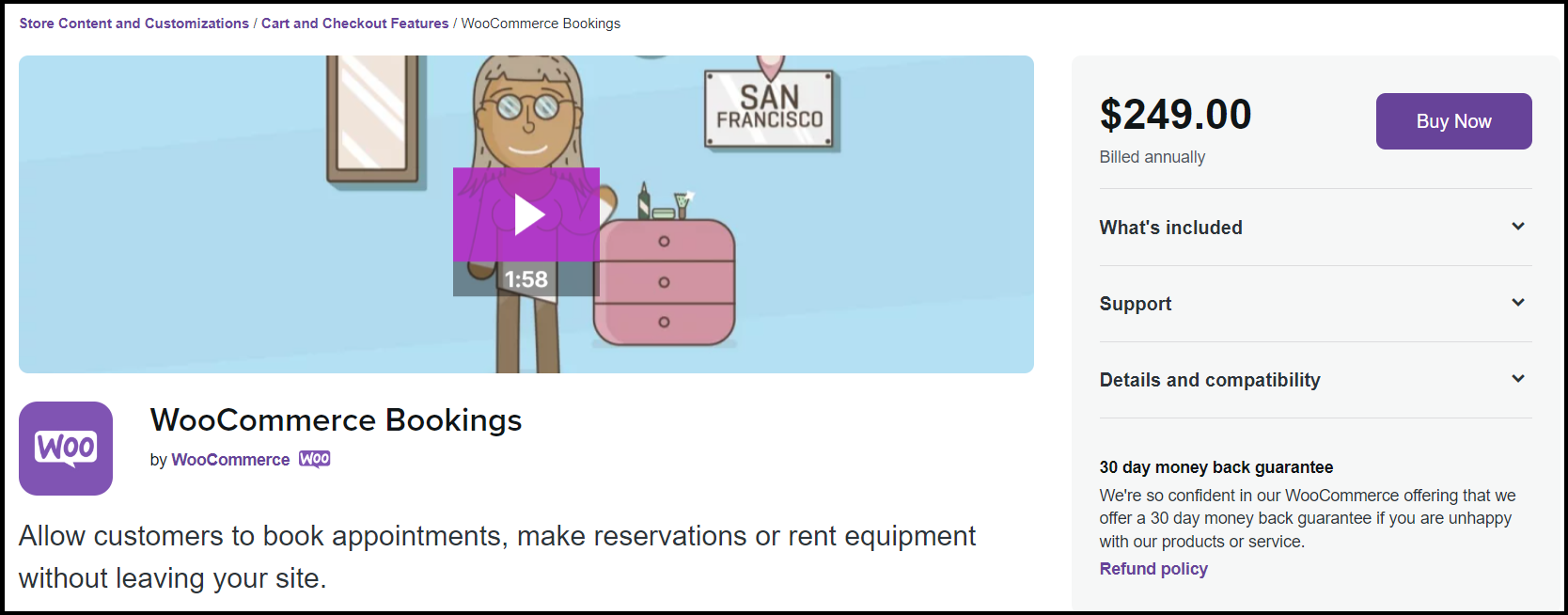
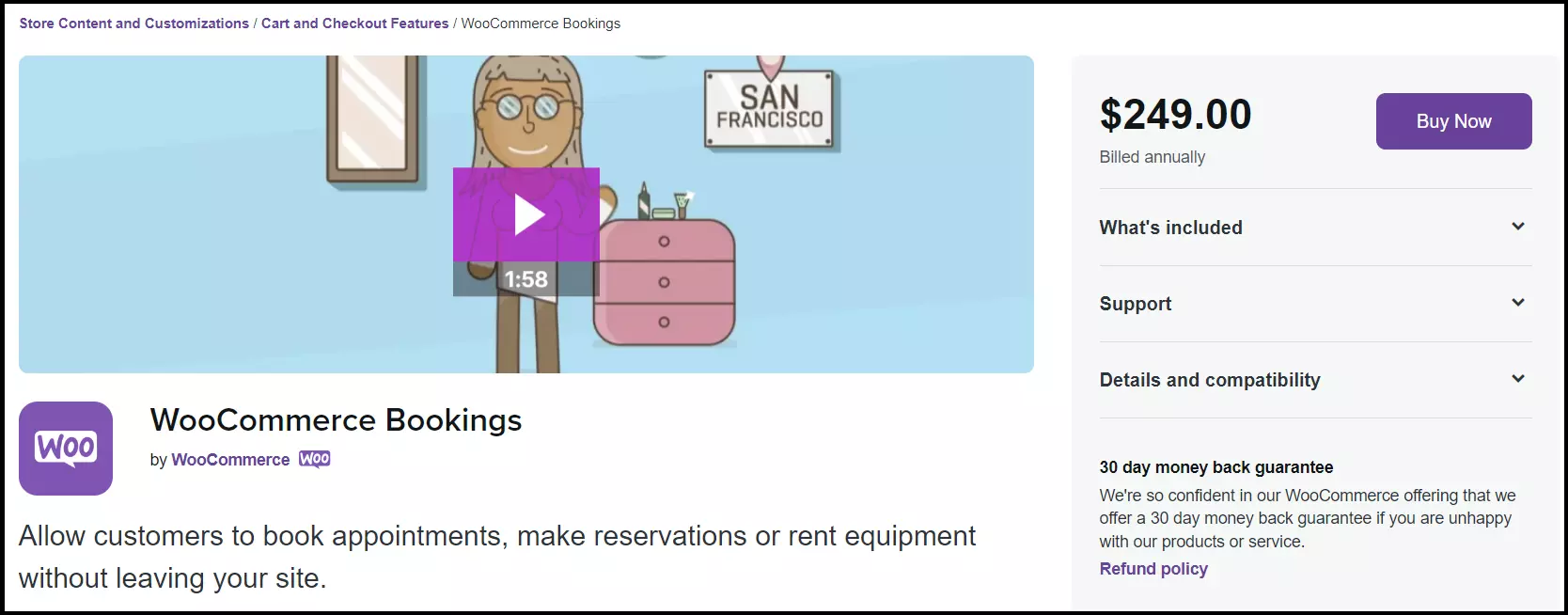
One of the most-widely used booking plugins is, without a doubt, WooCommerce Bookings. As an in-house WooCommerce plugin, it’s no surprise that WooCommerce Bookings offers seamless integration into your WooCommerce Shop and WordPress. While the paid versions allow for integrated payment options, the free version offers important basic features for bookings and reservations-
The layout and WooCommerce themes can be easily adapted using CSS. At $249 per website for the premium version, it may be among the most expensive options out there. However, it is worth the money. The free version is sufficient for small shops and businesses, but you can also test the premium version for free with a 30-day trial.
Features:
- Book appointments and make reservations
- Fixed time slots for appointments and flexible booking options
- Bookings for individuals and groups
- Discount options for group bookings
- Integrated payment in the premium version
- Customizable product descriptions, prices and calendars
- Clear dashboard layout allowing for easy management
- Review and confirmation of bookings
- Other features available through additional plugins such as product add-ons
| Pros | Cons |
|---|---|
| ✓ The most well-known and widely used plugin for WooCommerce from WooCommerce | ✗ Relatively expensive premium version |
| ✓ Flexible creation and configuration of a booking calendar and various booking options | |
| ✓ Individual and group bookings possible | |
| ✓ Payment options with the premium version | |
| ✓ Can be expanded with other plugins such as WooCommerce dropshipping plugins |
WooCommerce Appointments
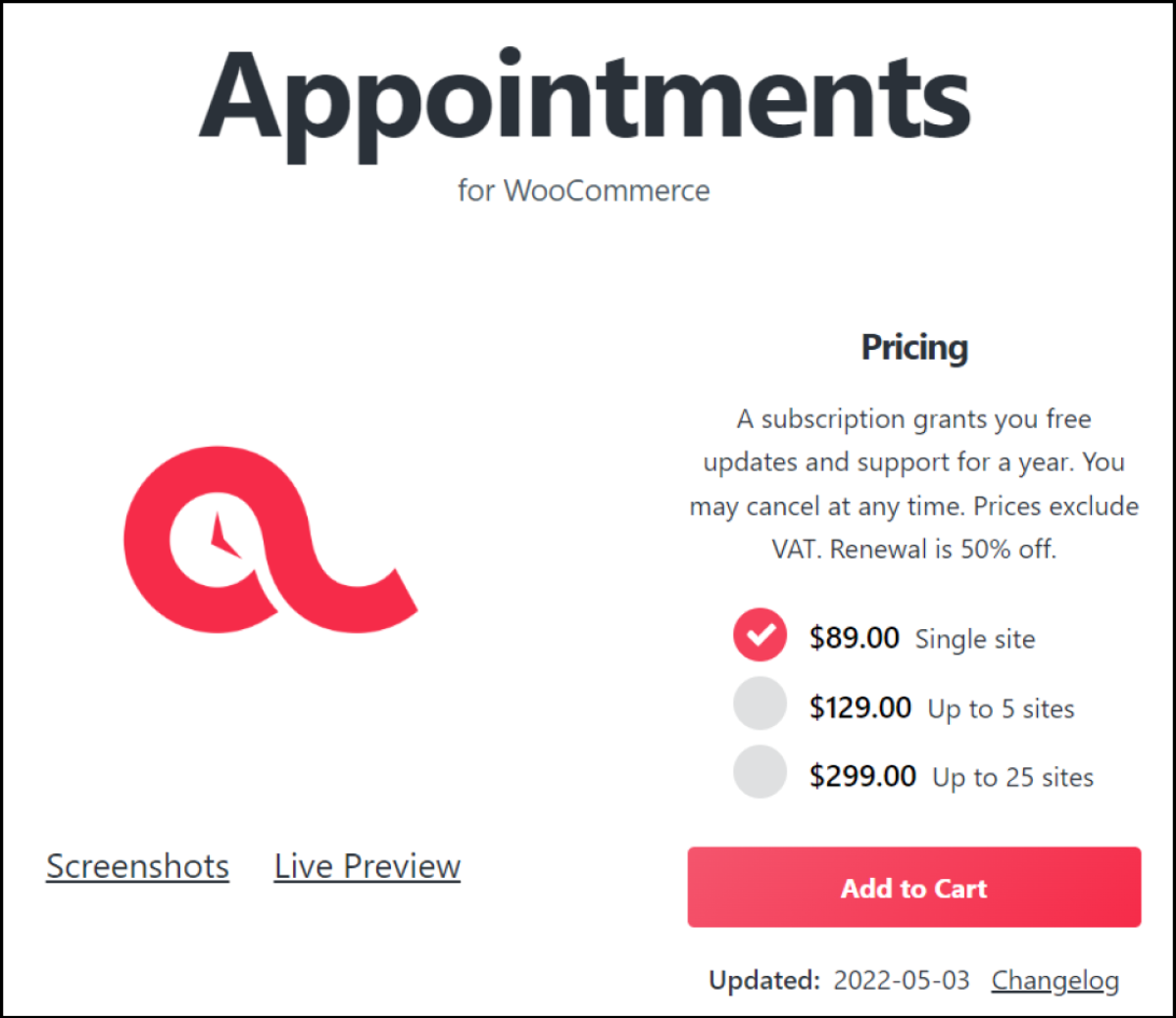
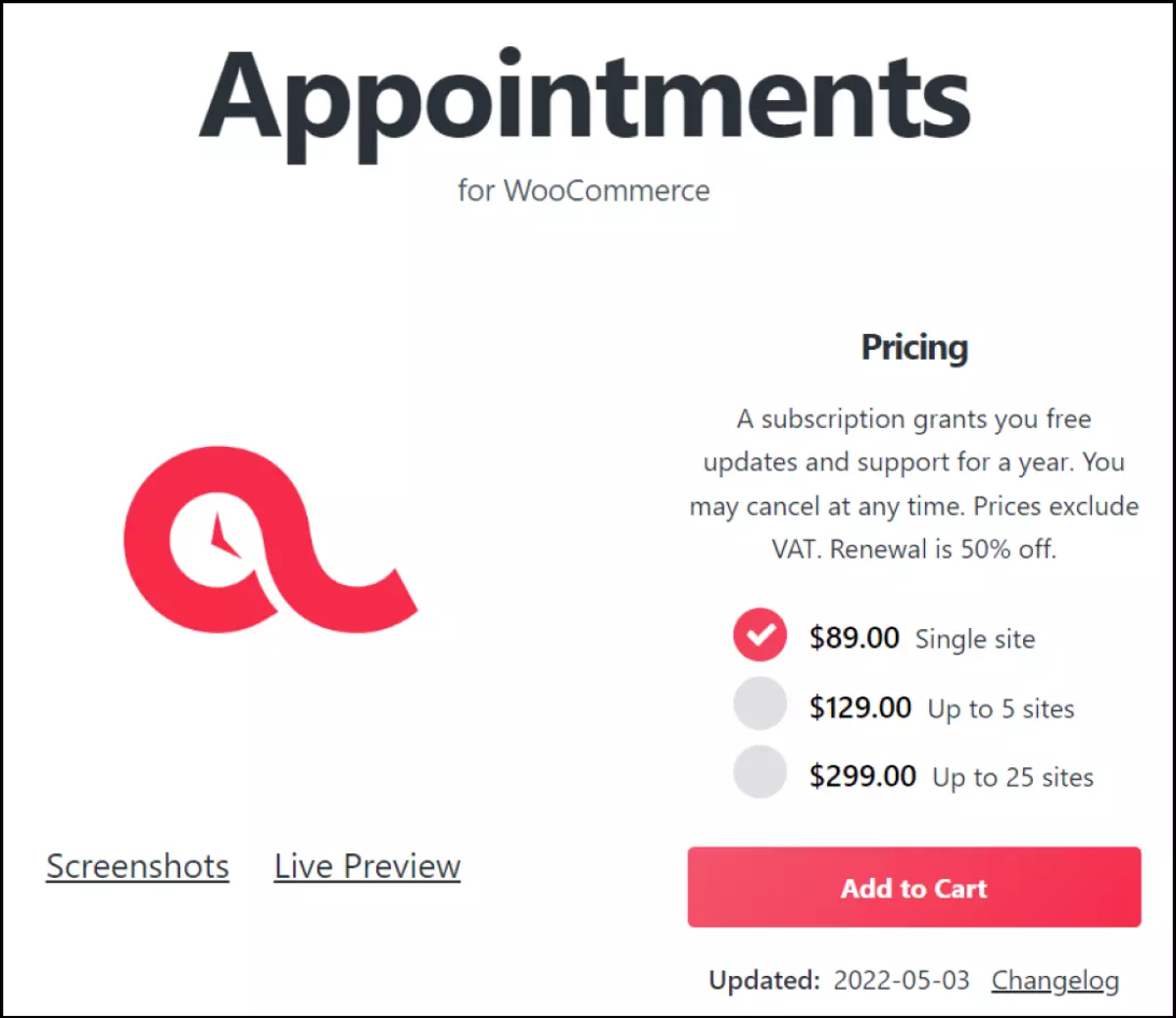
The Appointments for WooCommerce plugin is similar to WooCommerce Bookings but, at around $89 per website, costs a lot less. Bookings can be made for free or for a fee. It can also be synched to Google Calendar for changes or new bookings. The creation and configuration of a useful booking calendar, including the acceptance of bookings, set or flexible bookings, automatic notifications and available capacity is relatively easy to navigate. Additionally, developers can easily adapt the plugin with WooCommerce shortcodes.
Features:
- All the basic features of an appointment calendar, including calendar view, fixed or flexible appointments and the ability to check and approve appointments
- Booking calendar for specific employees
- Free bookings or an optional payment option
- Two-way synchronization with Google Calendar
- Automatic reminders and notifications
- Shortcodes for flexible booking forms on the website
- Customization options for prices, capacity and free appointments or products
- Can be expanded flexibly with WooCommerce plugins, like Gravity Forms or Print Invoices
- Appointment times automatically adapted to respective time zones
| Pros | Cons |
|---|---|
| ✓ All-important booking features at a low price | ✗ No free version |
| ✓ Synchronizes with Google Calendar | |
| ✓ Easy to set up and configure | |
| ✓ Can be easily modified by developers | |
| ✓ Seamless WooCommerce integration | |
| ✓ Can be expanded with additional plugins |
Bookly PRO
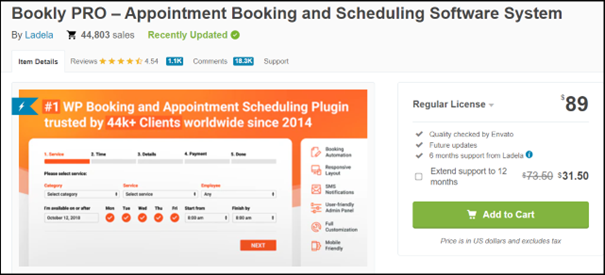
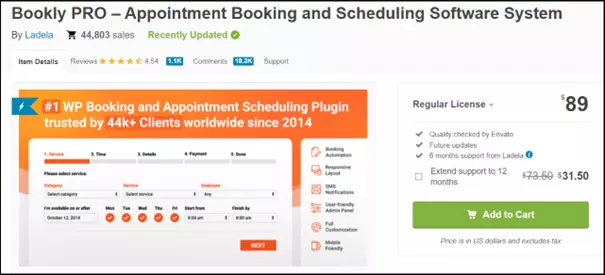
Similar to WooCommerce Bookings, the Bookly PRO plugin is among the best and well-priced WooCommerce booking plugins. It offers the best value for smaller businesses with a limited budget, especially for those looking to integrate a comprehensive, well-designed booking calendar. It includes unlimited profiles for employees, templates for automated notifications and important standard features that can be adapted to your booking calendar. The free version is perfect for quick and free appointment bookings. For reservations that require payment in advance, you will need the premium version.
Features:
- Unlimited profiles and calendars for different employees
- Complete booking calendar in a modern design
- Flexible settings in individual calendars with different rates
- Automatic email notifications and SMS integrations for customers as well as employees
- Synchronization with Google Calendar for all employee profiles
- Add-ons for extra features, such as coupons, invoices, locations and reviews
- Suitable for unlimited services and categories
- Performance analysis
- Integrated form creation for bookings
- The addition of lead times, fill times, buffer times and cancellation times
- Editing of individual calendars by permitted employees
- Possibility for customers to edit appointments and bookings
| Pros | Cons |
|---|---|
| ✓ Very affordable plan for booking appointments and making reservations | ✗ More suitable for simple, quick bookings and smaller businesses |
| ✓ User-friendly, well-designed calendar | |
| ✓ Possibility to book subscription and non-subscription services in the same order | |
| ✓ Automatic email and SMS reminders | |
| ✓ Unlimited employee profiles with different calendars |
Amelia
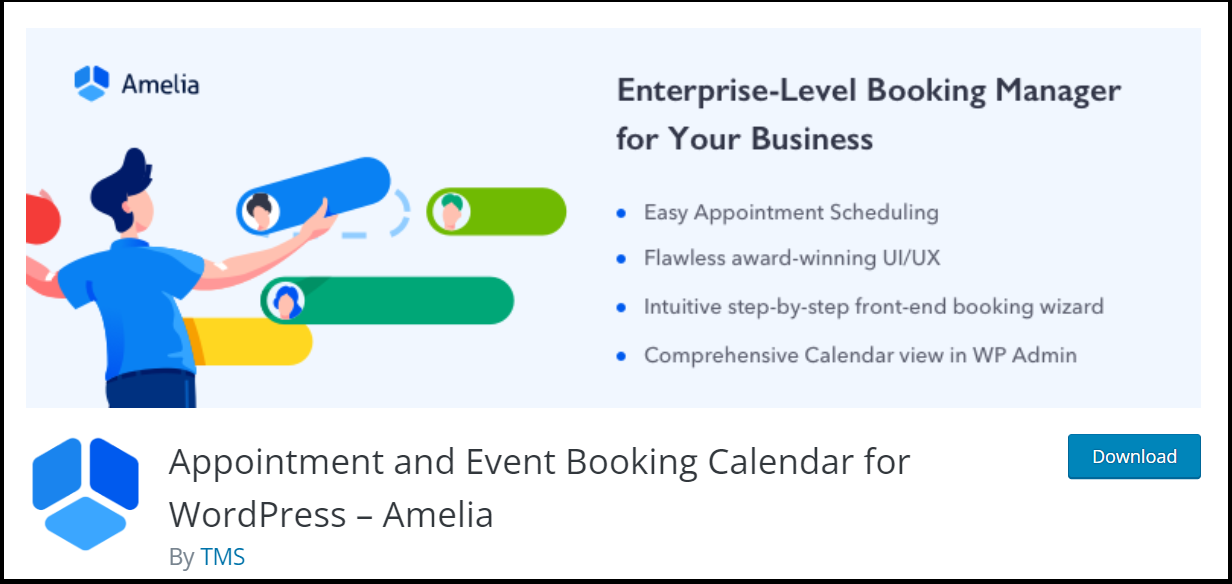
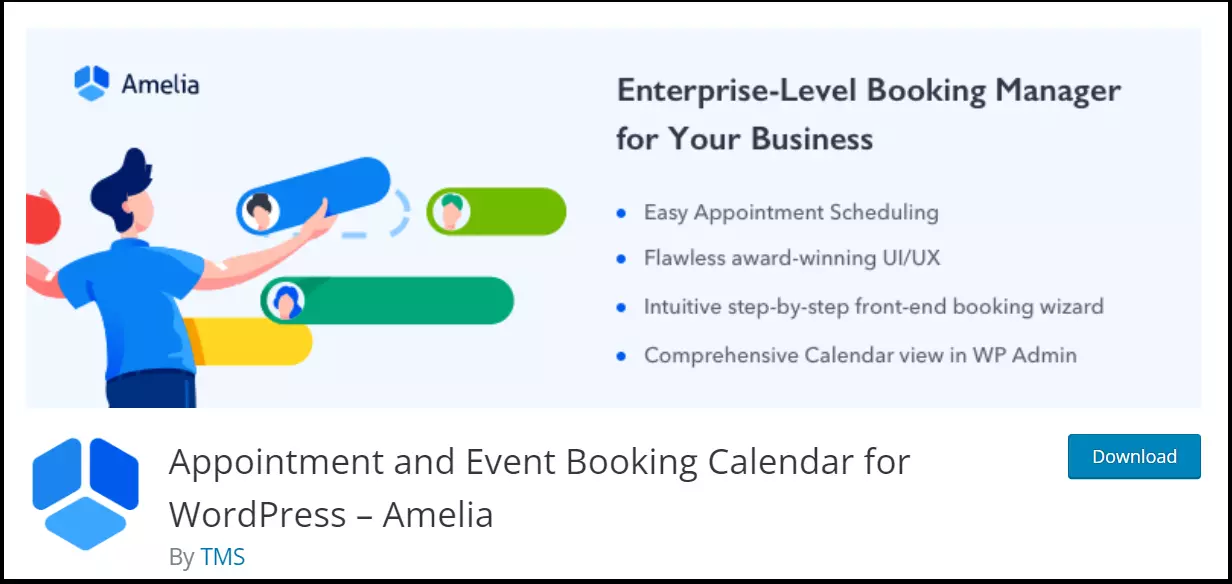
The plugin Amelia is also suitable for quick, simple bookings and small businesses. It offers a very clear backend dashboard and a user-friendly interface to manage and book appointments. It makes automatic booking for multiple employees or services easier. It can also process payments and bookings around the clock as well as sends reminders by email or SMS. Cancellations and rebooking’s are also easy. Even the basic version contains the most important features.
Features:
- 24/7 bookings and payments
- Integrated booking assistant
- Flexible appointments and booking with calendars for different employees or services
- Automatic email notifications and SMS integrations for customers as well as employees
- Practical two-way integration for WooCommerce and Google Calendar
- Performance reports with data visualization for business KPIs
- Vouchers and discounts possible
- Life-long premium license
| Pros | Cons |
|---|---|
| ✓ Free version has important basic features | ✗ Fewer features compared to more expensive plugins |
| ✓ One-time payment for a life-long premium version | |
| ✓ Bookings for multiple employees or services | |
| ✓ WooCommerce and Google integration |
Booked
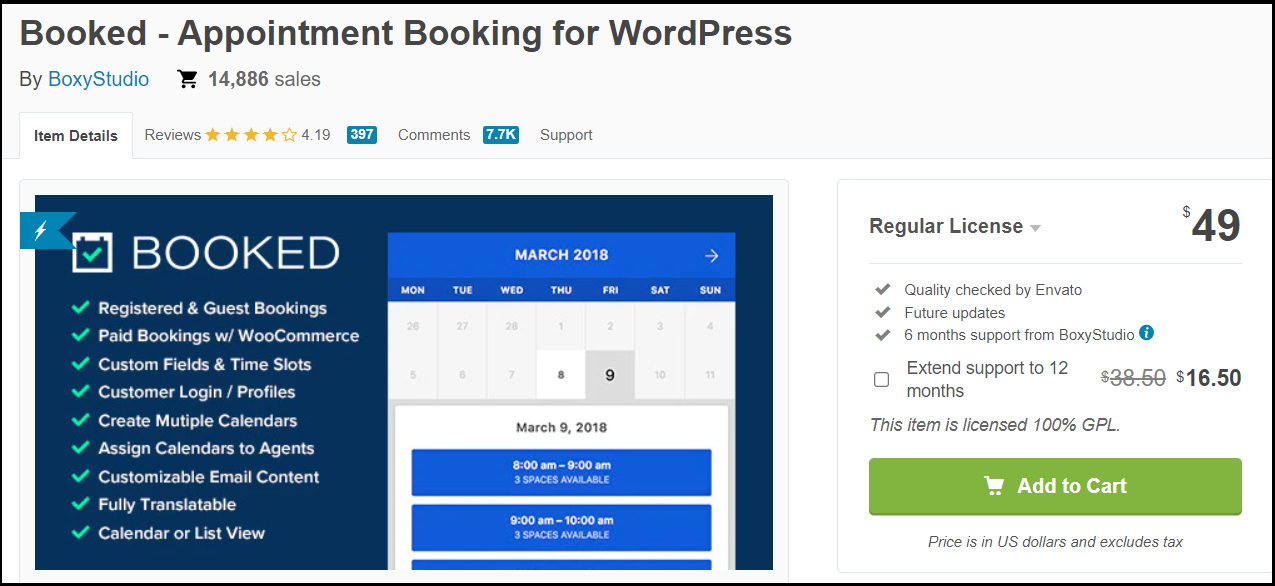
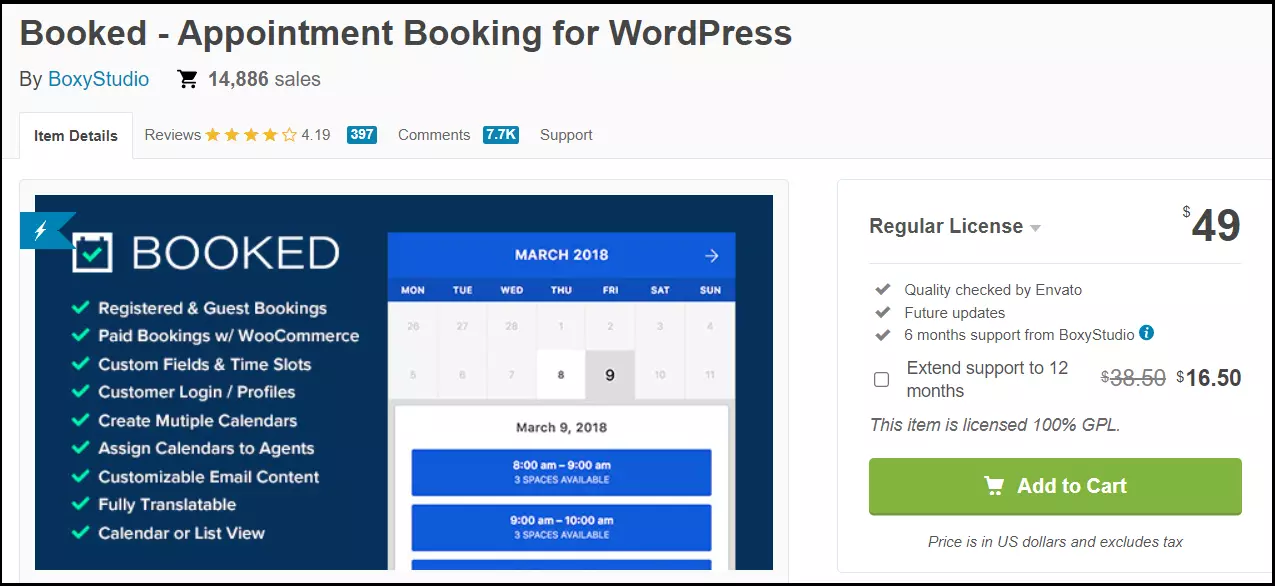
The Booked plugin offers user-friendly, flexible appointment scheduling for a one-time payment of $49. Following a simple installation, the calendar is ready to be integrated into your website. Appointments and time slots can be easily adjusted to include buffer times. You have several different colorful calendar designs to choose from, making comparison of individual calendars for multiple employees or services easy. It can also be simply integrated into WooCommerce using shortcodes and widgets, for example, in the WooCommerce Google product feed.
Features:
- All standard features available for a one-time payment
- Easy to configure the calendar design, appointment capacity, and employee profiles
- Multiple free add-ons to better manage appointments or payments
- No registration required to book appointments
- Optional paid reservations
- Translation feature
- Can be shown in a calendar or list format
- Configurable periods, capacities, and availability
- Shortcodes and widgets for simple integration into WooCommerce
| Pros | Cons |
|---|---|
| ✓ The one-time payment is an affordable price for great service | ✗ After first six months, fee charged for customer support |
| ✓ Option to show calendars or lists | |
| ✓ Easy to use and configuration is possible for multiple employees | |
| ✓ Responsive design for optimal display on all end devices |
Team Booking
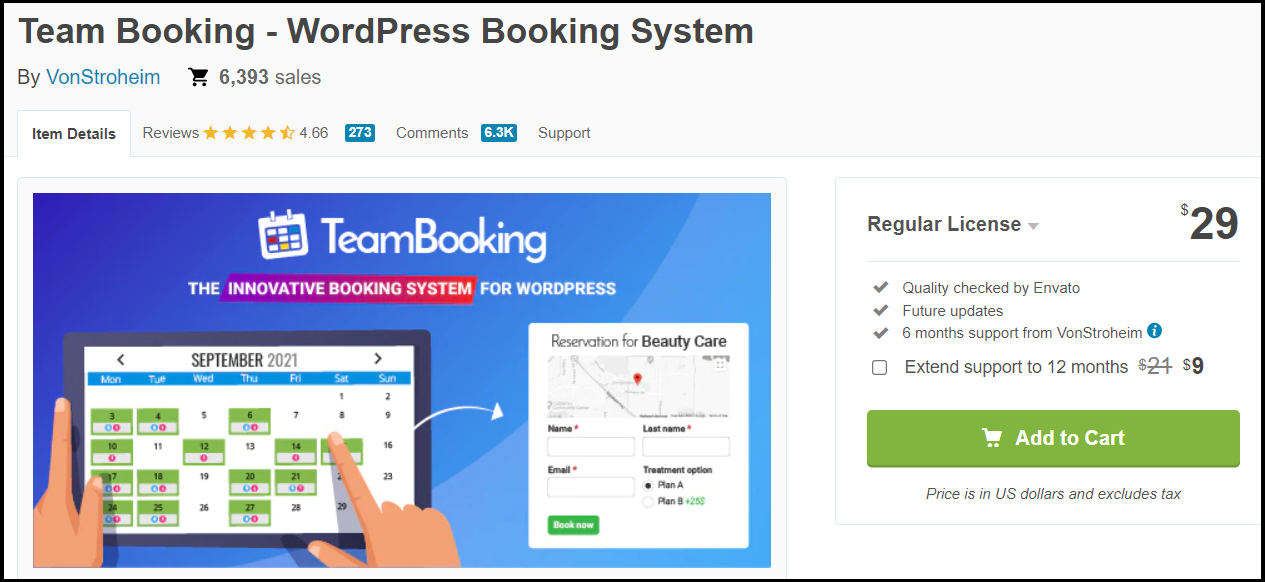
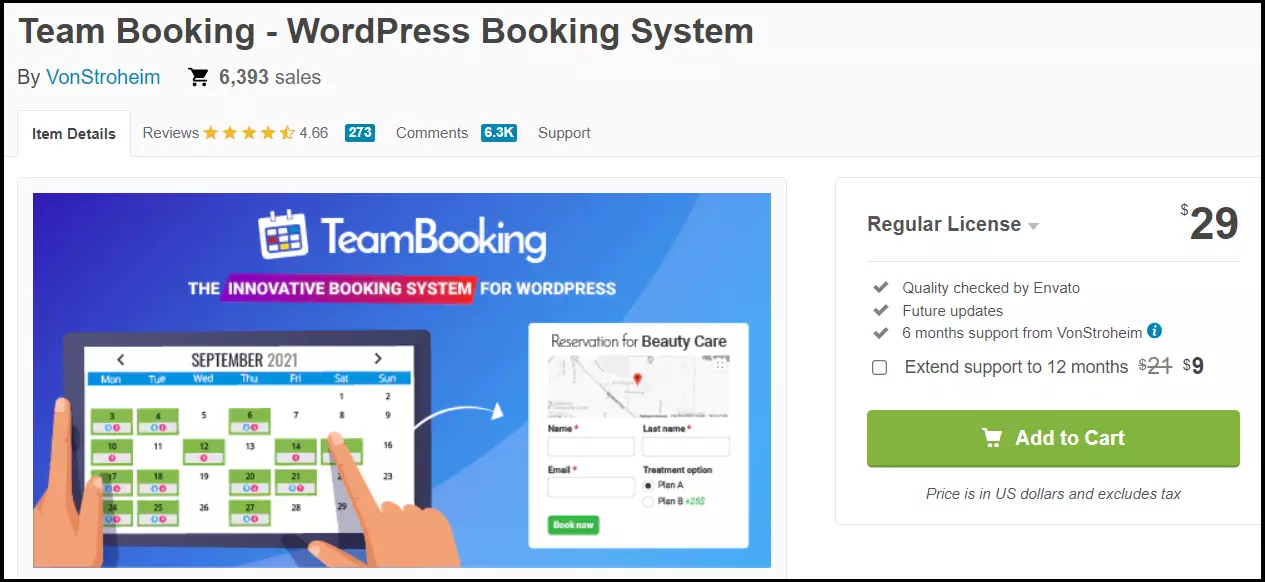
Team Booking has all the features of a premium plugin at a lower price. For a one-time payment of $29, you can get a powerful tool with many features. This includes a frontend calendar that allows you to configure bookings as well as options for adding unlisted services. Additionally, bookings and reservations for special events can be made as well. This plugin has two primary strengths. It supports integration with Google Calendar as well as integration with mapping apps when making a booking.
Features:
- All standard features for bookings are included in this calendar
- Booking features for appointments, events or services not included in predefined list of services
- User-friendly calendar and booking design
- Separate booking calendar for multiple employee profiles
- Integrated payment methods: Stripe and PayPal
- Integration of maps when booking
- Synchronization and integration of Google Calendar
| Pros | Cons |
|---|---|
| ✓ A comprehensive, standard booking management system for a low one-time price | ✗ No possibility for customization using codes and shortcodes |
| ✓ Locations can be displayed on a map when booking | |
| ✓ PayPal and Stripe are integrated as payment methods | |
| ✓ Multiple employee profiles for separate bookings |
Salon Booking System


The Salon Booking System plugin is the perfect tool for booking appointments for businesses with set reservation and appointment times. This plugin is ideal for hairdressers, beauty salons, and fitness and tattoo studios. Scheduling appointments is flexible, and the plugin supports synchronization with Google Calendar. It also offers automated email and SMS notifications for employees and clients and a translation feature into more than 20 languages.
Features:
- Flexible creation of appointment plans and reservation options
- Two-way synchronization with Google Calendar
- Automatic email and SMS reminders
- Integrated support for Stripe and PayPal
- More payment methods available with add-ons
- Free management of booking designs and positions using shortcodes
- Translation into more than 20 languages
- Client accounts can be edited
- Review options for clients
- Performance reports
- Discount and coupon options
| Pros | Cons |
|---|---|
| ✓ Heavy focus on industries that primarily use bookings and reservations | ✗ More for salons and studios |
| ✓ PayPal and Stripe are integrated as standard payment methods | |
| ✓ Notification options for employees and clients | |
| ✓ Translation into more than 20 languages | |
| ✓ Easy to set up and use for employees as well as clients |
Booking Calendar
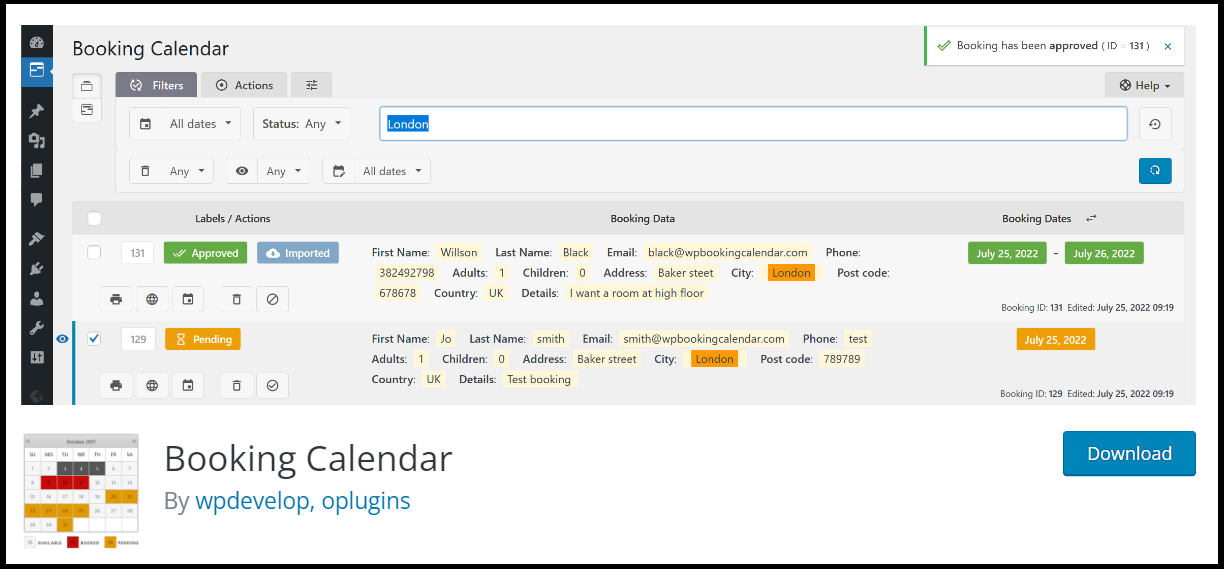
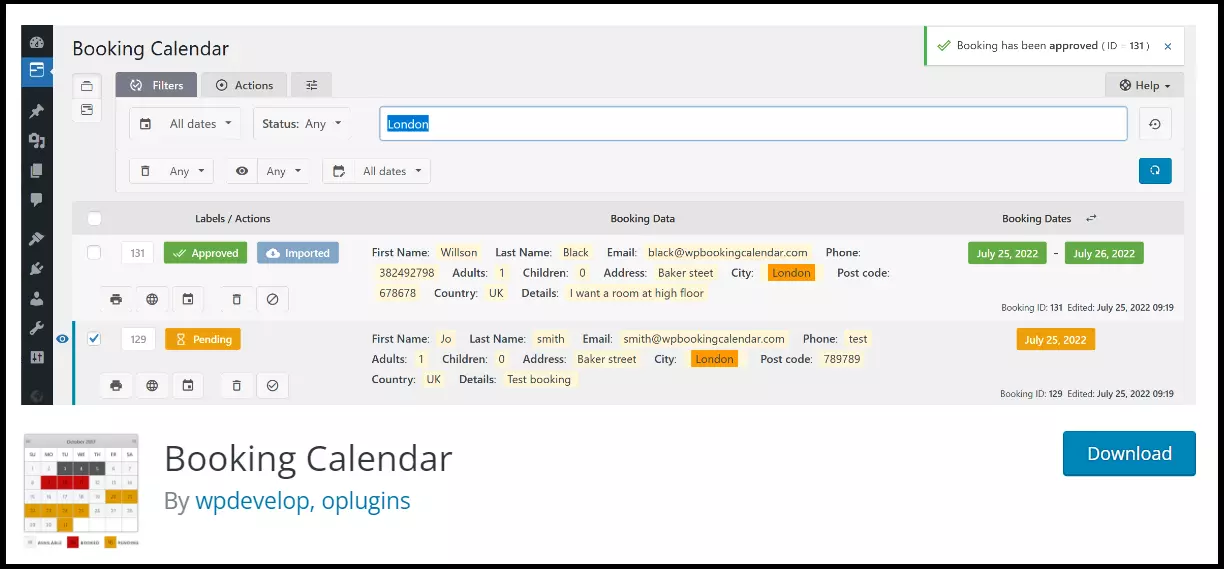
Booking Calendar is no doubt a classic among booking plugins. Having been on the market since 2009, it is one of the better plugins. Its free version has all the features needed for a medium-sized business. It offers a generous plan with multiple features for $59 per website. It allows not only for synchronization with Google Calendar but also for TripAdvisor, Booking.com, Airbnb and other websites. The option to schedule your availability and capacity can be done for the entire year or for shorter periods of time.
With color templates or CSS, you can personalize your calendar. Additionally, there are multiple language translations, automatic notifications, and widget features.
Features:
- Simple and intuitive use
- Possibility to incorporate page elements with widgets
- Integrates with Google Calendar, TripAdvisor, Booking.com and more
- Integrated translation feature
- Various color designs and easy to modify using CSS
| Pros | Cons |
|---|---|
| ✓ Intuitive setup and use | ✗ Not clear what they offer in their premium plan |
| ✓ Widget functions | |
| ✓ Integrated synchronization with Google Calendar and other booking pages such as TripAdvisor or Booking.com |
MotoPress Hotel Booking
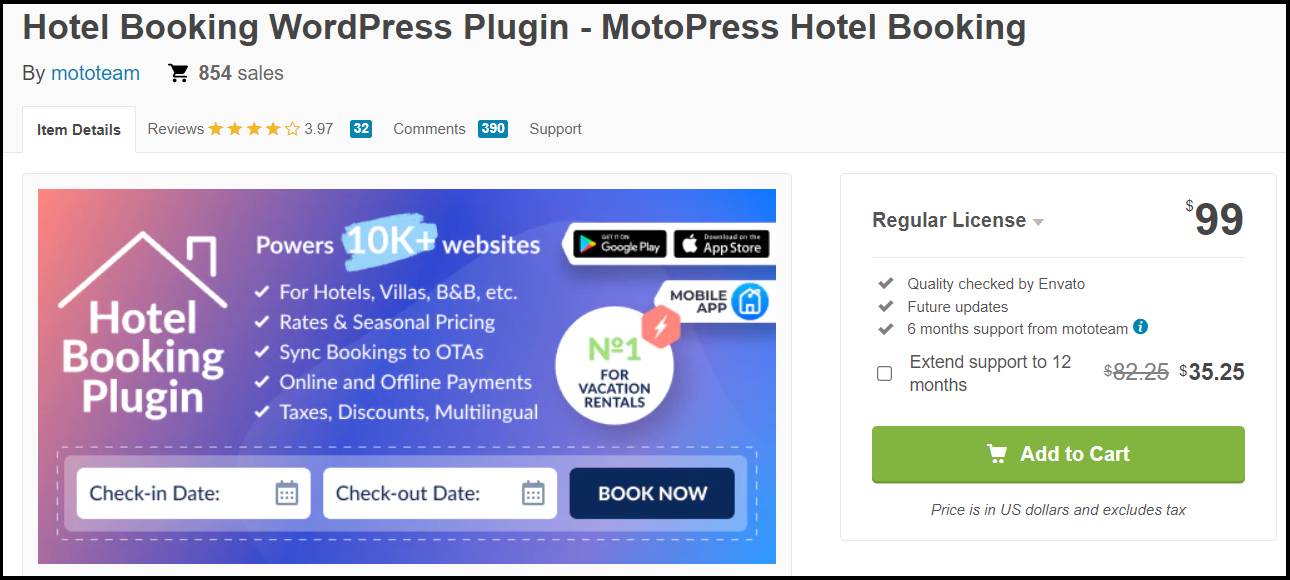
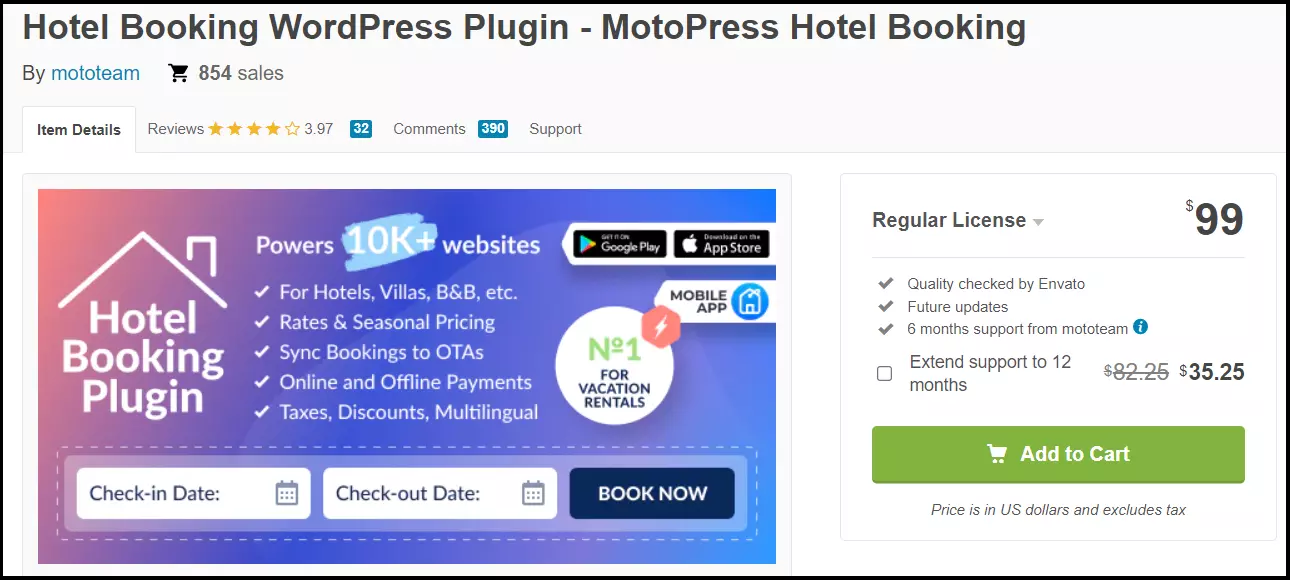
Those looking for a good tool to rent and reserve rooms and property should look no further than MotoPress hotel booking. Among its features include payment methods for hotels, motels, hostels, guest rooms, holiday homes and much more. Prices can be configured according to different rate specifications and season. These could include, for example, weekend rates or monthly rates, individual prices, refunds for cancellation or adaptive prices depending on the time and number of guests.
Automatic confirmation can be sent to guests, and they can make payments using PayPal, Stripe, Braintree or pay on arrival. iCal synchronization with a third-party booking platform is also possible.
Features:
- Extremely flexible booking features for the temporary rental of rooms and holiday homes
- Availability calendars
- Search filters for available properties
- Unlimited properties and bookings (also within the same booking)
- Prices can be configured to the season and other rate specifications
- Categories for properties and bookings
- Booking rules for payment methods, arrivals, departures and stay
- Supports common WooCommerce payment gateways
- Pay when booking or on arrival
- Coupons and discounts
- Automated brand emails, notifications, and reminders
| Pros | Cons |
|---|---|
| ✓ Great booking features for rentals | ✗ Focused predominantly on rentals |
| ✓ Synchronizes with external booking platforms | |
| ✓ Seasonal prices and individual rates possible |
You can find more information on WooCommerce here in our Digital Guide:
- Create a WooCommerce Google product feed
- Changing your WooCommerce product page
- WooCommerce subscriptions
- Creating invoices in WooCommerce