

Translation tools: handy Google Translate alternatives

The digital world is forever getting more and more global and international. Whether in Web 2.0, on social networks, in work, or on holiday, online language assistant tools like Google Translate help us cope with foreign languages. The search engine giant’s browser-based translation tool has established itself as the most popular solution for finding quick, easy, and free translations of single terms or even whole sentences. With over 100 available languages and an easy search interface, it makes for an effective and ever-developing tool for understanding foreign phrases or sentences. However, there are several other practical alternatives to Google Translate, which, when it comes to functionality, overview, and portability, are on a par with the industry leader. We take you through these, in the hope that, in key moments, you won’t be lost for words.
Microsoft Translator
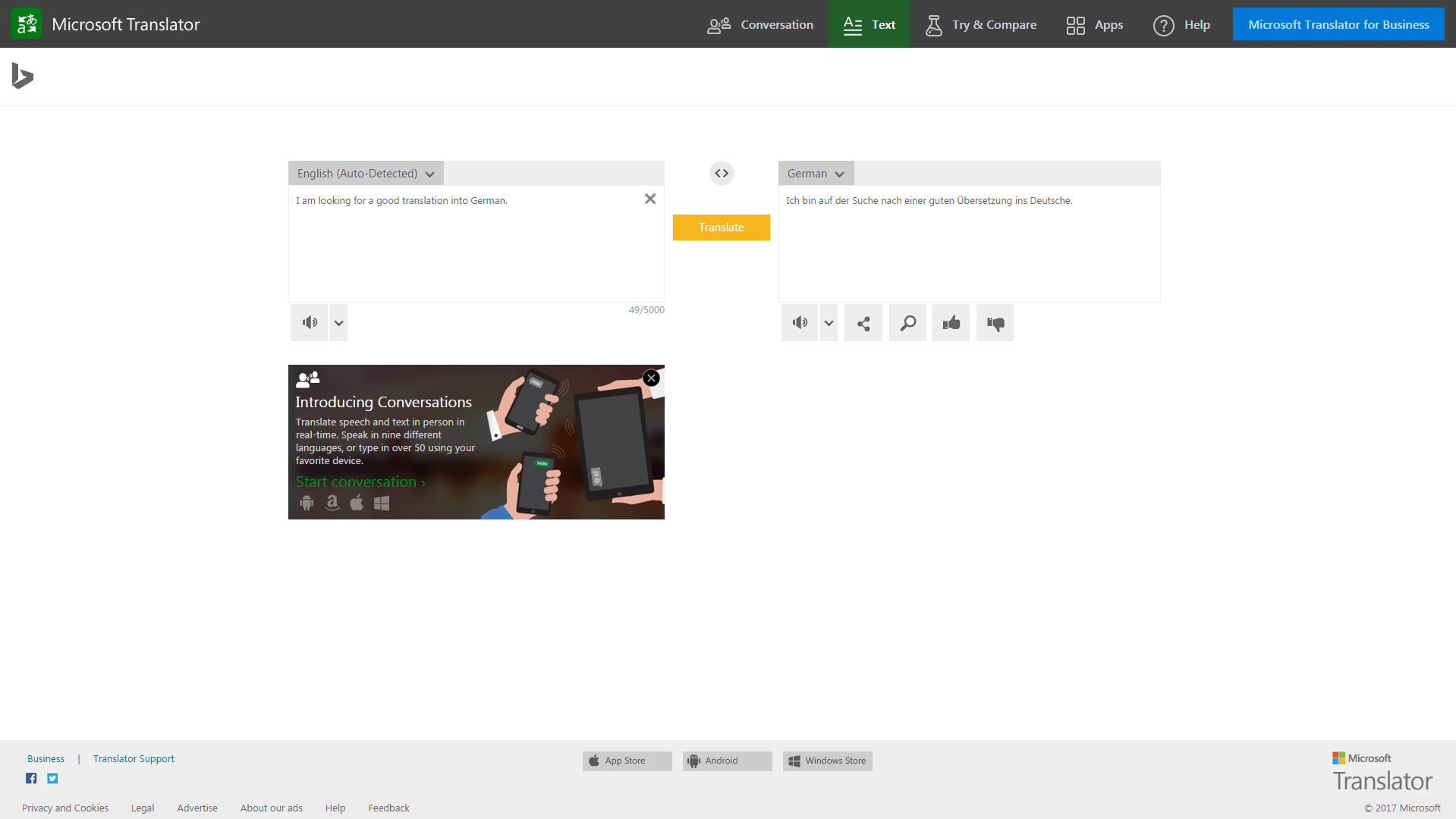
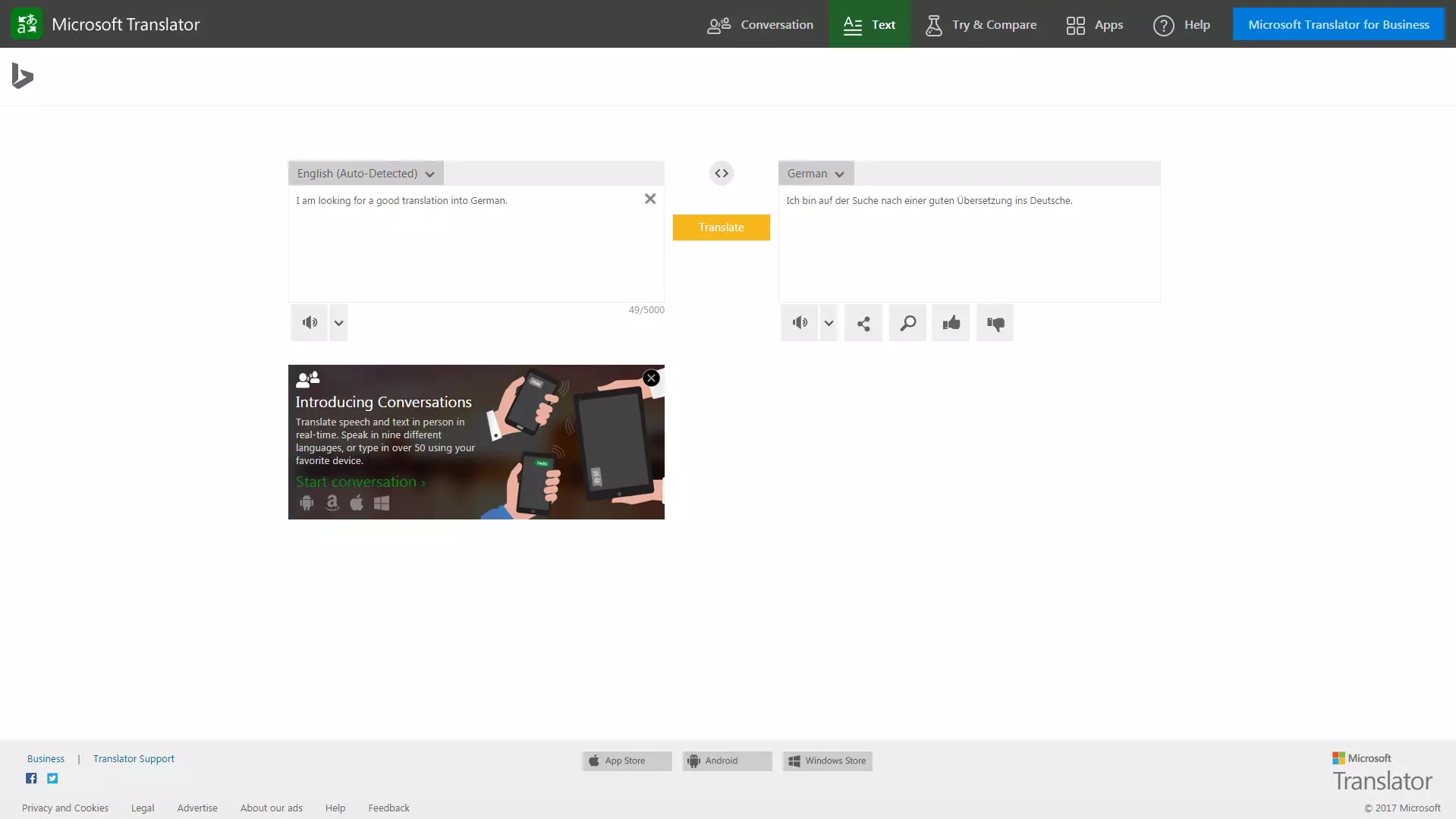
The tool Microsoft Translator is offered as part of Microsoft’s search engine Bing and so operates under the name of Bing Translator. With its clear, comprehensive, and advert-free user interface, users can translate entire websites as well as groups of sentences of up to 5,000 characters. The highly functional tool operates in 60 languages, including exotic ones like the native Mexican Querétaro Otomí, the east-Asian Hmong Daw, and the fictional science fiction language Klingon. As a free alternative to Google Translate, Microsoft Translator also offers additional translation suggestions with synonyms. When translating complete sentences or documents, the program delivers comprehensive and surprisingly high-quality results. Anyone who registers online or downloads the mobile app can also access the ‘Speech API’ for chats – a real-time translator which allows for multilingual conversations. The app also offers the opportunity to download individual language packs for offline use.
One of Microsoft Translator’s most notable features, and in a way makes it better than Google Translate, is the ‘Try & Compare’ function, which works via a neural network. This free additional feature allows you to review and compare complex terms and longer sentences in up to 10 different languages. This makes for a significantly more accurate translation. The supported languages are Arabic, ‘Chinese Simplified’, German, English, French, Italian, Japanese, Portuguese, Russian, and Spanish. Artificial intelligence-supported special functions review the word-by-word context of a sentence, not just algorithmically, but also through a more complex language recognition based on grammatical peculiarities. This makes the translation substantially more ‘organic’ compared to other translation programs. Professional clients also have the option of purchasing a more extensive business version of Microsoft Translator.
Many of the major and most popular dictionaries in the English-speaking world like Collins and Oxford dictionaries offer a translation function, which is actually ‘powered by Microsoft’. This shows the extent to which Microsoft Translator is trusted and respected as an alternative to Google Translate.
Conclusion: Anyone searching for a comprehensive Google Translate alternative can go very far with the Microsoft Translator – as it automatically translates phrases and entire websites, has access to a huge range of languages, and contains an AI-supported additional feature.
| Pros | Cons |
|---|---|
| Huge range of languages | No integrated search function |
| Translates entire sentences and websites | Registration needed (for business features) |
| Completely ad-free | |
| Accurate translations via neural network function for 10 languages (see above) | |
| Real time translating function for chats | |
| Choose between original and target language | |
| Offline function |
Dict.cc
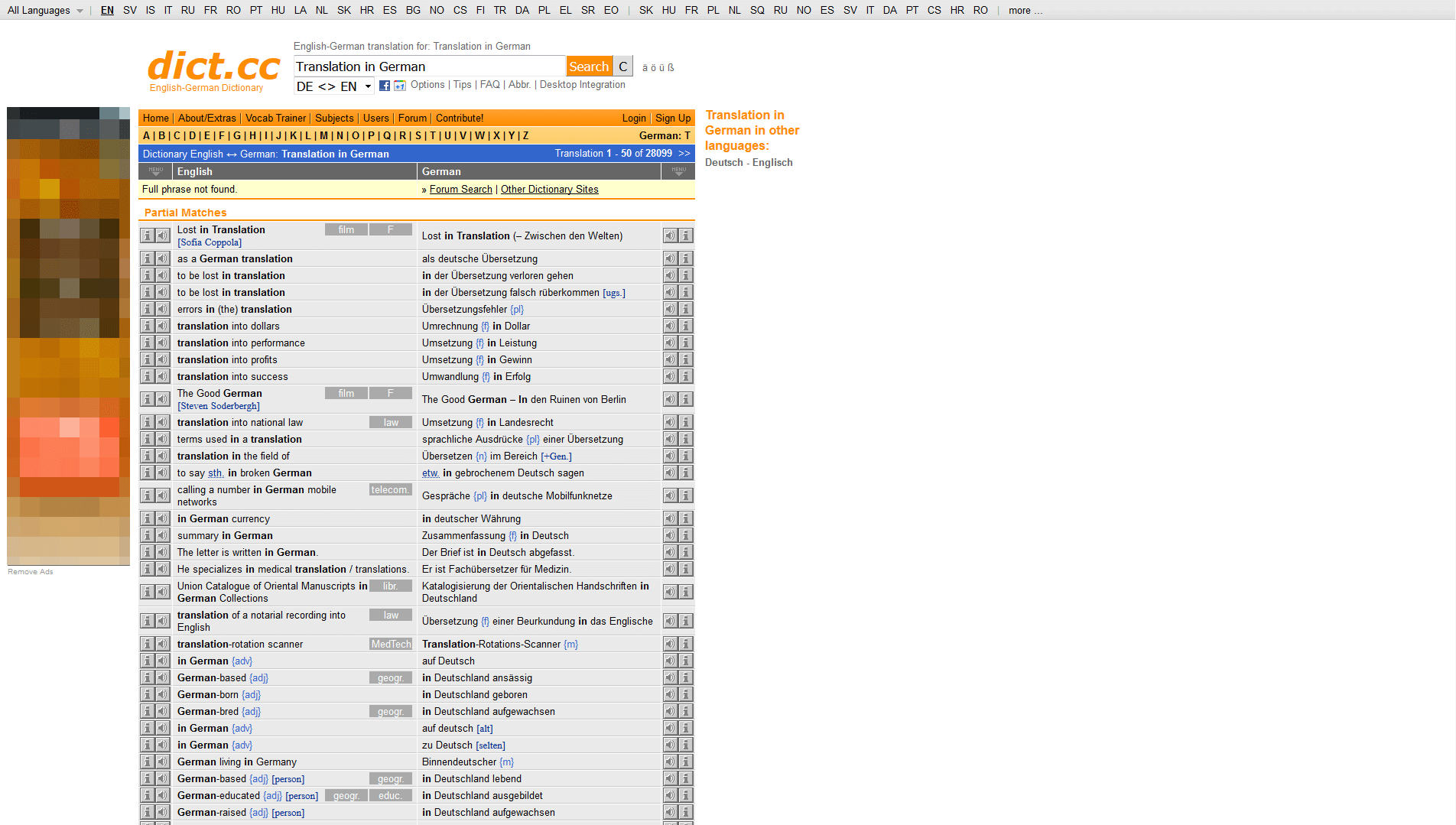
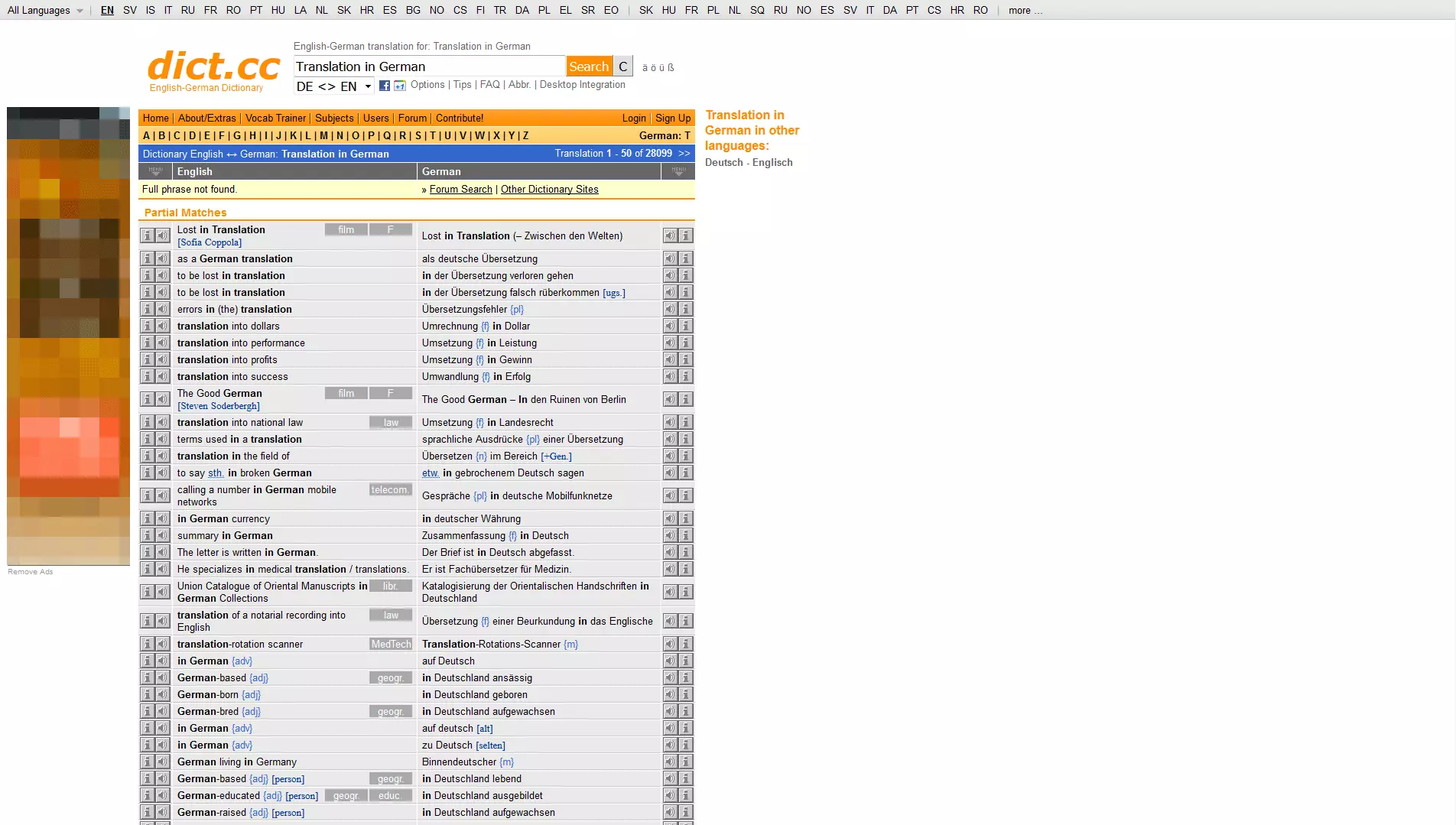
Visually not as sleek as Microsoft Translator, but also offering a large choice of languages, Dict.cc is another good option as a translation tool. A total of 27 different languages can be translated from English. Add-ons like a translation app and browser plug-ins make it a viable alternative to Google Translate. An information button (‘i’) in the tool provides additional information, including a direct comparison to other online dictionaries and portals like Wikipedia or Google. Plus, vocabulary can be downloaded for offline use. Thanks to its link with the shareware program LingoClick, Dict.cc also offers the function of translating single words from the internet with just the click of a button. Another thing that stands out is the large repertoire of synonyms and phrases, so anyone looking for a large choice at minimum effort is well catered for with Dict.cc. Conclusion: Efficient and extensive – Dict.cc has a large database for detail-orientated translations and can also be used offline.
| Pros | Cons |
|---|---|
| Large choice of languages | User interface slightly unclear |
| Mobile app | Unable to translate phrases or websites |
| Vocabulary trainer with word saving function, audio feature with links to other dictionaries, i.e. Lexicons | Registration needed (for additional features) |
| Text files available offline (via Download) | No integrated search engine |
| Plug-ins for Windows, Mac OS X Lexikon | Original and target language not distinguishable |
| Community forum to assist translation |
Linguee
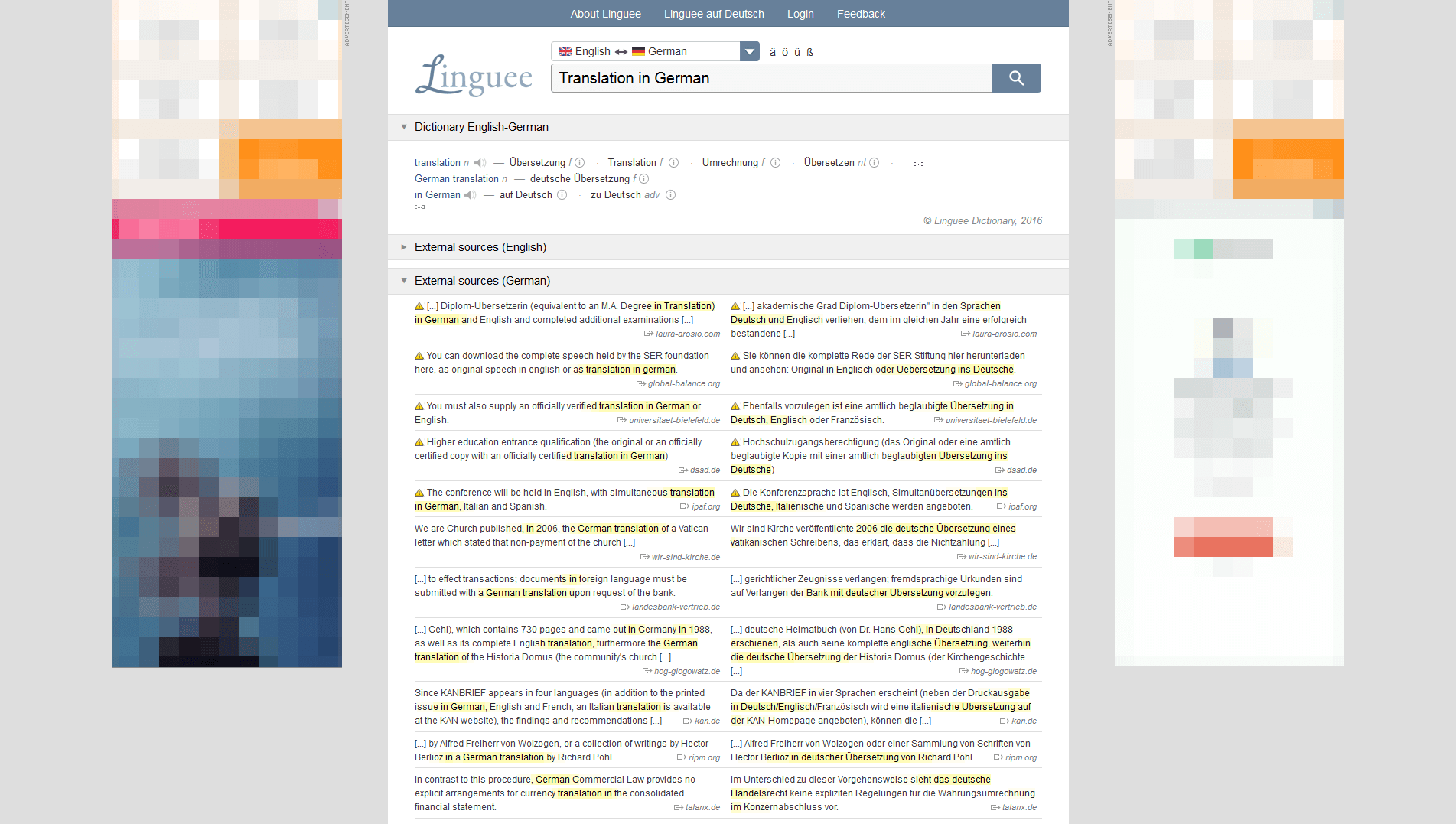
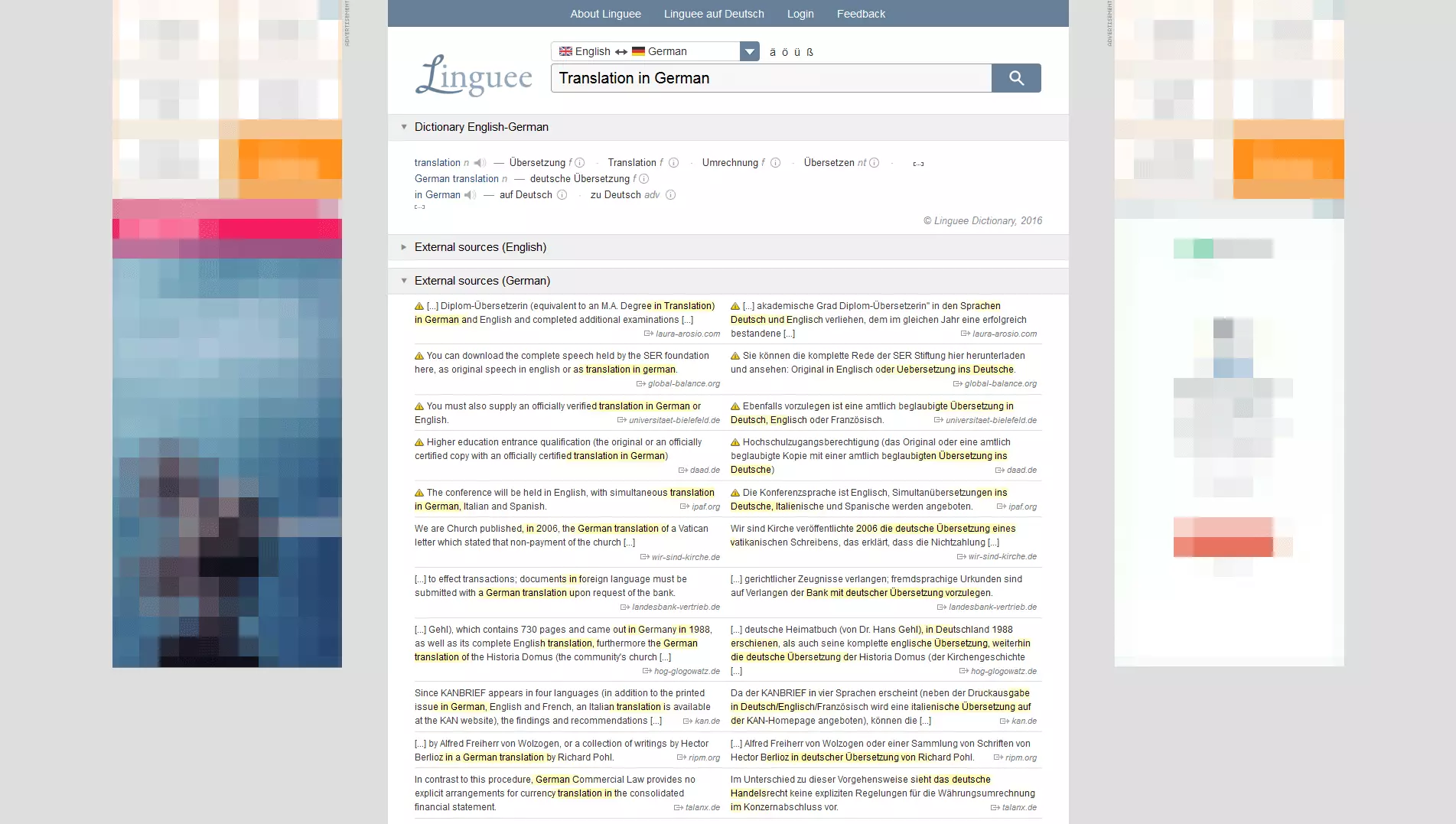
An equally user-friendly and effective alternative to Google Translate is the translation tool Linguee. Offering a sleek user interface and up to 25 languages, Linguee is a practical option when it comes to translating from one language to another. One huge advantage with this tool, and one which arguably makes it better than Google Translate, is that it searches the web for suitable translations, meaning that alongside providing definitions from its own lexicon, it also offers alternative translations from external sources. As the websites states, these alternatives are mostly ‘unverified,’ but they are still a helpful comparison for finding the right word. Alongside an extensive translation and synonym tool, Linguee also offers a search function for phrases, which also considers the context of certain words. This makes the website a very useful Google Translate alternative, as it also shows variations of specific terms. The accompanying app and integrated database also mean that Linguee can be used on-the-go as well as offline. Conclusion: Linguee is a translator and search machine rolled into one, i.e. search terms are used to direct you to similarly-themed pages. This makes it particularly suitable for writers of creative and technical texts.
| Pros | Cons |
|---|---|
| Large language selection | External translations are not verified |
| Mobile app | No translation of phrases or websites |
| Integrated search engine (words & phrases) with audio output | Original and target language not freely selectable |
| Particularly suitable for research of technical terms and creative formulations | |
| Offline mode |
Reverso
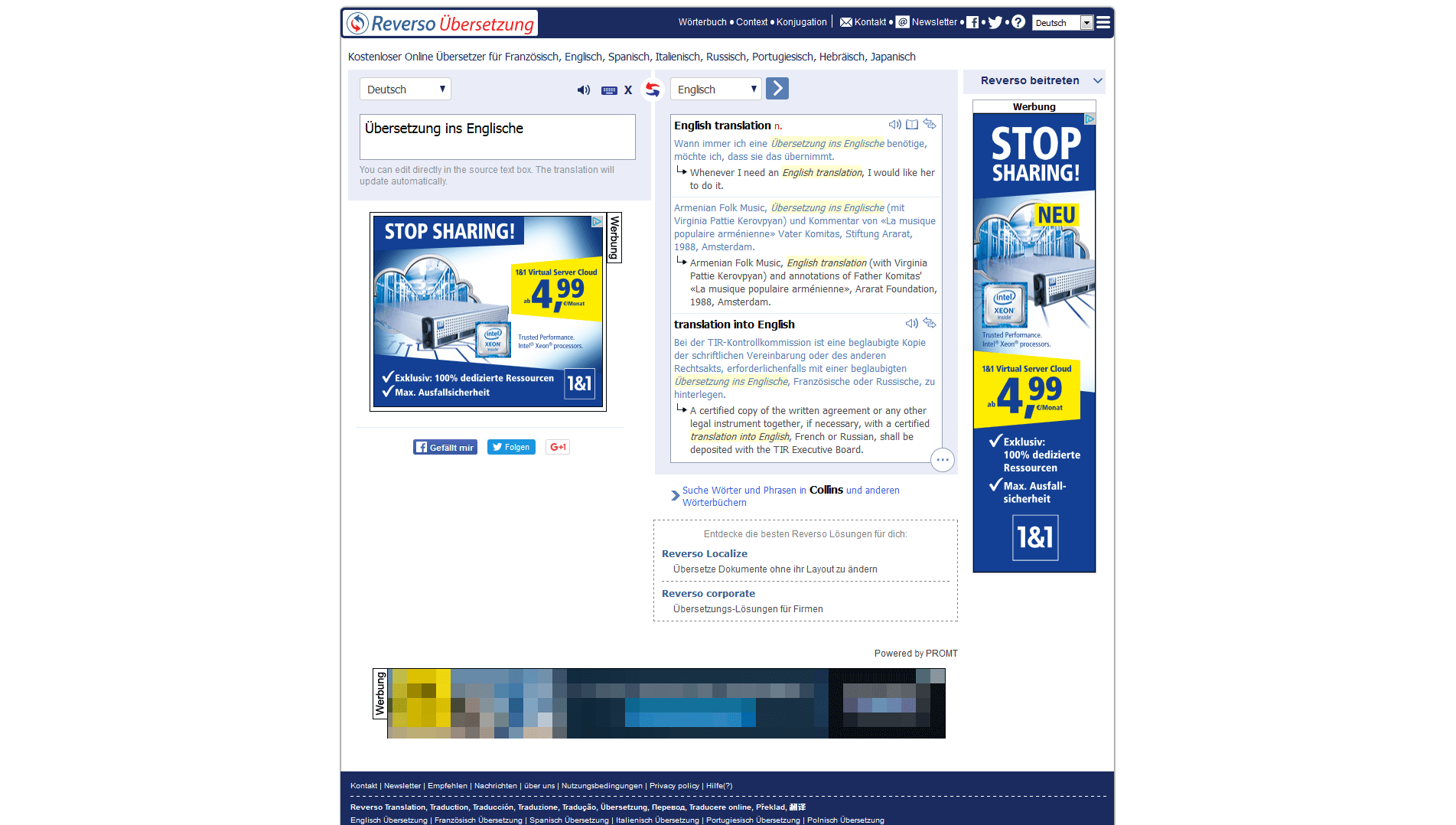
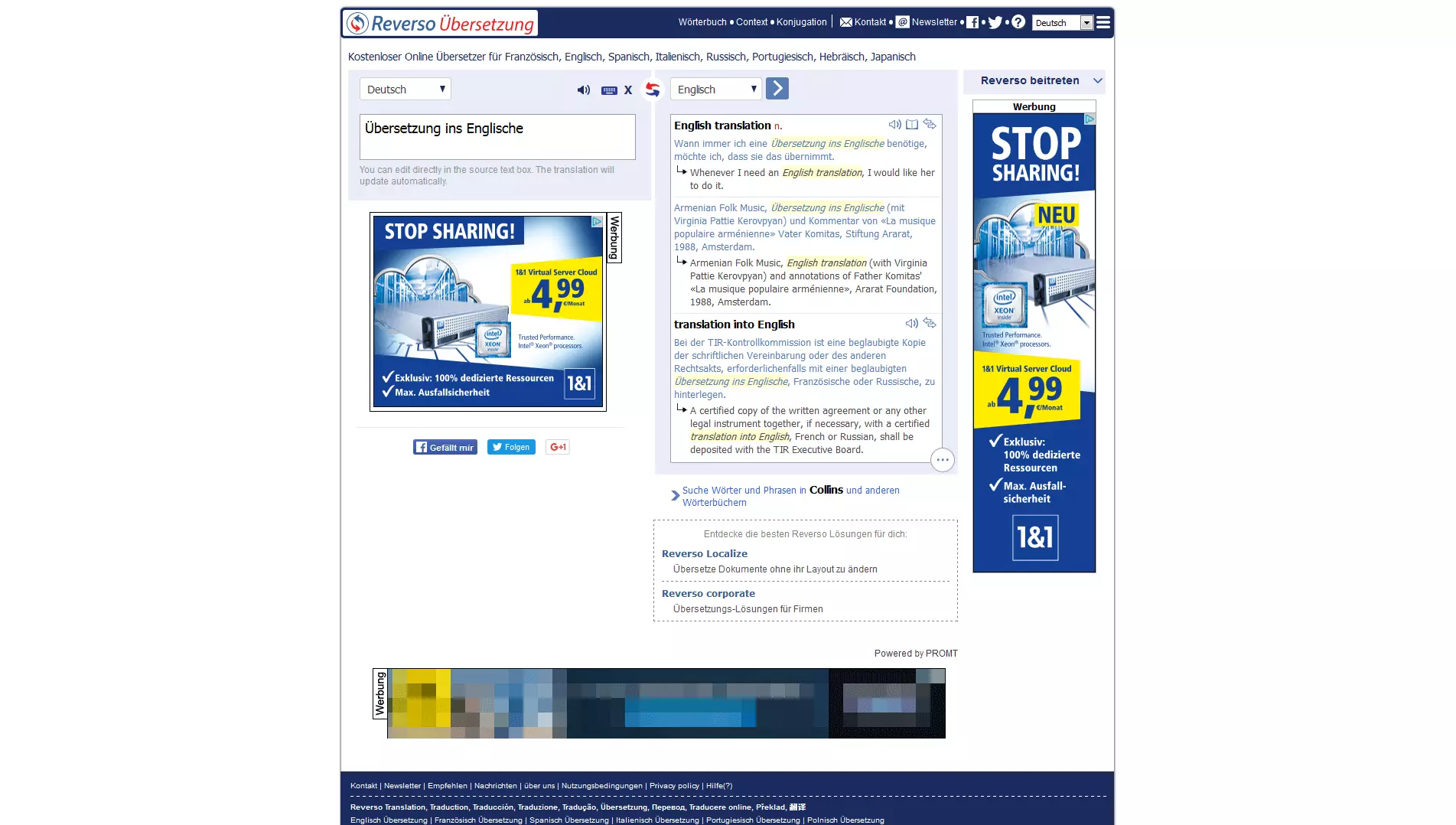
A further practical and informative translation program, and an alternative to Google Translate, is Reverso. Accompanying every translation are illuminating example sentences, which increase both ease of use and the learning effect for the user. Alongside translating, the tool also offers a handy conjugation check for multilingual verbs and a spell check with auto correct (French and English). This makes Reverso especially suitable for proofreading and corrections. The app ‘Reverso Context’ caters to smartphone users as well. Further add-on features like word saving, search history, and even more example sentences, are accessible after (a primarily free of charge) registration. The fee-based service ‘Reverso Localize’ combines options to translate, audit, and edit entire websites. This is also the case for documents and presentations, CVs, and contracts. Links to news websites, encyclopedias, and image searches mean that the browsing of other online resources can take place directly during the translation. Conclusion: Reverso gives you the possibility of additionally reviewing and correcting your translations. But bear in mind that the complete functions are only available to registered users.
| Pros | Cons |
|---|---|
| Mobile app | Limited choice of languages |
| Spell and grammar check (English & French) | No offline function |
| Limited basic version | Registration necessary (for additional features) |
| Original and target language can be chosen | |
| Links with additional dictionaries and search engines |
Babelfish
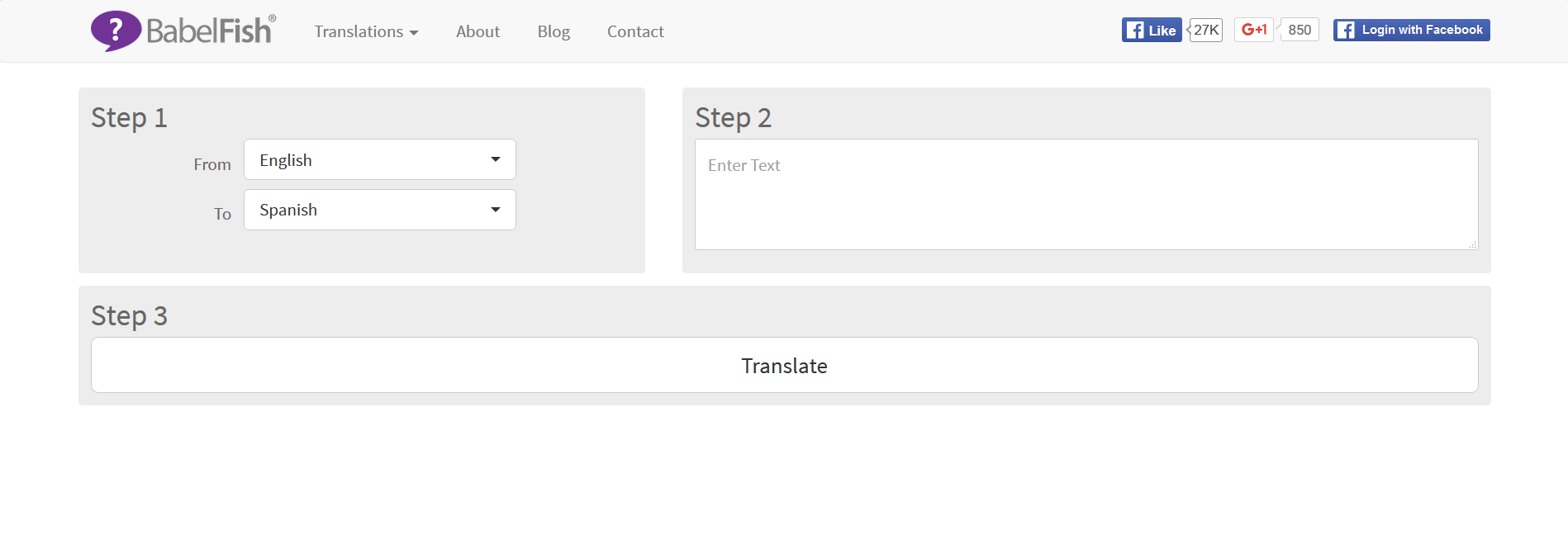
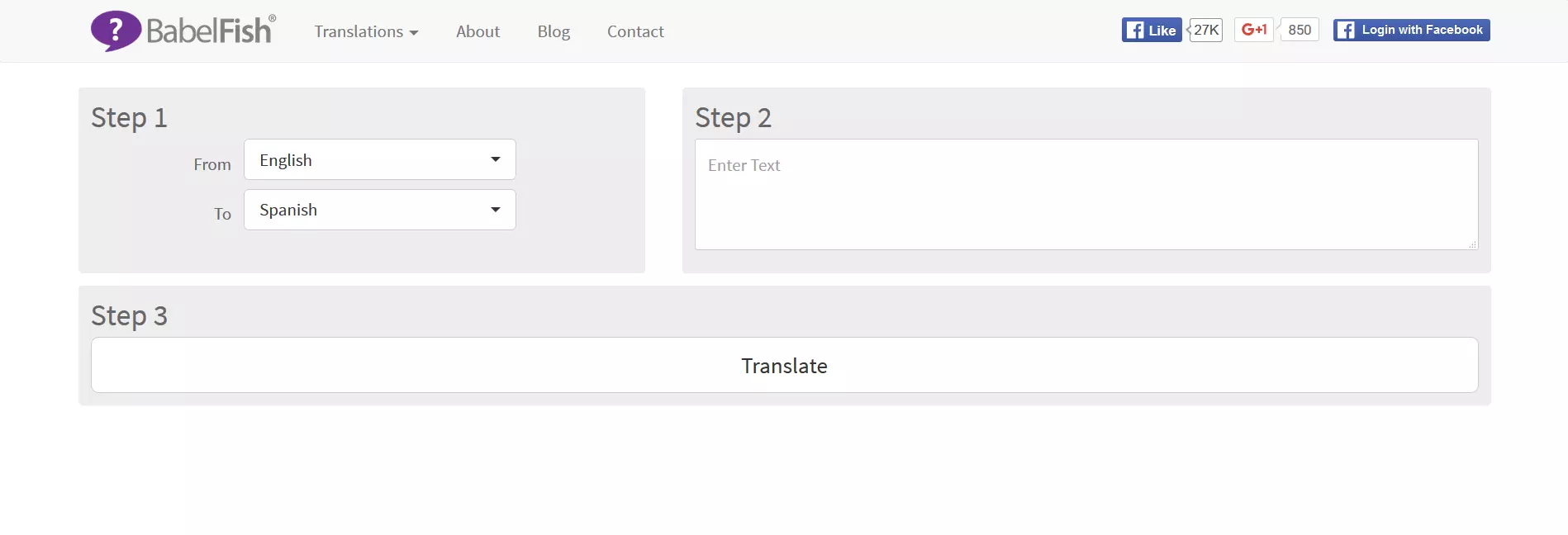
The translation search engine Babelfish is another, if slightly simpler, Google Translate alternative. With its speedy translation of terms and coherent sentences, Babelfish is perfectly suited as a browser application for quick and efficient searches. From English you can translate into 14 other languages. While the tool only offers one translation, i.e. no alternatives, users also have the option of posting a question in the ‘How do you say…’ section of the website in order to get free translation advice from other members of the Babelfish community. The ranking function means that the best translations can be ‘upvoted’ by other users and be listed at the top of any thread. Active participation in the community is encouraged, as Babelfish users can ‘win fortune, fame and monthly prizes’. Unfortunately, due to it using an automatic search function, it can mean that not all translations are particularly accurate. For that reason, results should always be compared and cross-checked. But as a quick supplementary translation aid, Babelfish fits the bill. Conclusion: Babelfish is a simple translation program for quick and to-the-point searches from English into 14 other languages.
| Pros | Cons |
|---|---|
| Quick & easy translation program | Not reliable for accurate translations |
| Many (15) different languages | No offline use |
Translation tools cannot replace a professional translator
It is safe to say that Google Translate is one of the best known online translation tools. But there are several other handy translation websites out there that cater for everything from single word-translations to those of entire websites, both for professional or everyday use. Users of these websites should bear one thing in mind though: These translation programs are based on algorithmic analysis functions, meaning that quality and accuracy can vary hugely. This demonstrates that even the best and most comprehensive translation tools cannot match the ability of qualified and, more importantly, human translators, who can approach a text with context and subject-specific knowledge. This fact will always make human translators better than Google Translate. Depending on the type of text, things like specialist knowledge, experience, cultural awareness, writing ability, and feel for tone, rhythm, as well as phrasing, can all be decisive. But when it comes to translation assistance, be it in an everyday or professional capacity, these are some of the best alternatives to Google Translate.
Overview of Google Translate Alternatives
| Tool | Different languages | App | Browser (Plug-ins) | Ads | Offline capacity |
|---|---|---|---|---|---|
| Microsoft Translator | 60 | Android, iOS, Windows, Amazon | Microsoft Edge | No | Yes |
| Dict.cc | 27 | Android, iOS | Firefox, Chrome | Yes | Yes |
| Linguee | 25 | Android, iOS | Firefox | Yes | Yes |
| Reverso | 9 | Android, iOS | Firefox, Chrome, Safari | Yes | No |
| Babelfish | 34 | None | None | Yes | No |