

Web app Paletton

Not every website has a designer feel to it, but the color concept of your online presence doesn’t have to suffer. A popular color scheme designer comes with a new look: the free web app, Paletton helps you to create harmonious color schemes with just a few clicks. The online tool is based on the science of color and creates a complementary color palette for every tone. This tool enables you to give the design elements of your website a professional touch. A well thought-out color composition can look impressive in presentations or infographics.
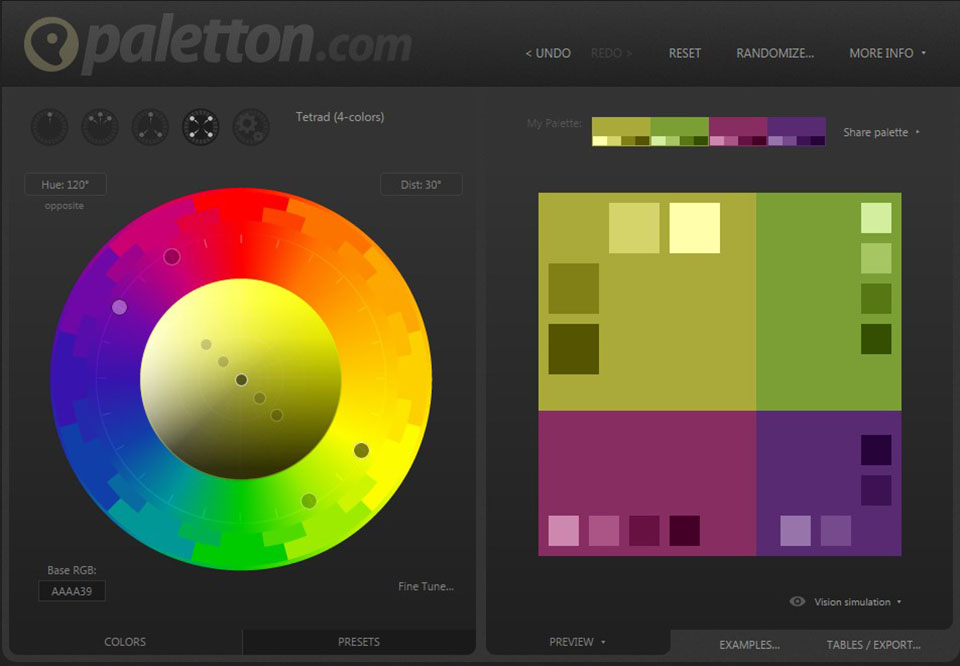
How to use Paletton for your color concept
You can create a color concept with five different modes: Monochromatic, Adjacent Colors, Triad, Tetrad, and Free Style. The starting point is always a base color, which you then combine with up to three other colors and the respective complementary color. Use the following buttons to do this:


The various modes at a glance:
- Monochromatic: if you choose the Monochromatic mode, your colour scheme will be made up of five different shades of the single tone you chose.
- Adjacent Colors: in this mode, Paletton creates color palettes in which two similar colors are assigned to your base color. Each of these colors will appear in five shades. A complementary color can be added to the base color.
- Triad: color schemes created in this mode consist of three harmoniously matched colors in five shades. In this mode, it’s also possible to add a complementary color to the base color.
- Tetrad: this mode lets you combine your base color with two secondary colors and a complementary color. Five shades are generated for each color.
- Free-Style: the free style mode isn’t bound by the rules of the color wheel, so you have the freedom to combine four colors individually. This mode offers the maximum leeway, but does not necessarily generate harmonious color palettes.
The color wheel
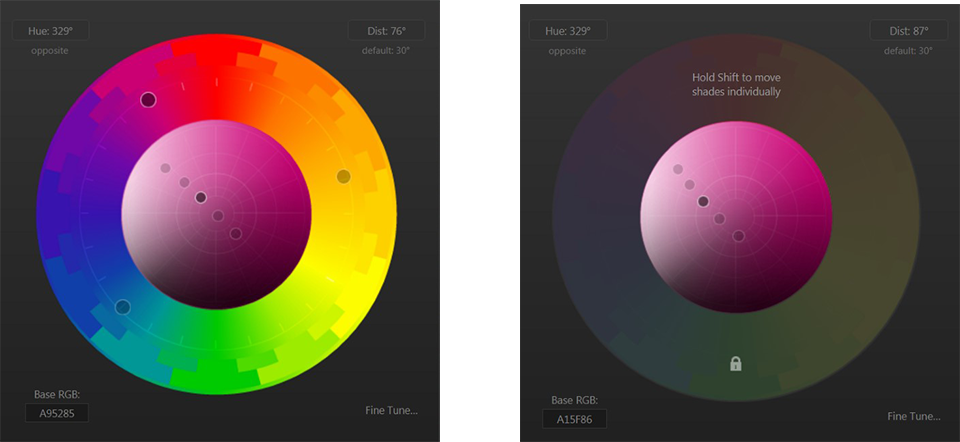
The choice of base tones and secondary colors is based on a color wheel. Depending on where you place the cursor for the basic and complementary colors, Paletton generates a color palette based on your settings. If you use one of the modes: Adjacent Colors, Triad, or Tetrad, the color concept is based on pre-programmed combination rules, which guarantee a harmonious compilation. You can define the color values using the outer color ring, and then use the interior of the color wheel to adjust the shading of the selected colors.
Test the color palette on sample graphics
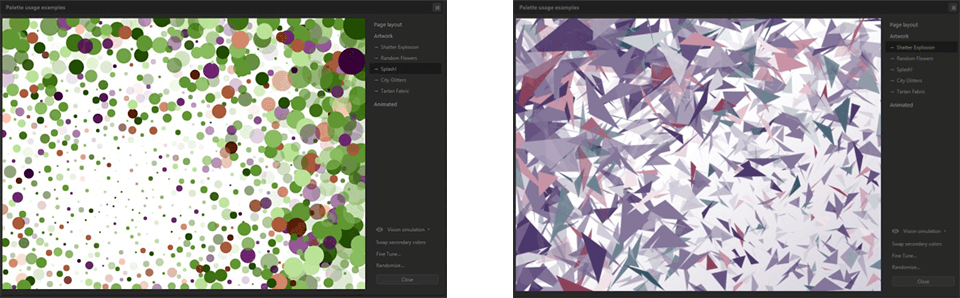
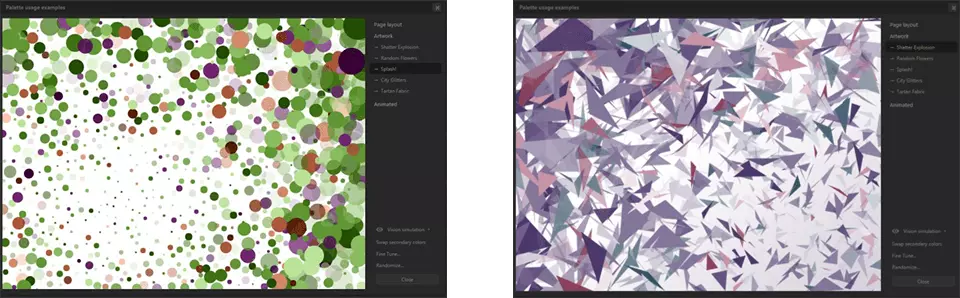
Once you have your color concept, you can see how your chosen compilation looks on sample graphics. Click on the Examples button and choose between Page Layout, Artwork, or Animated.
Export colors
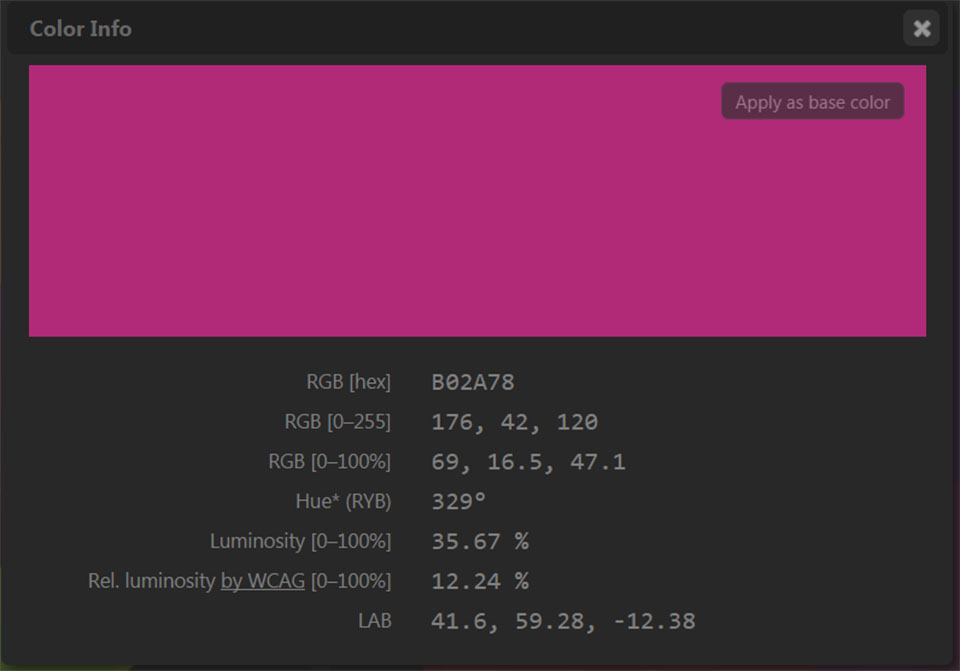
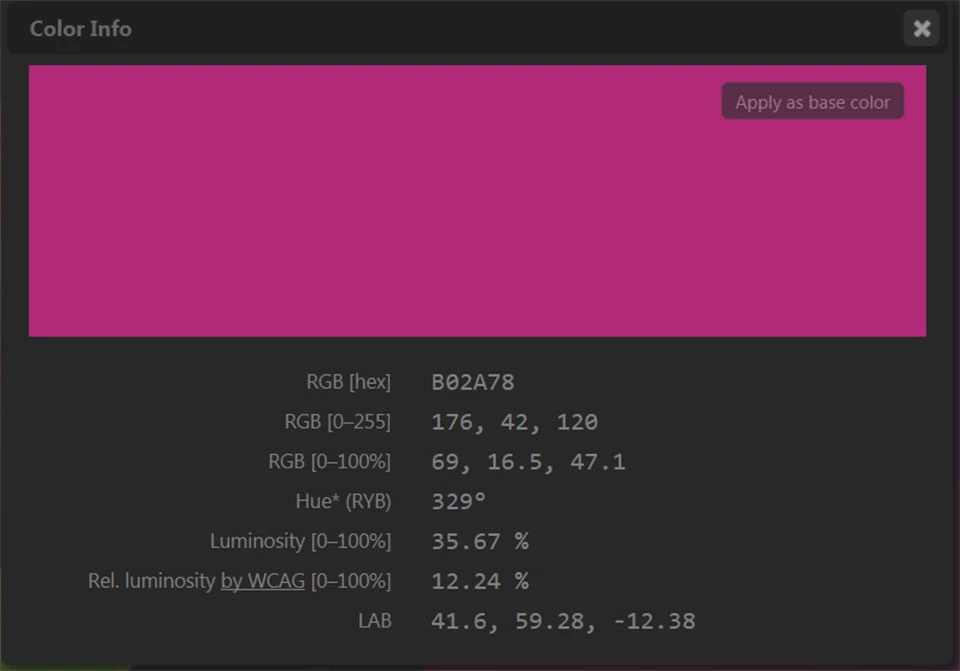
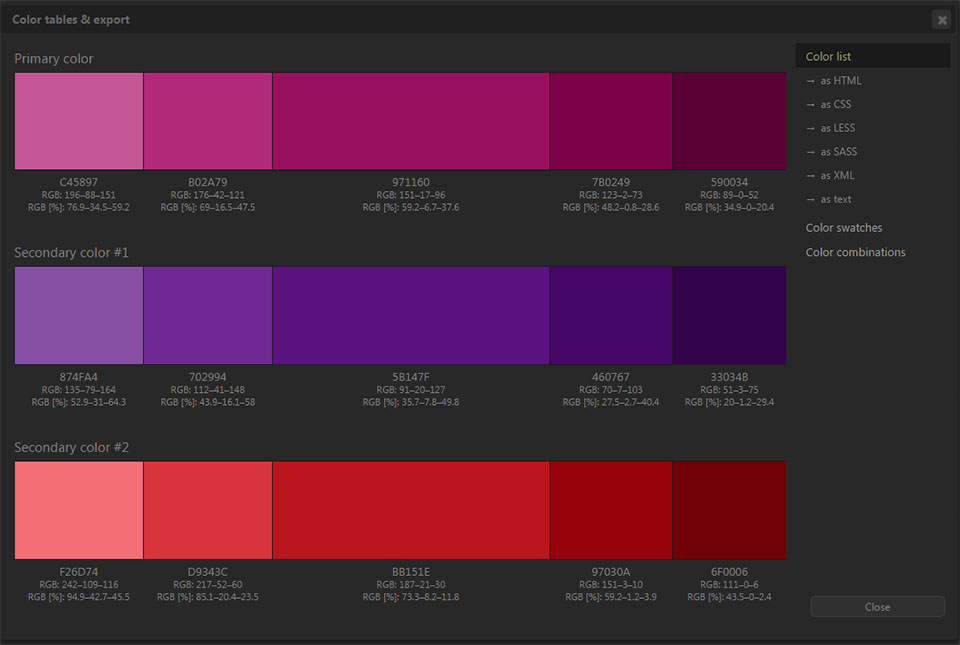
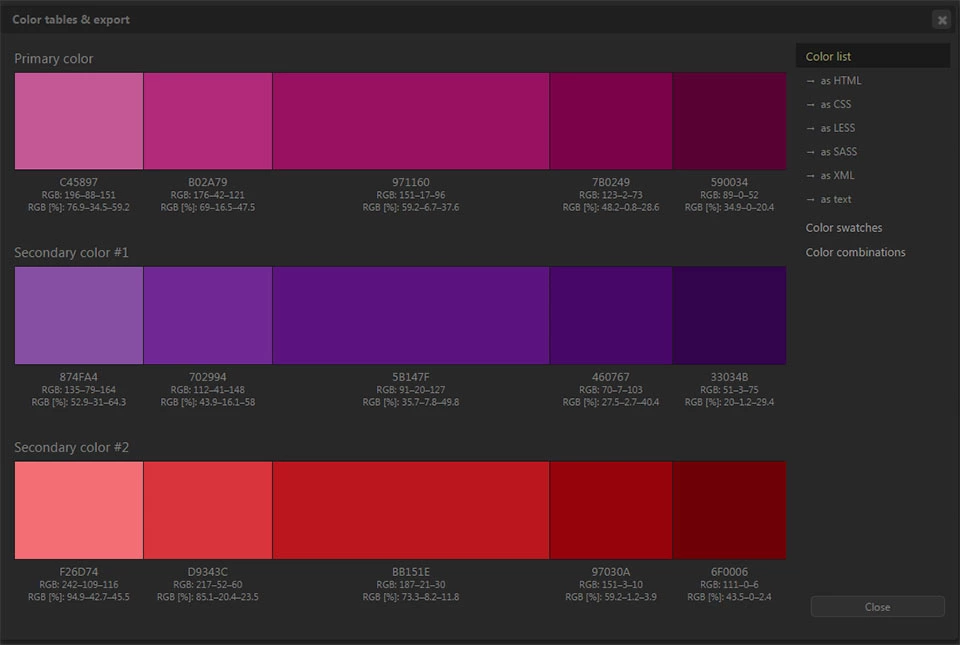
In order to obtain the hexadecimal code and other information about your created color concept, simply click on the color field of your palette to display the Color Info window.
Paletton also offers the possibility of exporting individual color palettes in various formats such as CSS, LESS, SASS, XML, or Swatch files for Photoshop. Click on the Tables/Export button and select the desired format.
Here is a short introduction to Paletton:
 To display this video, third-party cookies are required. You can access and change your cookie settings here.